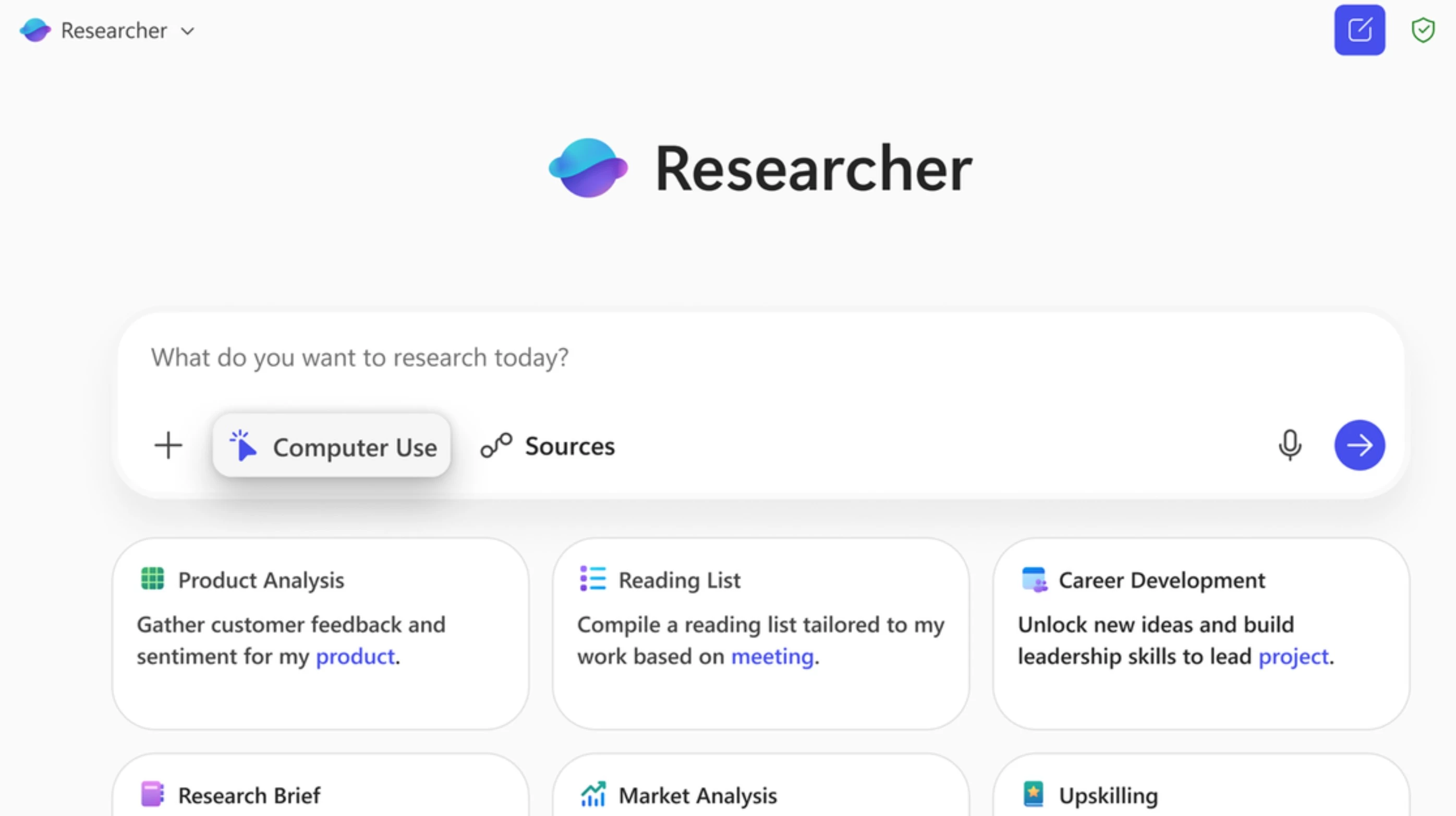
Back in June, Microsoft announced the new Researcher agent in Microsoft 365 Copilot. The Researcher agent can do multi-step research using OpenAI’s deep research model with Microsoft 365 Copilot’s orchestration and deep search features.
Today, Microsoft announced an update to the Researcher agent. The new Computer Use capability of Researcher will allow the agent to take actions on the user"s behalf using a secure Windows 365 VM to access secured content available on the internet. For example, the Researcher agent will be able to access premium and authenticated information such as a Gartner or Forrester report that requires consent and credentials to log in, and produce more comprehensive research reports.
To use this new Computer Use capability, users should just select the “Computer Use” feature in the Researcher prompt box. Once enabled, the Researcher agent will have access to a visual browser, a text browser, a terminal, and the Microsoft Graph. Also, users can now select which data sources the Researcher agent should use to generate the report. By default, when Computer Use is enabled, access to enterprise data is disabled.
Here"s how this feature works:
- Researcher Orchestration: This acts as the link between the AI and the tools, managing the workflow and sending the AI’s thought process back to the user.
- Computer: When the AI needs to act (like clicking or filling forms), it creates a temporary virtual computer in Microsoft Cloud, fully isolated from your device.
- Sandboxed Execution Environment: This temporary computer is locked down for safety, only runs during the session, and never stores or shares your personal details.
- Virtual Browser, Terminal, and Text Browser: Inside the sandbox, the AI can use a browser to surf the web, a terminal to run code, and a text browser to quickly read and search pages.
- Network Proxy with Safety Classifiers: Every web or network action is checked by safety filters to block unsafe or unrelated activity.
- Visual Chain of Thought: You can see the AI’s step-by-step actions in real time through screenshots and outputs in a desktop view.
- User Take Control: If login or manual input is needed, you can securely take over the sandbox through screen sharing.
Researcher with Computer Use is now rolling out to Microsoft 365 Copilot licensed customers in the Frontier program.