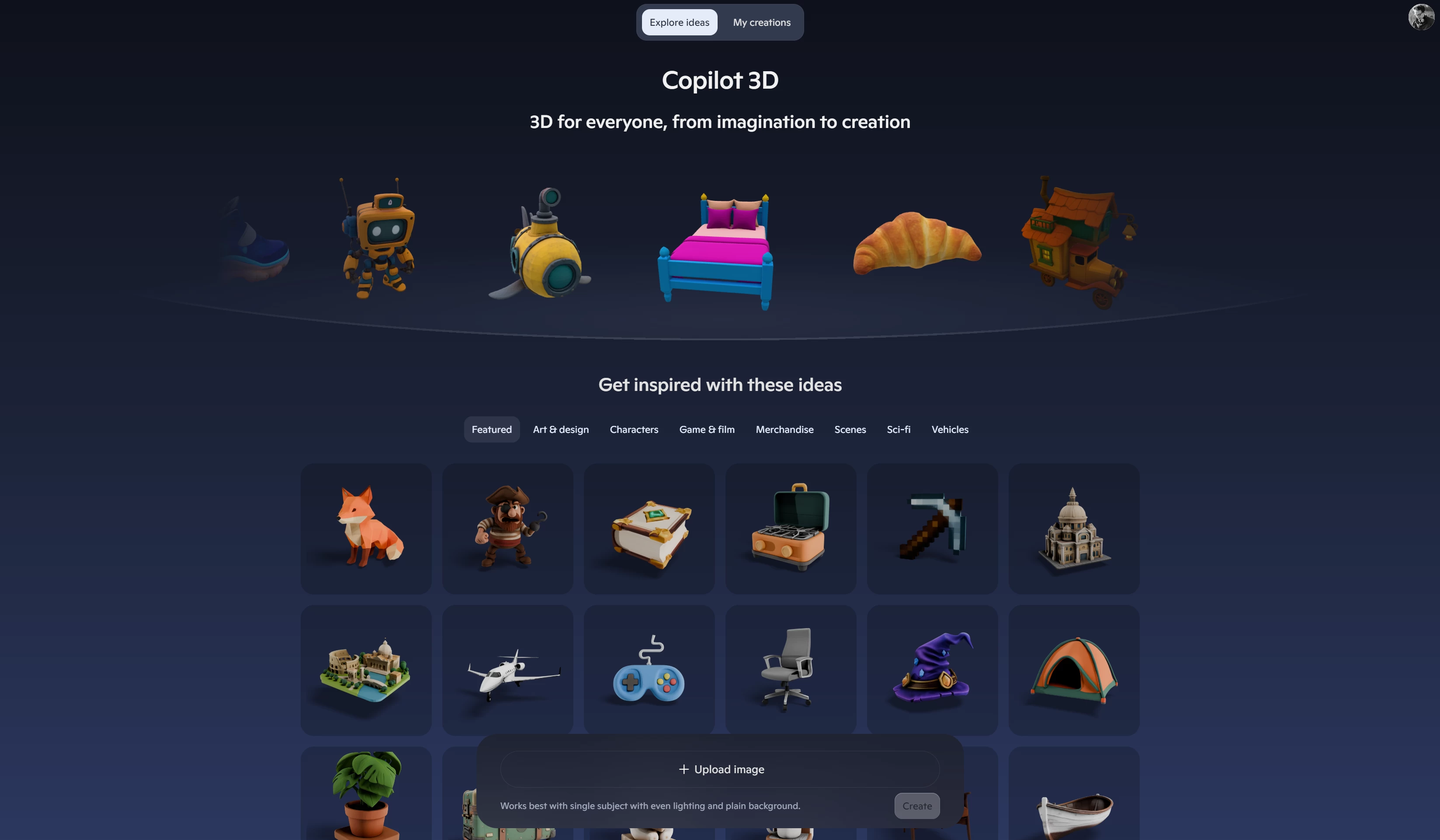
Copilot Labs, a section with various experimental features in Microsoft"s AI assistant, received a new feature called Copilot 3D. With this feature, Copilot lets you transform 2D images into usable 3D objects. Microsoft wants to simplify the process of creating 3D models, giving users a useful tool that has no steep learning curves and does not require installing complicated software.
With Copilot 3D, users can transform images into 3D models for later use in game development, animations, 3D printing, design, AR or VR content, art projects, and more. Additionally, users can browse a library of various 3D objects and scenes for inspiration, which sounds awfully familiar to the now-deceased Paint 3D and its content marketplace.
Copilot 3D is a one-click solution. All you need is to upload a picture (PNG or JPG, less than 10MB) and wait for Copilot to do its job. Unfortunately, Copilot cannot generate 3D objects from text prompts, at least for now, as Microsoft says in the announcement article.
Copilot 3D is available for free globally to a subset of Copilot users, but you need a Microsoft Account to access it from the browser. Once your object is generated, you can download it in GLB format so that you can later modify it in any compatible 3D viewer, editor, or game engine. Microsoft also adds that all creations are stored for 28 days, and the company does not use the uploaded images for model training or personalization.
In case you missed it, Microsoft recently introduced another Copilot Labs feature, which gives the assistant a physical appearance with physical expressions and emotions for a more natural conversation in Voice Mode. Also, Microsoft launched Gaming Copilot in Game Bar so that AI can see what is going on on the screen and give you tips, suggestions, and other useful information.