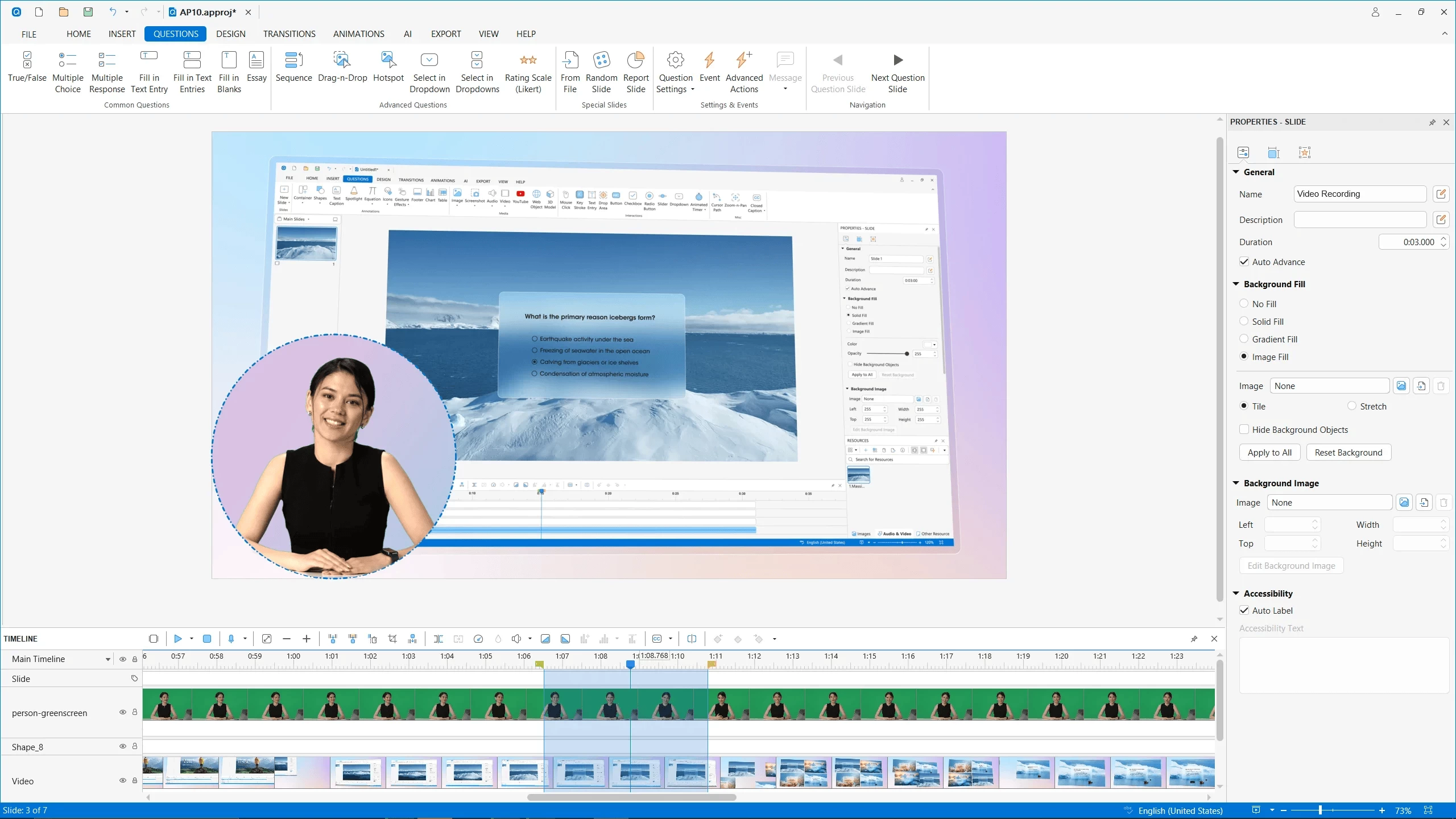
ActivePresenter is a screen recording, video editing, and eLearning authoring tool with a range variety of powerful features, helping you to capture screen and edit captured videos in a matter of minutes.
Create professional screencasts that contain stunning annotations and effects, high-resolution graphics, videos, and voiceovers. You can capture any application on your computer, customize it easily by adding background music, closed caption, zoom-n-pan, etc., and finally export it to popular outputs (video, document) that can run on any device or platform. ActivePresenter allows you to generate the presentations in many different output forms such as image, videos (MP4, MKV, and AVI), HTML SlideShows, HTML5 simulations, and documents.
More importantly, ActivePresenter free version provides full access to all video editing features, and you can edit and export videos without time limit, watermarks, or ads.
ActivePresenter Free Edition features:
- Advanced recording features: Full Motion Recording, Smart Capture
- Video editing: Cut, Crop, Join, Change Volume, Speed Up, Slow Down, Blur
- Multiple Audio/Video Layers
- Rich annotations: Shapes, Image, Zoom-n-Pan, Closed Caption, Cursor Path, Audio/Video Overlays
- Automatic Smart Annotation
- Export to: MP4, FLV, AVI, WMV, WebM, MKV
- No Watermark and No Time Limit
-
Clean & Safe: No adware, No Annoying Ads
ActivePresenter 10.0.0 changelog:
New Features
- Redesign user interface with a modern icon set and rounded corner styling.
Introduce AI-powered services
- Image Generation
- Text to Speech
- Auto Captions (Speech to Text)
- AI Writing
- Auto Translation
- Image Background Removal
- Text Extraction from Images
Enhanced creative and publishing features
- Add filter effects for images, videos and other object types.
- Add media tools for images and videos.
- Expand shape collection with various shape types.
- Live preview of slide transitions and object animations on hover or selection.
- Add support for fill, line, and rounded corner styles for grouped objects.
- Add ability to edit slide background image as an image object.
- Add timeline markers for enhanced navigation.
- Add audio ducking effect for improved voice clarity in mixed audio tracks.
- Support question message feedback for easier editing and customization.
- Add question settings to quickly set up new questions and update existing ones.
- Add new actions: Next/Previous Object State, Delay Next Action.
- Add option to skip audio/video re-encoding when exporting to HTML5.
- Publish to uPresenter for hosting, viewing HTML5 content, accessing learner reports, and easy sharing.
Enhancements
- Streamline text editing with smoother entry, navigation between objects, and quick exit.
- Enhance Variables dialog for easier editing and faster access.
- Update Resources pane with sort, search, find usage, and batch replace functionality.
- Add search capability to Selection pane.
- Improve Slides pane for main slides, slide master, feedback master and question pool views.
- Enhance Open Webpage action to support opening project resources.
- Enhance Restart Presentation action to support refreshing random slides.
- Improve HTML5 export and preview speed.
- Improve background music playback to continue without interruption when switching slides in HTML5 output.
- Various stability, performance, and usability improvements.
Download: ActivePresenter 10.0.0 | 131.0 MB (Free, paid upgrade available)
Download: ActivePresenter 10.0.0 for macOS | 187.0 MB
Links: ActivePresenter Website | Demos | Tutorials | Screenshot