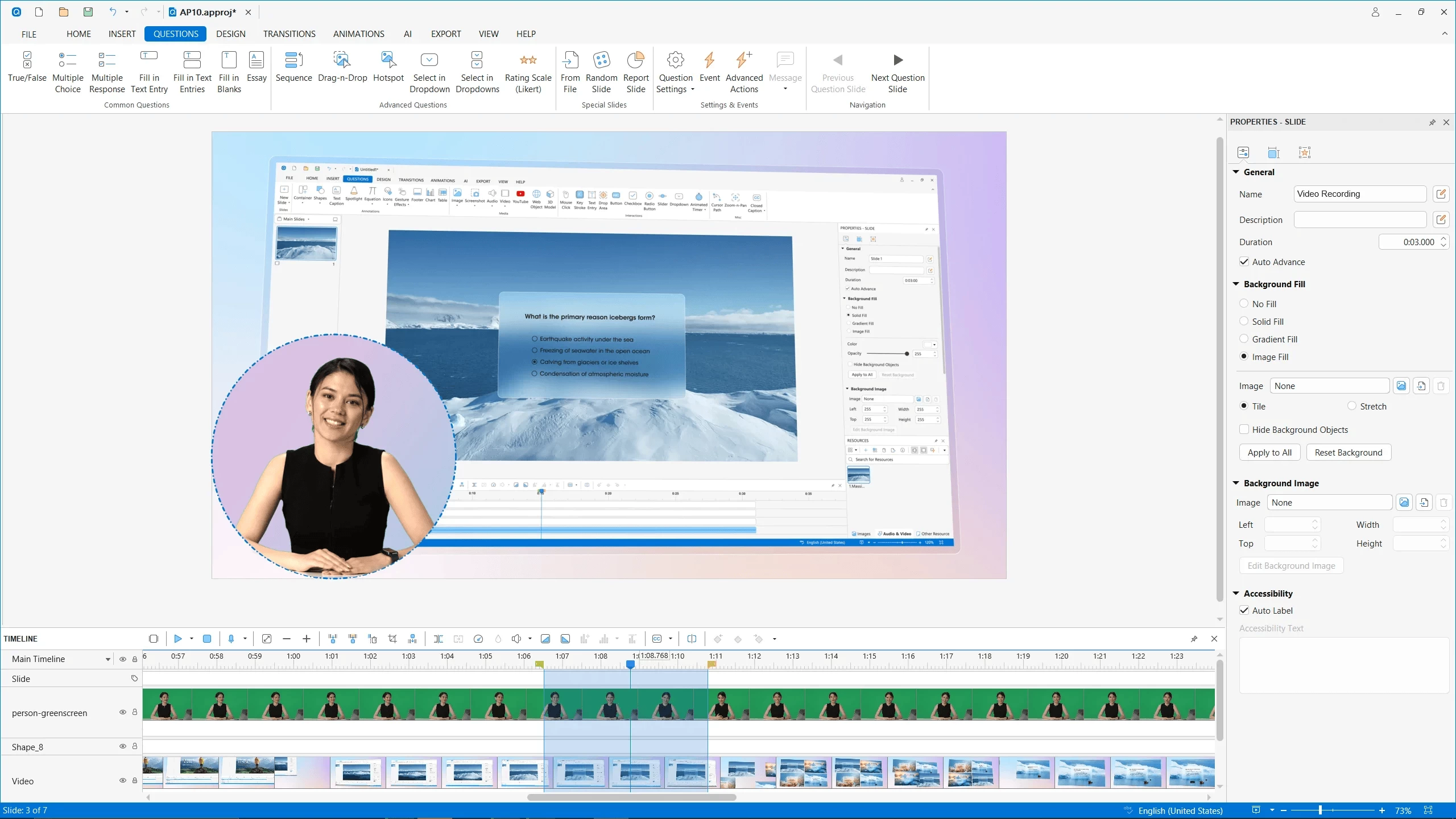
ActivePresenter is a screen recording, video editing, and eLearning authoring tool with a range variety of powerful features, helping you to capture screen and edit captured videos in a matter of minutes.
Create professional screencasts that contain stunning annotations and effects, high-resolution graphics, videos, and voiceovers. You can capture any application on your computer, customize it easily by adding background music, closed caption, zoom-n-pan, etc., and finally export it to popular outputs (video, document) that can run on any device or platform. ActivePresenter allows you to generate the presentations in many different output forms such as image, videos (MP4, MKV, and AVI), HTML SlideShows, HTML5 simulations, and documents.
More importantly, ActivePresenter free version provides full access to all video editing features, and you can edit and export videos without time limit, watermarks, or ads.
ActivePresenter Free Edition features:
- Advanced recording features: Full Motion Recording, Smart Capture
- Video editing: Cut, Crop, Join, Change Volume, Speed Up, Slow Down, Blur
- Multiple Audio/Video Layers
- Rich annotations: Shapes, Image, Zoom-n-Pan, Closed Caption, Cursor Path, Audio/Video Overlays
- Automatic Smart Annotation
- Export to: MP4, FLV, AVI, WMV, WebM, MKV
- No Watermark and No Time Limit
-
Clean & Safe: No adware, No Annoying Ads
ActivePresenter 10.5.0 changelog:
New Features
- AI Assistant helps users create, edit, translate, and manage projects using natural-language requests.
- MCP Connect lets trusted AI agents connect to ActivePresenter and help inspect or edit projects.
- Python Automation API and Script Runner automate project authoring and editing.
- Tracing interactions and Tracing questions for handwriting practice, drawing activities, and path-based exercises.
- Closed captions support spoken word highlighting, preset styles, flexible positioning, and join/split editing.
- Animation Painter copies animations from one object to other objects.
- Scale Text with Object keeps text proportional when objects are resized.
- Video export and screen recording can use FFmpeg installed on the user"s computer.
- Support for videos with multiple native audio streams, including separate preview, export, and editing controls.
- Support for WebP images.
- HTML5 output supports drawing tools.
Enhancements
- Improve closed caption editing, styling, translation, and property tabs.
- Add an auto translation option when adding a new closed caption language.
- Auto Captions can generate captions for multiple audio/video objects at once.
- Closed captions can be imported and exported as WebVTT (.vtt) subtitle files.
- Text animation controls are now available on the application toolbar.
- Slides can be rearranged by drag and drop in Slides in Title view.
- Object states can be edited more easily without entering Edit State mode.
- Container and Selection pane workflows make it easier to move objects into and out of containers.
- Animated Timer supports a new display format.
- Improve the Start screen template layout.
Download: ActivePresenter 10.5.0 | 176.0 MB (Free, paid upgrade available)
Download: ActivePresenter 10.5.0 for macOS | 227.0 MB
Links: ActivePresenter Website | Demos | Tutorials | Screenshot