The folks over at AGM sent me the G3 PRO Rugged Smartphone in late October, and I have been putting it through its paces on and off between other duties here at Neowin. The G3 PRO is a professional-looking rugged phone that supports 5G, but how does it hold up in real-world use?
First up, AGM provided this sample without any editorial input or review pre-approval, so with that said, let"s dive into the specs:
| Specification | AGM G3 PRO |
|---|---|
| Display: | 6.72" IPS, 1080x2400 @ 120Hz (variable), 9-point Average Brightness Min: 400 / Typ: 450 nits |
| Weight: | 375 g |
| CPU: | MediaTek Dimensity 7300 MT6878 4x 2.5 GHz ARM Cortex-A78, 4x 2.0 GHz ARM Cortex-A55 |
| GPU: | ARM Mali-G615 MC2 |
| RAM: | 12 GB LPDDR4X (2133 MHz) |
| Storage: | 512 GB, expandable via TF Card |
| Rear Cameras: | 64MP + 2MP Macro |
| Front Camera: | 50MP |
| Thermal Camera: | Super Resolution 512×384, 12μm Pixel Size, 3.2mm Focal Length |
| Dimensions: | 177.5 x 82.8 x 16.0 (18.1 incl camera hump) millimeters |
| Battery and charging: | 10000 mAh, 33 W fast-charging via USB Type-C + PD Protocol Wireless charging supported |
| SIM: | Dual SIM Requirement: TF Card + Dual Nano SIM / Dual |
| Connectivity: | WiFi: 2.4G/5G (802.11ac/a/b/g/n), NFC, Bluetooth 5.2 GPS/AGPS+Glonass+Galileo |
| Ports: | USB2.0/Type-C, 3.5mm Headphone Jack |
| Display Port: | No |
| Other features: | Ambient Light Sensor, Proximity Sensor, Accelerometer, Magnetometer, Fingerprint Sensor, Gyroscope Camping light |
| Audio: | 3820 BOX Mono Speaker / 4.0W (Max 5.0W) |
| Durability: | IP68, IP69K, United States Military MIL-STD-810H Operating Temperature: -20°C~60°C |
| Security: | Face unlock, side-mounted fingerprint sensor |
| Material: | Alloy Frame with Polymer Shell |
| OS: | Android 15 |
| Color: | Carbon Black, Alloy Grey |
| Price: | $699, €699 or £542 |
As you can see from the specs, there"s no AMOLED, the Type-C USB port is USB 2.0 (which means no DisplayPort), and speaking of media, there"s also no stereo speakers; it contains a relatively weak SoC and slower than current-gen LPDDR4X memory. Hopefully, it holds up well, and the price is right.
Below are the bands it supports:
| Bands | |
|---|---|
| 2G: | B2/B3/B5/B8 |
| 3G: | B1/B2/B4/B5/B8 |
| 4G: | B1/B2/B3/B4/B5/B7/B8/B12/B17/B18/B19/B20/B26/28AB/B38/B39/B40/B41/B66 |
| 5G: | n1/2/3/5/7/8/20/26/28/38/40/41/66/77/78 / LTE-MIMO:B1/B3/B5/B8/B40/B41 |
| CDMA: | No |
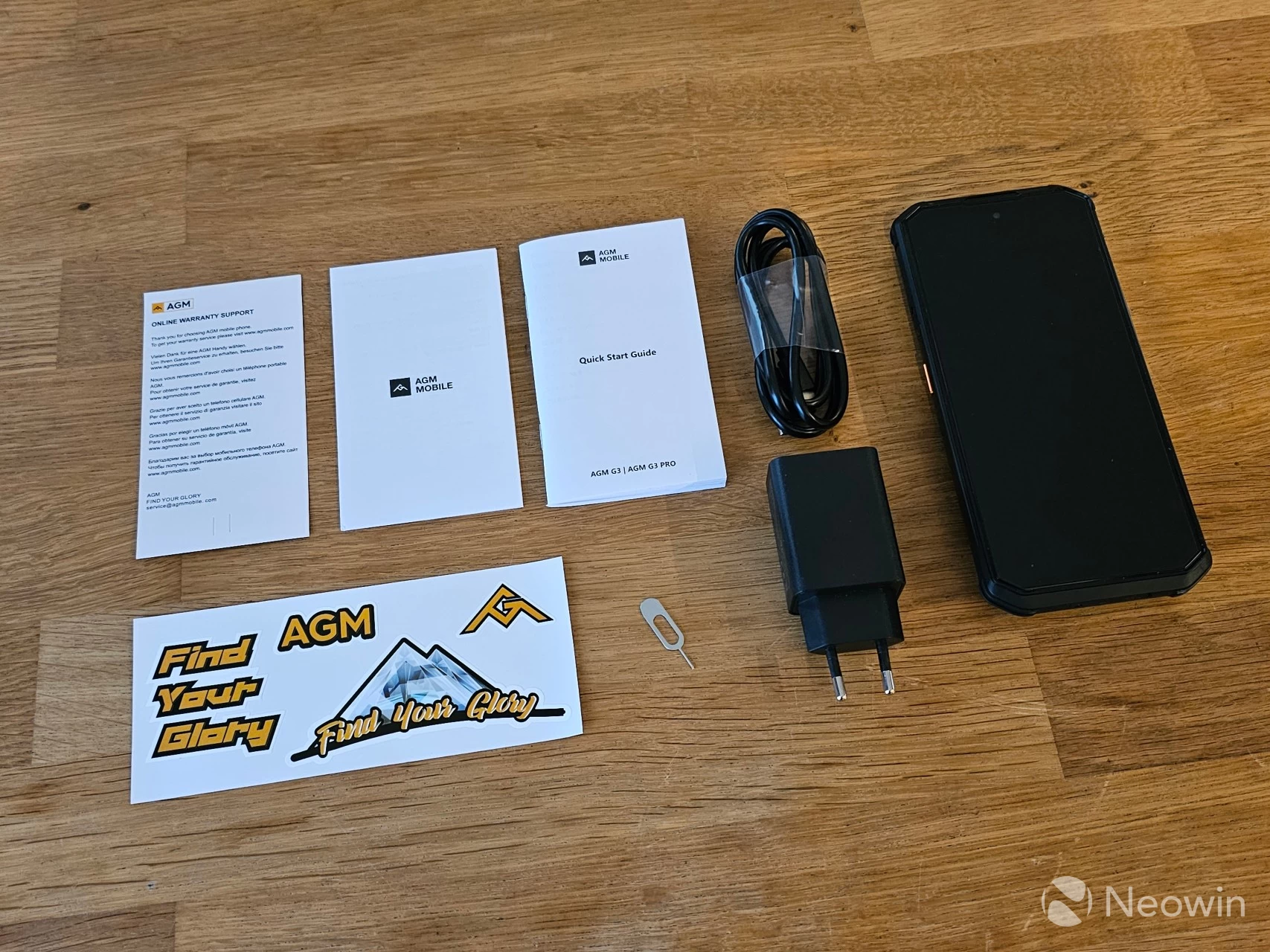
As I said, yet again we have another rugged phone with an LCD screen, it seems like this is a cost-cutting measure right along with a lower-end MediaTek SoC, which was released in the summer of 2024 but is comparable to the 2023-released medium-range Snapdragon 7 Gen 2. We"re not getting flagship features here in terms of display or processor power, but AGM doesn"t skimp on the rest. There"s plenty of RAM and storage, and unlike a few flagships, the onboard storage can be expanded with a TF card too.
Day 1
| Box top | Box bottom |
|---|---|
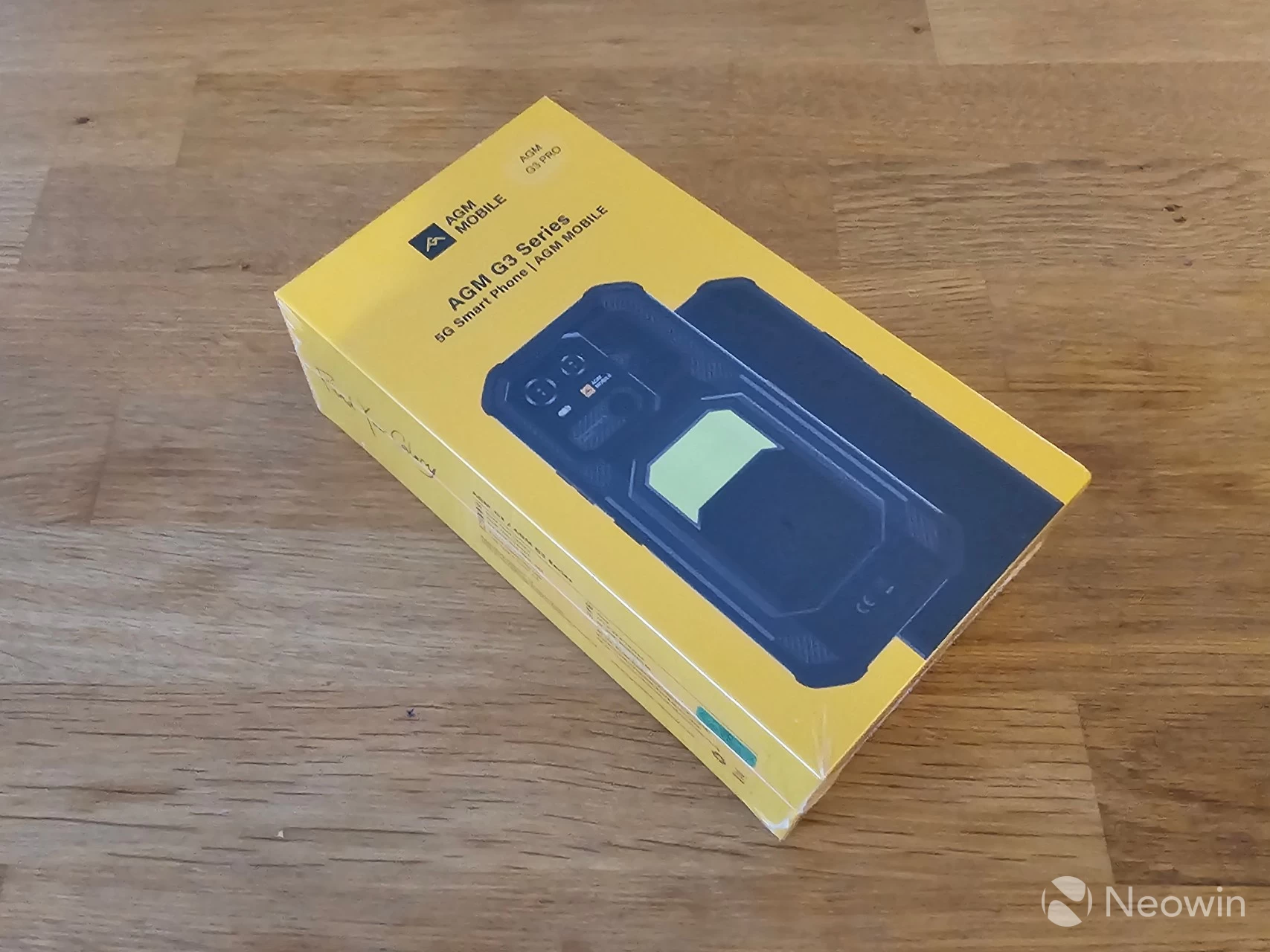
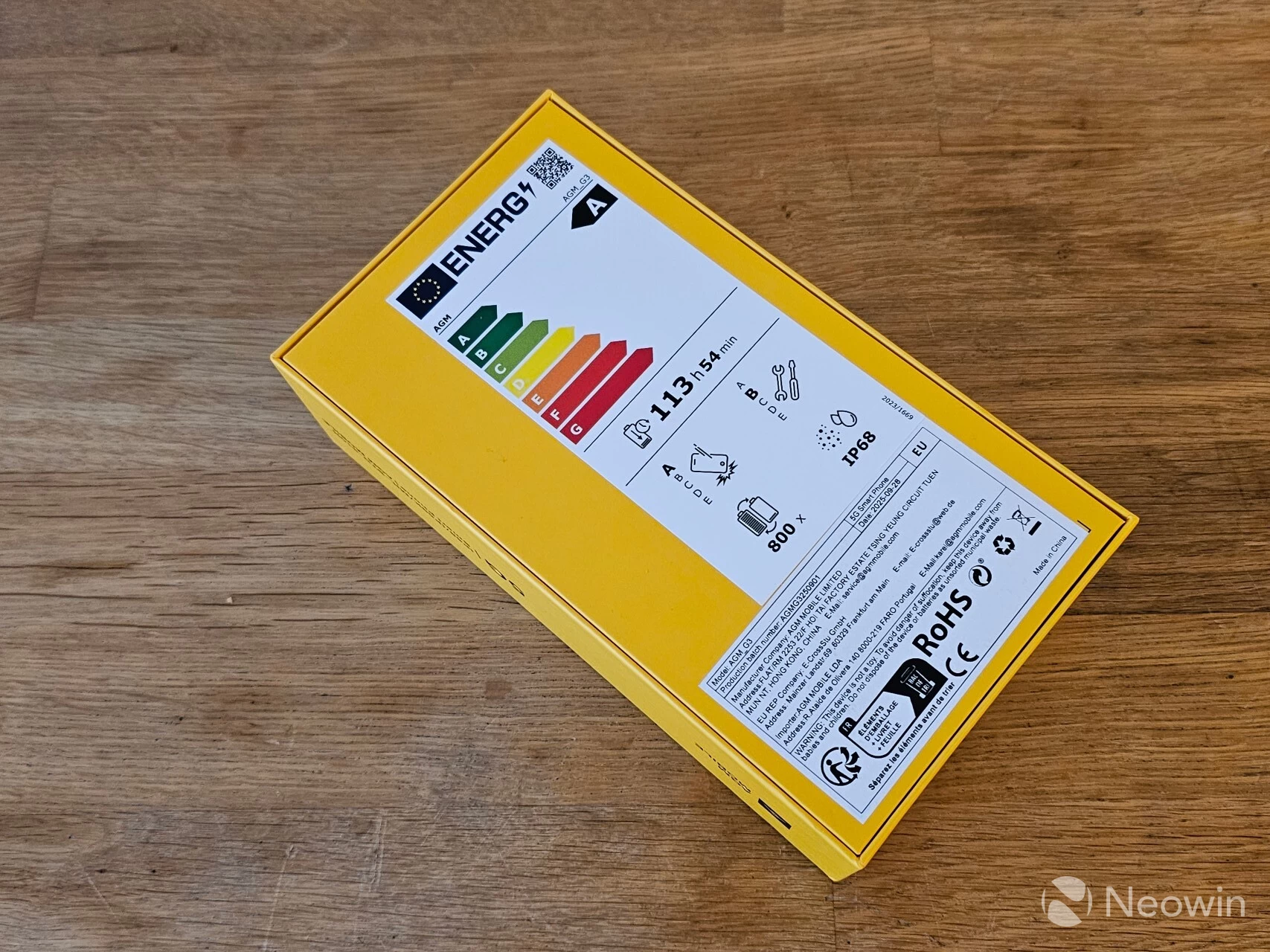
The first thing anyone will notice when unboxing it is how heavy it is. At 375g, it"s not even one of the heavier rugged phones we"ve tested, but this thing is chunky at almost 2 cm thick. Thankfully, all that thickness is pretty uniform; there"s only a 2.1mm difference at its thinnest point (1.6cm) and 1.81cm at its thickest with the camera array. I"m a big lad with big hands, but even this presents a challenge to use one-handed for any length of time.
The phone came with a screen protector pre-installed, and AGM says it uses "Panda" glass protection on whatever display it is, because that isn"t mentioned, just that it is an FHD+ LCD. It must be noted that, through a Google search, I discovered that Panda glass is:
a brand of affordable, tough alkali-aluminosilicate cover glass from China (Tunghsu Group) used in budget/mid-range phones, offering good scratch resistance and clarity but generally less drop durability than premium Gorilla Glass
Which kind of makes me roll my eyes a bit, here we have a phone whose major selling point is the ruggedness, and they are cheaping out on the display protection before we even get started?
Needless to say, I was allowed to throw this thing around, according to my contact, but I was more worried about the damage I could do to my own floors with this thing. Dropping it from about a meter did not result in any damage to the phone, which is the minimum expectation you should have for it anyway. There were also no scuff marks that I could see after dropping it a few times, which is good news for the materials the company used. I also threw it a few times in my yard onto stone tiles from a height of 1.5 to 1 meter, and it did not scuff up the screen or crack it.
Design
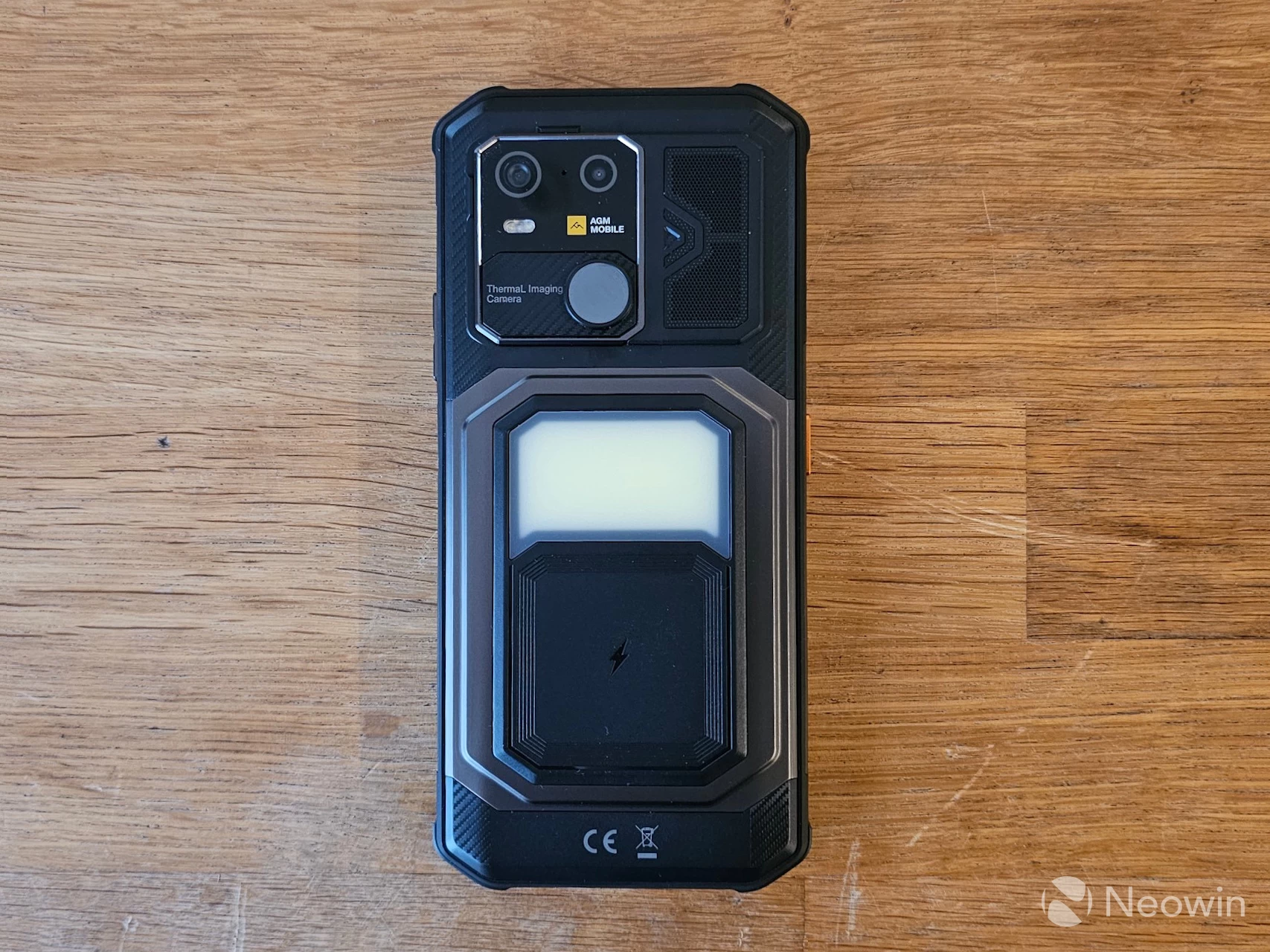
On the rear, you will find the main camera array, which consists of a 48 MP shooter and a 2 MP Macro camera on the top left. Below it is the relatively larger Thermal Imaging Camera, and to the right of the camera array, there is a mesh grill covering the single speaker. Speaking of the speaker, AGM claims it has a nominal 5W output delivering up to 116dB. So if you ever found yourself in a Deliverance-type situation while white-water canoeing, or hiking in the woods, you could convert those decibels into a rape whistle! But I digress.
Below that top array of cameras and speaker centered in the middle of the back plate is the Camping Light, and below that is a plate that suggests that"s where wireless charging should be focused on. Other than that, the back does have a pleasing textured feel to it.
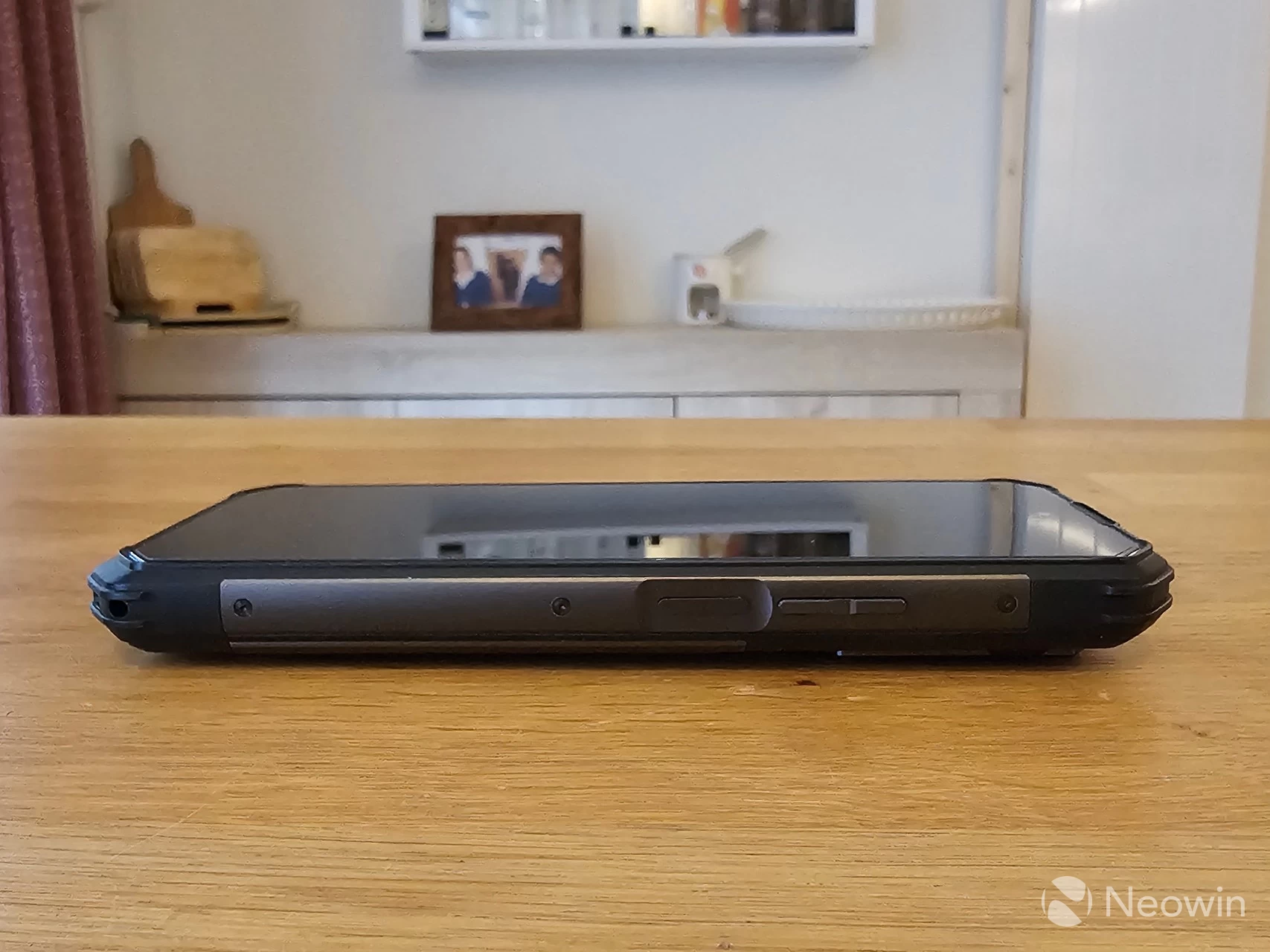
On the right side of the phone, you will find the volume rocker and power key. The power key also doubles as the fingerprint sensor and is slightly indented into the side bezel. The volume keys have a good height but are completely smooth.
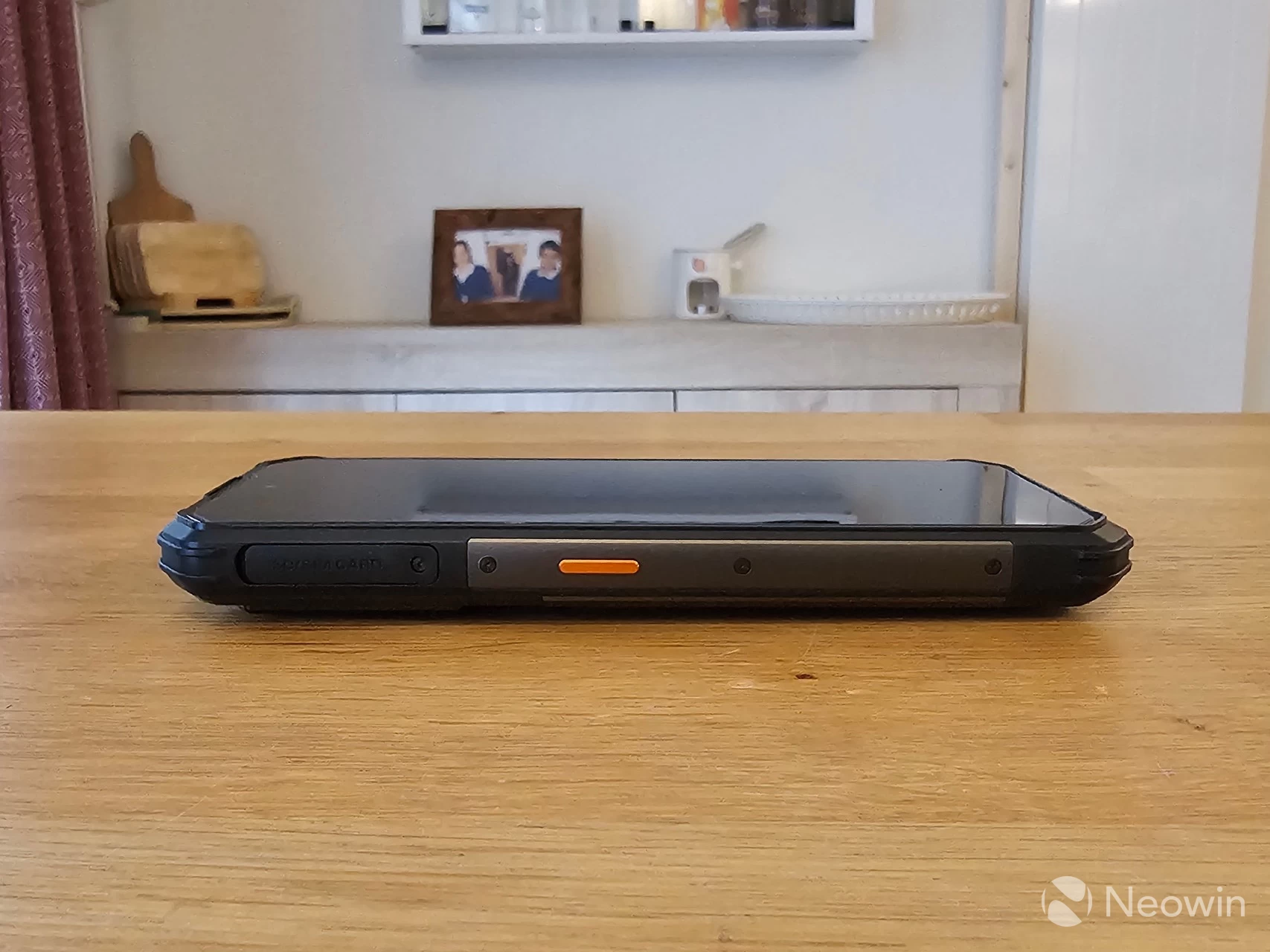
On the left, you"ll find the SIM/TF card tray, which is protected by a rubber cap. There is a small lip you can use with a fingernail to prise it free, and even if you used a tool, you aren"t damaging the bezel here. Below that is the colored user-defined key, which I will talk about a bit later.
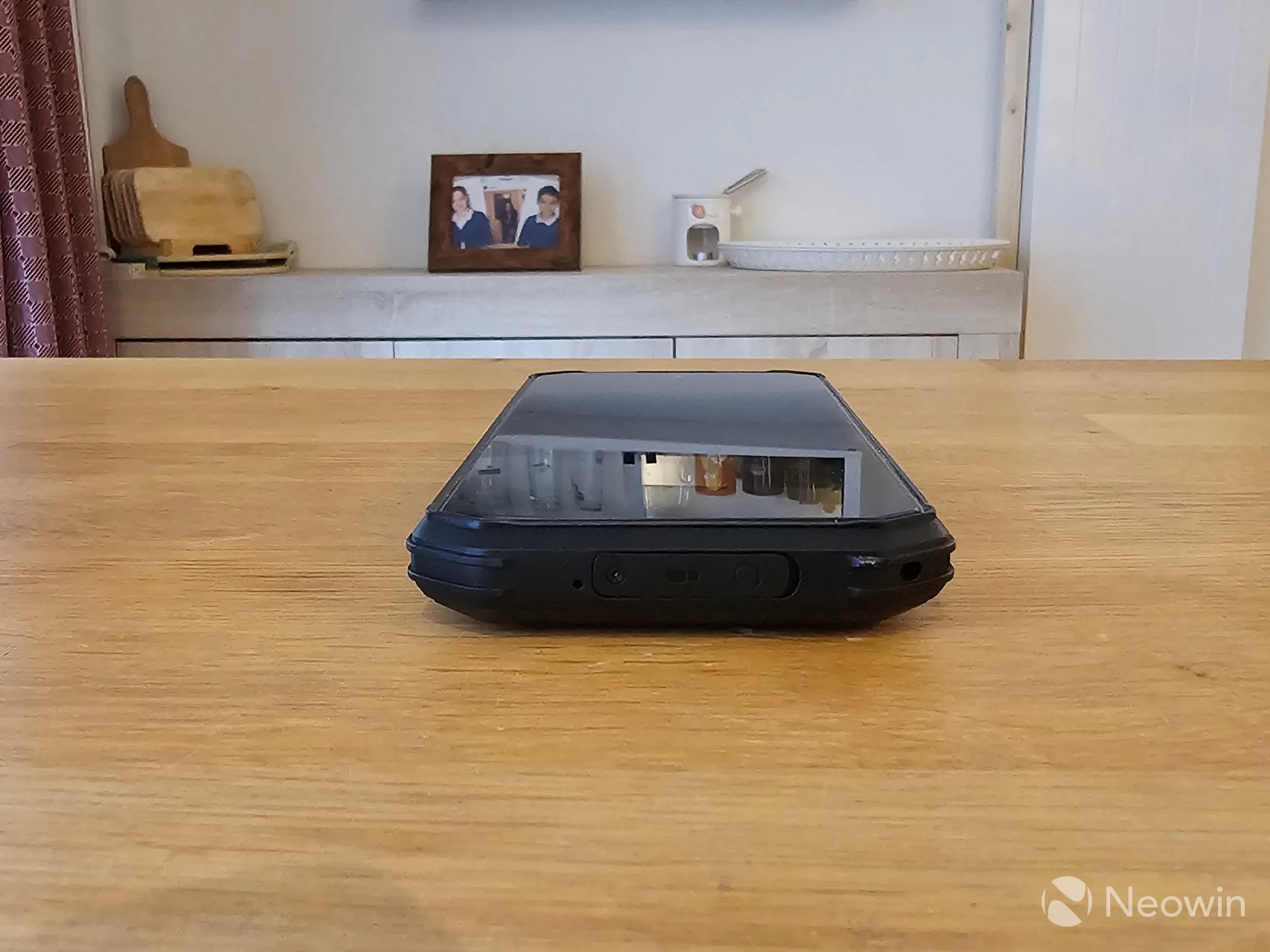
On the bottom, you"ll find a mic, and similar tab access for the headphone jack and USB Type-C charger port for the included 1 m USB Type C-to-USB Type-C cable and 33 W Fast charging brick. If you need the waterproofing function you can use Bluetooth 5.2 for the headphones, too, but having both options is becoming a rarity these days.
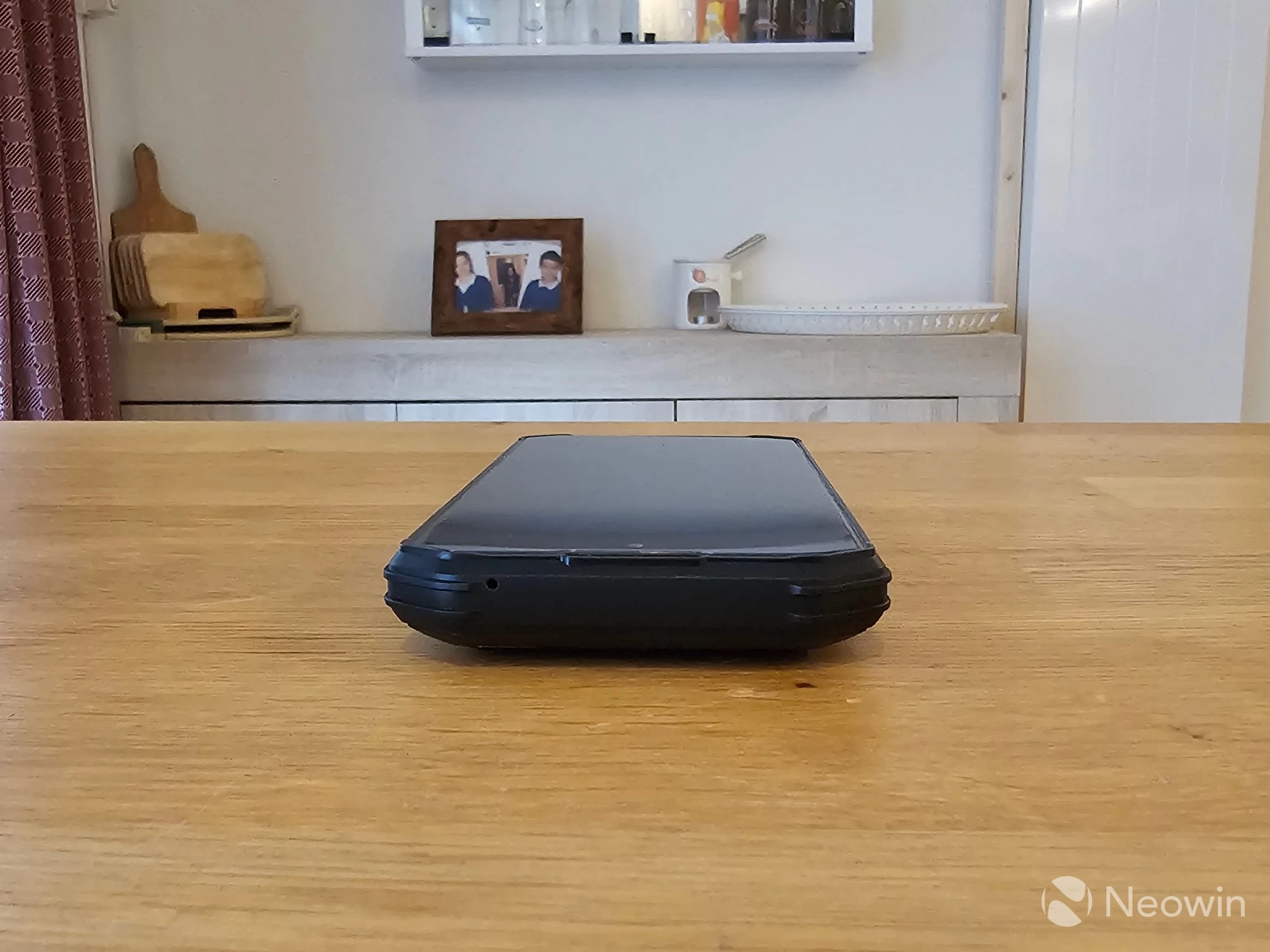
On top, there is another mic hole, but other than that, it"s pretty smooth.
The dimensions are slightly larger than the AGM Glory G15 that I reviewed three years ago, but this has to do with the fact that it has 4500mAh more battery! Even so, it does not feel top-heavy, and the camera hump is barely noticeable thanks to the overall thickness of the phone itself.
Software
The G3 PRO has Android 15 preloaded with the August 2025 security update, which immediately requested to update to the October 2025 security update. As I am writing this review, it has also received the November 2025 security update, which is quite good. Although AGM states that all its phones are covered by a 12-month warranty, this extends to the software too.
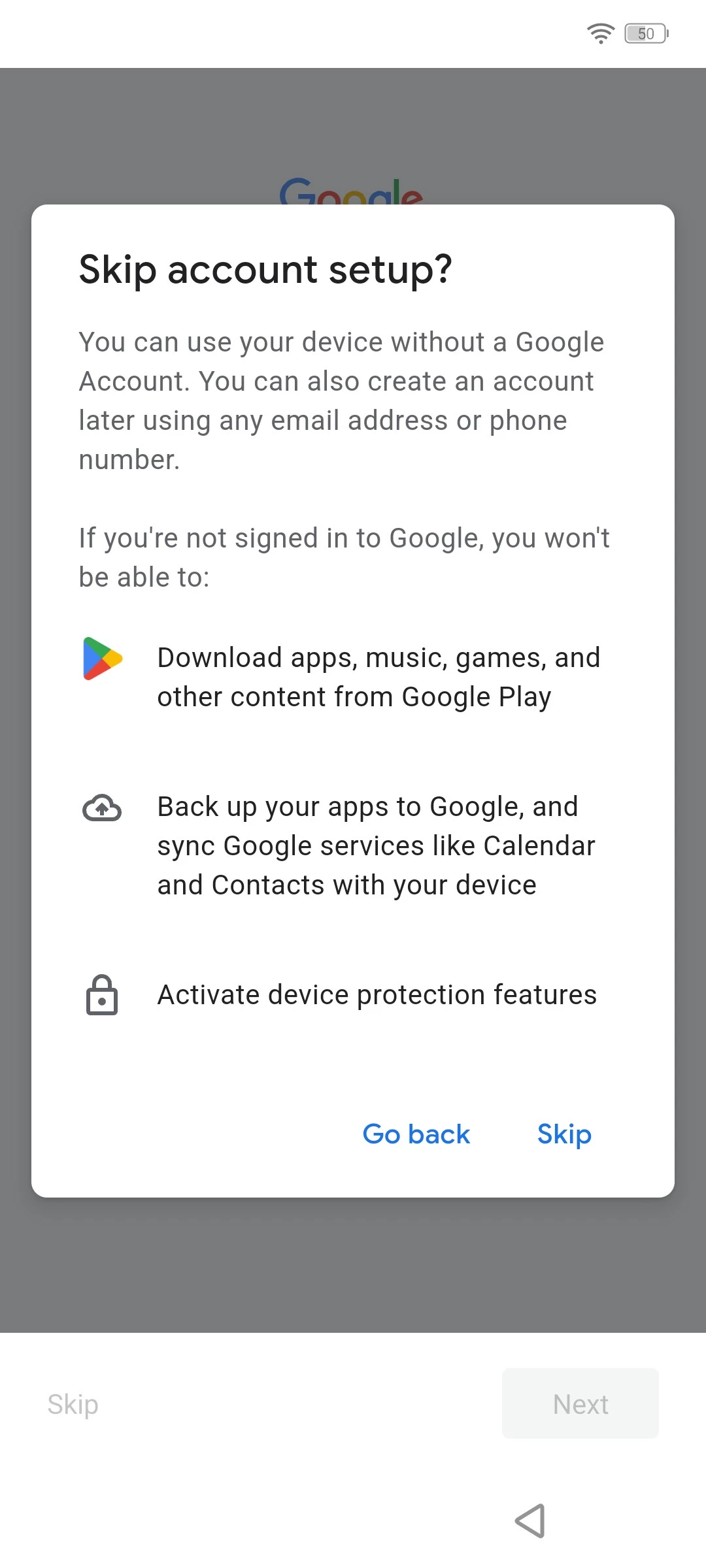
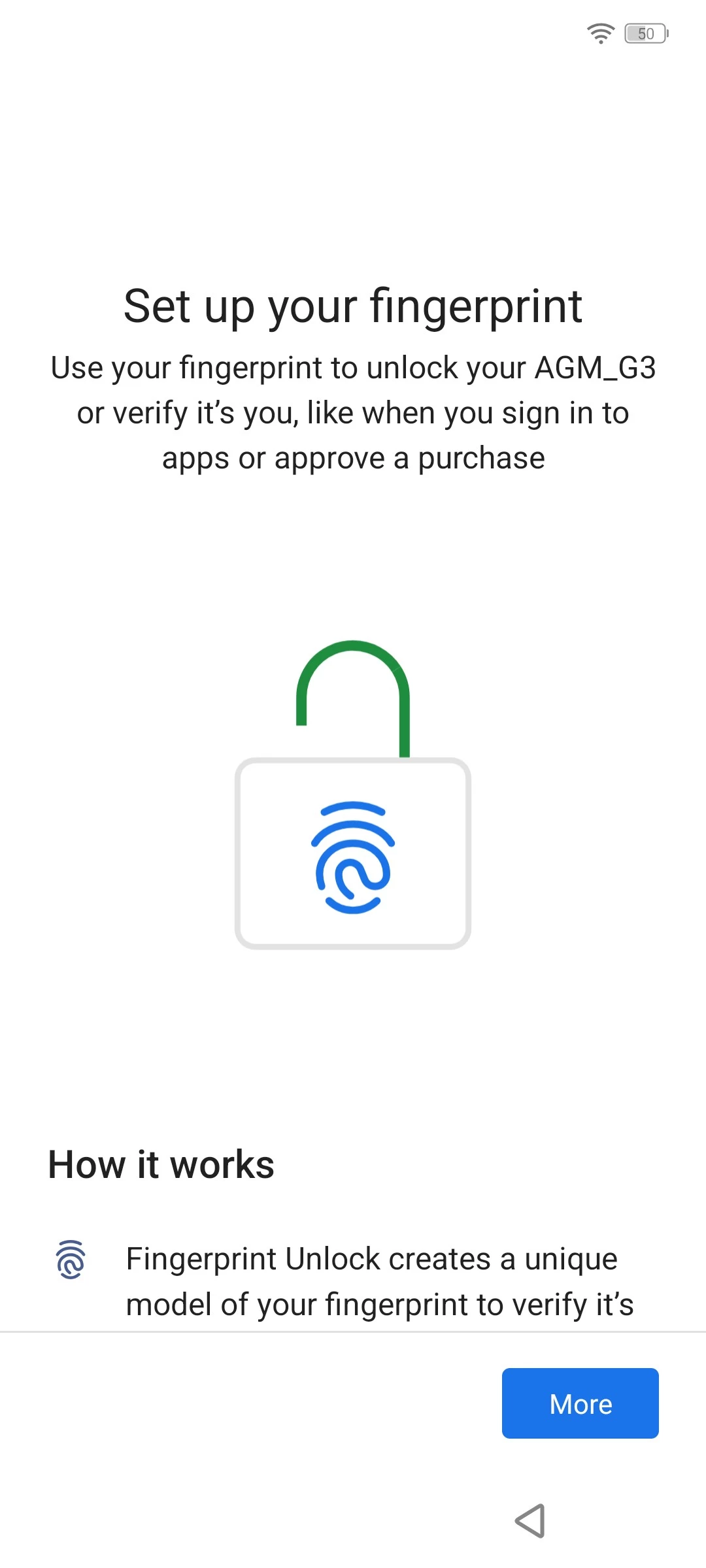
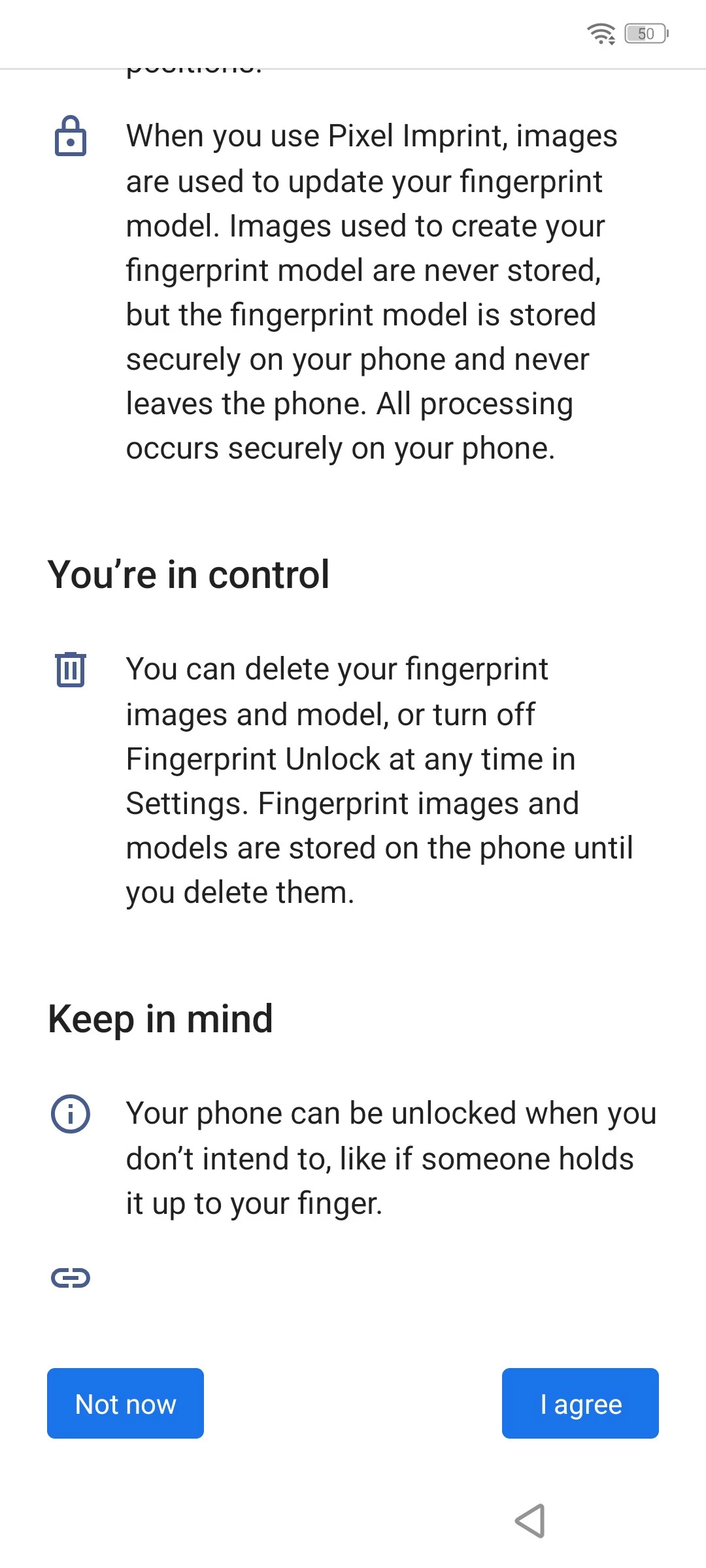
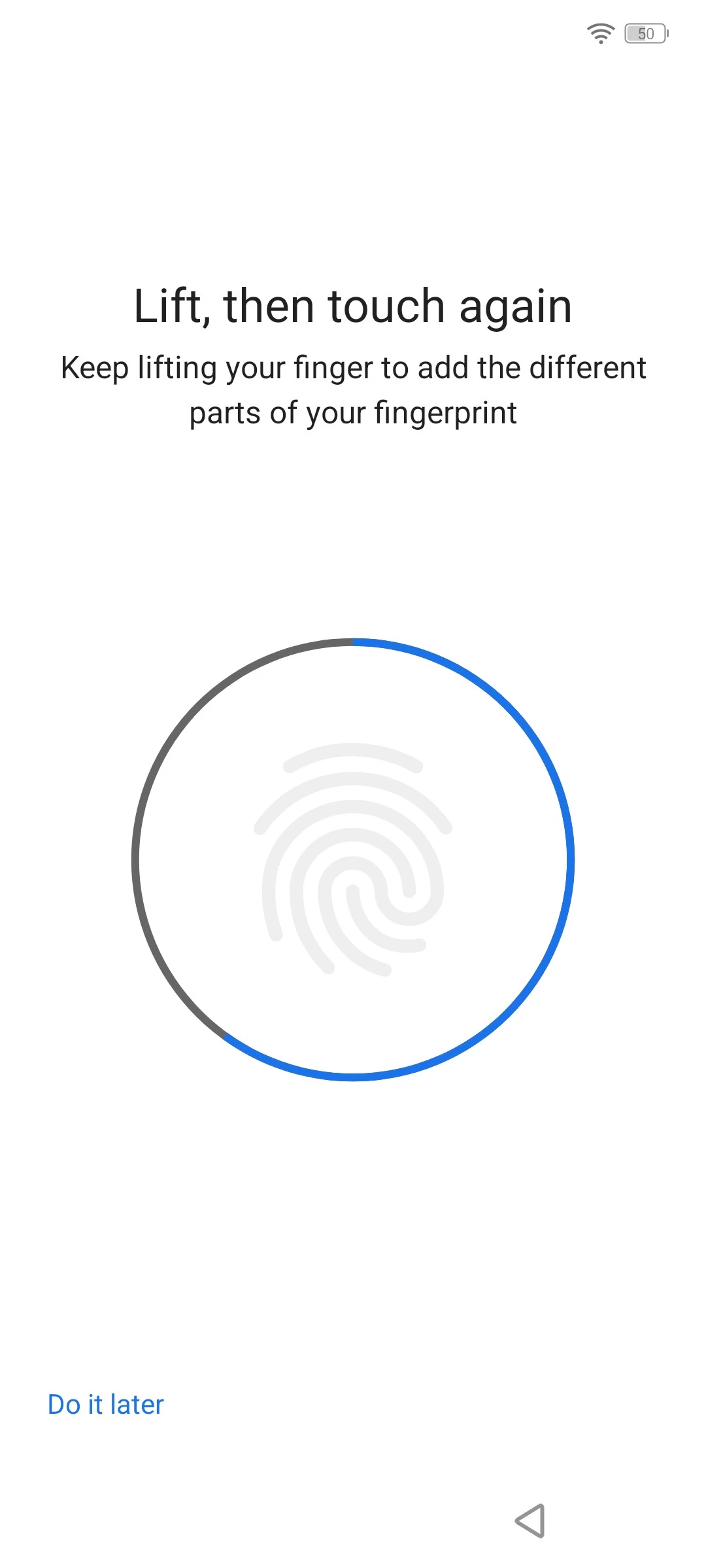
You can view the entire setup process in the gallery below.
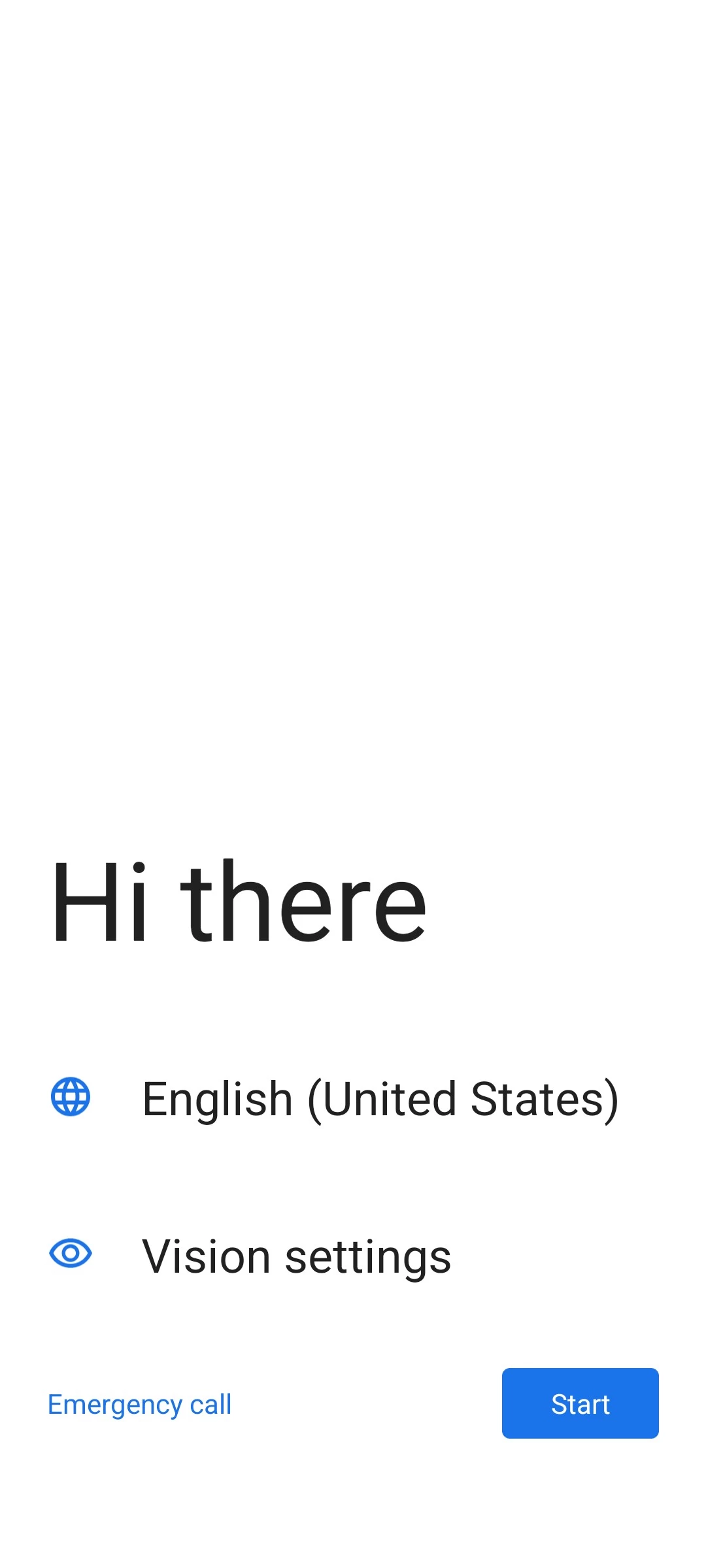
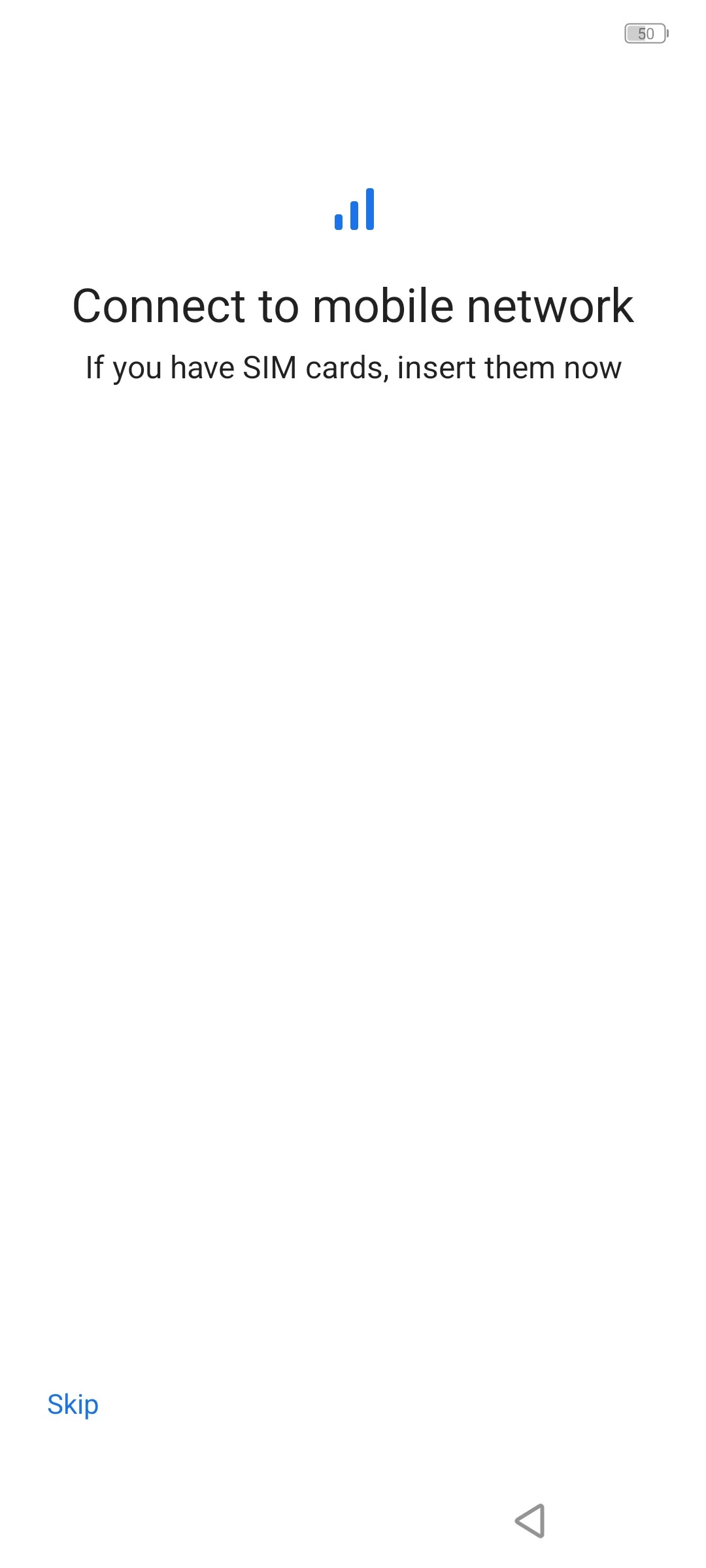
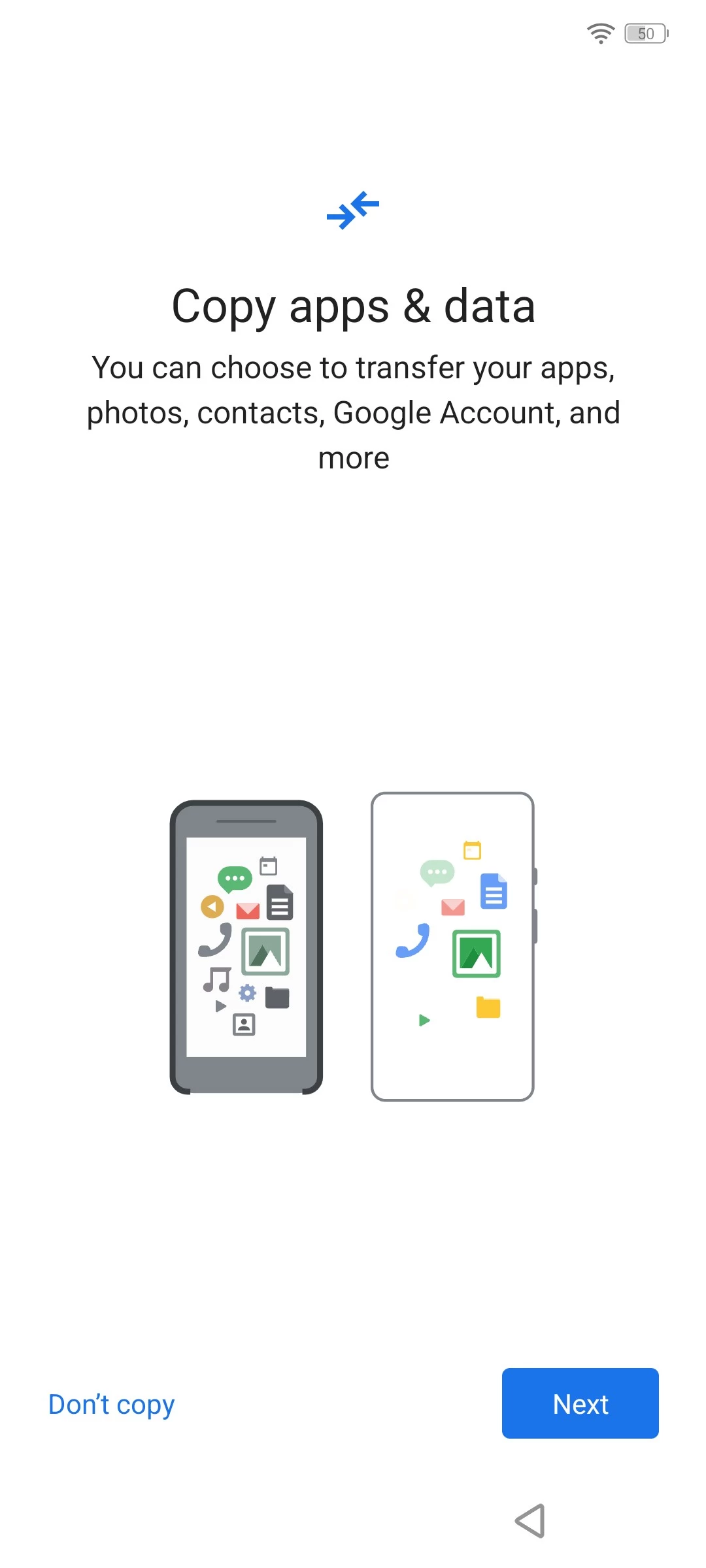
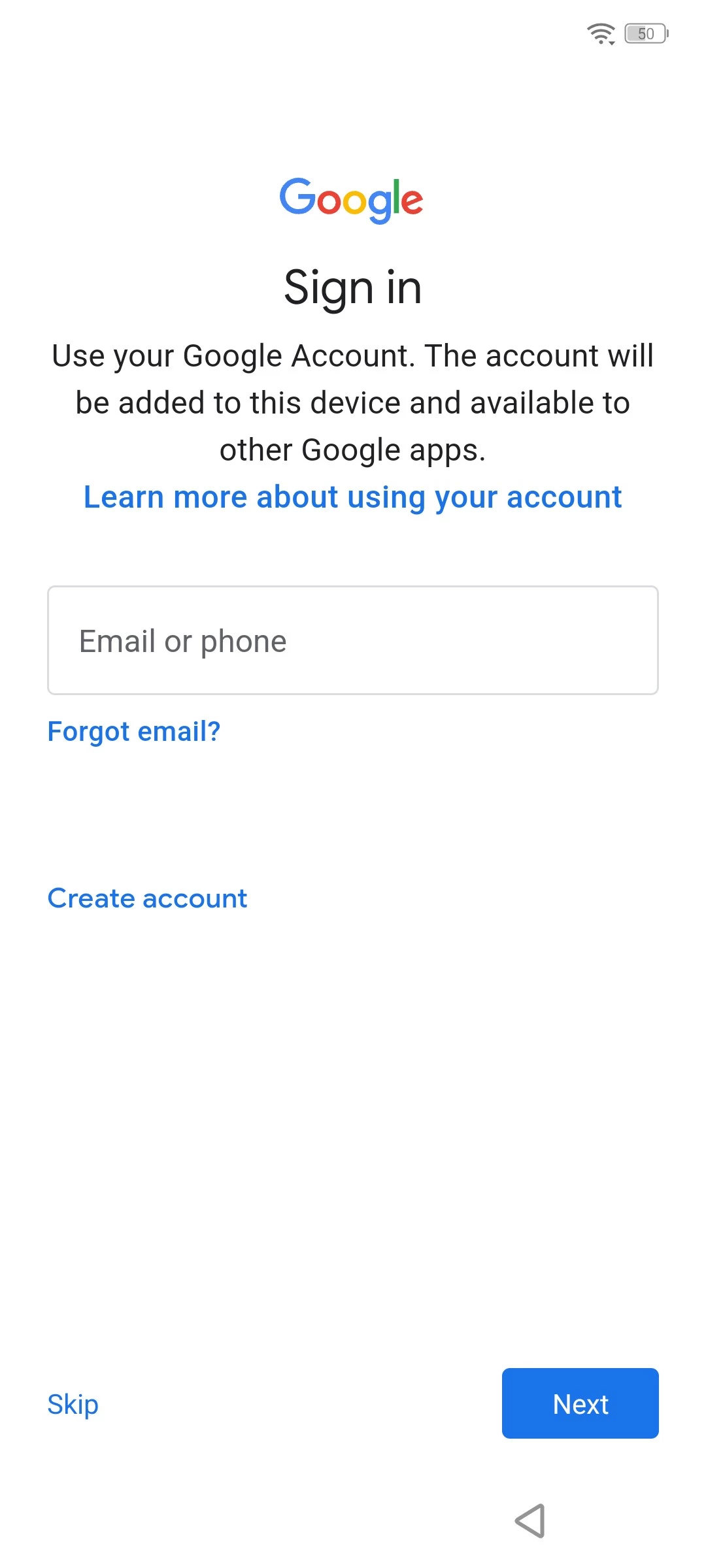
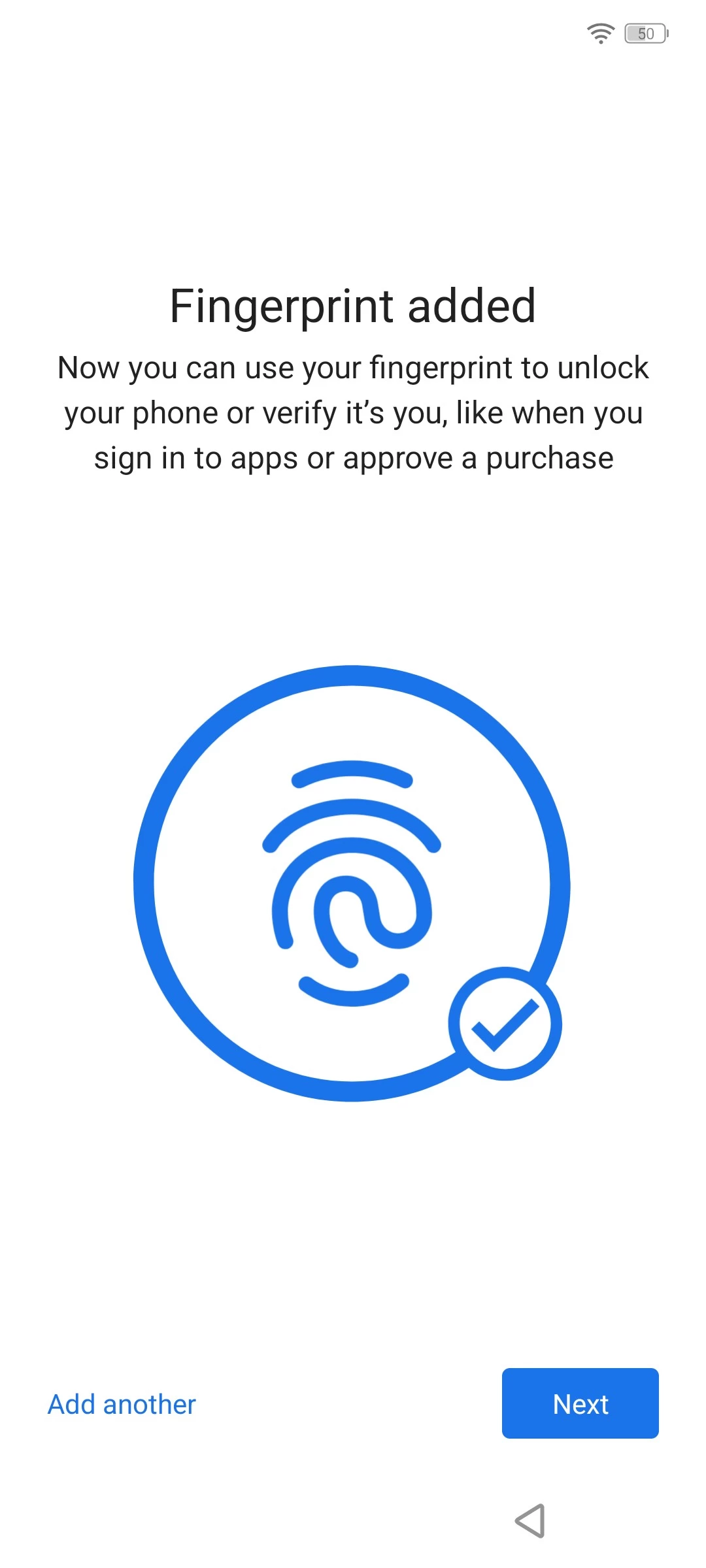
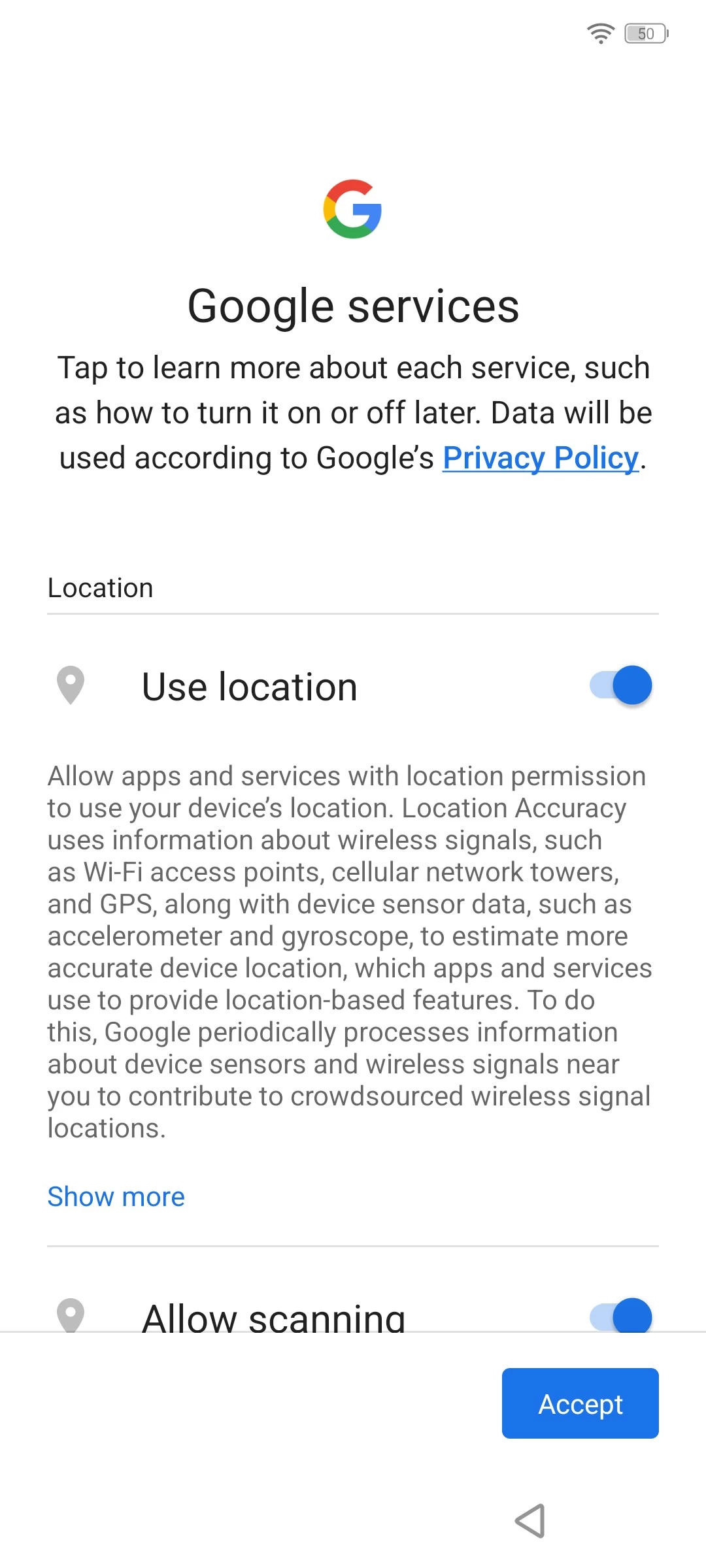
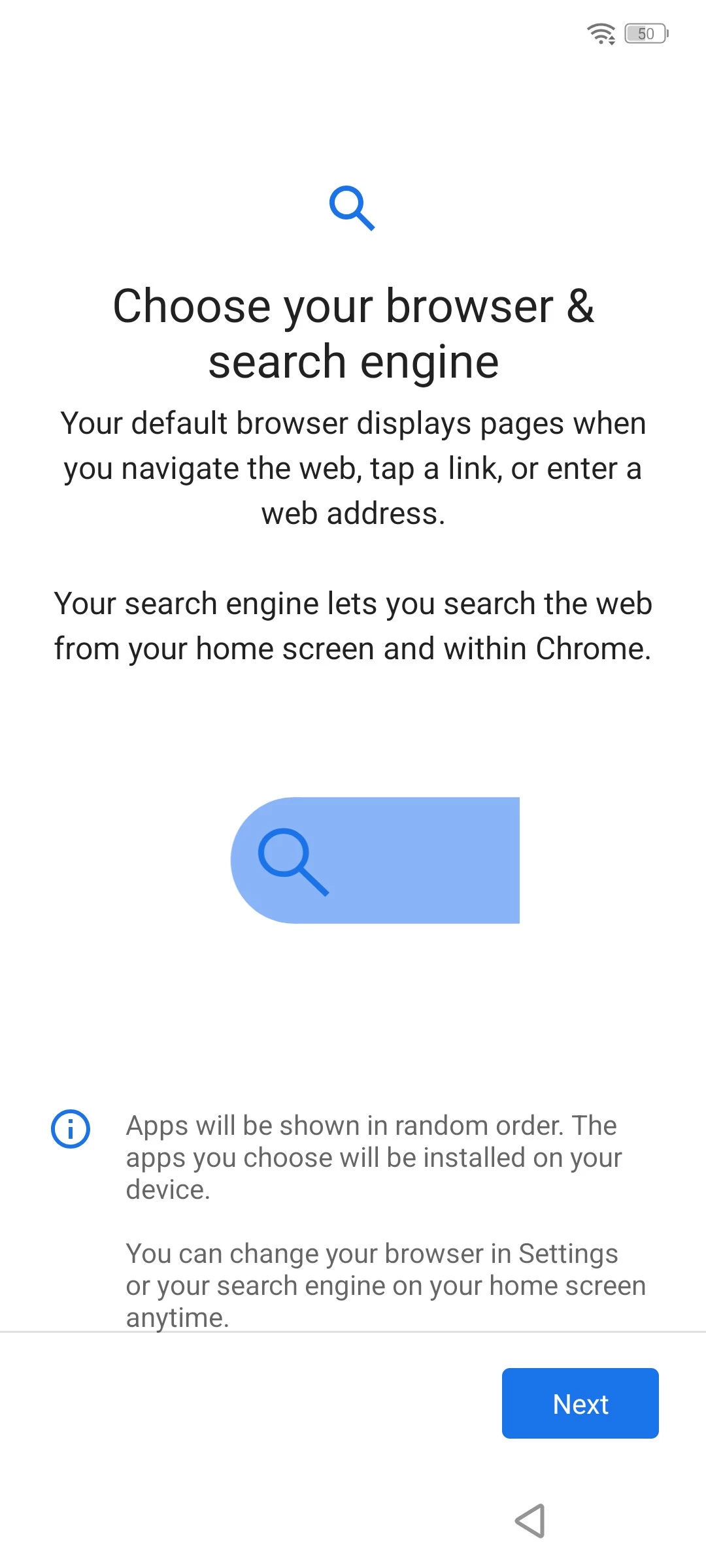
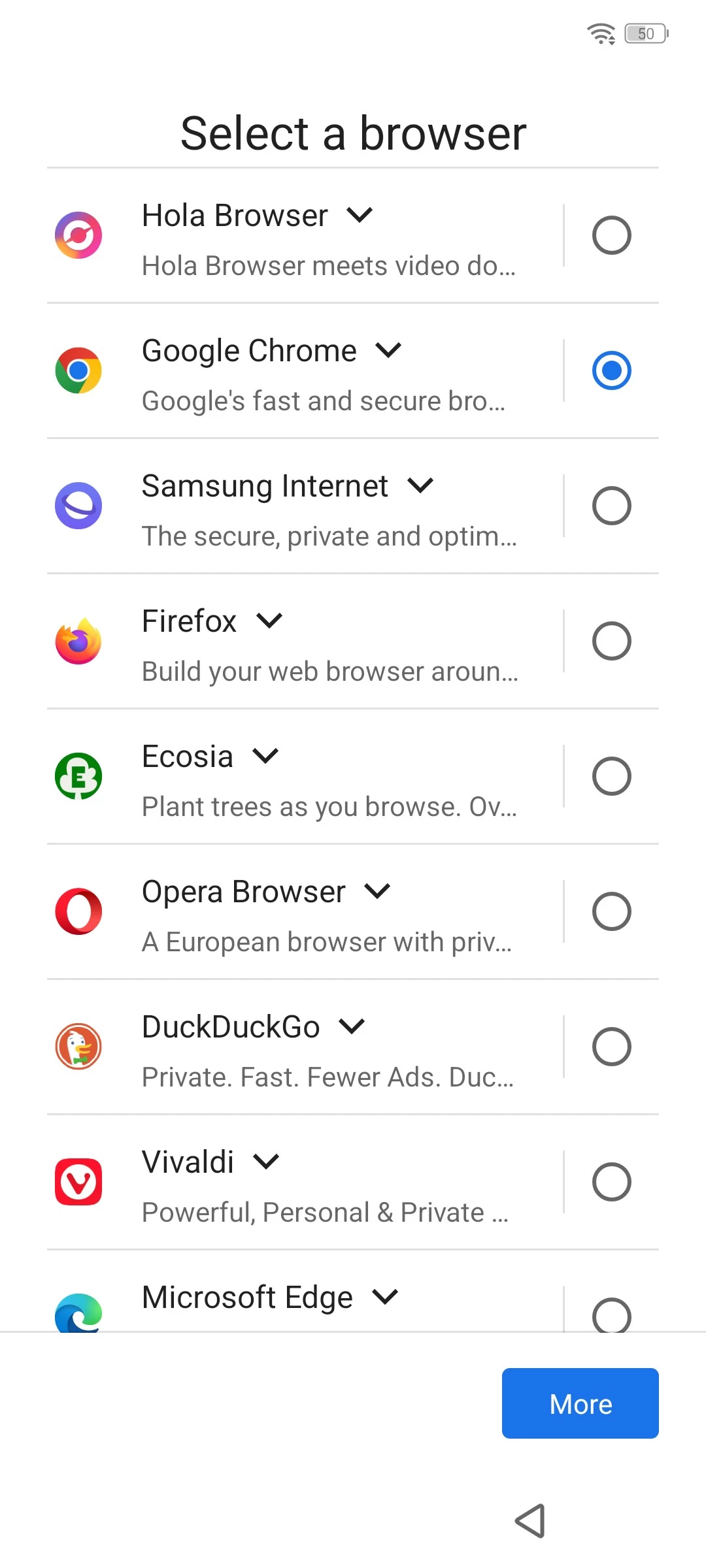
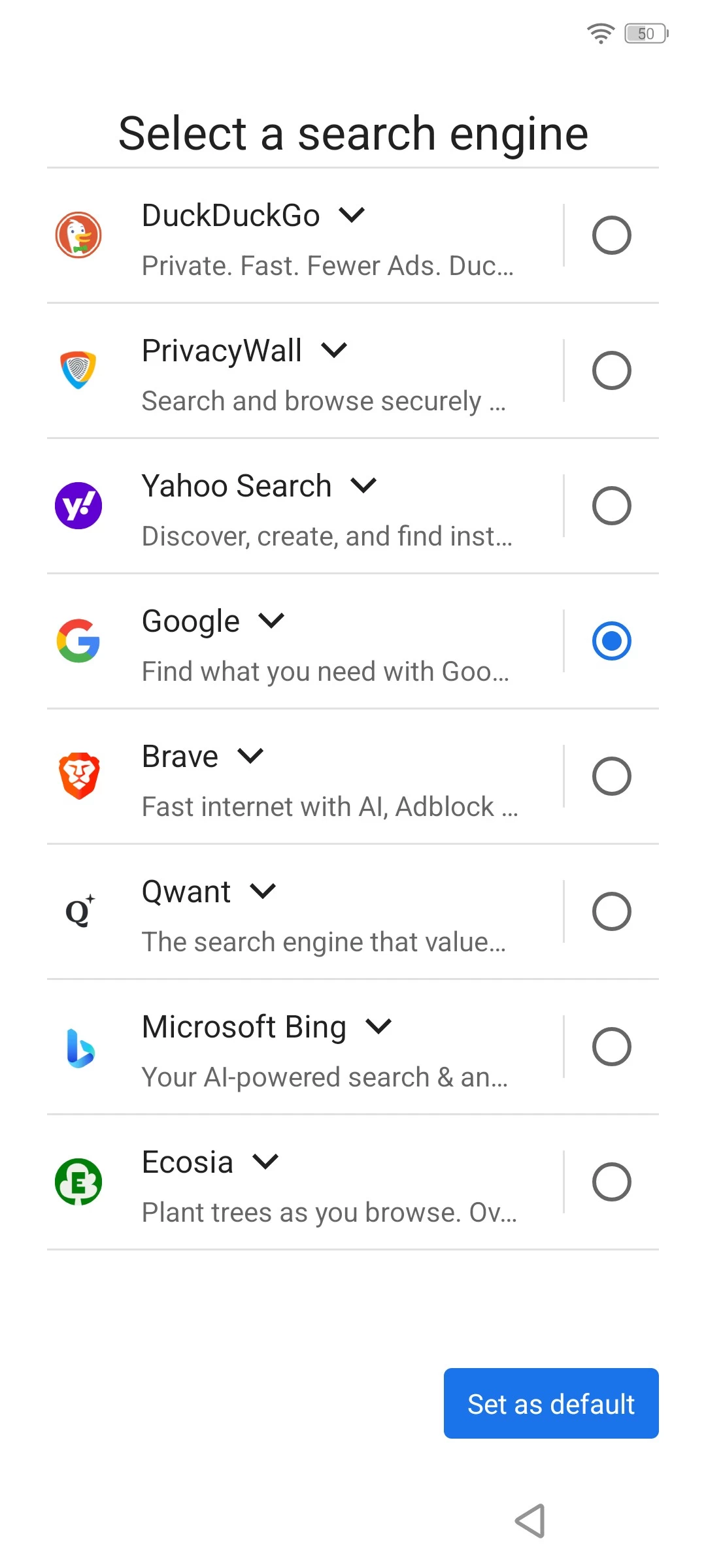
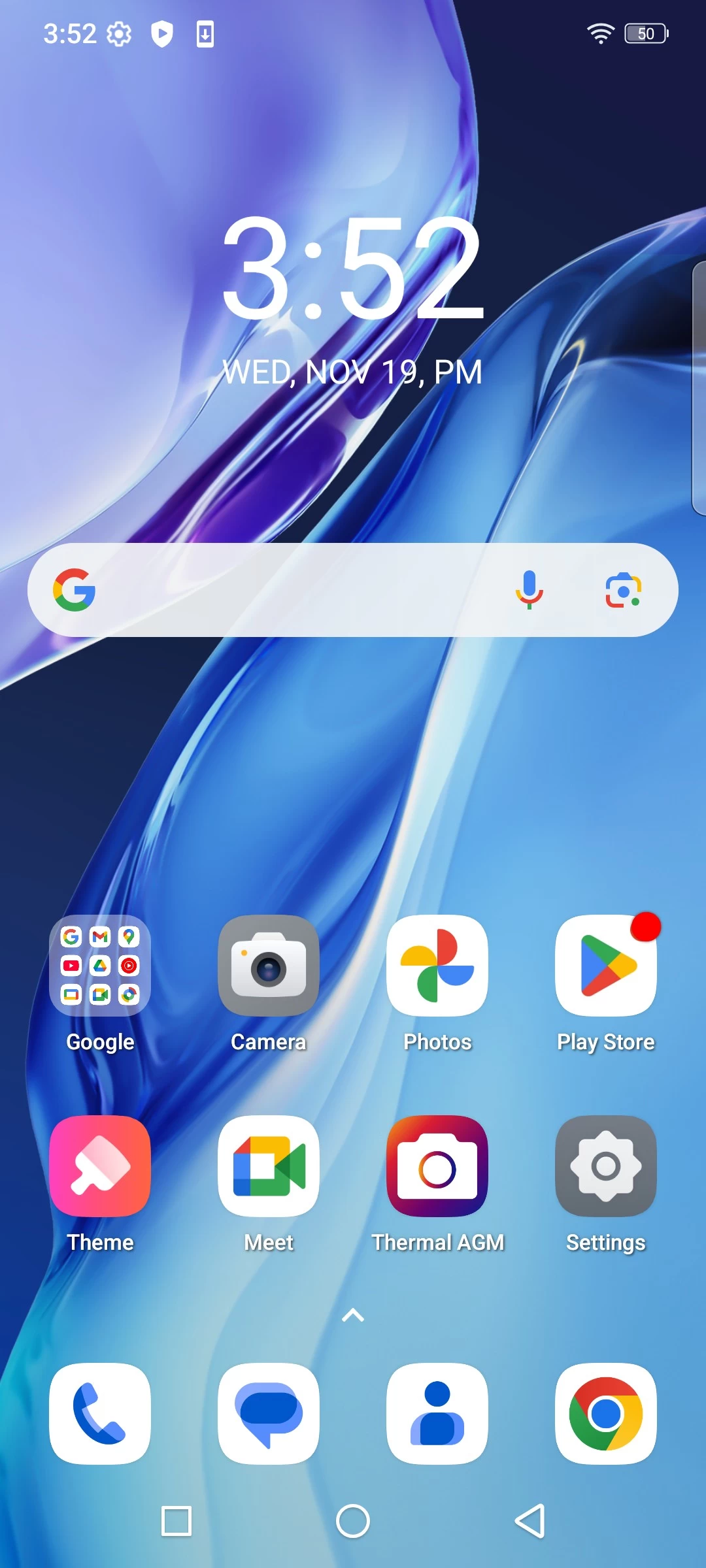
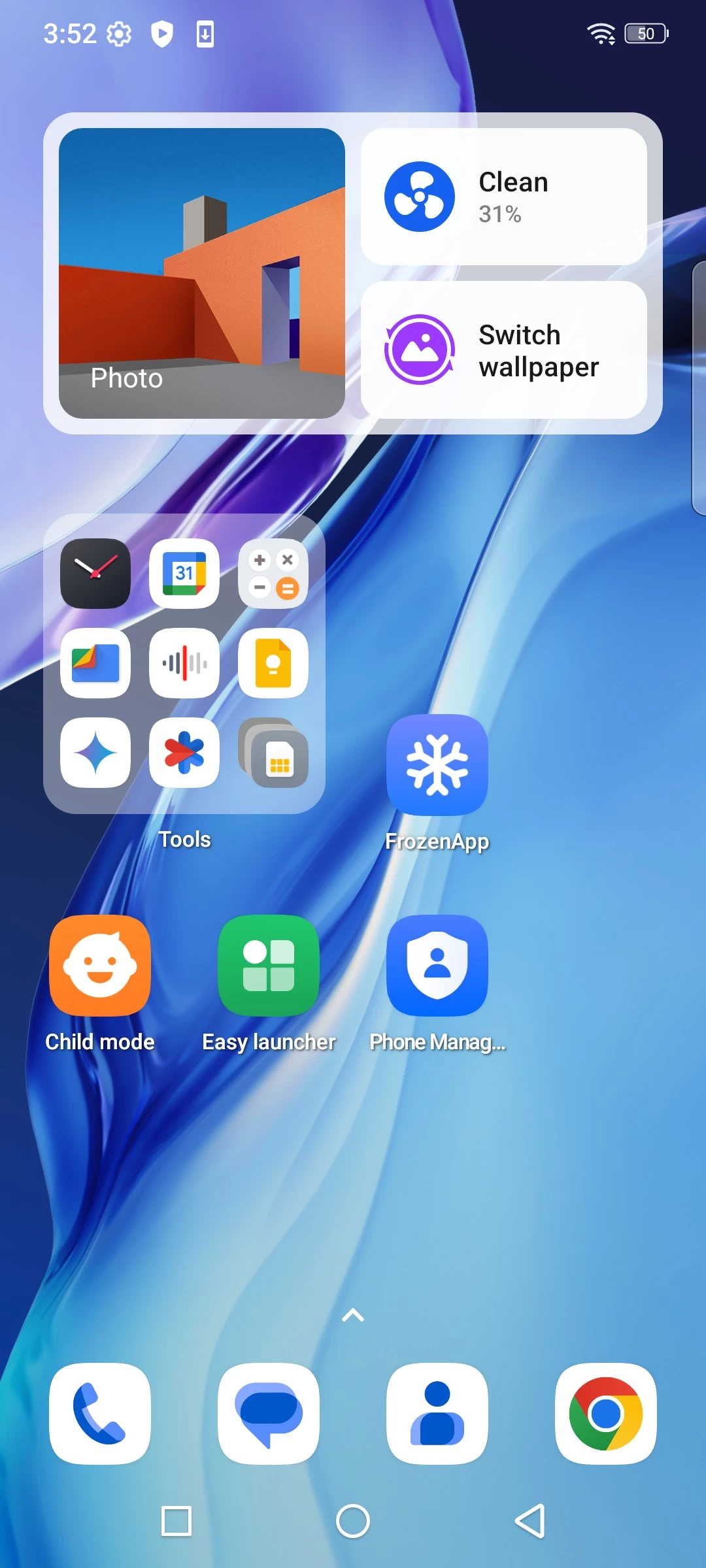
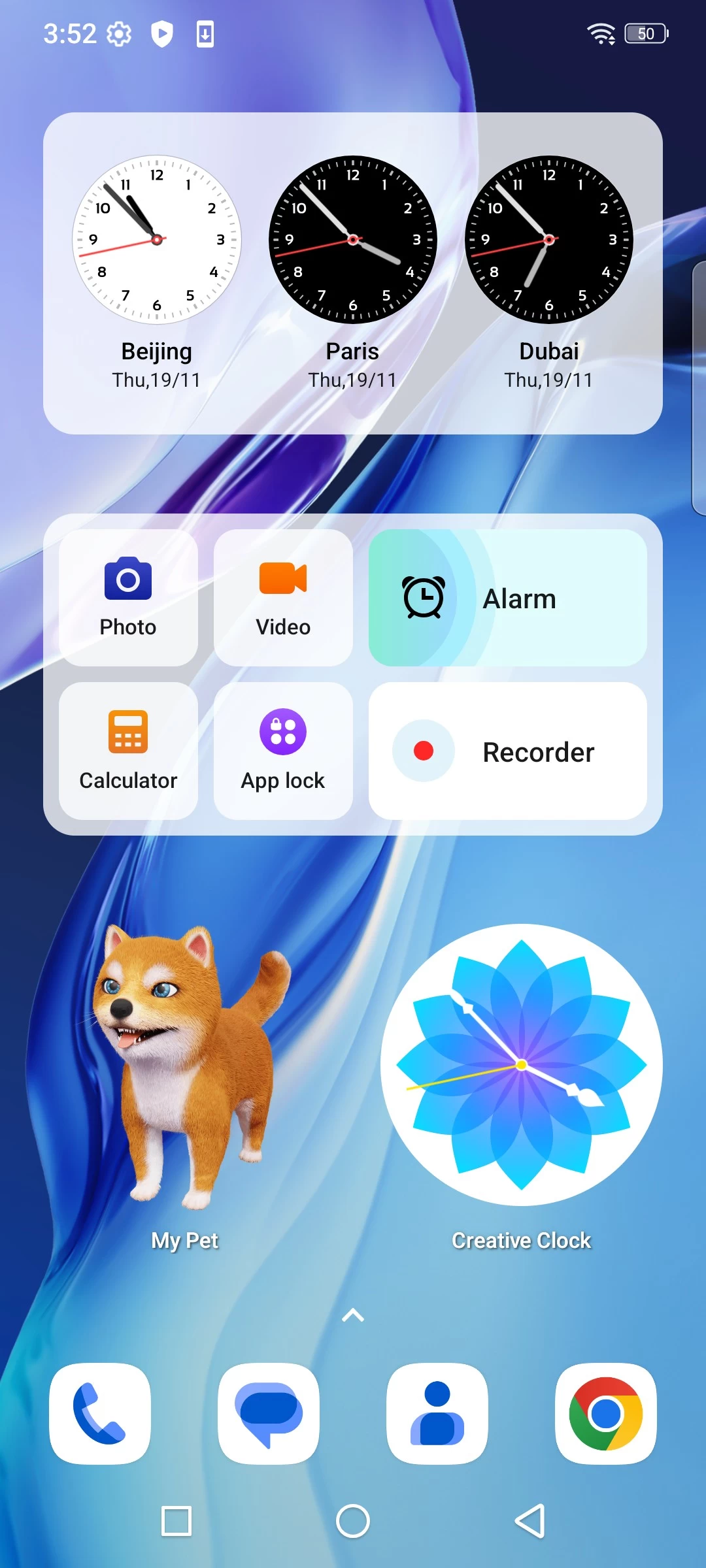
My Pet?
For some reason that isn"t quite clear to me, the phone also comes with a "My Pet" widget on one of the Home screens. When tapping on the "Pet", it attempts to offer a paw or does an animation of running or sitting; other than that, I haven"t discovered it doing anything else. After a week, the My Pet widget looks exactly the same as when I first set up the phone, so I am guessing it is not some sort of SIM that I have to keep alive. Weird!
Home Launcher
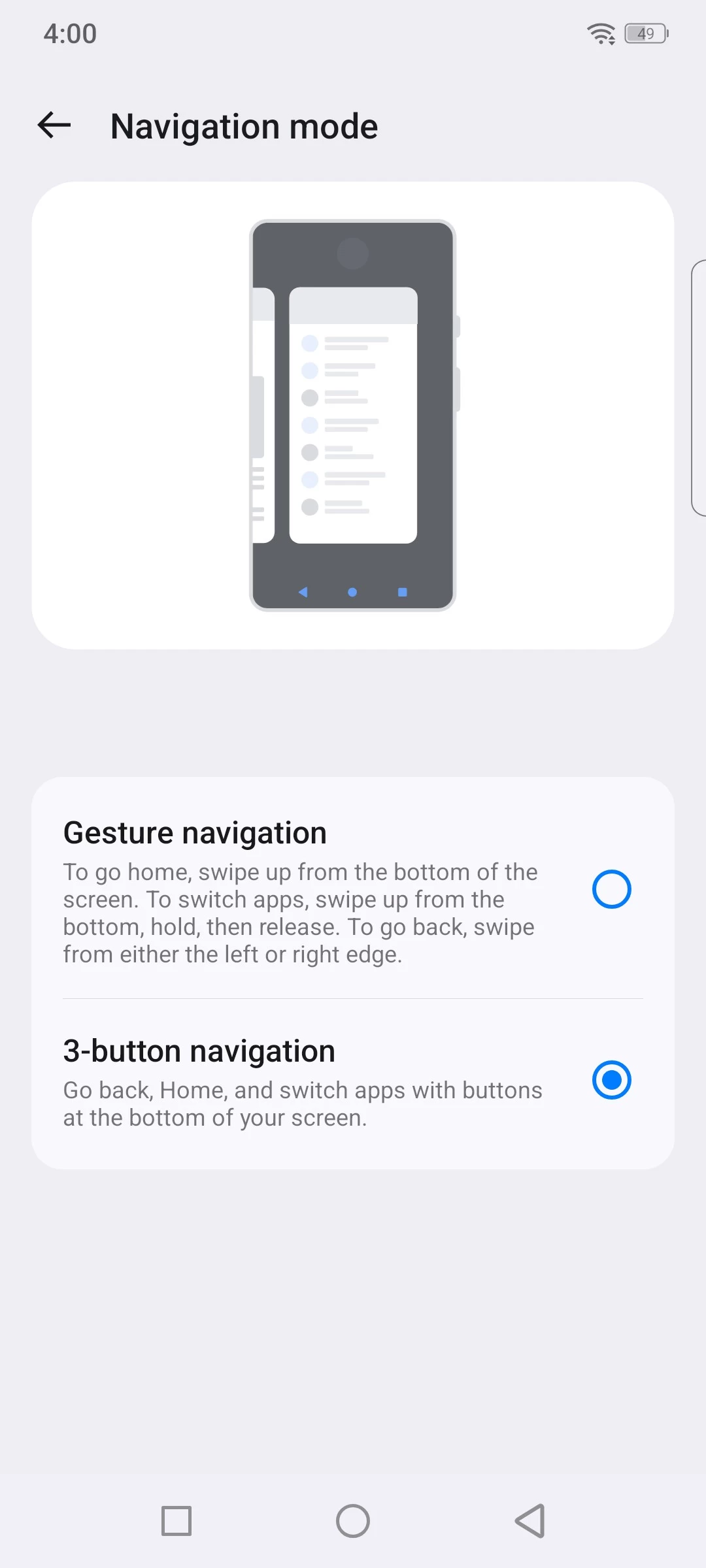
The phone comes with a dedicated launcher called Quickstep. I couldn"t find much information about it online, although it is mostly near to a stock experience. However, on powering up for the first time, you will find virtual navigation buttons at the bottom of your screen. This can easily be changed to gestures in the Android settings, and then you get swipe left from the right edge for back, swipe up from the bottom for Home, and swipe right from bottom left for app switcher.


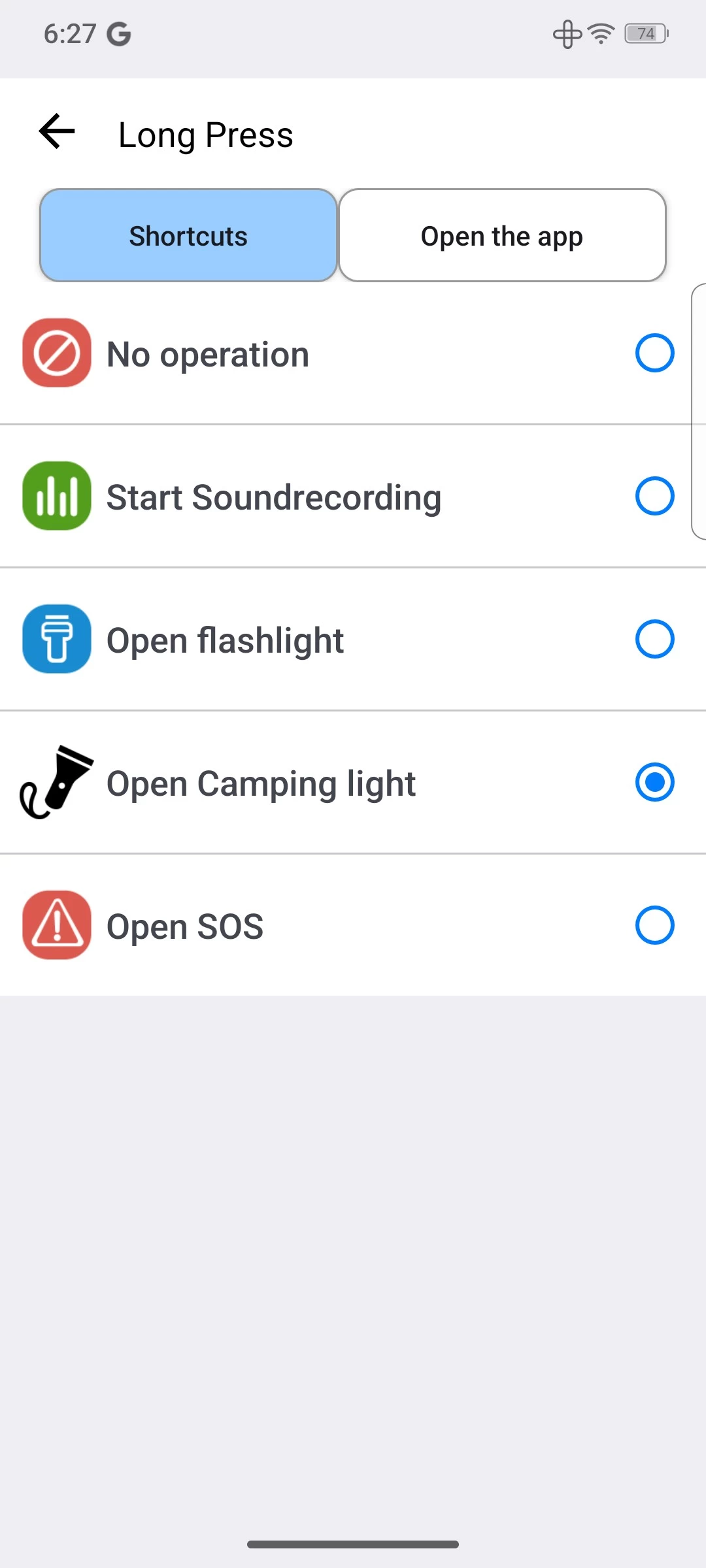
The user-defined key can also be found in Android Settings. It has come a long way in three years; now there are three actions instead of just one click. You can single-tap, double-tap, and long-press for three custom actions. Each action allows you to assign a shortcut [image] (although the Camping Light and SOS shortcuts cannot be assigned to single or double tap to avoid accidental triggering). Now, though, you can choose instead to assign any app to the single, double, or long-press actions of the Side Key, making it even more useful.
The PTT option above the key assignments is a mystery to me. I toggled it and did not see any difference or that anything was activated. After a quick Google search, I discovered that PTT can also mean Push-to-talk on Android, hmm, okay!
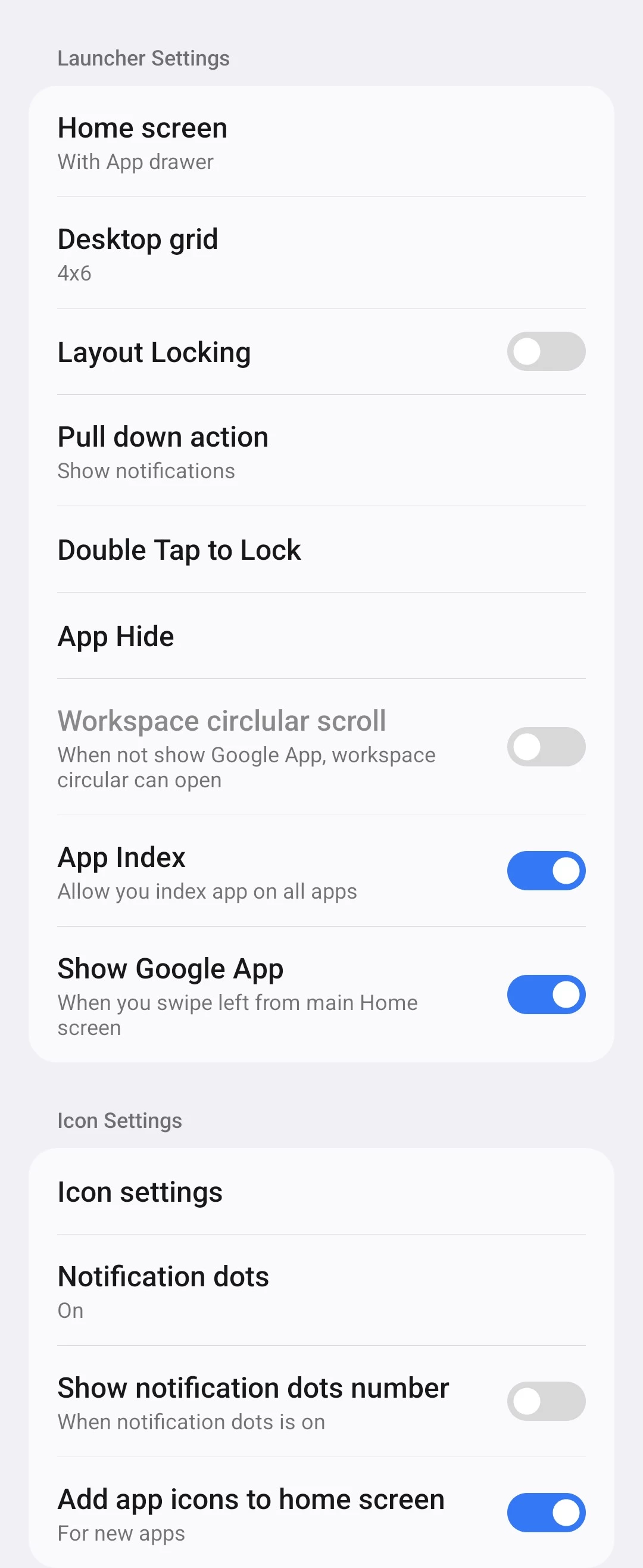
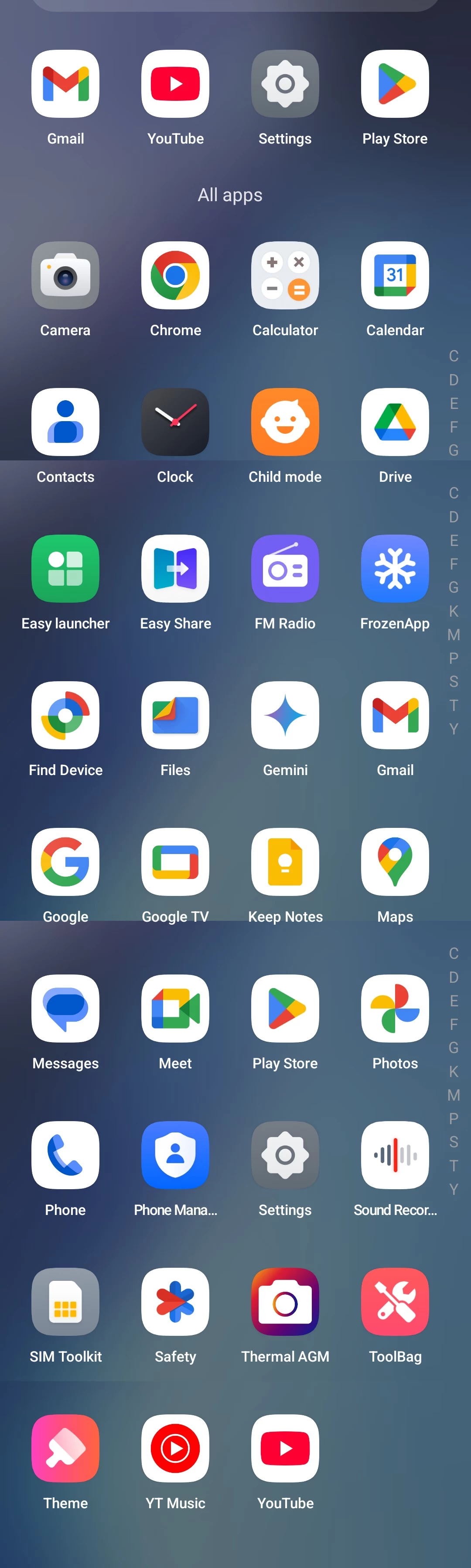
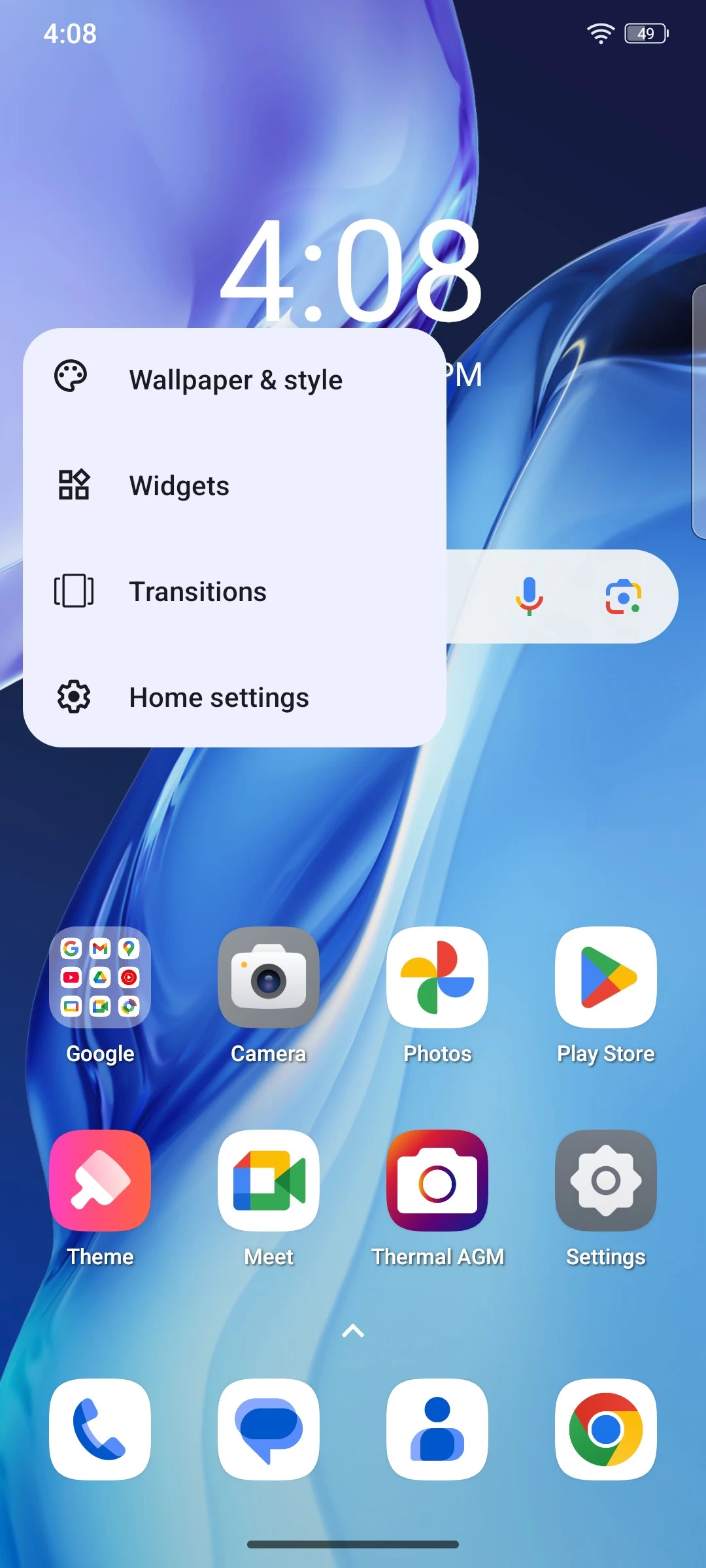
Upon long pressing the desktop, you can get to the Quickstep Home settings, which have also expanded in options over the last few years. What I like about it is that it is close to stock and adds the Google Discover page. Upon powering up the phone for the first time and going through the setup, you are presented with a pretty much stock experience on the desktop.
Display
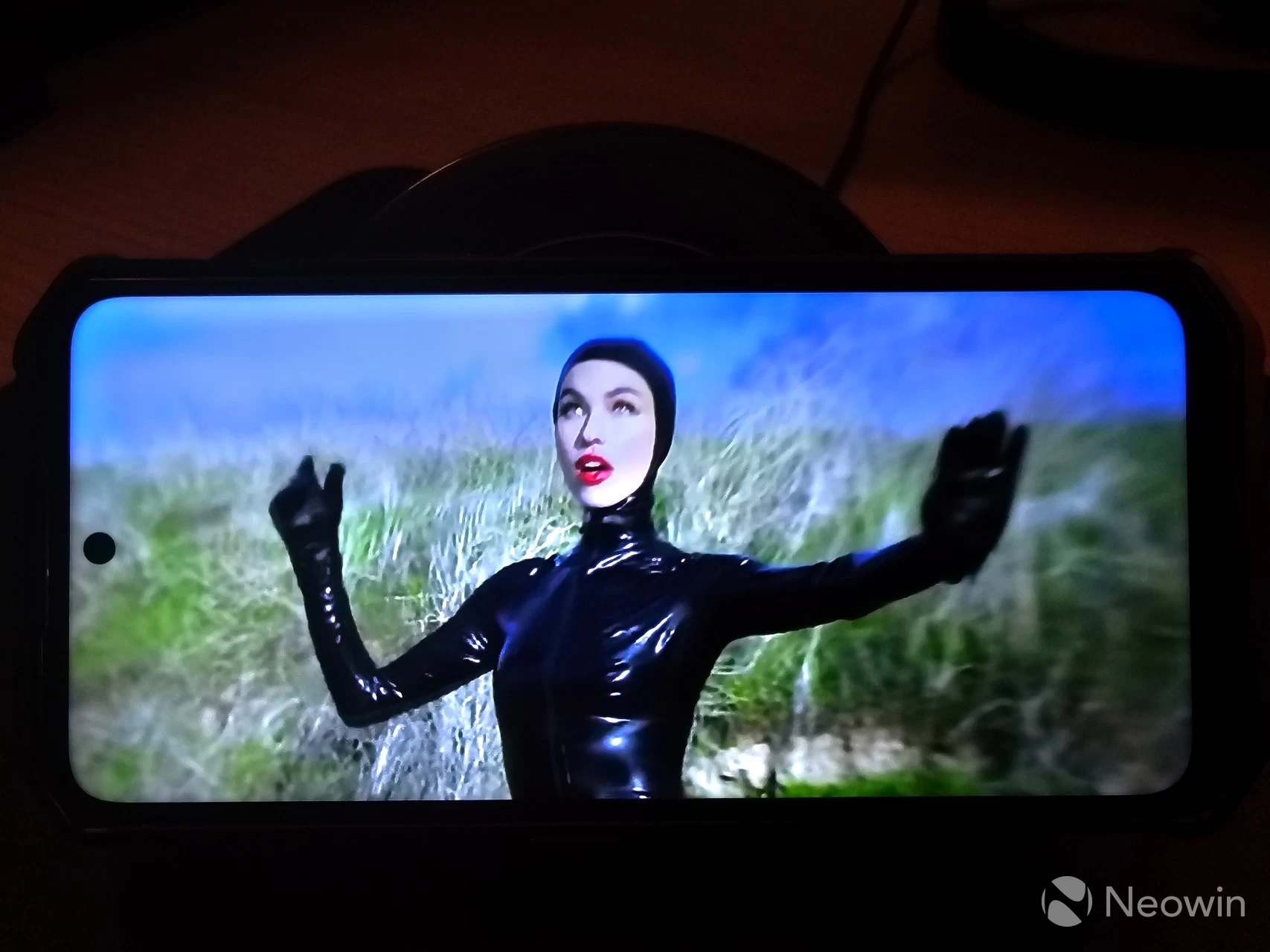
The G3 PRO has a 6.72” LCD FHD+ screen with a maximum resolution of 1080 x 2400 pixels and a 19:9 aspect ratio with unspecified glass protection. It"s not fancy by any means, but I didn"t plan on watching 4K HDR movies on it anyway. The display is bright and vibrant enough to look at. There"s a 120 Hz screen refresh rate which can be set to 60Hz, 120Hz or "Auto" what that does is unclear, maybe it switches between the two or is actually fully variable, but because it isn"t AMOLED, you aren"t getting an Always on Display, which is a shame, but it does have 9 points multi-touch which means you could set up quite a lot of gestures if you want.
Oddly enough, this phone does not come with a notification LED, so when you have it sitting on the charger, there is no way to tell if anything happened while you were on a toilet break; you literally have to wake the screen to check the notifications. This seems like a weird and frustrating omission.
Cameras
As I have said in previous smartphone reviews I"ve done, I am no camera buff, I"m a point and shoot kind of guy, but it is clear to me that smartphone makers seem to want to concentrate a hell of a lot on camera quality, sometimes at the expense of other features, and here is also no exception. On the rear, we have a 64 MP rear shooter with a f/1.73 aperture and unknown FOV. There"s also a 2MP macro camera, both made by Sony.
Unfortunately, there"s no optical image stabilization (OIS), which is a common omission on mid-range phones, so it is definitely a disappointment because I took some photos I had to dump due to shaky hands. Apparently, Google gets around this with its Pixel phones by using the gyroscope for stabilization, but no such luck here.

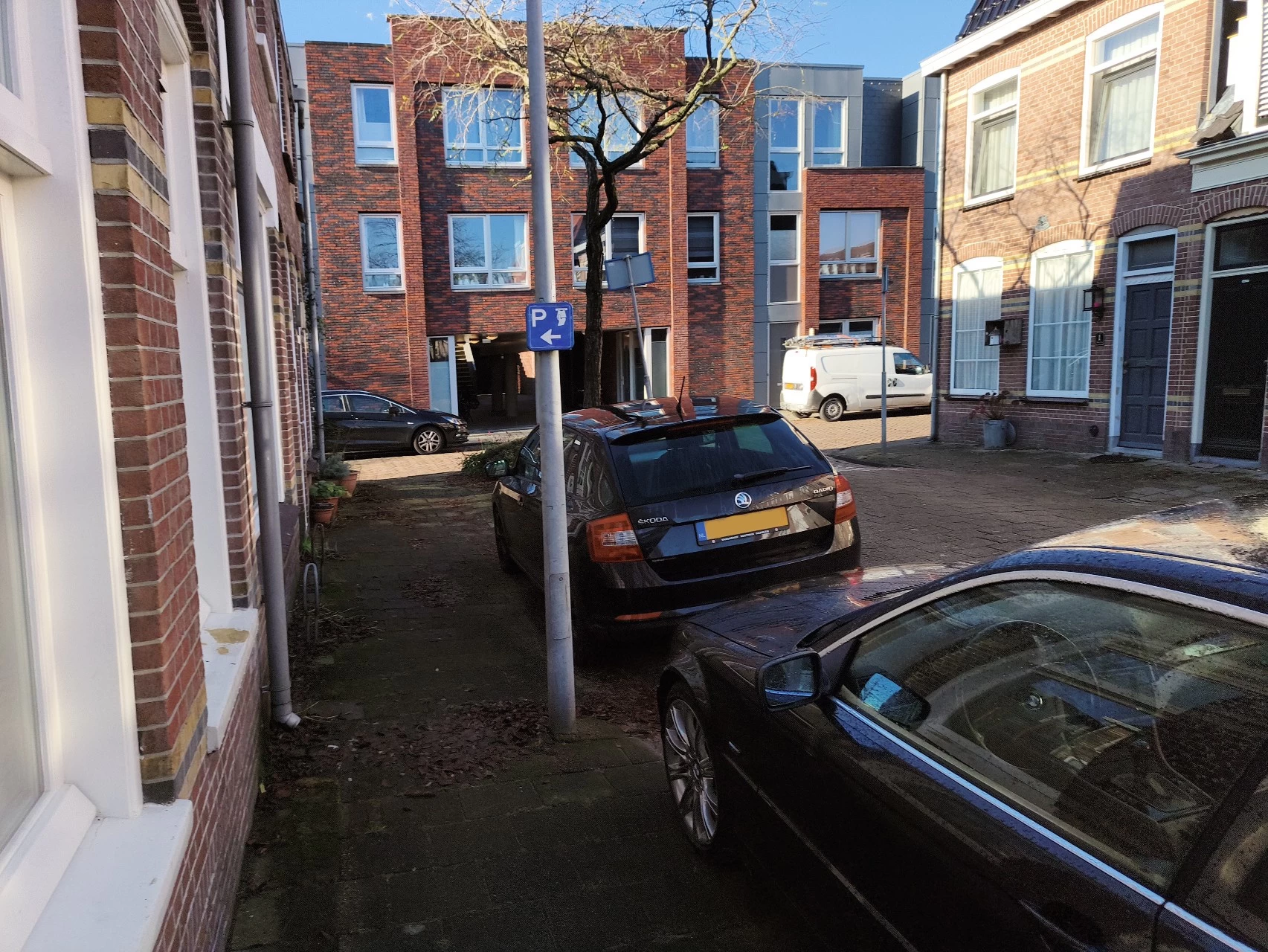
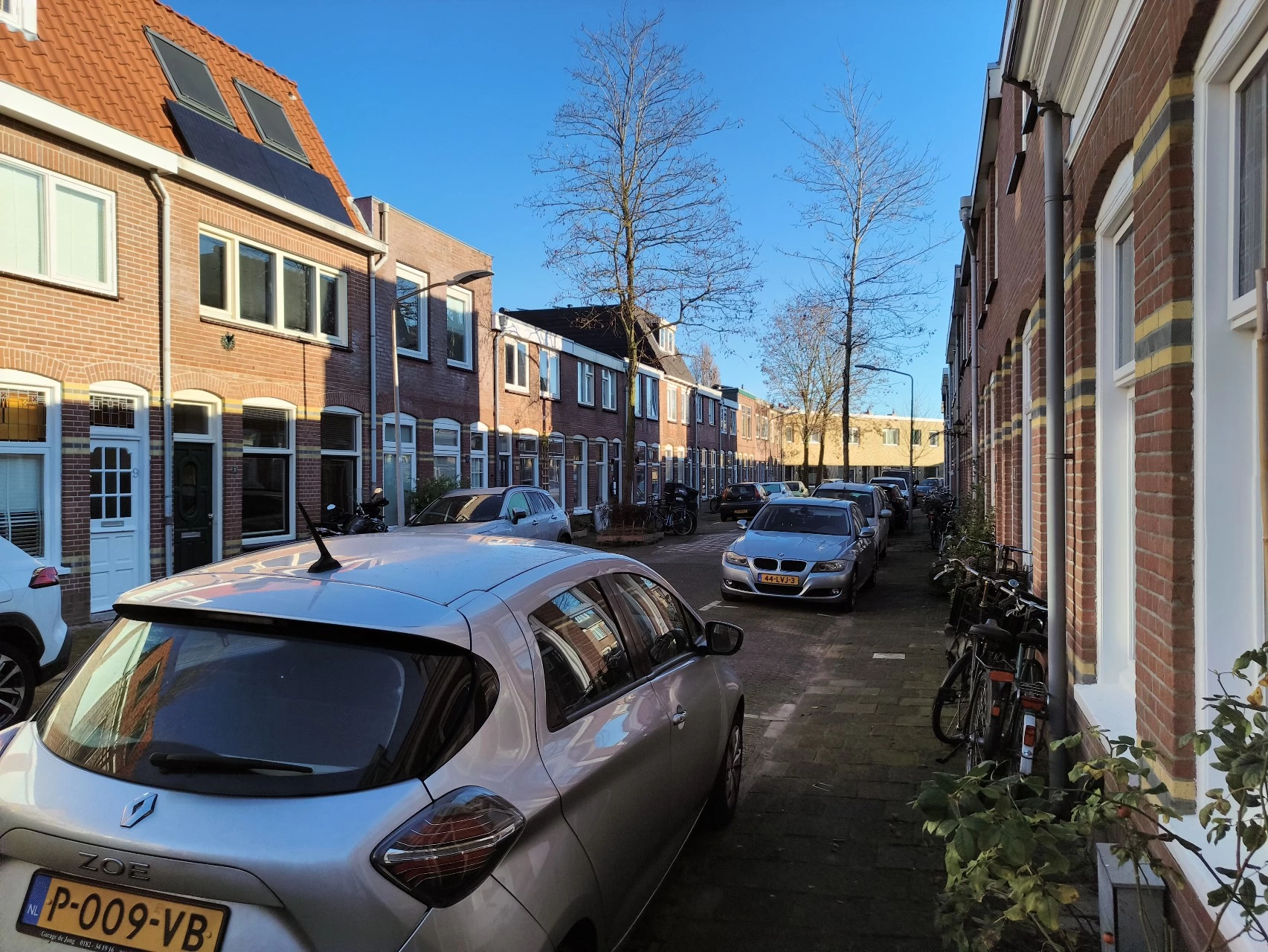
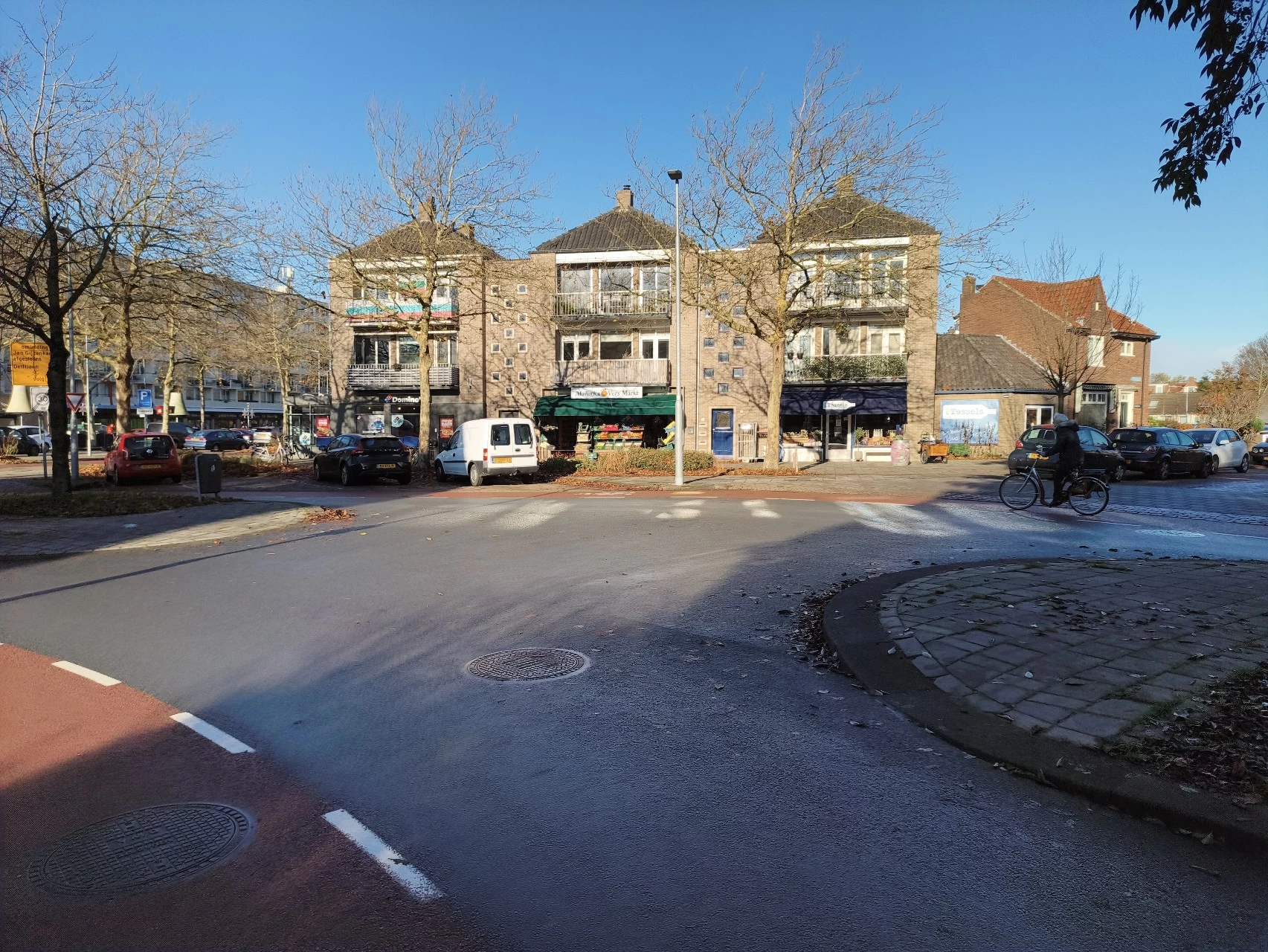
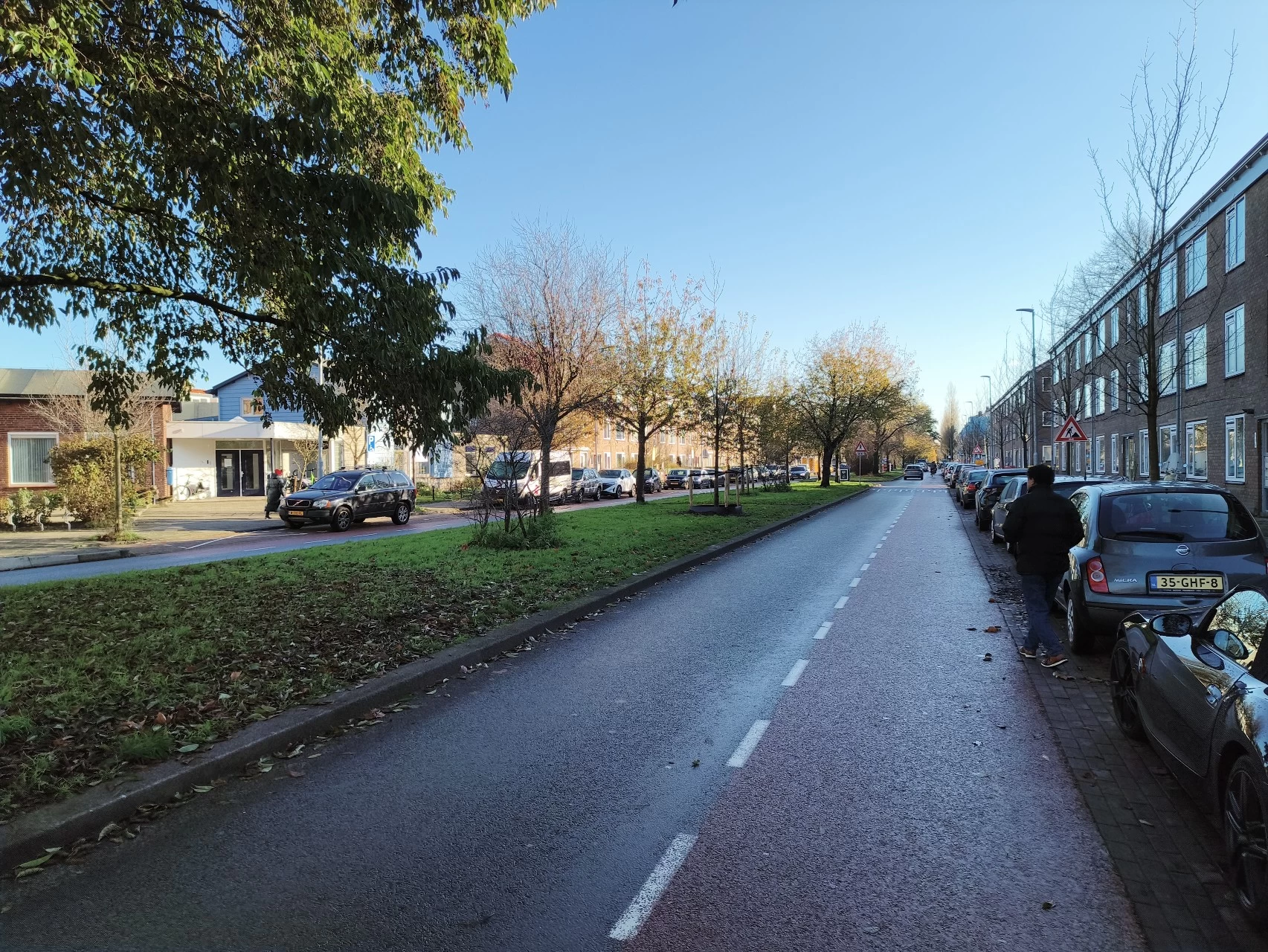
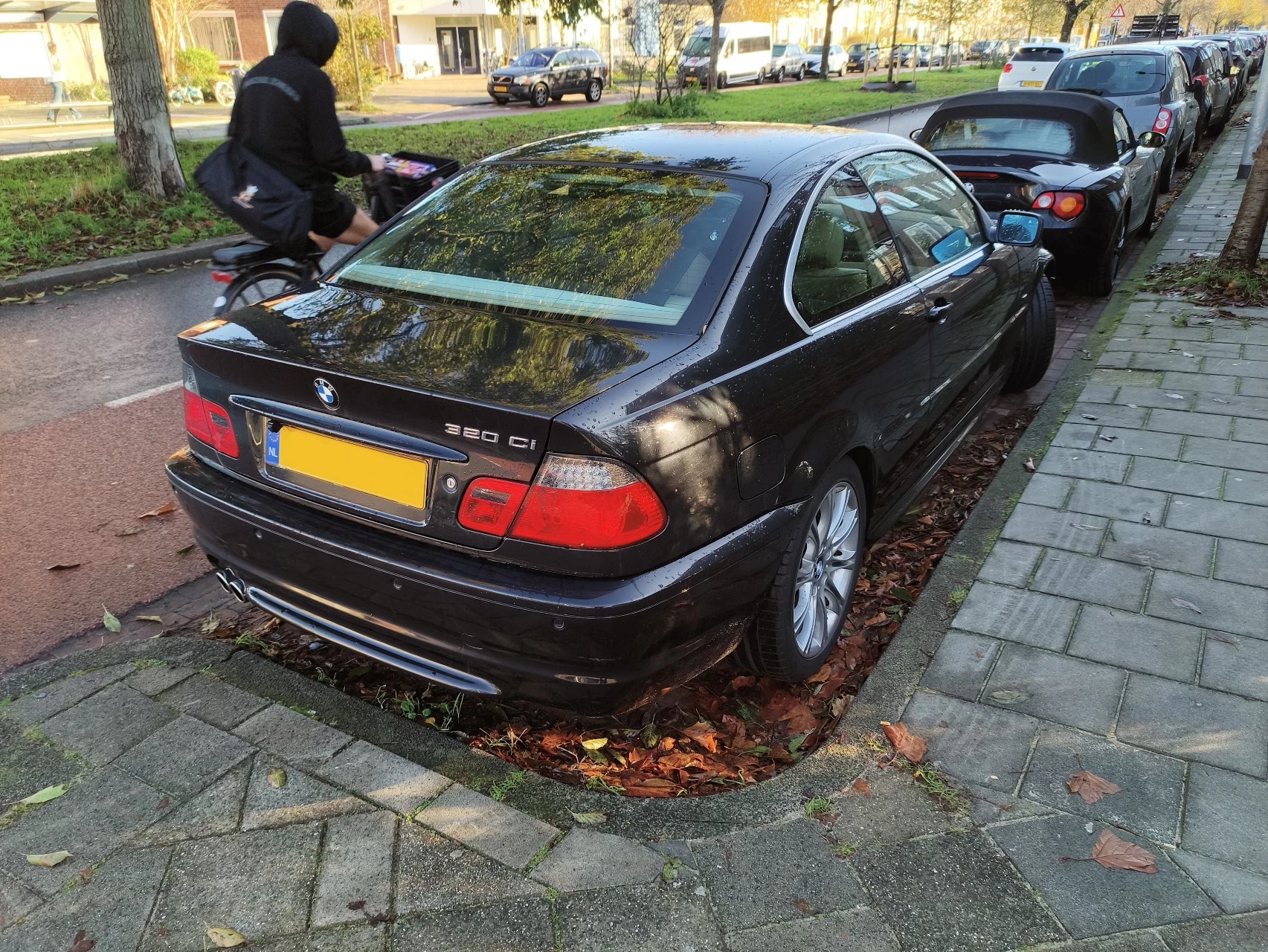






When taking photos, I left almost everything on the default setting. One thing I"ll say is that if you have a steady hand, you can get some decent pictures out of this phone. I dumped some blurry ones, as it looked like I started to move the phone away before ending the shot. For a work environment, it is acceptable, but I would have liked to see some optical image stabilization here.
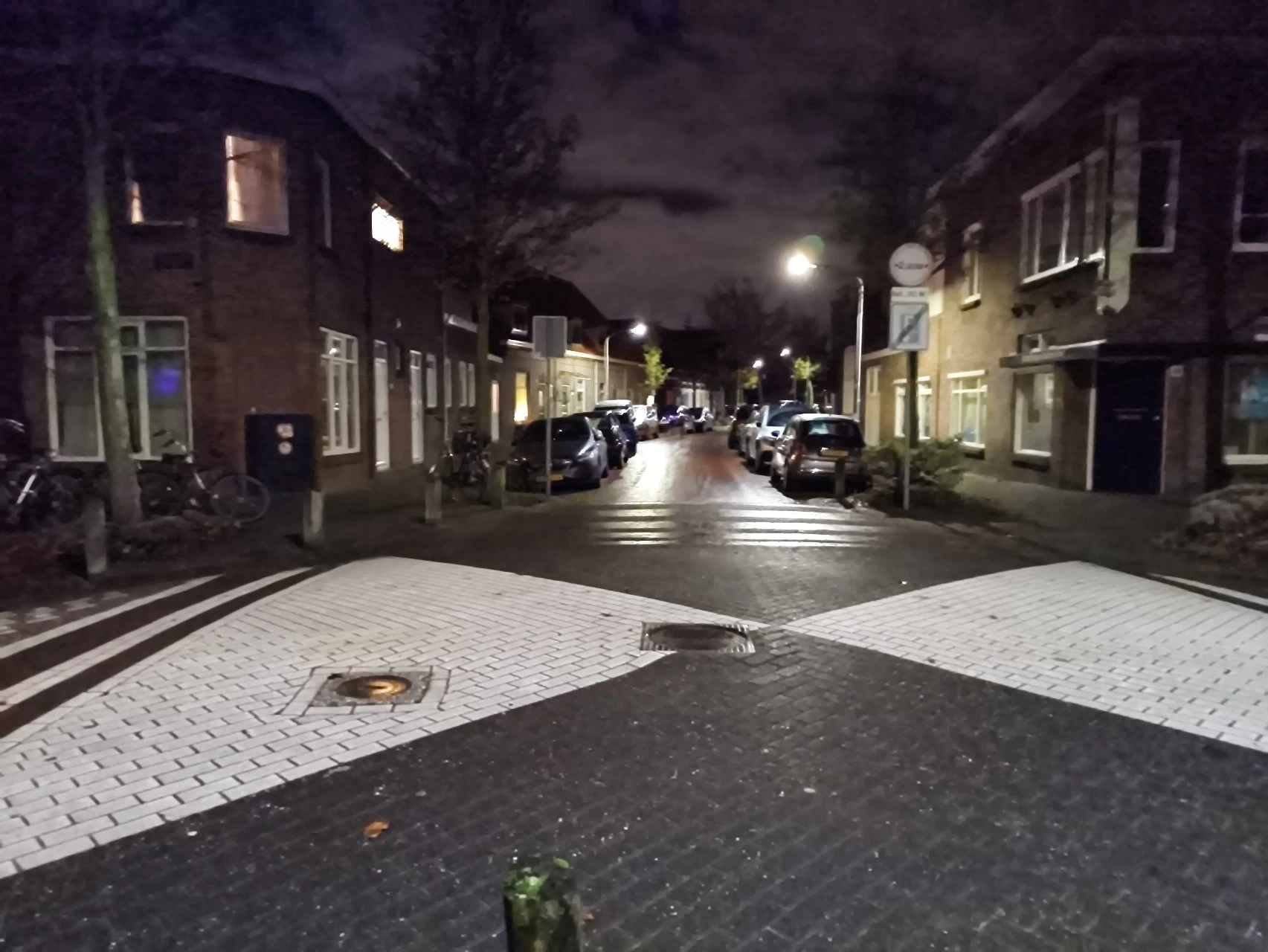
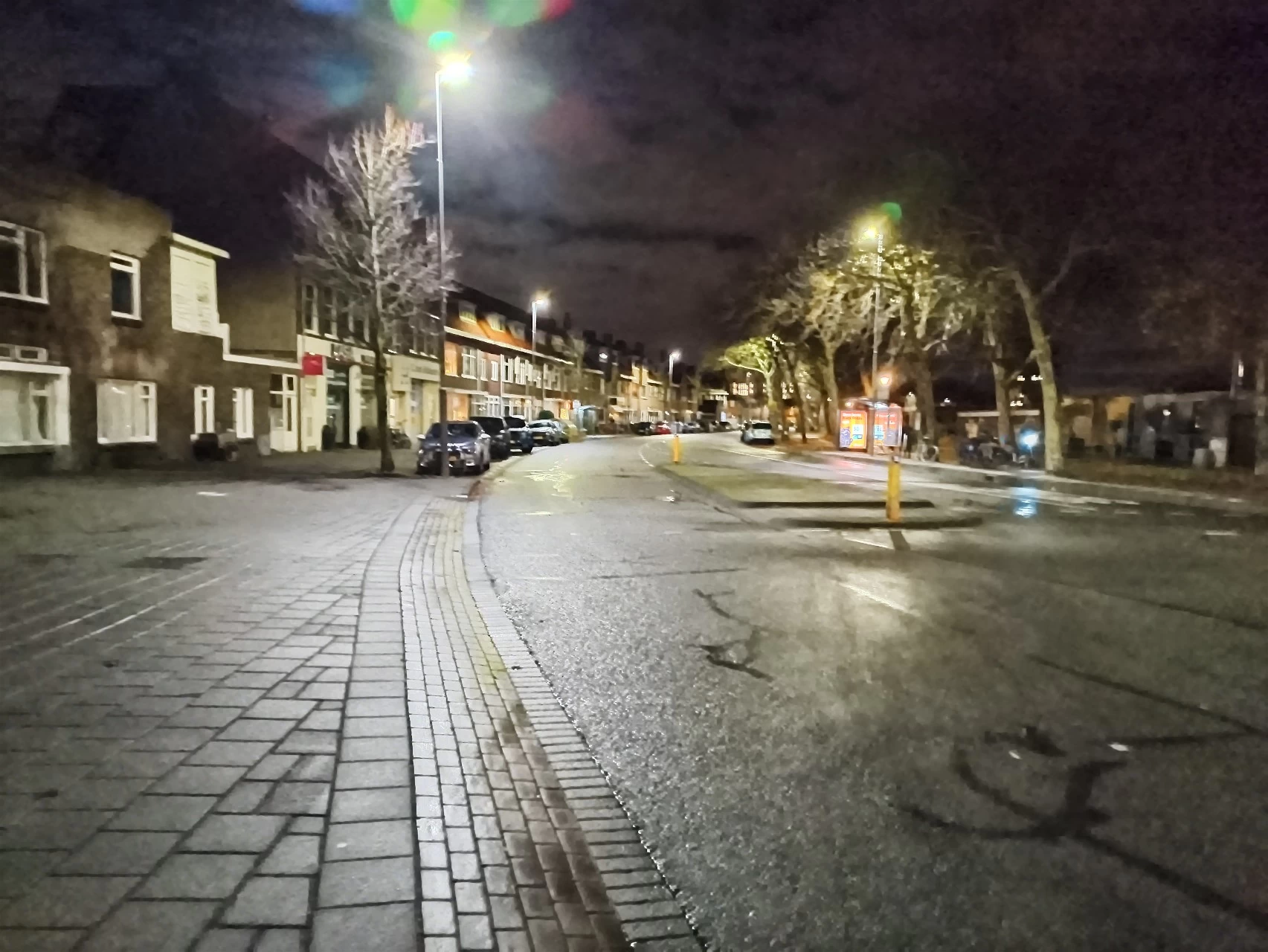
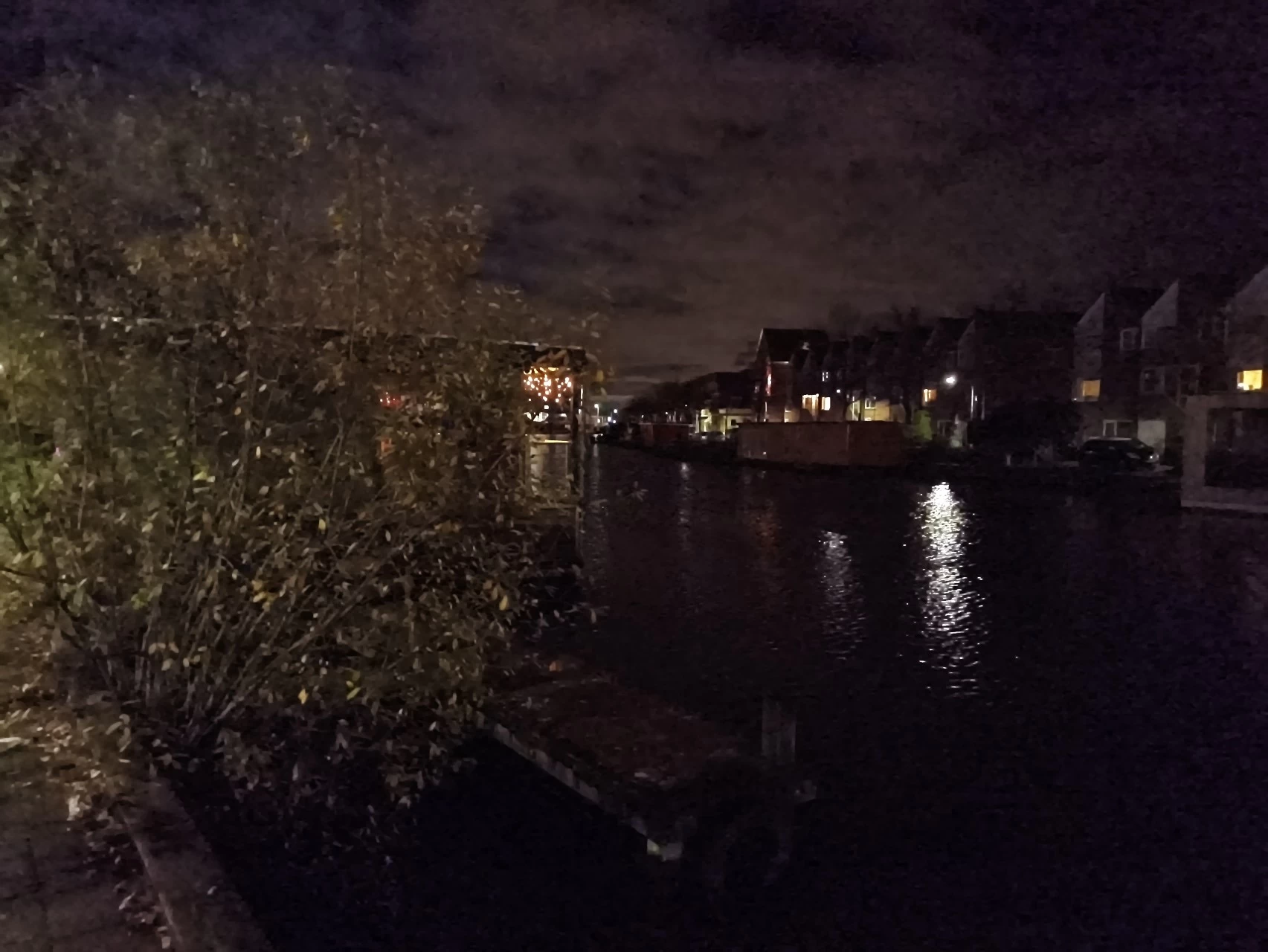

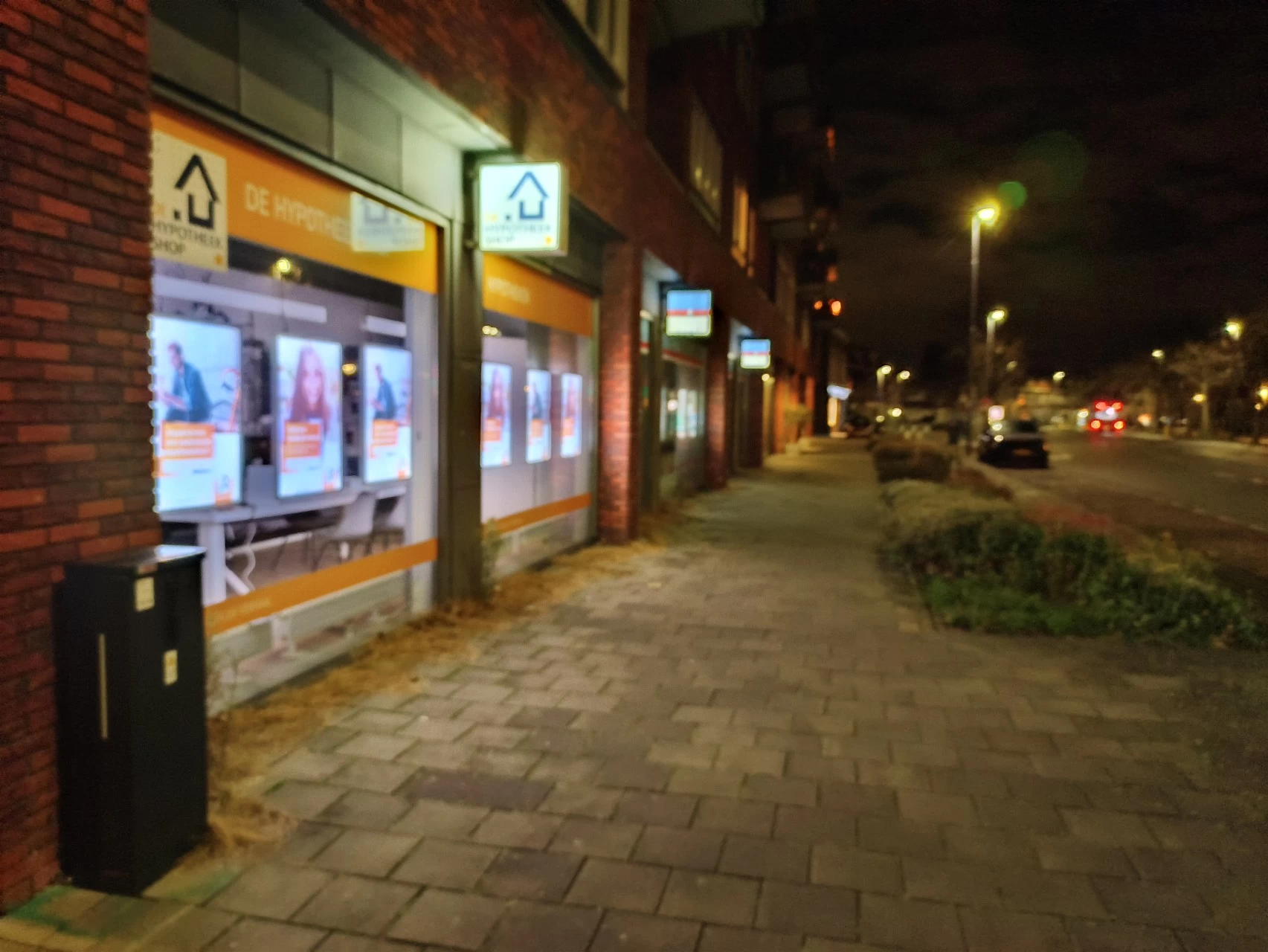
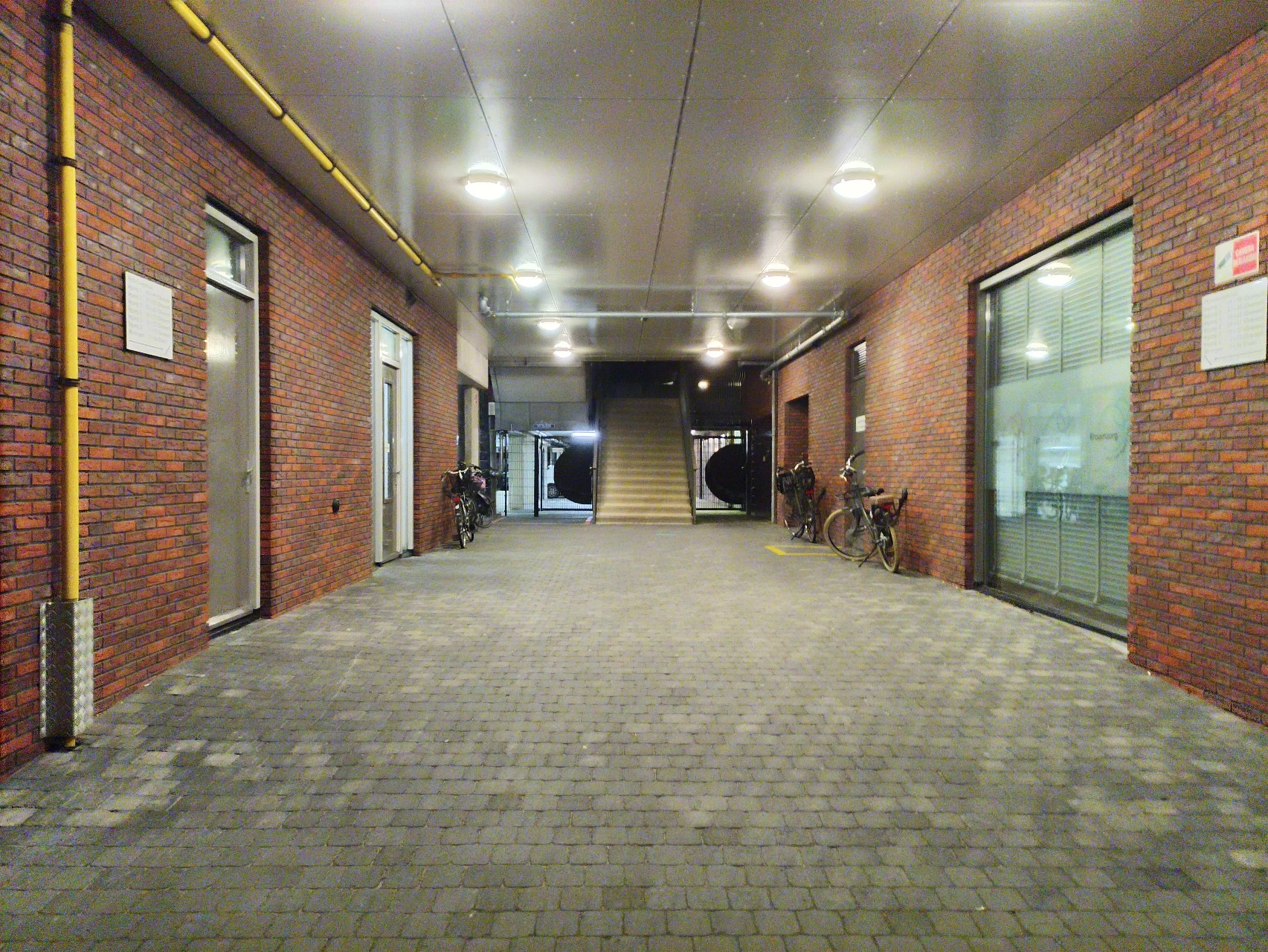
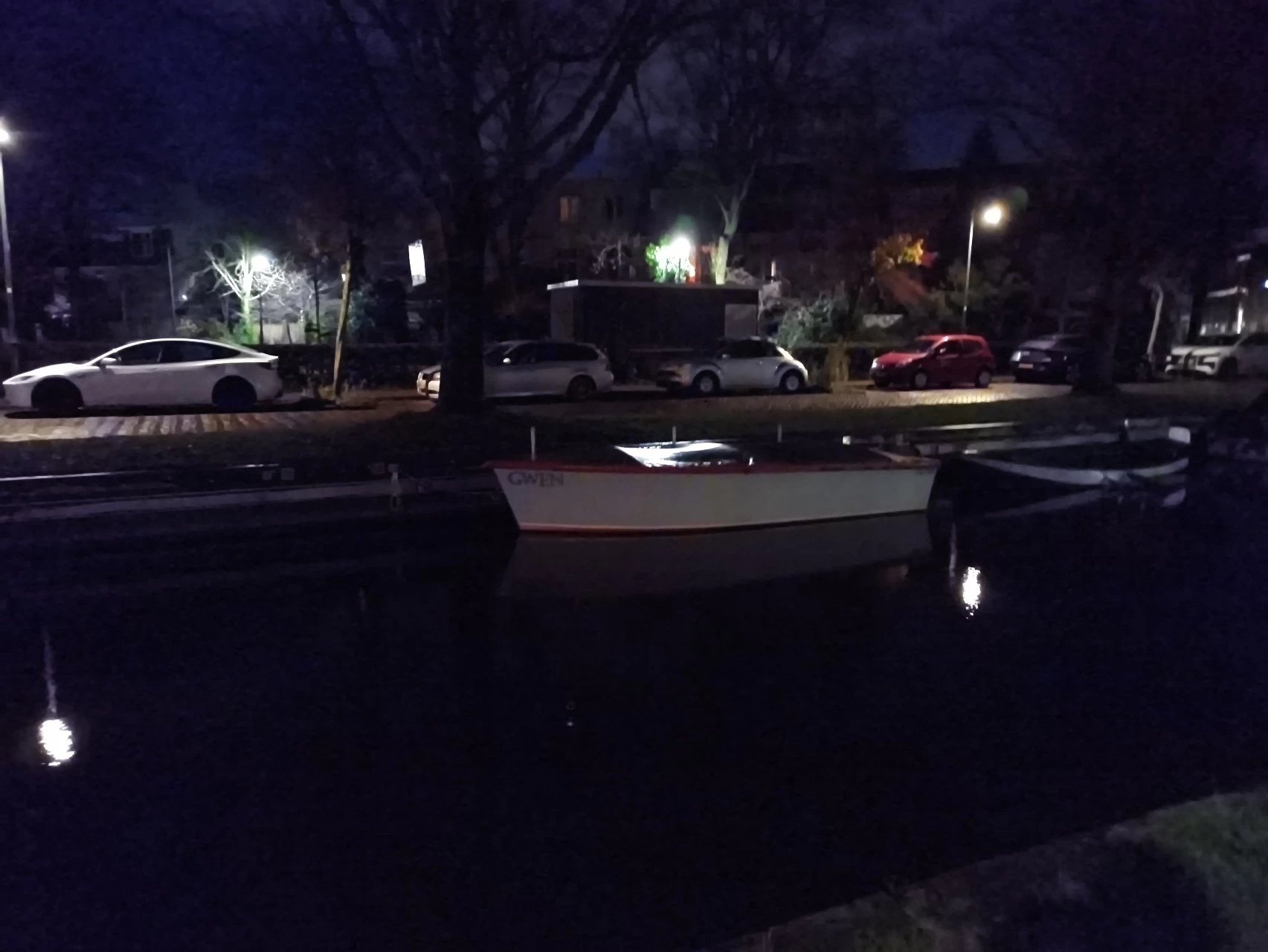
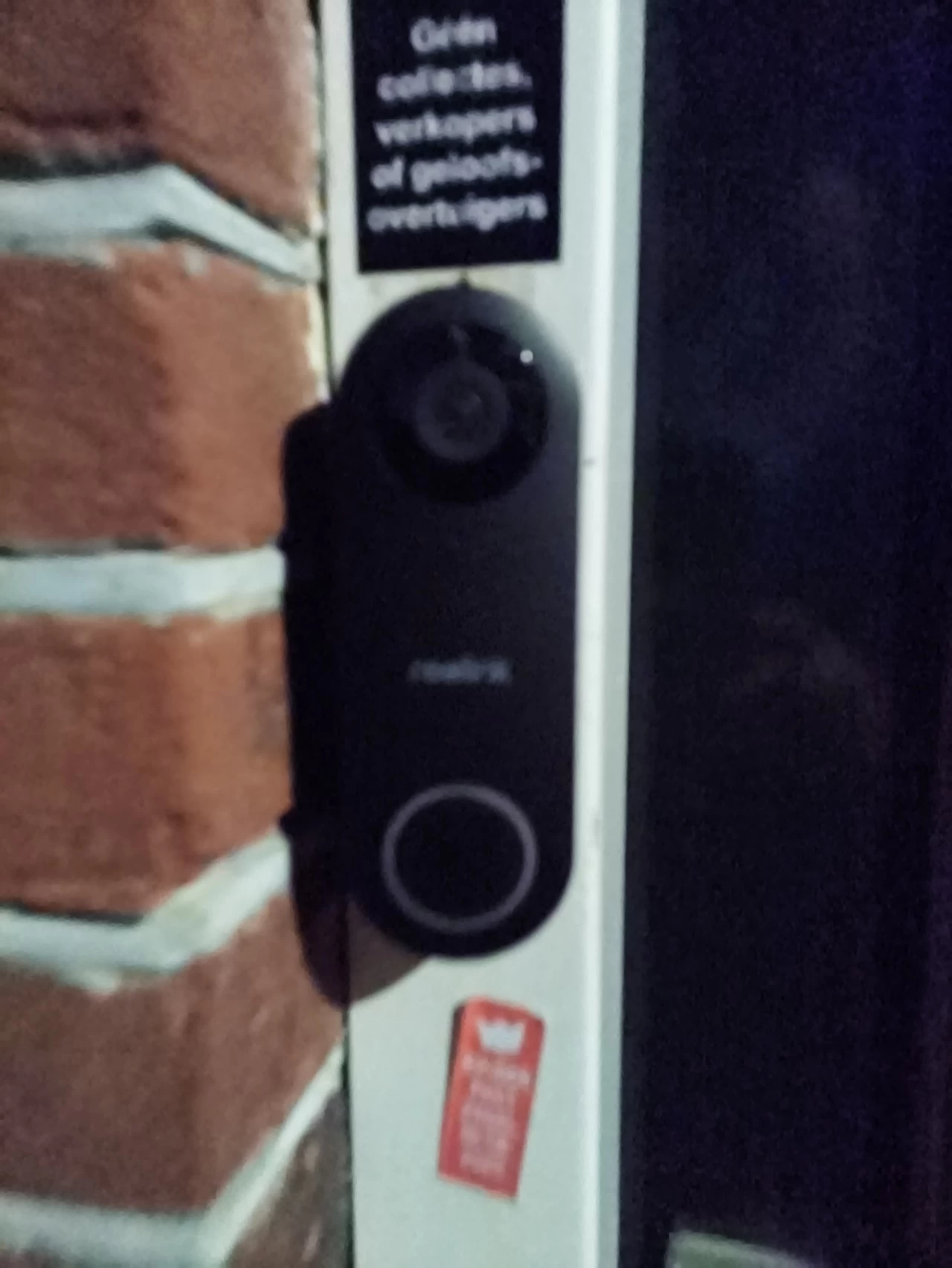

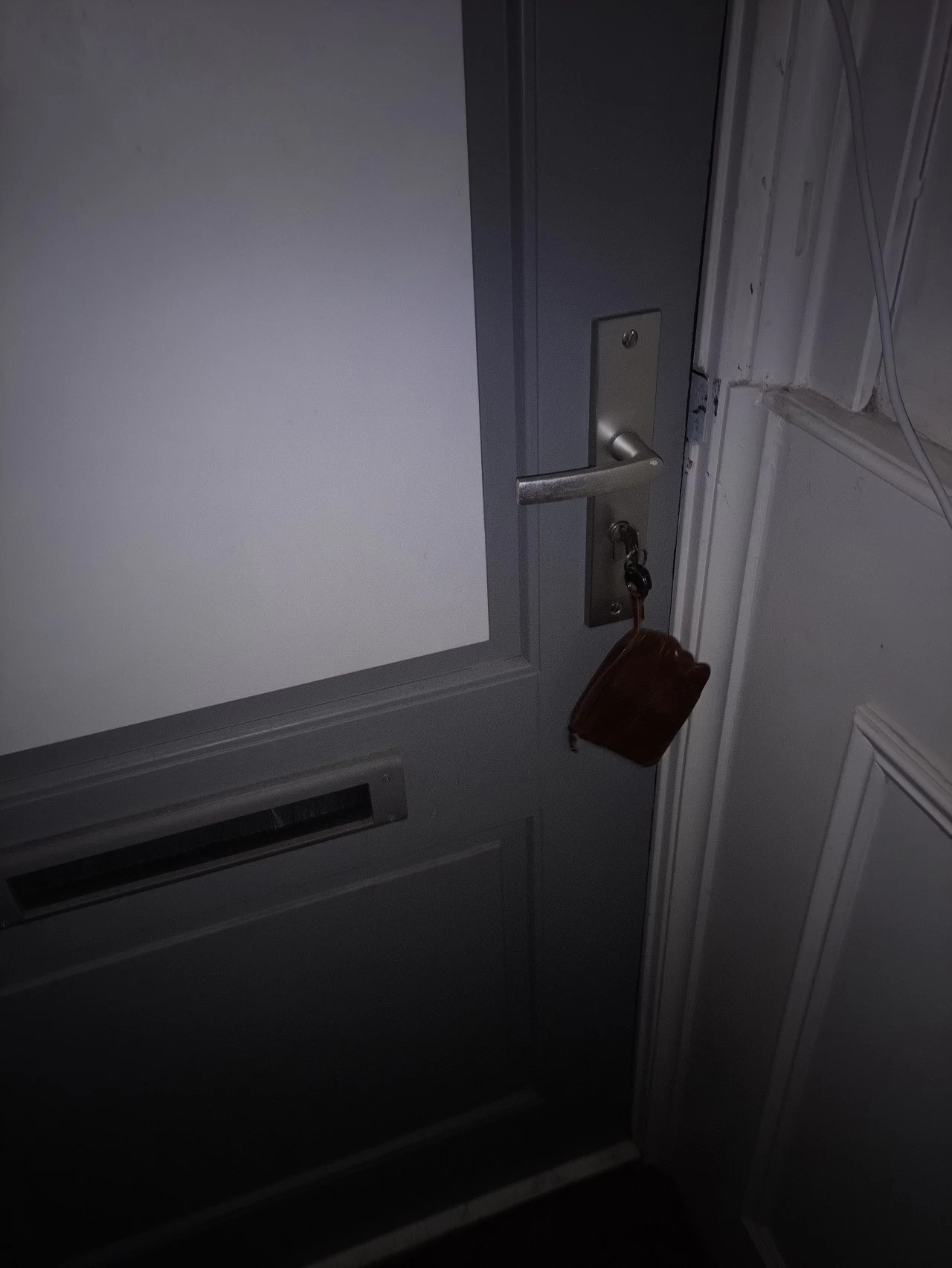
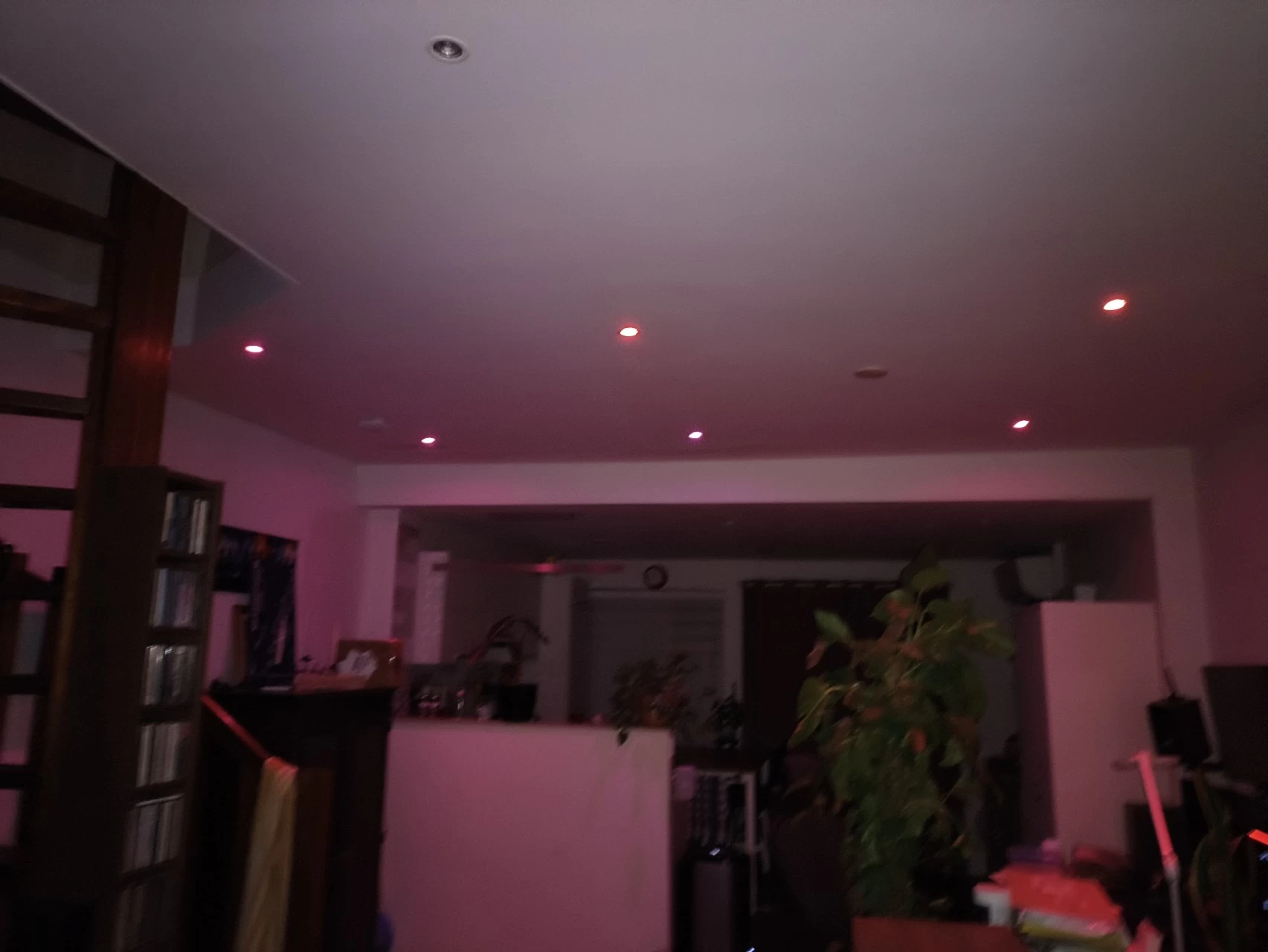
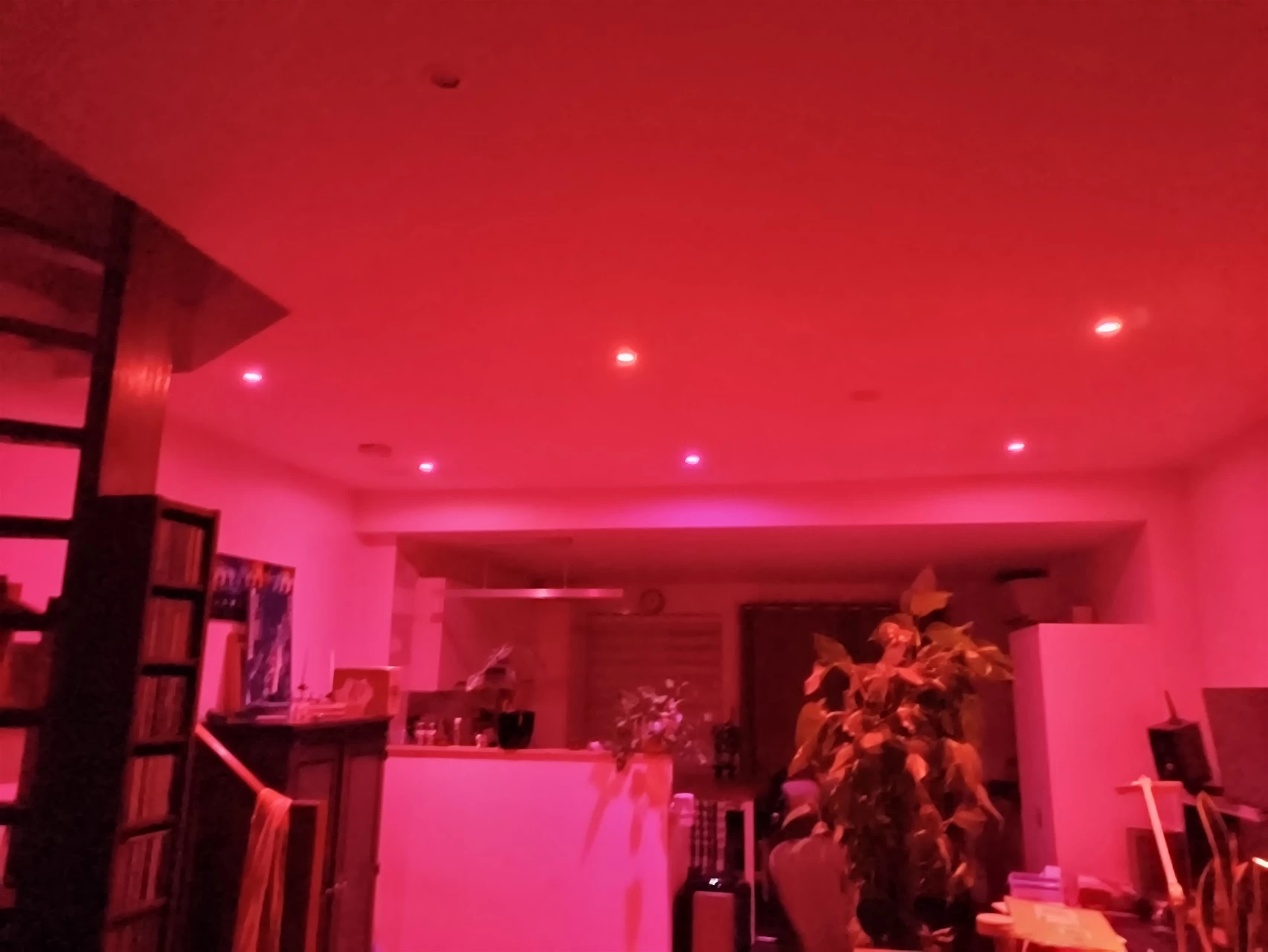
Shooting scenes at night is frankly... abysmal. It looks like the camera has trouble focusing at all at night, and when zooming in on anything, the result is mediocre, which is a shame because the zoom looked far better on the display, just not the final result. I"d have to say that this is the worst camera I"ve used at night with all of the phones I have tested to date.
Thermal
Another selling point of this phone is that it comes with thermal imaging capability. However, there is no Thermal Imaging User Manual in the box. Instead, you can find the "Thermal AGM" app on the main home page and in the app drawer; as with the Doogee S98 Pro that I tested, it is only linked to the Camera app for the purpose of saving snapped images, you can"t invoke the thermal setting through the Camera app itself.
| Full settings page | Can also set temp unit |
|---|---|
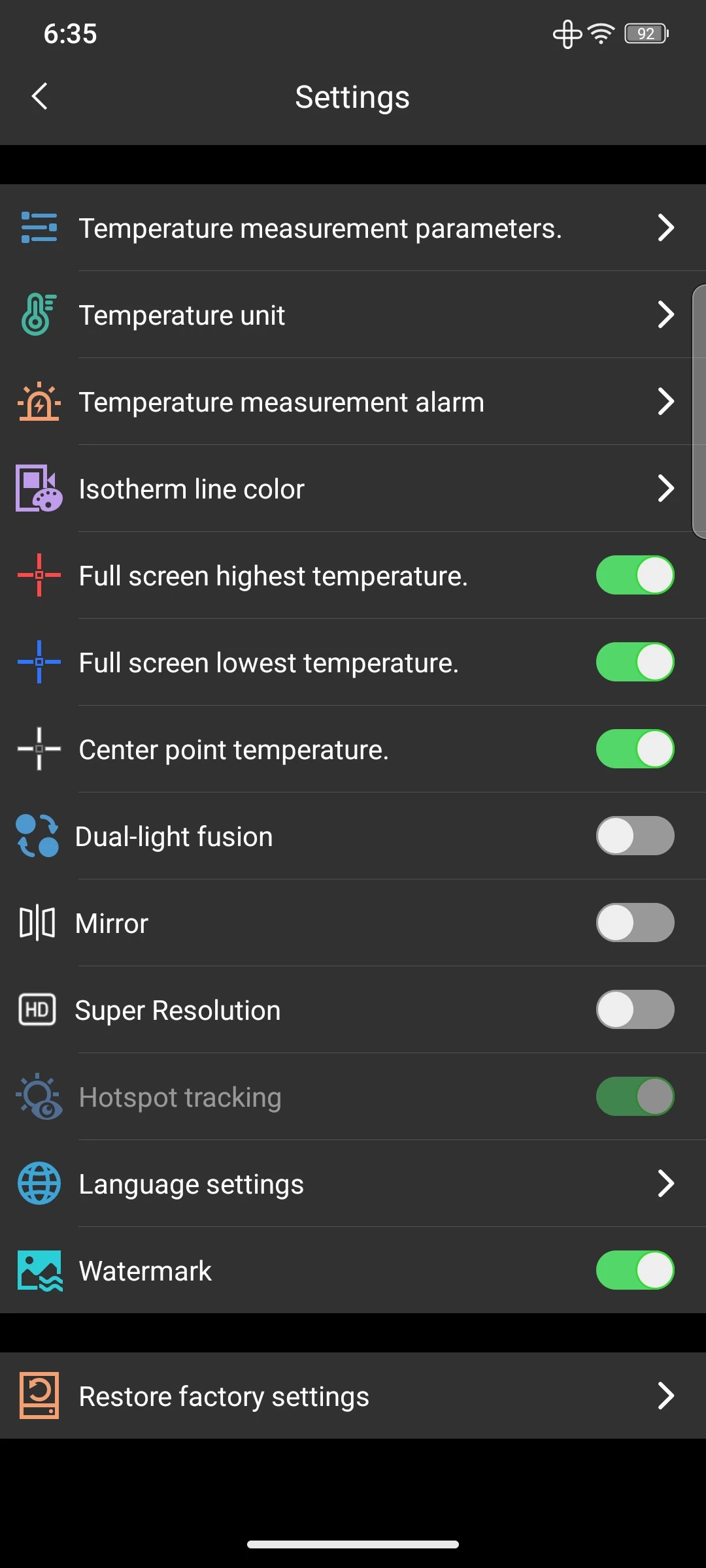
However, there are plenty of settings, including one that lets you disable the watermark. It doesn"t just shoot pictures; you can record a video if needed as well.
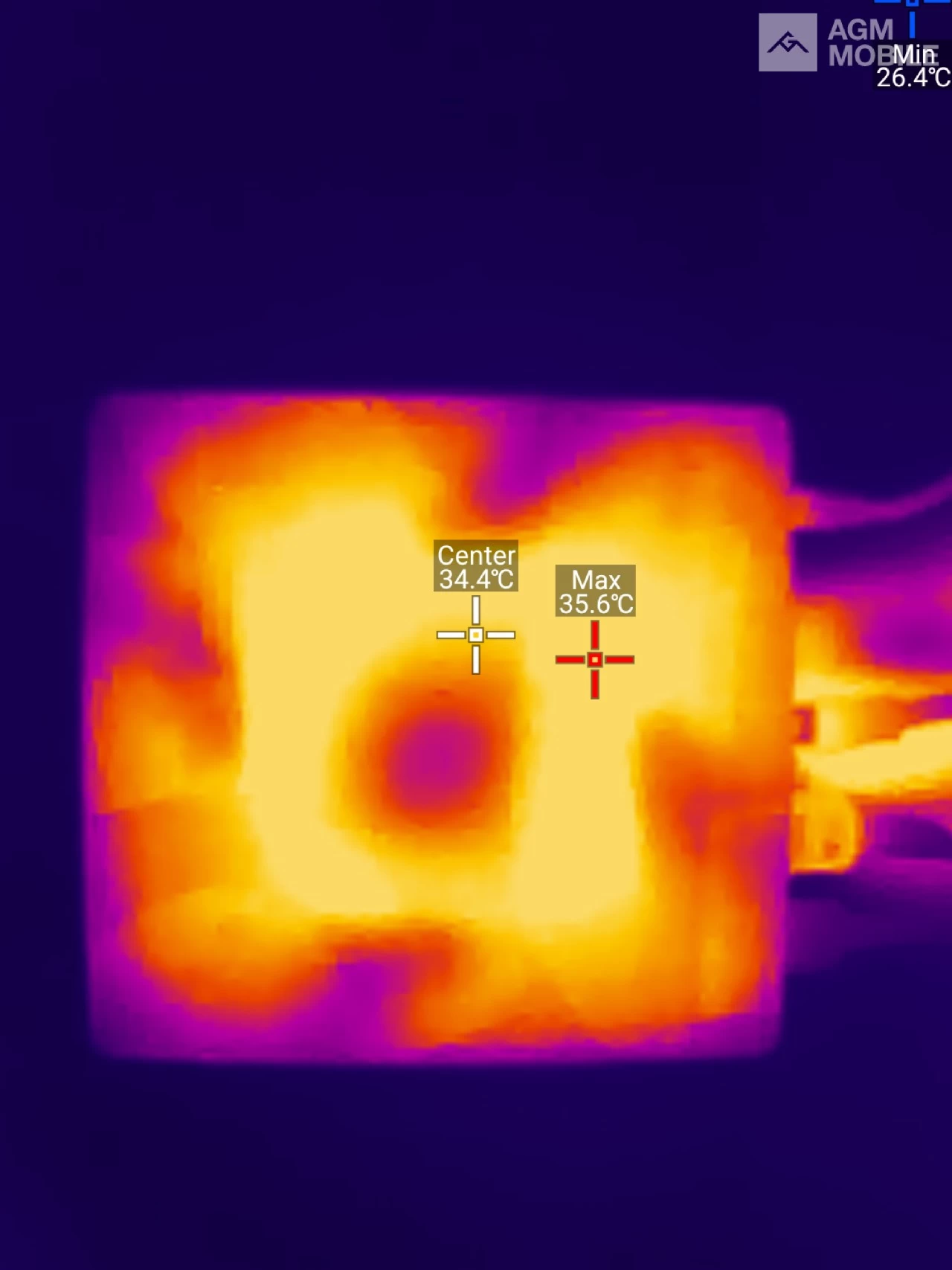

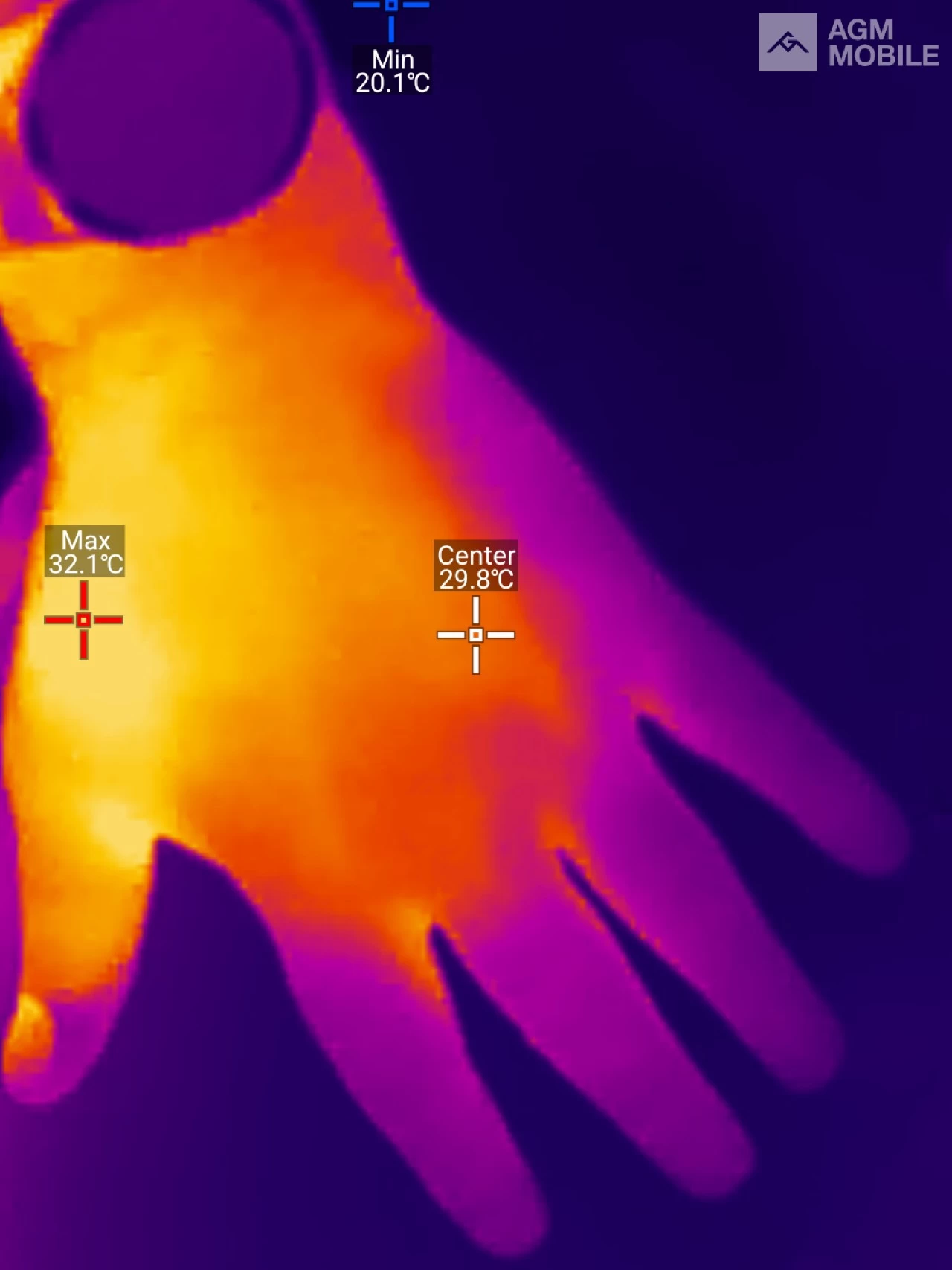
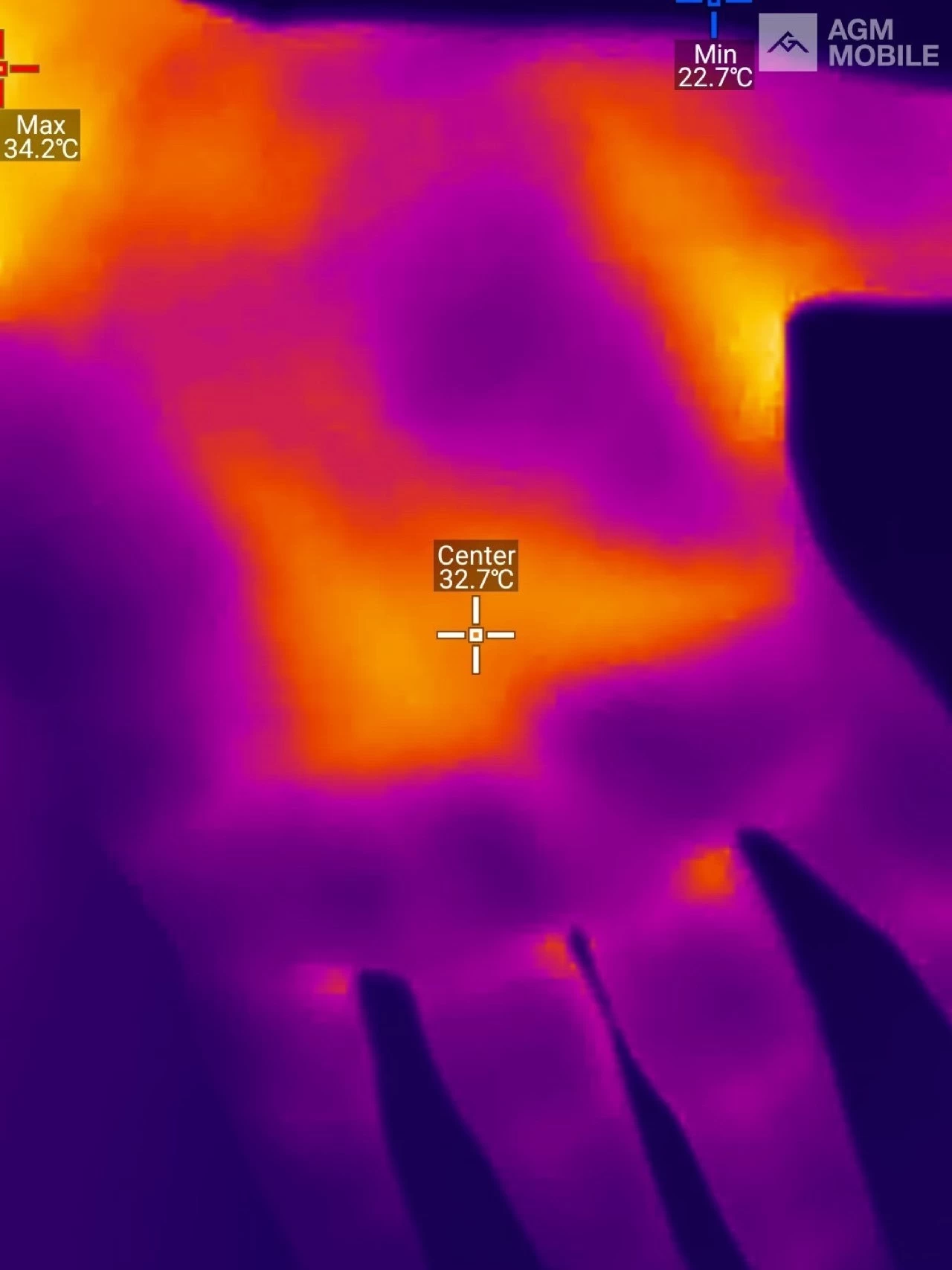
Top left is the top of a GMKTec M7 Ultra that I am reviewing, and while running the 3DMark Fire Strike benchmark, top right is the bottom of that Mini PC, also while running that benchmark. The bottom left photo is the top of my hand in my relatively cold WFH space (outside temperature is 5 °C), and the bottom right photo is of my palm.
It"s pretty decent. What I like about it is that the target cross hairs don"t jump around while you are pointing at the object you want to photograph; they appear to update every second and will move if a colder or hotter temperature is detected.
Anyway, from my brief testing, I would hardly call it specialized equipment for an engineer. I"d say that this could be used as a first response for thermal imaging and video recording needs, and before applying specialized equipment, nothing more.
Performance and Battery Life
Calling
Before I forget, I placed my physical Nano SIM and made a call, and the call volume was acceptable, which should be the minimum to expect from any smartphone; the person on the other end could hear me fine too.
Charging
The phone offers fast charging through the wall charger at 33W. AGM"s only claim about the battery is "MORE THAN A DAY", but I can confirm a week of not using it draws 50% power after some initial light usage. That"s by no means a thorough test, but who cares when you have around 5,000 mAh more than most flagships can offer? And flagships are power-hungry too.

| Drops | Peak |
|---|---|
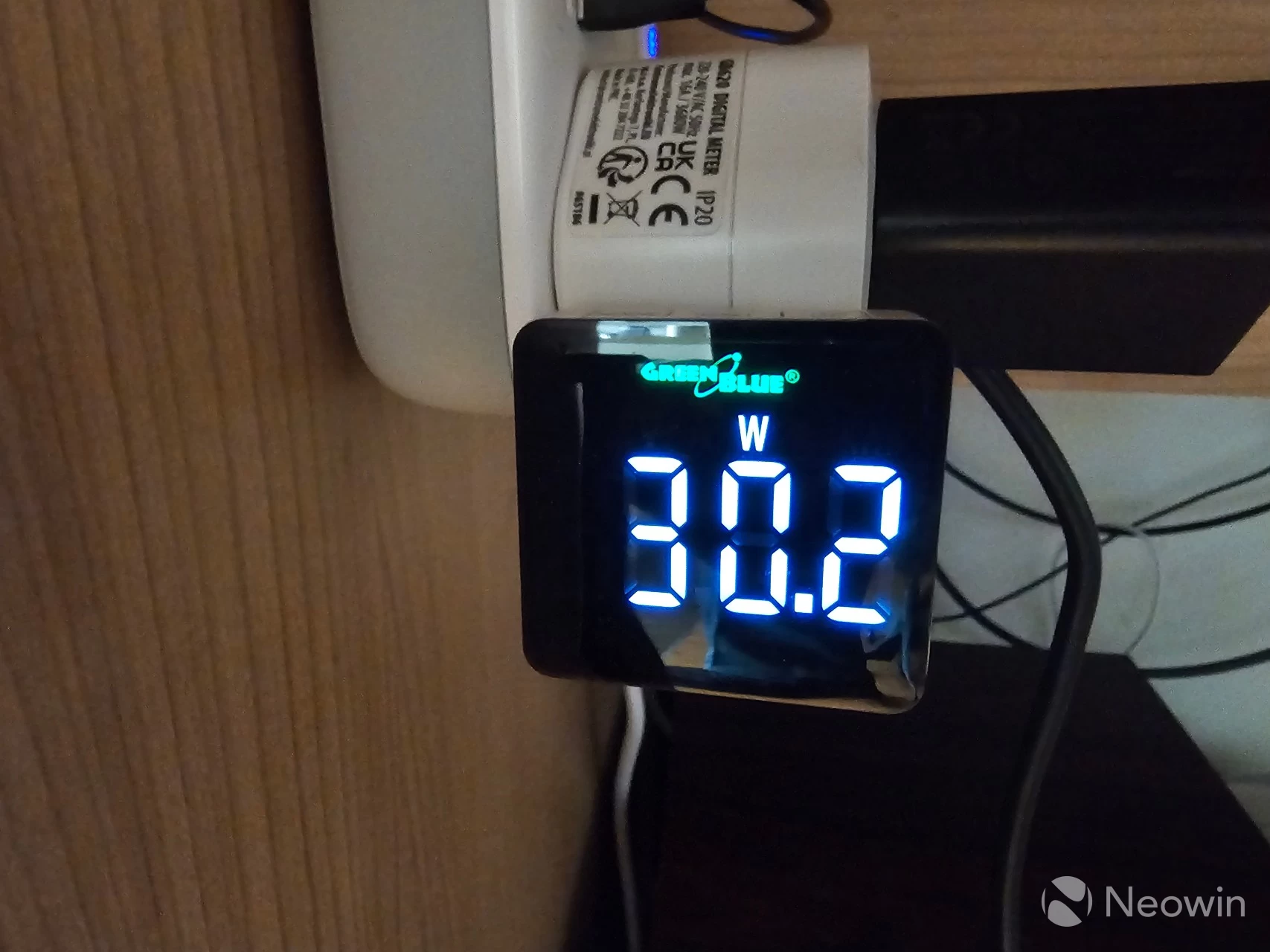
When charging from 20% after completing the Battery life test (results of that below), I never saw a peak over 30.2W, and the charge would drop sporadically down to 10W, hovering around 15W before going back up to between 24-30W. It took three hours to charge from 20% to 88% after which it would not continue charging. After unplugging and replugging, the charge would creep up to 90%, but after waiting an hour and seeing it was still on 88% I decided to move it to a Samsung Wireless Fast Charger, and there it completed the charge to 100% in around 25 minutes!
Benchmarks
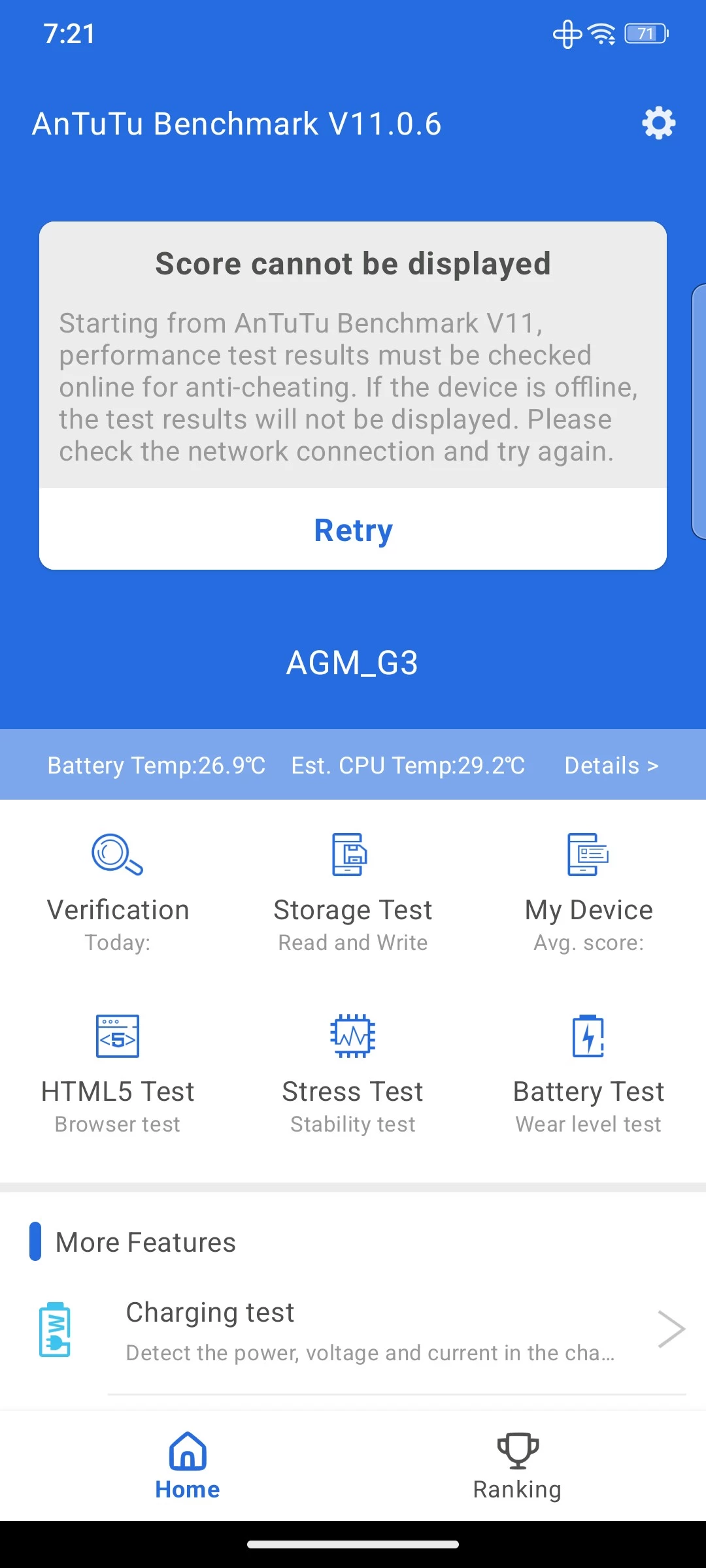
No review would ever be complete without some benchmarks. I usually use AnTuTu v10, but now the official website is only offering v11 and after installing it and completing the benchmark, I got a notice that said the score could not be displayed because the app was unable to verify "anti-cheating" supposedly because "the device is offline" no amount of retrying allowed me to validate my score, and some searches online seem to suggest others have been facing similar problems and even questioning the relevance of AnTuTu. The G3 PRO was connected via WiFi to the internet, and I had no trouble connecting through other apps.
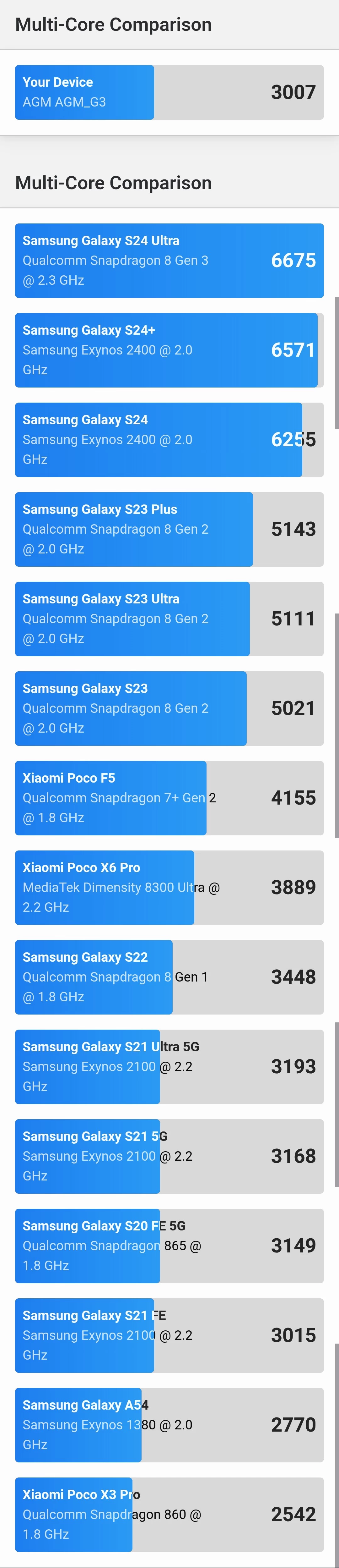
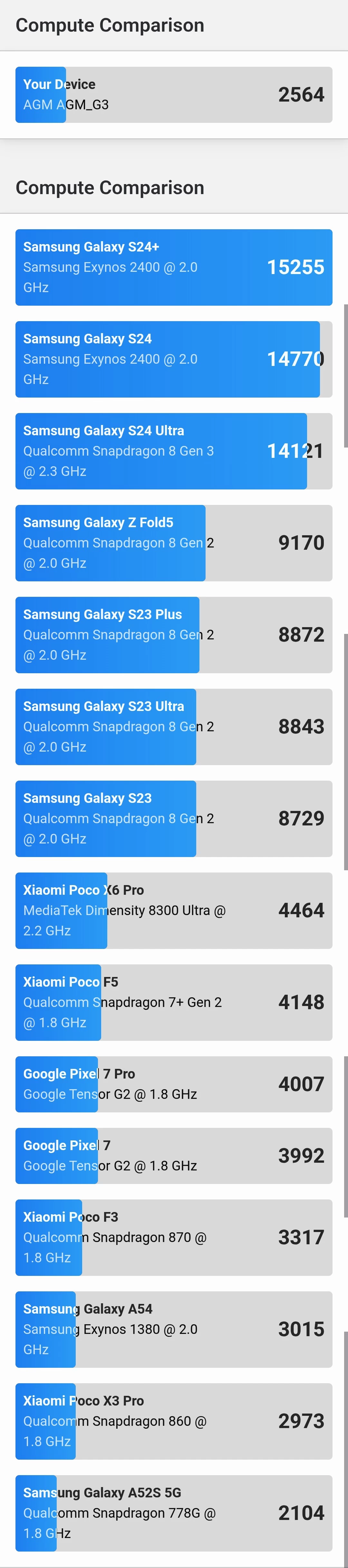
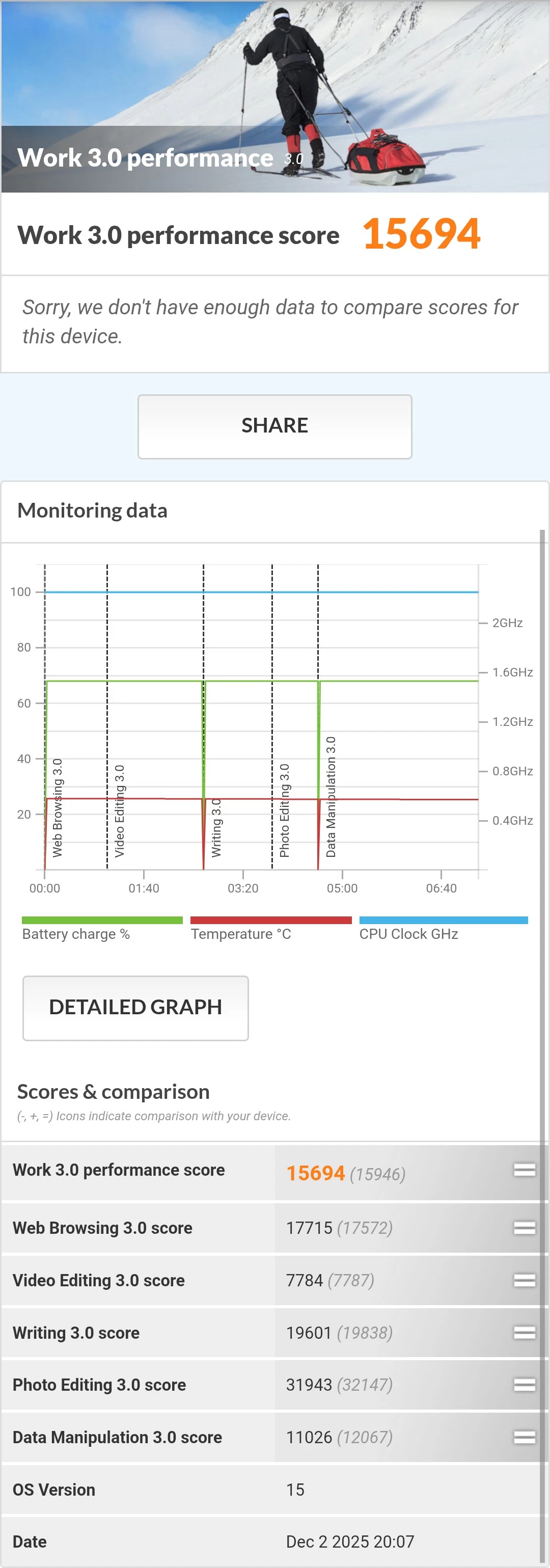
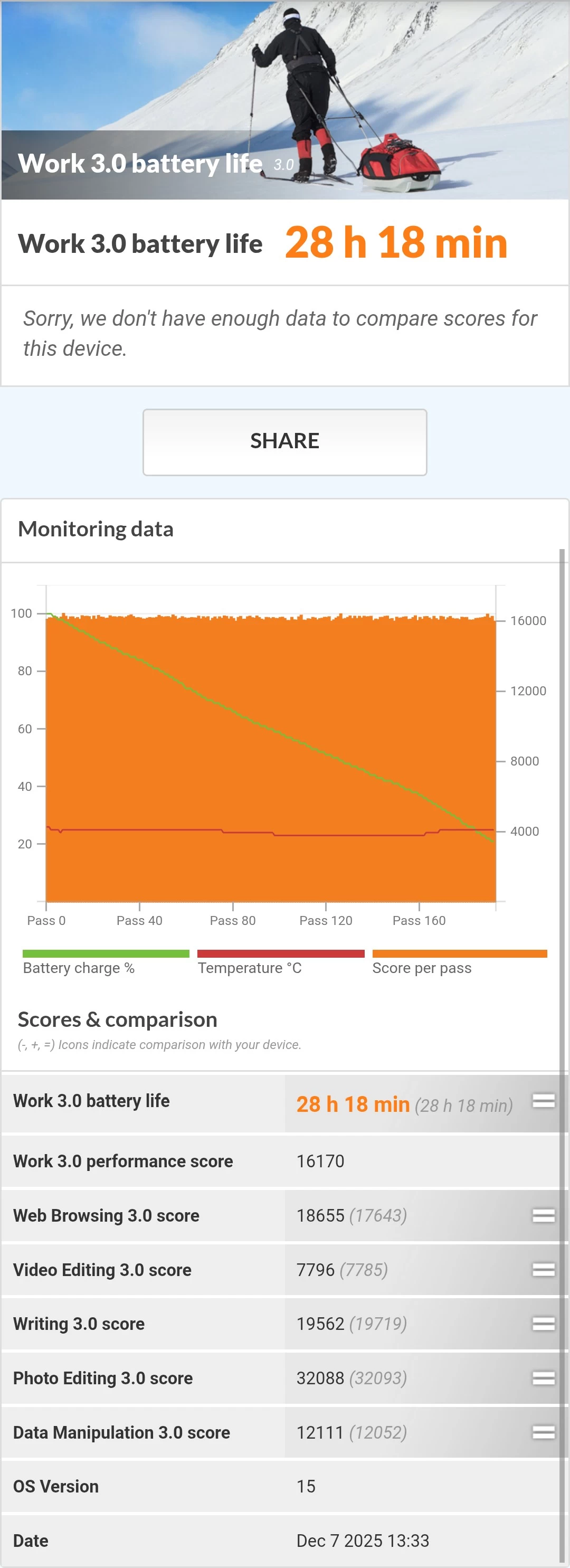
This leaves me with Geekbench 6 for Android, 3DMark, and PCMark, which you can view in the gallery below, with the full scores shown below:

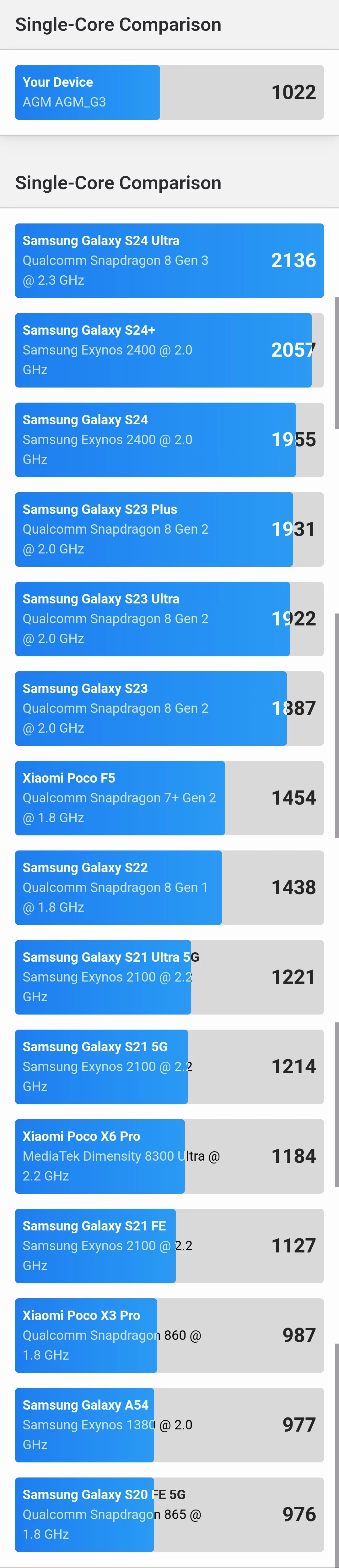

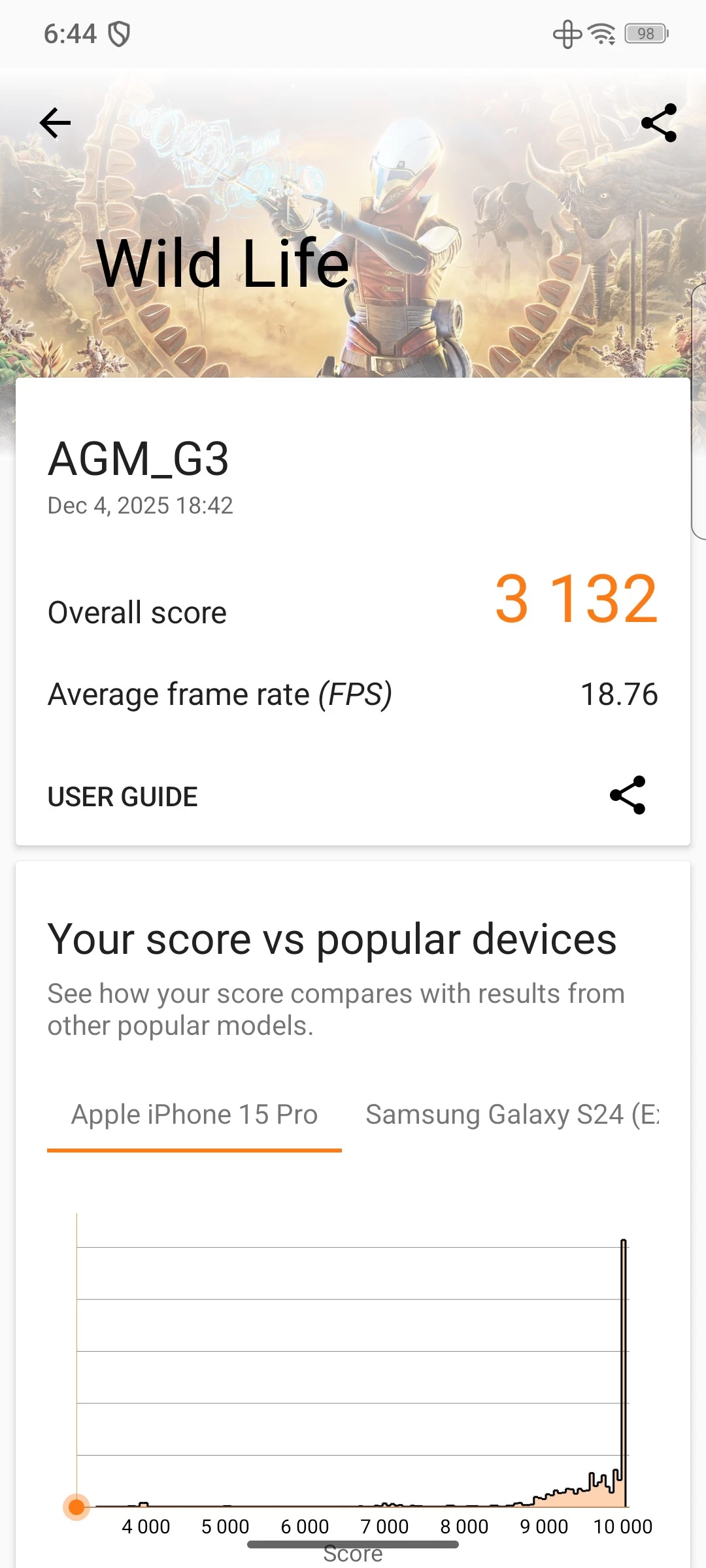
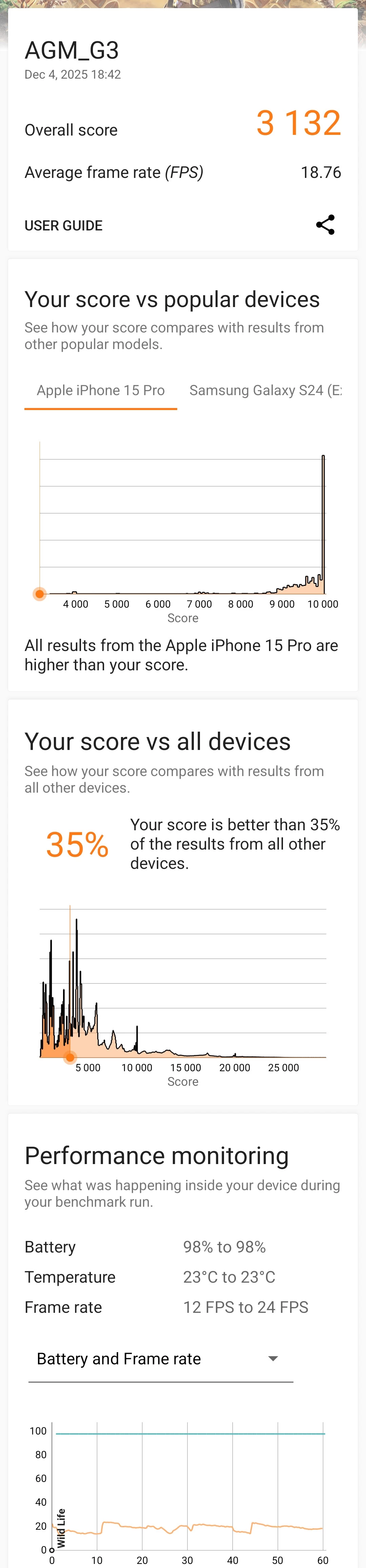
As was to be expected, the scores fall well below any current flagship with this mid-range MediaTek SoC, resulting in the below scores:
Geekbench v6
- CPU Single-Core: 1,022 CPU Multi-Core: 3,007 GPU: 2,564
Geekbench 6 returned a score of 1,022, which is around a third recorded on last year"s Snapdragon 8 Elite of 3,046 that we saw in our RedMagic 10S Pro. In Multi-Core mode, it"s the same story, around a third less at 3,007 compared to 9,632 on the RedMagic device. On the GPU front, it"s even worse with just 2,554 compared to the RedMagic"s 23,100. So please... check your expectations.
If you are wondering, Geekbench ran a series of short tests which measured things like web browsing, document rendering, text processing, code compilation, various photo editing and processing tasks, and more.
3DMark
- Solar Bay: would not run, no Vulkan support
- Solar Bay Extreme Stress Test: would not run, no Vulkan support
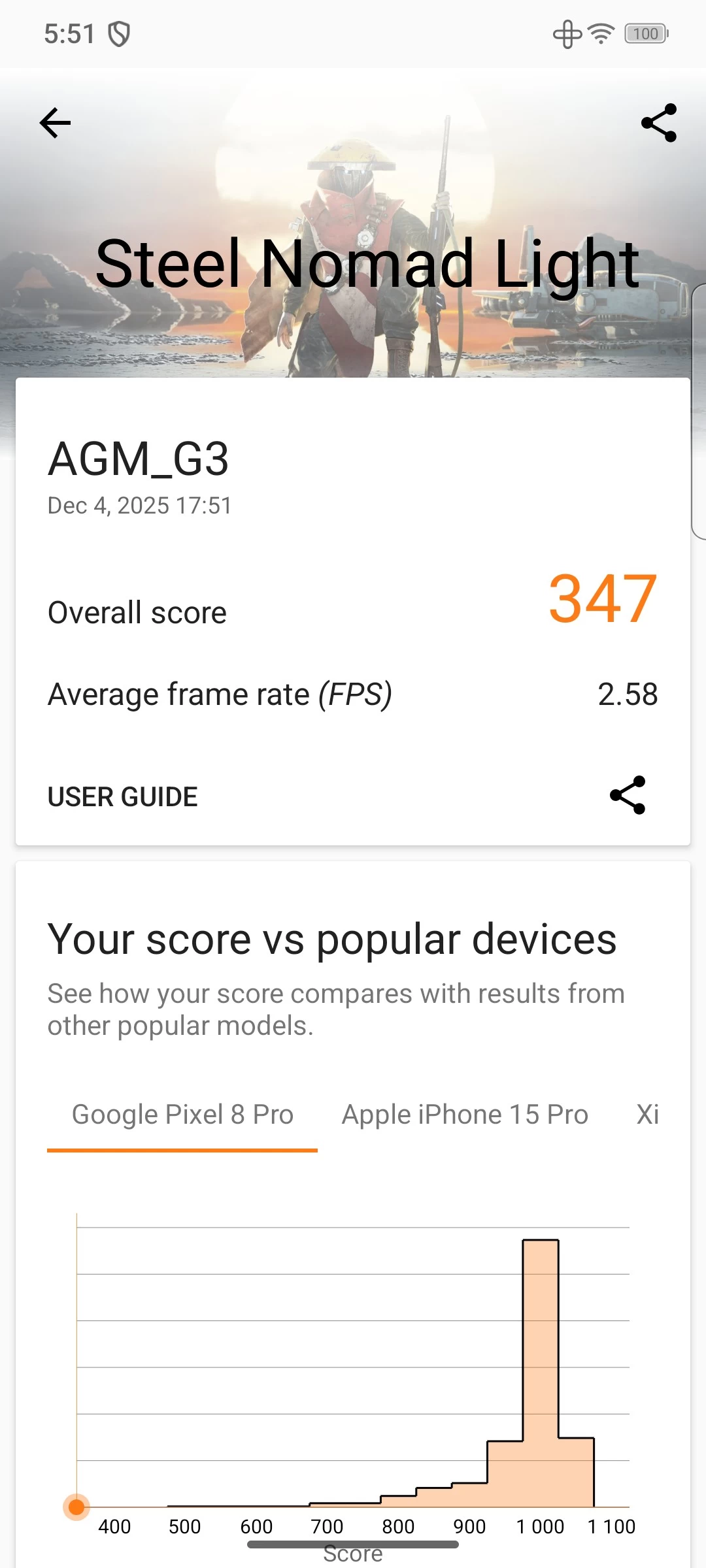
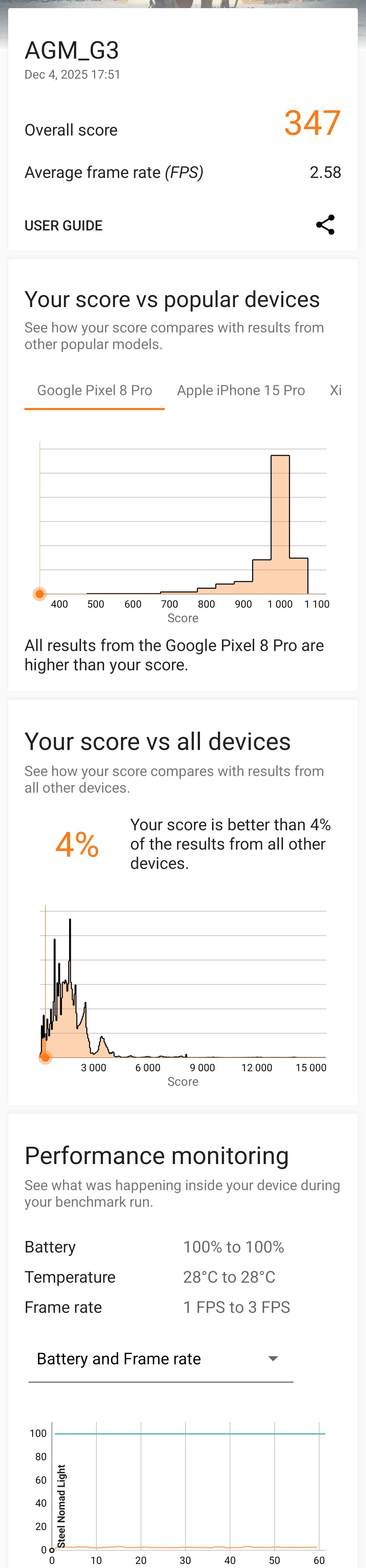
- Steel Nomad Light: 347 (avg fps 2.58)
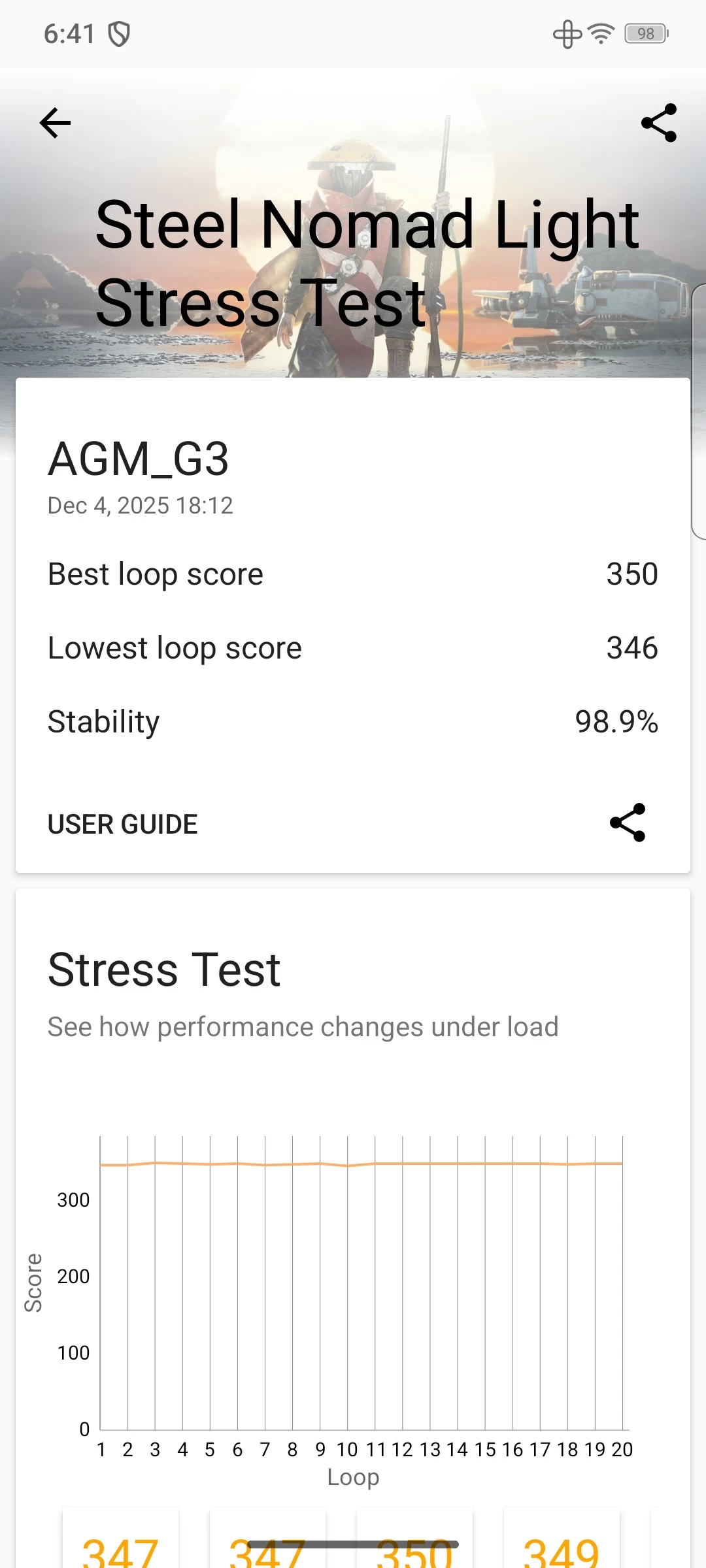
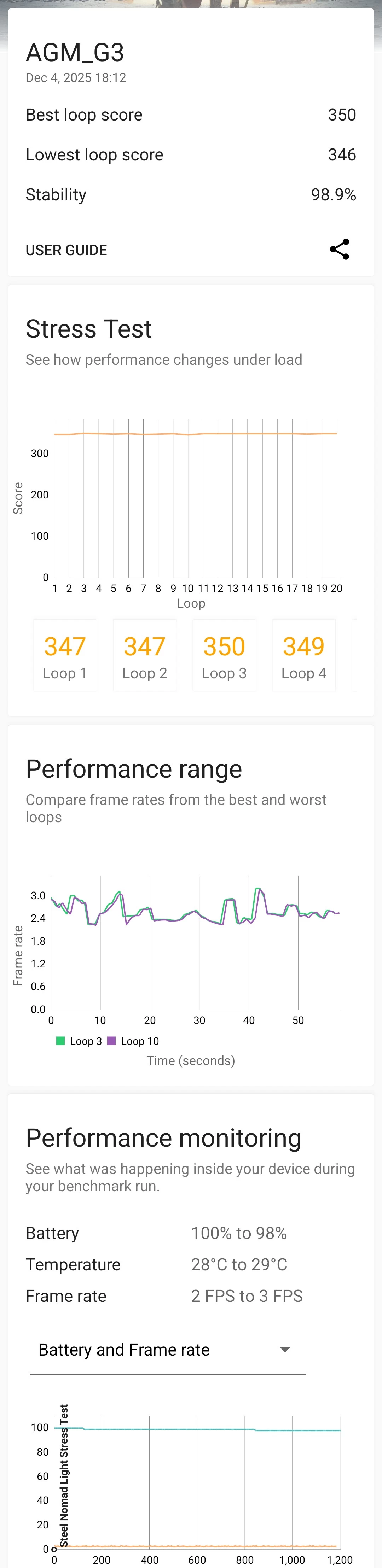
- Steel Nomad Light Stress Test: Loop 1 (347) Loop 2 (347) Loop 3 (350)
- Wildlife: 3,132 (avg fps 18.76)
- Wildlife Extreme: 6,689 (avg fps 40.05)
- Wildlife Extreme Stress Test: Loop 1 (27,658) Loop 2 (26,774) Loop 3 (26,400)

3DMark"s standard Solar Bay test wouldn"t even run, saying that the phone did not support the Vulkan features of the test. After another quick Google, it appears to be down to the lack of driver support in the G3 PRO:
The ARM Mali-G615 MC2, part of the Valhall architecture, does natively support Vulkan (up to version 1.3), but issues arise from device-specific drivers and Android"s reliance on proprietary blobs versus open-source Mesa/PanVK drivers, causing problems in emulation (like Winlator) or specific apps where it defaults to older OpenGL or needs driver tweaks (like disabling extensions in Winlator) for compatibility, not lack of hardware support.
Considering the 3DMark Solar Bay test uses the Vulkan 1.1 graphics API, this means the ARM Mali-G615 MC2 GPU in the G3 PRO should have supported it if it had the correct driver.
Also, in case you are wondering, Steel Nomad tests rasterization. Meanwhile, the Wild Life benchmark also measures rasterization, though to a lesser scale.
PCMark
Lastly, I ran PCMark, even though you cannot download it from the Google Play anymore (just like AnTuTu, for some reason), it is still a valid test to find out details about the battery life and performance.
| Work 3.0 Battery Life | Work 3.0 Performance |
|---|---|
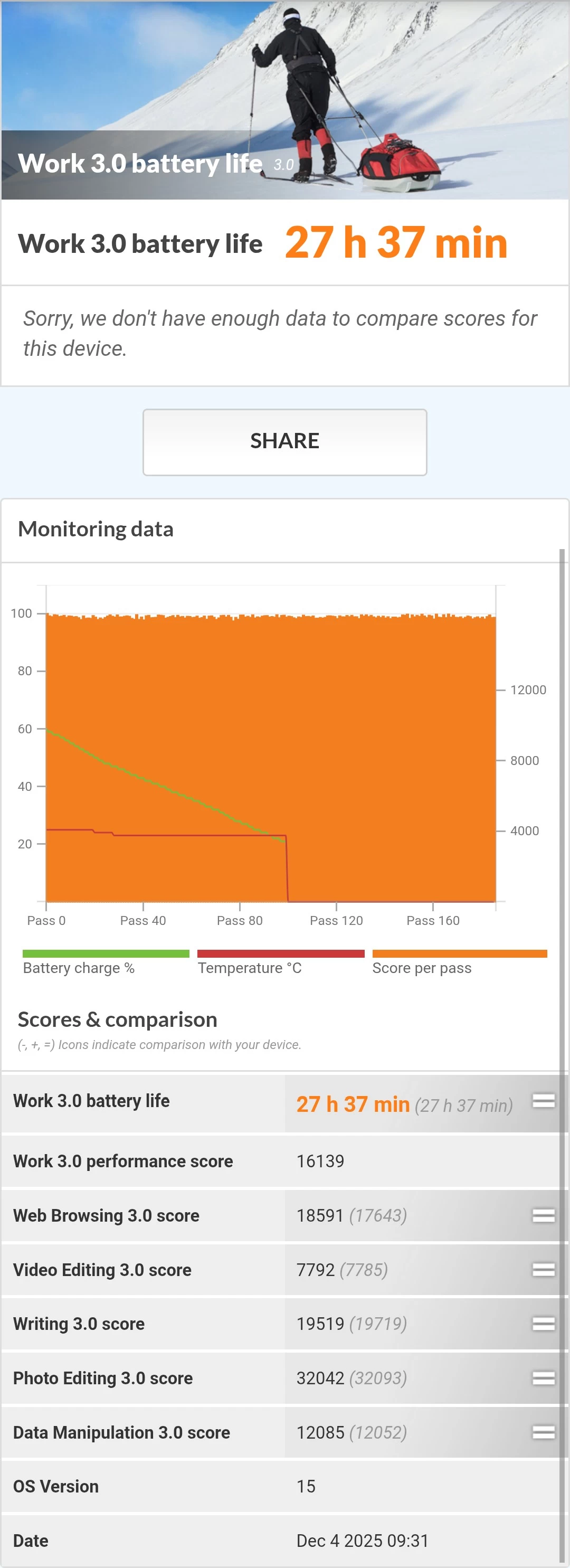
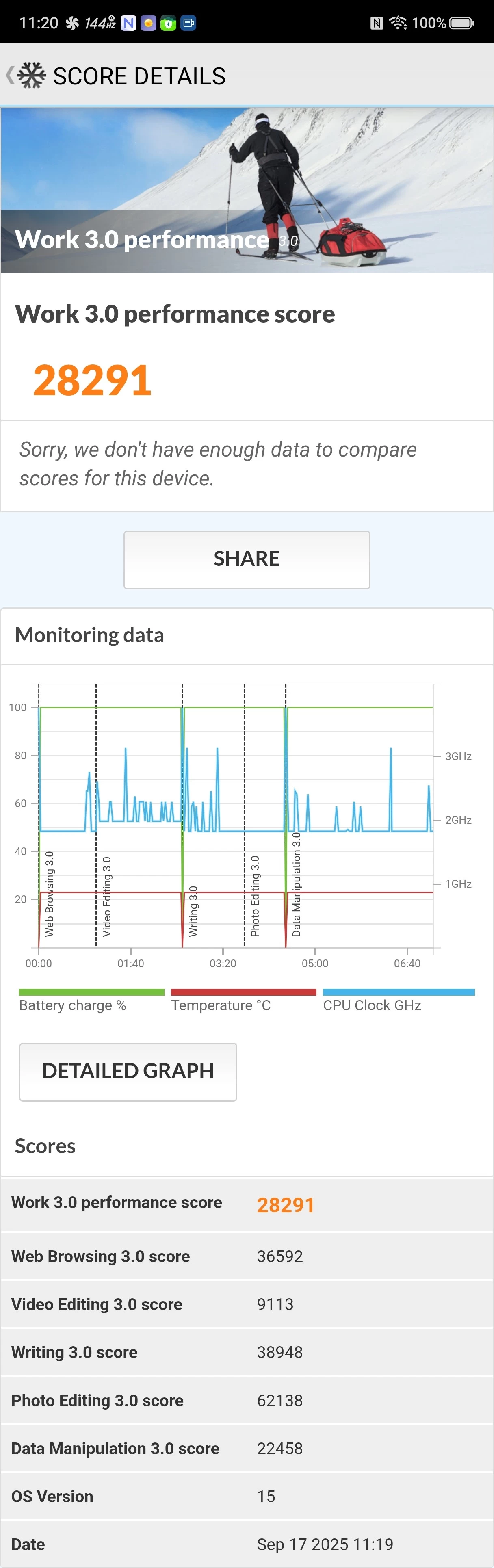
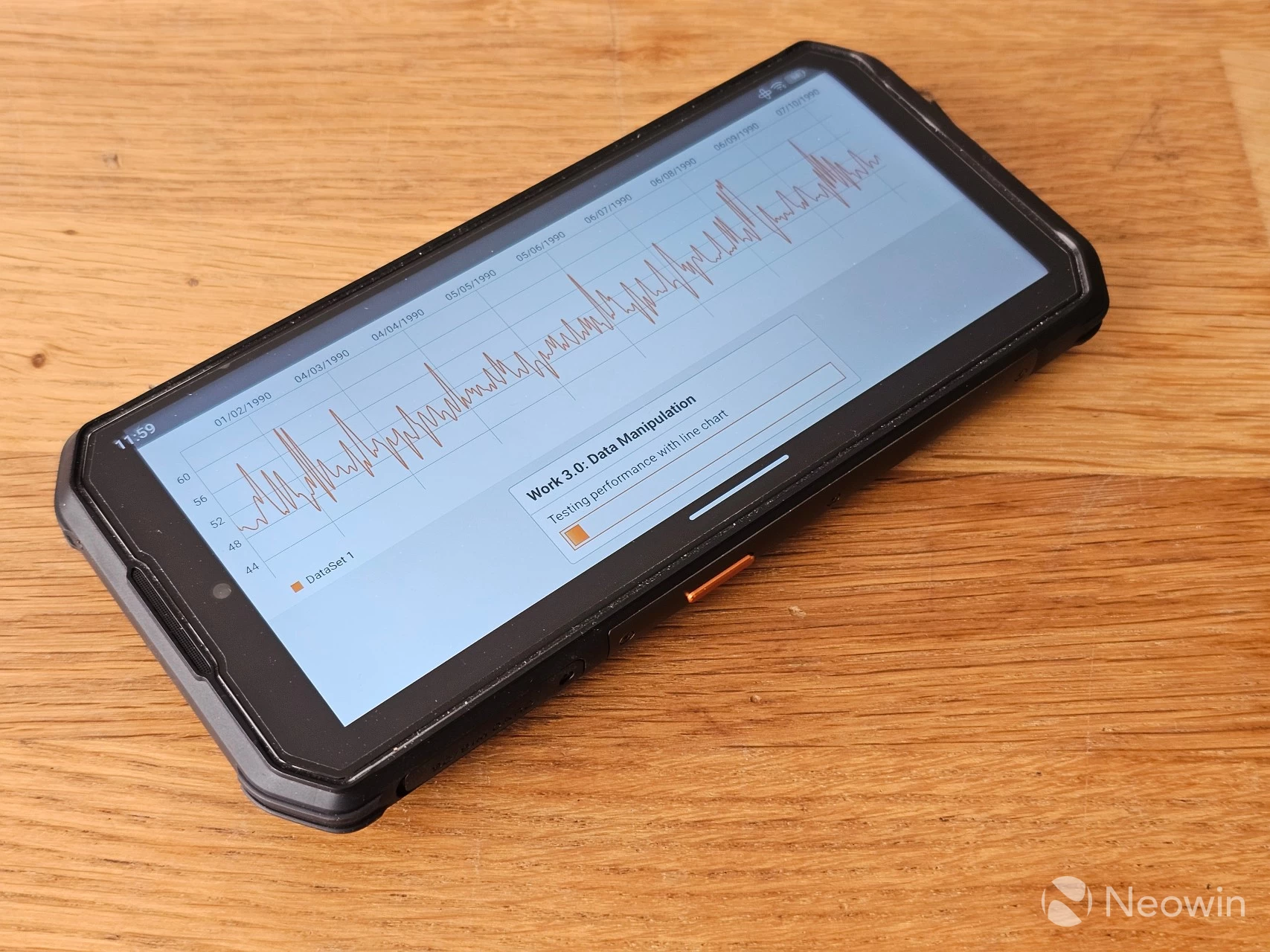
As can be seen above, the entire Battery Life test took over twenty-eight hours, generating an average performance score of 16170 after almost 180 passes. However, when running the Work 3.0 Performance test after recharging the battery back to 100% and letting the phone cool down, that score went down to 15694. Please do note that I do not have a Luminance meter, so I was not able to calibrate the screen brightness first.
Conclusion
It has a specific use case
As with other rugged phones, this has a very specific use case. It is very good at completing tasks where you would be outside, on a building site, or in an otherwise dirty or dangerous environment. Dropping it in such areas, assuming you don"t lose it in the process, will likely result in absolutely no damage to the device whatsoever, which is why you would buy one of these.
As I have said in the past, you can probably forget about using it as a main phone and sticking it in your Bermuda shorts or pant pockets. If you do, however, the ever-present risk of being pantsed by your own phone will haunt you. This is true even for a big guy like myself; it is properly heavy at 375g.
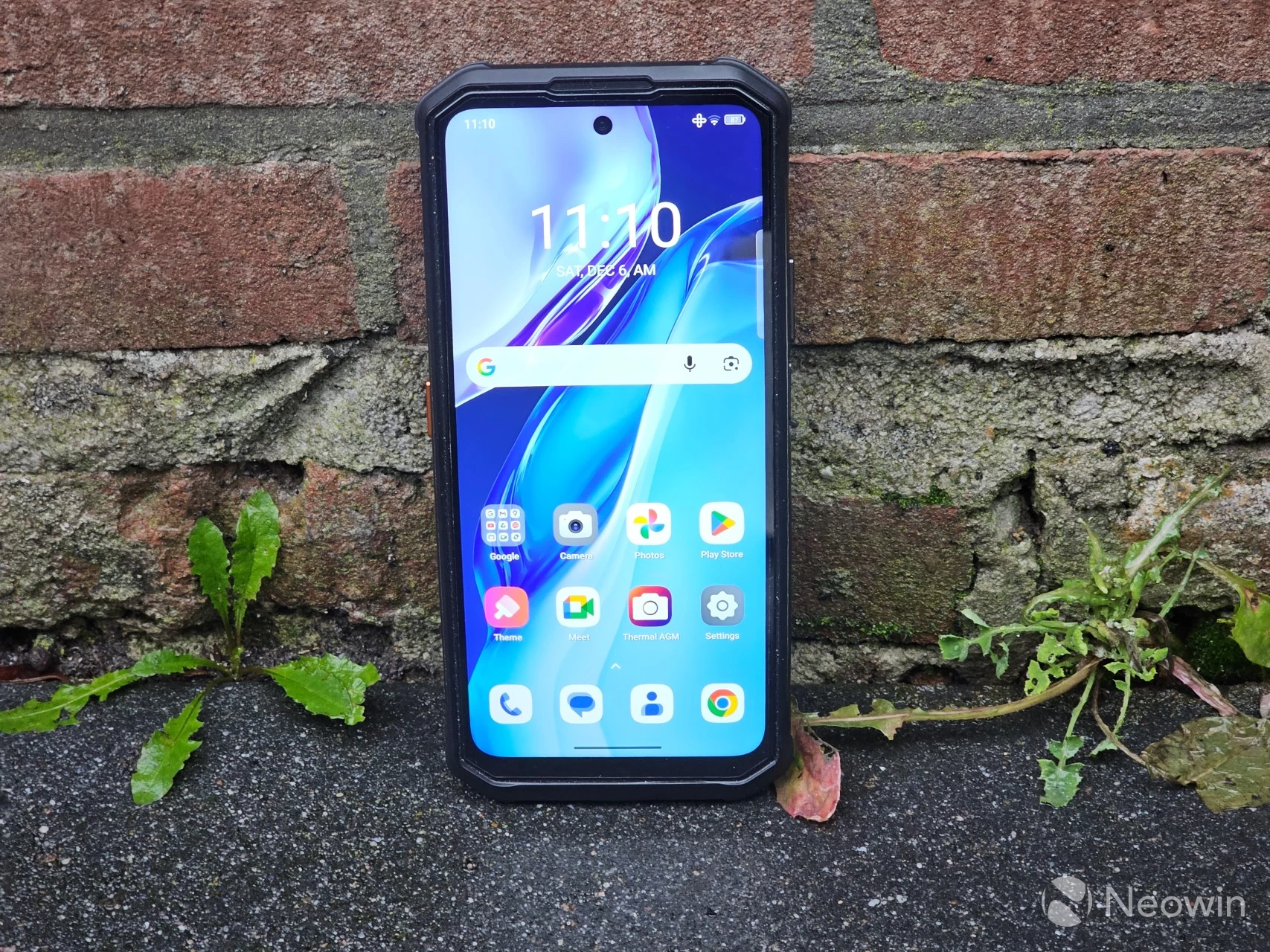
AGM does not state how long this phone can operate in standby, but I had it on, unused for a week, and I found it at 50% when I picked it up; that"s commendable. The user-defined key now allows you to assign anything to it in three actions (single, double, long press), which is more than can be said for some premium flagships that like to lock their power/user key to an assistant.
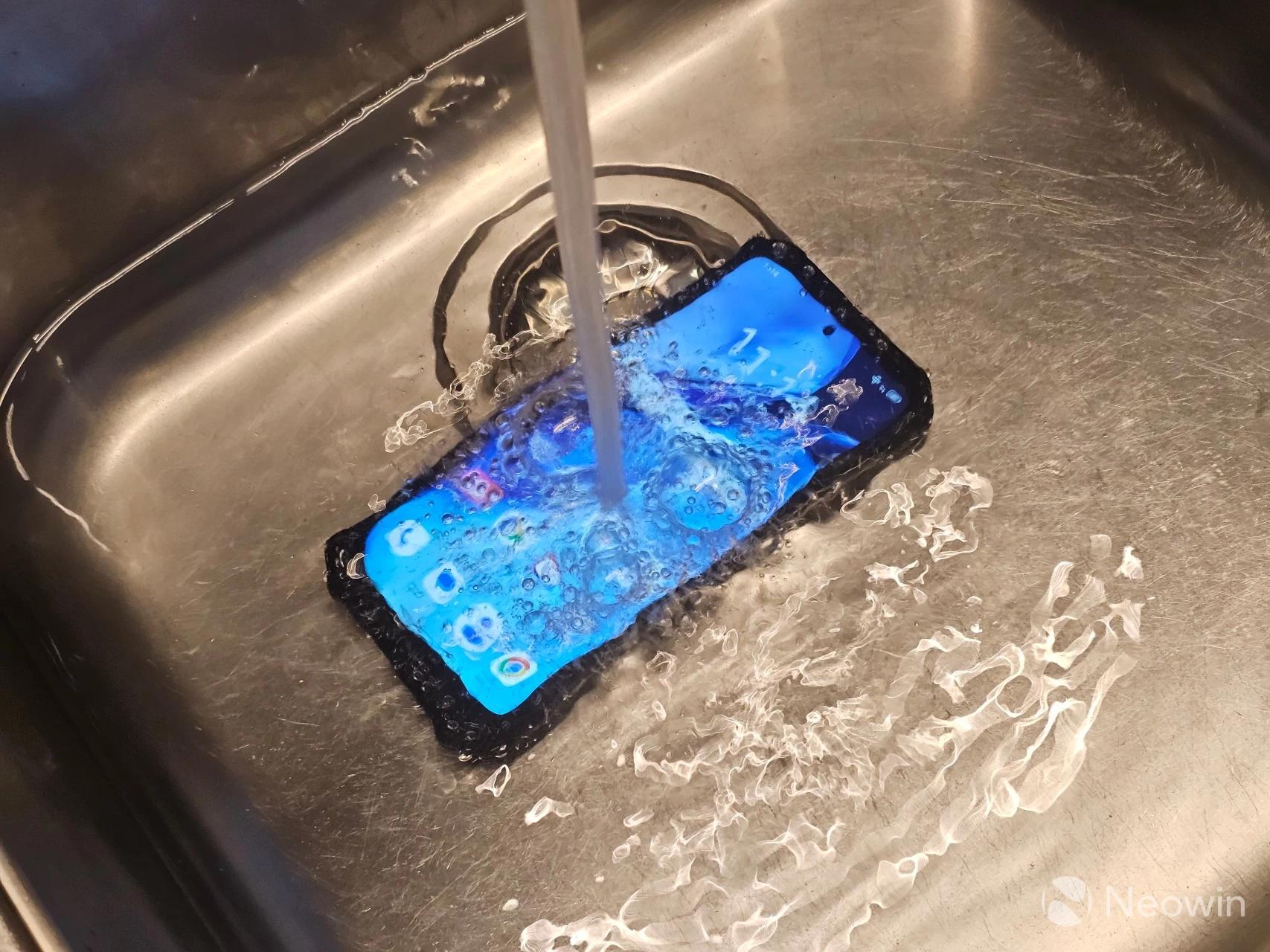
As I said earlier, this phone is mostly for a specific use case. I would recommend it to construction workers who find it important to have a smartphone on hand; they can toss it around and rinse it under the tap, and it will still keep working.
The absence of a notification LED or AMOLED screen is disappointing, but you do get 5G and a great mid-range SoC experience in a tough package. Right now, I"d say this is a good work phone, but I doubt it would replace a main phone for selfie lovers, theme park visitors, and restaurant visits. My only major gripe is that I find it too expensive relative to the competition.
Warranty and Support
AGM states on its website that it offers limited warranty of two years from the date of purchase, however for software support it guarantees two years of security updates from the date of production, so in the case of the G3 PRO, it is supported until September 30th 2027 for security updates, and that is before you can even get your hands on it (December 2025). Nothing is mentioned about Android versions. As a reminder, the G3 PRO ships with Android 15.
Where to buy
- AGM G3 PRO for $664.05, €664.05, or £542 (with FREE AGM Buds8 + 5% off) at Official website
- AGM G3 PRO for $699 at Amazon US
Update Dec 8, 2025: I reached out to my contact about the relatively higher price than some of the competition and received the following response:
We got hit with memory price surge, combined with the fact we use a higher quality thermal camera and installed wireless charging, we are indeed priced higher than the competition
However, it"s not clear what sensor is used for the Thermal camera, just that it is of higher quality. In addition, the competition I found (mainly OUKITEL and DOOGEE) only offer one year of (free) warranty, AGM offers two years of warranty from the date of purchase.
Our stories may contain affiliate links for products/apps where Neowin is paid an affiliate fee if you complete a purchase via those links.