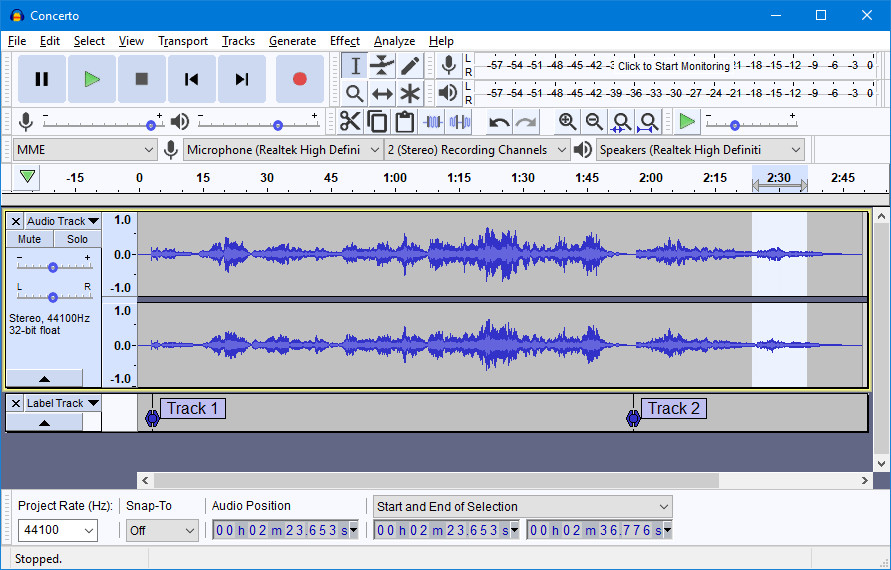
Audacity is a free, open source digital audio editor and recording application. Edit your sounds using cut, copy, and paste features (with unlimited undo functionality), mix tracks, or apply effects to your recordings. The program also has a built-in amplitude-envelope editor, a customizable spectrogram mode, and a frequency-analysis window for audio-analysis applications. Built-in effects include bass boost, wah wah, and noise removal, and the program also supports VST plug-in effects.
You can use Audacity to:
- Record live audio.
- Record computer playback on any Windows Vista or later machine.
- Convert tapes and records into digital recordings or CDs.
- Edit WAV, AIFF, FLAC, MP2, MP3 or Ogg Vorbis sound files.
- AC3, M4A/M4R (AAC), WMA and other formats supported using optional libraries.
- Cut, copy, splice or mix sounds together.
- Numerous effects including change the speed or pitch of a recording.
- Write your own plug-in effects with Nyquist.
- And more! See the complete list of features.
Audacity 3.7.6 changelog:
- Added FFmpeg 8 support
- Added Spectrogram Wavelet analysis (Thanks, Klaus Gram-Hansen (@kgramhans))
- Added middle-mouse drag panning over track panel (Thanks, Anders Jenbo (@AJenbo))
- Added "Import from audio.com" dialog to import audio files from audio.com
- Fixed unstable cloud audio uploads
- Allowed export as OGG/Opus when exporting with FFmpeg
- Fixed 16-bit FLAC import
- Library updates: libcurl to 8.17.0, wavpack to 5.7.0
Download: Audacity 64-bit | Standalone ~20.0 MB (Open Source)
Download: Audacity 32-bit | Standalone
Download: Audacity ARM64 | Standalone
View: Audacity Home Page | Screenshot