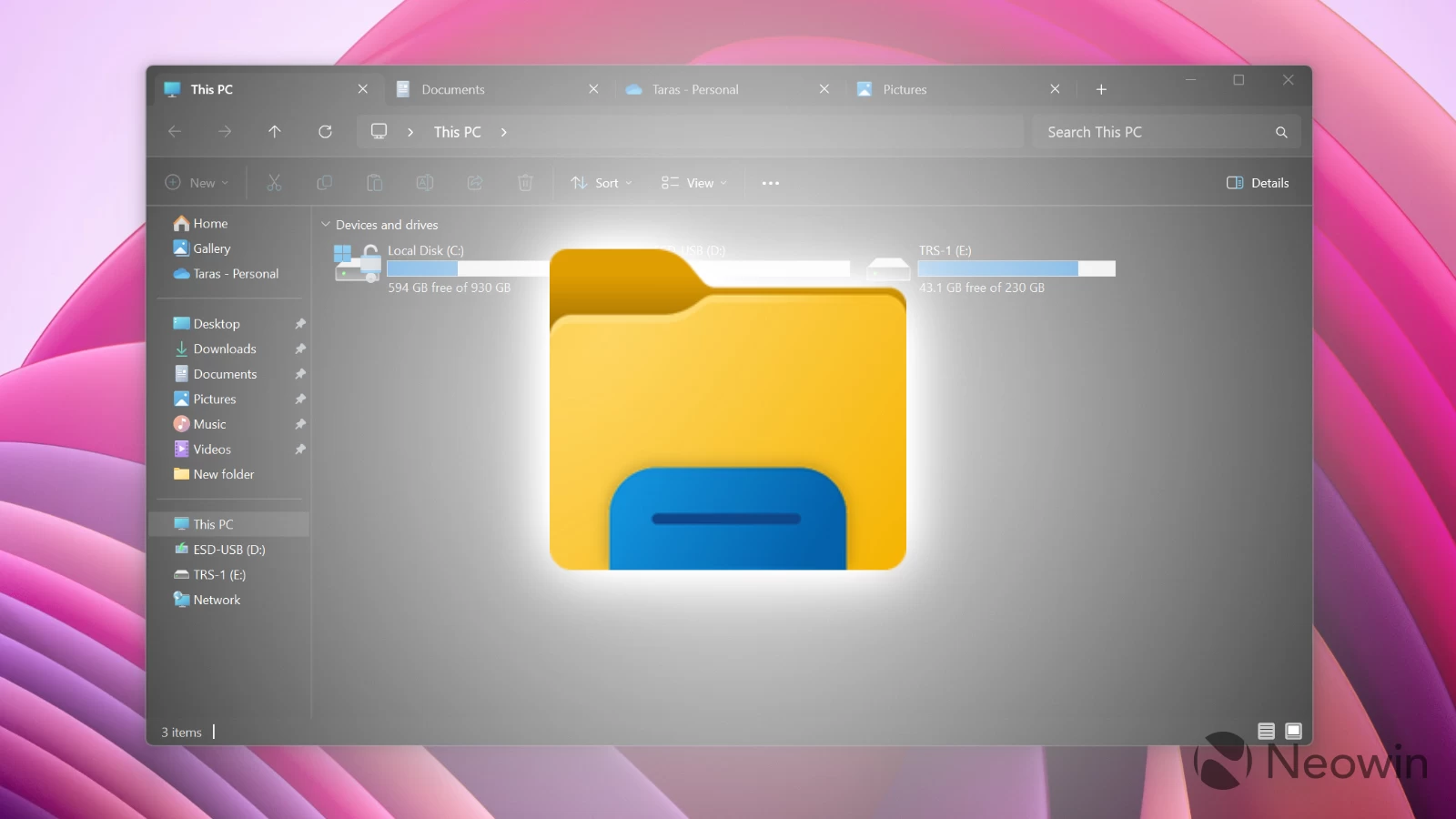
On December 1, 2025, Microsoft released the November 2025 non-security update for Windows 11 versions 24H2 and 25H2 under KB5070311 (build numbers 26200.7309 and 26100.7309). While it is definitely odd to see a November update arriving on December 1, that is not the biggest offender in KB5070311. That title goes to a File Explorer bug that throws a stun grenade at you every time you open a new tab or window.
In the release notes, Microsoft warned users that those installing KB5070311 will encounter white display flashes when using File Explorer in dark mode, stating the following:
After installing KB5070311, you might experience issues when opening File Explorer in dark mode. The window might briefly display a blank white screen before loading files and folders.
White display flashes occur when you navigate to or from Home or Gallery, create a new tab, turn the Details pane on or off, or select "More details" when copying files.
This annoying bug is not an entirely new thing in Windows 11. Its dark mode is well-known for flashing a white screen when working with File Explorer or opening apps like Settings. While there are temporary workarounds with third-party tweaks, so far, we have not received an official fix from Microsoft. The company says it is working on a fix in a future update.
On the bright side (get it?), KB5070311 brought some much-needed improvements to dark mode, showing that Microsoft is finally taking dark mode support more seriously. More classic UI elements now support dark theme, including copy/move progress dialogs, Folder Properties, Run, and more.
In addition to shipping File Explorer with stun grenades, Microsoft confirmed that the latest update has a lock screen bug where the password button is not visible in the sign-in options. Again, the company is working on a permanent fix that will be available in a future update.