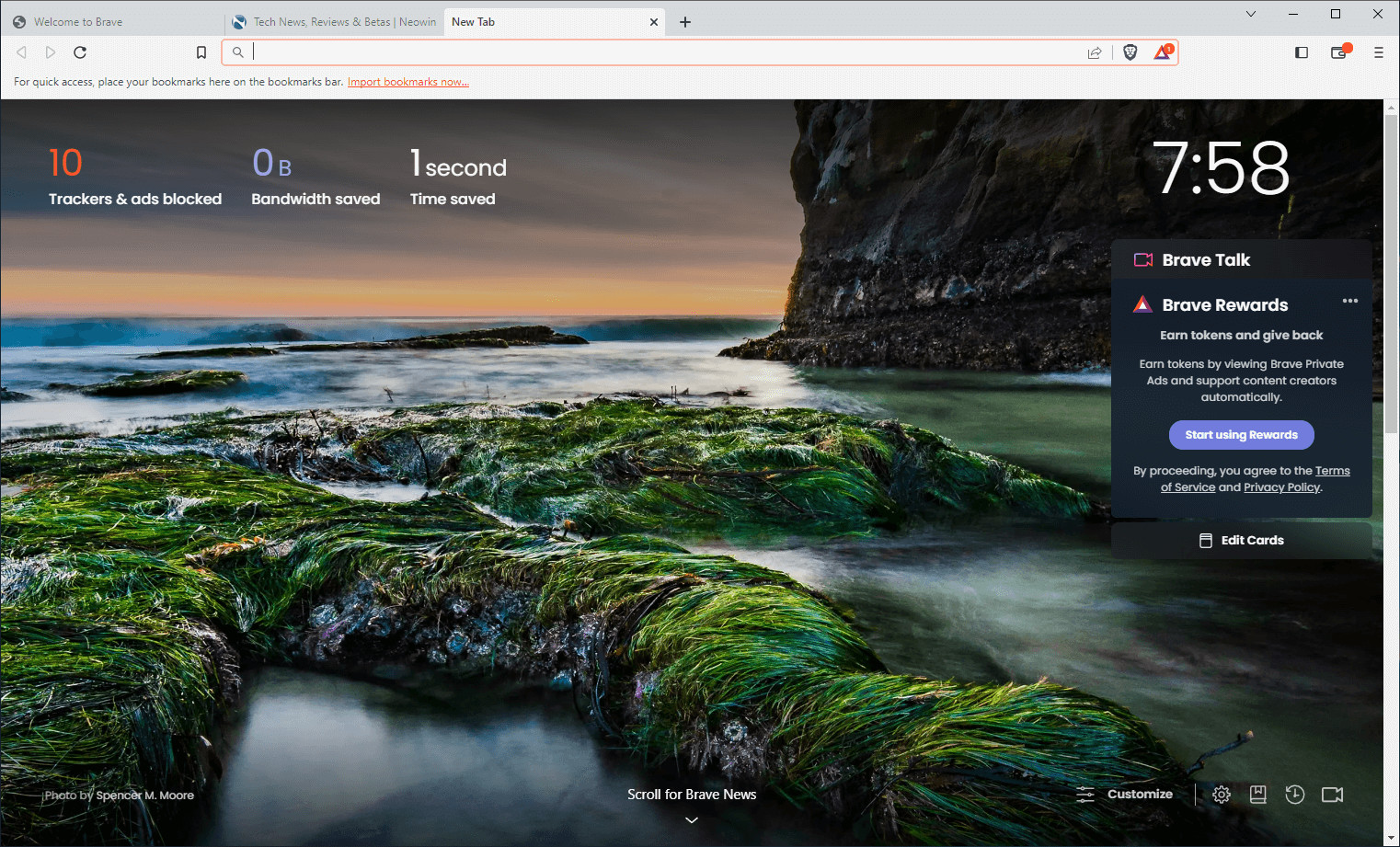
Brave Browser is a lightning-fast, secure web browser that stands out from the competition with its focus on privacy, security, and speed. With features like HTTPS Everywhere and built-in tracker blocking, Brave keeps your online activities safe from prying eyes. Brave is one of the safest browsers on the market today. It blocks third-party data storage. It protects from browser fingerprinting. And it does all this by default.
Speed - Brave is built on Chromium, the same technology that powers Google Chrome, and is optimized for speed, providing a fast and responsive browsing experience.
Brave Browser also features Brave Rewards, a system that rewards users with Basic Attention Tokens (BAT) for viewing opt-in ads. This innovative system provides an alternative revenue model for content creators and a way to support the Brave community.
Brave 1.80.113 changelog:
Web3
- Implemented stricter wallet routing and added a 404 page for an invalid route. (#45684)
- Updated opt-in screen for Meld to fit on small screen sizes. (#44318)
- Removed the “Edit” gas button for Zcash transactions. (#45748)
- Fixed crash which occurred when trying to render Brave Wallet image in certain cases. (#46828)
- Fixed “Search” icon being cut off on the “Explore” page. (#44950)
Leo
- Added support for automatic default model. (#45954)
- Added loading spinner to display when uploading image attachments. (#45889)
- Improved image attachment UI. (#45672)
- Removed Mixtral from the default Leo model list. (#46406)
- Fixed attachment thumbnail image not being displayed correctly. (#45916)
Rewards
- Updated dark mode color theme for Rewards UI. (#45741)
General
- Added the ability to open Progressive Web Apps (PWAs) in a tabbed window. (#45435)
- Updated extension import to warn the user to close Chrome if opened during import attempt. (#44945)
- Updated extension import to import both “IndexedDB” and “Local Extension Storage” when present for an extension. (#44946)
- Updated buttons on interstitial pages to use Brave theme. (#45666)
- Removed the password check box from brave://settings/importData dialog when importing from Chrome. (#46206)
- Fixed crash which occurred when moving a tab across monitors. (#46066)
- Fixed issue with “:matches-path” being used at the beginning of a filter rule. (#46220)
- Fixed display of long keyboard shortcuts on brave://settings/system/shortcuts. (#41873)
- Fixed “Toggle Vertical Tabs Expanded” keyboard shortcut not working when “Expand Vertical Tabs Independently per Window” is enabled. (#41074)
- Upgraded Chromium to 138.0.7204.49. (#47094)
Download: Brave Browser 64-bit | 1.2 MB (Freeware)
Download: Brave Browser 32-bit
View: Brave Homepage | Offline Installers | Screenshot