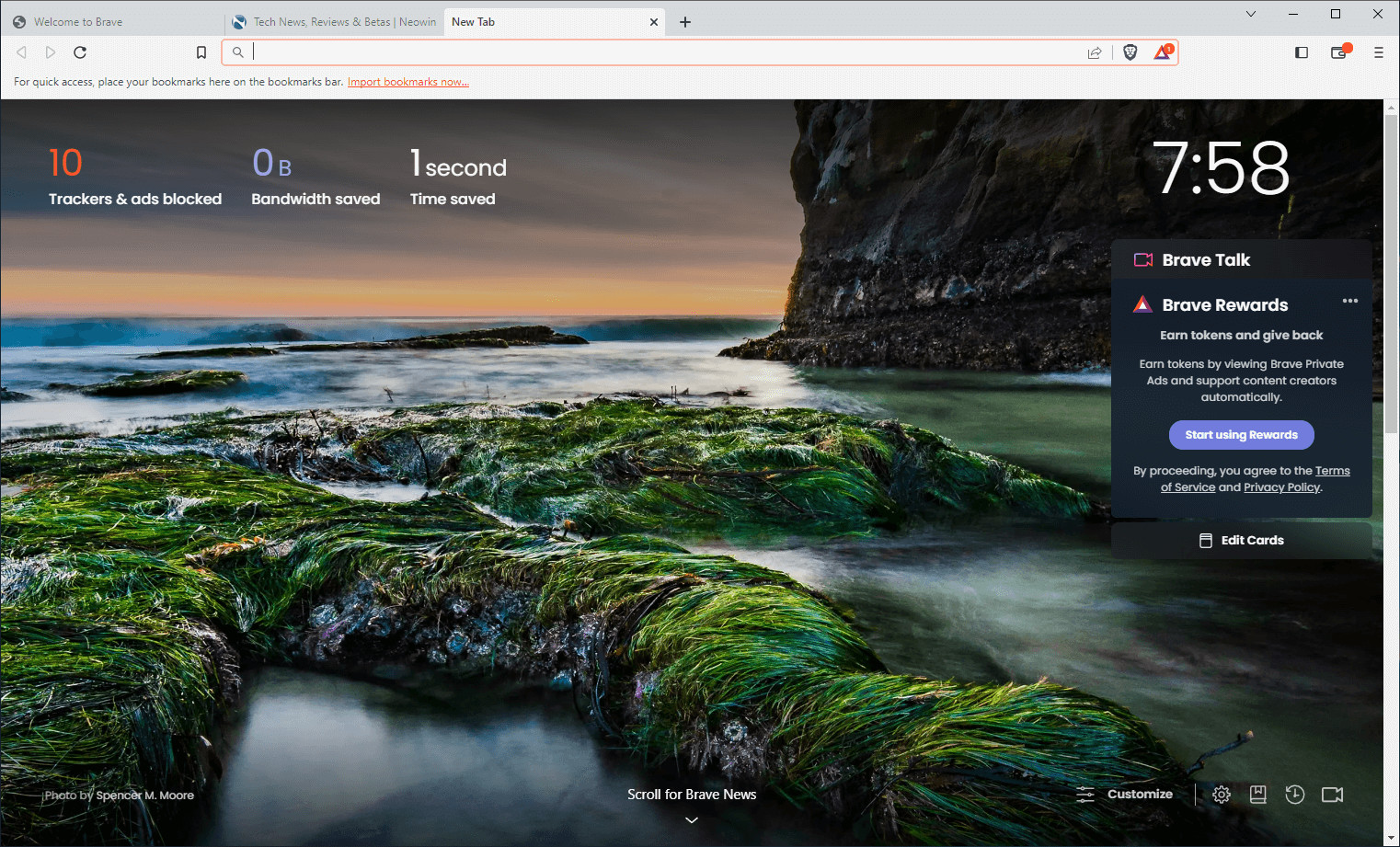
Brave Browser is a lightning-fast, secure web browser that stands out from the competition with its focus on privacy, security, and speed. With features like HTTPS Everywhere and built-in tracker blocking, Brave keeps your online activities safe from prying eyes. Brave is one of the safest browsers on the market today. It blocks third-party data storage. It protects from browser fingerprinting. And it does all this by default.
Speed - Brave is built on Chromium, the same technology that powers Google Chrome, and is optimized for speed, providing a fast and responsive browsing experience.
Brave Browser also features Brave Rewards, a system that rewards users with Basic Attention Tokens (BAT) for viewing opt-in ads. This innovative system provides an alternative revenue model for content creators and a way to support the Brave community.
Brave 1.84.132 changelog:
Web3
- Added support for the “Insufficient Funds for Gas” message on the “Transaction Confirmation” panel. (#49345)
- Updated UI for “Confirm Send” panel. (#49235)
- Updated UI for “Confirm Swap” panel. (#48703)
- Updated UI for “ERC20 Approve” panel. (#48484)
- Updated Cardano panel UI to hide network type. (#48138)
- Updated “Confirm Shield” panel UI for ZEC Shield transactions. (#49621)
- Fixed missing eTLD+1 in the “Confirm Send” panel. (#50495)
- Fixed NFT Metadata fetch method as reported on HackerOne by lxfor. (#50386)
Leo
- Added “Manage memories” to the main menu. (#48898)
- Added capability descriptions for every Leo model within the model selection list. (#48730)
- Added the ability to search through saved conversation memory. (#47979)
- Implemented conversation titles when using BYOM for conversations. (#46689)
- Increased the line width of the Brave Leo chat window. (#49105)
- Updated the order of the main menu items. (#49183)
- Updated sorting for “Recommended Models” in the “Model Selector”. (#48852)
- Updated main menu UI by removing customized padding. (#49187)
- Fixed “DataDecoder” process being kept in memory even after conversation is closed. (#49466)
Rewards
- Updated criteria for ads viewed counter in Brave Rewards. (#48929)
General
- Added “Hide completely when minimized” setting under brave://settings/appearance. (#49115)
- [Security] Disabled “navigator.share()” in Tor windows. (#48770)
- [Security] Set secure clipboard flag when copying Brave Sync code words as reported on HackerOne by newfunction. (#47841 & #47880)
- Enabled password syncing by default for new Brave Sync instances. (#48915)
- Improved adblocking. (#49347)
- Updated the bookmark folder icon in the bookmark bar. (#49147)
- Updated active tab to use selected color theme. (#43682)
- Updated split view tabs to use selected color theme. (#49512)
- Removed legacy “Top suggestions” list as reported on HackerOne by marc_. (#48802)
- Removed extra toolbar separator when rounded corners are enabled. (#49870)
- Fixed “Tor Windows” settings under brave://settings/privacy not being hidden when Tor is disabled via Admin policy. (#49077)
- Fixed “Speedreader” header under brave://settings/braveContent being displayed when Speedreader is disabled via Admin policy. (#48798)
- Fixed Guest windows not displaying informational text about Tor windows. (#49066)
- Fixed issue where sometimes the sidebar is not shown when the mouse is moved quickly to the edge of fullscreen window. (#48864)
- Upgraded Chromium to 142.0.7444.60. (#50533)
Download: Brave Browser 64-bit | 1.2 MB (Freeware)
Download: Brave Browser 32-bit
View: Brave Homepage | Offline Installers | Screenshot