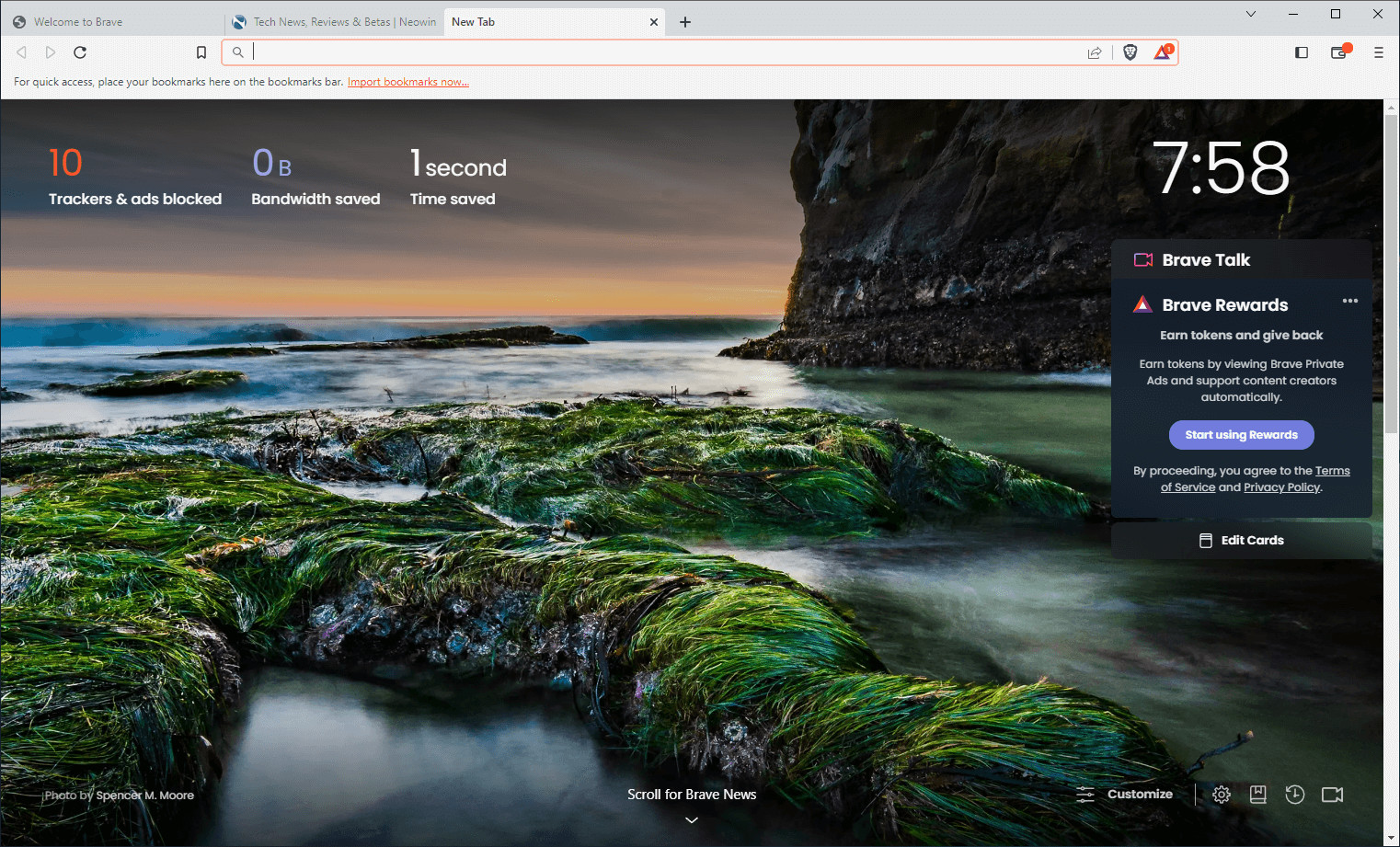
Brave Browser is a lightning-fast, secure web browser that stands out from the competition with its focus on privacy, security, and speed. With features like HTTPS Everywhere and built-in tracker blocking, Brave keeps your online activities safe from prying eyes. Brave is one of the safest browsers on the market today. It blocks third-party data storage. It protects from browser fingerprinting. And it does all this by default.
Speed - Brave is built on Chromium, the same technology that powers Google Chrome, and is optimized for speed, providing a fast and responsive browsing experience.
Brave Browser also features Brave Rewards, a system that rewards users with Basic Attention Tokens (BAT) for viewing opt-in ads. This innovative system provides an alternative revenue model for content creators and a way to support the Brave community.
Brave Browser 1.88.127 changelog:
Web3
- Added support for “NEAR Intents” swap provider via “Gate3”. (#51720)
- Added support for sending Cardano Tokens (non-ADA) from Cardano accounts. (#50224)
- Added “Bridge” buttons for BTC, ZEC and ADA. (#52555)
- Added “SafeSign” for “Gate3” swaps. (#51936)
- [Security] Fixed race condition which could result in incorrect origin being displayed on Brave Wallet as reported on HackerOne by b4dc4t. (#53105)
- Enabled support for connecting to Cardano DApps. (#47789)
- Implemented status checks for “Gate3” swaps. (#52229)
- Removed unused “onramp” wallet slices. (#51870)
- Fixed “Internal JSON-RPC Error” when trying to create transaction on https://etherscan.io. (#32747)
- Fixed clicking on the Zcash address loading the transaction page instead of address page on the block explorer. (#51964)
- Updated “Checksum” warning and error messaging. (#52525)
Leo
- Added “Copy entire conversation” button in conversation menu. (#42907)
- Added support to send message with “@” without bringing up the attachment menu. (#51874)
- Updated copying of Brave Leo answers to include source URLs. (#49919)
- Fixed the “Change model” popup being hidden behind the “Conversation history” popup. (#51820)
General
- Added “Ultra dark theme” option under the “Theme” section of brave://settings/appearance. (#52194)
- Added the ability to hide the “Share menu” icon in the address bar under the “Customize your toolbar” section of brave://settings/appearance. (#49180)
- Added the ability to hide the “Install app” icon for PWAs in the address bar under the “Customize your toolbar” section of brave://settings/appearance. (#48217)
- Added the ability to configure a keyboard shortcut for “Force Paste”. (#36524)
- Enabled “Local Network Access” permission. (#51843)
- Implemented persistent search box at the top of brave://settings and removed top navigation bar. (#45738)
- Updated theme/colors for Private and Tor windows. (#52201)
- Updated the placement of “Open in Split View” in context menu. (#52844)
- Updated the 12-hour clock widget on the New Tab Page to display AM/PM. (#44455)
- Fixed inability to use secure DNS after changing policy via the Windows registry. (#46011)
- Fixed missing tab favicon when pinned tab is restored while using vertical tabs. (#53083)
- Fixed tab position not being aligned with cursor while dragging the tab to a new window on Linux. (#52222)
- Fixed positioning of the title elements on the Brave News customization modal. (#52015)
- Upgraded Chromium to 146.0.7680.71. (#53514)
Brave Browser 1.88.130 changes:
- Upgraded Chromium to 146.0.7680.76
Download: Brave Browser 64-bit | 1.2 MB (Freeware)
Download: Brave Browser 32-bit
View: Brave Homepage | Offline Installers | Screenshot