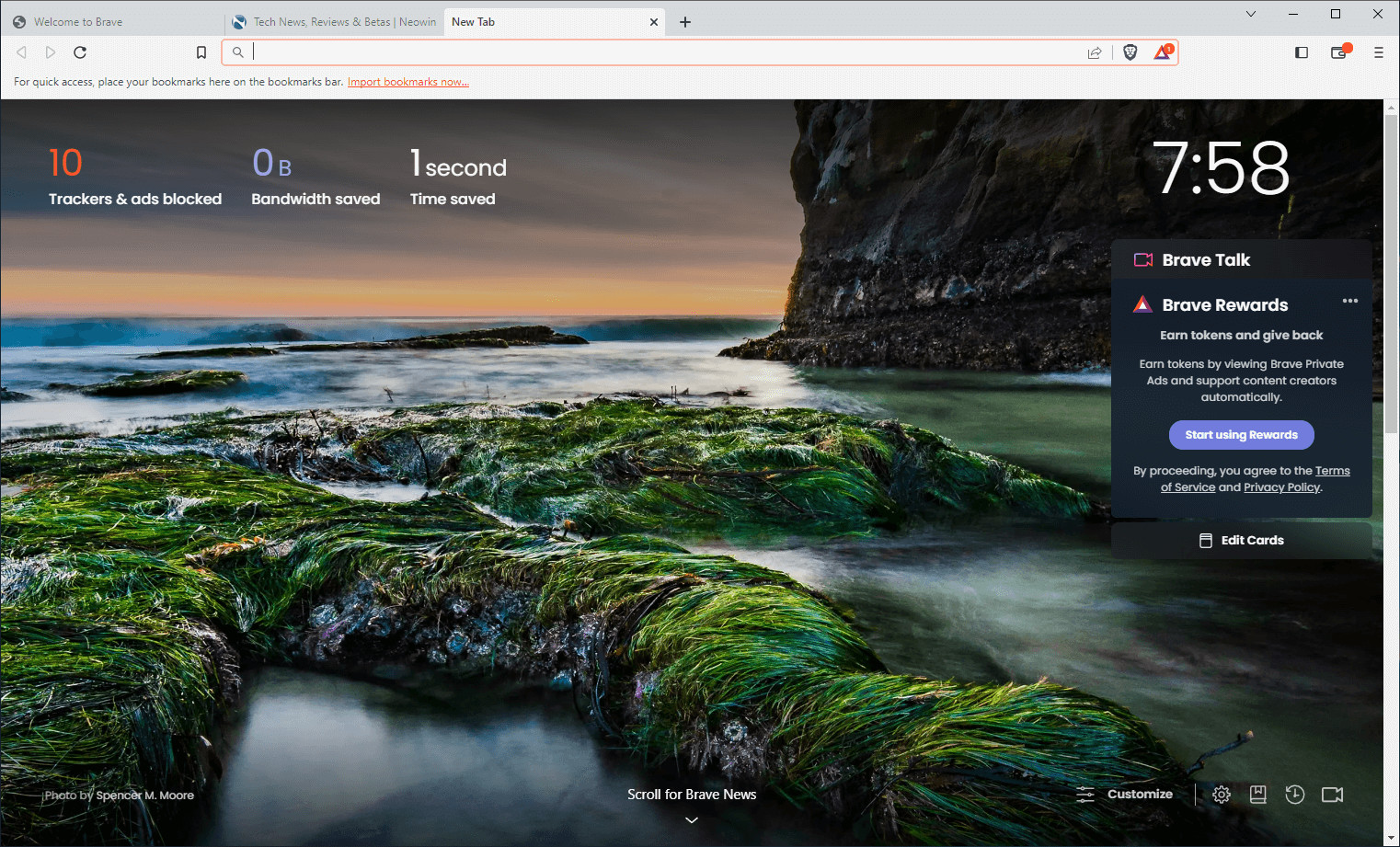
Brave Browser is a lightning-fast, secure web browser that stands out from the competition with its focus on privacy, security, and speed. With features like HTTPS Everywhere and built-in tracker blocking, Brave keeps your online activities safe from prying eyes. Brave is one of the safest browsers on the market today. It blocks third-party data storage. It protects from browser fingerprinting. And it does all this by default.
Speed - Brave is built on Chromium, the same technology that powers Google Chrome, and is optimized for speed, providing a fast and responsive browsing experience.
Brave Browser also features Brave Rewards, a system that rewards users with Basic Attention Tokens (BAT) for viewing opt-in ads. This innovative system provides an alternative revenue model for content creators and a way to support the Brave community.
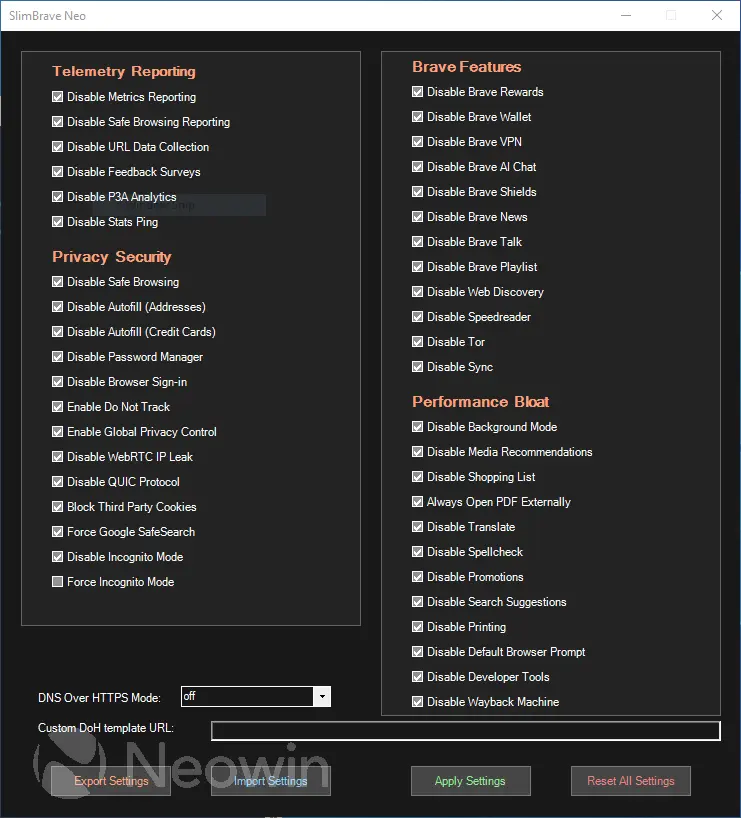
SlimBrave Neo takes all the good things about Brave and makes them even better by keeping everything clean, light, and privacy-focused. It removes the extra clutter, turns off features you might not need, and cuts down on anything that could slow you down or collect unnecessary data. Because it relies on simple settings and policies instead of modifying the browser itself, you still get full Brave compatibility—just in a smoother, lighter, and more privacy-friendly package.
Brave Browser 1.90.121 changelog:
Web3
- Added “Last updated” tooltip for price fetches. (#53485)
- [Security] Changed IPFS gateway usage from “ipfs.io” to “inbrowser.link” for IPFS domain resolution. (#53690)
- Updated the “Portfolio Overview” layout. (#54095)
- Updated the “Connect” and “Sign” hardware wallet panel UI. (#53771)
- Updated wallet buttons to be round. (#54096)
- Fixed access list for EIP1559 transactions. (#53389)
- Fixed inability to send ADA to script-controlled contract addresses. (#53066)
Leo
- Added tool support for Bring Your Own Model (BYOM) in Leo. (#53037)
- Fixed the tool label wrapping onto two lines. (#53467)
General
- Added “Use scrollable tab strip” setting under brave://settings/appearance. (#54438)
- Added prefix and suffix for custom scriptlet names. (#53743)
- Added a new “regex-path-template” debounce action type. (#18756)
- [Security] Fixed broken address bar layout for narrow window widths. (#53782)
- [Security] Updated body-sniffing to respect “Content-Disposition: attachment” in de-AMP as reported on HackerOne by newfunction. (#53486)
- Re-enabled “ScreenAI Library” component and AI chat PDF OCR integration. (#46303)
- Improved tab group spacing and favicon slide animation when expanding/collapsing the vertical tabs panel. (#53348)
- Updated the shields panel design. (#53111)
- Updated location of the vertical tabs toggle button to the toolbar. (#52873)
- Updated split view active tab border color to match browser’s current selected theme. (#53910)
- Updated the “Customize Dashboard” modal on the New Tab Page so labels now toggle their associated controls. (#53357)
- Removed “_kx” from the query string filter. (#53588)
- Fixed incorrect scrollbar color on the “Customize Dashboard” modal of the New Tab Page when using dark theme. (#53390)
- Fixed incorrect color for the webcompat reporter “Cancel” button when using dark theme. (#53992)
- Fixed vertical tab layout when using a right-to-left locale. (#53099)
- Fixed scriptlet content not being reverted after pressing the “Cancel” button. (#53562)
- Upgraded Chromium to 148.0.7778.96. (#55095)
Download: Brave Browser 64-bit | 1.2 MB (Freeware)
Download: Brave Browser 32-bit
View: Brave Homepage | Offline Installers | Screenshot