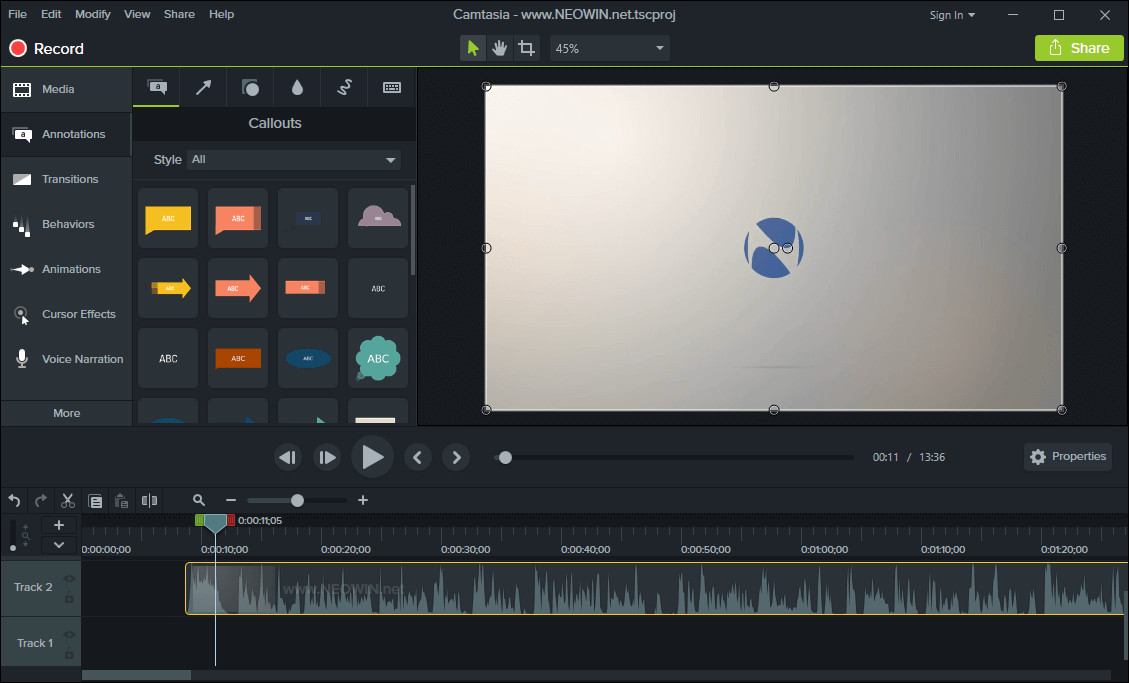
TechSmith Camtasia is the complete professional solution for high-quality screen recording, video editing and sharing. Camtasia 2025 makes editing your videos easier, and faster than ever. The new editor is packed with enhanced video processing, all-new production technology, an innovative library, and stock videos and other creative assets to help you create more polished, professional videos. No video experience needed. Anyone can create informative, engaging videos.
Create professional, eye-catching videos:
- Add special video effects - Apply Behaviors that are perfectly designed to animate your text, images, or icons. Get a crisp, polished look without being a professional video editor.
- Drag-and-drop your edits - What you see is what you get. Every effect and element in your video can be dropped and edited directly in the preview window. And you can edit at resolutions up to beautiful 4K, for clear video at any size.
- Get exceptional performance - Camtasia takes full advantage of your computer’s processor with 64-bit performance. You’ll get fast rendering times and enhanced stability—even on your most complex projects.
Camtasia 2025.2.2 changelog:
Feature Updates
- Reordered and simplified buttons in Camtasia Home.
- Adjusted default effects for Camtasia Rev on first use.
Performance Improvements
- Improved performance of playing the timeline when certain media were selected, especially those utilizing cursor click effects.
- Reduced memory usage on startup due to large asset store thumbnails.
- Updates for IT Administrators
- Made it so Camtasia can be deployed with mentions of Audiate hidden.
Bug Fixes
- Fixed an issue that could cause Windows cursors to be misidentified as custom cursors which prevented replacement by vector cursors.
- Fixed a potential crash if SmartFocus was applied to a clip that was sped up by clip speed.
- Fixed an issue where "Smooth cursor across edits" would not work for media with audio.
- Fixed a keyboard trap where users could not keyboard navigate in the recorder window without clicking on it.
- Improve screen reader support for some UI controls within the Home window.
- Fixed bug where replacing media with photos, dynamic backgrounds, or callouts resulted in the replacement media having the incorrect length.
- Fixed tab order on export watermark dialog.
- Preview windows for media and assets do not cover Camtasia dialogs to prevent the Camtasia editor from being frozen.
- Fixed a bug that could prevent entering values over 1000 into numeric Properties boxes.
- Fixed bug where Asset Service can display no results found erroneously.
- Word wrapped a checkbox on Voice Narration.
- Added padding between columns in start-up survey.
Download: Camtasia 2025.2.2 (64-bit) | 335.0 MB (Shareware)
View: Camtasia Homepage | Tutorials | Screenshot