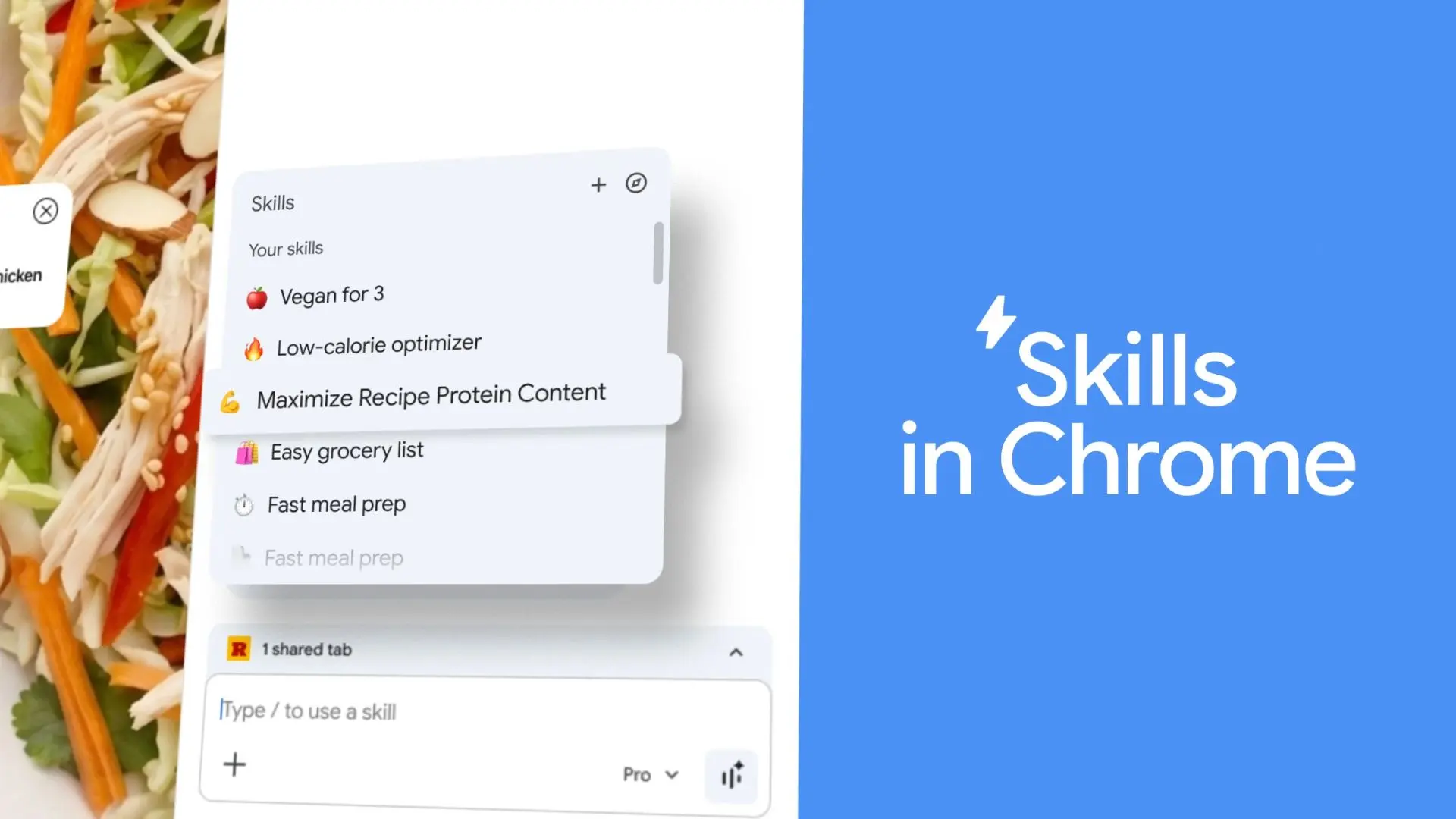
Chrome"s generative AI platter got a meaningful addition this week: the ability to create one-click workflows. This addresses the inconvenience of having to re-enter the same prompt in the browser when repeating AI tasks.
A freshly-baked feature called Skills in Chrome lets you save and reuse your most frequent AI prompts and run them with a single click when needed. You can save a prompt as a Skill directly from the chat history.
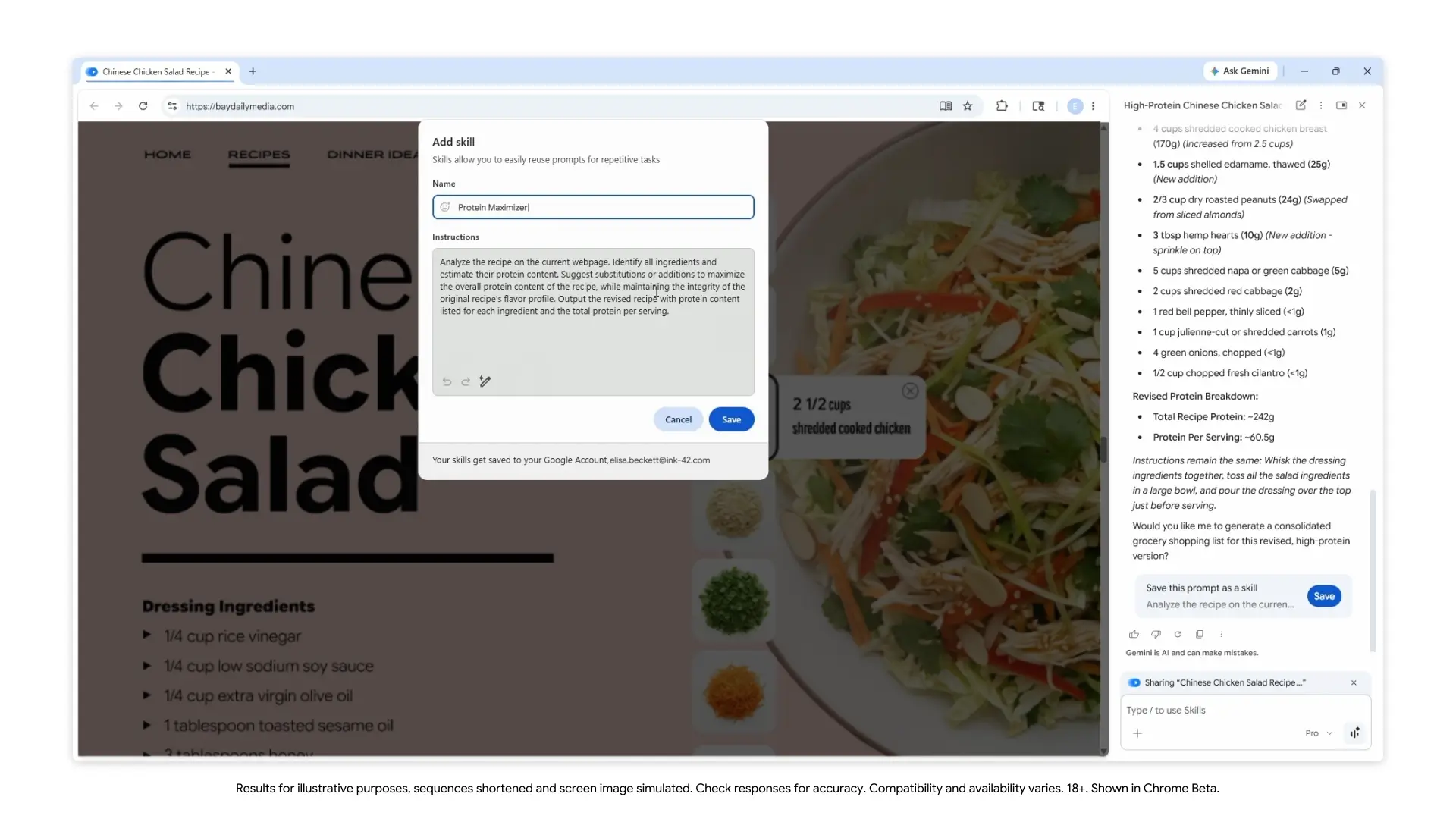
When you need to use that Skill in the Gemini side panel, you can start by typing a forward slash (/) or use the plus button (+) to see a list of all the Skills you saved. The Skill will run on the page you"re viewing and any other tab you select.
All of the Skills in Chrome that you create will also be listed in a dedicated Skills library in the browser. You can edit your Chrome Skills or create new ones at any time. Google said that early beta testers have used the feature to create personalized workflows for tasks such as Shopping, Health & Wellness, and Productivity.
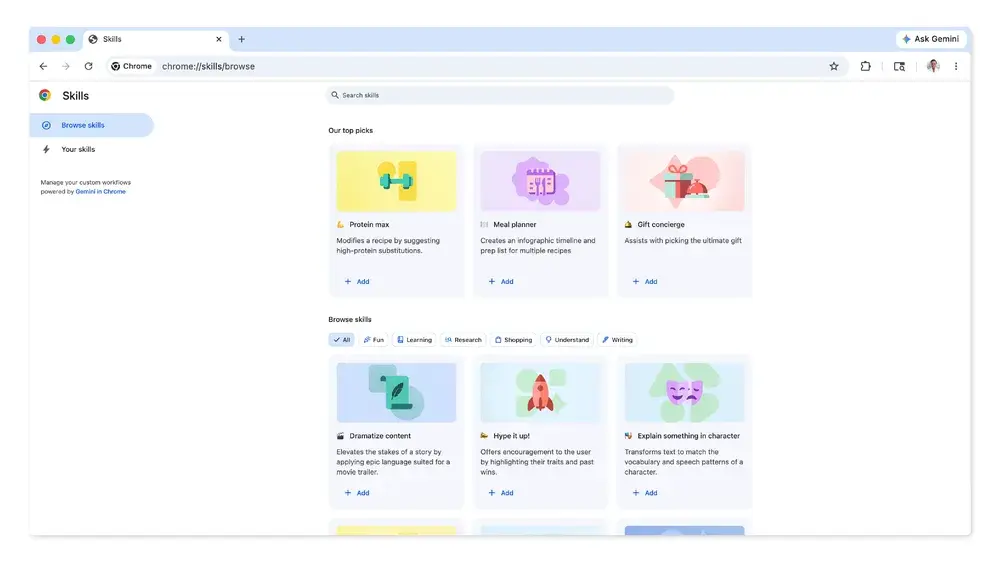
The library also features a collection of Skills for common tasks and workflows. For instance, you can add Skills to get help in picking the ultimate gift, create an infographic timeline and prep list for recipes, break down the ingredients of a product you"re viewing online, dramatize content, and so on.
You can also edit and customize a Skill you added from the library to your preference. The search giant notes that the feature comes with the same safeguards as Gemini in Chrome. A Skills prompt will ask before actions like adding an event to your calendar or sending an email. It also comes with security protections, including automated red-teaming and auto-update.
Skills in Chrome is now rolling out on Windows, Mac, and ChromeOS for those who have set their language to English US. All of the Skills you save will be synced across other desktop devices you own, provided you have signed in with the same Google account.