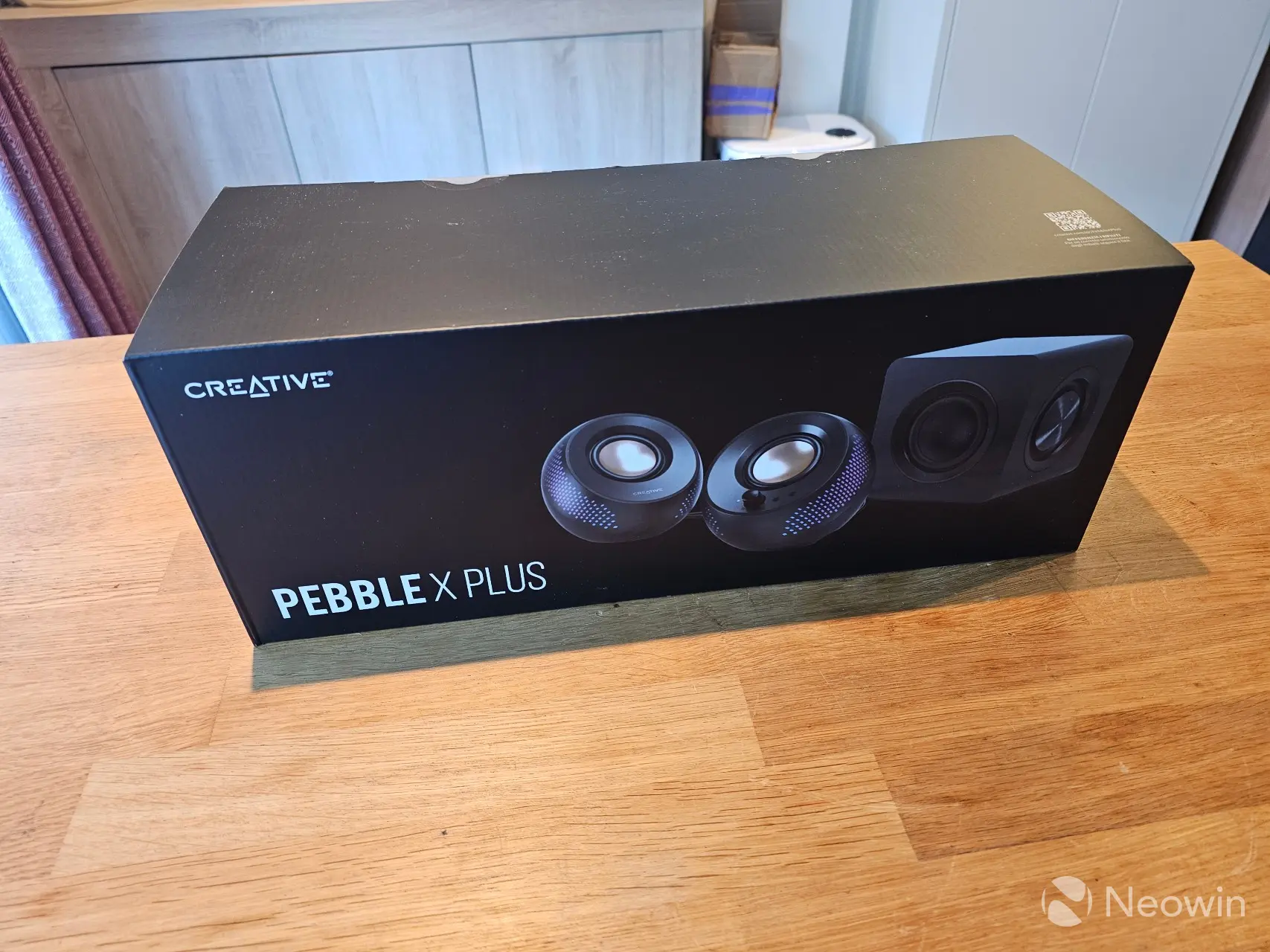
Creative reached out to me asking if I wanted to test the Pebble X Plus 2.1 speaker set. 2.1 is actually a configuration I have for my main PC with the (in my opinion) excellent Edifier S360DB, but after keeping my expectations in check due to the vast difference in price class, I agreed.
Before we get underway Creative provided a free sample without any editorial input or review pre-approval. Below are the specifications:
| Creative Pebble X Plus | |
|---|---|
| Model number: | MF0495 |
| Dimensions (LxWxH): | Subwoofer: 156.4 x 156 x 158.5 mm / 6.16 x 6.14 x 6.24 inches, Left: 139.5 x 145 x 136 mm / 5.49 x 5.71 x 5.35 inches, Right: 139.5 x 145 x 136 mm / 5.49 x 5.71 x 5.35 inches |
| Color: | Black |
| Weight: | Left: 575g / 1.27 lbs, Right: 575g / 1.27 lbs, Subwoofer: 1700g |
| Drivers: | Speaker: Dual 2.75" Full range Copper Mylar Speaker Drivers Subwoofer: 4.0” Flat-cap Subwoofer Driver with Dual Passive Radiators |
| Cable Length: | Right to Left Speaker Cable: 1.2m |
| Power Output: | On 5V 3A USB-C Port: Up to 15W RMS and 30W Peak On 15V 2A USB PD Adapter: Up to 30W RMS and 60W Peak |
| RGB: | Up to 16.8 million colors |
| Frequency Range: | 45Hz - 20kHz |
| USB Audio Resolution: | 16-bit/48kHz |
| System Configuration: | 2.1 System |
| Signal-to-Noise Ratio | > 93dB (SNR) |
| Operating Temperature: | 0 - 45° C |
| Bluetooth Version: | Bluetooth 5.3 @ 2402 - 2480 MHz |
| Bluetooth Profile: | A2DP |
| Bluetooth Audio Codec: | SBC |
| Bluetooth Operating Range: | Up to 10m / 33 ft (Measured in open space. Walls and structures may affect range of device) |
| RF Output Power: | 8 dBm |
| Charging Interface: | USB-C Input (Audio and Power): 5V 3A USB PD Input (Power Only): 5-15V 2-3A |
| Connections: | USB Audio / USB Power (USB-C, max. 5V 3A) PD Adapter (Min. 30W) Bluetooth 3.5mm Aux-in Headphone/Headset jack support CTIA standard Mic-in |
| Technology: | Sound Blaster Acoustic Engine, BassFlex, EQ, Dialog+ |
| Release: | Q1 2024 |
| MSRP: | $129.99 |
Yes, the Pebble X Plus is only available in Black, but the RGB lighting should compliment any RGB you have setup on your main rig, as they support "Up to 16.8 million colors" according to Creative.
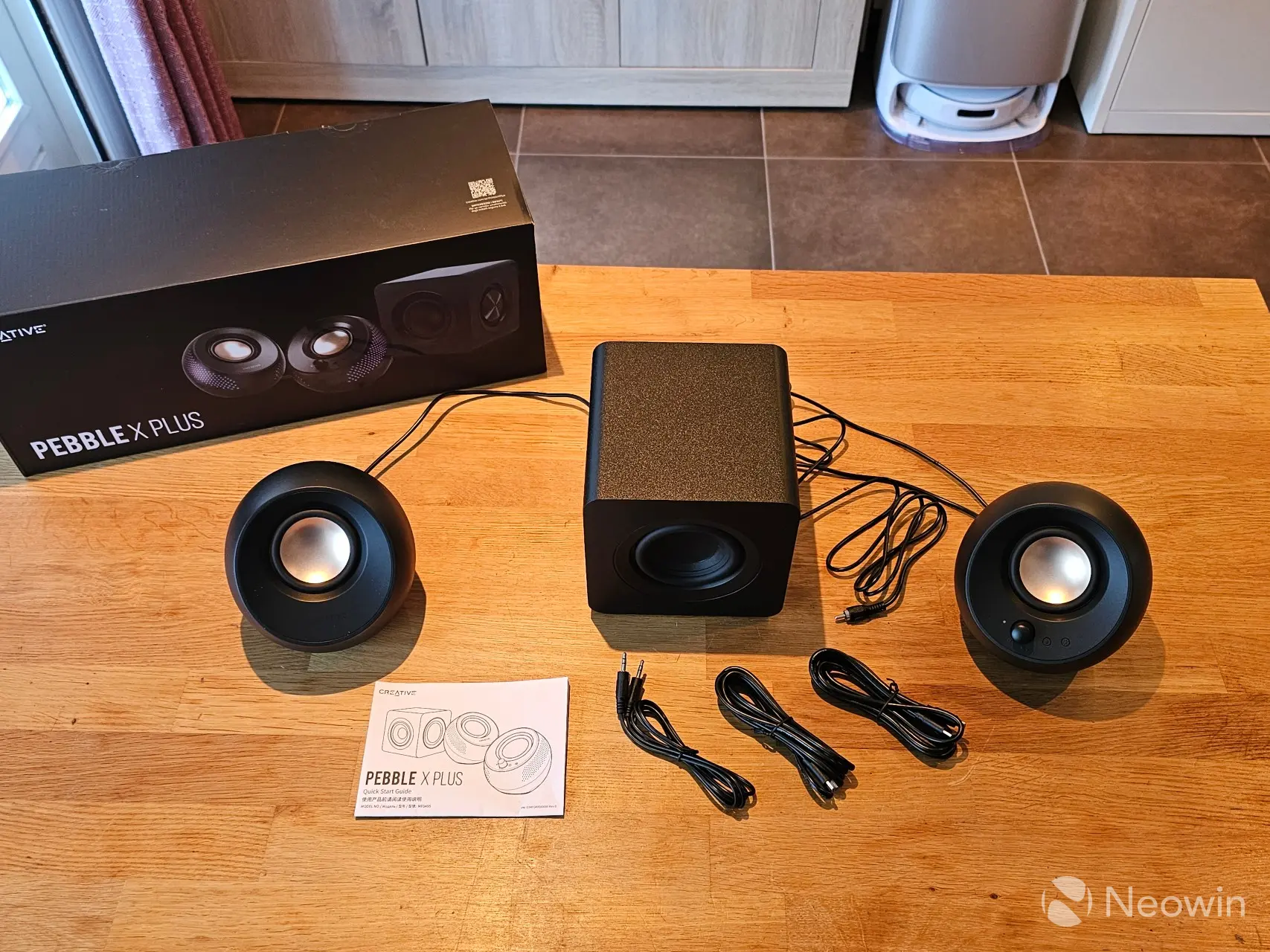
What"s in the box
- 1 x Creative Pebble X Plus
- 2 x USB-C to USB-C Cable
- 1 x 3.5 mm AUX Input Cable
- 1 x Quick Start Guide
Everything you need to get started is included in the box, except for a PD rated USB-C cable and charger, although Creative is currently throwing in a 65W charger ($35.99 value) for free if you order on the official website.
Design
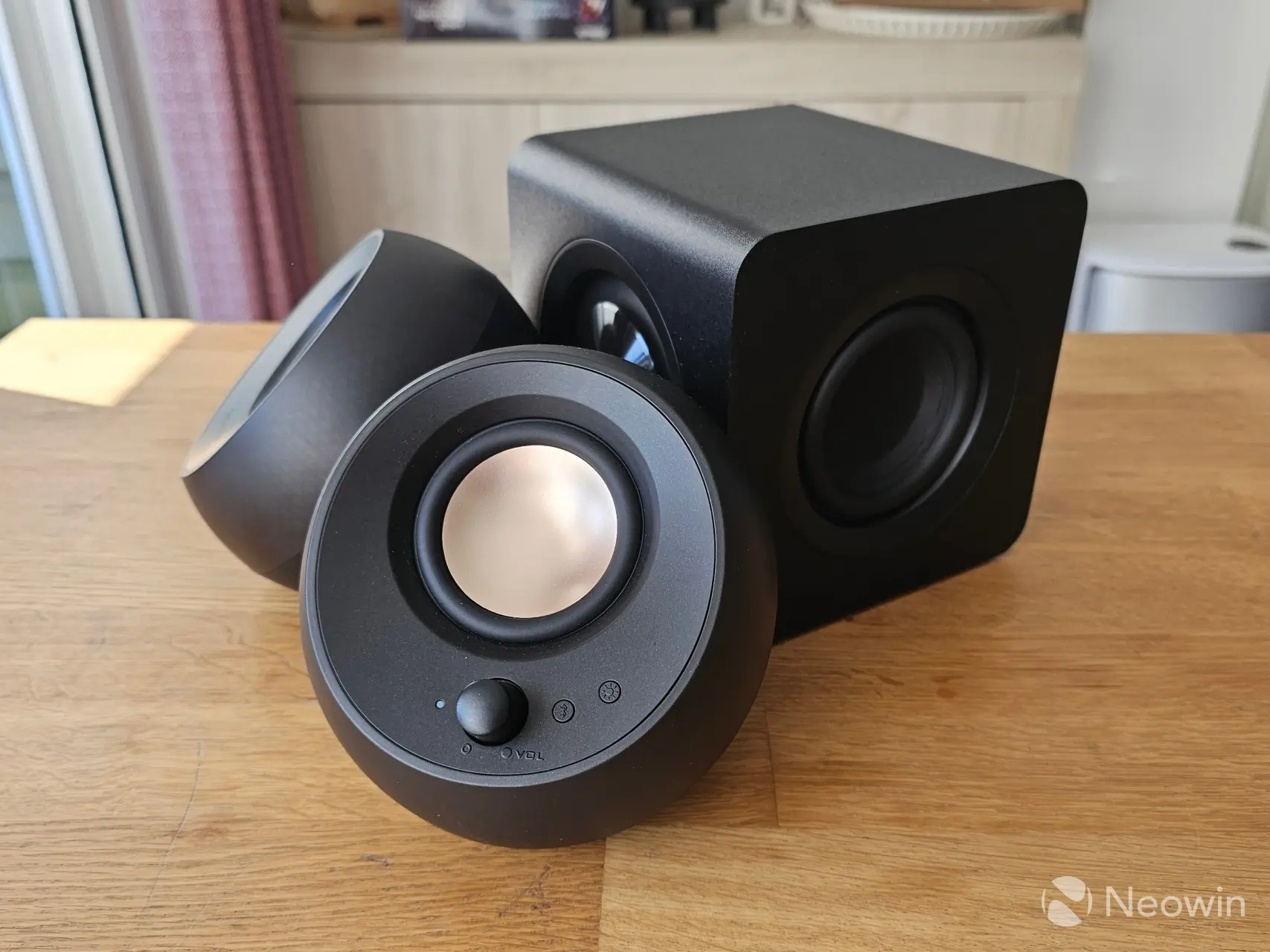
Creative does not list the materials used for the speakers, but it"s pretty obvious that they are made up from plastic. As shown in the specs, each speaker has a decent weight to it, with the satellites weighing just over half a kilo, and the subwoofer clocking in at 1700g.
Each speaker is made up from a matte black finish, so they are not fingerprint magnets. None of them have any speaker grill covering of any sort.
Satellites
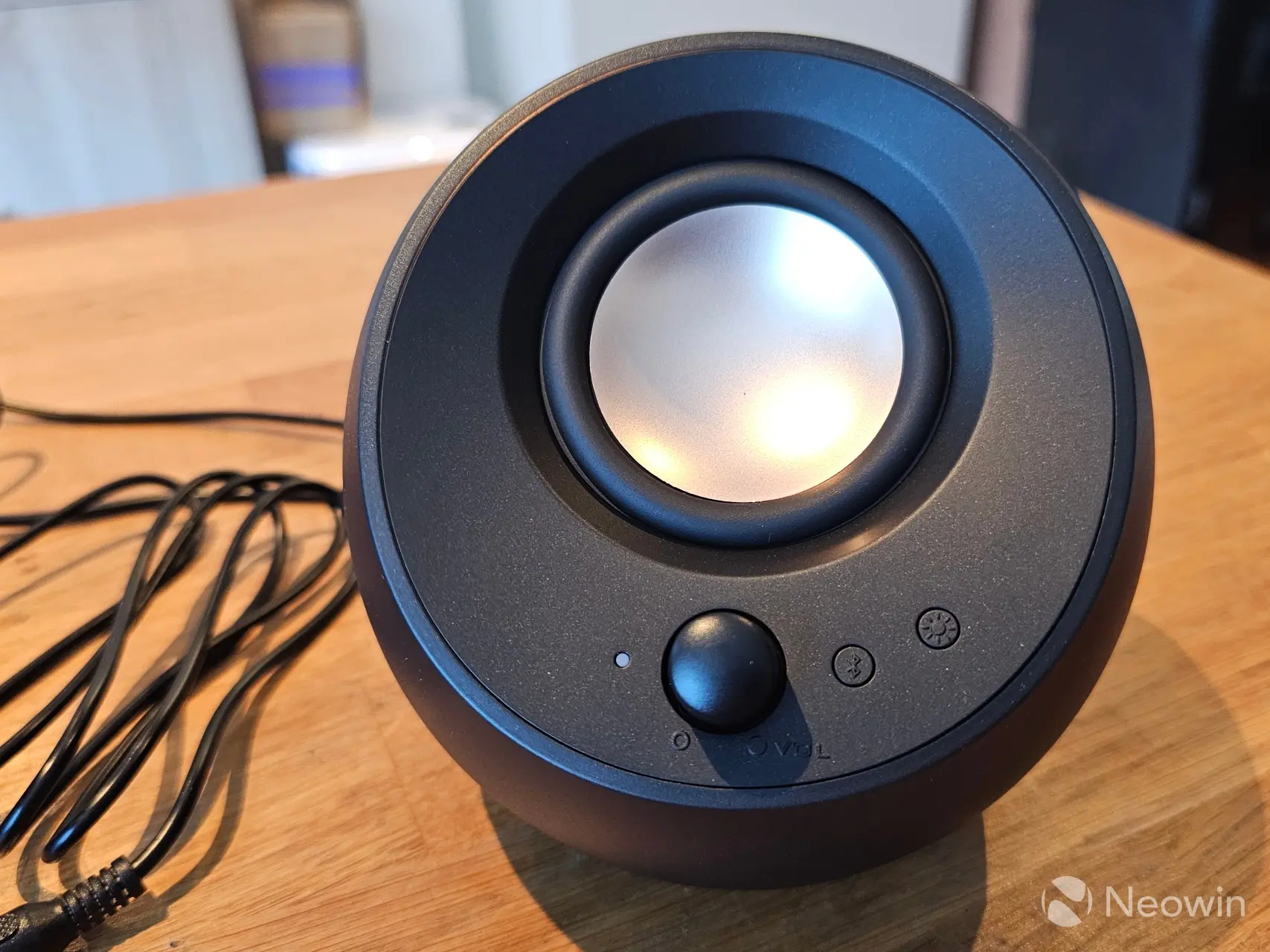
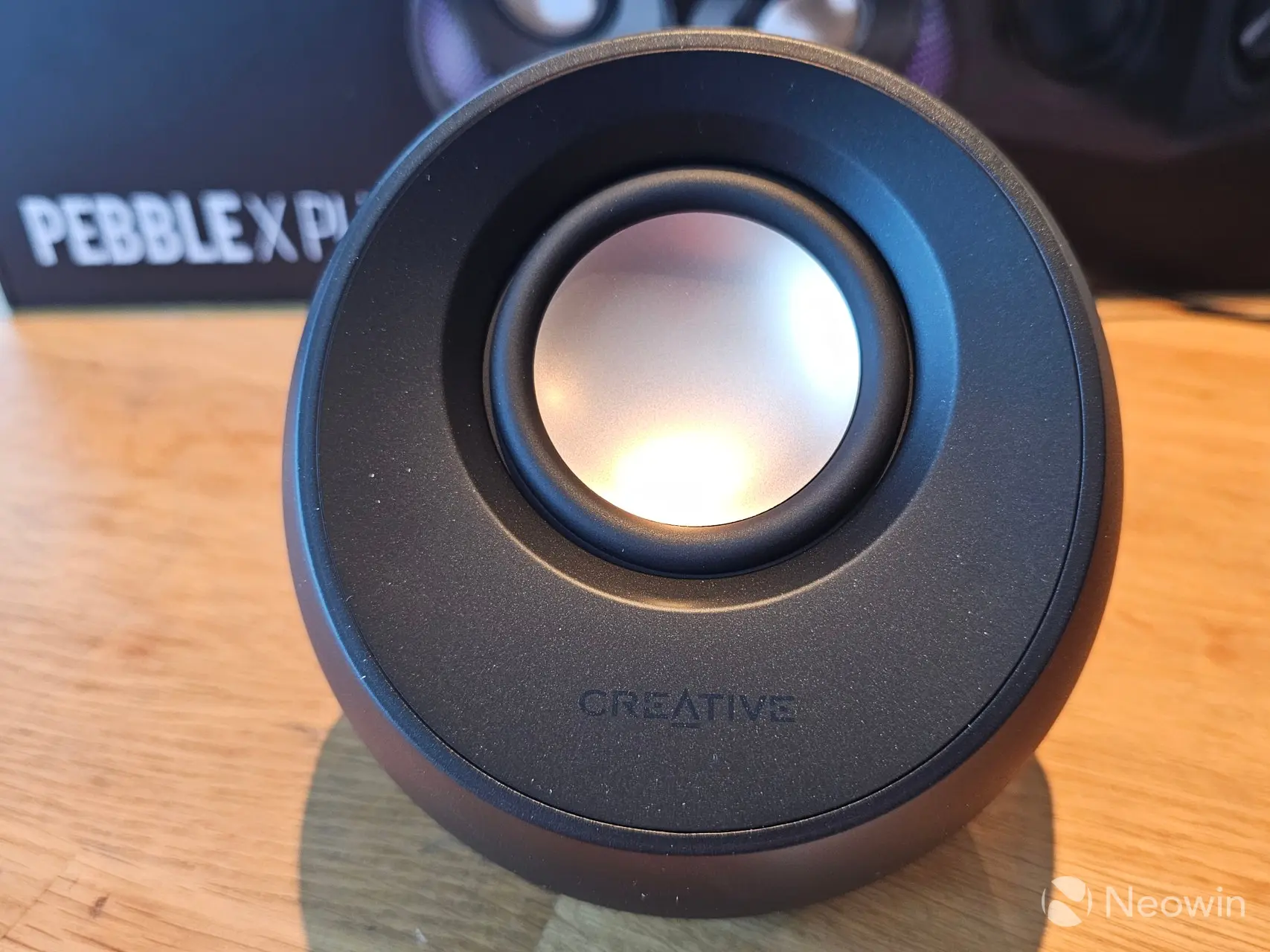
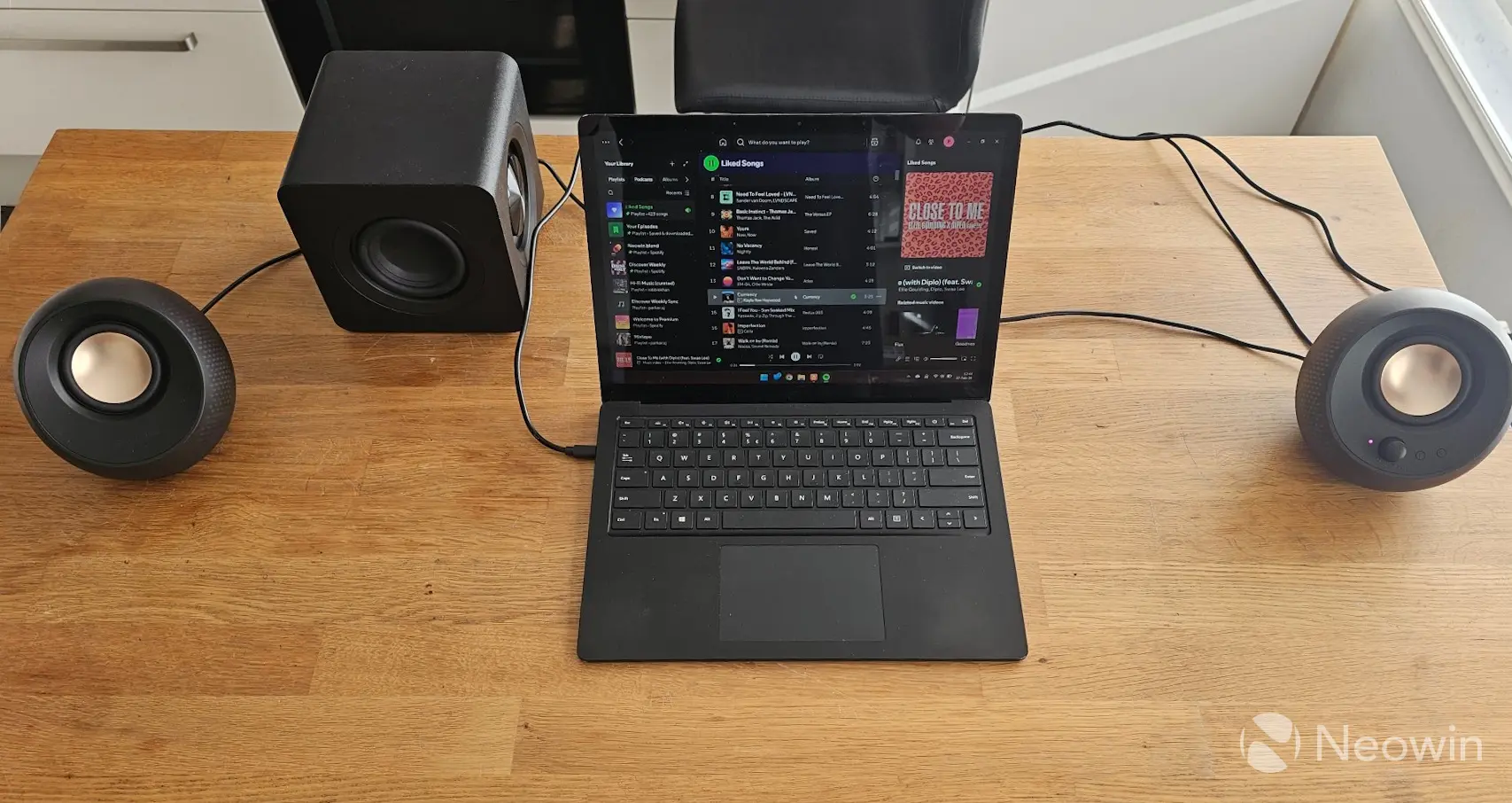
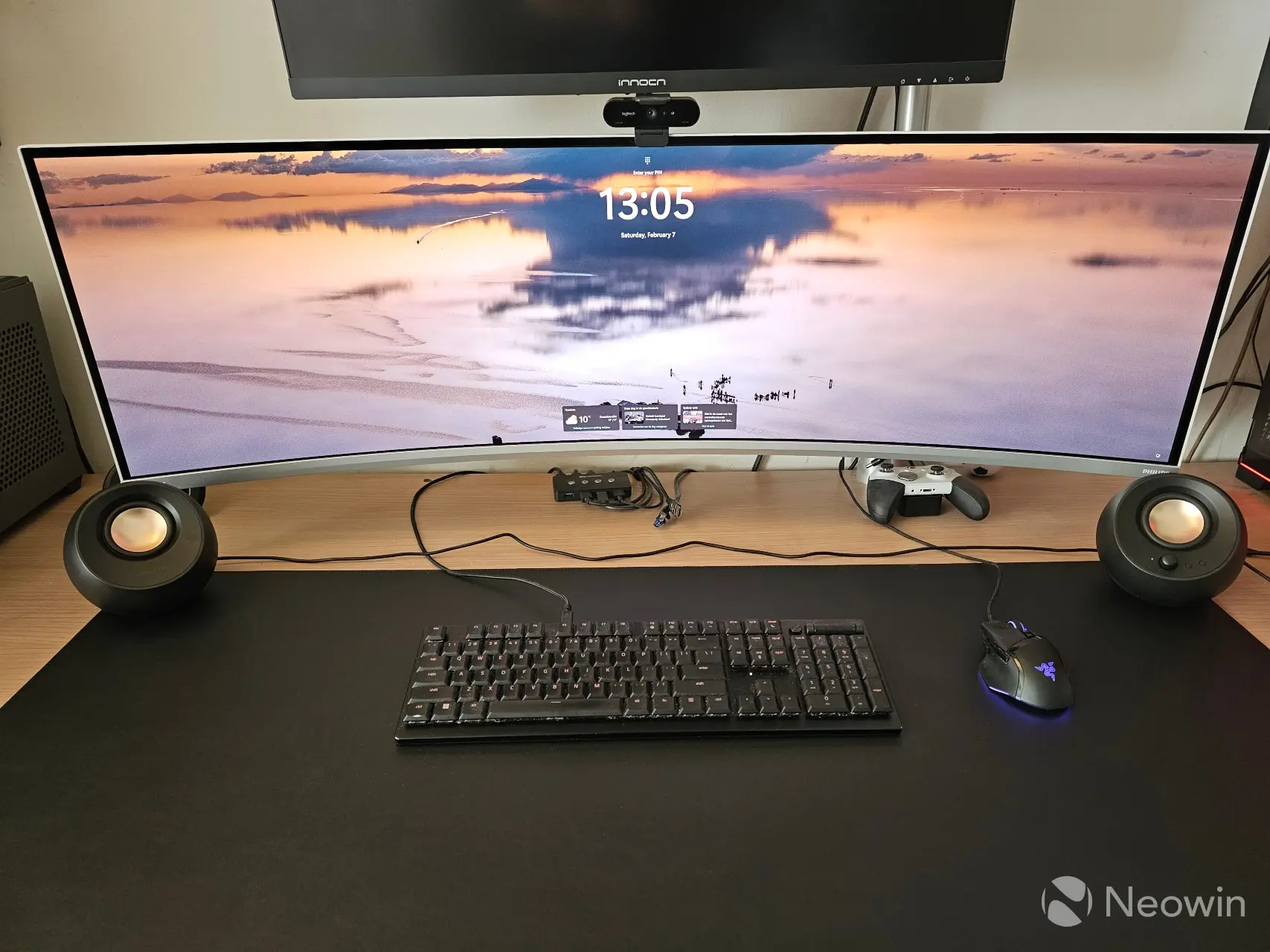
The right speaker is hardwired into the left speaker, and at only 1.2M cable length, this limits how far apart they can be; for example it is not quite long enough to go on each side of my 49-inch ultrawide monitor, which is a bit of a shame and something I fed back to Creative.
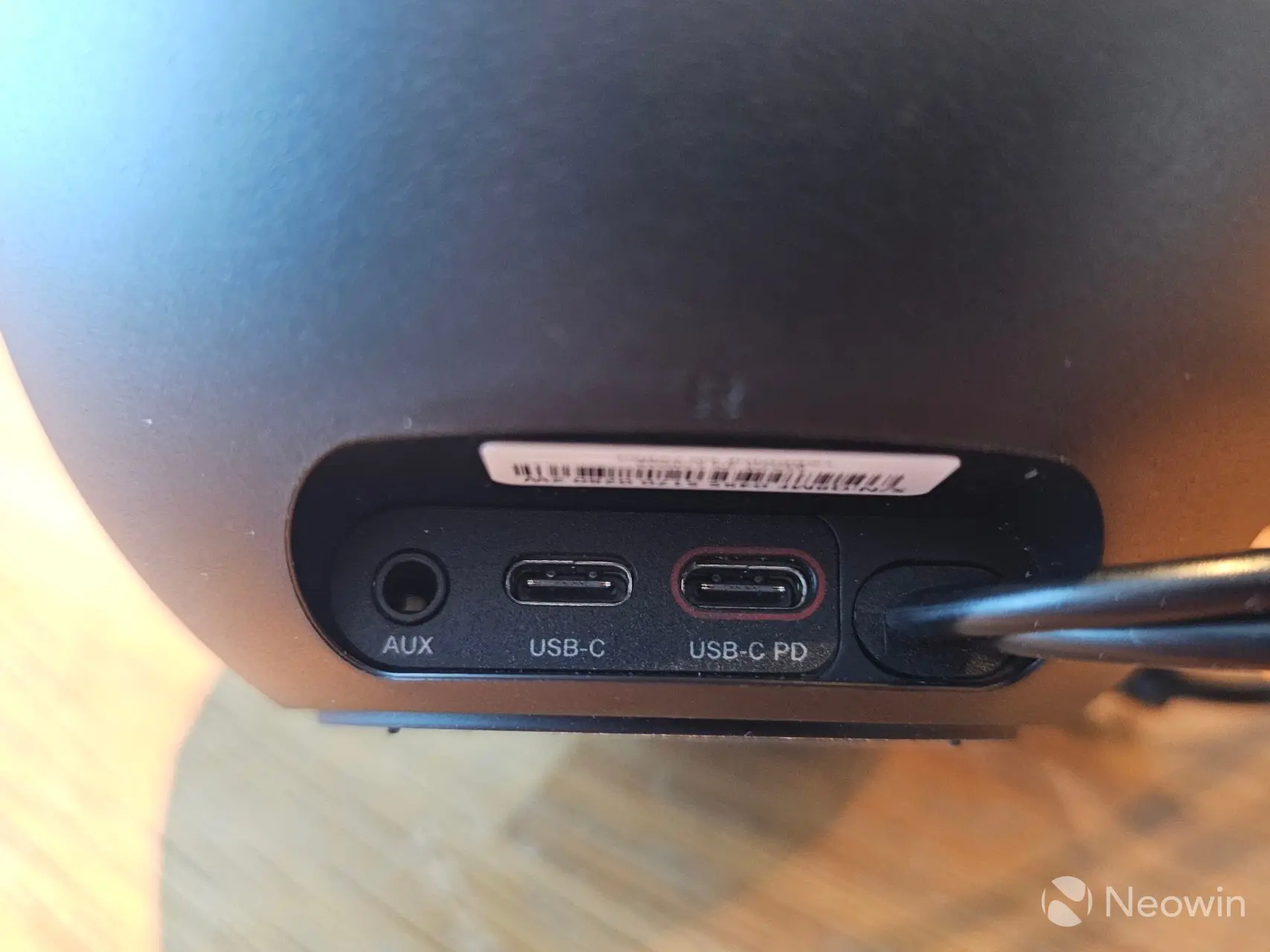
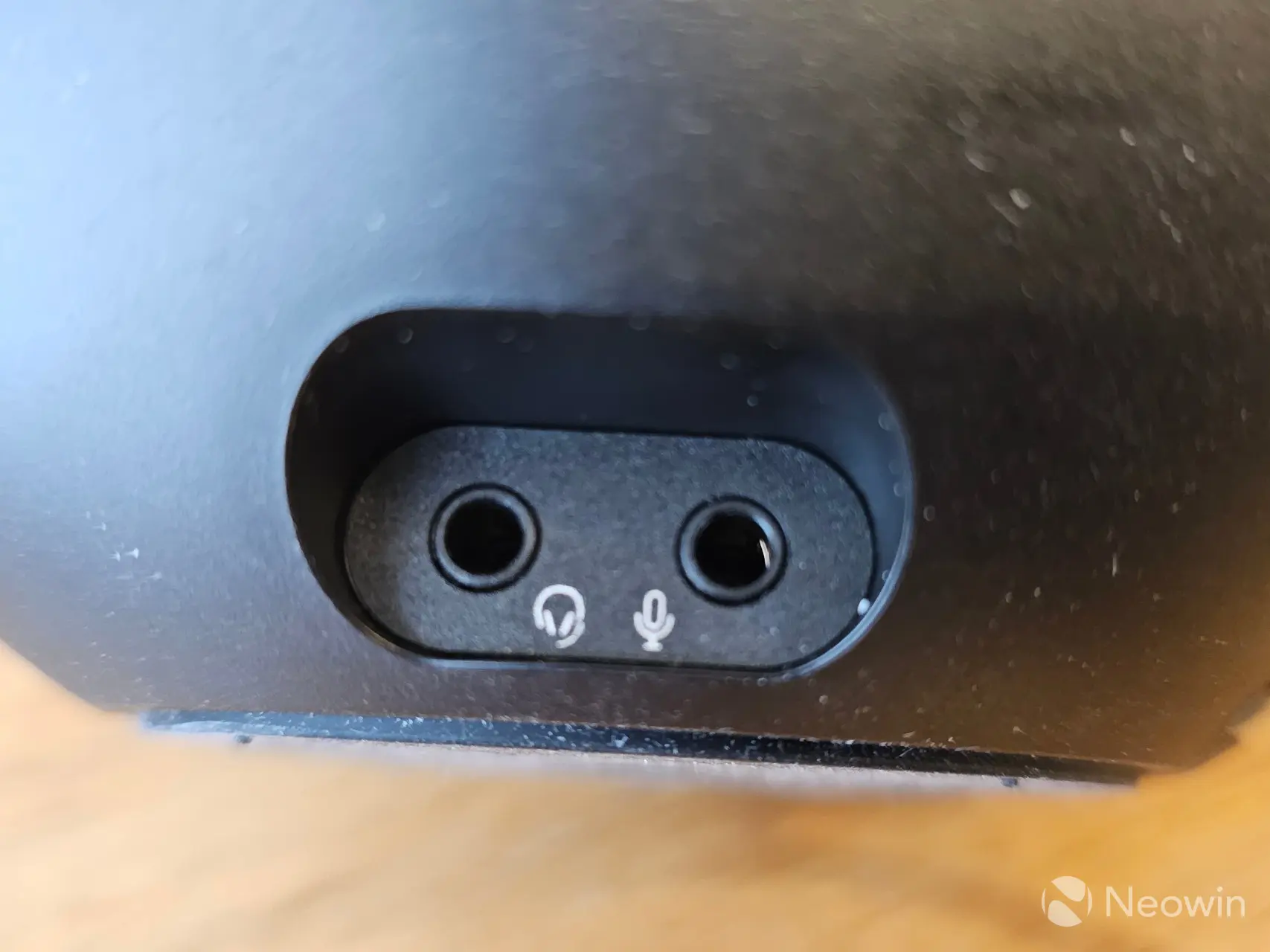
Around the back of the right speaker you"ll find the AUX, and USB-C connections along with another Type-C port for power, which when used enables the full power of the speakers from 15W RMS acoustic power to a total peak power of 30W when connected to a supported PD enabled USB-C port on a PC. On the right side of the right speaker you will find a mic and headphone port. Finally the left speaker does not have any controls on it.
Subwoofer
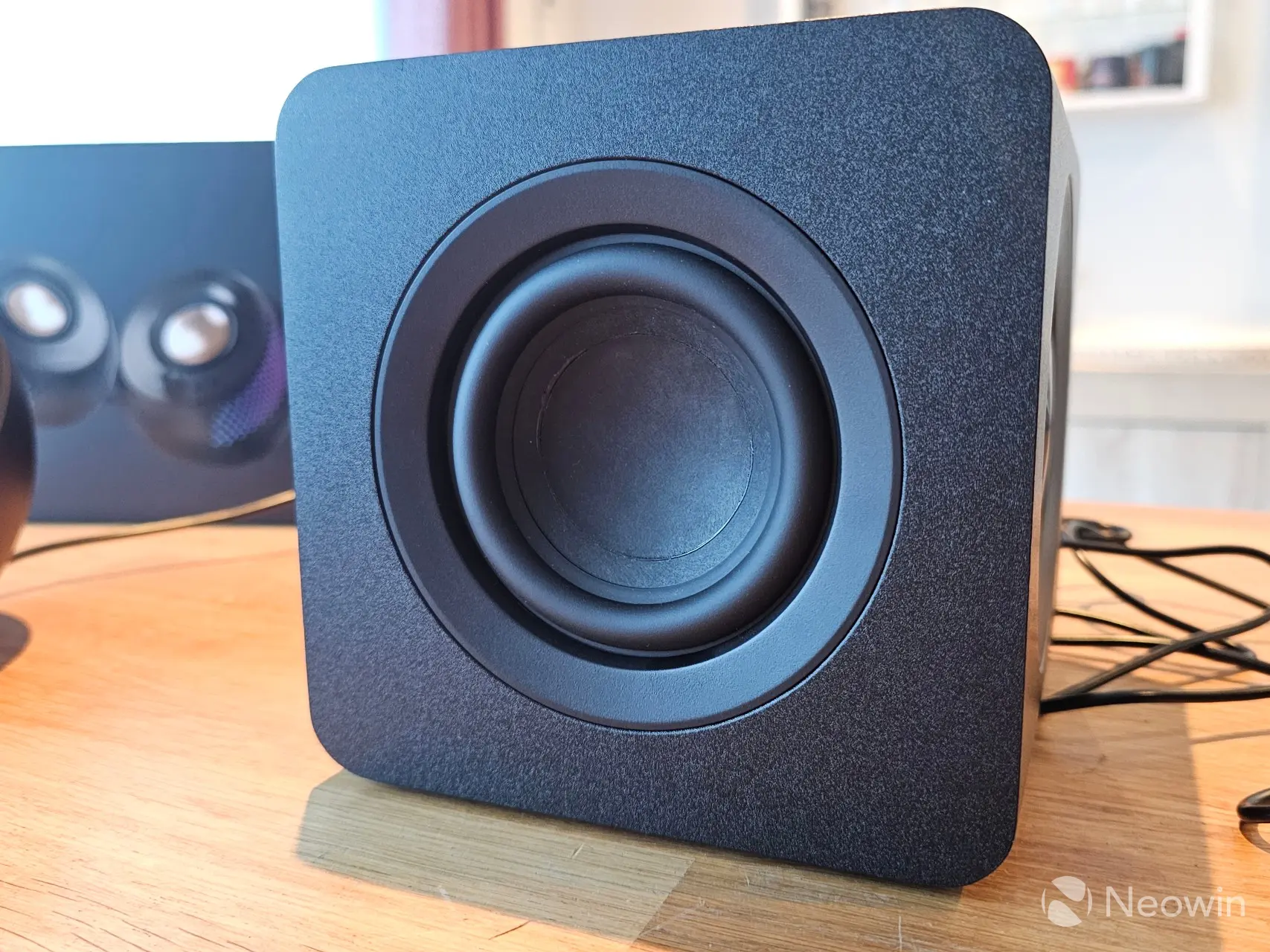
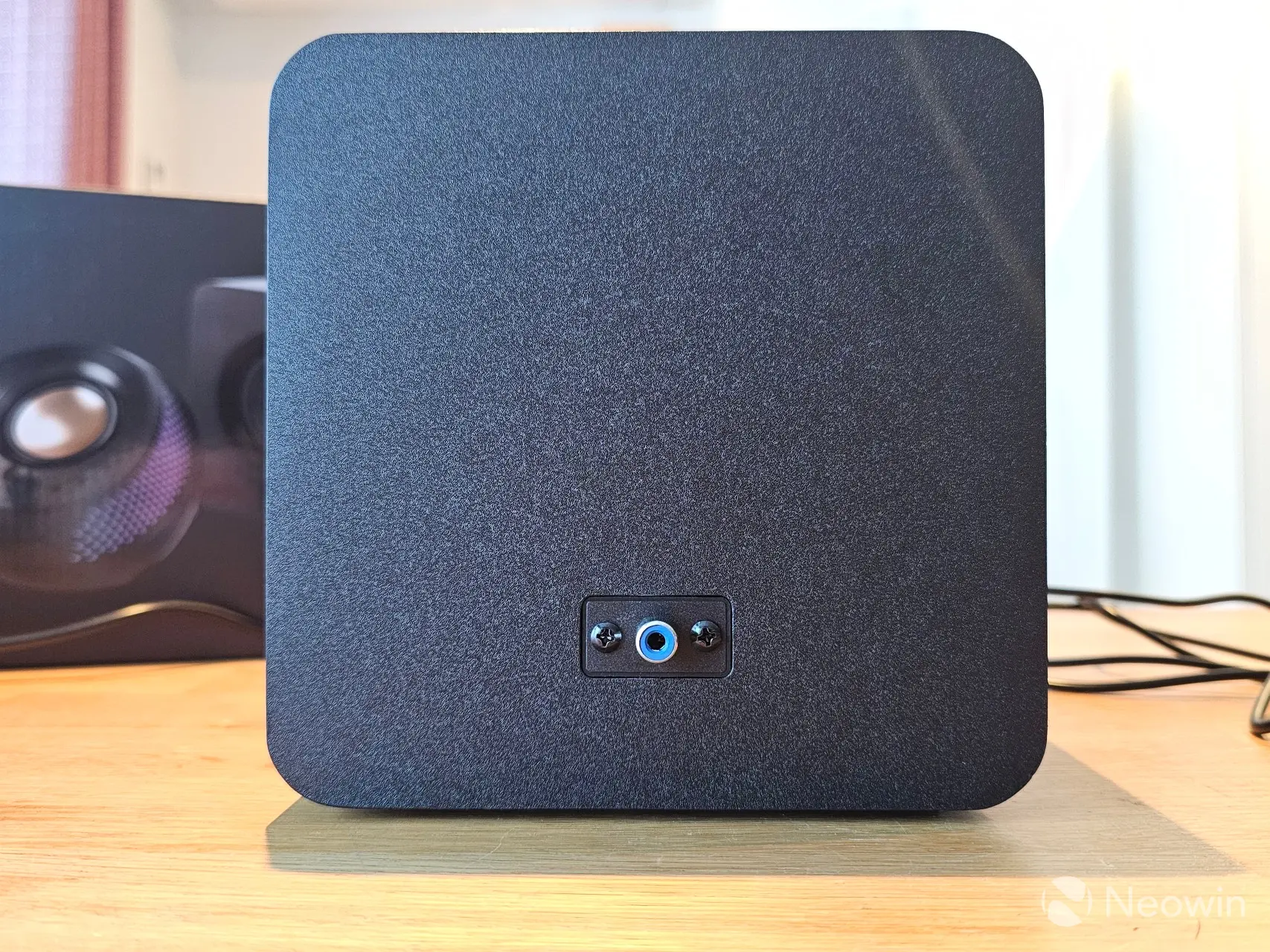
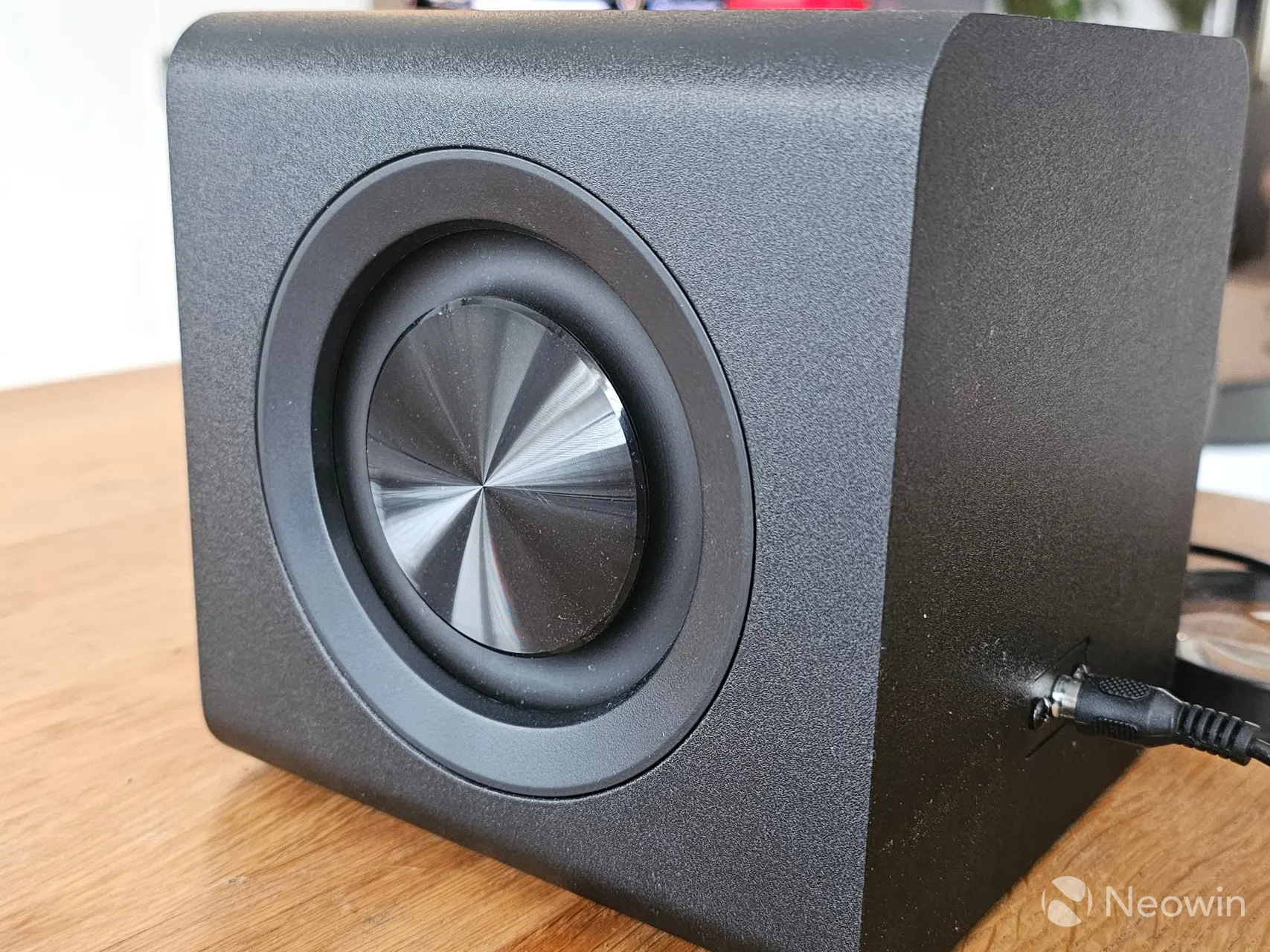
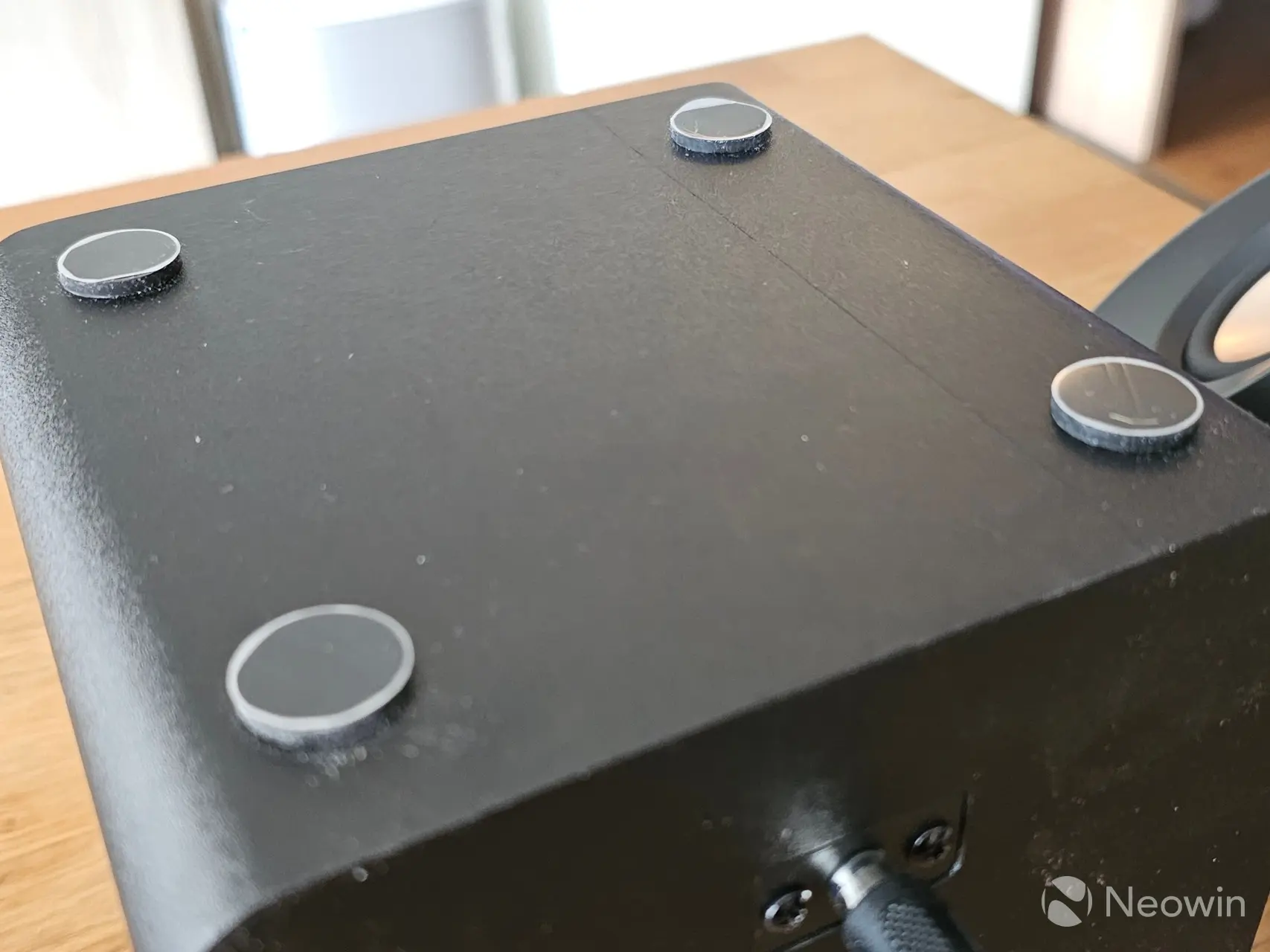
The relatively small front firing subwoofer is only a little larger than the satellites, and for this reason it has dual membranes, one on each side. It has only one connector port on the rear, and on the bottom it has four rubber stand offs with a decent height to ensure the subwoofer won"t vibrate, even at high volume.
Setup
At first, I connected the speakers over Bluetooth on my main PC but the audio delay was quite bad, so I ended up connecting over a Type-C USB cable to my laptop. Creative told us that the Creative app only works over via USB on Windows, but I was able to get the speakers connected over Bluetooth to the app after doing some research and finding some topics about it on reddit.
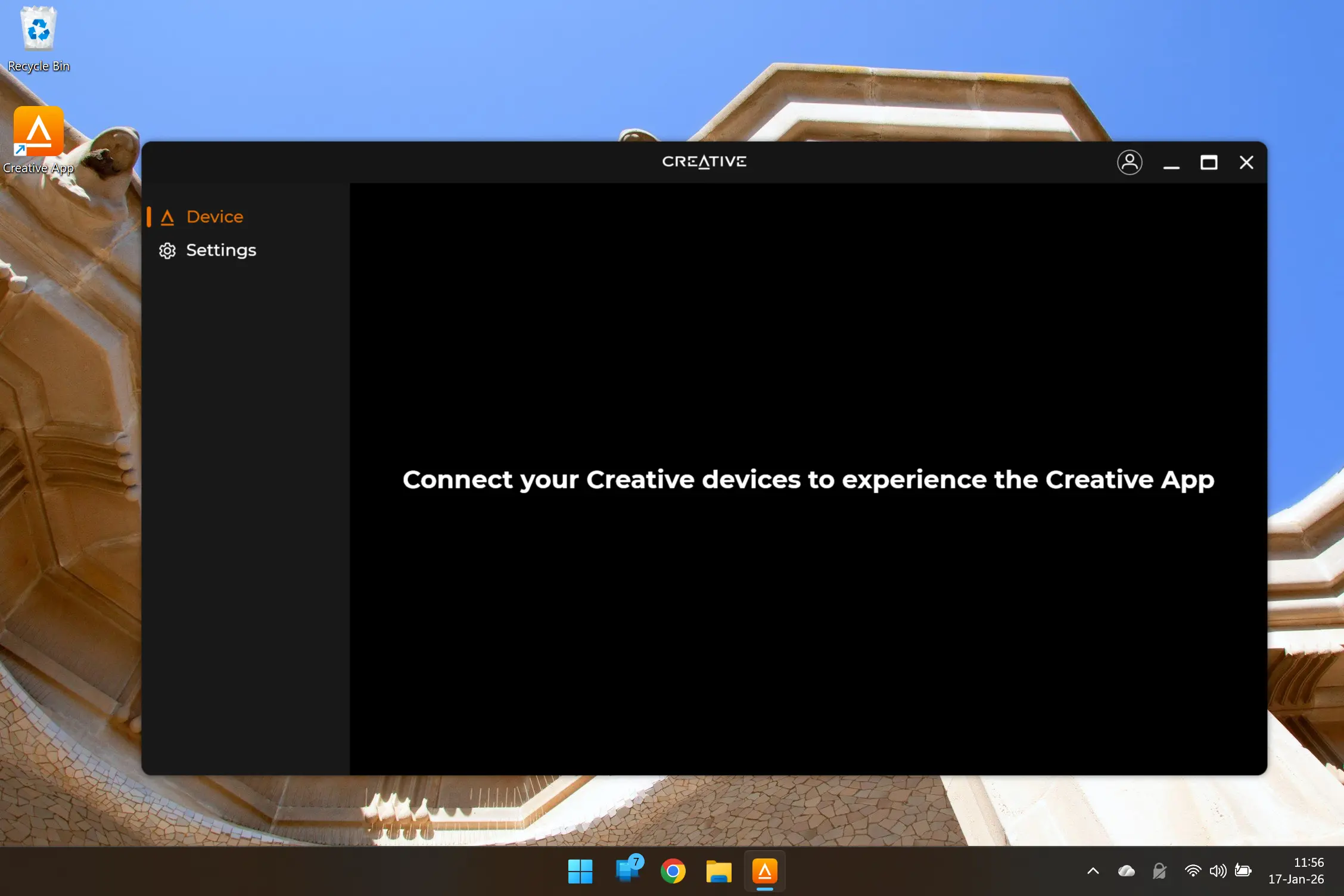
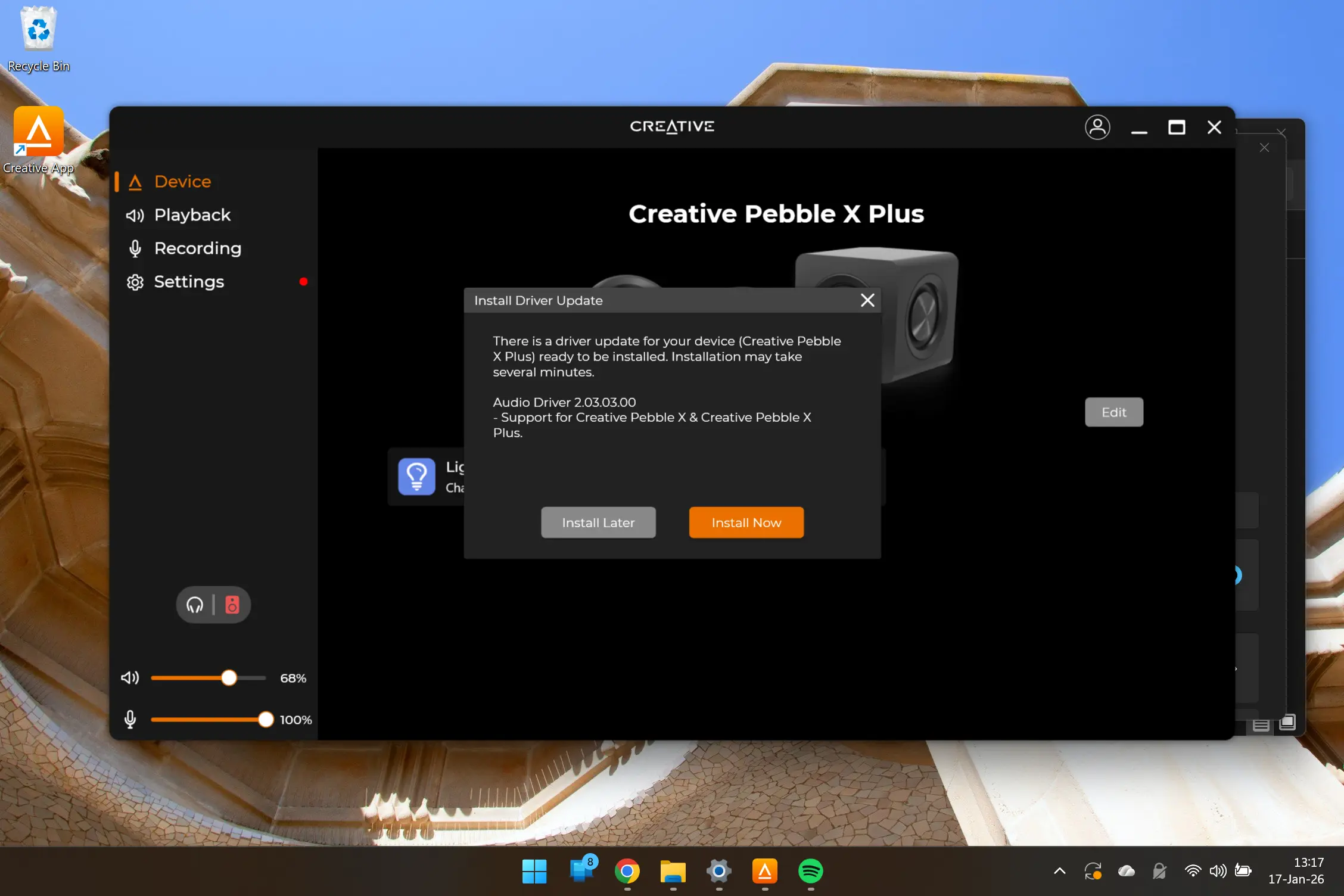
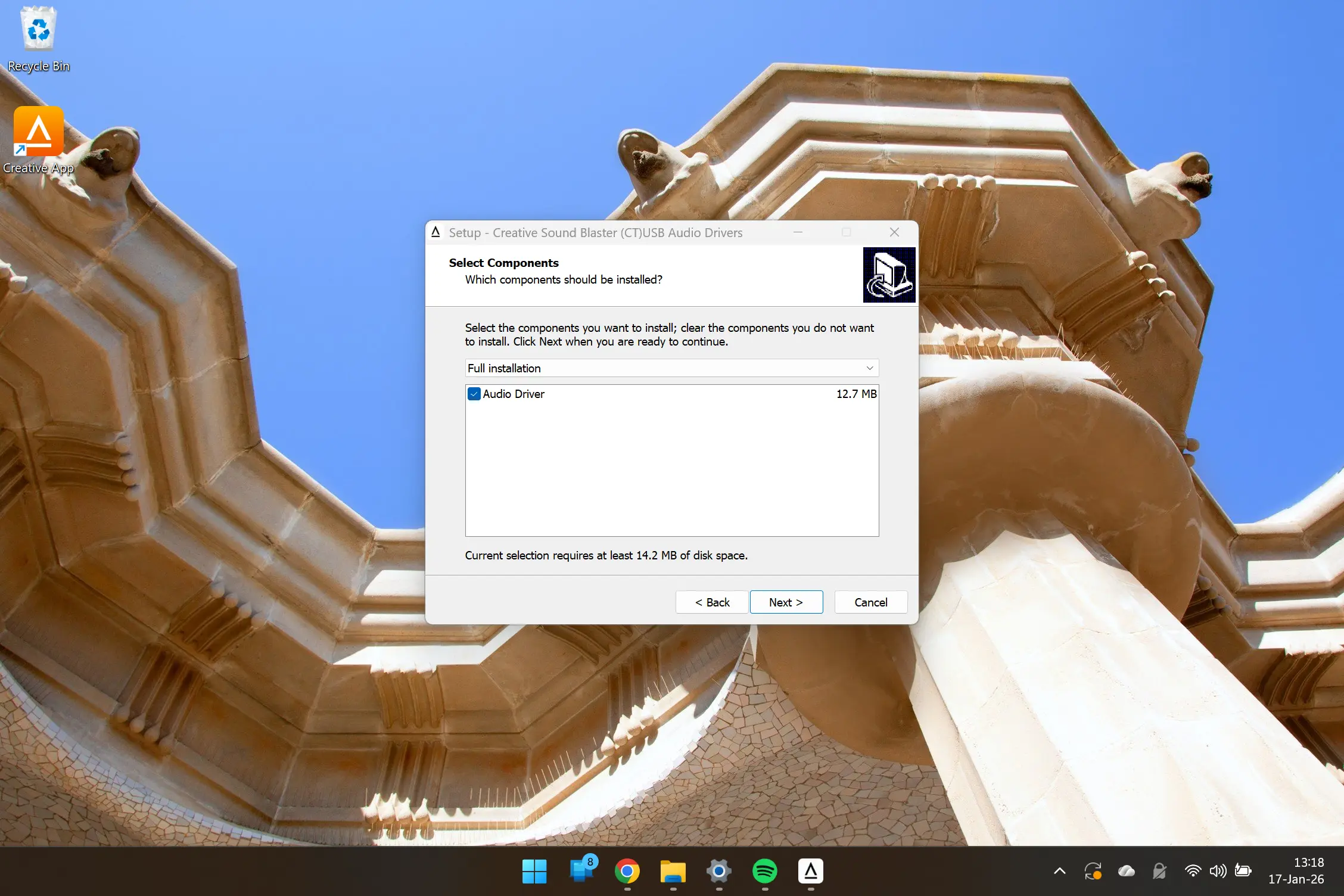
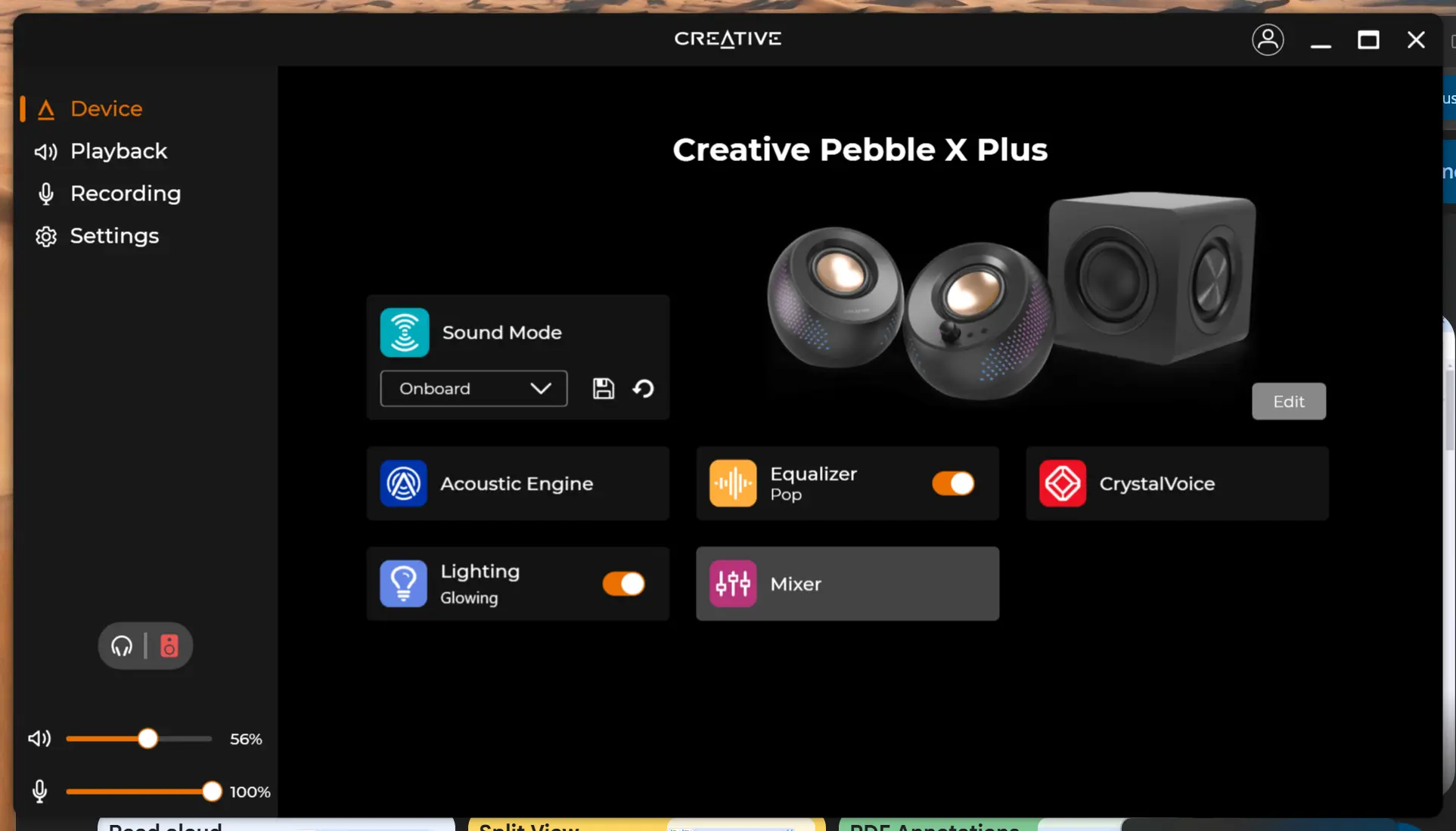
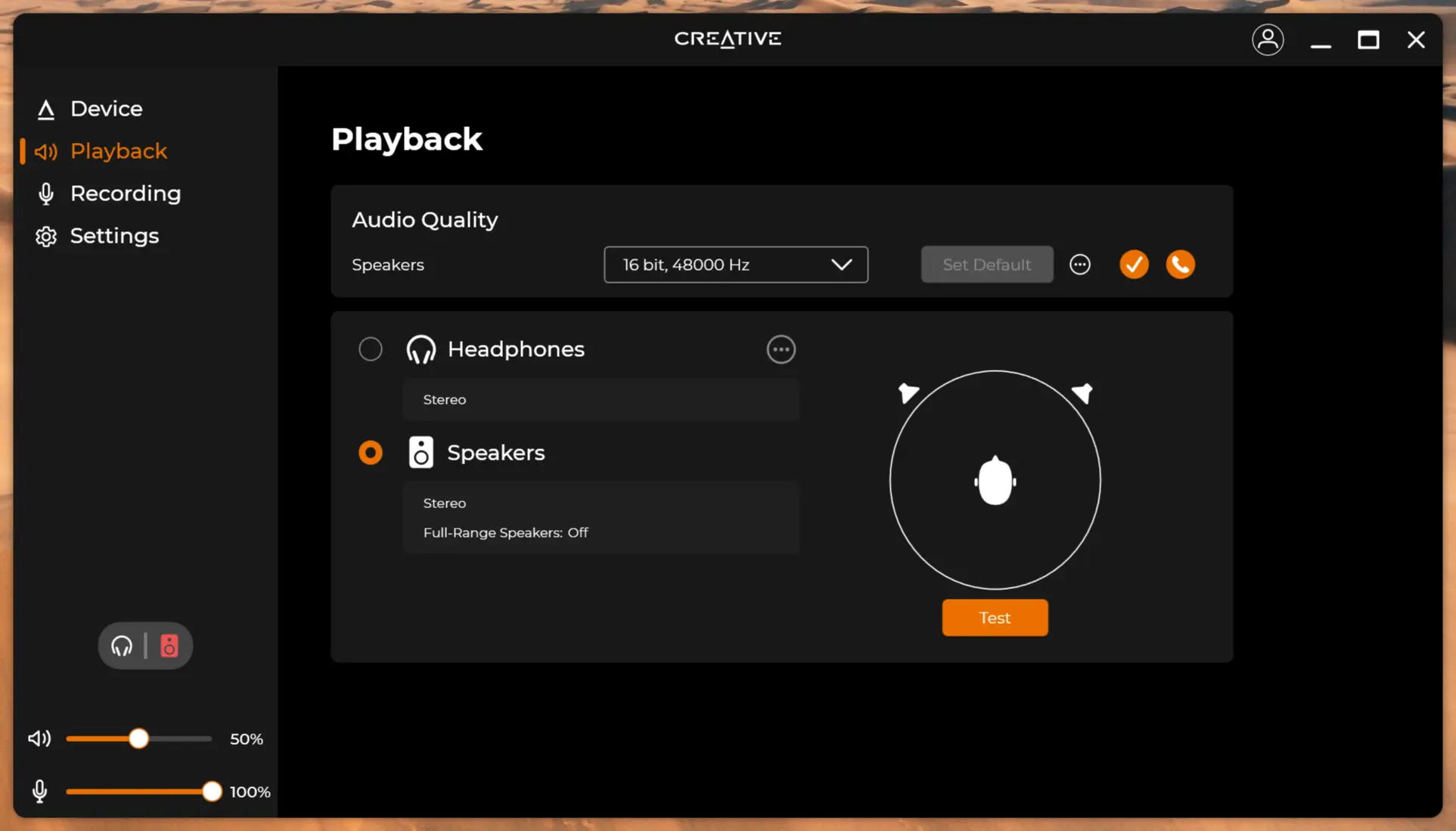
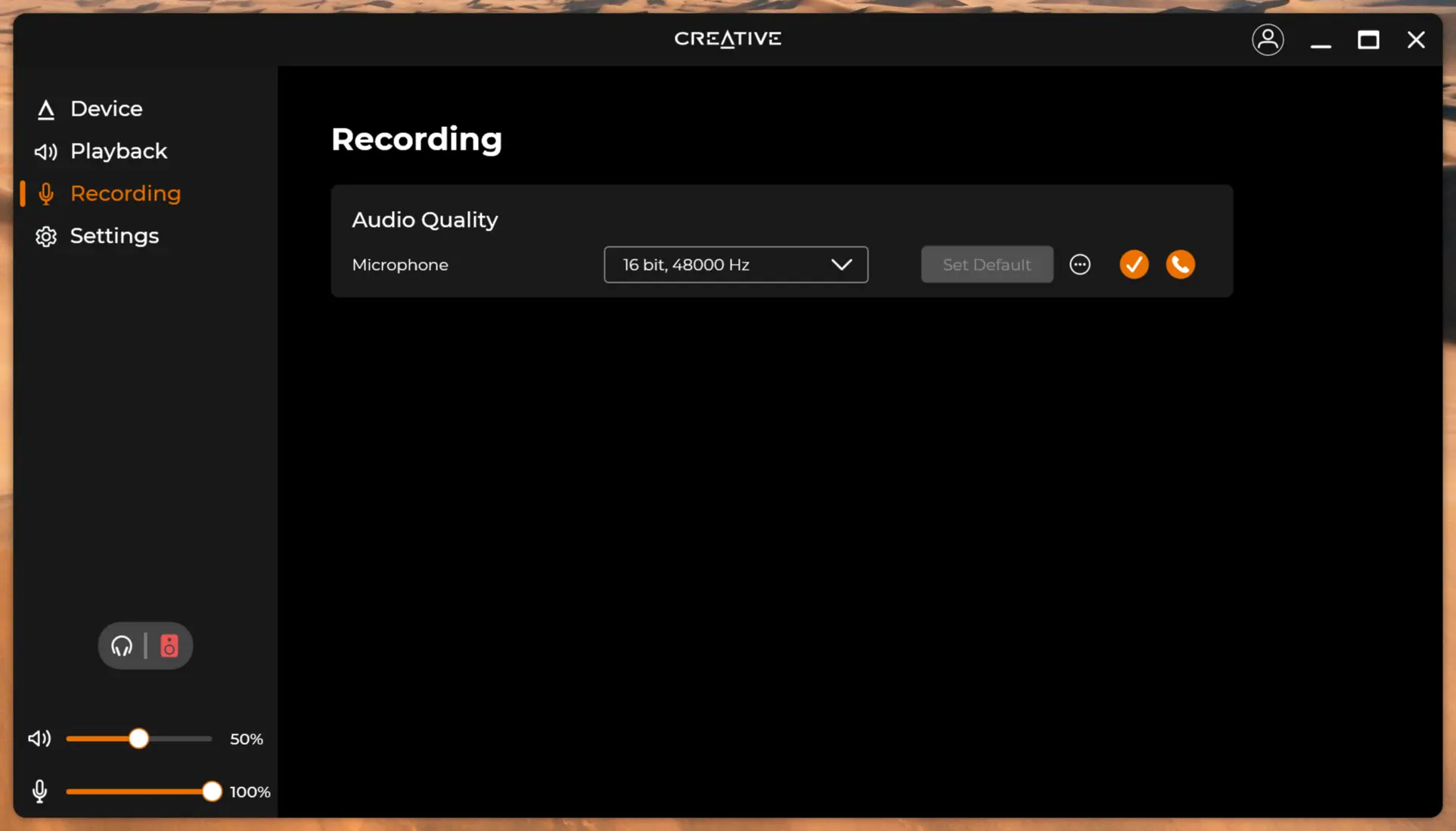
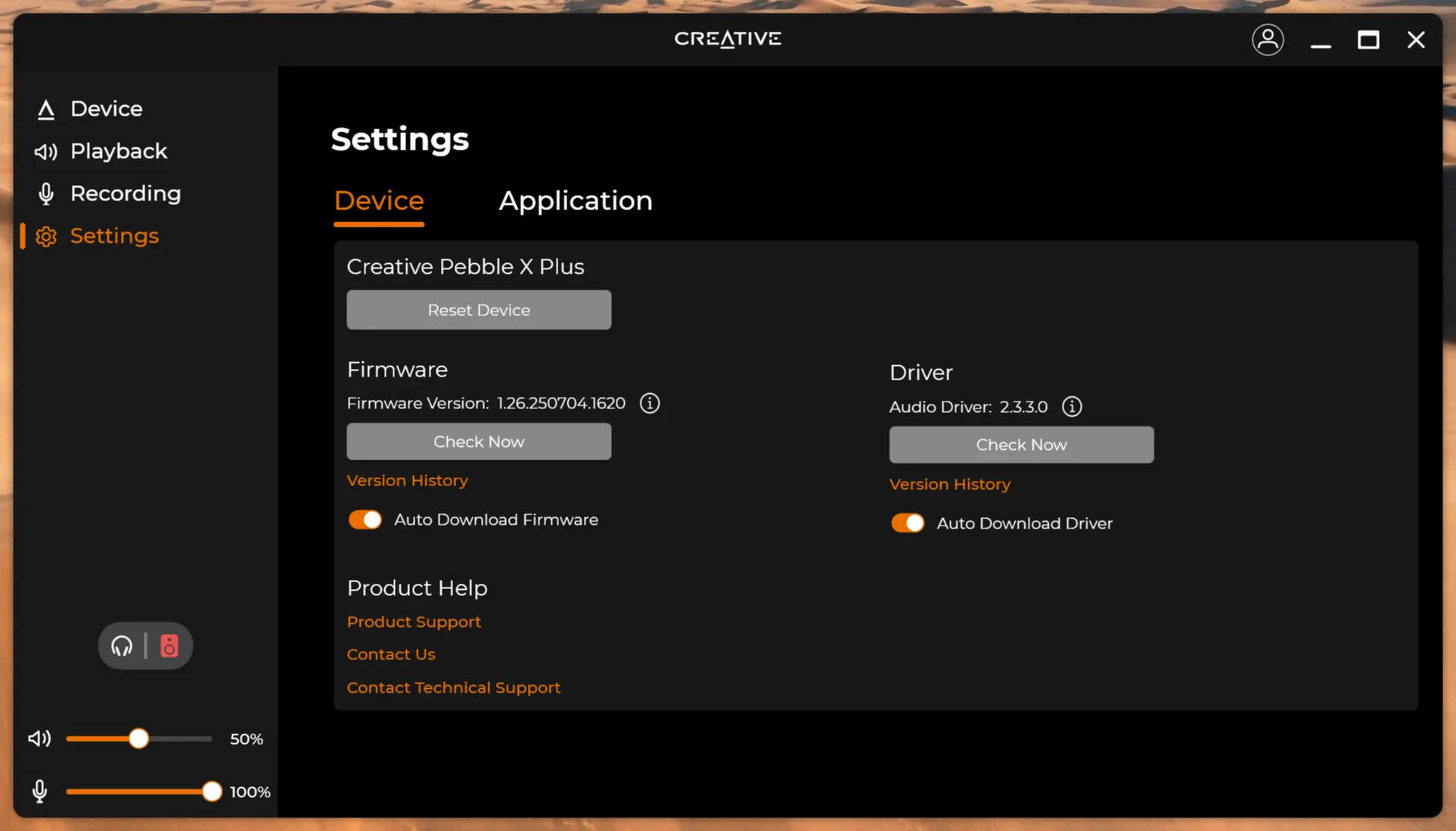
Thankfully I didn"t have to deal with the Intel Smart Audio incompatibility on my Surface laptop 3, which requires different workarounds, Creative told me they are still working on a permanent fix for this issue, so in m y case it was just a question of installing the Creative app, and waiting for the connection, then I was prompted to update Audio drivers and everything started working.
By the way, there"s another bug in the Creative app that does not detect a program or firmware update, even if it exists, so you will have to check out the Product support page yourself and manually update if a newer version exists.
So all in all, connecting over USB is the most painless method.
Usage
Ahh, and now the bit you"ve all been waiting for, usage and RGB.
RGB
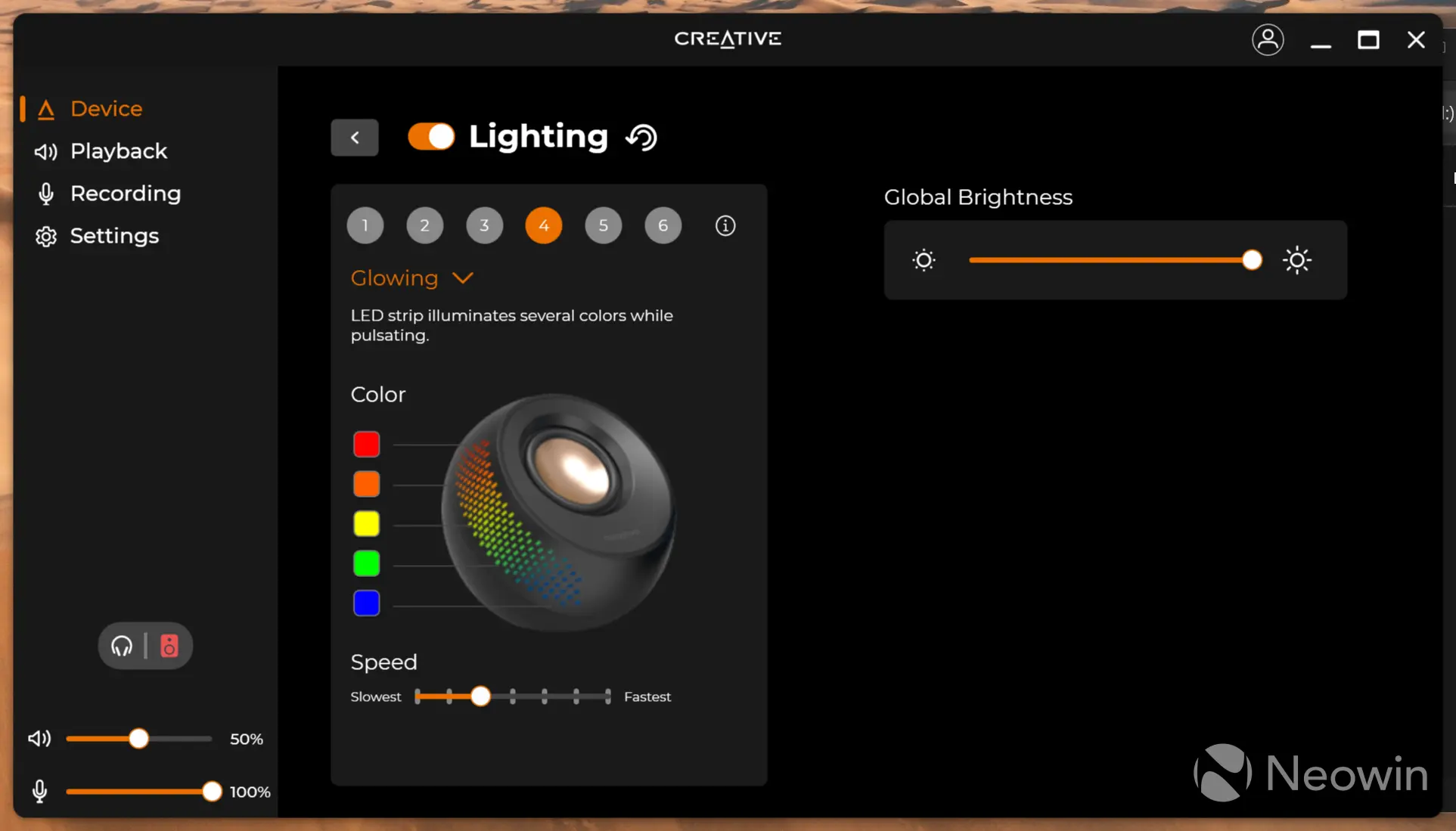
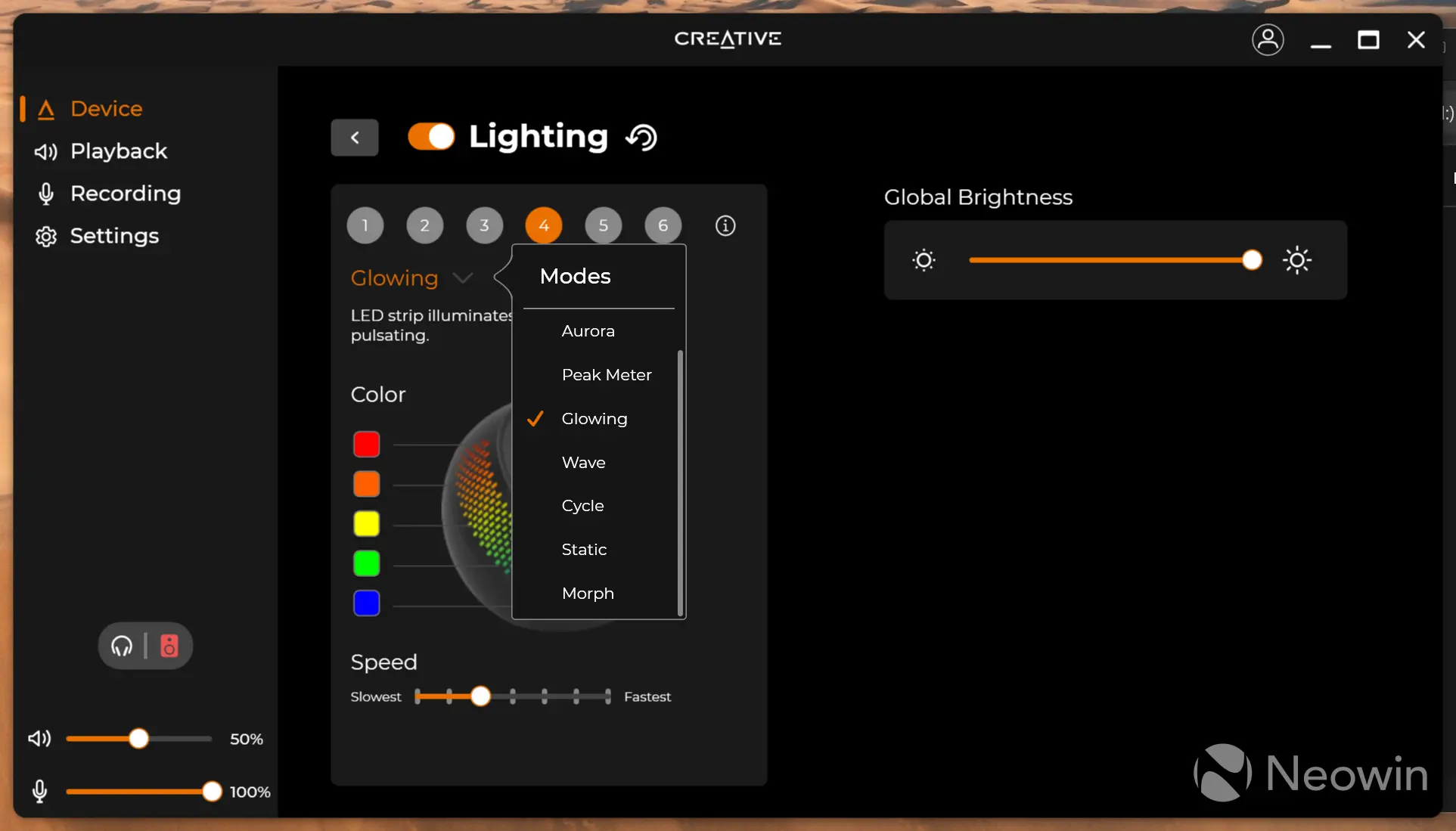
The lighting can be controlled through the Creative app on a single page. It lets you set the speed of the lighting cycle, brightness, colors and mode.
Above is the default setting (glowing, at speed three of seven) which illuminates on both sides of the speakers. There are six preset styles to choose from, which you can edit to your own set of colors, speed and illumination style.
Sound
Above you can see one of the side membranes (passive radiators) in action. The sub gets quite loud and can distort at full power, but this can all be controlled through the app as well.
Above you can see the front firing speaker in action. The pistonic movement of the woofer driver is also fairly linear, which is always good to see.
Conclusion
This set won"t replace my Edifier S360DB, and for audiophiles the quality might be a bit lacking; but it"s also important to keep expectations in check, the Edifiers cost quite a bit more than the Pebble X Plus.
The good
The speaker set offers a relatively good sound with deep bass, which will be an improvement over any of the integrated sound setups of a laptop, and if you like RGB lighting you will be set here too.
The bad
The fixed cable between left and right is too short at 1.2M, meaning that you will have to get creative with cable management, as I mentioned earlier, the speakers cannot be placed either side of my ultrawide. Regarding the short cable, Creative said they "will assess and look into this."
The app does not detect newer versions of itself or the firmware, and I noticed that when my laptop goes in Standby, the speakers do eventually go into low power mode (which must be enabled by toggling the sequence within 30sec of powering up, by pressing RGB button 3x followed by Bluetooth button 1x), but they don"t power up again once I have come out of Standby on my laptop.
Would I recommend
Audio is a personal and subjective matter, but from looking online, buyers appear to be happy with the Pebble X Plus. If you are looking for a relatively cheap 2.1 speaker set for your laptop of Mini PC that allows you to connect headphones or a microphone, then yes, the set checks the boxes. Maybe I am just spoiled by the Edifier S360DB set I already have, so my expectations were a little higher.
I was surprised at the amount of bass the subwoofer can produce so the passive radiators are certainly helping. However, do not expect deep bass from the unit. It seems to excel at producing a very decent amount of mid-bass, around the 60-80 Hz range.
The difference is clear if only connected through USB (at max 15W RMS) when connected over the PD port that doubles to 30W RMS and for this set it is like night and day, as it is a 3dB increase.
Where to buy
As I mentioned earlier, if you buy the Pebble X Plus directly from Creative, they are throwing in a 65W charger, which means you will be able to power the speakers if the device you plan to connect them to does not have a PD port.
- Creative Pebble X Plus for $119.99 (was $129.99) on Creative US
- Includes free 65W charger (at time of publication)
- Creative Pebble X Plus for $123.99 on Amazon US
As an Amazon Associate we earn from qualifying purchases.