Mozilla has released Firefox 141, another feature update for the browser, bringing some long-requested changes and features. The update is now available on Mozilla"s repository, and it will be available for download from existing installations tomorrow and on the official website on July 22.
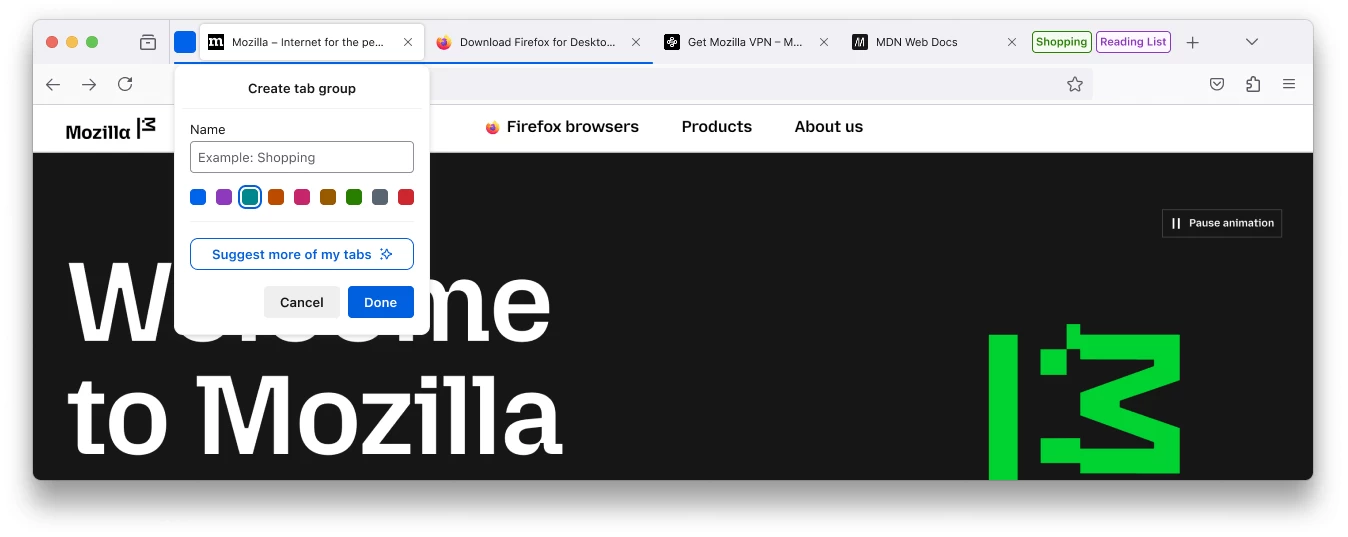
With Firefox 141, Mozilla is introducing automatic tab grouping with AI, which means the browser can automatically group tabs and suggest names for each group based on the tabs each group contains. Mozilla adds that AI processing happens on-device for improved privacy. This feature is rolling out gradually.
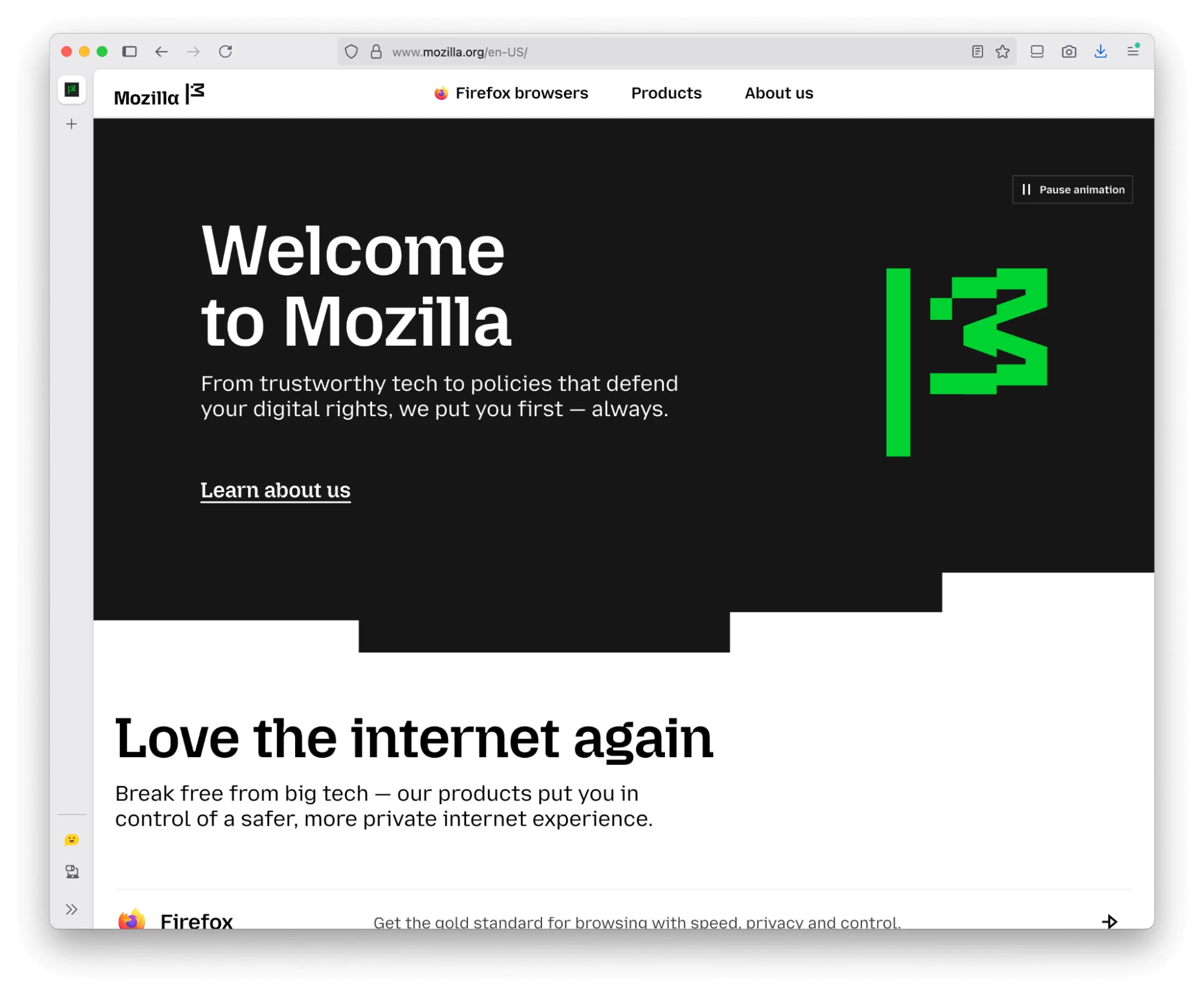
If you use vertical tabs, you can now have more (or less) space for tabs by shrinking or expanding the tools area at the bottom of the sidebar. Just grab the divider and drag it up or down. Tools and buttons that do not fit in the adjusted area will be available in the overflow menu.
Mozilla has some nice changes for Linux users. Firefox now uses less memory and no longer requires a forced restart after an update by a package manager. There is also a separate change for Windows 11 users where the browser now uses system-provided font icons for the caption buttons.
Another big change in Firefox 141 is WebGPU support on Windows. Websites can now tap into your graphics card to perform heavier tasks such as complex 3D graphics, resource-heavy calculations, and more.
Other changes in Firefox 141 include address autofill support in Brazil, Spain, and Japan, the ability to use the address bar as a unit converter (length, temperature, mass, force, time zones, and angular measurement), a built-in Catalan dictionary for Firefox in Valencian, and more languages for Firefox Translate (Albanian, Gujarati, Hebrew, Hindi, Kannada, Malay, Malayalam, Persian, and Telugu).

As usual, the latest Firefox update also brings security fixes, which you can find here. Release notes for enterprise users will be available here. Both pages, including the official changelog, will be publicly available on July 22.