Google keeps updating its Gemini AI chatbot with new features and changes to better visualize answers. In the latest update, Google has added support for interactive 3D simulations and models, which you can generate simply by supplying a prompt to the chatbot.
The search giant has moved away from previous responses, where you mostly saw just text with static diagrams. The chatbot can present "functional simulations" to better understand the topic you"re researching.
You can use it to explore many things, such as simulating a complex physics system, rotating a molecule, or exploring how the moon orbits the Earth, without getting stuck with a fixed diagram. In the case of the moon, you can adjust the initial velocity and gravity strength using manual sliders to see how these variables create a stable orbit.
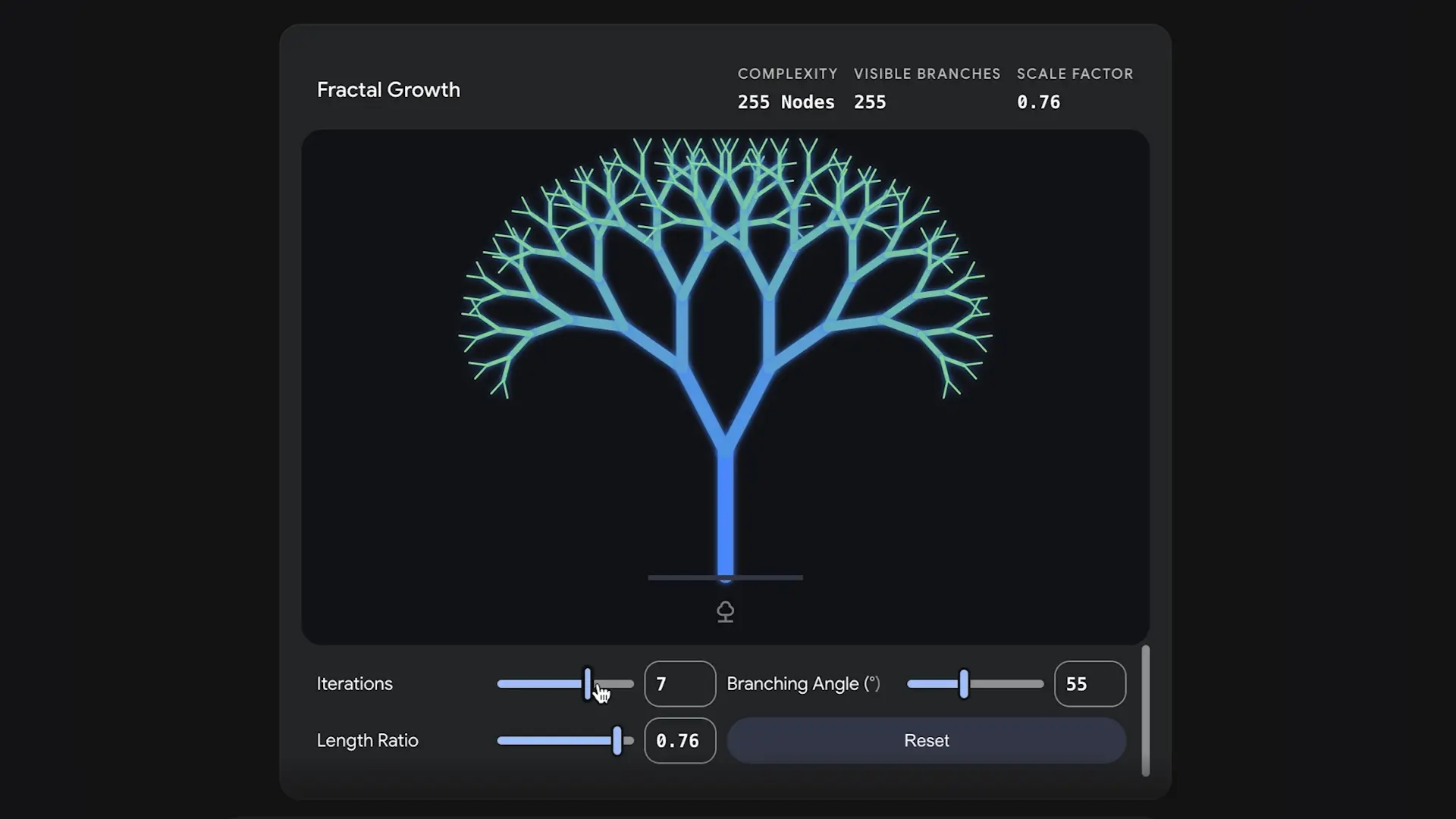
To use the feature, start your prompt with "Show me" or "Help me visualize" and make sure to select the "Pro" model to get the job done. For example, you can throw prompts like "Visualize how fractals work" to see fractal growth and tweak attributes such as branching angle, length ratio, and iterations.
Similarly, you can explore quantum physics concepts by asking "Show me how a double slit experiment works," and Gemini will give you options to change the wavelength, wave speed, and slit separation to see the waves changing in real-time.
Google said in a blog post that support for 3D simulations and models in Gemini is rolling out to all users, except those with Education and Workspace accounts. The feature builds on the learning capabilities Google added to the chatbot previously.
Last year, we reported that Gemini can generate interactive, clickable diagrams across Biology, Physics, Chemistry, and Mathematics to help students explore complex academic topics visually. They can click on specific parts to get detailed explanations and learn about sub-topics.