The KDE Team has published the first "This Week in Plasma" update for the new year, highlighting new accessibility features for Plasma 6.6, and small fixes and improvements for 6.5.5.
In Plasma 6.6.0, set to release next month, there is now an implementation of the "Slow Keys" accessibility feature for the Wayland session. Slow keys was designed for people who have trouble with fine motor control. It works by making you press and hold a key for a short, specified time before the system accepts the input, which helps prevent accidental key presses.
Besides bringing Slow Keys to Wayland, Plasma 6.6 will also improve its Zoom accessibility effect with a new "Centered (Strict)" mode that keeps the mouse pointer locked in the exact center of your screen.
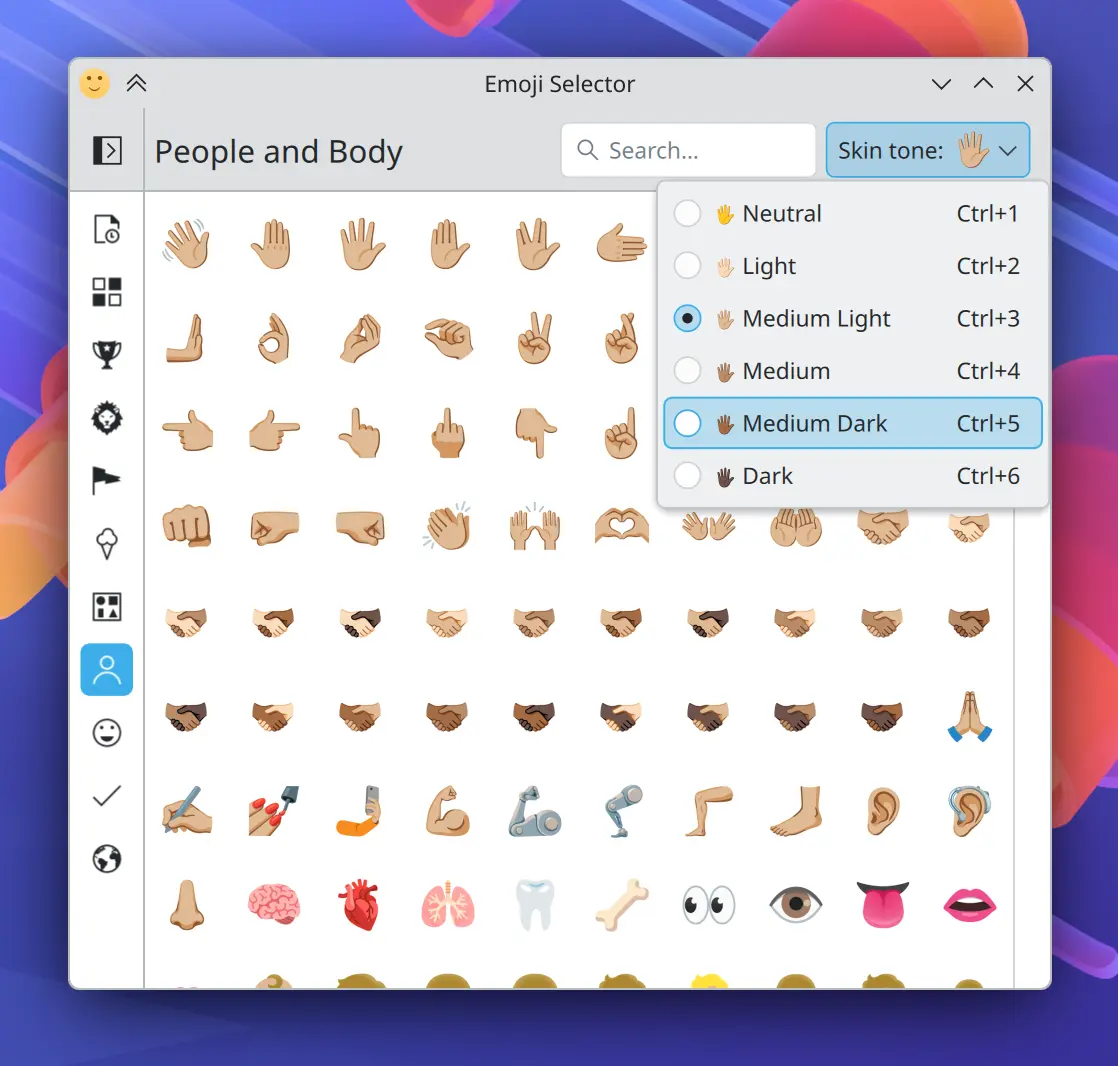
Other changes to expect when Plasma 6.6 launches include a new preference setting in the Emoji Selector application that lets you pick a default skin tone for emojis of people and hands.
Your computer will also no longer automatically fall asleep or lock the screen when your game controller is connected and in use, as it now correctly registers as system activity. Laptops that are plugged in or unplugged while asleep will now wake up with full awareness of their new power state.
As for bug fixes, KDE Plasma 6.6 addresses issues in Spectacle where toolbars could appear off-screen on misaligned multi-monitor setups, and in Kickoff where the “New!" badge could overflow for apps with very long names.
Plasma 6.5.5, the fifth bug fix release for Plasma 6.5, is expected to arrive on the 13th of this month. For users on operating systems like OpenBSD, the Discover software center in this release will now use the correct OS name when prompting you to search online for an application it cannot find.
The update also corrects an issue that caused some Plasma popups to remain open even after they lost focus.
You can learn more in the official KDE blog post.