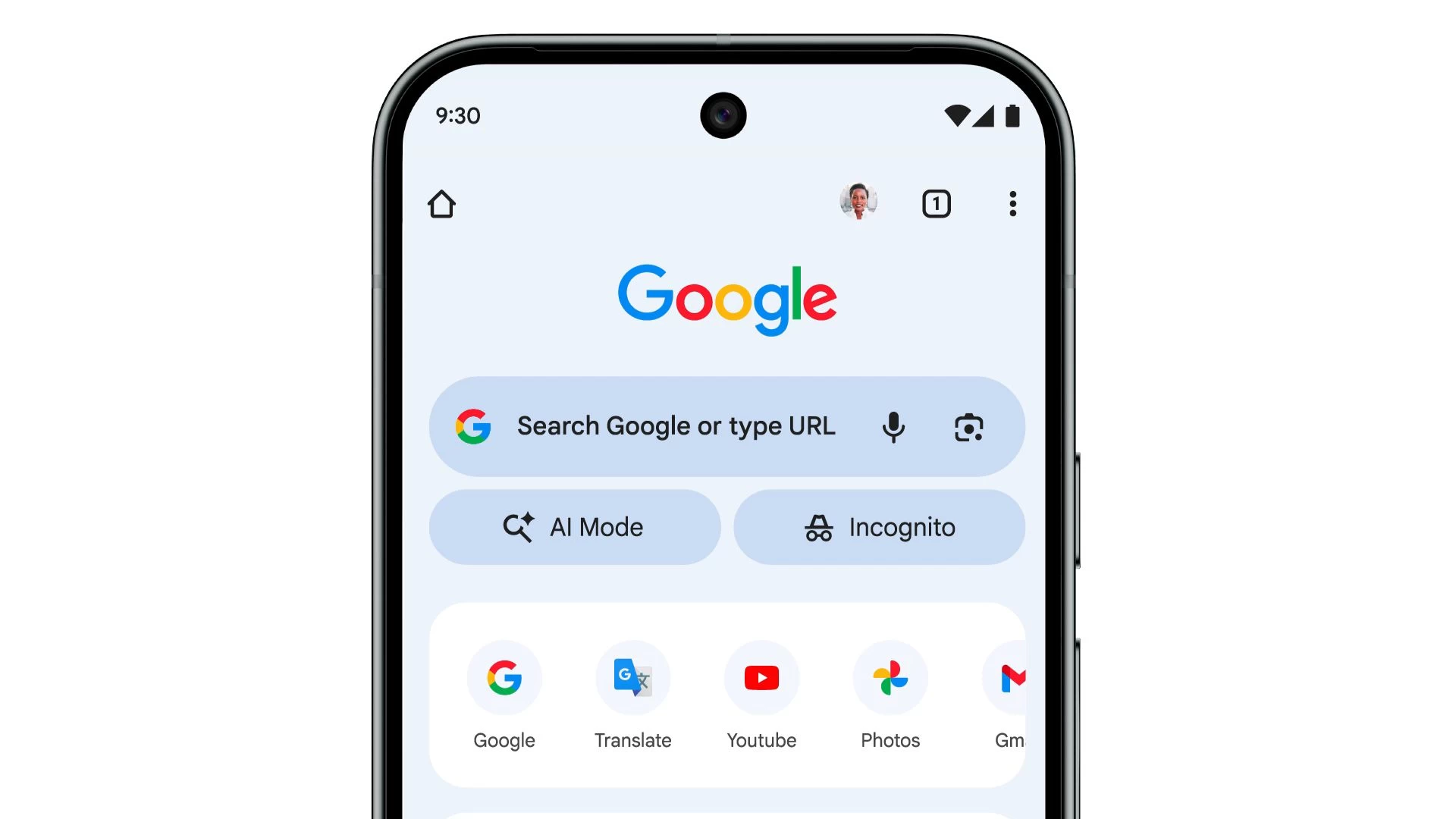
You might"ve noticed the AI mode button in the Google Chrome search page on your desktop. It basically uses Gemini 2.5"s advanced reasoning to allow users to ask questions via text, voice, or image, and provide them with a comprehensive answer to their query. That same AI Mode is now expanding to Chrome for iOS and Android.
Users will now see the AI Mode button on Chrome"s "New Tab" page, which is accompanied by the Incognito button. The AI Mode button is available in the U.S. starting Wednesday and will gradually expand to 160 countries and other languages, including Hindi, Indonesian, Japanese, Korean, Portuguese, and more.
Both the AI Mode and Incognito mode have their dedicated icons inside the pill-shaped buttons. With this easier access, Google hopes that people will use its AI instead of jumping over to third-party AI chatbots for deep reasoning and research. However, unlike the AI Overviews that you get upon performing a search, the AI Mode feature is optional, and you have to tap a button to interact with it.
Google first launched the AI Mode in March, but it was available only on desktop. Over time, the functionality has gained several new features, and now it is available as a dedicated button below the Google Search bar on Android and iOS devices.
AI Mode also recently gained agentic capabilities, which let you book reservations for restaurants, event tickets, and even flight tickets. Originally, the feature was meant only for Google AI Ultra subscribers. However, it is now available to all those who have subscribed to the "Agentic Capabilities in AI Mode" in Google Labs, with the AI Pro and Ultra subscribers getting higher limits.