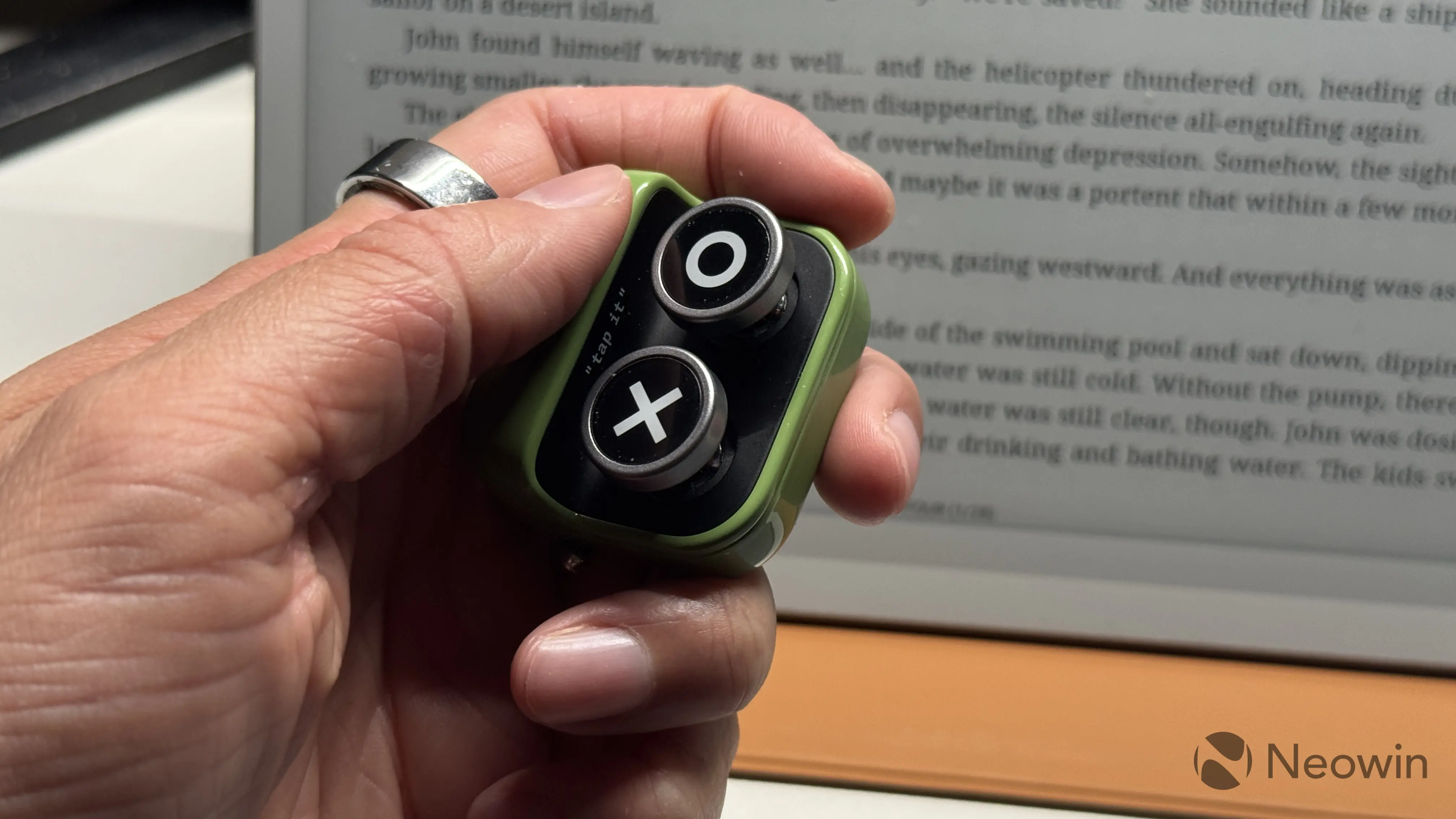
Page turners are quite popular accessories for e-readers, as they enable a hands-free reading experience, which is particularly useful with large readers featuring 10-inch or larger displays. The BOOX Tappy is a new accessory that was introduced earlier this year, and we took this cute-looking thingy for a spin.
The Tappy comes in a small box, with two additional buttons and a user manual. The device is made of glossy green plastic and resembles old appliances from the nuclear age. Material quality is great, and each part feels quite premium. Plastic is high-quality, the switch is nice to flick, and the buttons are not rattly. At the bottom, four rubberized feet prevent slipping when used on a desk. Unfortunately, there are no color options, and the Tappy is only available in green. It looks good, but I wish there were other options as well.
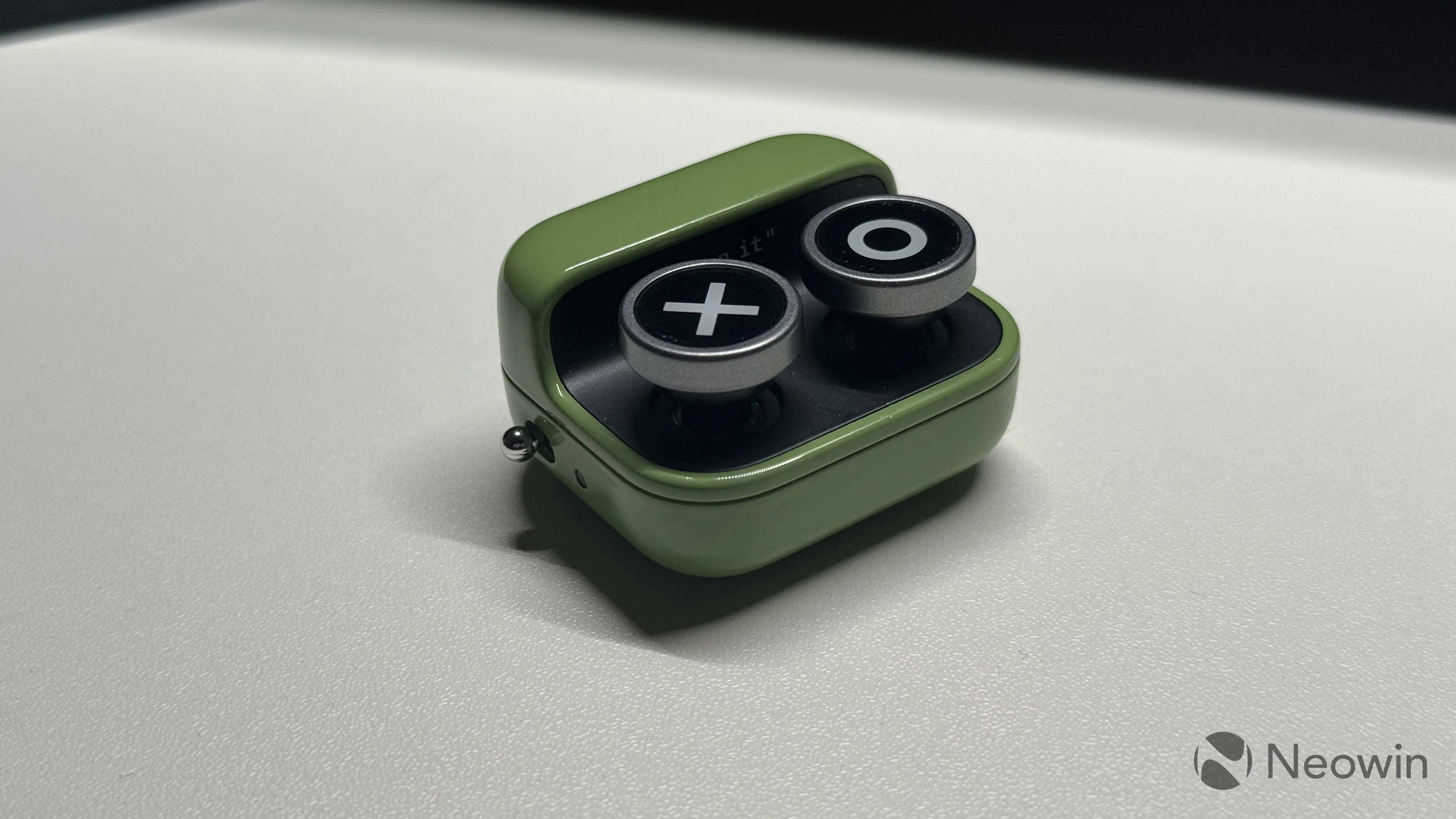
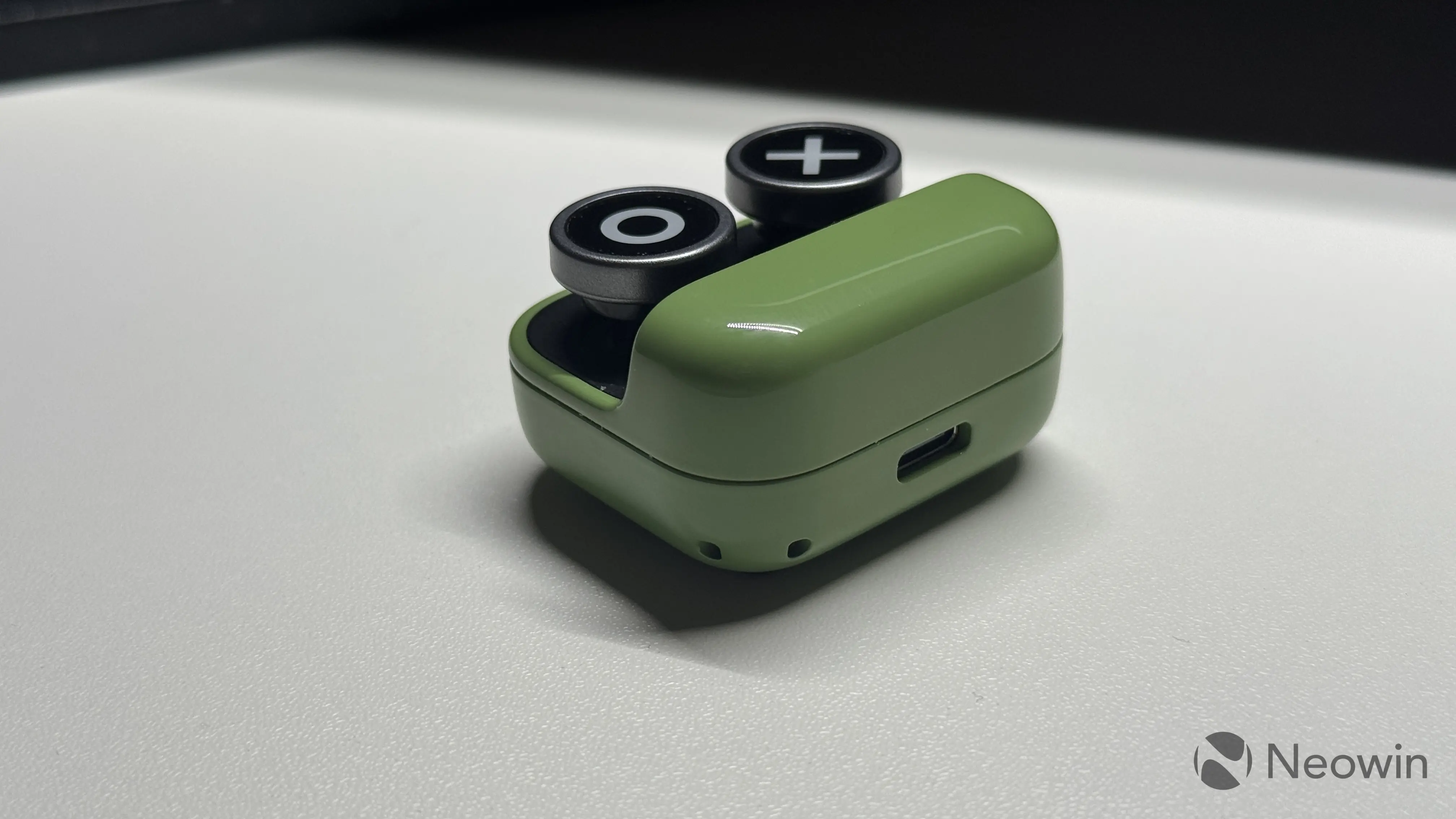
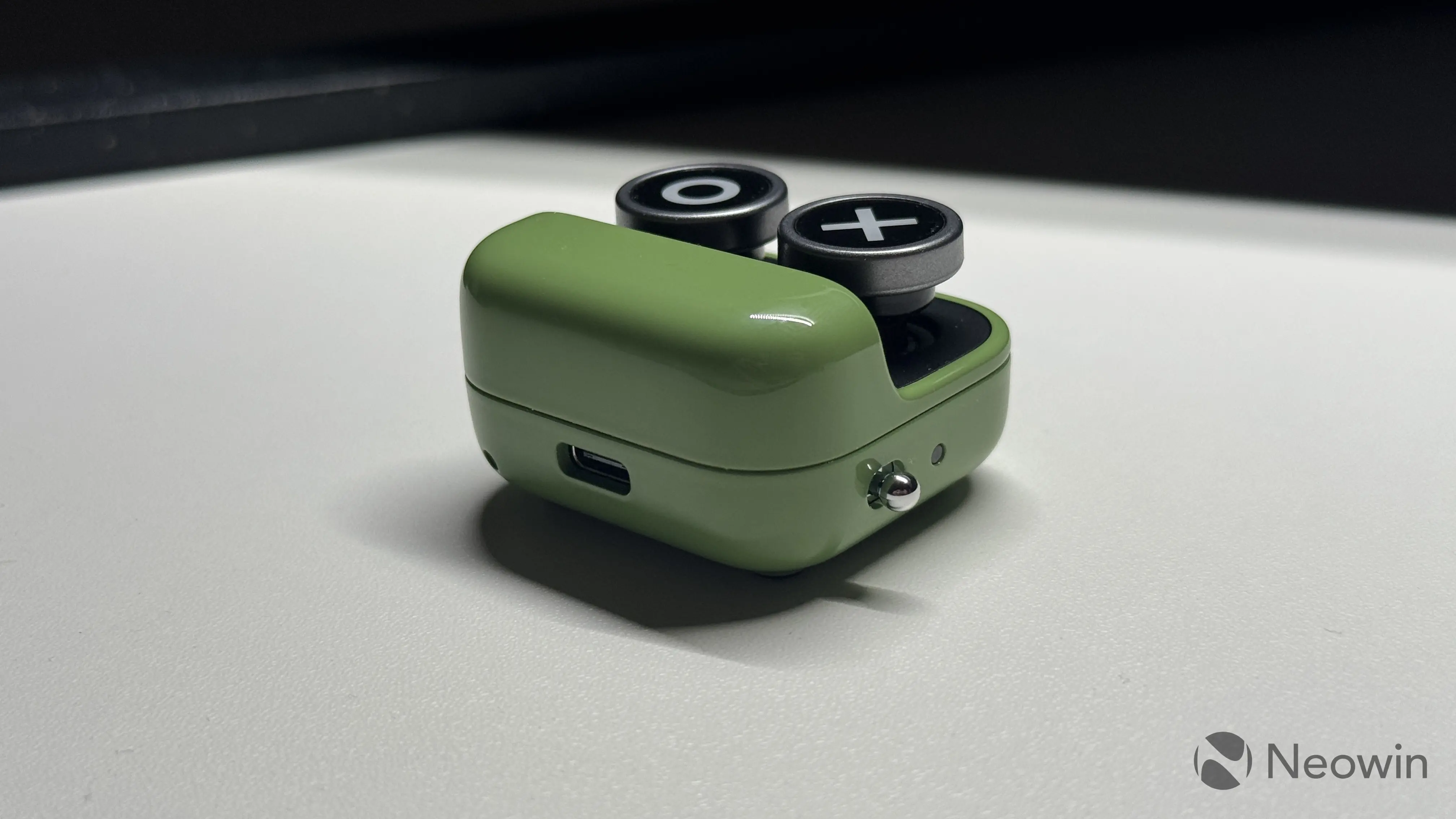
There are two removable buttons, an on/off switch, and an LED indicator that displays connection mode, charging status, and more. The buttons resemble those of an old typewriter, with quite a long travel distance and a pleasant clack. In the box, you have four buttons with different icons: heart, coffee, O, and X. You can easily swap buttons by simply pulling them upwards. Tip: buttons come with plastic covers, but they are quite tricky to remove.
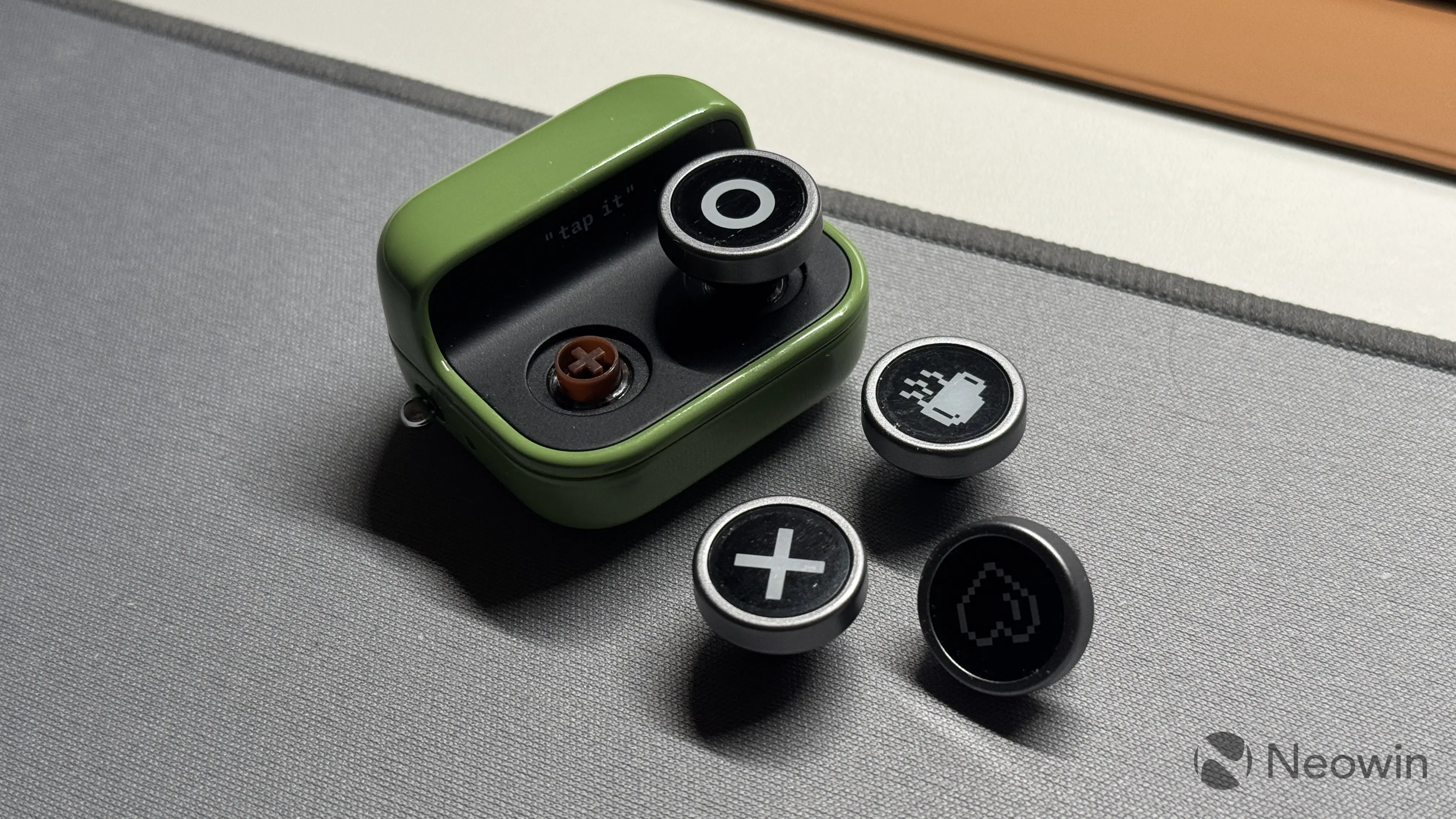
It is hard to call the Tappy the most ergonomic remote control, but after fiddling with it for a few hours, I managed to find a comfortable hand position. Attaching a lanyard to it can make it more comfortable in use without the fear of dropping it, but unfortunately, the Tappy does not come with one.
The Tappy connects via Bluetooth 5.2, and it works in three modes, which you can toggle by pressing and holding both buttons for about five seconds:
| Reading Mode | Multimedia Mode | Browsing Mode |
|---|---|---|
| Next / Previous page | Next / Previous Track | Up / Down scroll |
If you pair the Tappy with a BOOX device (I tested it with the BOOX Go 10.5 Gen 2 Lumi), you will get small pop-ups indicating the current mode. Plus, you can customize what each button does when pressed one time, two times, or held for a few seconds. The list of available actions and features you can use is massive, and I like that BOOX lets you map stuff like brightness adjustment, app launching, screenshot-taking, screen rotating, navigation, and more.
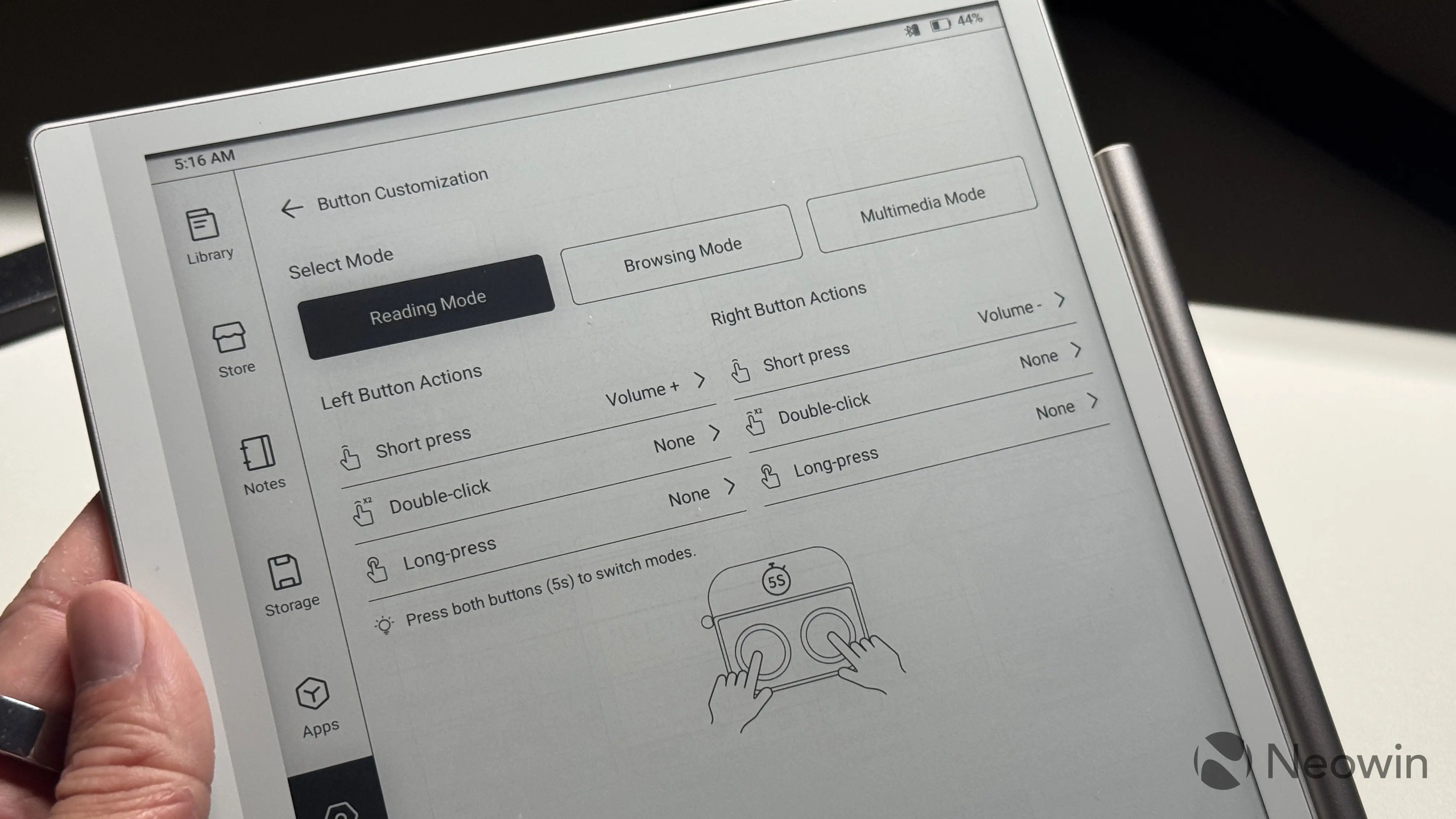
Note, however, that while you can use the Tappy with other readers, its customization is only available on BOOX devices running firmware version 4.2 and newer. I could not connect the Tappy to my computer (Windows 11 claims a driver error when I try), but it worked with the DuRoBo Krono that I recently reviewed. My Kindle Paperwhite refused to work with the Tappy, though, just like my iPhone.
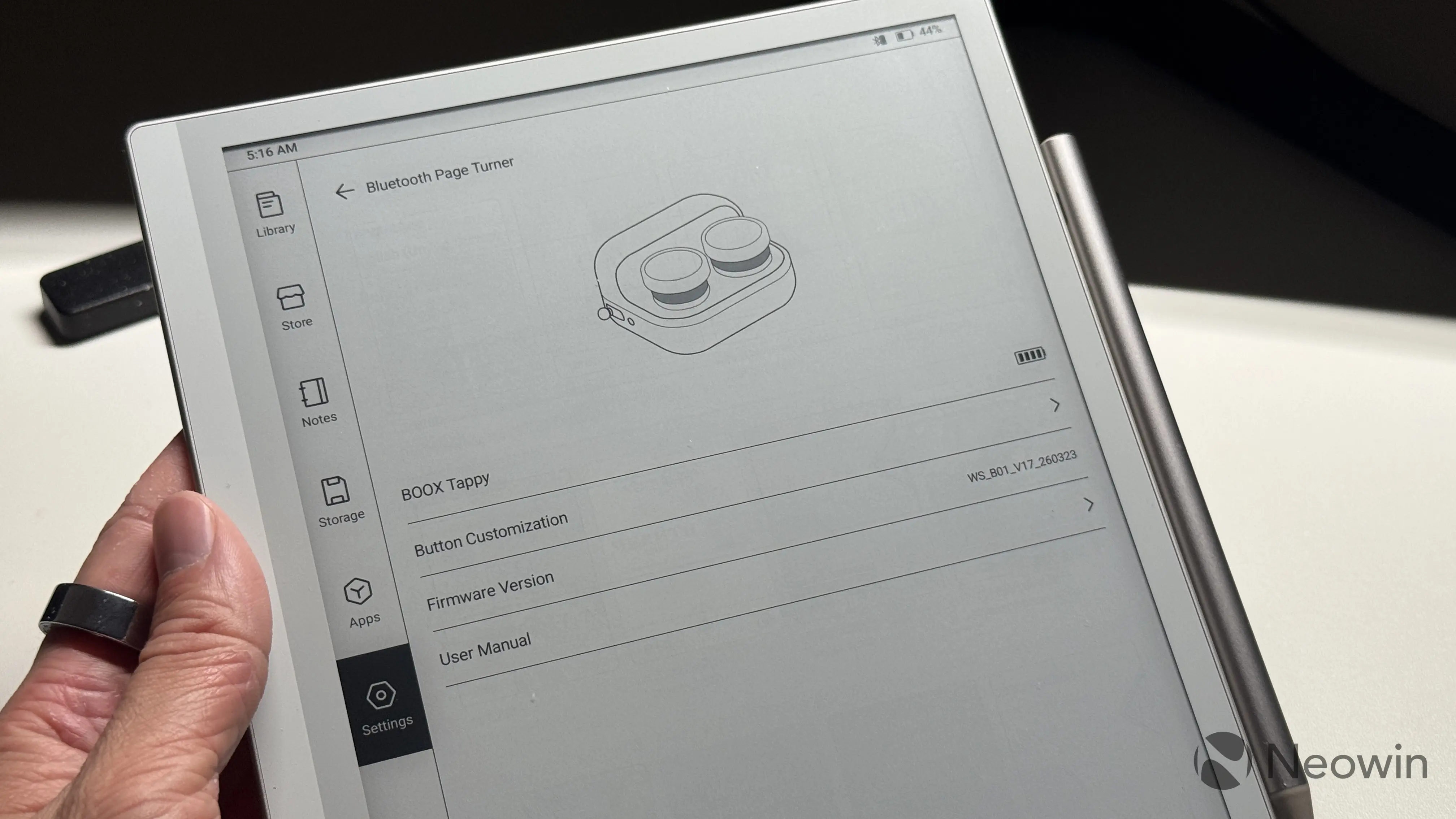
The Tappy uses a non-removable Li-Ion battery, which can be recharged with a Type-C cable. BOOX rates the remote for "weeks of use," and I can say that it indeed has very good battery life. While there are no battery indicators on the remote, you can see the current level in the status bar or in Input settings in the BOOX firmware. After a few days of active use, mine still shows about 95%.
Overall, the Tappy left a nice impression. It is well-made, and the integration with BOOX devices is great. I also like that BOOX decided to have some fun with its design and swappable buttons. I cannot say I am a fan of its odd shape, though. Still, I managed to find a way to use it comfortably. And when not in use, it just looks neat sitting on the table doing nothing or serving you as a small clacky fidget.
As an Amazon Associate, we earn from qualifying purchases.