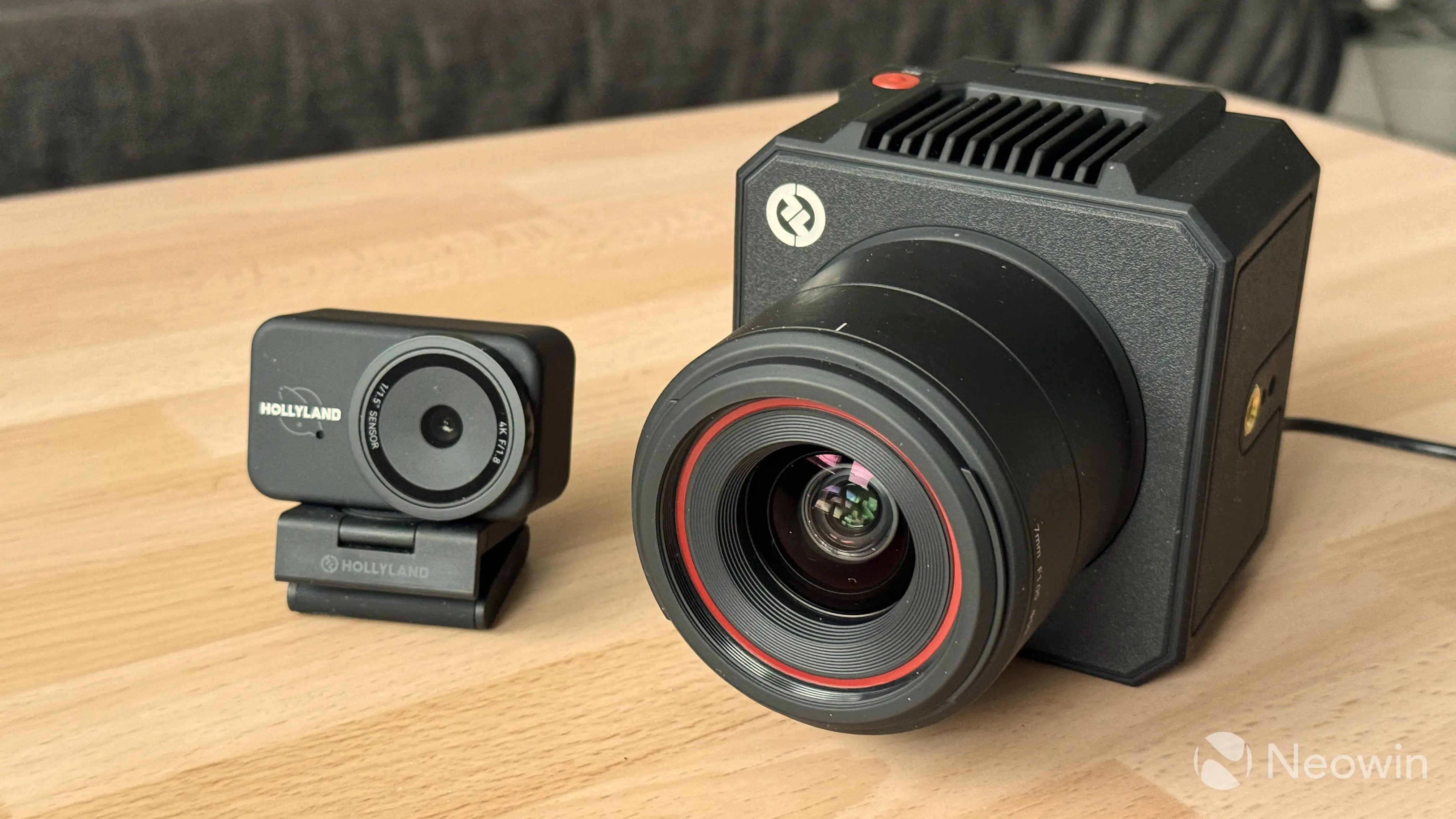
Hollyland has a wide range of audio and video products for all sorts of needs and budgets. Its recent products include two webcams: a budget-friendly 4K webcam and a big streaming camera with a massive sensor and a big f/1.05 lens. Hollyland offered me to take a look, so here is my review.
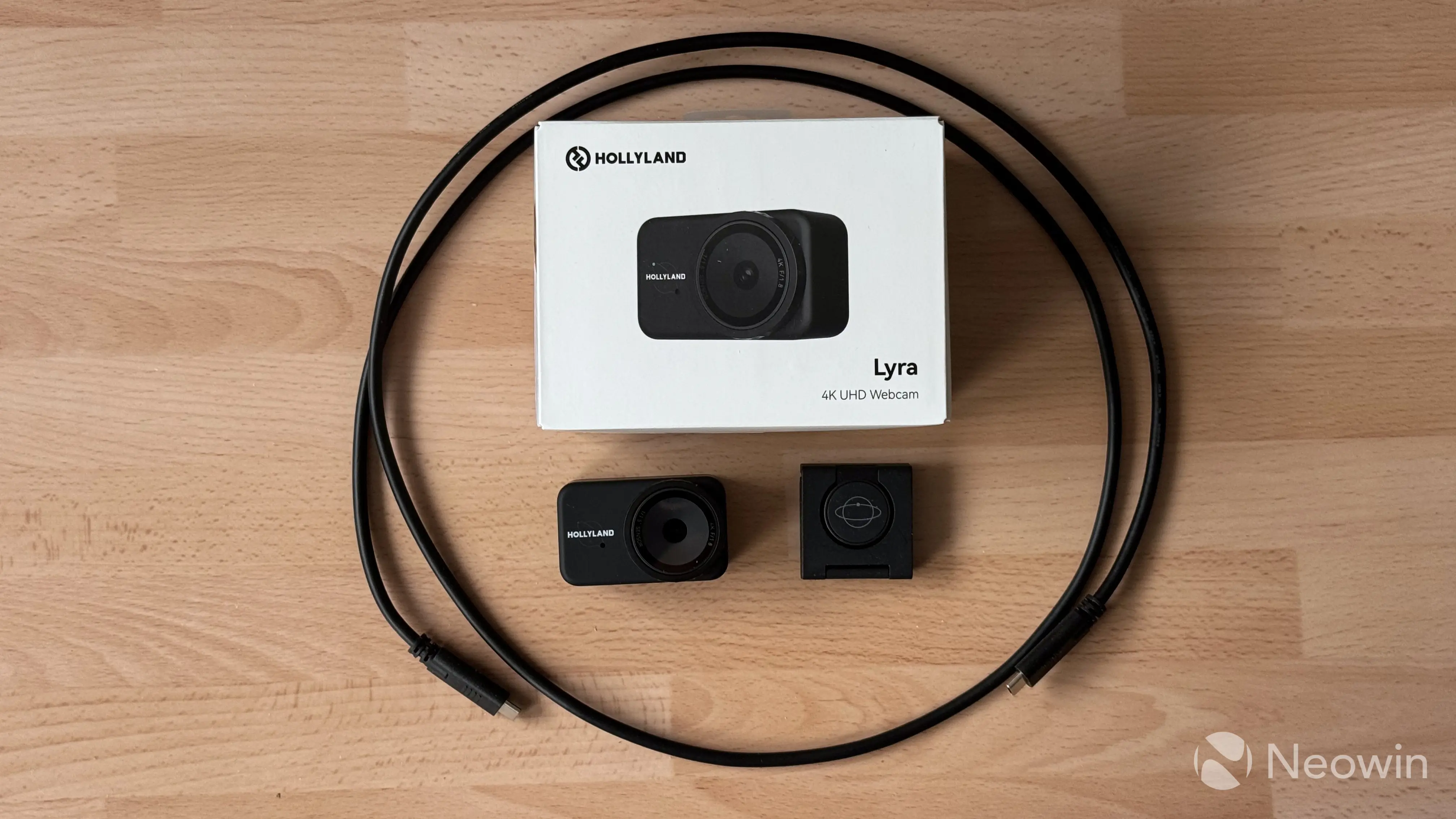
Hollyland Lyra - Design
At first sight, the Lyra looks like a typical webcam that also resembles an action camera. However, behind a somewhat muted look, it hides good tech and well-designed features. It is made of a soft-touch plastic, and when you hold it in your hand, the camera feels hefty and dense. Of course, it is not a phone, and you are not going to carry it around, but I always give credit for good craftsmanship.
More than half of the front is occupied by the big camera lens and its rotating ring that opens/closes the physical camera shutter. No modern webcam should come without one, and it is good to see that the Lyra has a built-in shutter. With that said, I am not a fan of the way you operate it. The shutter ring is pretty narrow and hard to grip. Turning it requires more effort than I expected, which makes one-handed operation nearly impossible. The finicky privacy shutter is probably the only complaint I have about the design.
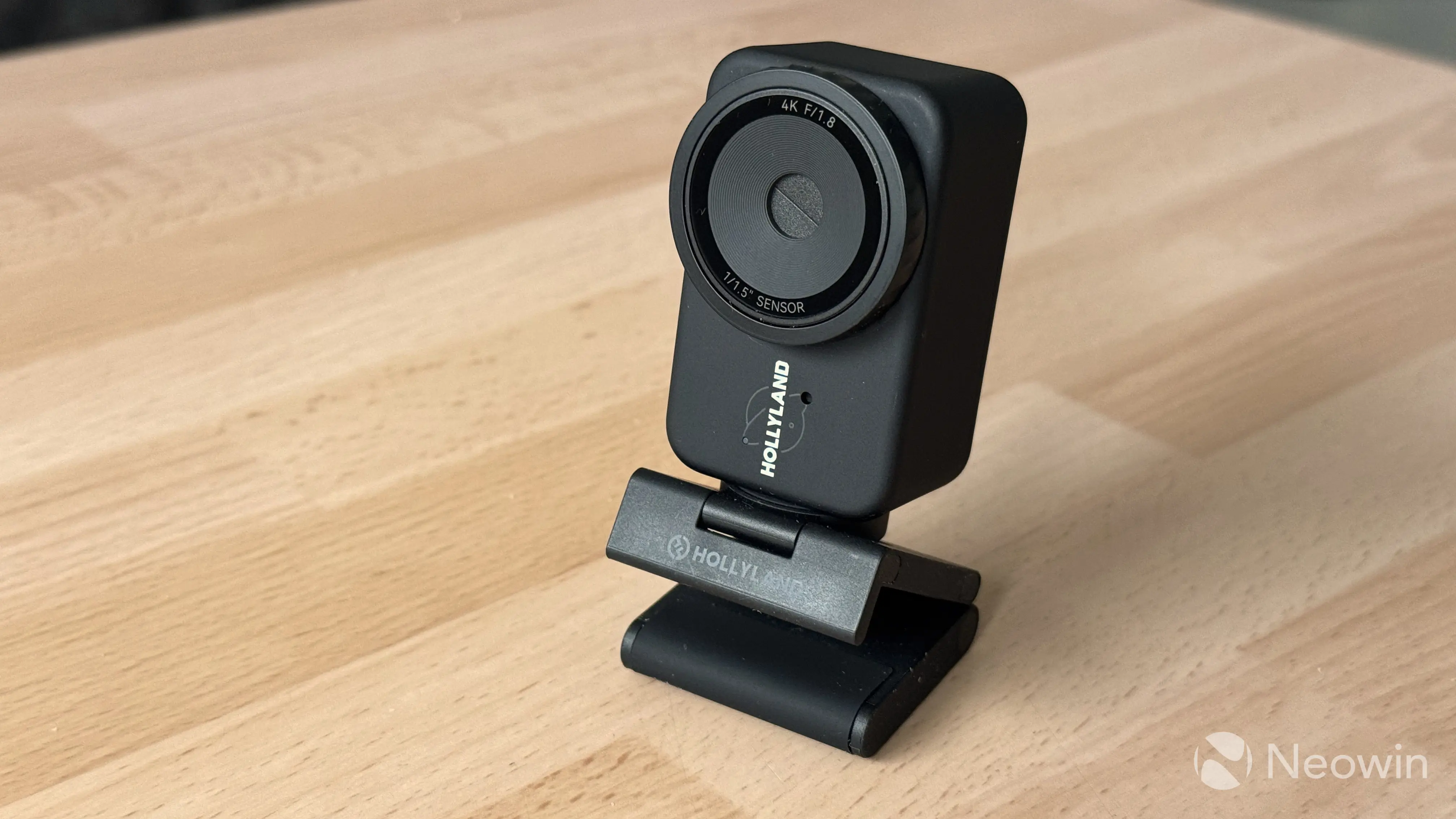
To the left of the lens sits a Hollyland logo, a microphone, and an LED indicator, which lights up with different colors for different activities, such as preparation, active use, firmware update, malfunction, and pairing to a wireless microphone.
The Lyra comes with a mount that has a standard 1/4" hole for tripods. What is not standard is the way the camera sits on the mount. It uses a hinged magnetic pod (it looks and feels like an Apple Watch charger) that lets you turn the camera, adjust the angle, and flip its orientation from landscape to portrait. It is a pretty clever solution, especially for those who stream to social media, where portrait orientation is predominant. The only nitpick I have about this system is that the bundled USB-C cable is very heavy and thick, and if it does not have enough slack, it will pivot the camera.
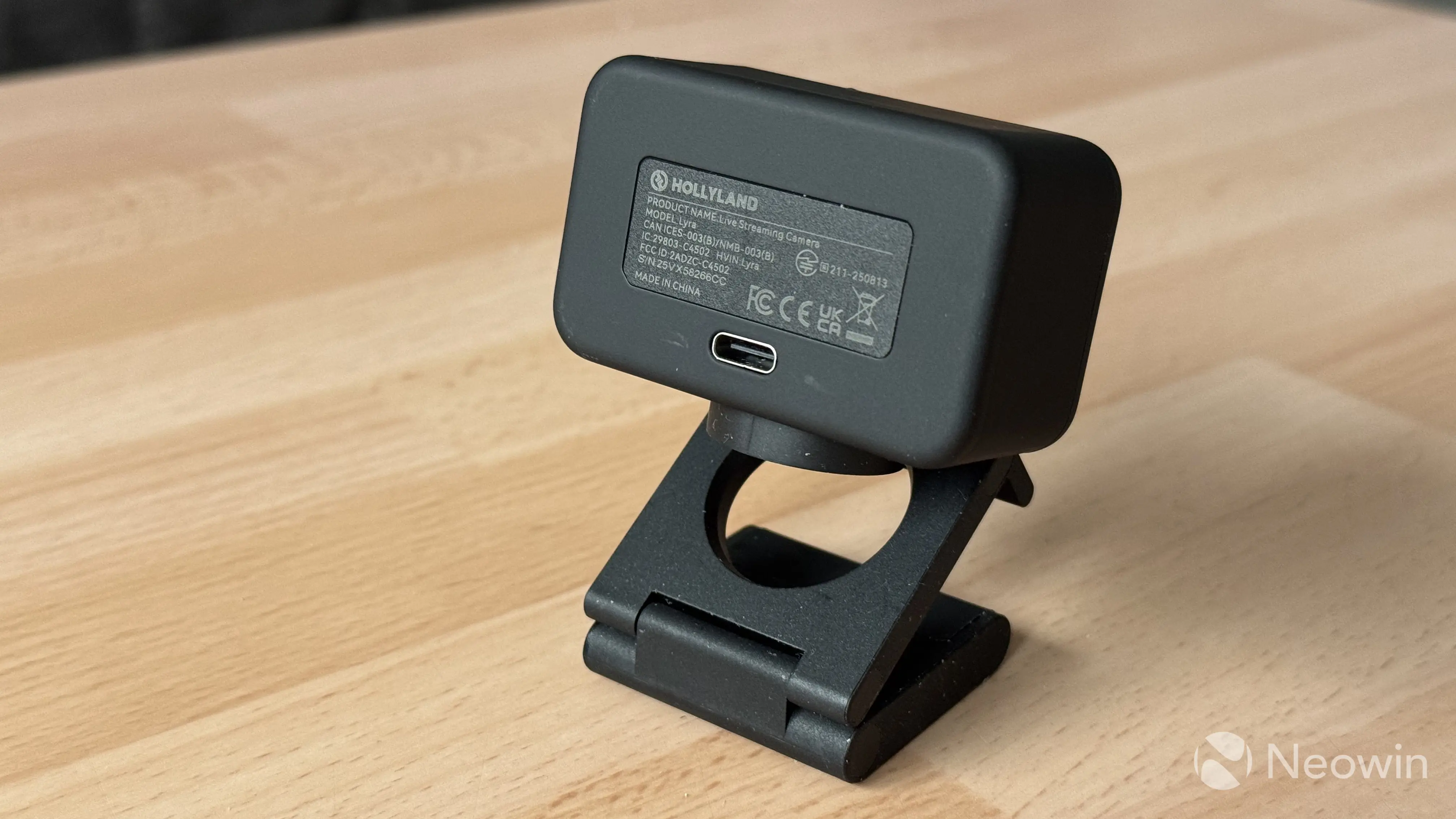
Speaking of cables, the camera connects with a removable USB Type-C cable, and in the box, you will find a Type-C to Type-A dongle so that you can connect it to devices without Type-C ports. Very nice.
Overall, I like Lyra"s design and its inoffensive look. Simple, minimalist, and function-focused, plus a clever mount design, make it stand out from the competition.
Hollyland Lyra Specs
Here is a detailed spec sheet:
| Hollyland Lyra | |
|---|---|
| Dimensions | 60 x 33.3 x 37 mm or 2.4 x 1.3 x 1.5 inches 80g |
| Sensor | 1/1.5" 50MP CMOS |
| Lens | F/1.8, 82-degree FOV, 26mm |
| Microphone | Built-in |
| Video formats | 4K 30 FPS, 1080p 60 FPS, 720p 60 FPS |
| Connection | USB Type-C 5V 1A |
| Price | $149 on the official website |
Using the Lyra
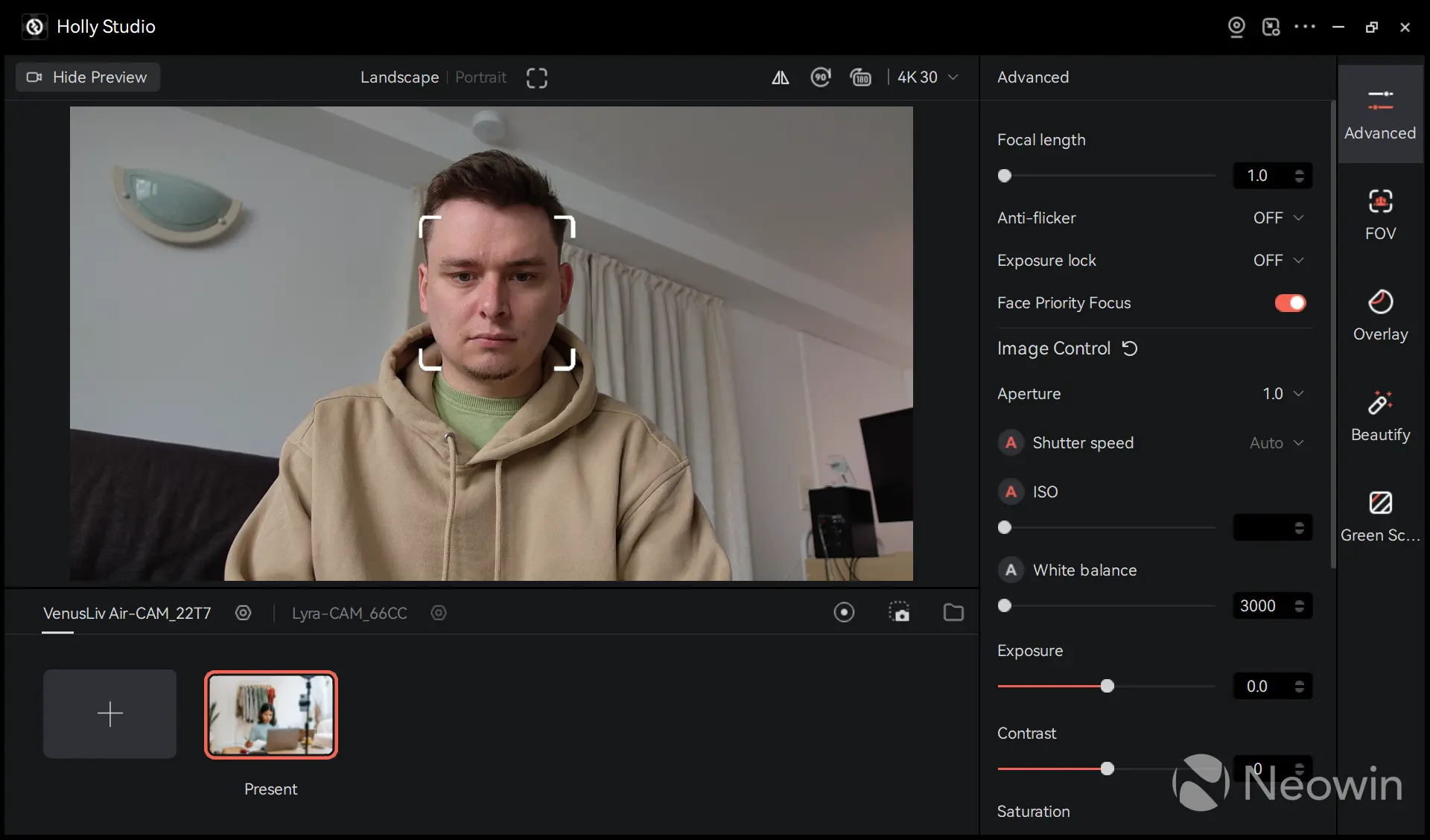
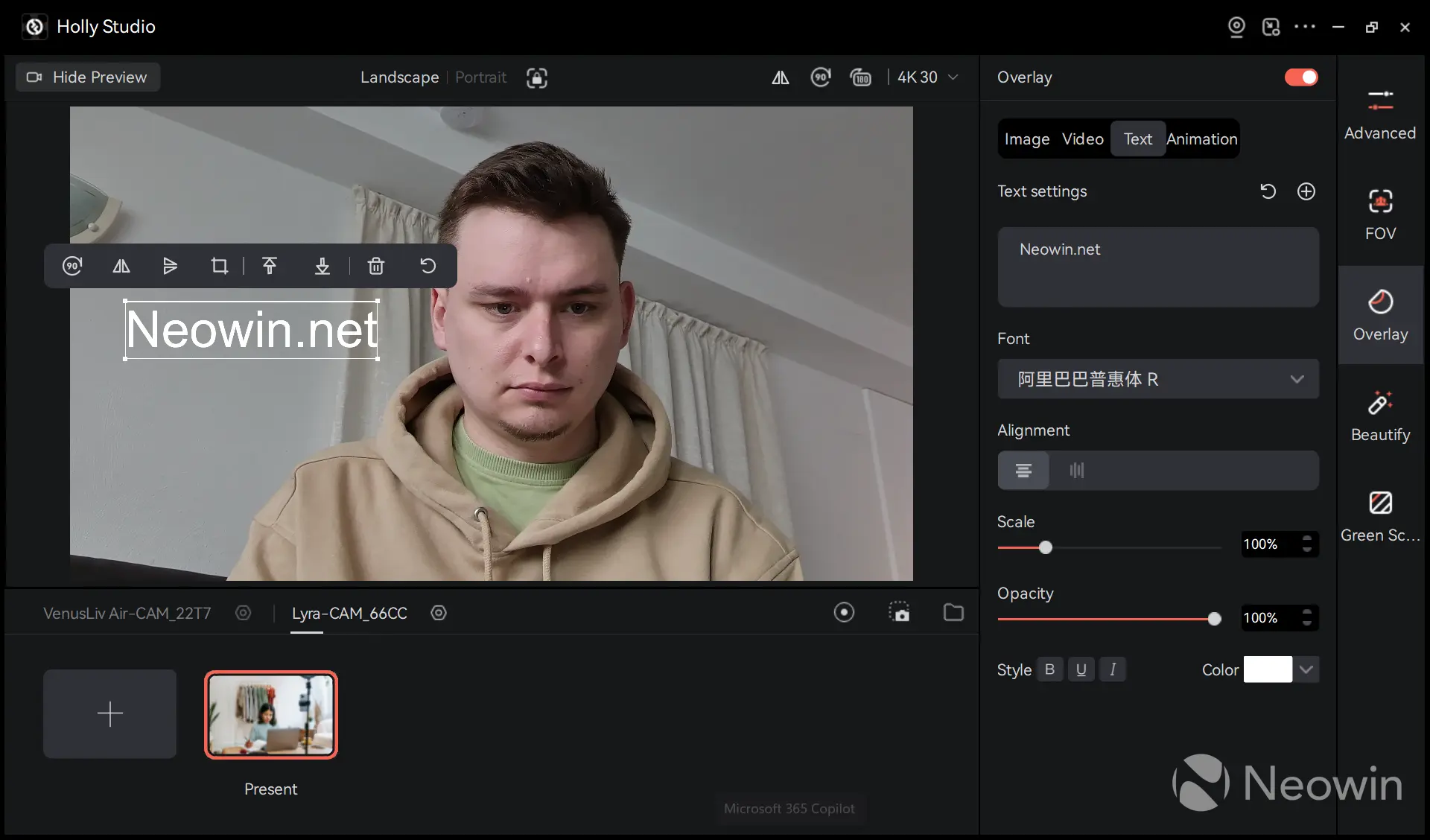
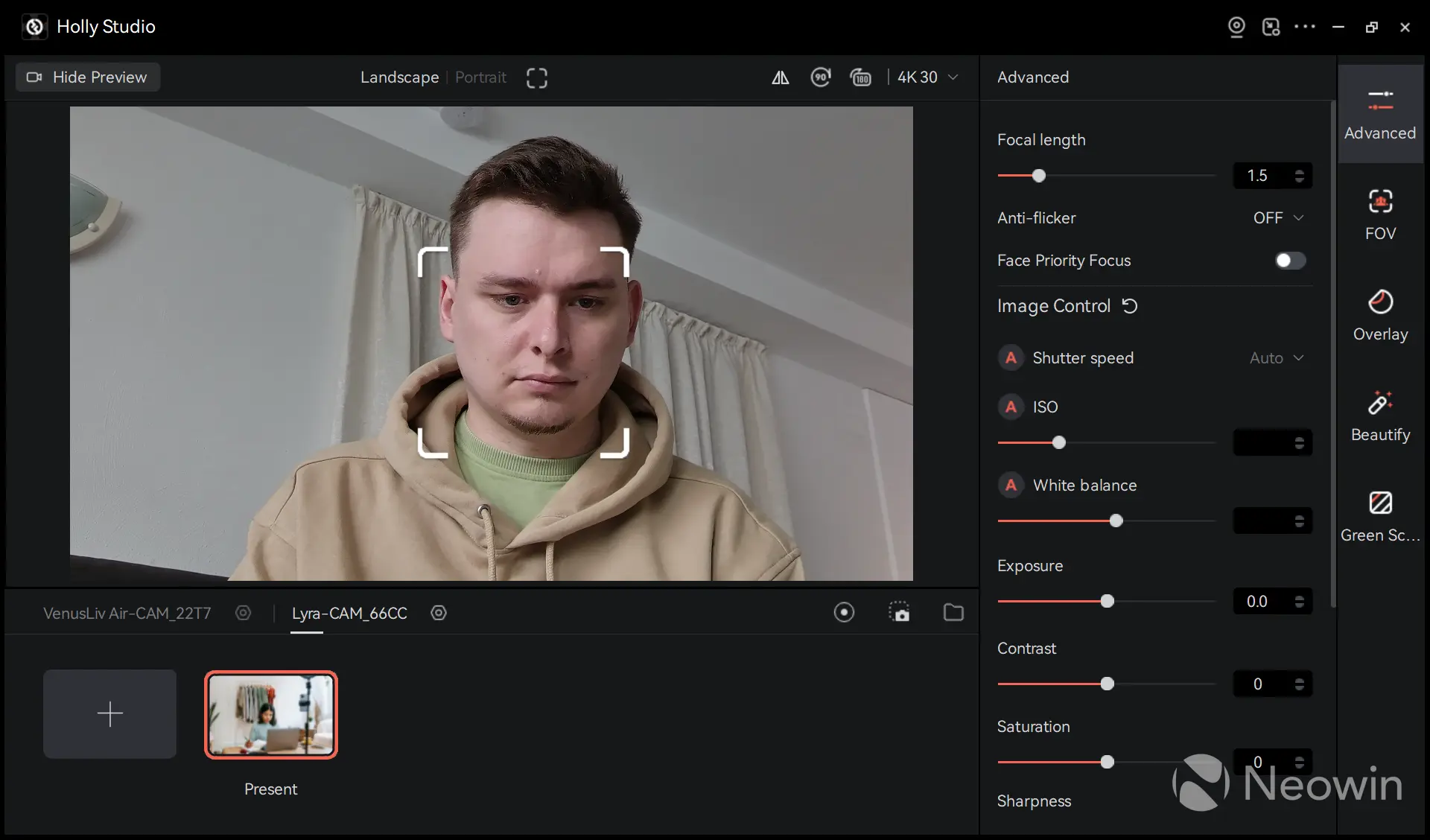
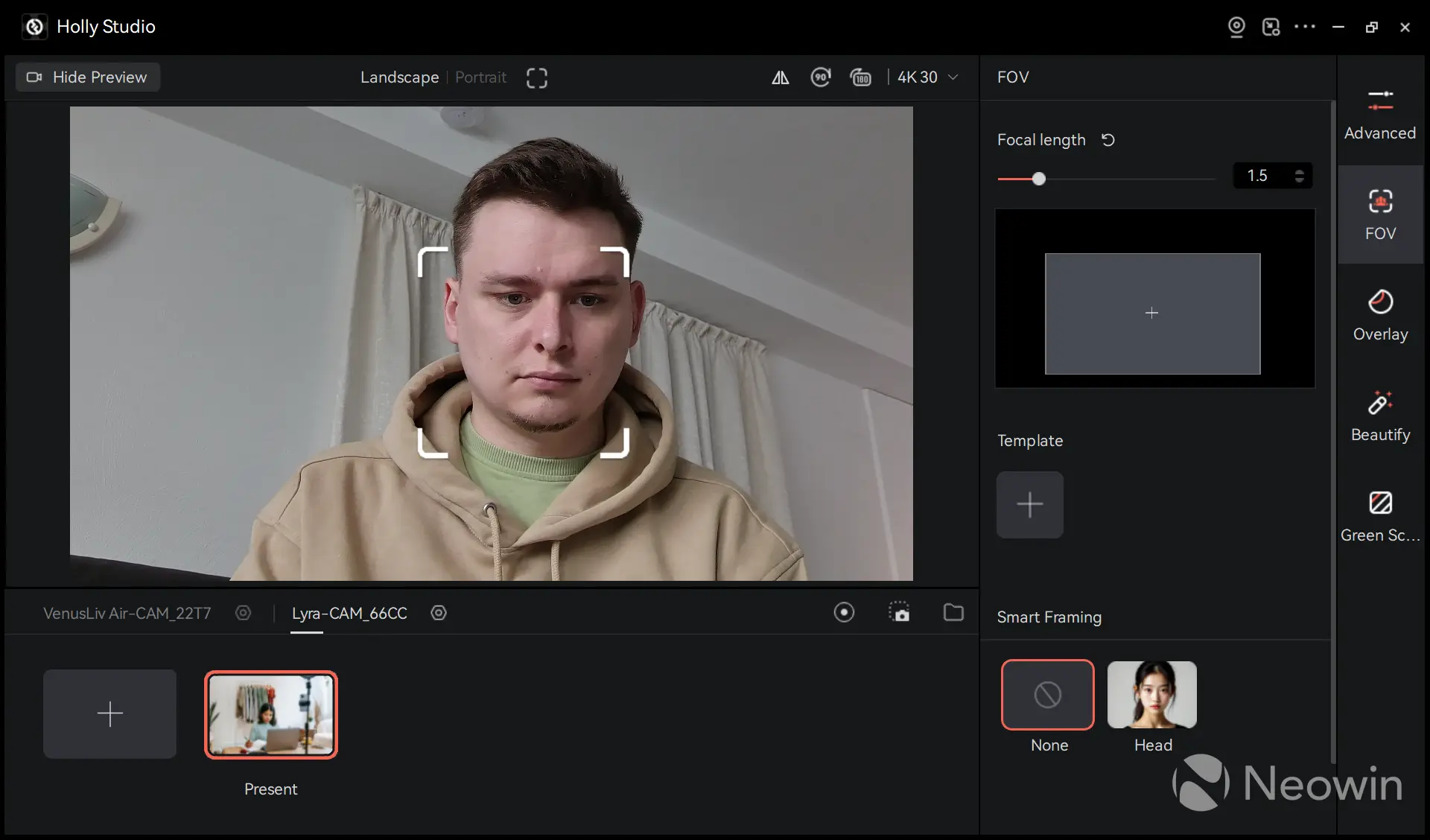
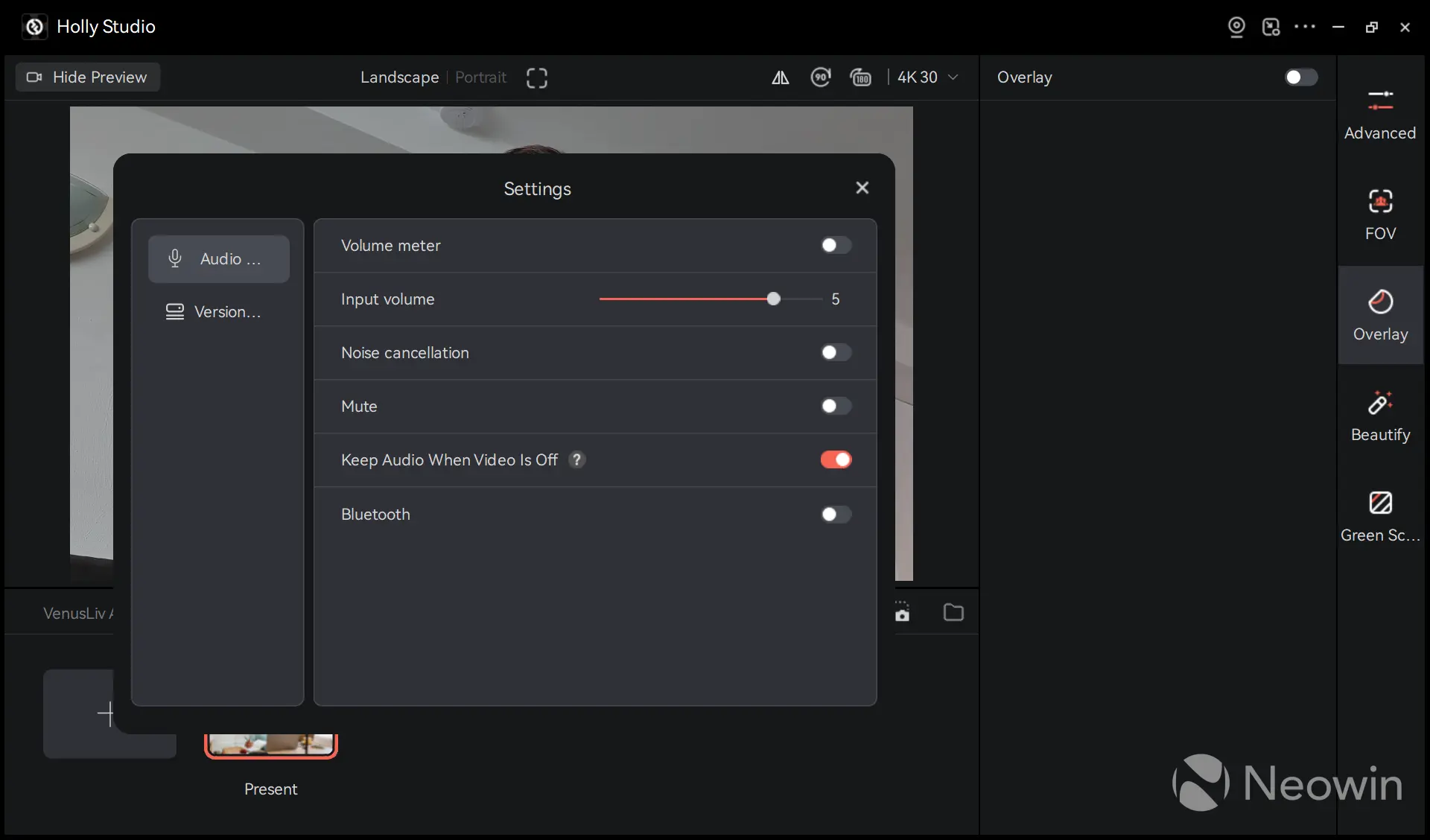
Setting up the Lyra is simple, and you can use it right away on any platform without installing additional software or drivers. I even connected it to my iPad Pro, and it worked perfectly well, boosting the image quality and fixing the wrong location of the built-in webcam. However, the Lyra shows its true potential only after you install the Holly Studio app, where you can customize its settings.
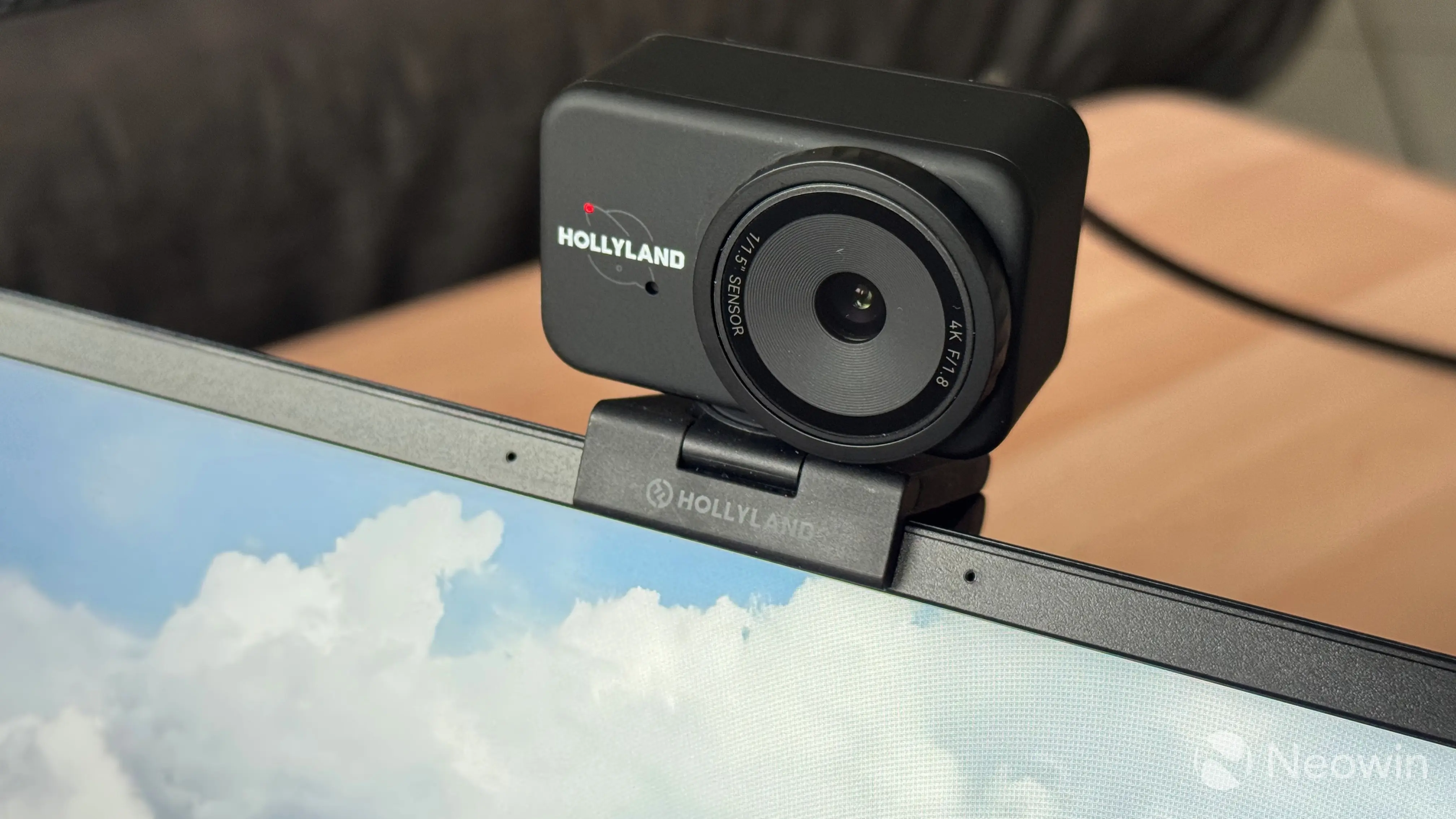
Starting with the image quality, as usual, I will let video samples speak for themselves. I will only add that I was seriously impressed with the image quality. Sharpness is fantastic, the image is incredibly detailed and with true-to-life colors. The default settings are just fine for everyday use, but you can always tweak stuff like ISO, shutter speed, color balance, contrast, saturation, and sharpness. The latter defaults to 50, allowing you to soften the image or go crazy with a seriously oversharpened image. Whatever floats your boat.
Having a big 4K sensor allows the camera to adjust the FOV and follow you around, similar to what Apple does with its Center Stage cameras. The feature works alright, but I noticed that it lags a little, and the motion is a bit jittery. Don"t get me wrong, it works as expected, maybe I am just spoiled by the smoothness of Apple"s Center Stage cameras. In the Holly Studio app, you can also adjust the FOV manually and disable smart framing.
For focusing, the Lyra uses phase-detection auto focus (PDAF), and it works great. Auto focus is precise, quick, and it does not jump. Plus, the Holly Studio app lets you focus manually with a tap or a slider. Good stuff. By the way, thanks to having an F/1.8 aperture, the Lyra produces good-looking, natural depth of field, which is convenient when you need to showcase something or blur the background without using artificial filters.
The camera has a built-in noise-cancelling microphone. It is pretty good at drowning out background noise, and it even managed to fully mute a working hairdryer in my room (as you can hear on the video). Hollyland promises up to 25dB of noise reduction with very little distortion (less than 1%), but in my testing, I noticed that the distortion is quite noticeable. Noise cancellation struggles with abrupt noises, but it does a very good job at drowning out stuff like AC, hairdryers, fans, and more. It can mute noises like keyboard clicks, thunder, and barking dogs, but they can still be heard. If you want to make the audio a bit clearer and do not need heavy audio processing, the Holly Studio app lets you turn off noise cancellation altogether.
For those who want more, Hollyland offers a special bundle where the camera comes with a wireless microphone. It connects directly to the camera and records 48 kHz/24-bit audio. Unfortunately, my review unit came without the microphone, so I cannot properly test this capability, but it is interesting to see a microphone connecting directly to the camera and not a PC.
One last thing I should mention about using the Lyra is heat. To my surprise, the camera gets quite warm, even when not in use. My VA monitor does not produce much heat, so it is not a problem, but if your display also gets a little hot, beware of potential overheating (operating temperature is rated from 0 to 45 °C or from 32 to 113F).
Hollyland VenusLiv Air
When Hollyland offered me the opportunity to try the Lyra, I did not expect to receive the VenusLiv Air as well. At first, I was a bit intimidated by this device, as it was out of my league when it came to testing webcams. For this reason, I am including my impressions of the VenusLiv Air as a separate section of this review, as I simply lack the equipment and experience to test its capabilities to the full, so please be gentle, as it is my first time with devices of such grade.
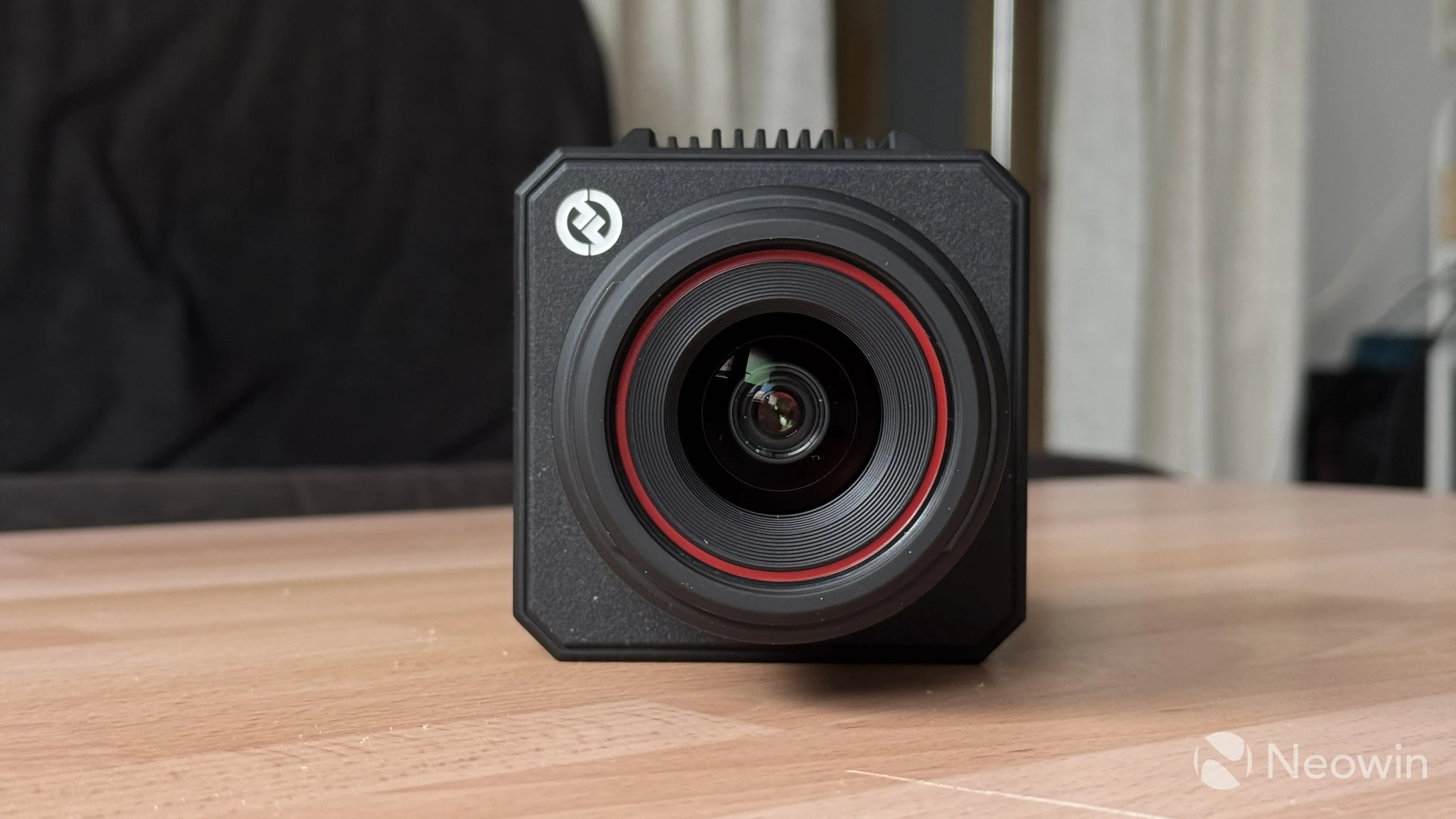
Here are the specs:
| Hollyland VenusLiv Air | |
|---|---|
| Dimensions | 134 x 97 x 101 mm, 660g |
| Sensor | 1/1.3" 50MP CMOS |
| Lens | F/1.05, 25mm, hybrid AF (PDAF + Contrast) with continuous focus support FOV: 84 (diagonal), 70 (horizontal), 55 (vertical) degrees |
| Microphone | No |
| Video formats | 4K 30 FPS, 1080p 60 FPS, 720p 30 FPS |
| Connection | DC IN: 5.5 x 2.1mm, HDMI 2.0, USB Type-C 3.0 (UVC), USB Type-C (digital audio), 3.5mm audio jack, SD card slot, RJ45 |
| Screen | 3-inch touchscreen TFT 480p |
| Wireless | Dual-band Wi-Fi, Bluetooth 5.0 |
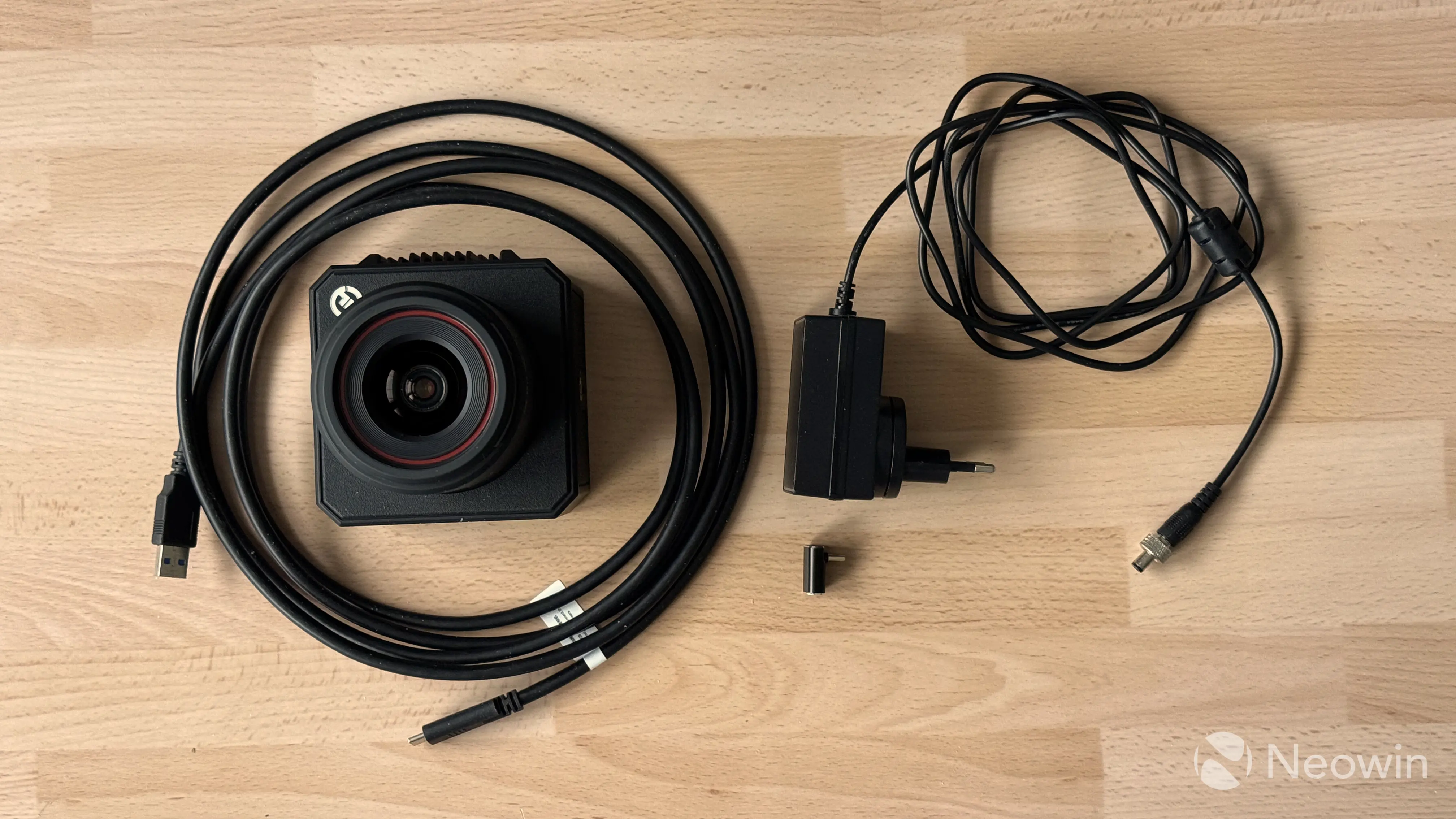
| In the box | The camera, 12V / 2A AC-DC power adapter, 10ft/3m USB Type-A to Type-C cable, lens cap |
| Price | $549 on the official website |
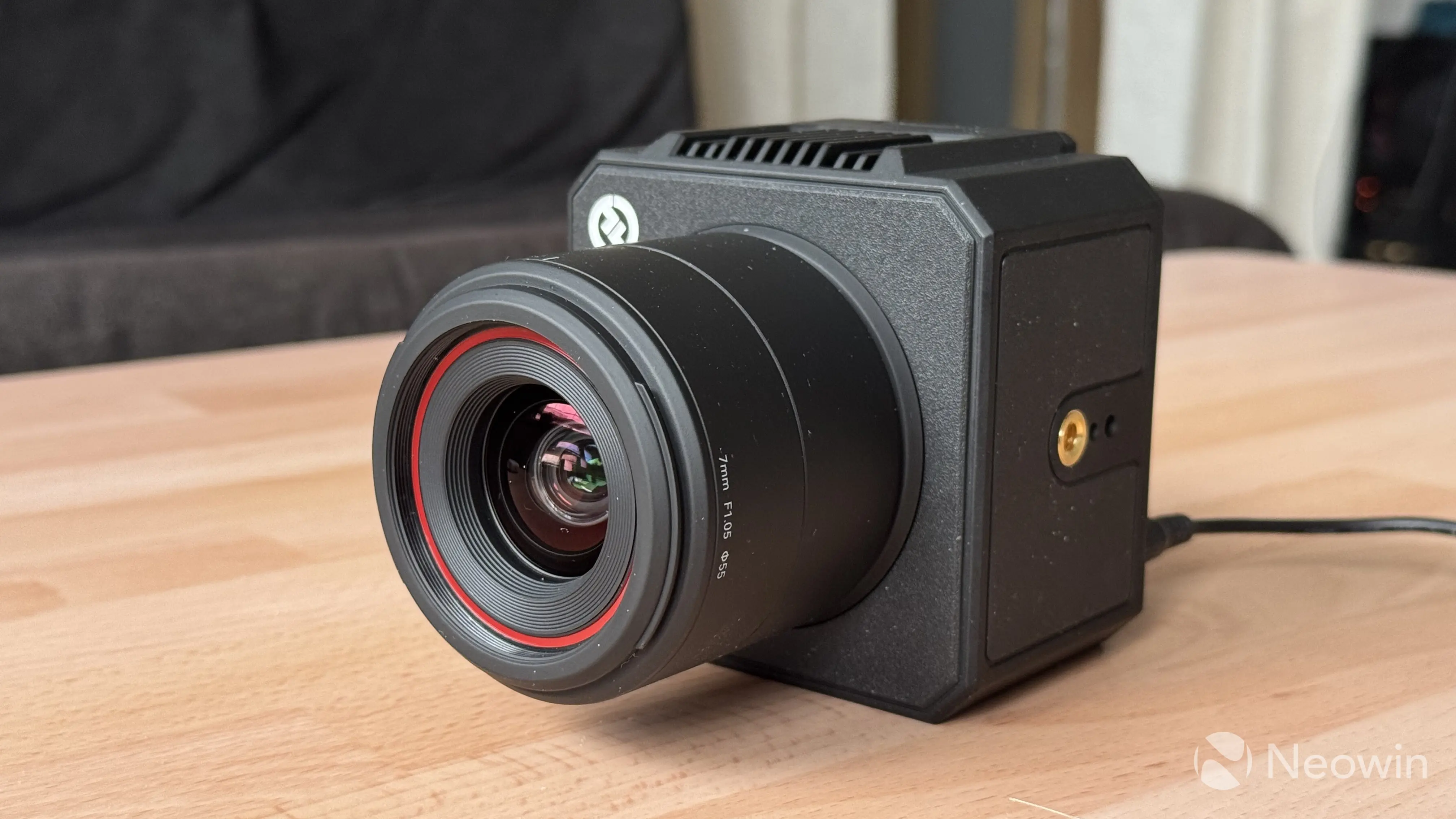
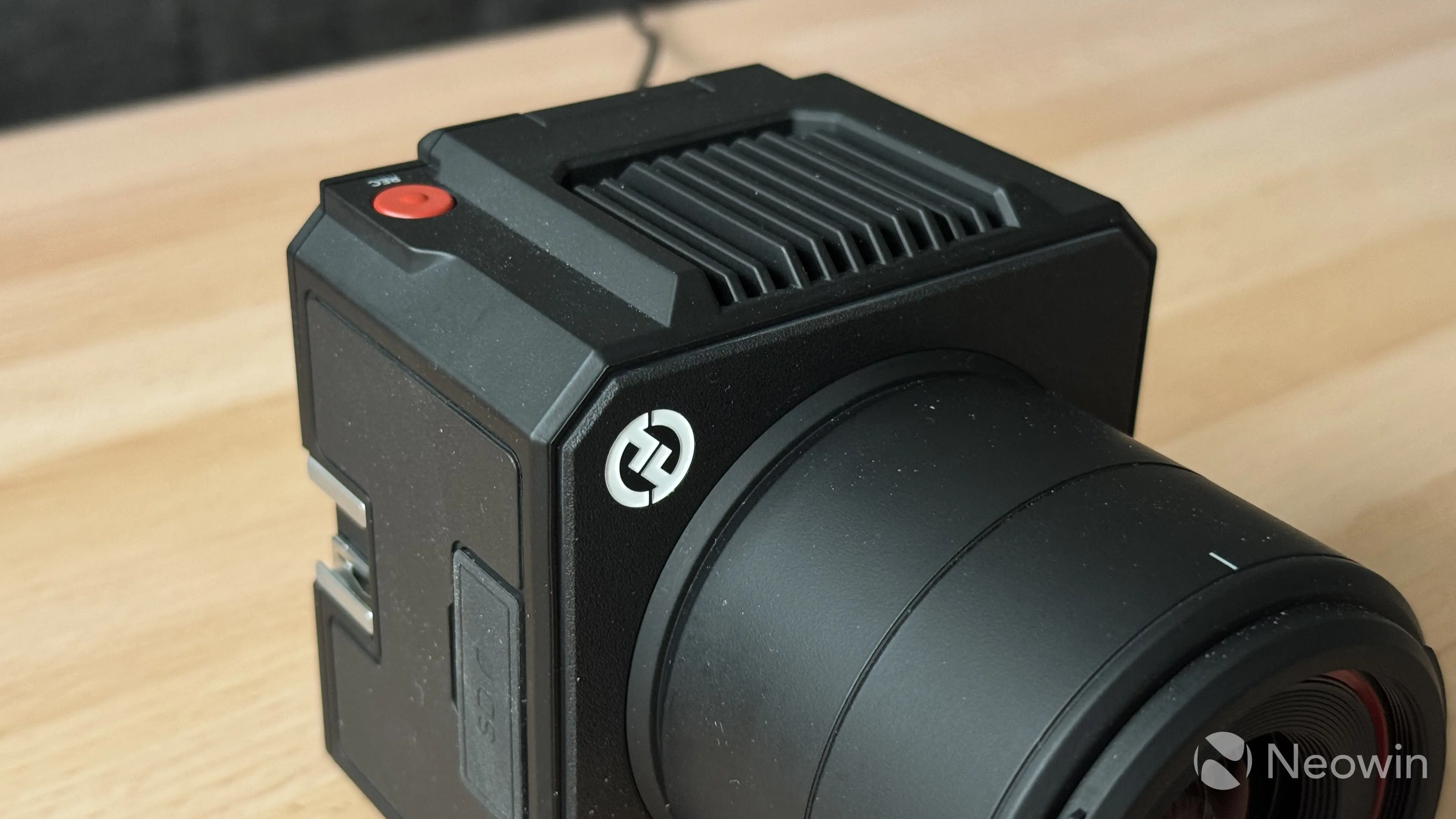
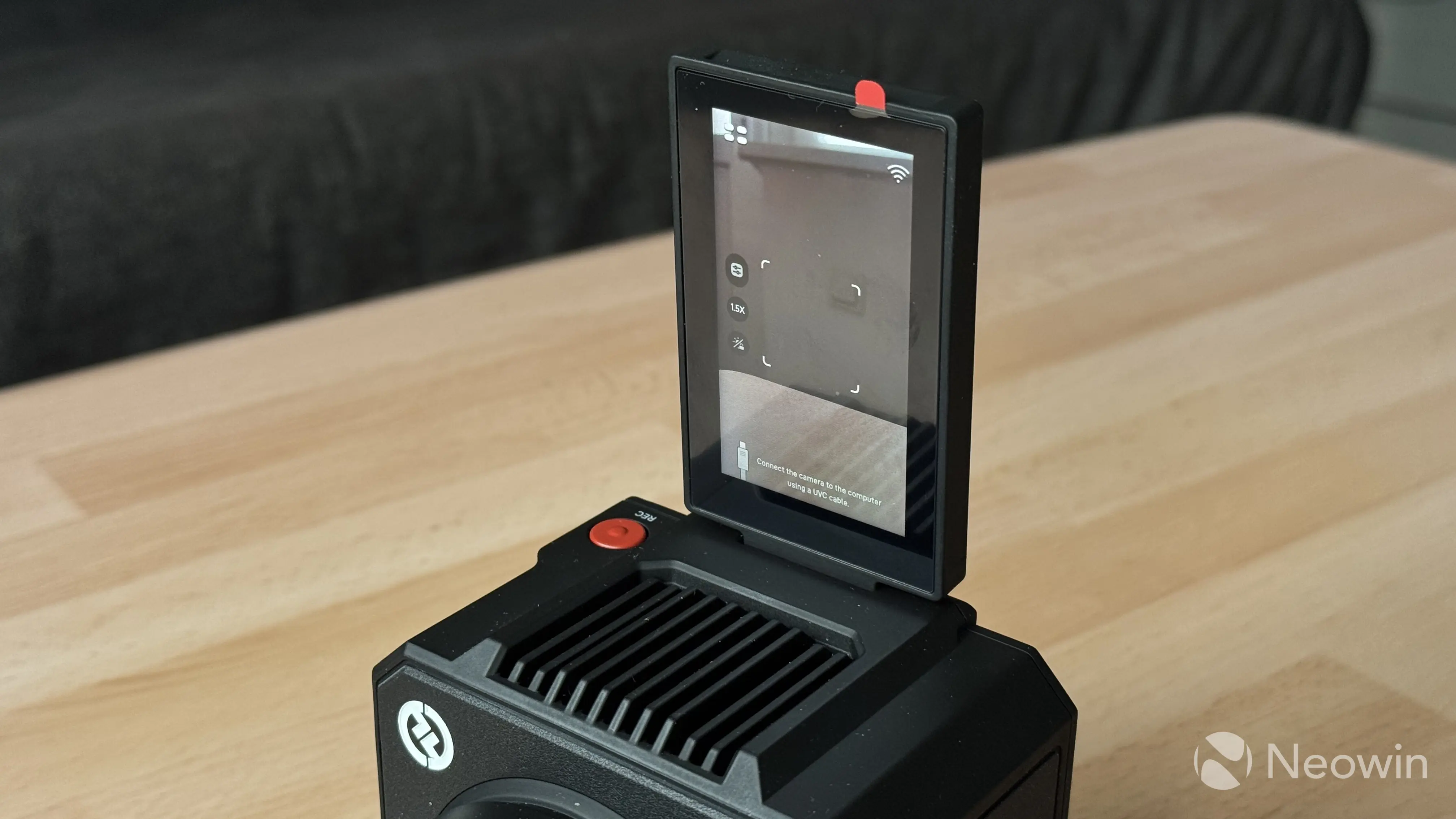
The VenusLiv Air is not your typical webcam. It is a big camera with a massive lens and a notably bigger price tag ($549). Its square body is made of good-quality plastic, with vents at the top and bottom for heat dissipation. On the back, there is a rotating touchscreen display and a set of ports that includes one USB Type-C UVC (Universal Video Class that lets your device detect the Liv Air as a regular webcam for streaming), one USB Type-C for a mic, one AUX for a mic, 12V DC power, a LAN port, and an HDMI out port.
The camera can stream wirelessly to an app, via USB Type-C, via HDMI, or via LAN. This gives convenience and versatility, as you do not need a capture card to use it. You do not even need a computer to stream using the Liv Air, as it can stream to Facebook, YouTube, or Twitch from the HollyCam app on your mobile device. Moreover, you can insert an SD card and use the camera without any additional equipment.
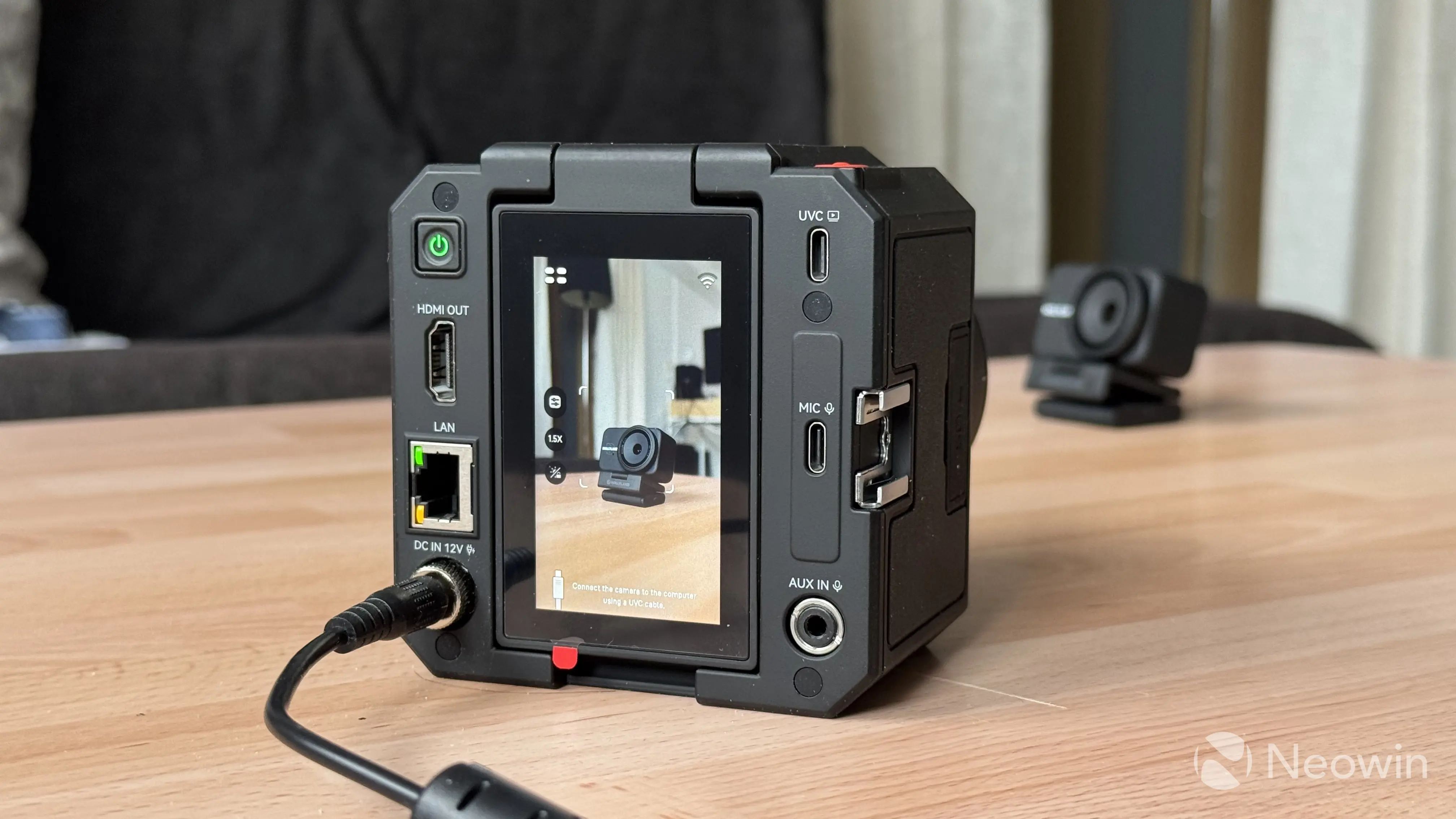
Unfortunately, here comes one minor inconvenience: you need a 12V DC adapter to power the camera, and you cannot power it using a Type-C cable from your computer or power bank. I know that the Liv Air is mainly a stationary device, but with its versatile connectivity and the ability to record/take photos directly to an SD card, it would be nice to see some better portability power-wise. For example, when you want to stream outdoors with no AC outlets available. And Hollyland itself suggests outdoor use, as the camera has an operating temperature from -10 °C to 40 °C.
Other controls include a dedicated recording button and a power button, two 1/4" mounts and a hot shoe for lights, microphones, or other compatible equipment. The built-in 3-inch rotating screen is plenty big and bright, and you can control most of the camera"s capabilities directly on it. Plus, the camera connects via Wi-Fi, and it can update itself wirelessly.
As for the image quality, physics takes over, and you quickly see what a big lens with a wide aperture can do. The camera has a massive 1/1.3" 50MP CMOS sensor with an equally large F/1.05 aperture, which captures a lot of light and produces fantastic and natural depth of field. When compared with the Lyra, you quickly notice less processing and a much more natural, true-to-life image. Again, I will let video samples speak for themselves. Note that the VenusLiv Air has no built-in microphone, so if you go this route, you will have to spend extra on a good microphone that can be mounted on the camera or connected wirelessly.
Here are some video samples taken by both camers:
And here is a quick sample of the VenusLiv Air"s focus and bokeh (mind the low-light conditions, which always make focusing harder), which you can manually adjust in the Holly Studio app or by tapping on the touchscreen. Focus is quite snappy, and it does not tend to jump:
Conclusion
For $149, the Hollyland Lyra is a great webcam. If you take your video calls and streaming seriously, the Lyra will not disappoint you. Image quality is great, the form factor is versatile, and the feature set is rich. The Holly Land app for Windows is not the fastest or snappiest app out there, but it has no broken stuff or bugs, and it does its job as expected. The Lyra is an easy recommendation, which gives its competitors a run for their money.
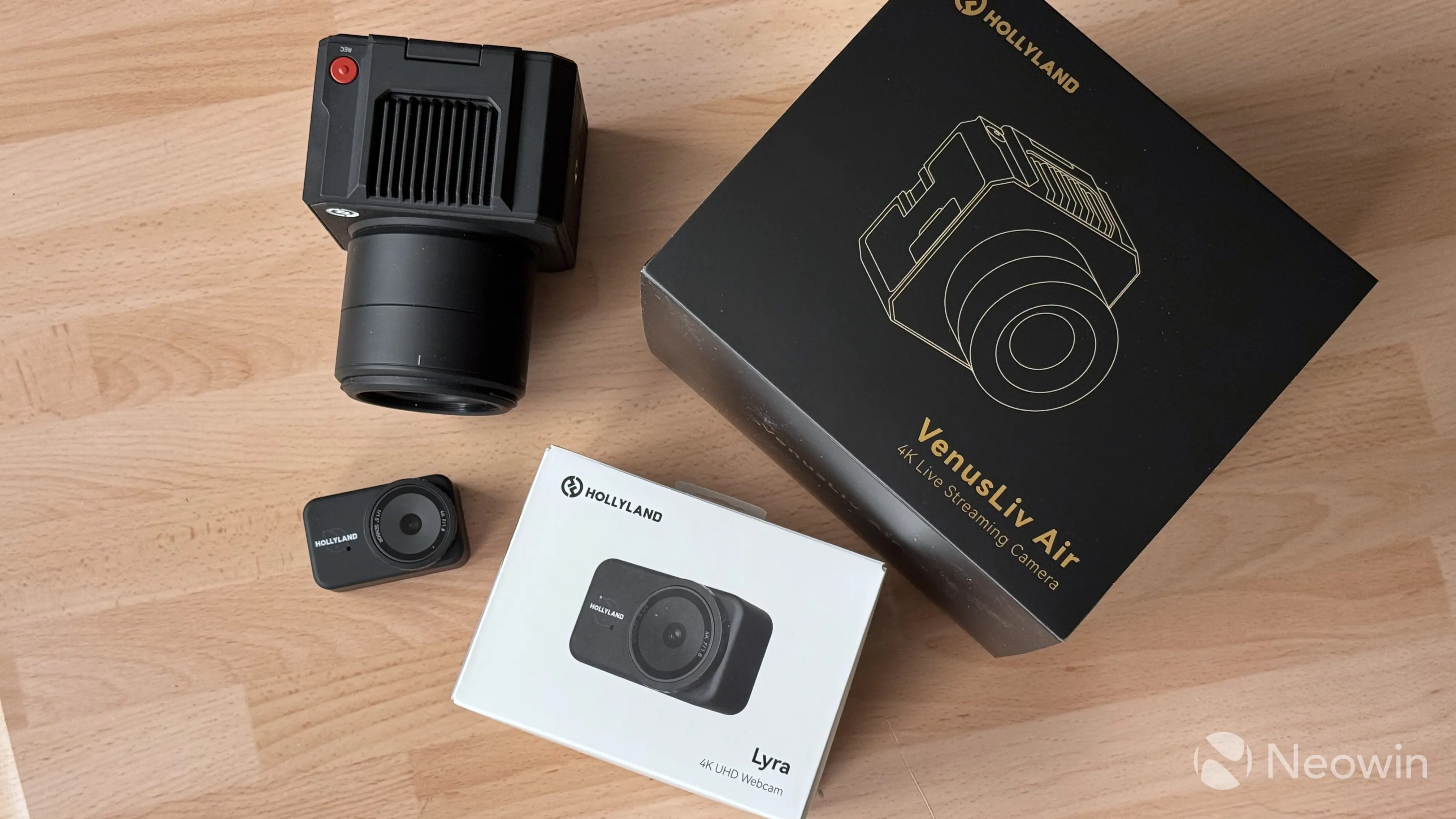
As for the VenusLiv Air, I am not sure if I am in a position to recommend it to anybody, given the lack of experience in this area, but I can say that the video it records is stunning, the lens is fantastic, and the camera is quite easy to use. Its versatile plug-and-play design makes it easier for beginners who have decided to invest in streaming equipment; just make sure you have a tripod and a microphone to complete the setup.
$549 is not cheap, but it is still cheaper than a traditional camera with a swappable lens, which is usually harder to set up for streaming. I think this is a relatively affordable device to dip your toes into "serious" streaming without a steep learning curve. Hollyland made the VenusLiv very approachable and easy-to-understand, and I like it. Of course, if all of that looks like a massive, expensive overkill, the Lyra will be a much more reasonable pick that does not require any additional investments.
- Hollyland Lyra 4K Webcam - $149 on the official website
- Hollyland VenusLive Air 4K Streaming Camera - $549 on the official website
| Pros | Cons | |
|---|---|---|
| Hollyland Lyra |
|
|
| Hollyland VenusLiv Air |
|
|
Disclaimer: Hollyland provided review samples without editorial input or pre-approvals.