One of the biggest VS Code competitors at the moment is Zed, a high-performance editor written in Rust by the makers of Atom, which itself got killed by Microsoft in favor of VS Code after Microsoft bought GitHub.
The editor became open source last year and ships with several features, including real-time collaboration and, of course, integrated AI (Zed AI), because if the competition is doing it, then what else are you supposed to do?
It seems some people are not fans of bolting an LLM onto their primary coding tool, which is why Zed has announced that you can now completely disable these features. This change is live in the Preview build today and will land in the stable release next week. To turn everything off, you just need to add the following line to your settings.json file:
{ "disable_ai": true } The company also mentioned that new users will soon get a simple switch to opt out during the initial onboarding process.
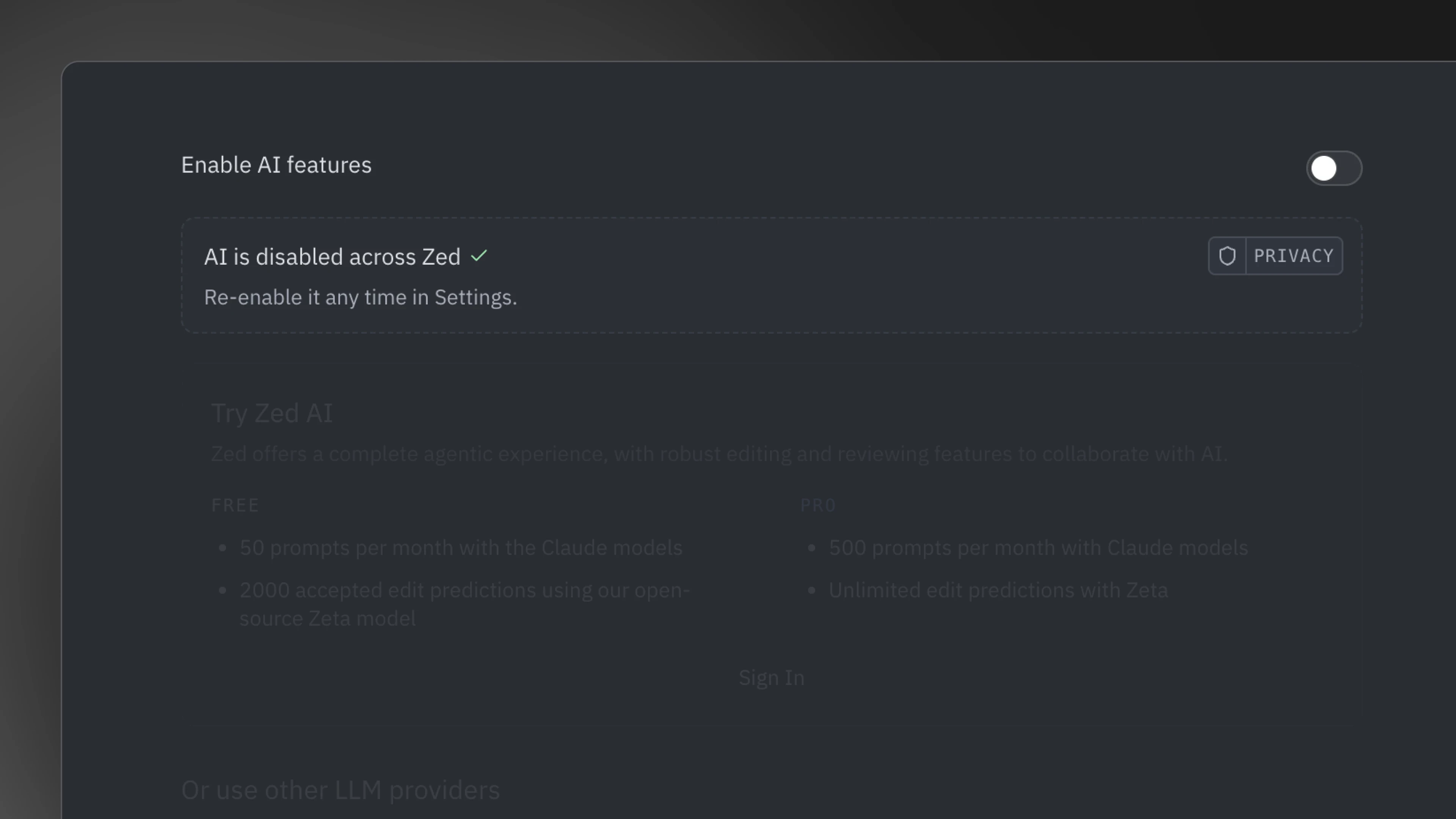
Zed acknowledged that some people are skeptical about integrating AI into their workflow for a variety of reasons. Some have philosophical objections to machine-generated code, while others simply prefer the control and predictability of a traditional dev environment.
Let"s also not forget the corporate reality. Many organizations, such as Apple, restrict the use of third-party AI tools when working with proprietary code. Legal teams often require devs to use completely AI-free environments to protect intellectual property.
For those whose main concern is data privacy rather than plain opposition to AI, Zed pointed out a few alternatives. You can bring your own API keys to connect to providers you already trust, or you can run local AI models that keep all your code and prompts on your machine.
When using Zed"s own AI service, the company says it discards your code and prompts after each request and never uses them for training.