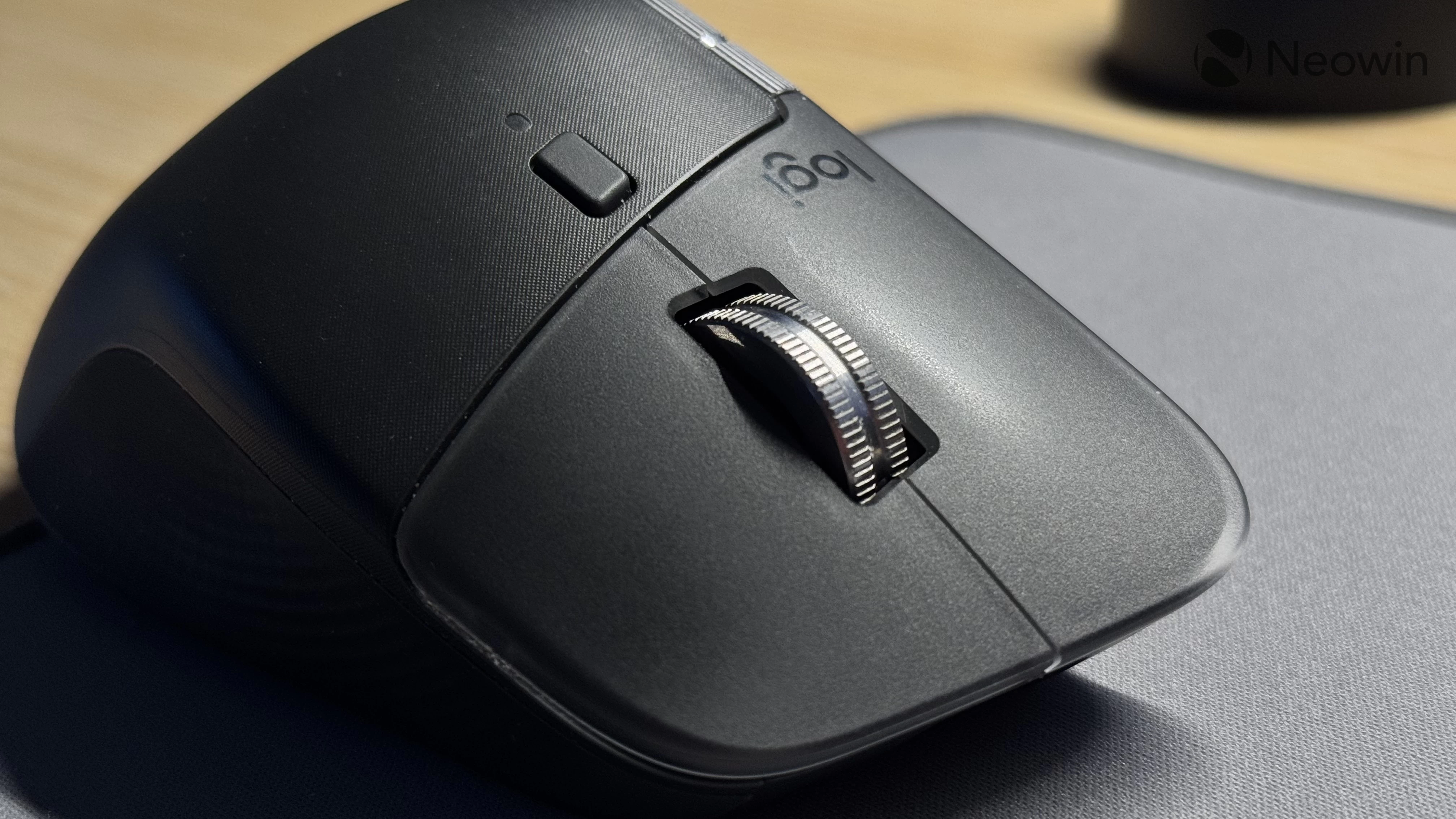
Last year, eagle-eyed Windows enthusiasts discovered a new hidden feature in Windows 11 responsible for haptic feedback for various actions, such as snapping windows or aligning objects. The feature has not seen any further development since then, but now, in a rather surprising update, Logitech added support for this still-unannounced thing to its flagship MX Master 4 mice.
This week, Logitech released an update for the Bolt receiver. Version 5.5.30 is now available for download, with release notes promising native Windows haptic feedback support for MX Master 4 owners. Neowin spotted this while browsing:
Enables native Windows OS haptic signals on the MX Master 4 for supported system interactions.
Requirements: Requires Windows 11 (March 2026 update or later) and the latest firmware for both the MX Master 4 and Bolt receiver.
After updating the mouse and the connector, the Logitech Options+ app will show you a link to the Settings app, particularly mouse settings, where you are supposed to enable haptic feedback. The thing is that the toggle is still not publicly available, even though the release notes claim you need the "March 2026" update for Windows 11.
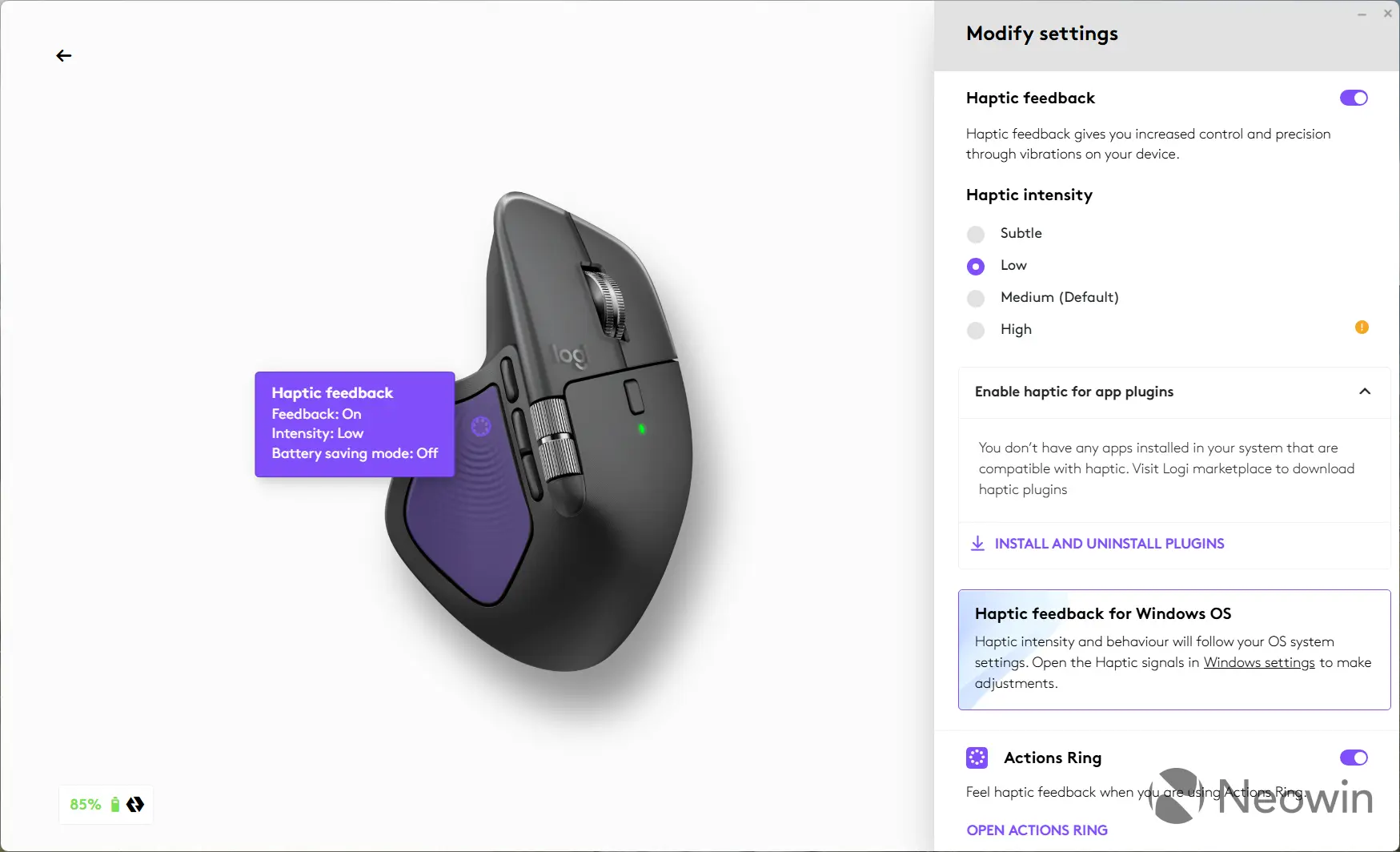
However, when I connected my MX Master 4 to a system with the latest Dev build and enabled Haptic Signals with the ViVeTool app, the toggle and the intensity slider appeared, allowing me to control haptic feedback in the mouse within the Settings app. It"s working! It"s working!
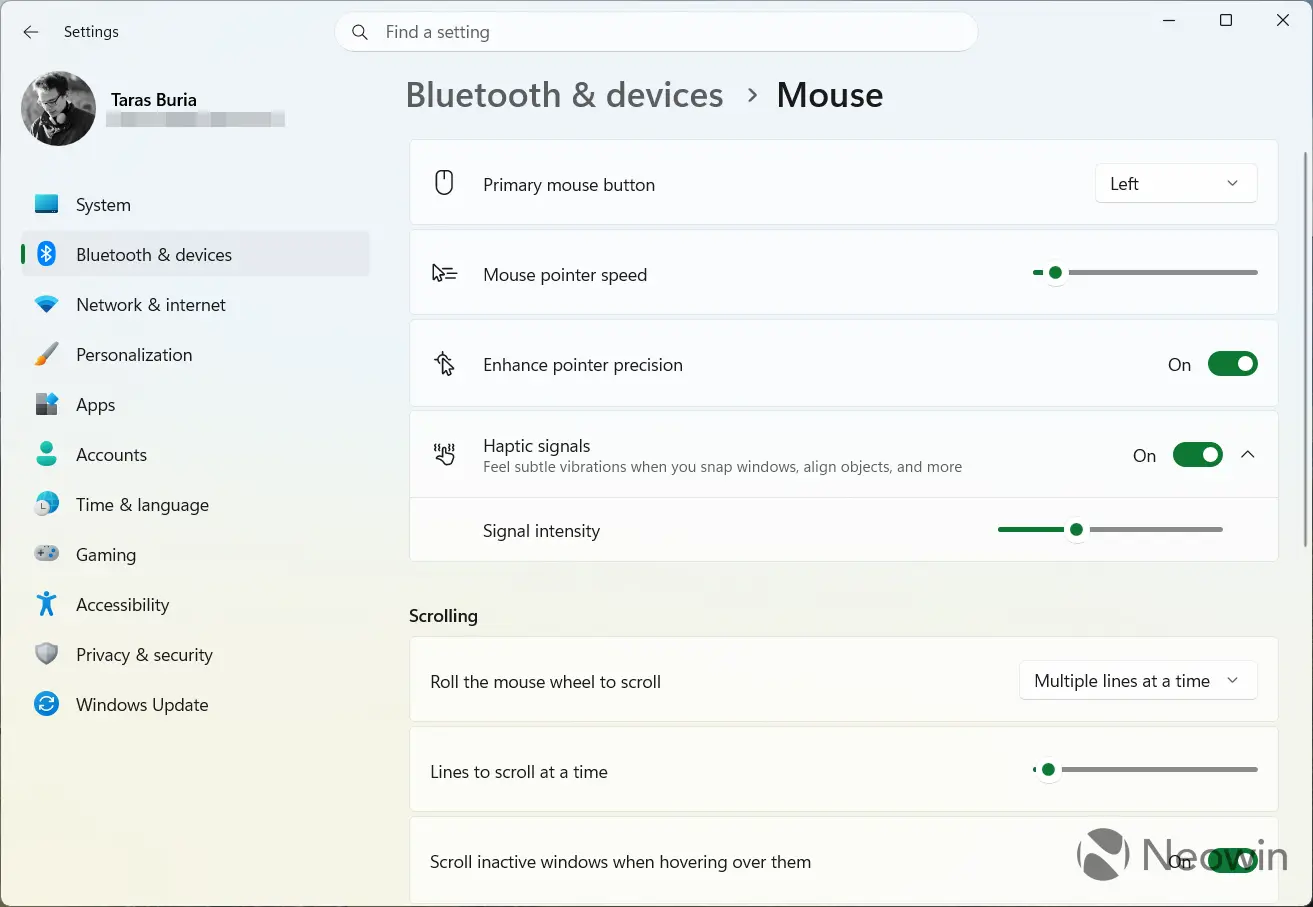
The MX Master 4 already supports haptic feedback for a couple of actions, but enabling the Haptic Signals feature in the Settings app adds even more. For example, you can feel a light tap when hovering over the X button (this one turned out to be the most useful), snapping apps, or dragging a window to a screen"s edge. During my brief testing, I found no other places where Windows sends haptic signals, so the initial support feels quite minimal. Hopefully, Microsoft will come to the limelight and clarify things a little.
If you have an MX Master 4 at your disposal, you can get to the latest firmware in Logitech Options+ > MX Master 4 > Settings > Check for update.