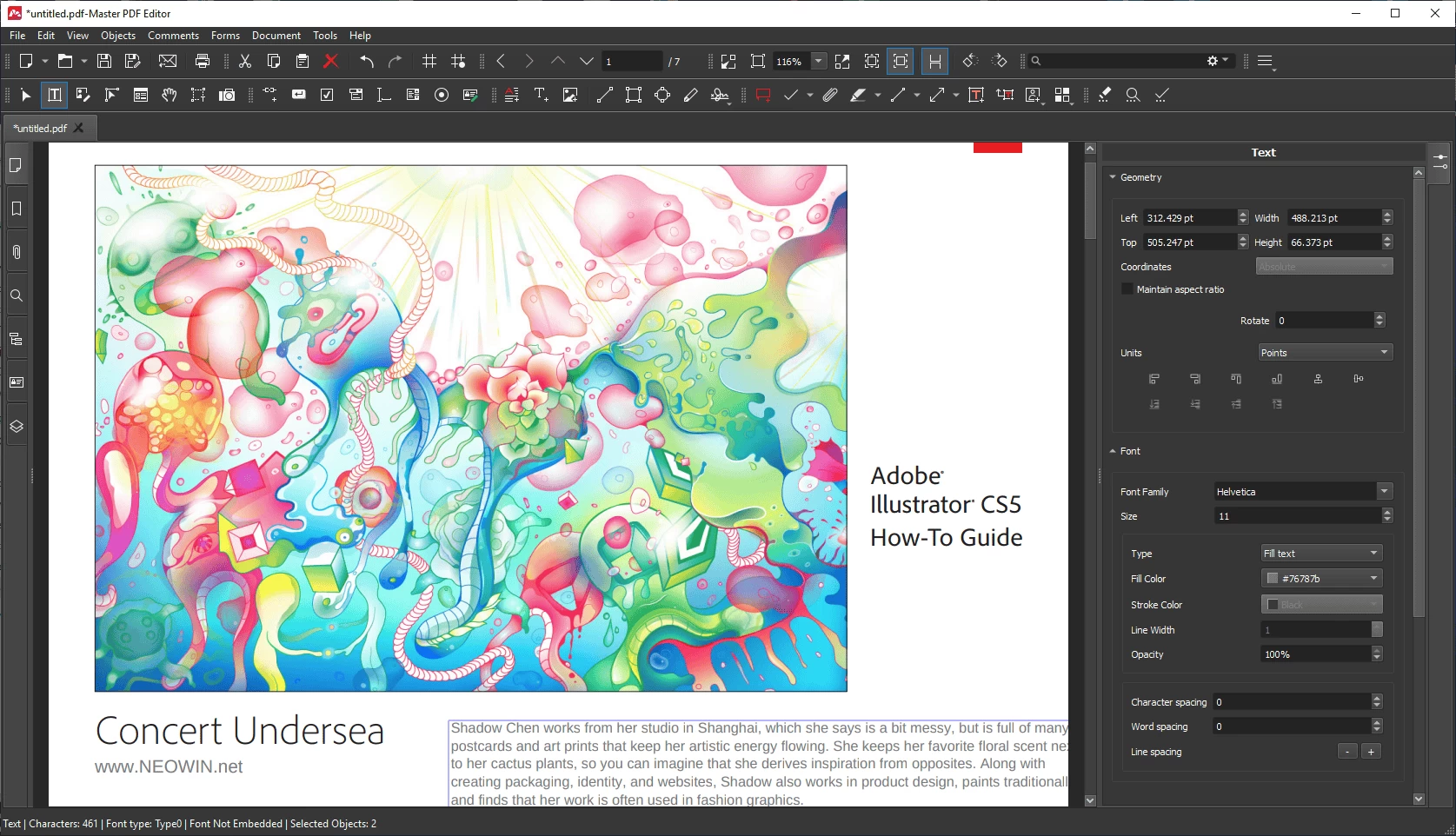
Master PDF Editor is straightforward, easy to use application for working with PDF documents equipped with powerful multi-purpose functionality. With Master PDF Editor you can easily view, create and modify PDF documents. The application enables you to merge several files into one, split a source document into multiple documents, and also to comment, sign and encrypt PDF files.
Master PDF Editor – Features at a glance:
- Edit PDF text, images and pages with full editing features.
- Create new PDF or edit existing ones.
- Add and/or edit bookmarks in PDF files.
- Encrypt and/or protect PDF files using 128 bit encryption.
- Convert XPS files into PDF.
- Add PDF controls (like buttons, checkboxes, lists, etc.) into your PDFs.
- Import/export PDF pages into common graphical formats including BMP, JPG, PNG, and TIFF.
- Split and merge PDF files.
- JavaScript support.
- Dynamic XFA form support.
- Validation Forms and Calculate Values.
- Fast and simple PDF forms fill out.
- Signing PDF documents with digital signature, signatures creation and validation.
- Changing font attributes (size, family, color etc).
Master PDF Editor 5.9.98 changelog:
- Added support for Qt 6 for better compatibility with Linux systems using Qt 6.4.2 and newer.
- Implemented a new function which allows splitting documents according to the specified number of pages or file size.
- Updated the scanner driver on Windows OS, which resulted in enabling more scanning settings. Fixed minor bugs in the scanning process.
- Added a new option for comments which makes it possible to hide or display them both in printing and on the screen.
- Enhanced redaction. Now, when redacting a document all object borders can be shown in the document for better visibility of sensitive data. Fixed a bug with redacting forms.
- Resolved issues concerning the signature feature. Improved signature verification.
- Enhanced conversion to PDF/A formats and resolved minor issues related to it.
- Enhanced the display of document pages and their thumbnails in the Navigation Pane after editing pages.
- Improved the display of documents with particular view settings after deleting pages.
- Fixed various minor bugs.
Download: Master PDF Editor 64-bit | Master PDF Editor 32-bit ~60.0 MB (Shareware)
Download: Master PDF Editor for Linux | 66.8 MB
Download: Master PDF Editor for macOS | 59.2 MB
View: Master PDF Editor Home Page | Release History | Screenshot