Microsoft Edge is getting a new experimental Copilot Mode, a special mode that uses the power of AI to upgrade your browsing experience with advanced features, multi-tab context, and other features.
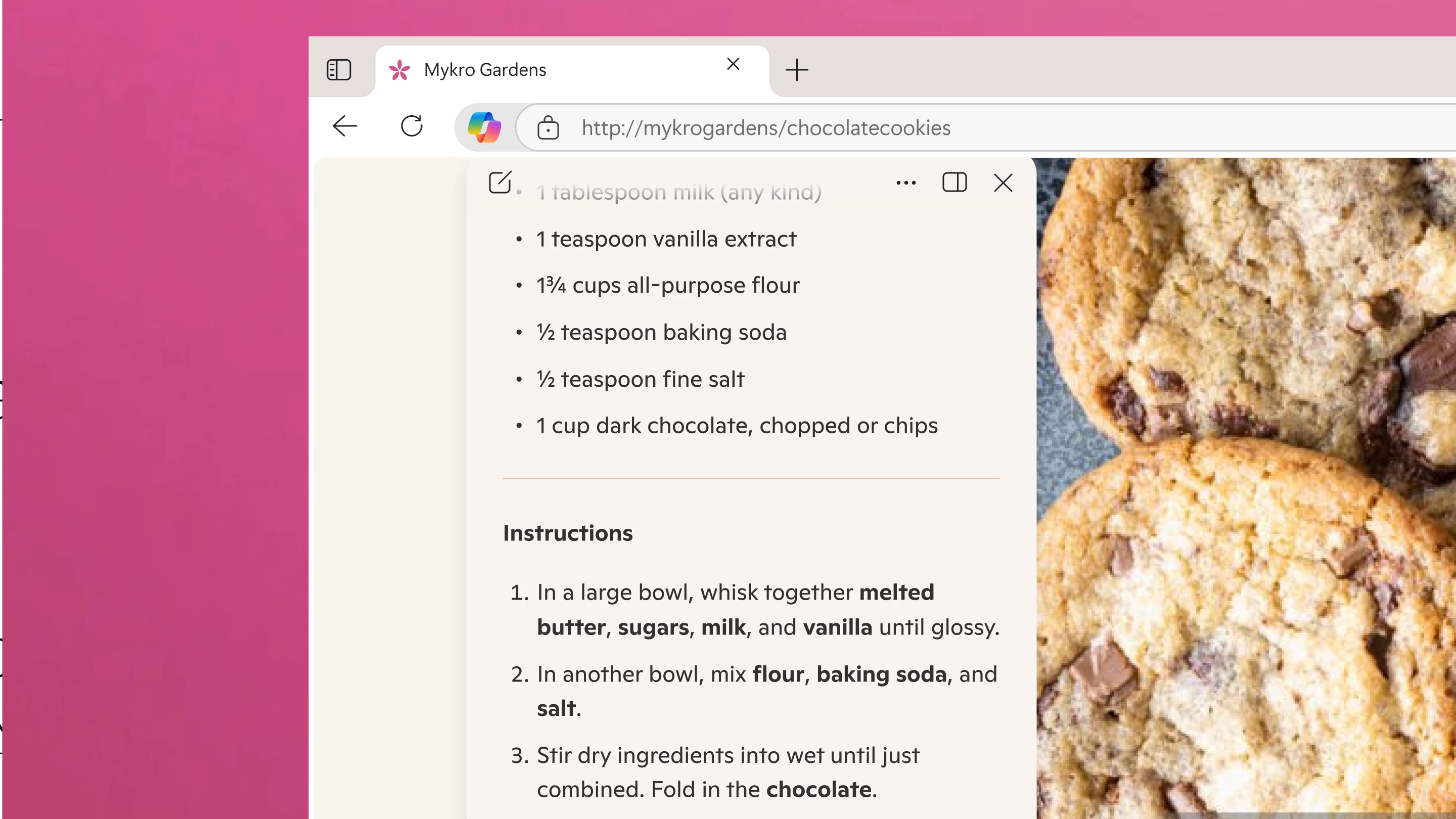
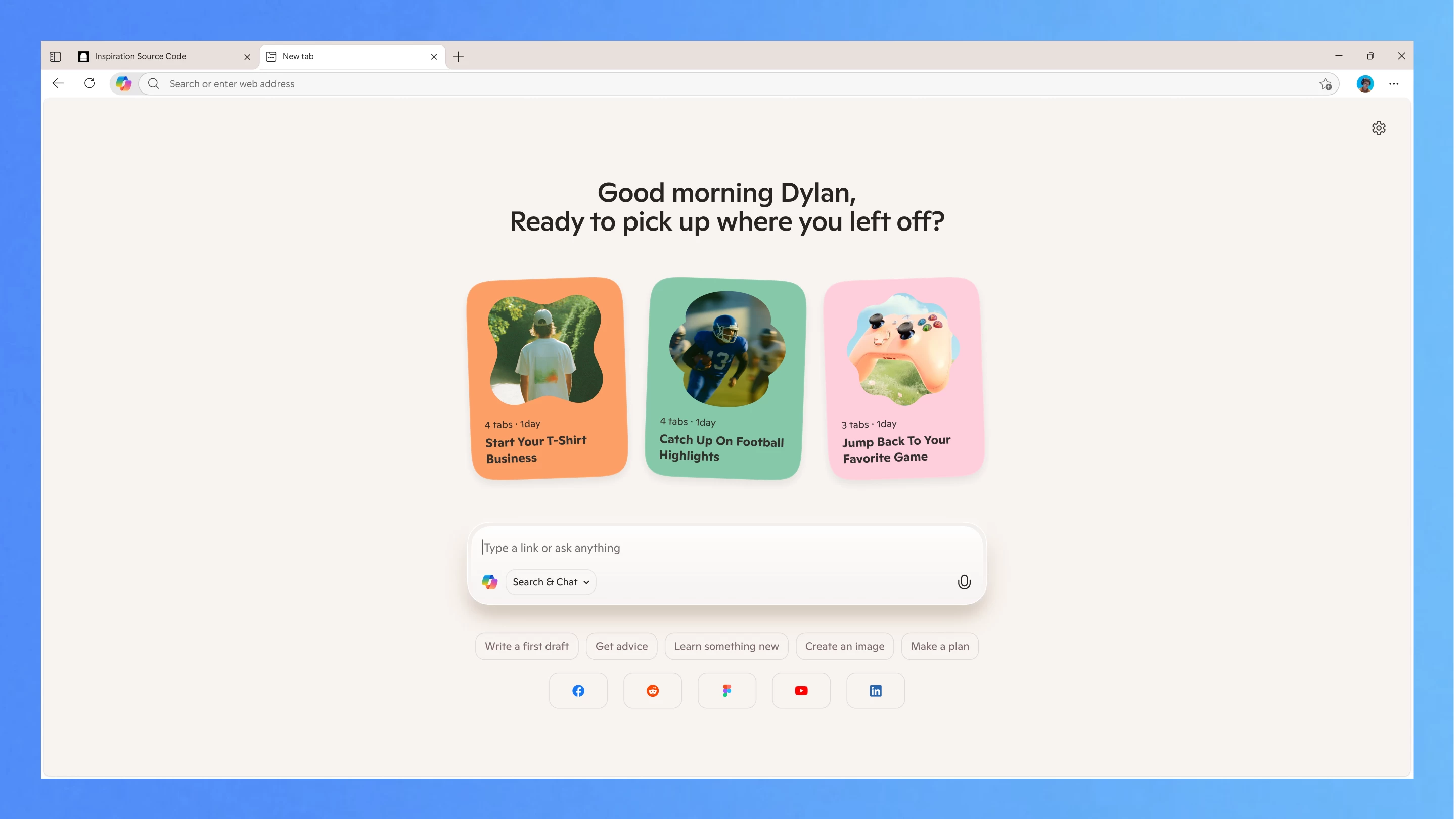
Copilot Mode starts with a redesigned and simplified new tab page (users spotted the first version of Copilot as a new tab page a few months ago). It only has a Copilot composer, which combines the classic chat experience with web search and navigation. When browsing, Copilot is available in the address bar, and when clicked, it shows up as a dynamic pane without obstructing the original web page. Microsoft says that you can use it to declutter the web page, convert data, and cut right to the chase, say, when you read a recipe with a ten-page-long introduction.
Copilot Mode also supports multi-tab context. With your permission, it can see all of your tabs and understand the context of your browsing. This eliminates the need for frequent tab switching, especially when you deal with dozens of tabs at once.
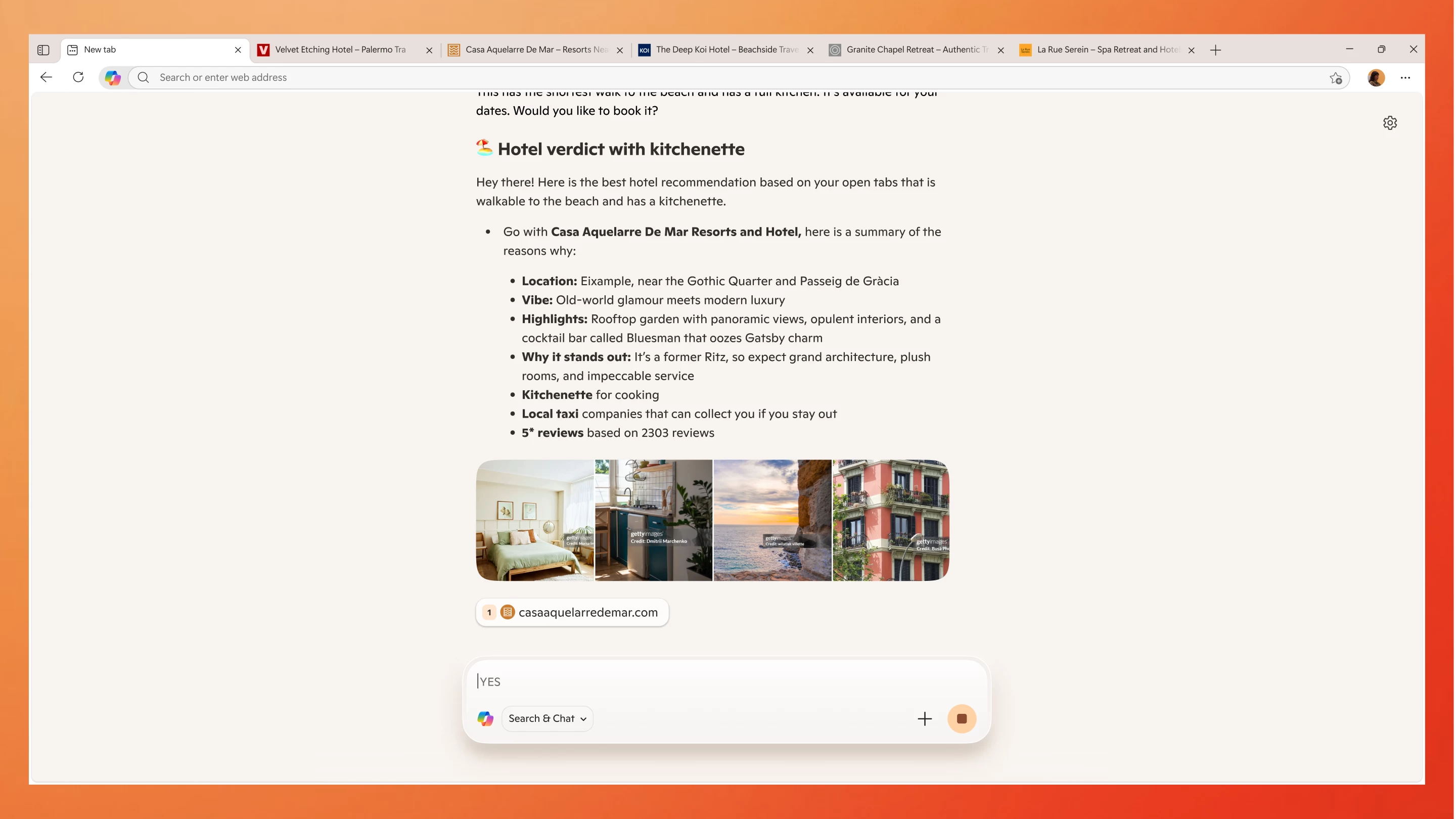
Microsoft is also working on letting Copilot tap into your history and credentials so that it can better understand context and perform actions on your behalf, like booking reservations or performing other tasks. You can type your request into the composer or interact with the assistant using your voice.
Finally, Copilot Mode will make it easier for you to jump back into the previous topics. Copilot Mode will offer you topic-based "journeys" with additional suggestions for what to do next.
With tools like this, privacy could be a big concern for many users. As such, Microsoft assures that users will always be able to determine whether Copilot Mode is on or off with distinct visual cues. The feature is also optional, and you can toggle it on or off at any moment and continue using Edge in standard mode.
With Copilot Mode on, you enable innovative AI features in Edge that enhance your browser. It doesn’t just wait idly for you to click but anticipates what you might want to do next. It doesn’t just give you endless tabs to sift through but works with you as a collaborator that makes sense of it all. It keeps you browsing, cuts through clutter, and removes friction to unlock your flow – all built to the highest Microsoft standards of security, privacy, and performance trusted by billions of people and businesses worldwide – with you as the user always in control.
Copilot Mode is now available on Windows and macOS as an experiment in all markets where Copilot is available. For now, this experience is free for all who want to opt in, which suggests that Copilot Mode could become a premium feature. You can try Copilot Mode by heading to this link.