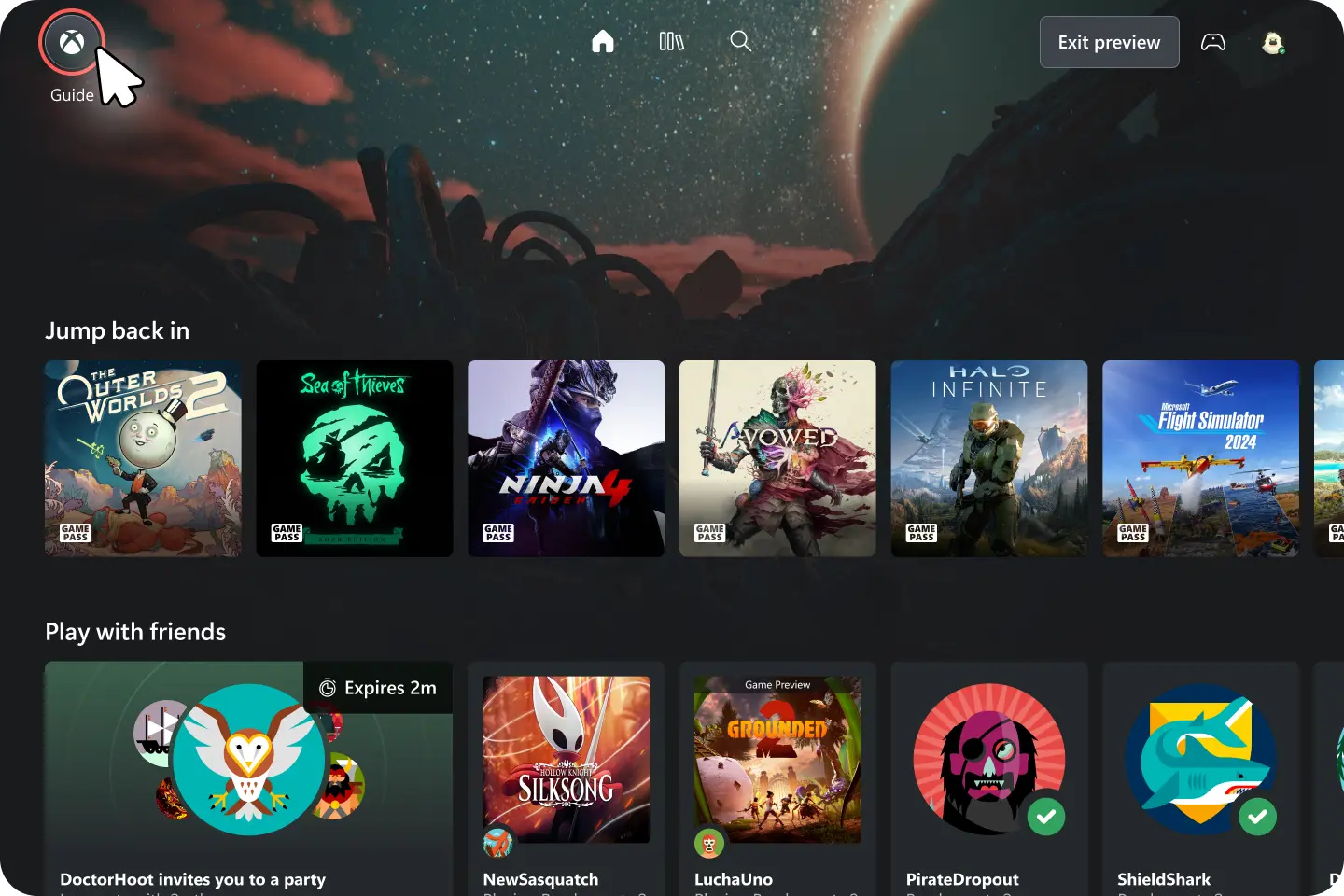
Fans of cloud gaming in the Xbox space have some good news coming at them. The web experience of Xbox Cloud Gaming is finally getting an overhaul, and as usual for the company"s offerings, Microsoft is letting users try it out and provide feedback on the update before it comes out for everybody.
Aside from offering an overhauled design for web UI, the update is making changes to the navigation features players use when picking and playing a game.
"Starting today, we’re testing a refreshed web experience for Xbox Cloud Gaming that lays the foundation for accelerating our ability to build new experiences for players," says Microsoft Principal Product Manager Patrick Siu. "This preview is a first look at our new web interface on your browser and lets you try the updated design and product flow before it is rolled out broadly."
To jump into the preview, Xbox Cloud Gaming users can head to xbox.com/play on a browser and navigate to the Settings. Here, under the Account tab, a "Preview features" toggle will now be visible. Enabling this will introduce a new button into the primary page"s UI, where pressing it will enter the user into the new in-testing experience.
For those that may want to hop out of the preview, an "Exit preview" button should always be present on the home page of the web interface.
"This preview helps us validate the new web platform and refine the experience for everyone," adds Siu. "If you encounter issues or have suggestions, please share them through the Feedback feature in the preview experience. Your reports will directly influence what we improve next."
There"s not one but two buttons available in the new web UI to provide feedback. Clicking the Xbox icon on the top left (or the Xbox button on the controller) will open the Web Guide, which has a handy "Give feedback" option right there. Otherwise, clicking the profile button on the top right will also give a dropdown menu that has a "Give feedback" option.