PowerToys 0.93 is now live, bringing multiple bug fixes, new features, and improvements across different modules integrated into the utility suite. Starting with the Command Palette, the utility brings back Clipboard history after it was disabled in the 0.92 cycle.
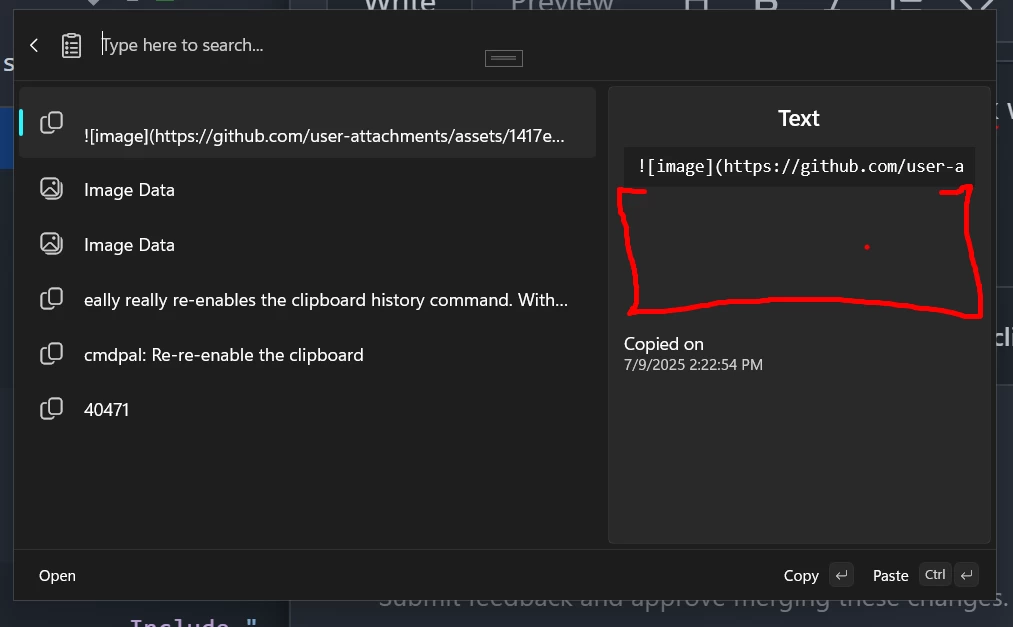
The Command Palette now also supports keyboard shortcuts for context menus, lets you pin your favorite apps, and adds history support for the Run extension.
On top of that, Microsoft says it is faster because of some backend work with Ahead of Time compilation, reducing startup memory usage by 15%, and slashing the installation size by a whopping 55%.
| Version | Installed size (MB) | Memory spike (MB) | Window loading (ms) | Built-in extensions loading time (ms) |
|---|---|---|---|---|
| 0.92 | 121 | 192.88 | 1457.40 | 846.8 |
| 0.93 | 53.6 | 160.56 | 909.8 | 246.8 |
Back in June, we told you that the Microsoft engineers were planning a huge redesign for the PowerToys dashboard. Some users felt the old interface was "undercooked", especially as more modules were added to the collection.
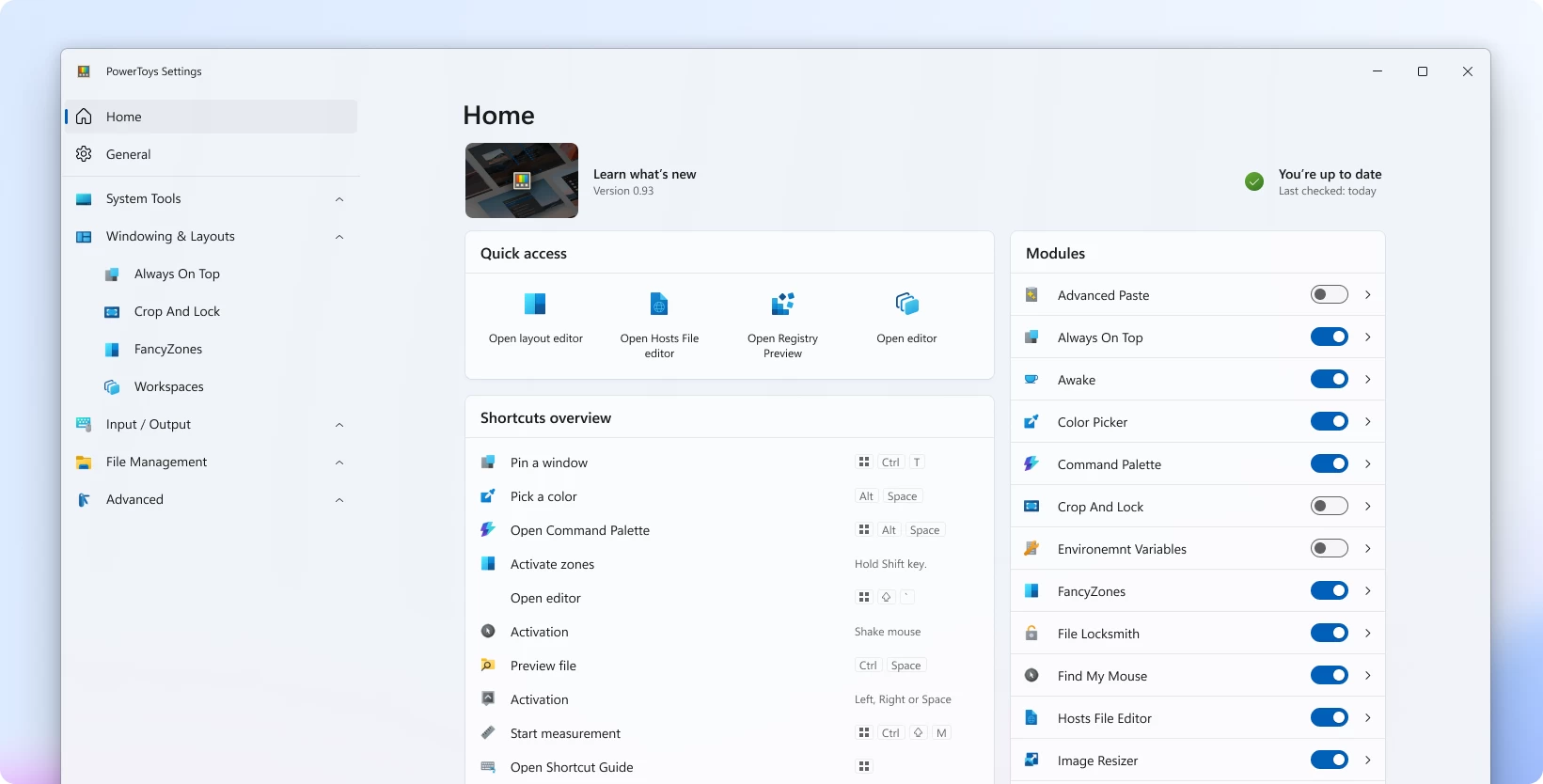
Version 0.93 ships with the new "modern" card-based dashboard and brings changes like a much clearer view of which utilities are on or off, a central list of all your shortcuts, and quick-launch buttons right on the homepage.
For the Mouse Highlighter module, there is a new Spotlight mode that inverts the tool"s usual function. Instead of just drawing a circle around your cursor, it dims the entire screen, leaving only the area around your mouse lit up.
Other modules that got updated include:
- Peek: The file previewer now supports instant previews and embedded thumbnails for Binary G-code (.bgcode) 3D printing files, a great addition for makers and hobbyists who need to quickly inspect models.
- Quick Accent: Full support for the Vietnamese language has been added, including mappings for vowels and the letter "d", expanding the tool"s international utility.
- Apps Extension: You can now pin and unpin applications directly from the Command Palette with a quick Ctrl+P shortcut. Microsoft also added all the standard file context menu options to the app items, adding a layer of functionality.
- Calculator Extension: This now accepts regular spaces in numbers that use space separators. There is also a new setting to make "Copy" the primary button and enable a "Close on Enter" option to speed up workflows.
- Window Walker: The "Kill process" command has been renamed to "End task" for better consistency with the terminology used in the Windows Task Manager.
- Add Bookmark Extension: It now automatically detects whether you are adding a file, folder, or URL, so you no longer need to specify the type manually.
- Web Search Extension: Microsoft fixed an issue where a fallback item would not hide properly when a search query became invalid and added a proper message for when no results are found.
- Run Extension: This extension now features command history, allowing you to easily access and re-run previous commands you have executed.
- Windows Settings Extension: A fallback command was added to this extension to improve search results when you are looking for a specific setting.
As for bug fixes, the team addressed the annoying acrylic (frosted glass) display issues in the Command Palette, which sometimes failed to render correctly. There was an issue in the Settings page header where it would drift when resizing the window; that is gone now.
The team also fixed several window behavior problems, including one where focus would not return to the previous application after using the palette, and another where the window would fail to appear properly on top of other apps. Navigation got a fix for the Alt+Left Arrow shortcut not working when the search box contained text.
In the main Settings app, developers sorted out an issue where the page header would drift away when resizing the window and resolved a crash related to an incompatible property name in the ZoomIt config.
You can check out the full changelog on the GitHub repo and download the release binary for your OS.