
Microsoft has just released the latest version of Visual Studio Code, version 1.113. It only seems like three seconds ago that versions 1.111 and 1.112 came out, and that’s because Microsoft has switched to a weekly release cadence since then. This short development time isn’t stopping Microsoft from packing in features each week, however.
In the update this week, Microsoft has made improvements across the agent and developer experience. One of the key changes in this update is the ability to tailor the AI to your project from a single editor. You can control how much it reasons before giving a response, and review visual context without leaving the chat.
To adjust how much reasoning the model should do, you just go to the model picker menu and press the arrows to the right of the model names; from there, you can select the thinking effort: either low, medium, or high. The higher the reasoning, however, the quicker you’ll burn through your usage.
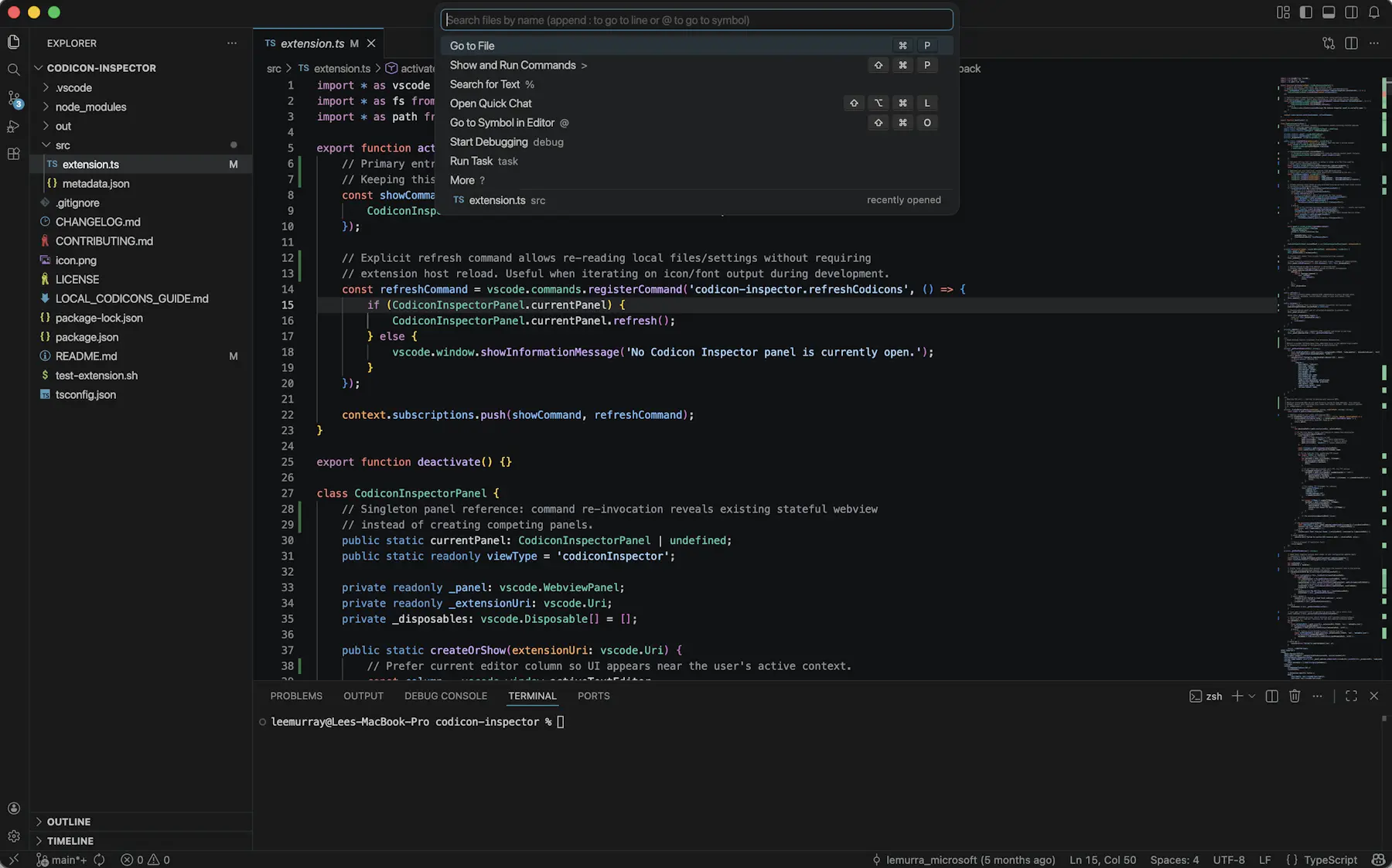
If you’re more interested in visual changes, this update ships with new default themes: “VS Code Light” and “VS Code Dark”. With these, Microsoft is aiming to provide a more modern and fresh look for VS Code, while maintaining the familiarity and usability of the previous default “Modern” themes. Additionally, OS theme syncing will default to the new themes for new users so that the editor matches the light or dark mode of your operating system with the new themes.
The final big feature this week is the introduction of nested subagents. Microsoft explains that subagents can now invoke other subagents, enabling more complex multistep workflows. Before this update, subagents were restricted from calling other subagents to prevent infinite recursion, with the new chat.subagents.allowInvocationsFromSubagents setting, you can enable this capability when needed.
To update to this version, just press the Help menu in VS Code and then check for updates. If you do not have VS Code yet, you can download it from the VS Code website.