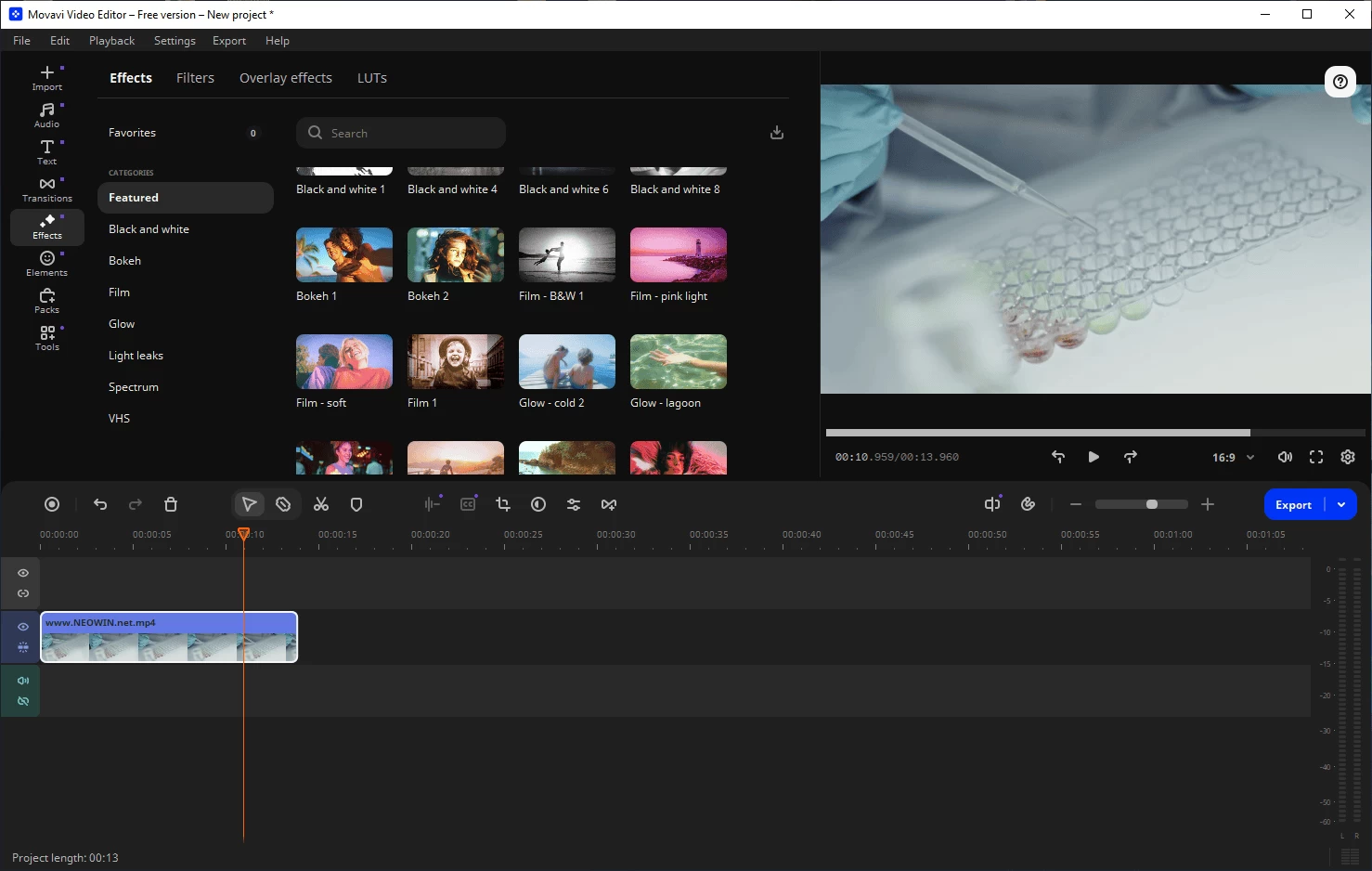
With Movavi Video Editor, you can either enhance your video files with two or three simple steps, or turn them into something completely new. Create your own movies using multiple filters, transitions, and special effects: show multiple videos on one screen with the Picture in picture effect or change the background with the Chroma Key effect, imitate the camera zoom or make your video look like an old-style movie. Adjust video parameters such as brightness, contrast and colors. Stabilize shaky footage, improve video quality and remove defects. Create video presentations, tutorials or educational videos: add titles and record your own narration to create a video with voiceover. Import video from any source: TV-tuner, webcam, camcorder, or VHS. Drop multiple media files onto a timeline and let your imagination do the rest!
Features at a glance:
- Video and audio editing on a timeline
- Edit, enhance videos
- Add background music
- Apply titles and effects
- Image quality improvement
- Hollywood-worthy effects
- High-grade titles and fades
- Digitize VHS tapes, record video from TV tuners
- Stabilize any shaky sections
- Support for a wide range of formats
- Prepare your videos for uploading to YouTube, Facebook, Vimeo, or any other website
New in Movavi Video Editor 2026:
- 30+ fresh subtitle styles. Upgrade your automatic captions with new designs. Customize your text in the Styles tab with a single click. Optional advanced settings are also available in the dedicated Design tab.
- Subtitles in English – instantly! Translate auto-subtitles into English with a click – no dictionaries or online services needed. Once translated, configure and fine-tune the subtitles using the standard editing tools.
- 40+ adjustable effects. Enhance your videos in a click with new realistic effects – from dust particles and light leaks to retro-style and VHS. Every effect is fully customizable – so it will fit any clip perfectly and bring an extra spark to your edits.
- Ultra-fast playback. Show more in less time with video speed control of up to 100x. Perfect for epic time-lapses, long process recaps, or whenever you want to add some extra energy to your content. Magnetic zones are marked with dots, and the 1x value is indicated by a vertical line.
- Silence removal – in a click. Cut out unwanted pauses automatically or fine-tune the pause length and volume threshold yourself. Skip the tedious cleanup and make your videos more dynamic.
- Fast effect copying. Effortlessly duplicate any effect from one video to another: click Clip effects in the dropdown menu and proceed to copy or paste.
Movavi Video Editor Plus 26.10.0 changes:
- Auto-tracked cropping. Crop videos while keeping the speaker or product centered – automatically. The tool follows the main subject and adjusts the frame on-the-go. Perfect for transforming horizontal clips into vertical while still highlighting what matters most.
Download: Movavi Video Editor 26.10.0 | 2.7 MB (Shareware)
View: Movavi Video Editor Plus Website | Screenshot