There are plenty of complaints about the Start menu in Windows 11, and even the redesigned variant has its fair share of discontent. However, for me, Command Palette fully replaced the Start menu, as it is easier and faster for me to find the app I need by simply typing its name instead of scrolling through pins and lists. Command Palette is a fantastic all-in-one launcher for Windows 11, and one of the upcoming updates for PowerToys should make it significantly better.
According to a Pull Request on GitHub, PowerToys 0.98 is expected to introduce Lightning-fast mode for Command Palette. The idea is, as the name suggests, to make the launcher significantly faster and visually appealing by disabling unnecessary animations, optimizing the results so that the first clickable result is selected as early as possible, fixing some under-the-hood parameters, and more.
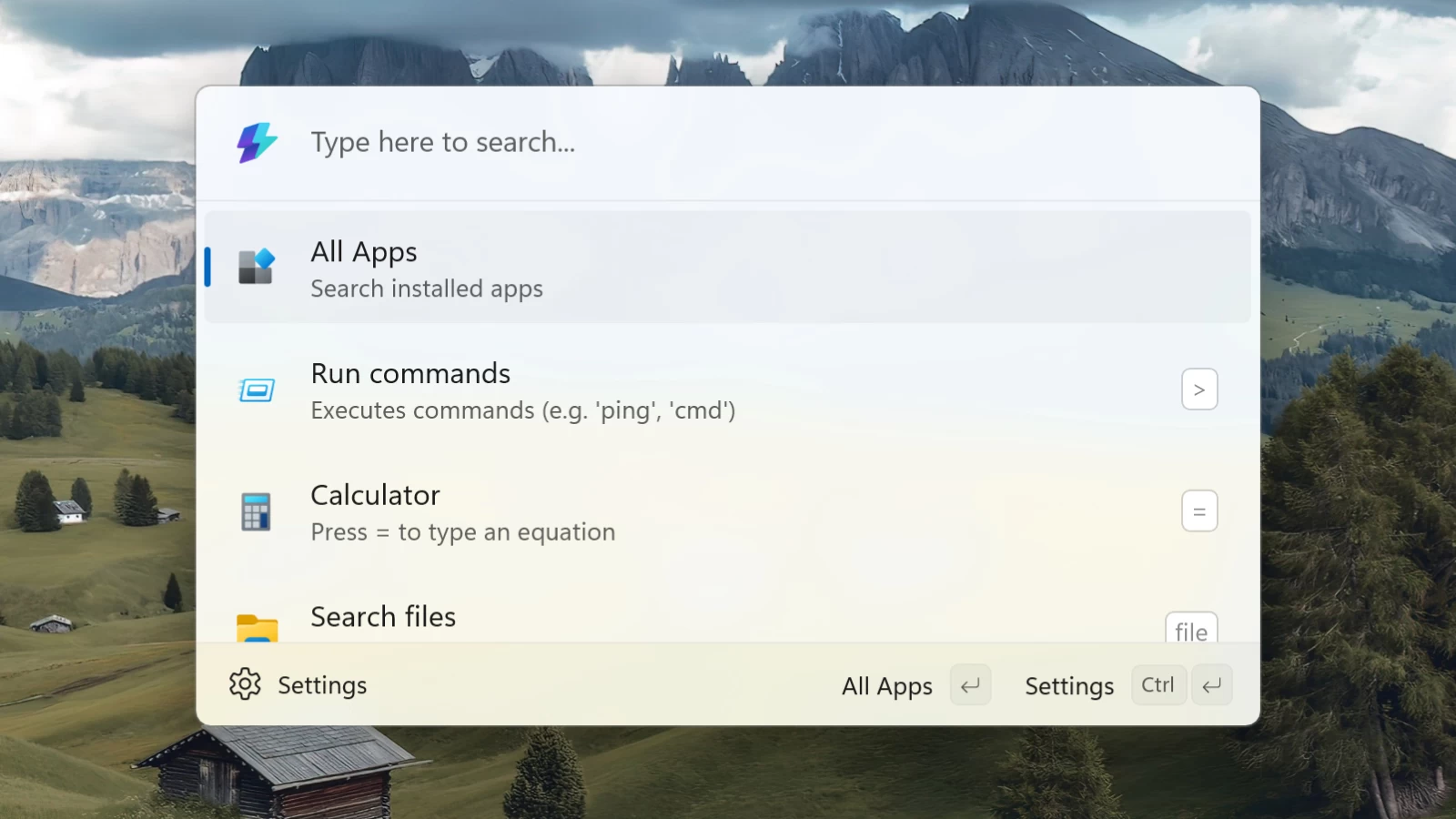
While Command Palette in its current form is pretty fast, you can still notice some delays, icon flashes, and jitter. The proposed Lightning-fast mode should get rid of that and make the launcher more on par with apps like Raycast, a similar tool with noticeably better performance. If you are curious to read more about the Lightning-fast mode for Command Palette, you can check its Pull Request here.
Speaking of Command Palette, Microsoft is also working on the Command Palette Dock, a taskbar-like dock at the top of your monitor to house your favorite modules, display additional useful information, and more. The dock is currently in development, and Microsoft wants to hear what you think about it. If waiting is not an option, you can get a similar experience with tools like WindowSill or Clipshelf.
The last big update for PowerToys was released at the end of January. Version 0.97 introduced a new mouse tool and a big customization update for PowerToys.