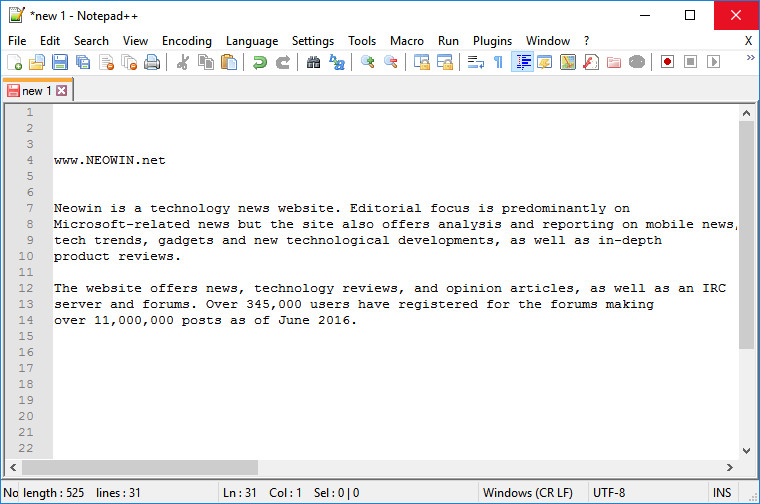
Notepad++ is a free (as in "free speech" and also as in "free beer") source code editor and Notepad replacement that supports several languages. Running in the MS Windows environment, its use is governed by GPL License.
Based on the powerful editing component Scintilla, Notepad++ is written in C++ and uses pure Win32 API and STL which ensures a higher execution speed and smaller program size. By optimizing as many routines as possible without losing user friendliness, Notepad++ is trying to reduce the world carbon dioxide emissions. When using less CPU power, the PC can throttle down and reduce power consumption, resulting in a greener environment.
Notepad++ v8.8.6 changelog:
- Add capacity of pasting multiline into Find/Replace fields. (Fix #16952)
- Improve UAC in Notepad++ for seamless elevated operations. (Fix #886, #8655, #9561, #10302, #14990, #15008, #15137, #15323)
- Fix Pin Tab operation being too long with many opened documents. (Fix #16117)
- Add 2 new full-readonly modes via command line argument (-fullReadOnly & -fullReadOnlySavingForbidden). (Fix #15993, #16532)
- Add apply/remove read-only for all documents commands. (Fix #15993, #16532)
- Column Editor enhancement: GUI input fields now support radix to match the output format. (Fix #16912)
- Add Window dialog “File Modified Time” sorting capacity. (Fix #16953)
- Fix NPPN_CMDLINEPLUGINMSG not working issue & define the pluginMessage usage protocol. (Fix #17024, #17022)
- Fix pasting from column mode to multi-selection issue due to different EOL. (Fix #16889)
- Add NPPM_GETNPPSETTINGSDIRPATH message to get Notepad++ settings directory path. (Fix #16944)
- Enhance SQL function list parser. (Fix #16605)
- Fix C# function list not working with comments. (Fix issue)
- Add function list ability for CSS. (Implement #17006)
- Allow user to customize max selected chars to auto-fill “Find what” field. (Fix #16955)
- Restore undo/redo behaviour in Find/Replace fields after Copy/Paste or Ctrl-F. (Fix issue 1, issue 2)
- Fix text corruption issue caused by selection within multibyte characters. (Fix #16879)
- Fix DOCTYPE styling in xml and html. (Fix #17012)
- Fix double clicking on edit zone’s border creates a new tab issue. (Fix issue)
- Update cURL in WinGUp (Notepad++ updater) for fixing CVE-2025-5399. (Fix security issue)
Download: Notepad++ 64-bit | Portable 64-bit | ~4.0 MB (Open Source)
Download: Notepad++ 32-bit | Portable 32-bit
Download: Notepad++ ARM64 | Portable ARM64
View: Notepad++ Home page | Other Operating Systems | Screenshot