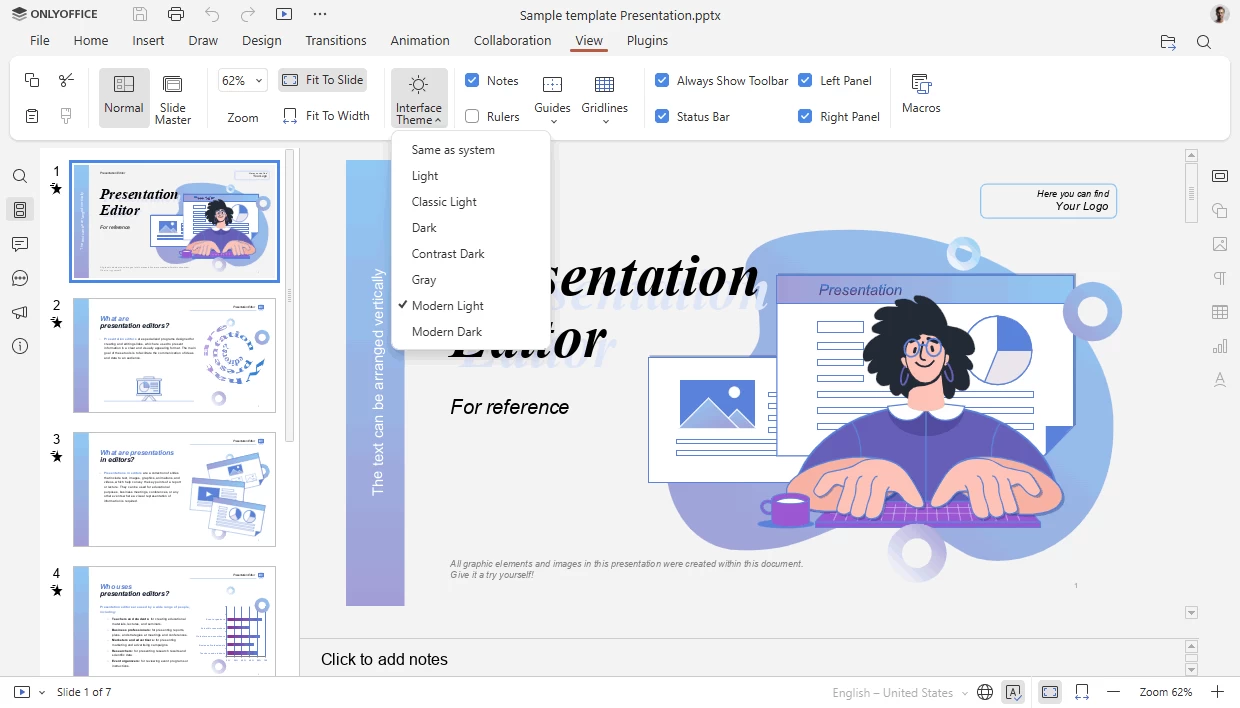
OnlyOffice Desktop Editors is an open-source office suite distributed under AGPL v.3 that combines text, spreadsheet and presentation editors allowing to create, view and edit documents stored on your computer. The application does not require constant connection to the Internet and allows youto create, edit, save and export text, spreadsheet and presentation documents. It is fully compatible with Office Open XML formats: .docx, .xlsx, .pptx.
One pack - five editors - multiple features
- Create, view and edit text documents, spreadsheets and presentations of any size and complexity. Work on documents of most popular formats: DOCX, ODT, XLSX, PDF, ODS, CSV, PPTX, ODP, etc. Deal with multiple files within one and the same window thanks to the tab-based user interface. Highest compatibility with Microsoft Office formats.
Real-time collaboration within your favorite cloud
- Connect ONLYOFFICE Desktop Editors to the cloud platform of your choice: ONLYOFFICE, Nextcloud or ownCloud to collaborate on documents with your team – co-edit in real time, review, comment and interact using chat.
Extending your editing capabilities
- Take the most of your editing with the collection of third-party plugins. Insert a YouTube video, add special symbols or a ClipArt object, automatically translate any word or sentence, highlight code, etc. Do even more! Create your own plugin using the API documentation and ready-to-use examples available on GitHub.
OnlyOffice key features:
- View, edit, and collaborate on docs, sheets, slides
- Build fillable PDF forms and fill them in online
- Read and edit PDFs, export/import to/from PDF
- Convert docs to Markdown and HTML
- Turn your textbooks into e-books
- Generate texts with the AI helper
OnlyOffice 9.1.0 key changes:
- New PDF redaction tools: hide sensitive content, single pages or ranges.
- Enhanced PDF annotations: rectangle, circle, arrow, connected lines, customizable styling.
- Support for charts & SmartArt in PDFs
- Text direction in spreadsheet cells: Left-to-Right / Right-to-Left toggle
- Faster LOOKUP / VLOOKUP / HLOOKUP / XLOOKUP: up to 4× speed gains, better type handling, less memory usage
Other spreadsheet improvements
- “Table Design” tab for formatted table settings
- Date filters in pivot tables
- Support for content controls (spin buttons, combo boxes, etc.)
- Double-click to rename sheets
- Highlighting active arguments in formulas
- Document recovery: auto-restore unsaved changes after a crash on app restart
Usability tweaks
- Cloud template preview & quick use
- Windows notifications via system toast (not modal)
macOS-specific features
- Insert & play audio/video in slides
- Toggle spelling language detection
Miscellaneous additions
- Custom display of resolved / open comments panel
- Explosion option for 2D pie / doughnut charts
- Slide Master tab in presentations
- Support for HEIF images, HWPML docs
- Direct conversions: PDF → TXT, PPTX → TXT
- Full chart editor in docs & presentations
- Section breaks inside block content controls
Download: OnlyOffice 64-bit | 277.0 MB (Open Source)
Download: OnlyOffice 32-bit | 257.0 MB
Download: Windows XP 64-bit | 465.0 MB
Download: Windows XP 32-bit | 455.0 MB
View: OnlyOffice Website | Screenshot | Release Notes