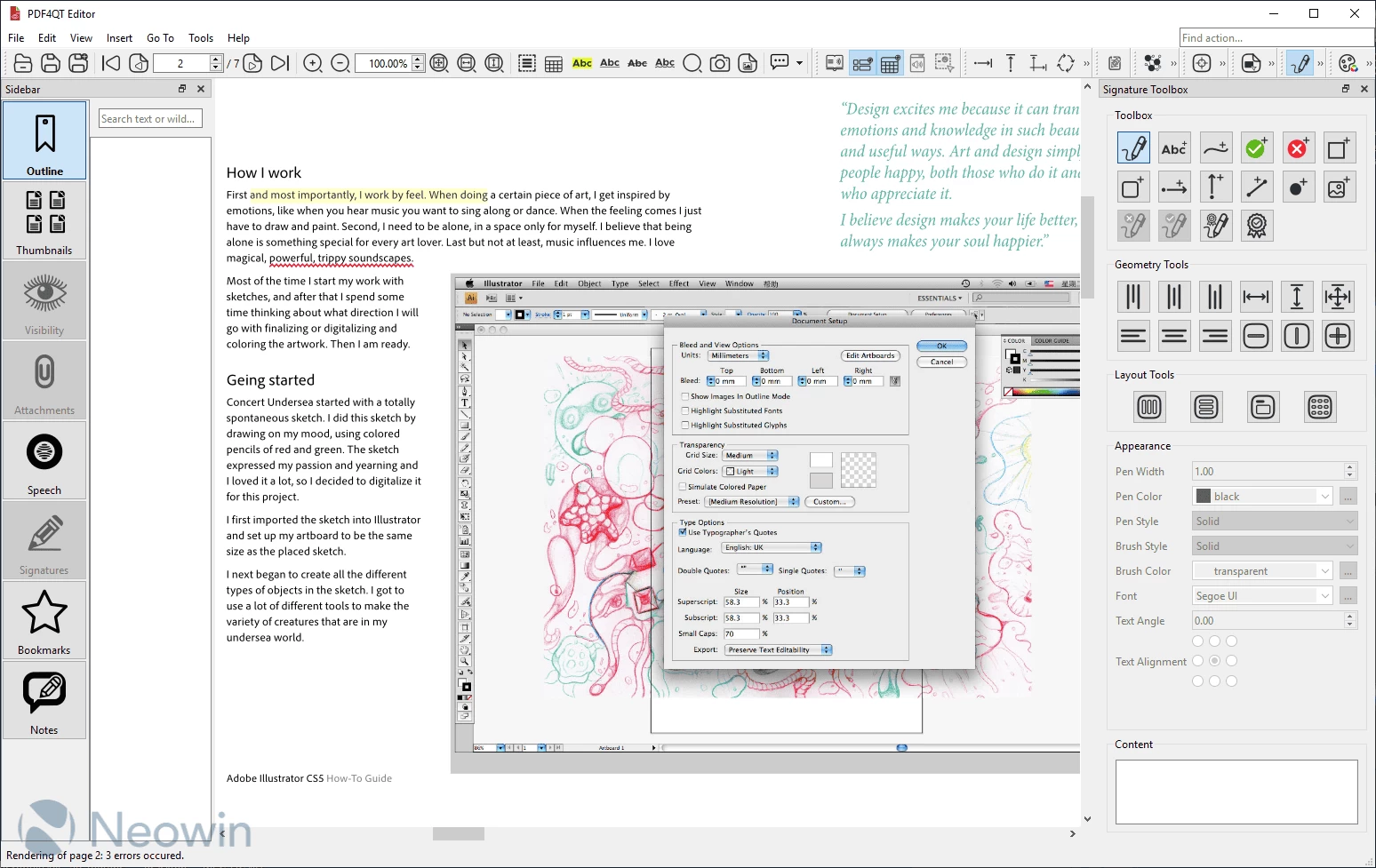
PDF4QT is a free and open-source application created to provide a complete solution for working with PDF documents in a simple, flexible, and effective way. It offers all the essential tools you need to handle your files: you can view PDFs with smooth navigation, edit content, annotate pages, and highlight key sections for better collaboration. It also allows you to compare two versions of a document, making it easy to spot changes. Built-in security features give you control over protecting sensitive information and managing access.
Applications
- PDF4QT Viewer Profi: Advanced PDF browsing with encryption, digital signature verification, annotation editing, regex text search, page-to-image conversion, and plugin support.
- PDF4QT Viewer Lite: Lightweight viewer with essential, user-friendly PDF viewing functions.
- PDF4QT DocPage Organizer: Merge, split, move, clone, or add pages easily with an intuitive interface.
- PDF4QT DocDiff: Compare two PDFs, highlight differences page-to-page, and export results to XML.
Key Features
- Multithreading Support for faster PDF processing
- Hardware Accelerated Rendering for smooth, high-quality display
- Encryption to secure documents
- Color Management to preserve accurate color profiles
- Optional Content Handling to control visibility of content
- Text Layout Analysis for better text extraction and editing
- Signature Validation for verifying digital signatures
- Annotations and Form Filling for interactivity
- Text-to-Speech Conversion to listen to PDFs
- Advanced Annotation Tools (images, text, etc.)
- File Attachments Management to view and save attachments
- Optimization to reduce file size without losing quality
- Command Line Tool for automation
- Audio Book Conversion from PDFs
- Internal Structure Inspector to explore PDF structure
- Compare Documents to detect differences
- Redaction to remove sensitive information
- Document Signing for digital authentication
PDF4QT 1.5.2.0 changelog:
Issues Solved
- Remove history UX improvement
- Docpage organizer uses PDF title rather than filename
- Unable to delete the recent files history.
- Add Dockerfile for Simplified PDF4QT Setup with Qt 6.9.1 and All Dependencies
- Russian Language file
- Redaction annotation support in PdfTool
- Request: Make page layout choice persist between files
- qt_add_translations uses options only in qt 6.9
- Scaling dimensions [Enhancements, Features]
- install API headers for reuse by other applications ?
- Let user lock direction of lines/polylines when pressing keybinding (e.g. shift)
What"s Changed
- fix(pdfccittfaxdecoder): Remove whitespace in _bitlength operator by @ptitjano in #260
- Translate into chinese(zh_CN) by @knm100 in #285
- Translate the “scale 1:” and optimized ungroup"s translation by @knm100 in #288
- minor fix: remove extention from Icon endtry in a desktop file by @Fat-Zer in #218
- Update PDF4QT_zh_CN.ts by @knm100 in #294
- The Turkish language file is ready. by @mhalil in #304
- Update PDF4QT_zh_CN.ts by @knm100 in #305
- Update Turkish Language File by @mhalil in #307
- Fix "multi-line comment" warning on gcc build by @nyalldawson in #316
- Add missing overrides by @nyalldawson in #315
- Update PDF4QT_zh_CN.ts by @knm100 in #309
Download: PDF4QT 1.5.2.0 | Portable | ~26.0 MB (Open Source)
Download: PDF4QT MSIX | 27.1 MB
Links: PDF4QT Home Page | PDF4QT @GitHub | Screenshot