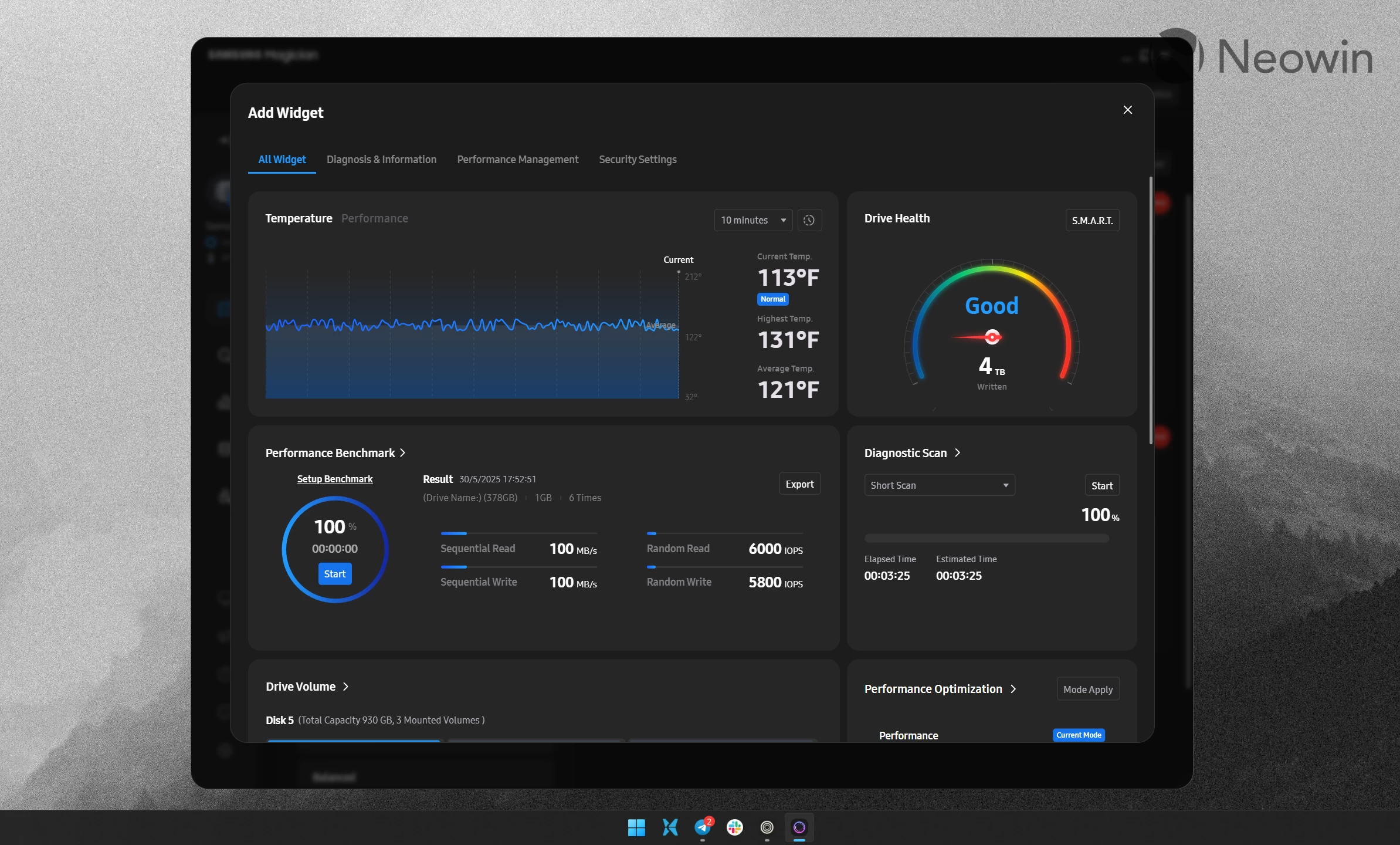
If you have a Samsung SSD in your computer and you use the Samsung Magician app, it is time to update to the latest version, as Samsung reported a high-severity vulnerability in some of the older versions of the program.
The South Korean tech giant published details about CVE-2025-57836 on its official website, revealing that Samsung Magician app versions from 6.3.0 all the way to 8.3.2 have a security vulnerability that allows privilege escalation and DLL hijacking. In other words, someone can use the Samsung Magician app to gain admin privileges and then do anything they want with your PC by placing infected files into the app"s folder with weak security. Here is how Samsung describes the issue, which was initially reported in August 2025:
The Magician installer creates a temporary folder with weak permissions during installation, allowing a non-admin user to perform DLL hijacking and escalate privileges.
Samsung patched the vulnerability in Magician version 9.0 and newer. In addition to security updates, the latest release introduced a redesigned user interface with customizable widgets, fewer ads, and other changes. The Dashboard is now more customizable, and it allows you to remove or add widgets for a more personalized UI. You can learn more about the update here.
If you want to update Samsung Magician on your computer, head to the official website to download the latest release. For those unfamiliar, Samsung Magician is a program that manages Samsung"s storage devices, such as SSDs (internal and external), memory cards, USB sticks, etc. You can use it to update firmware, monitor your drive"s health, customize various features, etc. The app is available on Windows, macOS, and Android. However, CVE-2025-57836 only affects Windows systems.