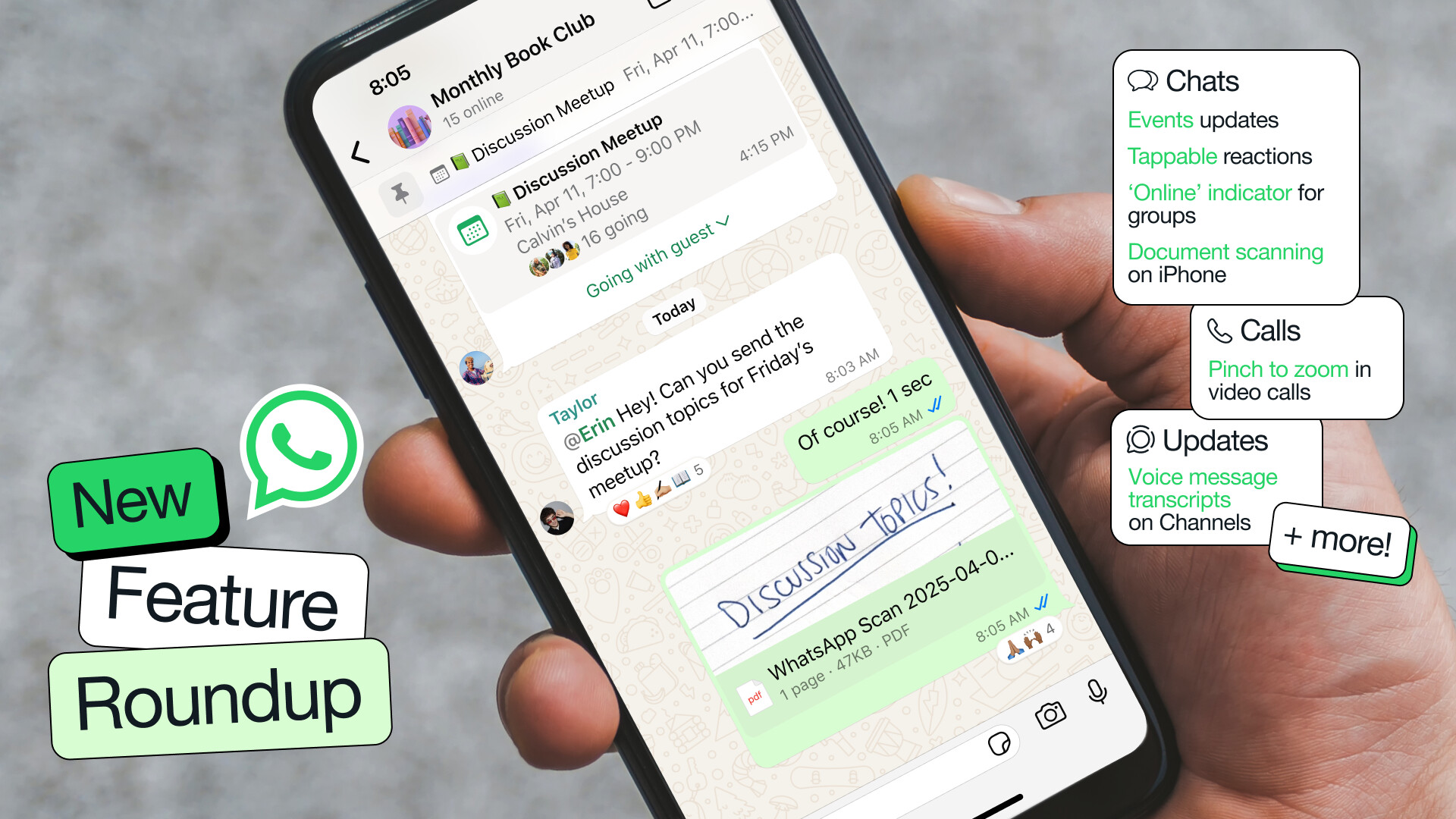
Meta releases small updates for WhatsApp all of the time, to help communicate what it’s releasing, it has just started publishing feature roundups of all the new things it has added recently. In its first roundup, the company has listed features such as highlight notifications in groups, document scanning on iPhone, and making WhatsApp your default messaging and calling app on iPhone.
Another nice feature which is mentioned in the update log is voice transcriptions in channels. So, if you don’t have time to listen to messages in the channels you belong to, you can just read a quick summary to stay with the flow of the conversation.
Here’s the full roundup of new features:
Chats
- ‘Online’ indicator in group chats: To help you know if people are around to chat, you can now see how many people are ‘Online’ in real-time, right under the group name.
- Highlight notifications in groups: Need an easy way to prioritize your group chat notifications? Use the new ‘Notify for’ setting and select ‘Highlights’ to limit notifications for @mentions, replies, and messages from saved contacts or ‘All’ to receive all notifications.
- Events updates: In addition to creating events in groups, you can now create an event in a 1:1 conversation. We’ve also added the ability to RSVP as ‘maybe,’ invite a plus one, add end date and time for longer events, and pin the event in a chat.
- Tappable reactions: Sometimes you just want to +1 to what someone else said. Now you can quickly view everyone else’s reactions and tap the one you want to send.
- Document scanning on iPhone: Scan and send documents directly from WhatsApp on iPhone. Simply select ‘Scan document’ from the attachment tray and follow the steps to scan, crop, and save the document.
- Default App for iPhone: With the latest iOS update, you can now also set WhatsApp as your default messaging and calling app on your iPhone. To make the switch, simply go to Settings > Default Apps and select WhatsApp.
Calls
- Pinch to zoom in video calls: iPhone users can now pinch to zoom in on a video while on a video call to get a closer look at your own or peer video.
- Add to call from a chat: Add someone to an ongoing 1:1 call directly from a chat thread by tapping the call icon on the top and selecting ‘Add to call’.
- Enjoy smoother video calls: We"ve upgraded our technology to make your video calls more reliable and higher quality. Our optimized routing system finds the best connection path, reducing dropped calls and video freezing. And our improved bandwidth detection quickly upgrades your video to HD quality for a more enjoyable experience.
Updates
- Video notes for Channels: Similar to chats, Channel admins can now instantly record and share short videos (60 seconds or less) with followers.
- Voice message transcripts on Channels: You can now get a written summary of voice message updates from channels when you’re on the go and can’t listen to them.
- QR codes: As a channel admin, you can now share a unique QR code that links directly to your channel, making it easy to share with others and grow their audience.
To try out these new features, head to your phone’s respective app store and install the latest WhatsApp update. Meta says it will continue to publish these roundups so we can get a better picture of what’s being added.
Meanwhile, Meta also released a major security patch for WhatsApp for Windows that fixes an attachment-related vulnerability. You can head over to this article to read about it.