Synology caused quite the stir in the industry when they discontinued the use of non-Synology drives in their new NAS devices. Although the company backtracked with the release of DSM 7.3 in October, the damage had already been done to the brand, with many moving to alternative solutions such as the UGREEN NASync DXP6800 Pro, a device that we gave a sterling 9.5 out of 10 in our review, although it does depend on your specific use case.
That said, although companies like UGREEN have competitive (and arguably better) hardware, for most users, DSM is still the king of NAS operating systems, especially for those who just want a plug and play experience. With that in mind, let"s take a look at the Synology DS925+ and see if it"s worth staying in the Synology ecosystem.
Specifications
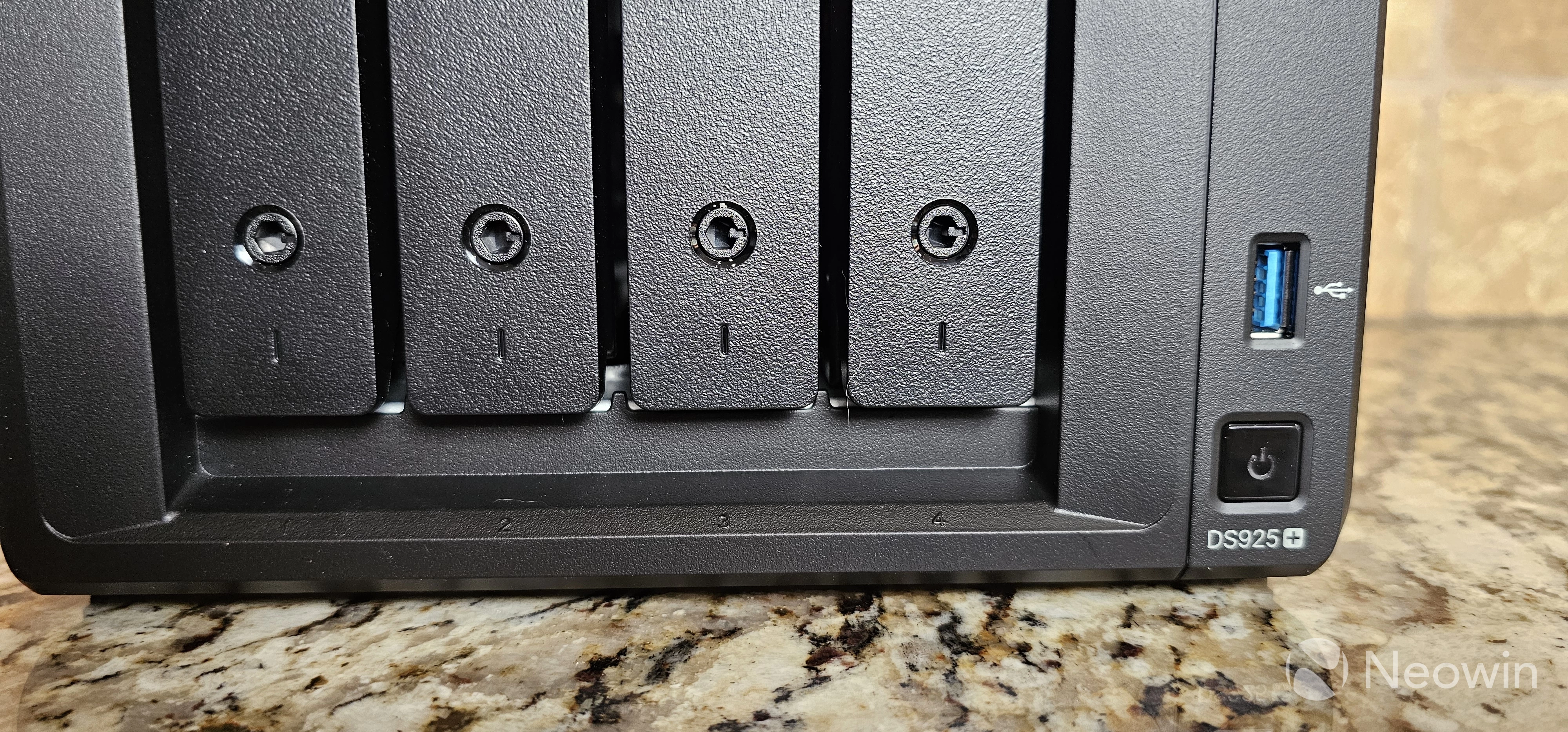
The DS925+ looks like any other Synology NAS device we"ve reviewed, ranging from two-bay models to the six-bay model, with this version sporting four bays.
Synology typically packs the most powerful hardware in the + line, but the DS925+ is a bit of a mixed bag. The company moved away from Intel processors years ago and is instead using a quad-core AMD Ryzen V1500B running at 2.2 GHz and supports AES-NI for encryption. This processor is better at performing multiple tasks at the same time due to doubling the cores and threads of the previously reviewed DS1522+, but for single-threaded performance, the R1600 is actually a bit faster. For most users who are running Docker containers or other services such as Surveillance Station, the DS925+ is a better selection, but overall the hardware is a bit lacking for the + line, something I hope Synology addresses in 2026.
It"s important to note that there is no built-in video card, so video transcoding will be entirely done with the CPU, making this a poor selection for a Plex server.
From a memory perspective, the Synology DS925+ comes standard with 4 GB of DDR4 ECC and is expandable to 32GB.
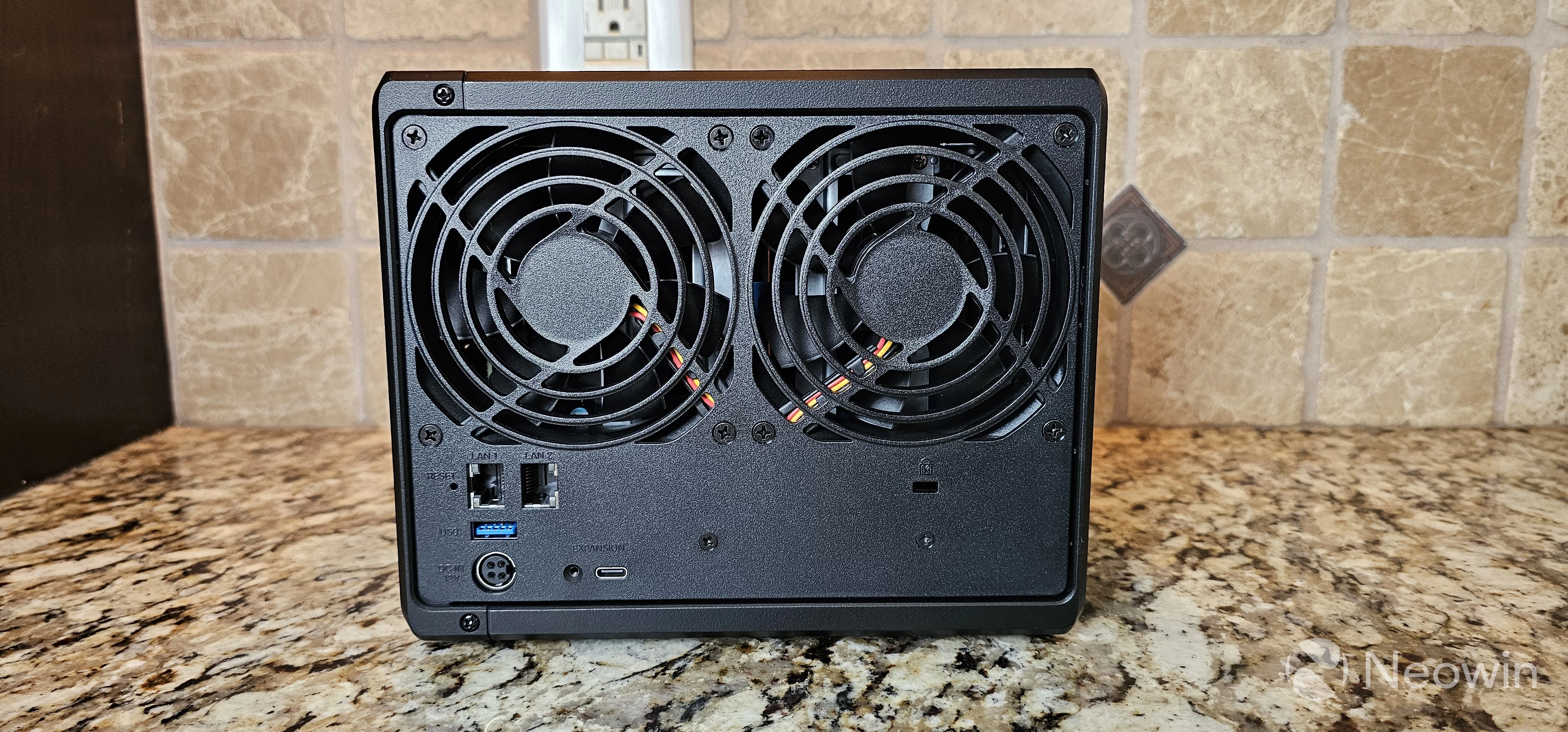
There are two 92mm system fans in the back to keep the DS1522+ cool, and it"s very quiet so it won"t be distracting in a home office setting.
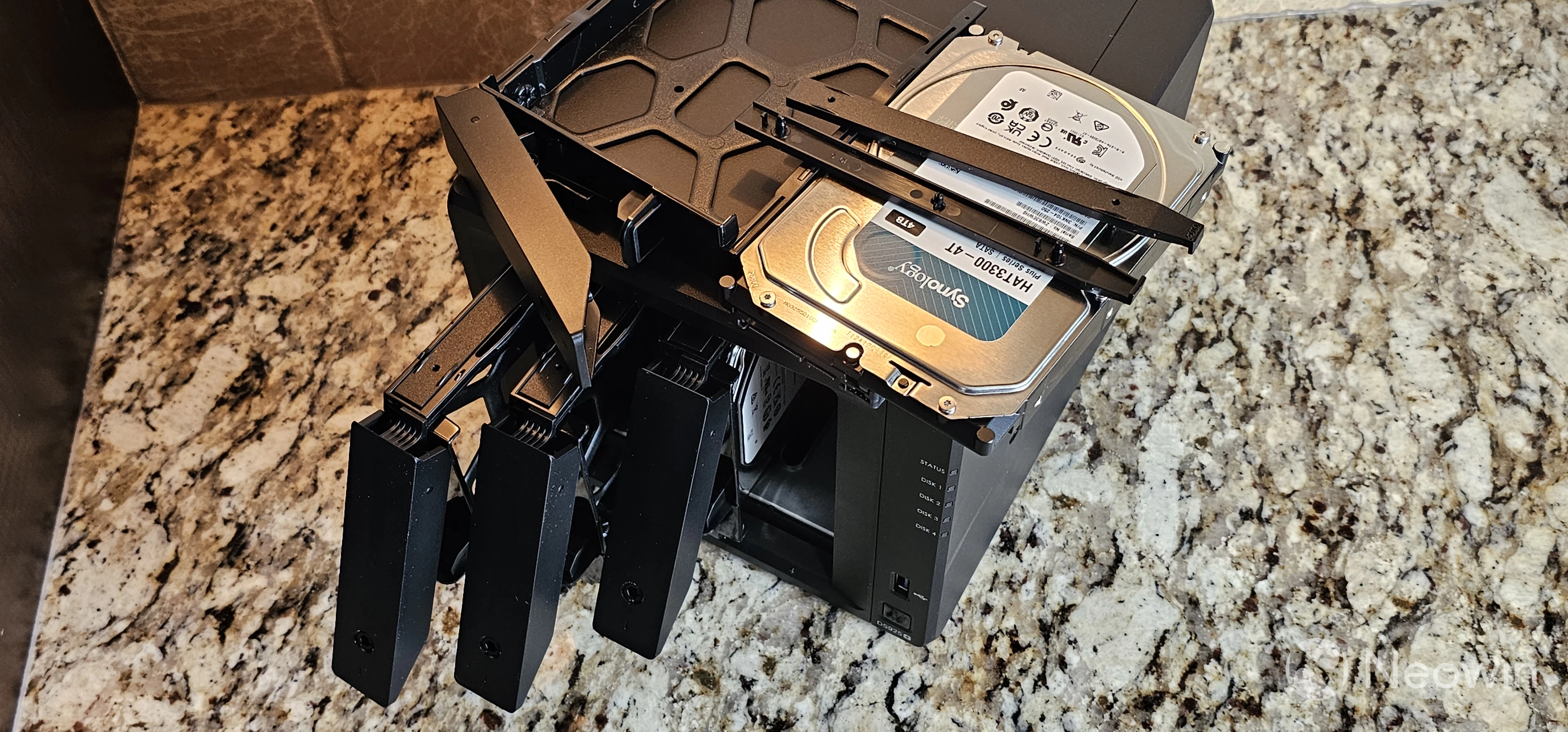
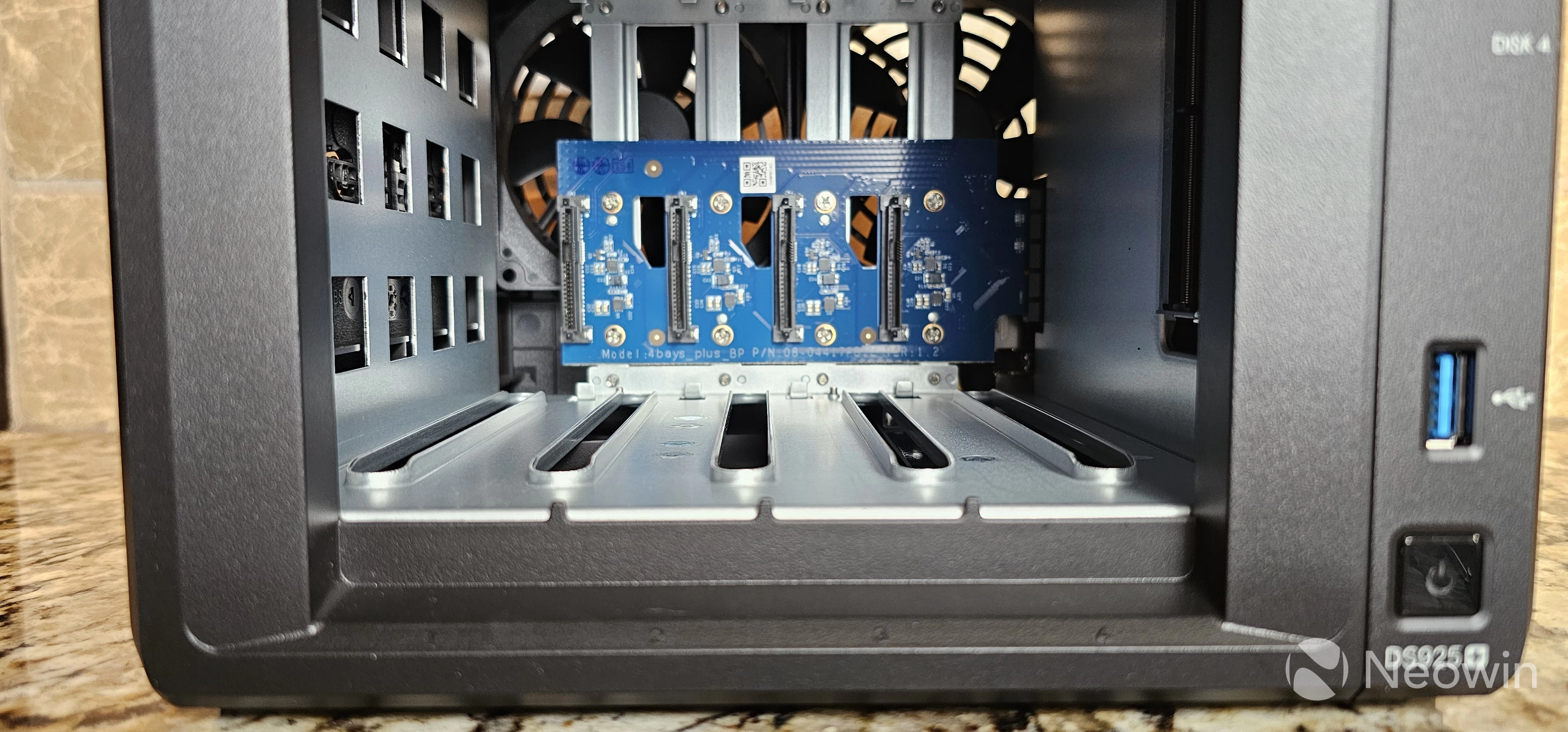
There are the obvious four drive bays, allowing up to 96 TB of storage space (4x24 drives). The DS925+ also allows for one DX525 five-bay expansion device via the USB-C port on the back, which gives a maximum of 216 TB of space if you wanted to live on the edge with just a bunch of disks (JBOD), although running that much storage without any redundancy is probably not the smartest thing to do so I"d recommend using RAID-6 or SHR2 for extra protection. If you want to ensure using only supported devices, you can review Synology"s compatibility page, but with DSM 7.3, using non-supported drives works fine now as noted earlier.
| Synology DS925+ | |
|---|---|
| CPU | AMD Ryzen V1500B (quad core, 2.2Ghz, hardware encryption) |
| Memory | 4 GB DDR 4 ECC; expandable to 32 GB (16 GB x 2) |
| Disk Capacity | 4 drive bays, expandable to 9 with DX525 expansion unit |
| eSATA | None |
| Network | 2 x RJ-45 2.5GbE LAN |
| USB Ports | 2 x USB 3.2 Gen 1 (one front, one back) |
| NVMe Slots | 2 |
| Size (H/W/D) | 6.4 in x 7.83 in x 8.78 in / 166 mm x 199 mm x 223 mm |
| Weight | 4.98 pounds / 2.26 kilograms |
| Price | $640 |
From a connectivity perspective, there are two 2.5GbE ports on the back that can be aggregated into one to improve performance. Note that you can"t increase your throughput from a single stream, but rather the aggregation can be used as either failover in case a switch port dies, or can be used to improve bandwidth on multiple streams. The DS925+ does not have a PCIe slot, so you can"t add 10GbE to the device.
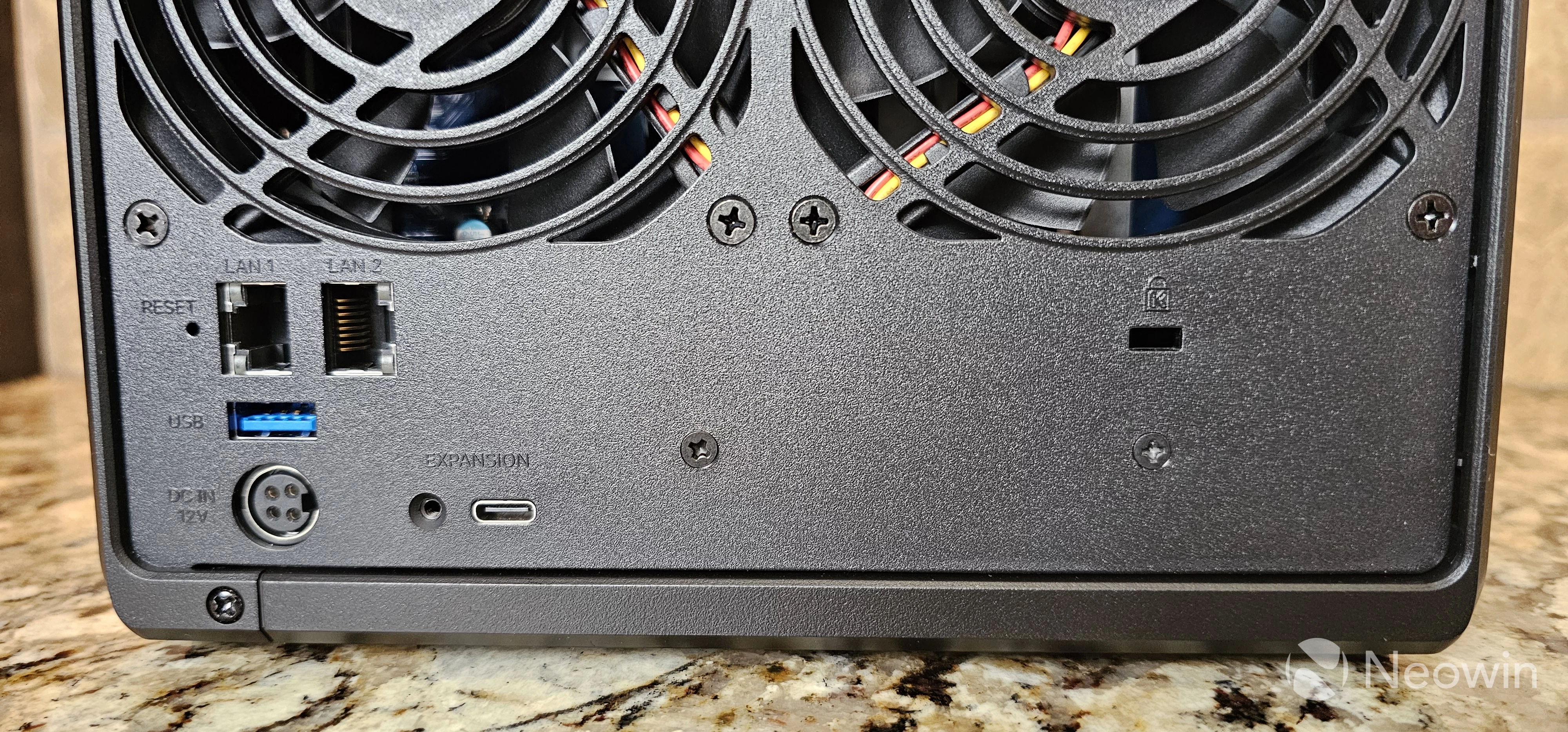
The DS925+ has two USB 3.2 Gen 1 ports (5 Gbps), one on the front and one on the back. If you"re confused about the new USB naming standards, you aren"t alone, but can read more about it here. The "copy to NAS" button has been removed from Synology devices for awhile, but I don"t think is something most people were actively using.
You can secure the DS925+ with a Kensington lock if you"re concerned about the physical security of the device. Finally, the drives themselves can be locked with an included key.
The Synology DS925+ is priced at $640 in the United States.
Hardware Installation
If you"re looking for something that"s plug and play, you can"t go wrong with Synology devices. To get them up and running, simply connect the disks to the sleds, and plug them into the front drive bays. Then plug in an Ethernet cable, plug the power cable in, and then turn the device on. The system will boot up, obtain an address via DHCP, and you can connect to begin the installation process.
Initial Setup and Configuration
When doing the initial setup, my configuration consisted of two 4TB Synology-branded drives that they provided for the review, a 2TB Seagate Ironwolf drive, and an ancient 500GB HP-branded drive. The latter two were used in a previous testing environment, and when I booted the DS925+, it detected the old data and asked if I wanted to retain system configurations or reset system configurations. There was no option to destroy all of the old data and just start over, which I found odd, although it did default to installing DSM 7.3.1.
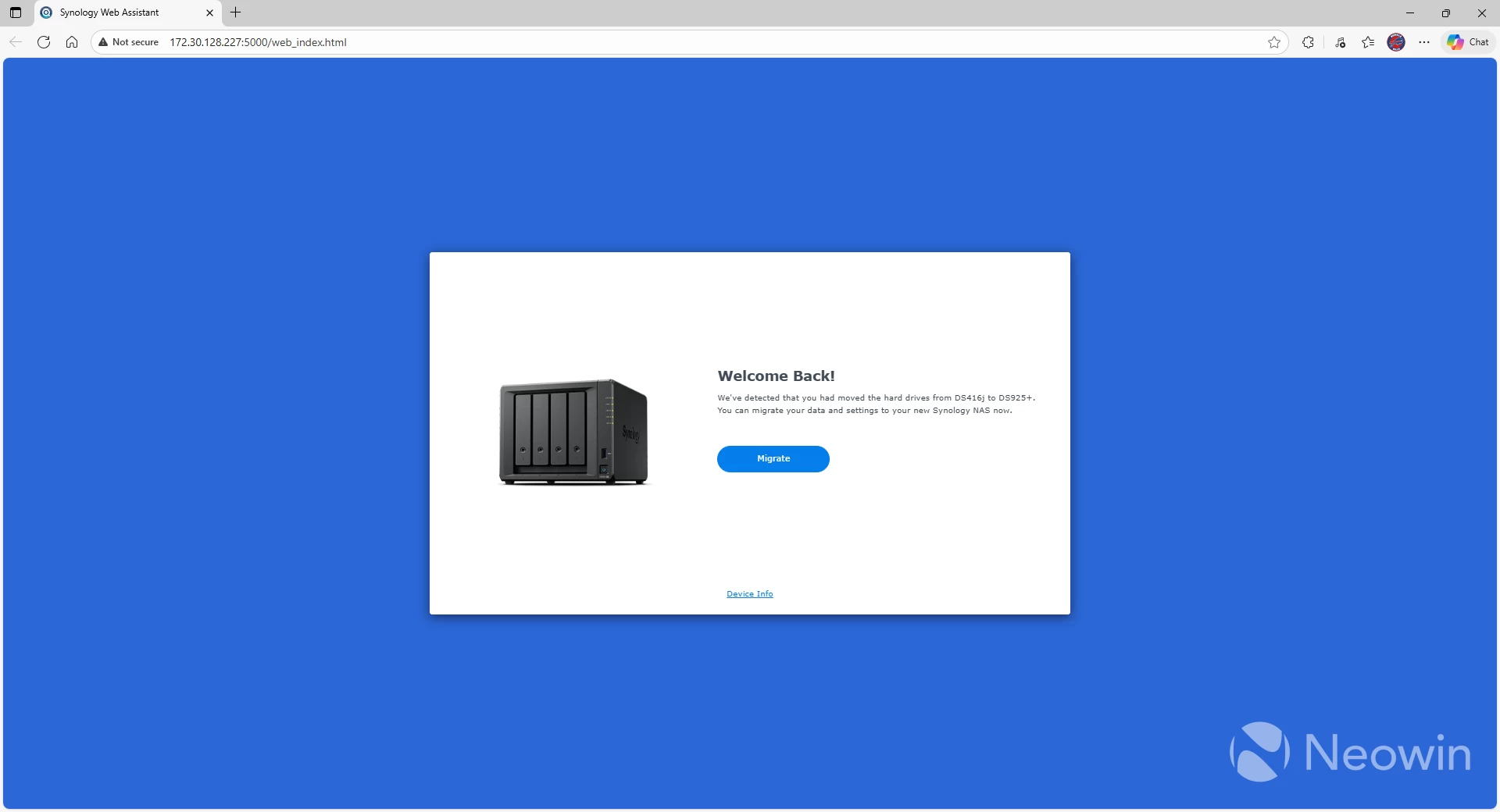
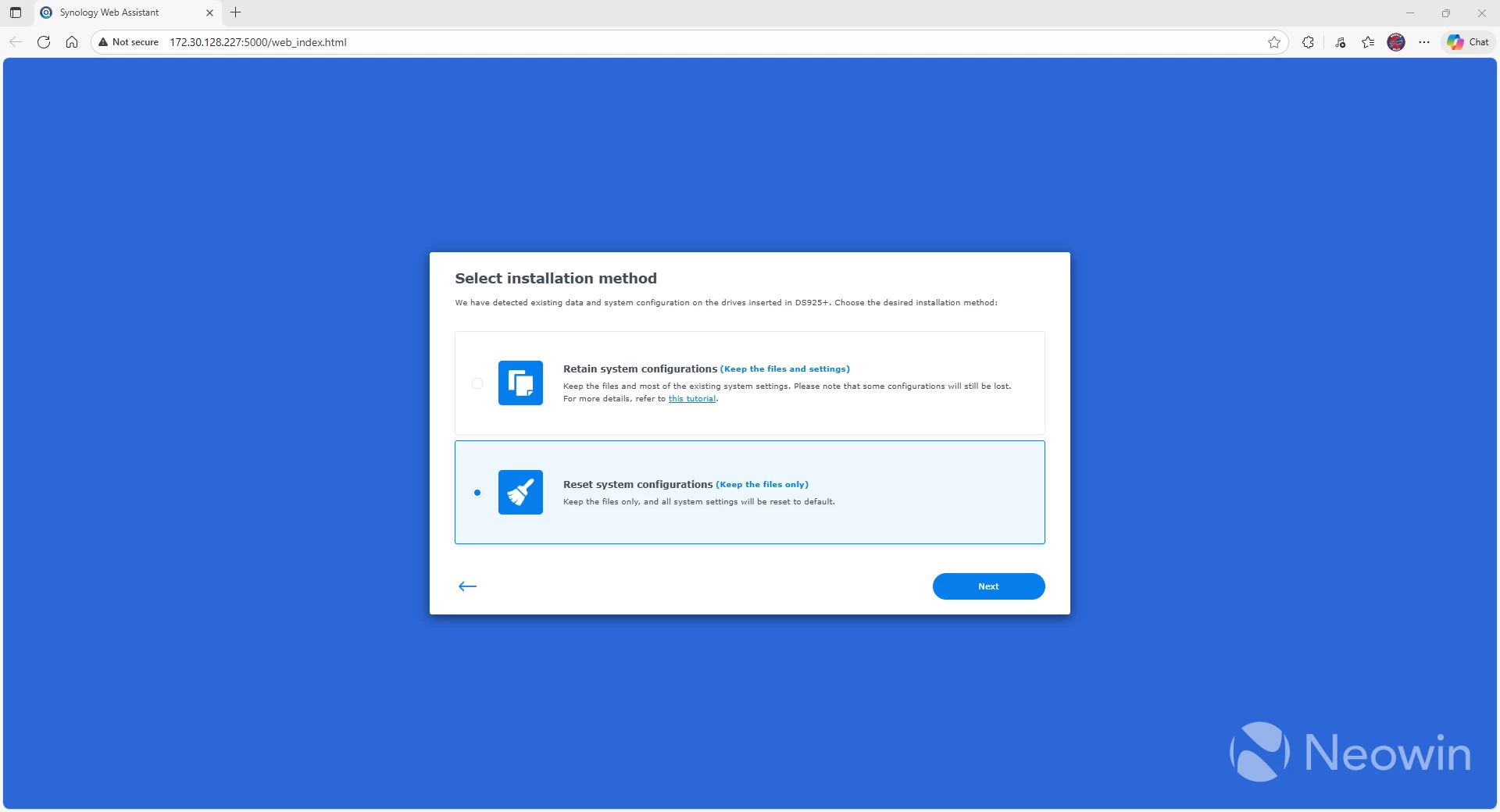
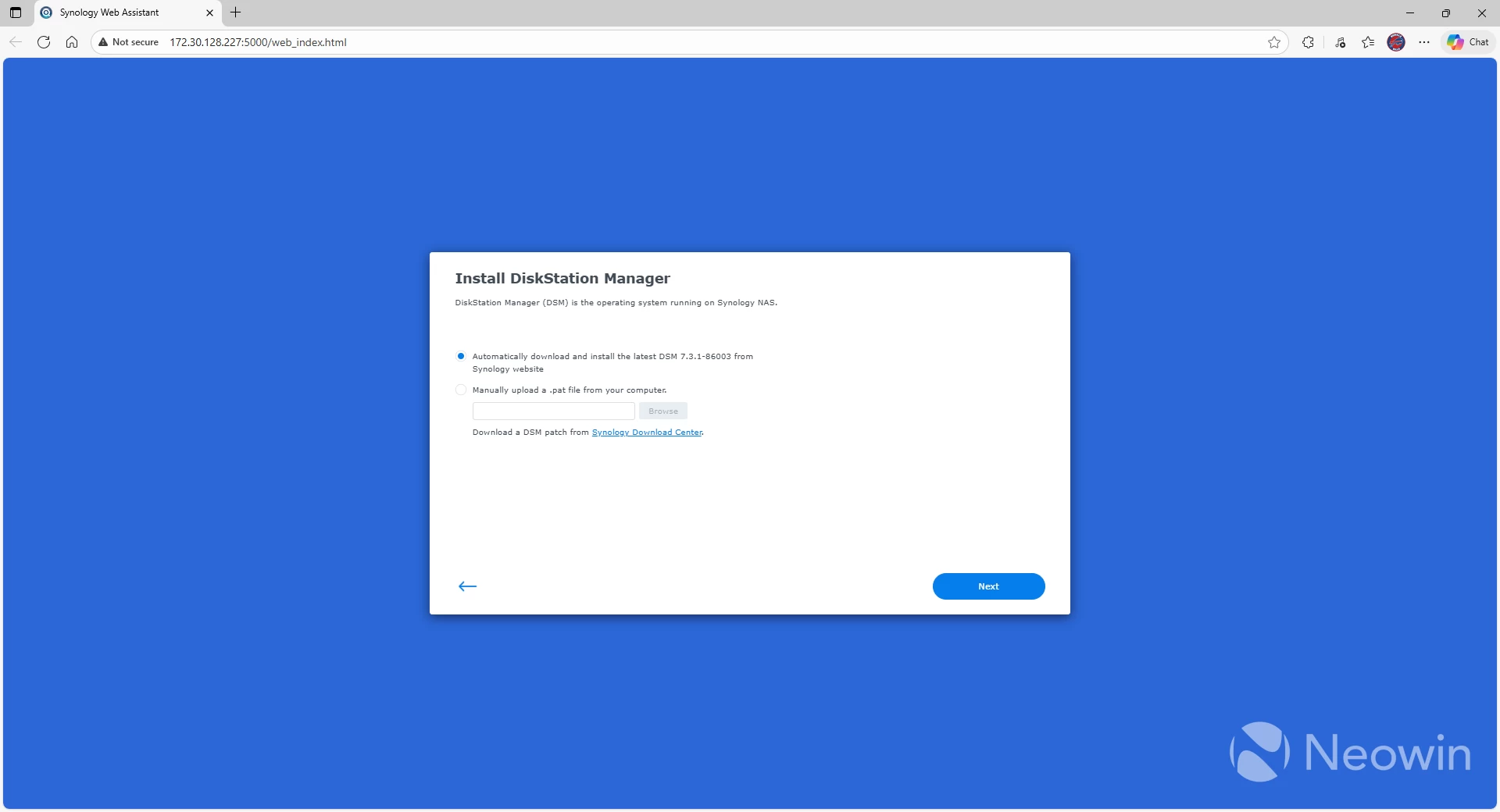
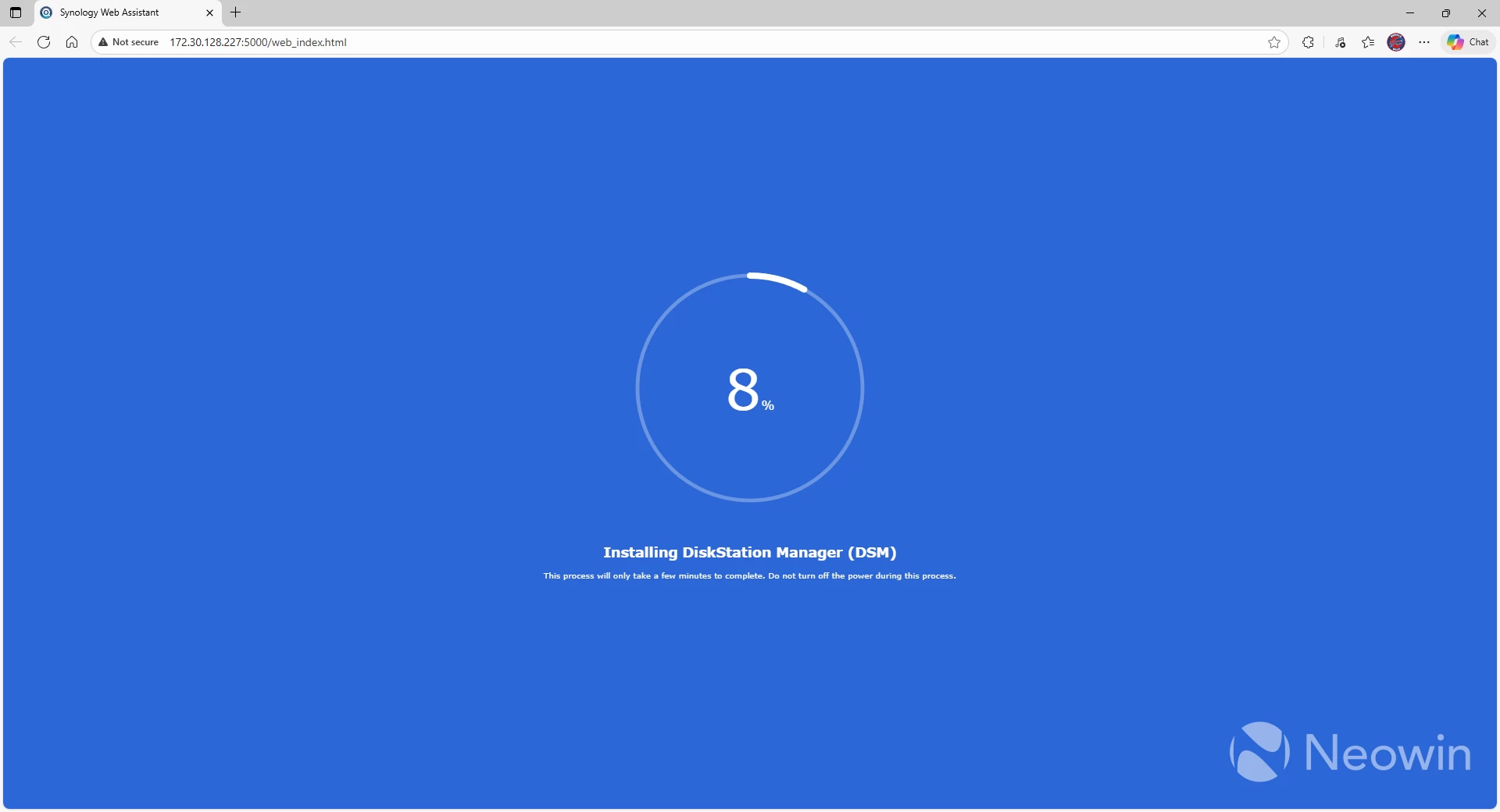
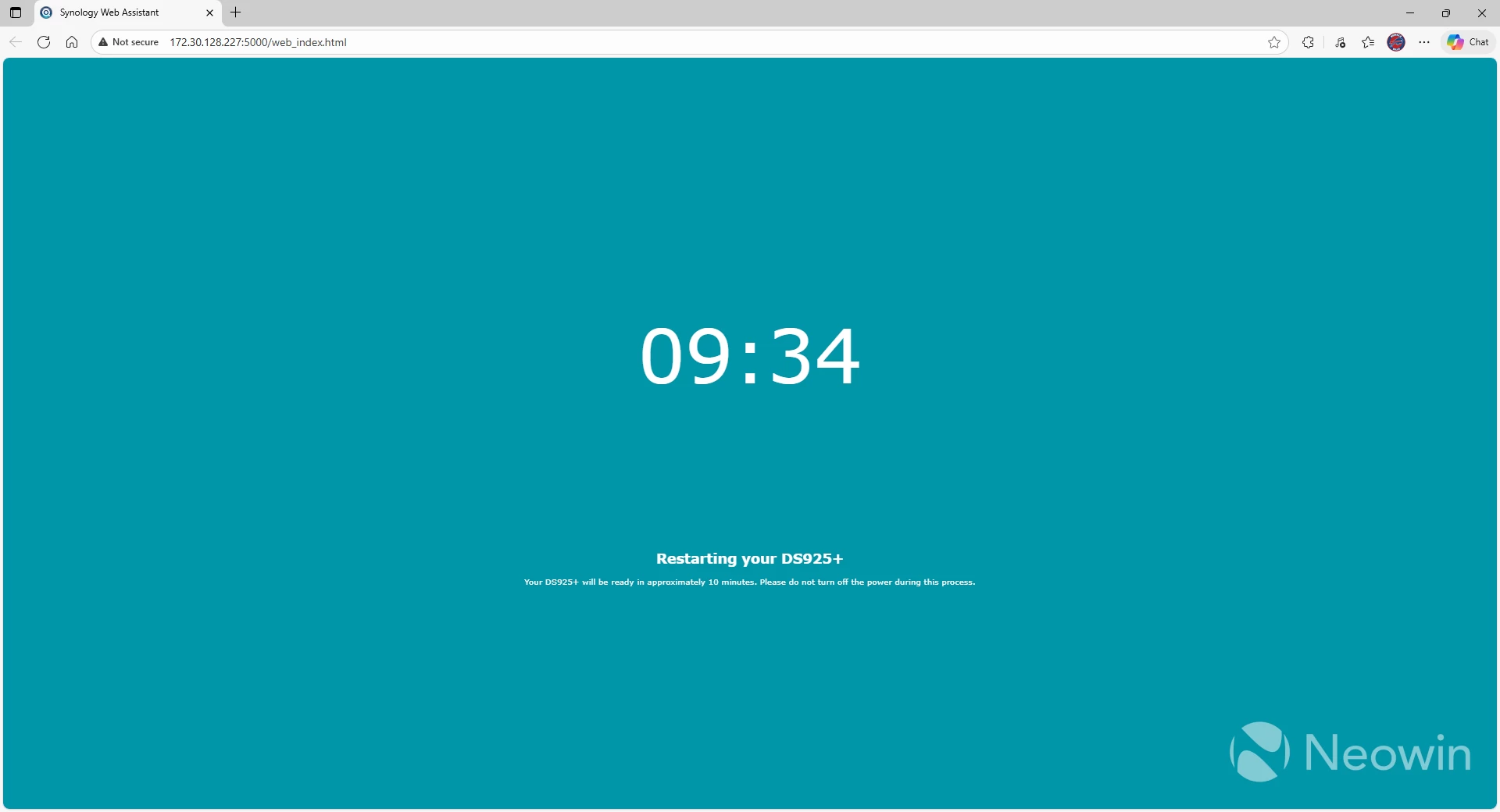
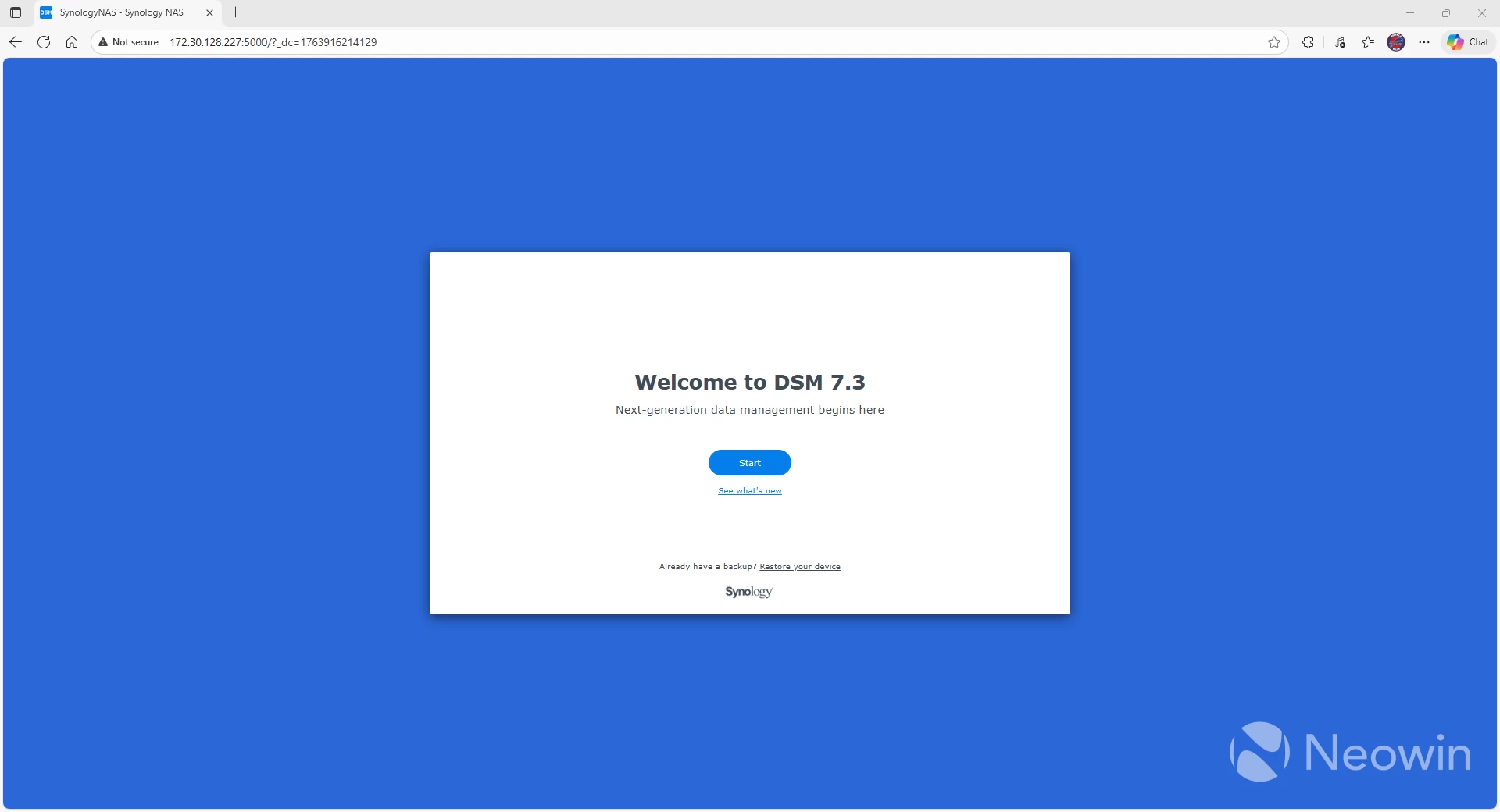
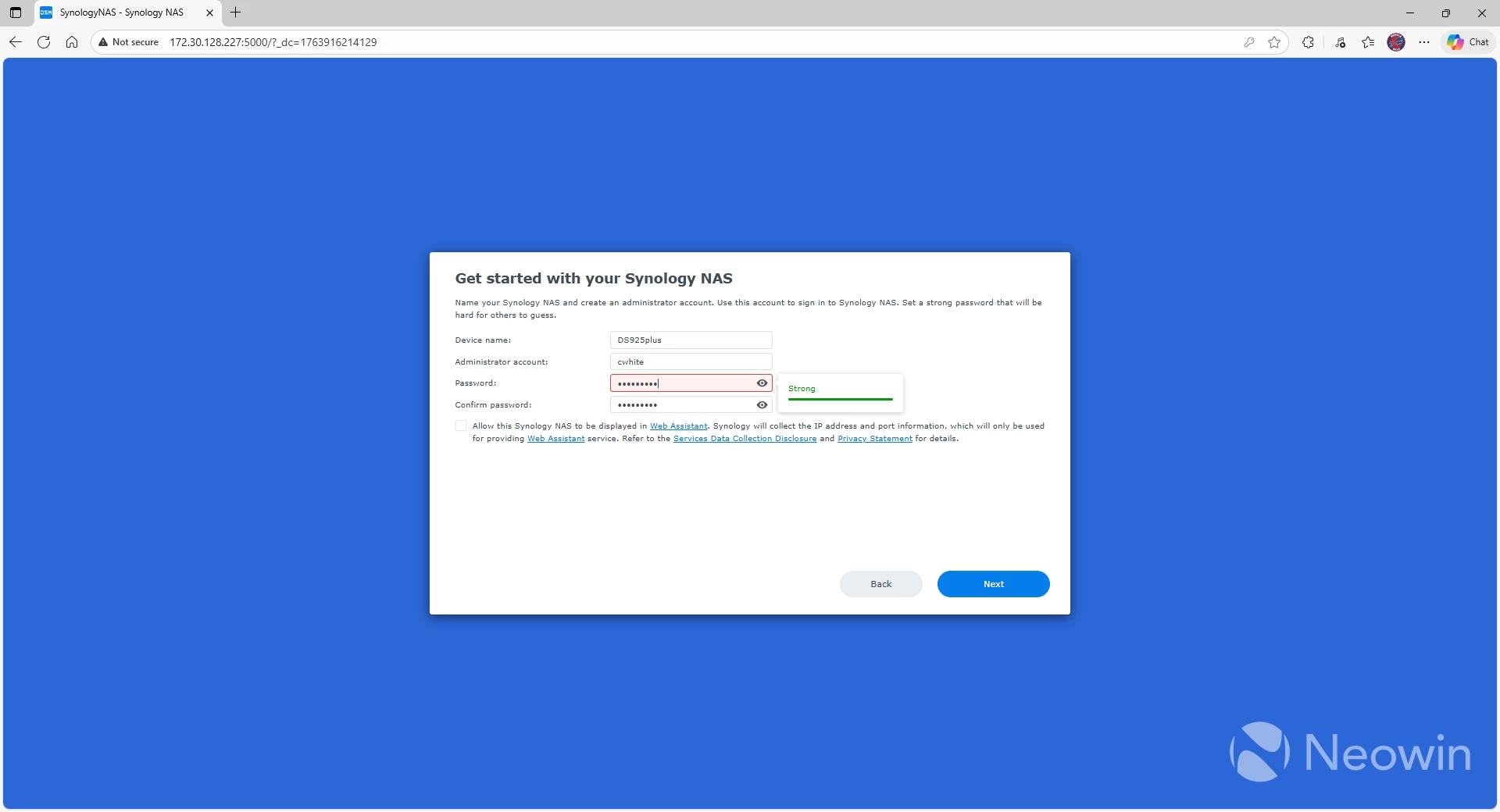
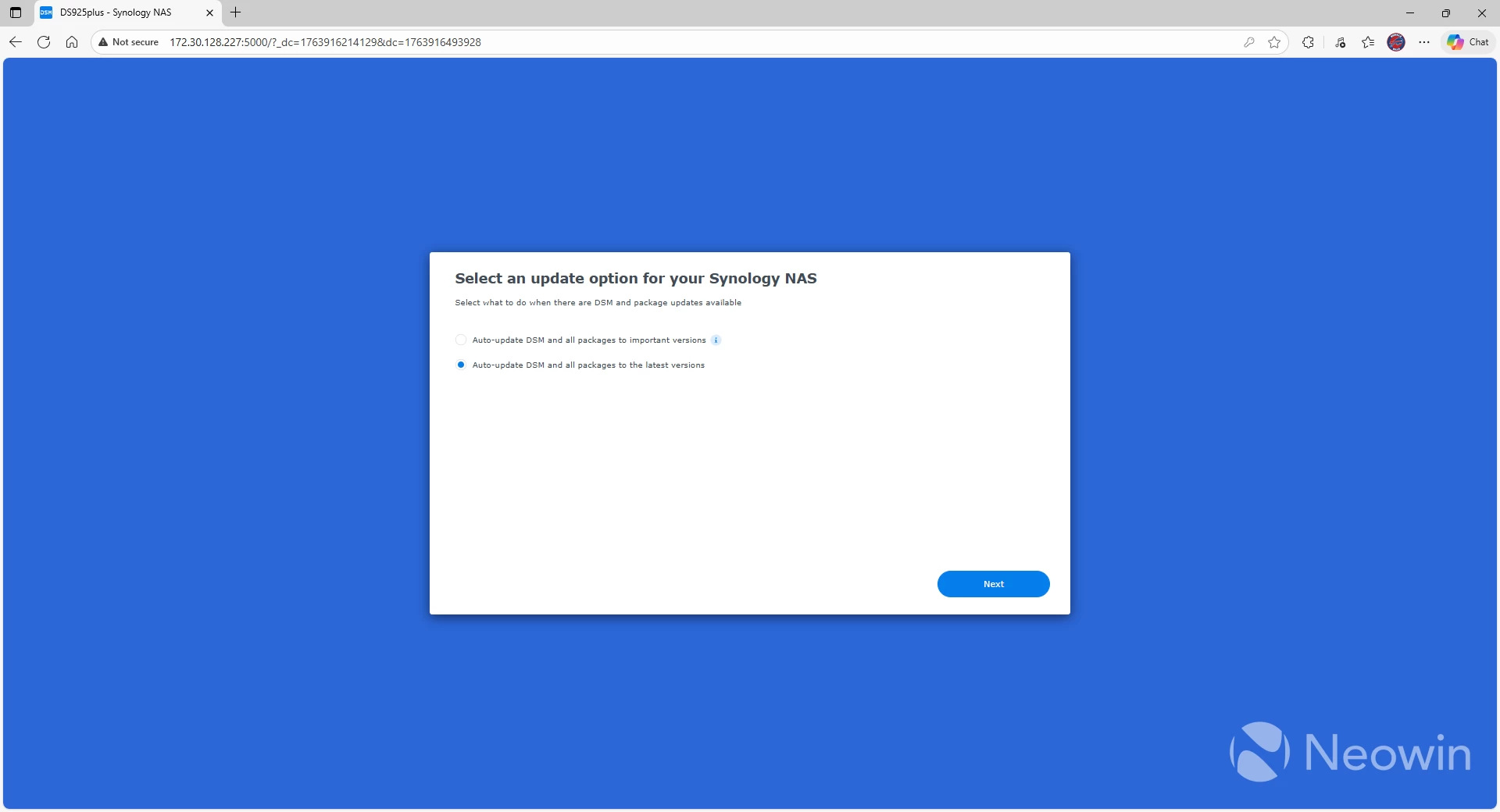
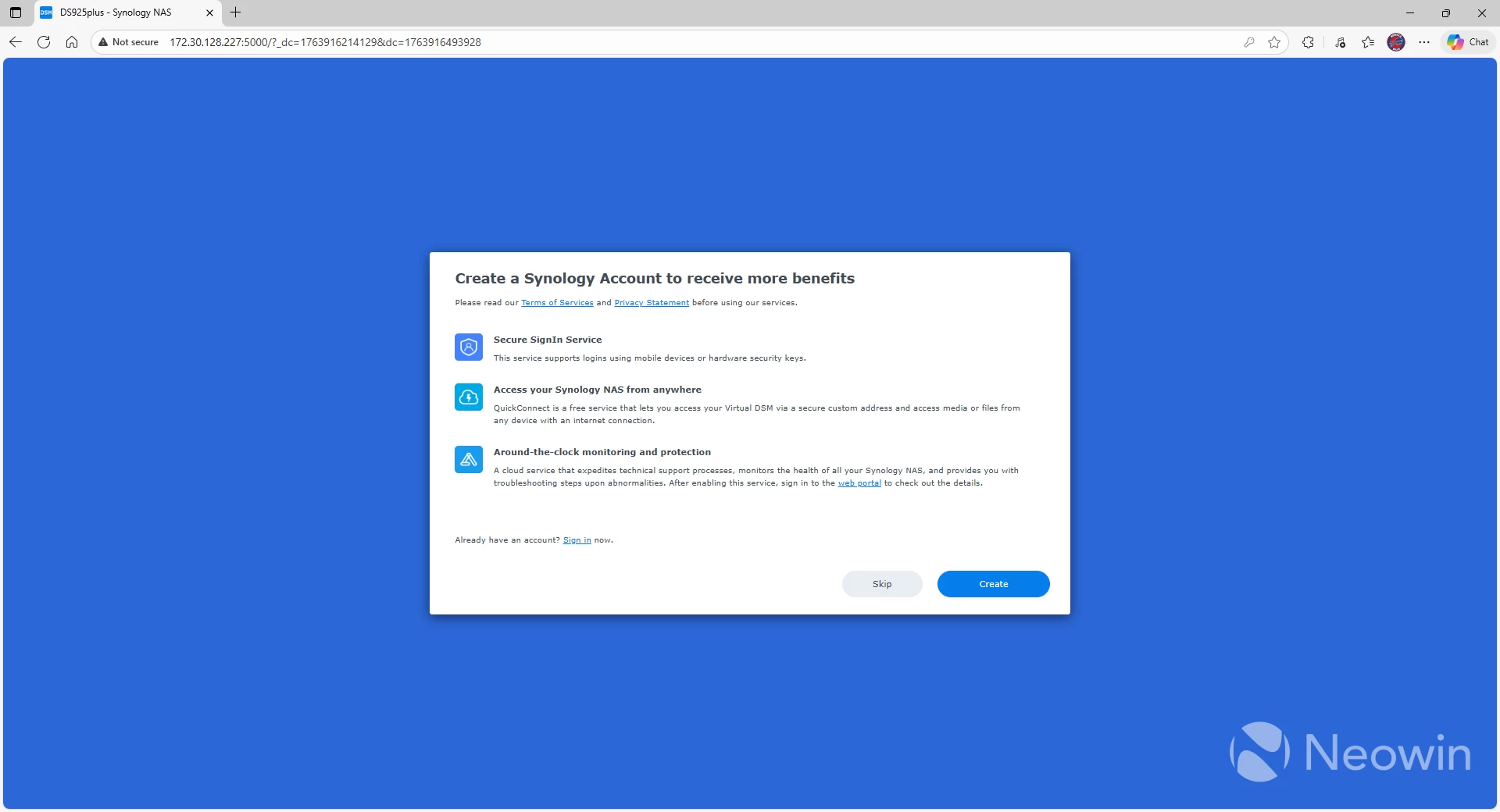
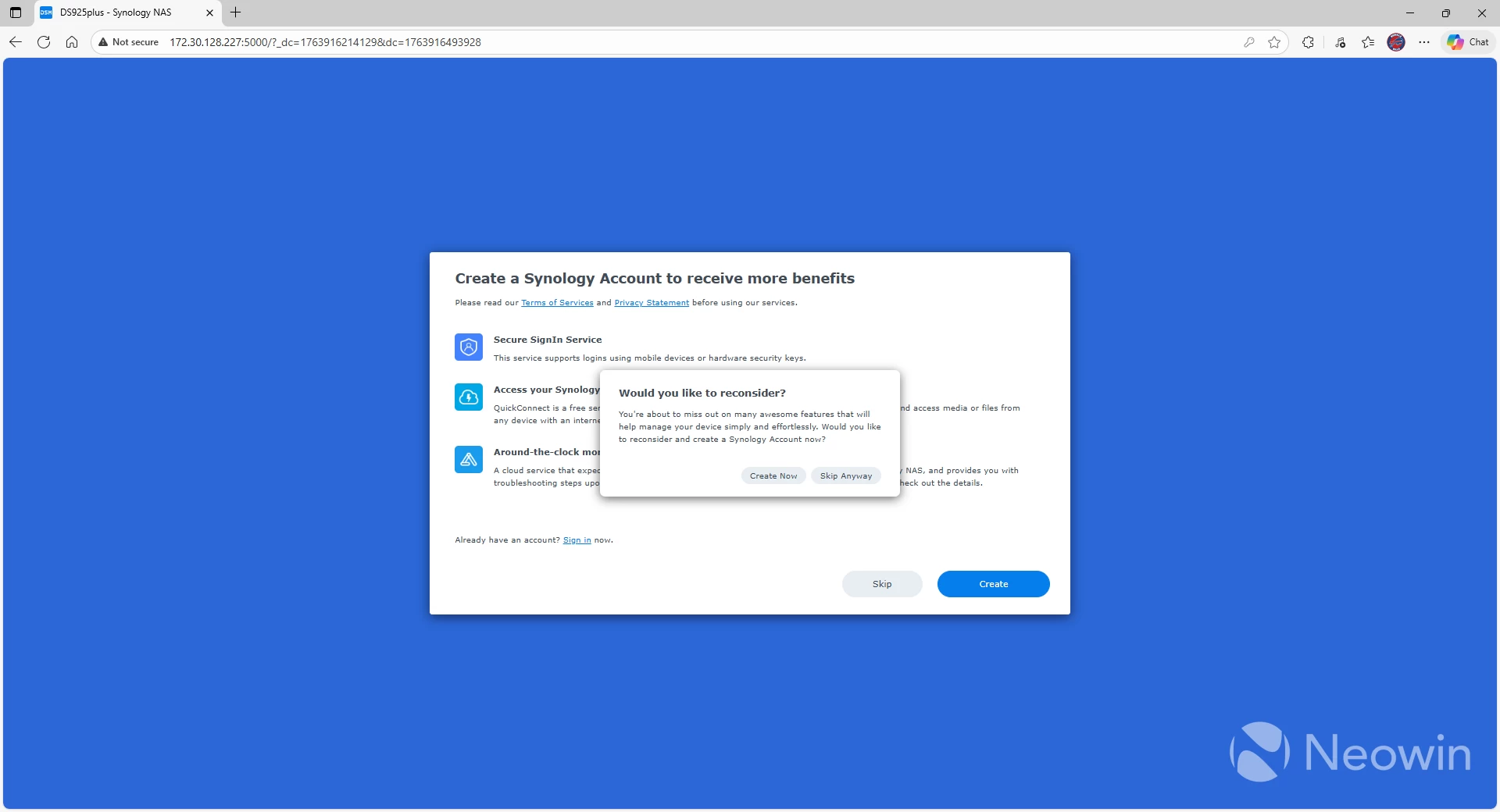
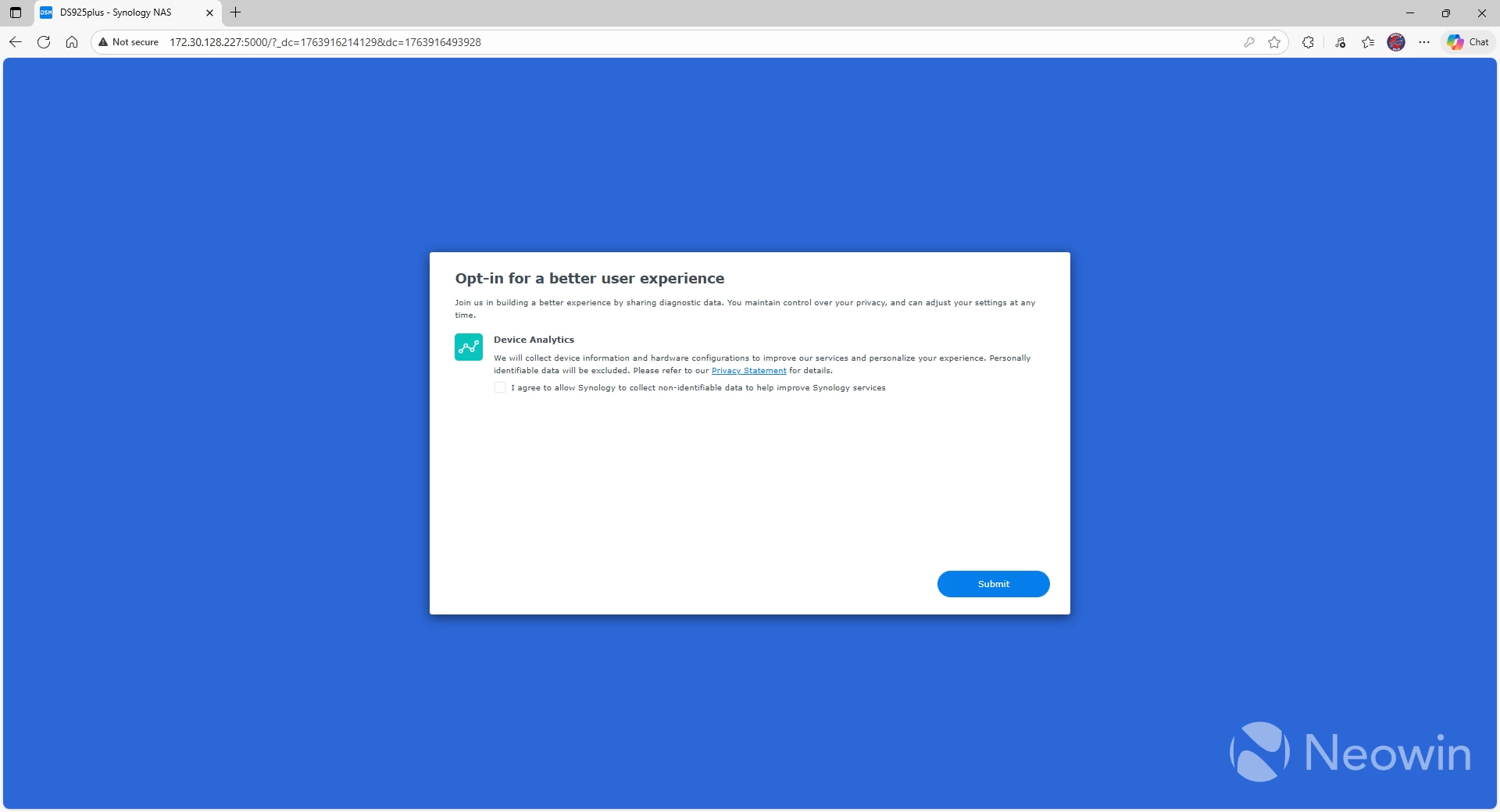
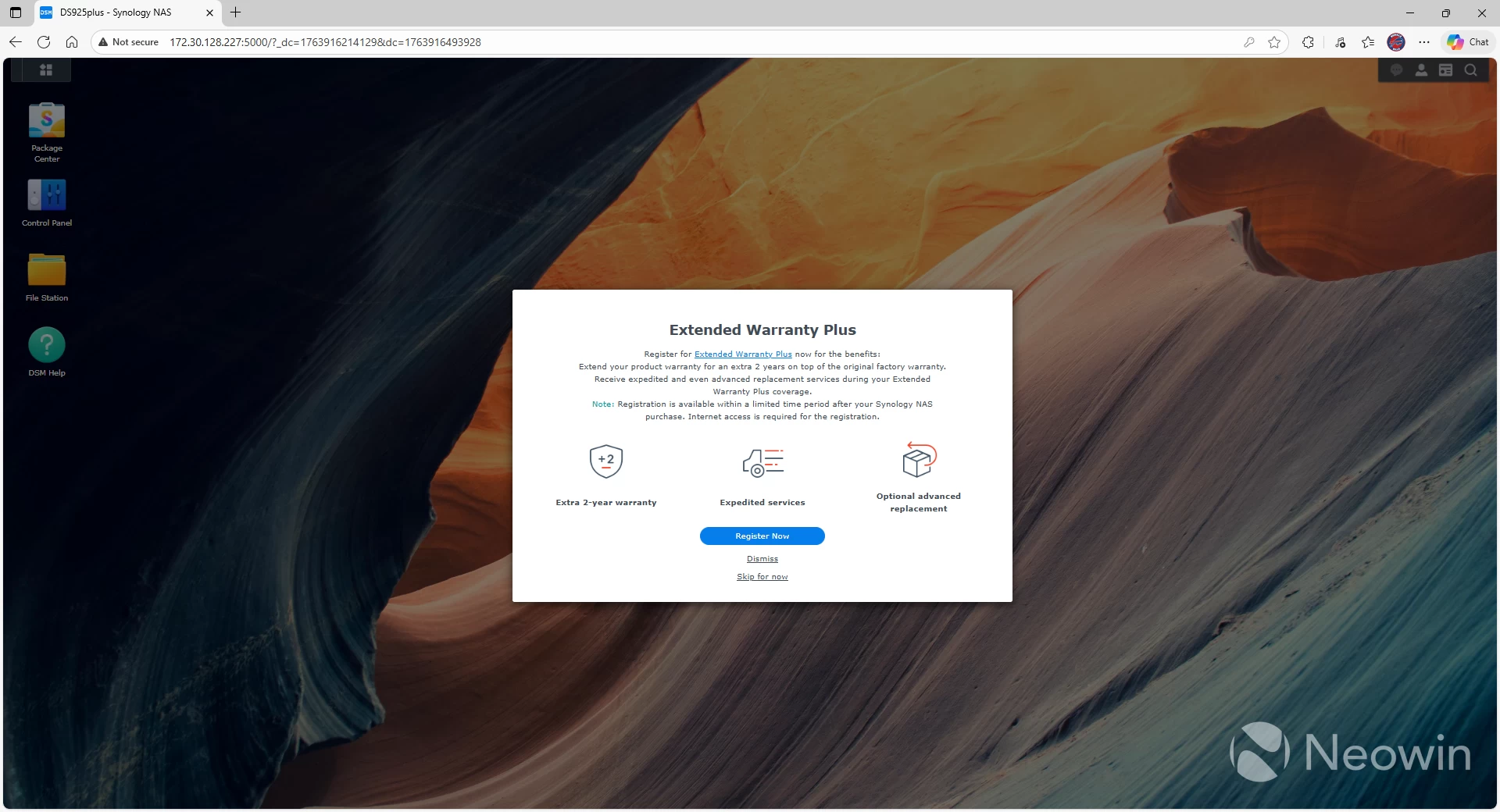
Installing DSM 7 is a very streamlined process. You first have to select a username for the administrator account and select a password, followed by selecting whether you want automatic or manual upgrades of DSM. Next, decide if you want to link your NAS to a Synology online account and whether you want the NAS device accessible via the Internet. After that, the system does its thing and after a few minutes, you have a fully functioning NAS device, just waiting for you to configure the storage.
Once the installation was complete, the DS925+ kept beeping due to an error. As expected, the volume it tried to migrate over was corrupted because I didn"t use all of the disks from the previous device. To make matters worse, in order to remove the volume and pool, I had to uninstall several packages. This could all have been avoided with a simple "start over" option at the beginning of the process.
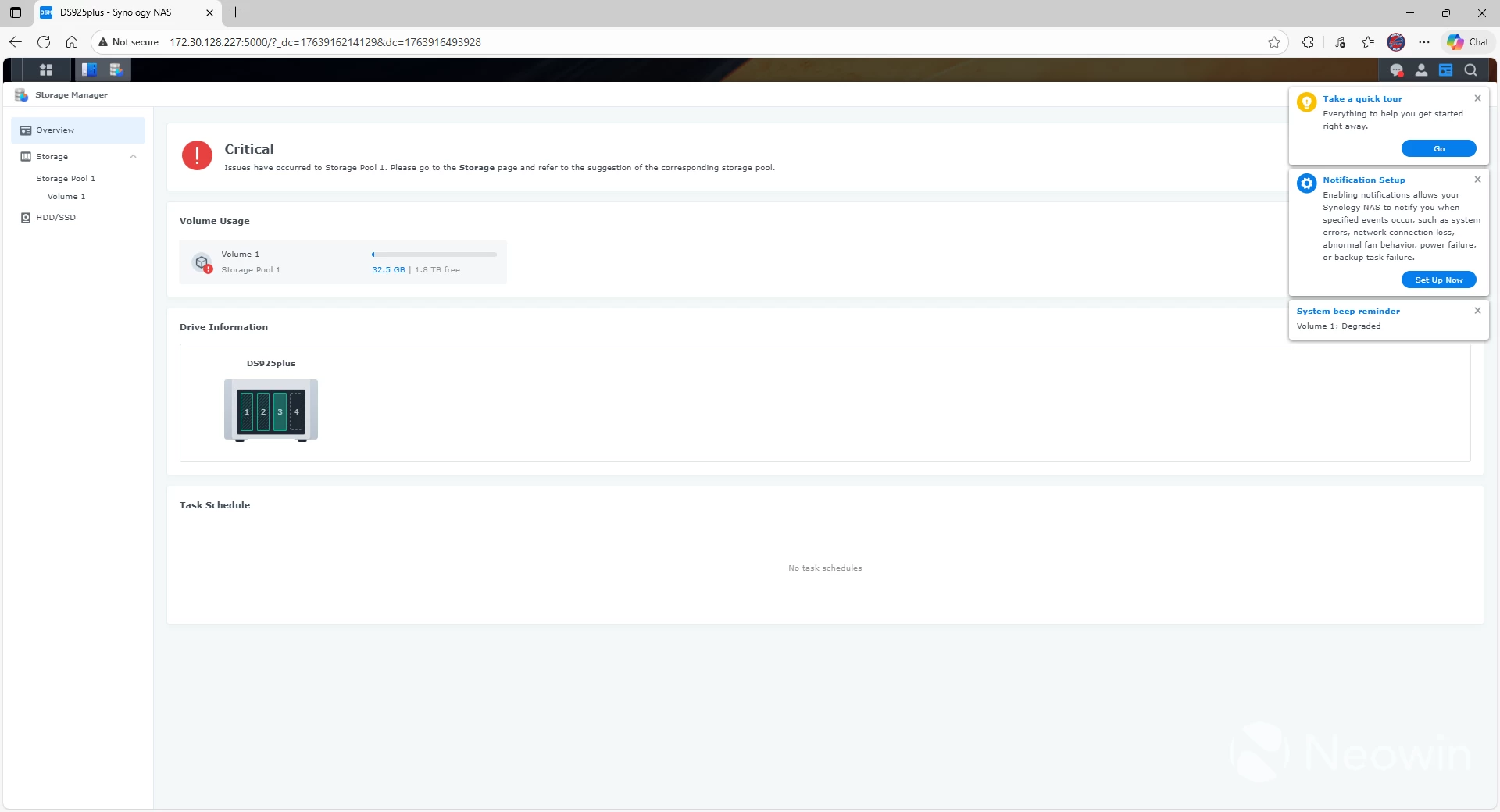
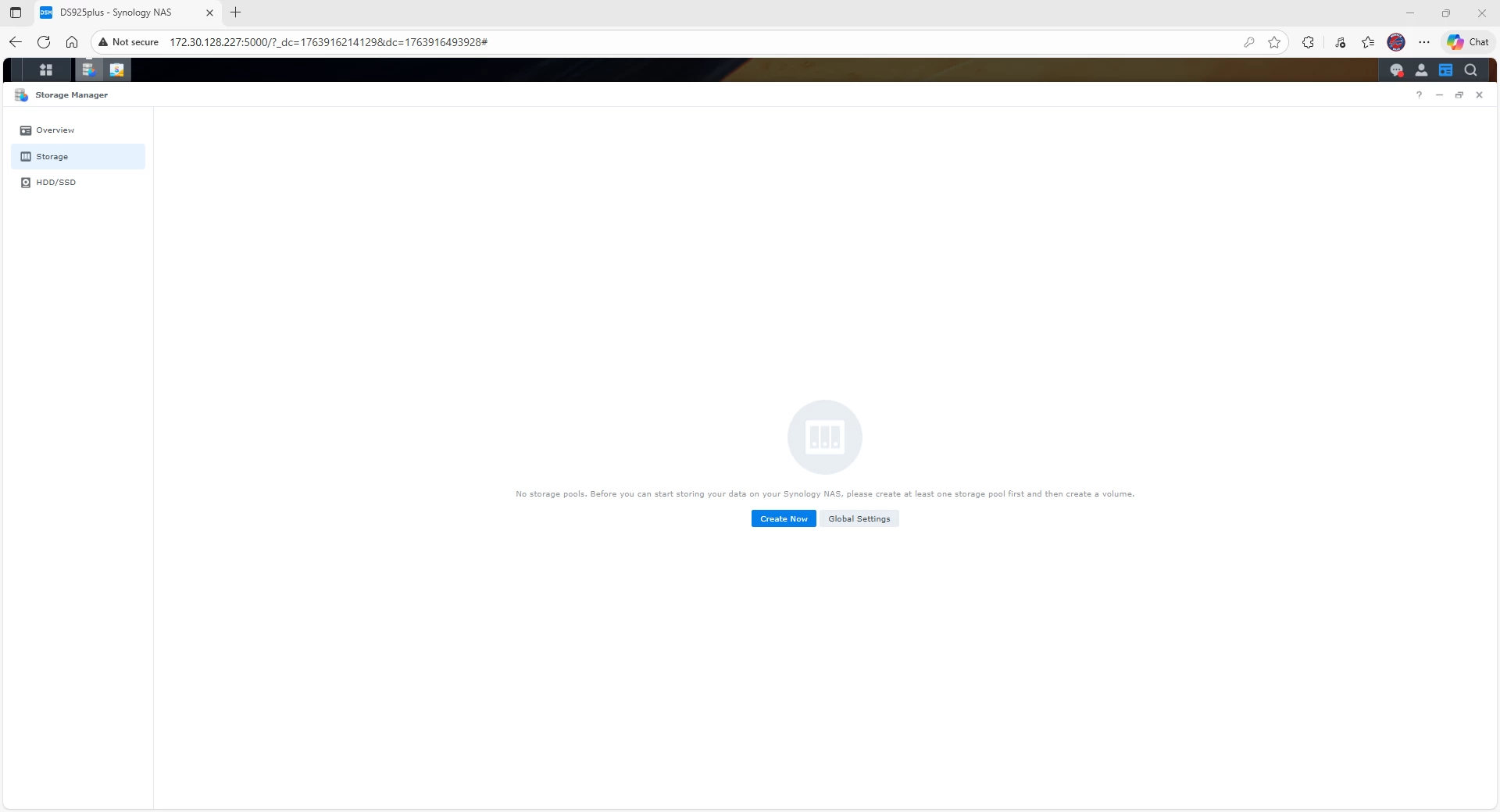
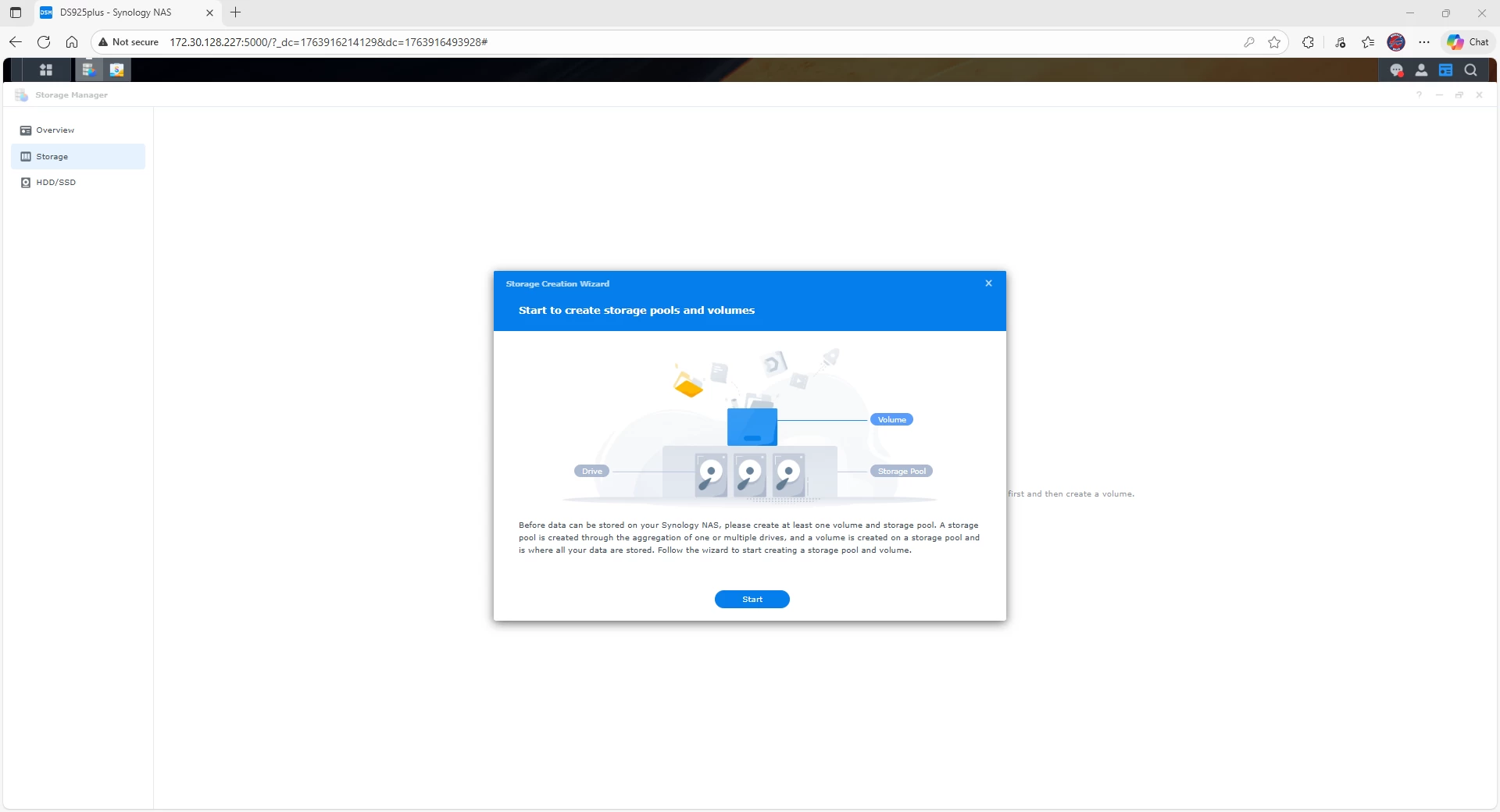
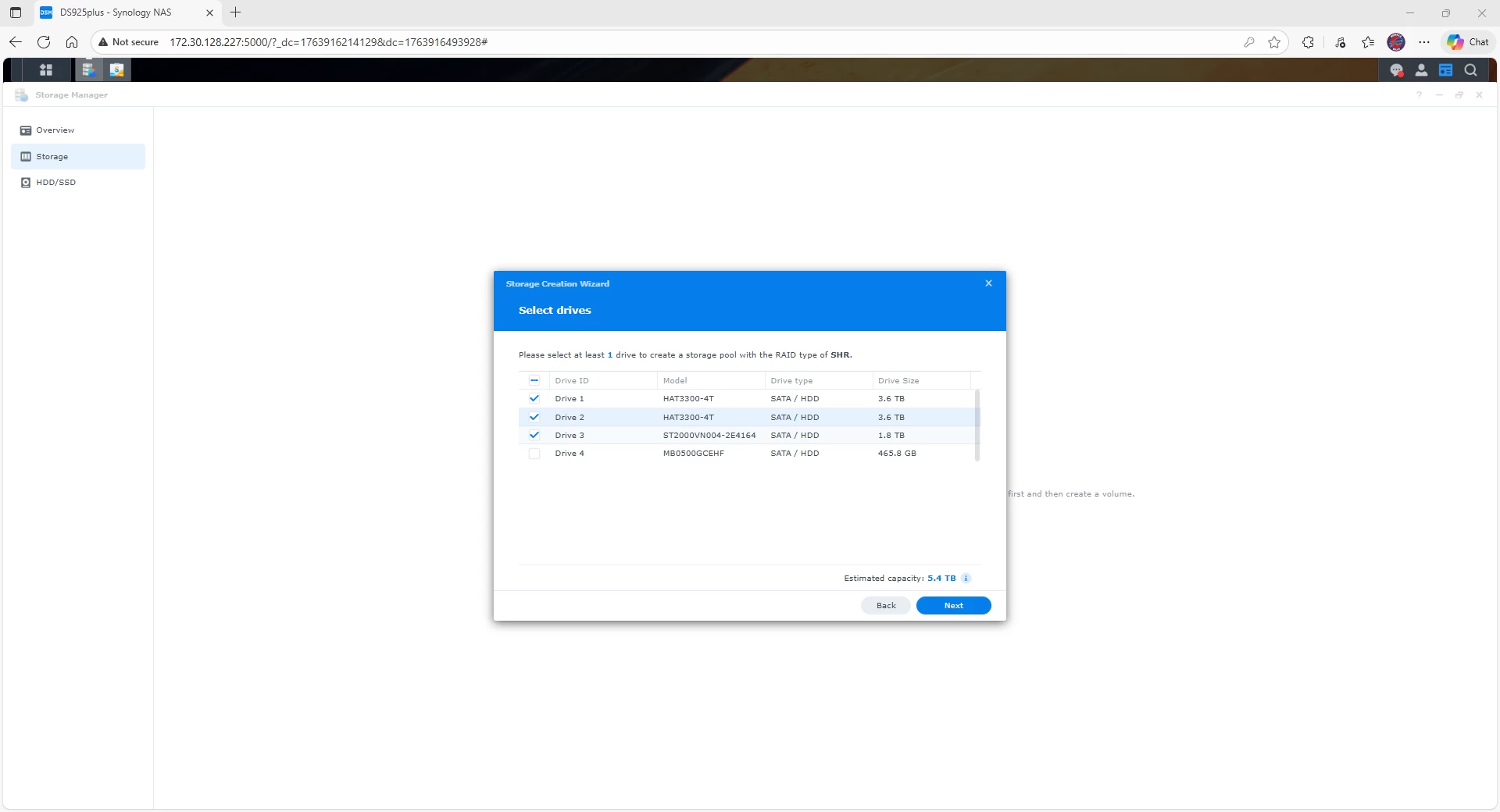
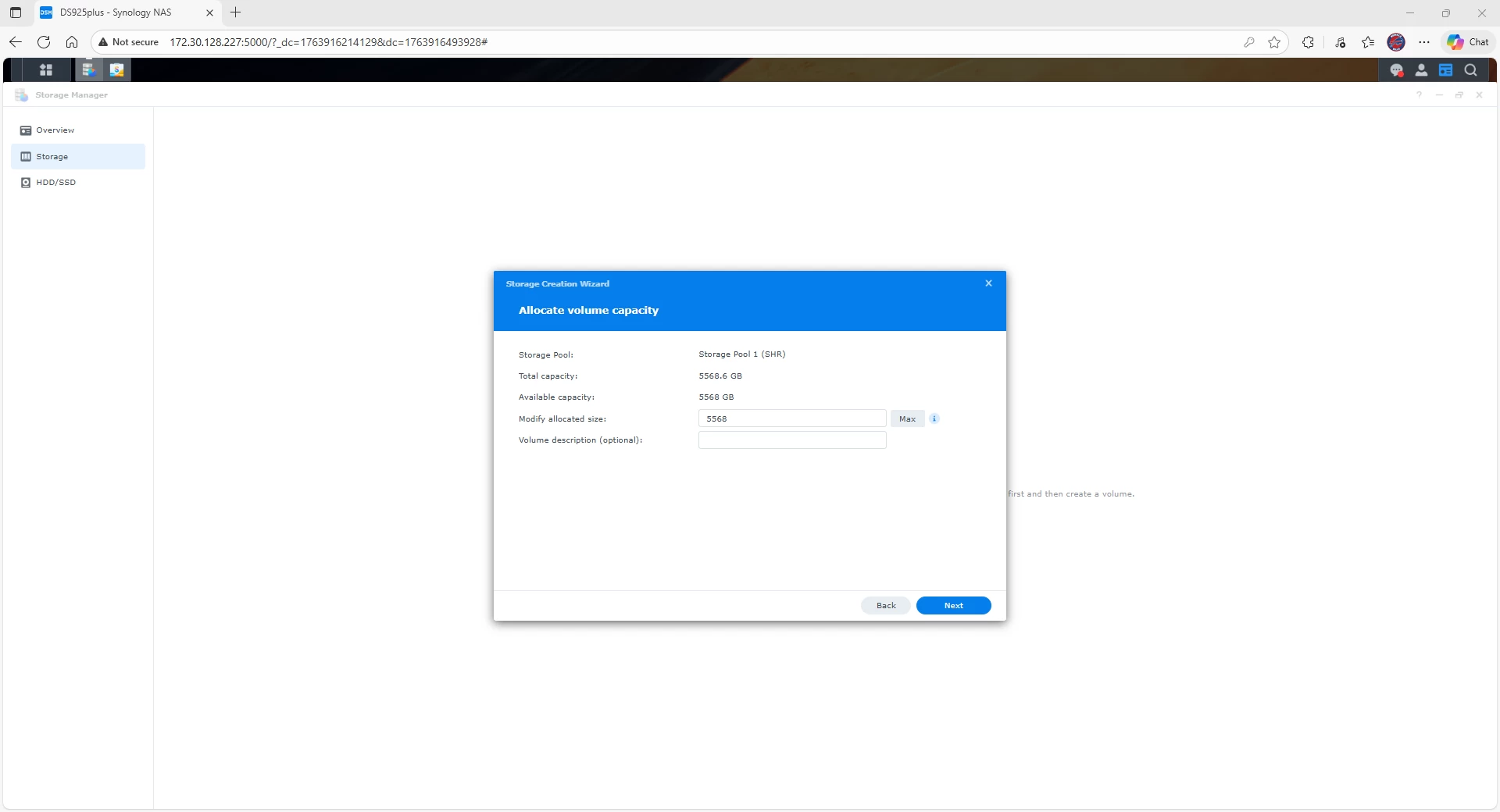
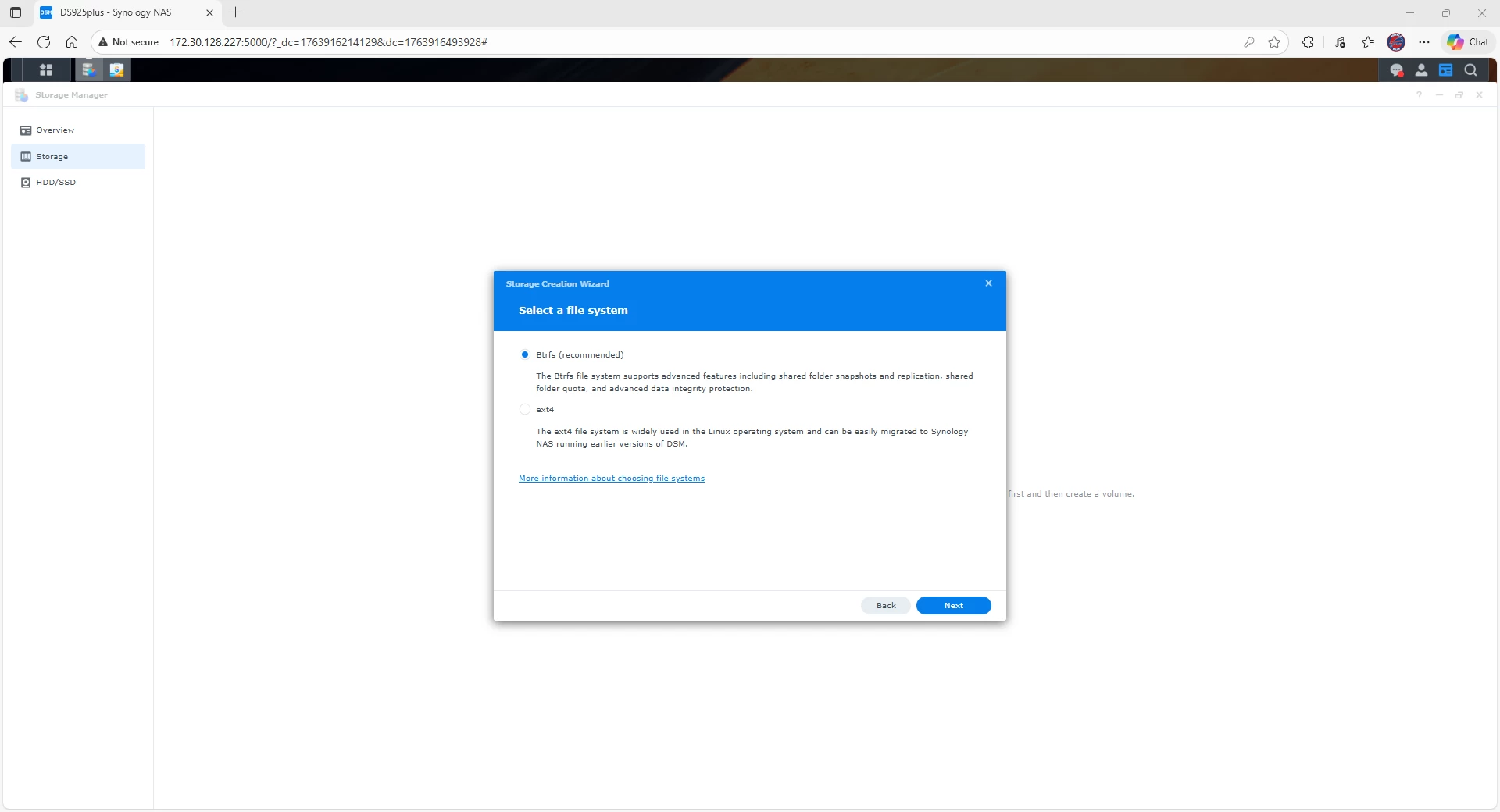
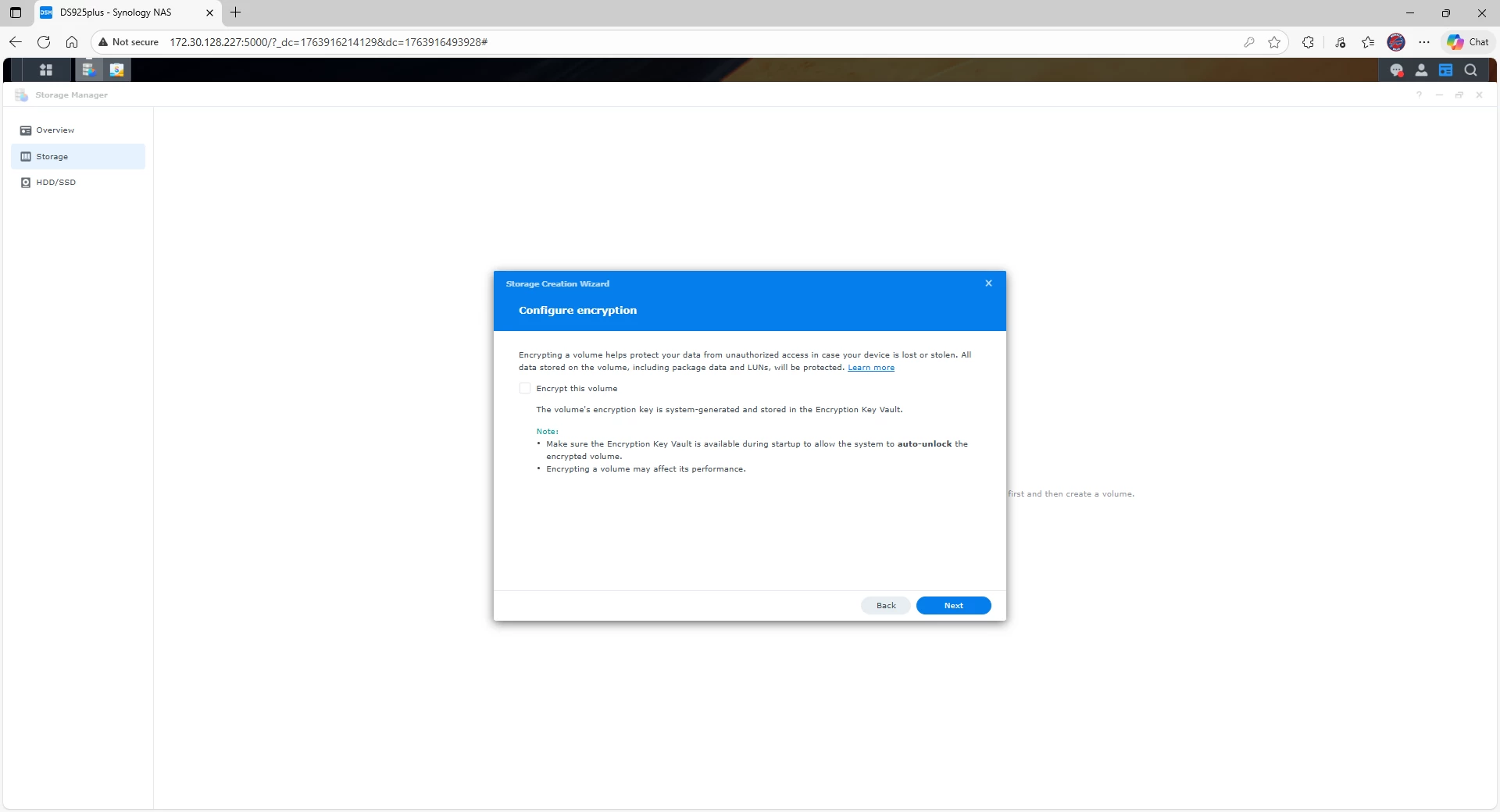
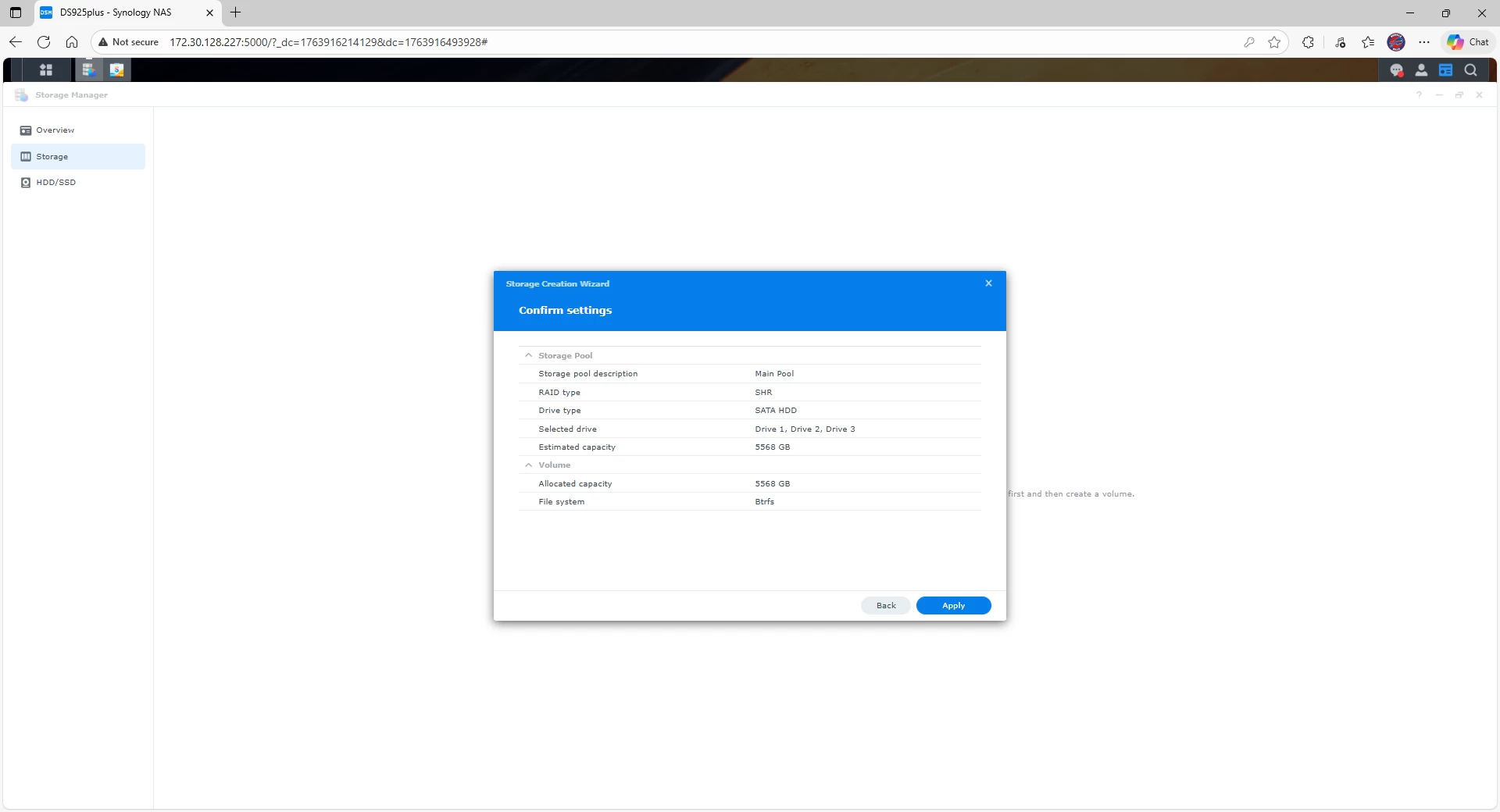
That said, this was the only hiccup I experienced during the review. Once things were in a stable state, I was able to go through the normal process of creating a storage pool and then attach volumes to the newly formed pool. Honestly, this is where Synology shines: The OS is trivial to use, even for those with minimal experience, and although it occasionally tries to be too helpful as discussed above, most users won"t be pulling a couple of disks from a workbench to test things out.
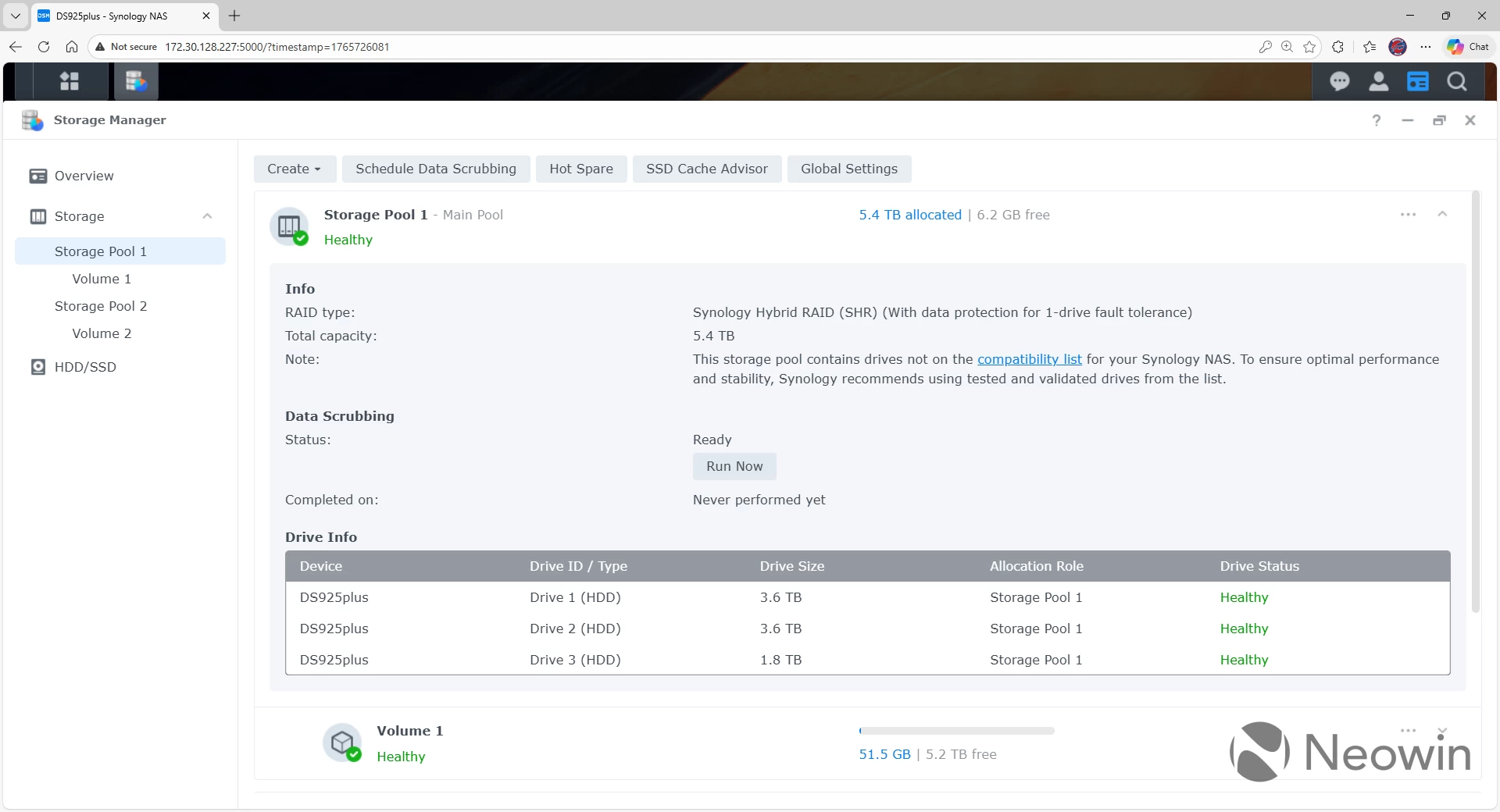
Note that there are no errors when creating a pool with non-Synology drives in DSM 7.3. In addition, there is only a note about a drive not being on the compatibility list when viewing the pool. There"s no red font, no warning, just a note. Hopefully Synology has learned its lesson with the drive locking decision, but it will take time for the community to rebuild its trust with the company.
Performance
There were no surprises when looking at the performance of the DS925+. You"ll still be limited by the drives and the network, but both are plenty fast enough for most use cases.
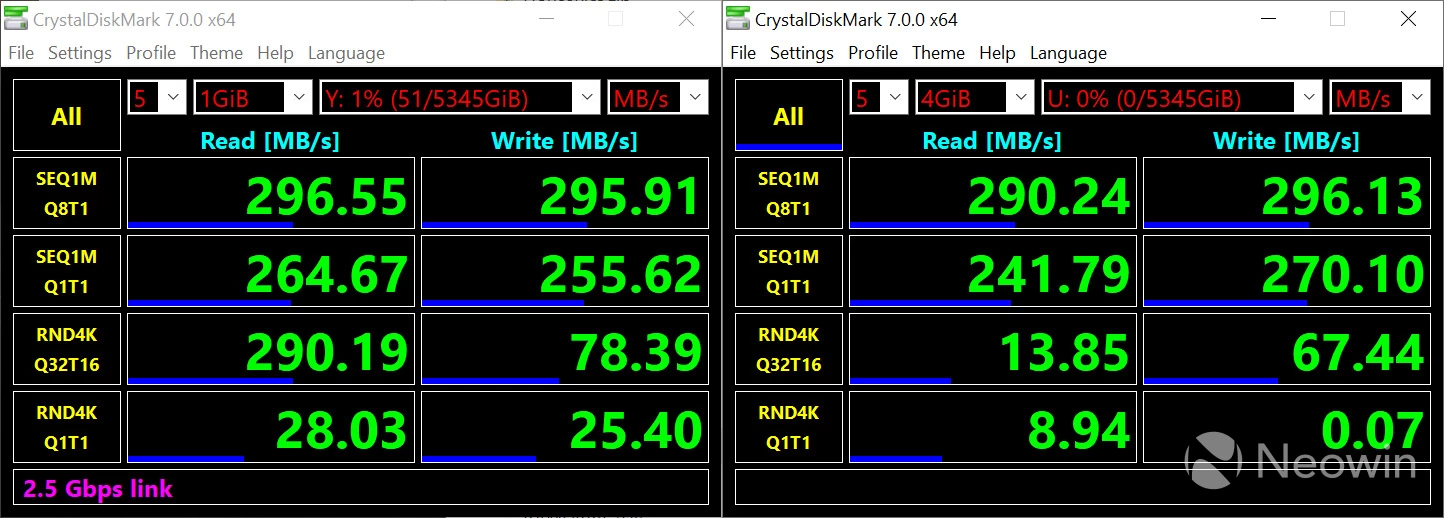
Due the built-in 2.5GbE NICs, performance of the DS925+ is what you would expect when it comes to file transfers. You will consistently see between 250 and 300 MB/s when reading and writing sequentially. When looking at random reads and writes, the number goes down significantly when doing large (4GiB) writes. This is on an SHR volume with three disks.
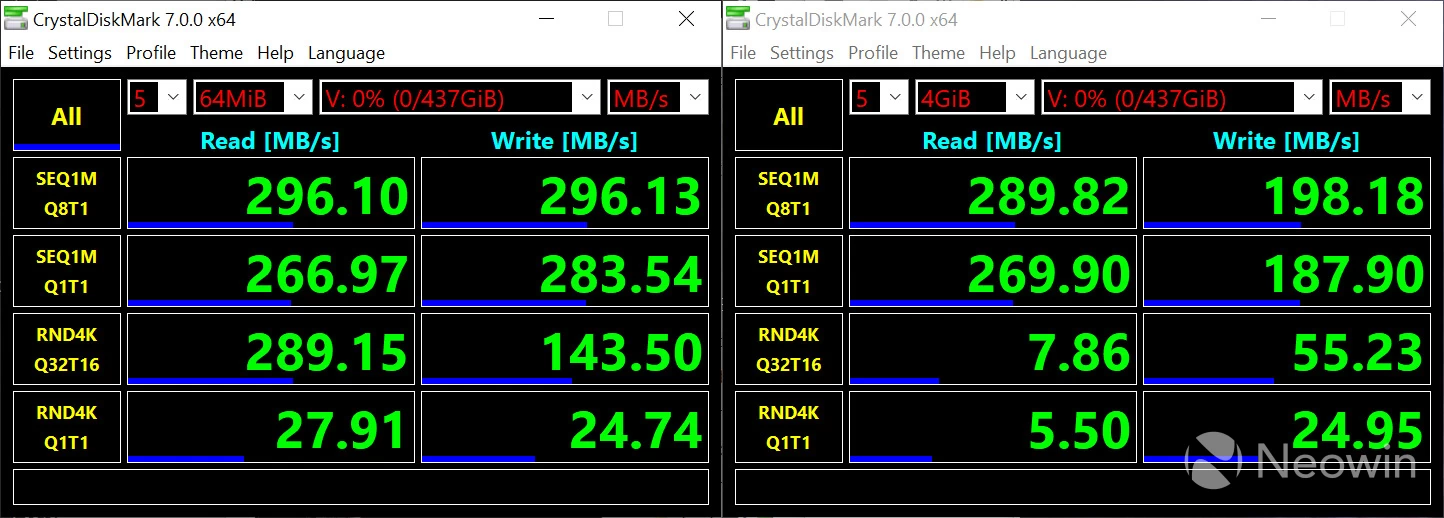
When writing to a single, old drive, the numbers were still decent and followed a similar expected pattern.
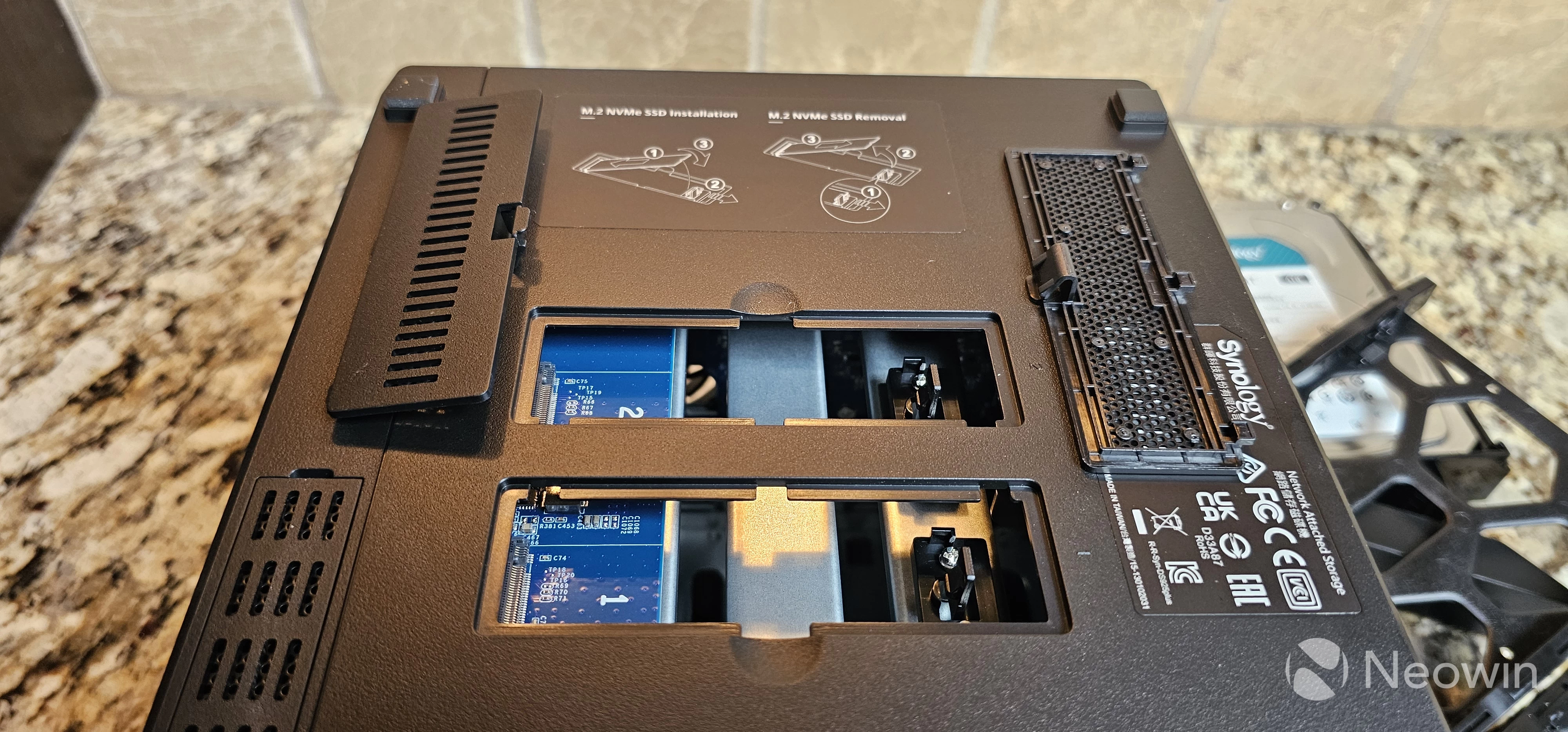
Synology DSM supports using the two NVMe slots as a disk cache, but unfortunately I was not able to get the two SanDisk 512GB SSD drives to be recognized in the DS925+ to test this functionality. I"m not sure if there is a compatibility issue, an issue with the NVMe slots on my review unit, or an issue with the drives themselves.
Although performance is great for file transfers and will be very good for most applications, because the DS925+ uses an AMD Ryzen V1500B, and that CPU does not have an embedded GPU, you will not get very good performance with video transcoding. You also will be unable to use the Plex hardware acceleration functionality. If you"re only streaming native resolution, this will be a non-issue and Plex will run great, but if you like to transcode (for example, down-res a 1080p movie to 480p when streaming outside your home to save mobile bandwidth), then you might want to consider a different device with hardware transcoding functionality.
Applications
One of the biggest draws to Synology is their Package Center, where you can find pretty much any type of tool you want to make life in your home or office a little better. In addition, if there isn"t a pre-existing package, you can always run Container Station, which lets you run Docker containers on your Synology NAS.
If you haven"t spent much time looking at the Synology applications, I"m planning on digging into the following applications in more detail in a future review:
- Surveillance Station: I looked at this when it was first released in 2017 and it was a great solution for managing video cameras. I"m looking forward to seeing how the application has evolved over the years.
- Synology Photos: Like Surveillance Station, Synology Photos (formerly Moments), is a great centralized photo management solution that I first looked at in 2018.
- Active Backup for Business: This is the oddest name for a tool that is used to backup PCs, Virtual Machines, and physical servers.
- Synology AI Console: Love it or hate it, AI is here to stay, and Synology recently released an application that allows you to integrate third party AI with the NAS device.
- Hyper Backup: Another tool I looked at back in 2018, Hyper Backup allows you to backup your NAS to third party sources, such as other Synology devices, file stores, or even cloud services.
- KMIP: Not strictly an application, but a new security feature built into DSM 7.3 that gives you the ability to store encryption keys on remote Synology devices natively.
The applications you can run on a Synology device have always been one of the best features, so it"ll be interesting to see how these tools have evolved over the years.
Conclusion
So the question still remains: Should you spend your hard earned money on the Synology DS925+, especially considering the recent drive locking issue? It"s not an easy question to answer.
At this point, I personally think Synology has realized the error of their ways and I wouldn"t worry about them backtracking on drive locking again, so if that"s the only reason you were planning on leaving the Synology ecosystem, I would stick with the proven track record that Synology provides.
If you"re looking to get the most performance out of your NAS device as possible, you probably want to look at a competitor like the aforementioned UGREEN NASync DXP6800 Pro, although keep in mind that you"re paying nearly double the price for the extra performance.
For most users, the stability of the Synology platform and the ease of use of DSM 7.3 is worth the tradeoffs. The robust app store, which we"ll cover in more detail in the new year, is great in that things "just work" with a click of a button. In addition, the extra performance of a device like the UGREEN may be offset by the extra power consumption and thus, higher monthly electricity bills.
Having said all that, the DS925+ isn"t really much of an upgrade over some of the previous models we"ve looked at. Indeed, the DS925+ has slower single thread performance, allows only one DX525 expansion bay, and has no PCIe port, when compared to the DS1522+, a model that"s three years older. It has only four drive bays, when I recommend at least five for most people, and the price is higher than I think it should be for the specs. That said, if you"re looking for a NAS that supports 2.5GbE out of the box, and you have an old device that you want to upgrade, the DS925+ isn"t a bad solution, especially given how rock solid DSM 7.3 is.