It is no secret that Windows 11"s UI can still run into problems with the most recent example being that on certain enterprise systems where the entire Shell including Explorer components like Taskbar, Start menu, and more, can fall apart. Thankfully, Microsoft has shared detailed workarounds and IT administrators can apply them on affected systems.
If you are a home user and are also not so impressed by Windows 11"s UI and wished it were better, there are unofficial third-party apps available which can be tried out. One of them is FluentFlyout, and as the app"s name suggests, it brings fluent design-based flyout options on Windows 11.
If you are unfamiliar, Microsoft proudly touts Fluent as the design language and style that makes Windows 11 "effortless, familiar," and intuitive while being "complete and coherent," and with Fluent 2, which the FluentFlyout app is based on, Microsoft promises better performance.
The app author highlights the following features:
-
Audio flyout: Displays Cover, Title, Artist and media controls
-
"Up Next" flyout: shows what"s next when a song ends
-
Lock Keys flyout: displays the status of lock keys at a glance
-
Taskbar widget: shows media info directly on the Windows taskbar
-
Native Windows-like design
-
Uses Fluent 2 components
-
Utilises Windows Mica blur
-
Supports Light and Dark mode
-
Matches your device color theme
-
Smooth animations
-
Customizable flyout positions
-
Includes Repeat All, Repeat One and Shuffle
-
Sits unobtrusively in system tray
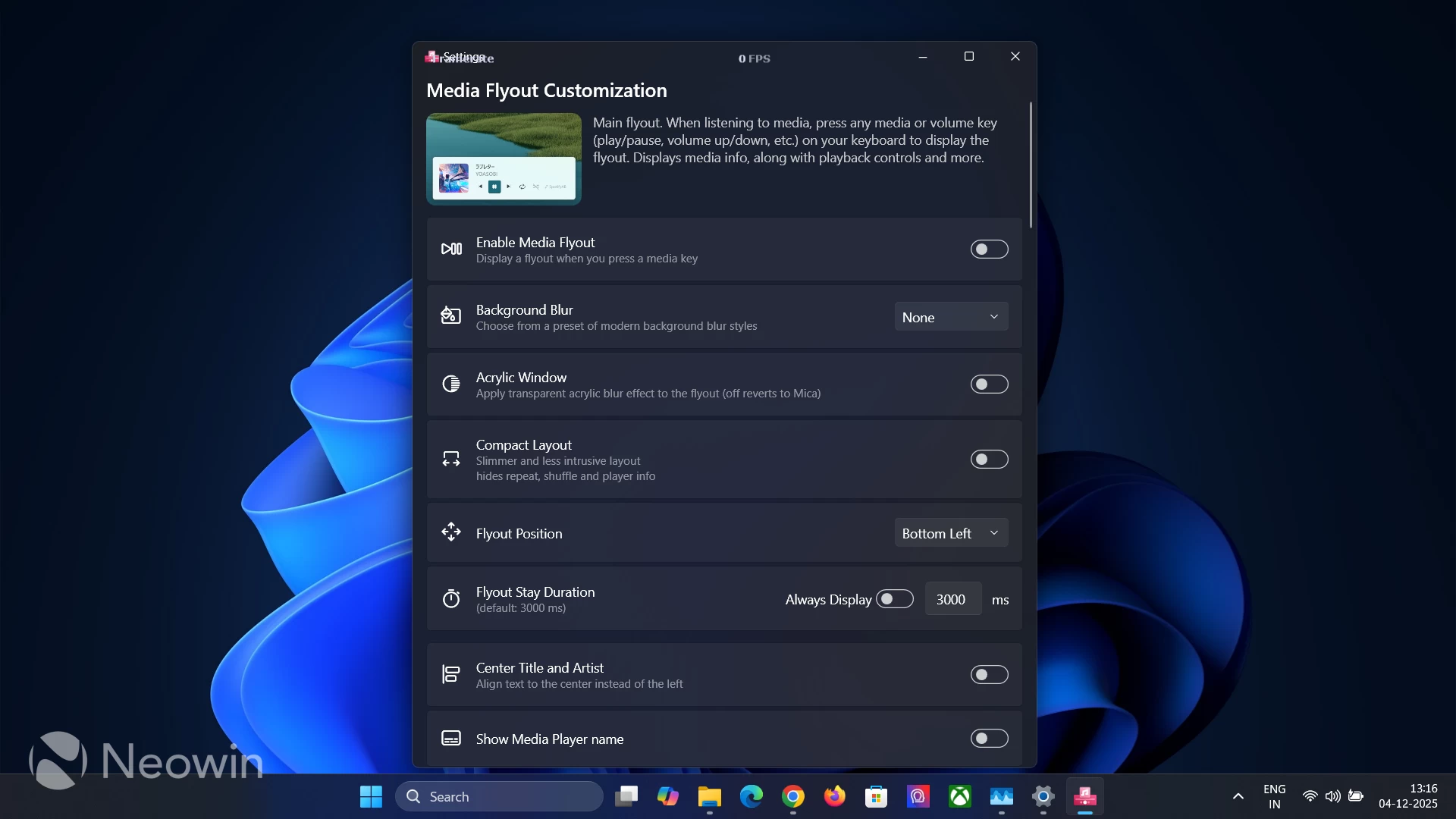
The headlining feature of the app is the Media Flyout Customization options, which include the ability to select between Background blur, a compact layout, flyout position, and more. The utility offers Mica blur by default, but there is also the option to opt for Acrylic using the "Acrylic Window" toggle. There is also a cool Next up Customization section under.
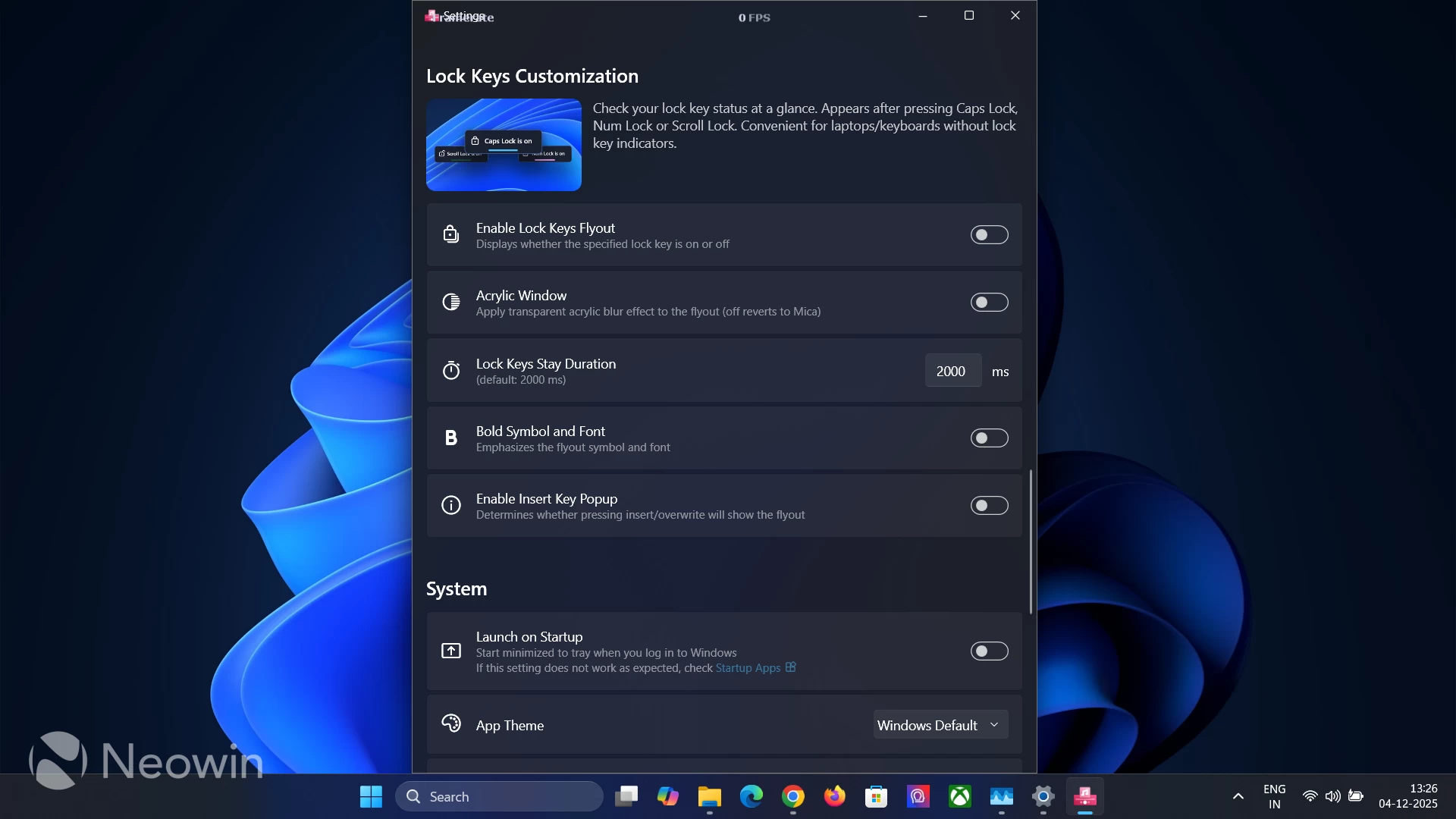
The app also offers Lock Key customizations and a very useful "Disable Flyouts" feature that can be toggled on to prevent DirectX games in exclusive full-screen mode from minimizing in case a flyout pops out.
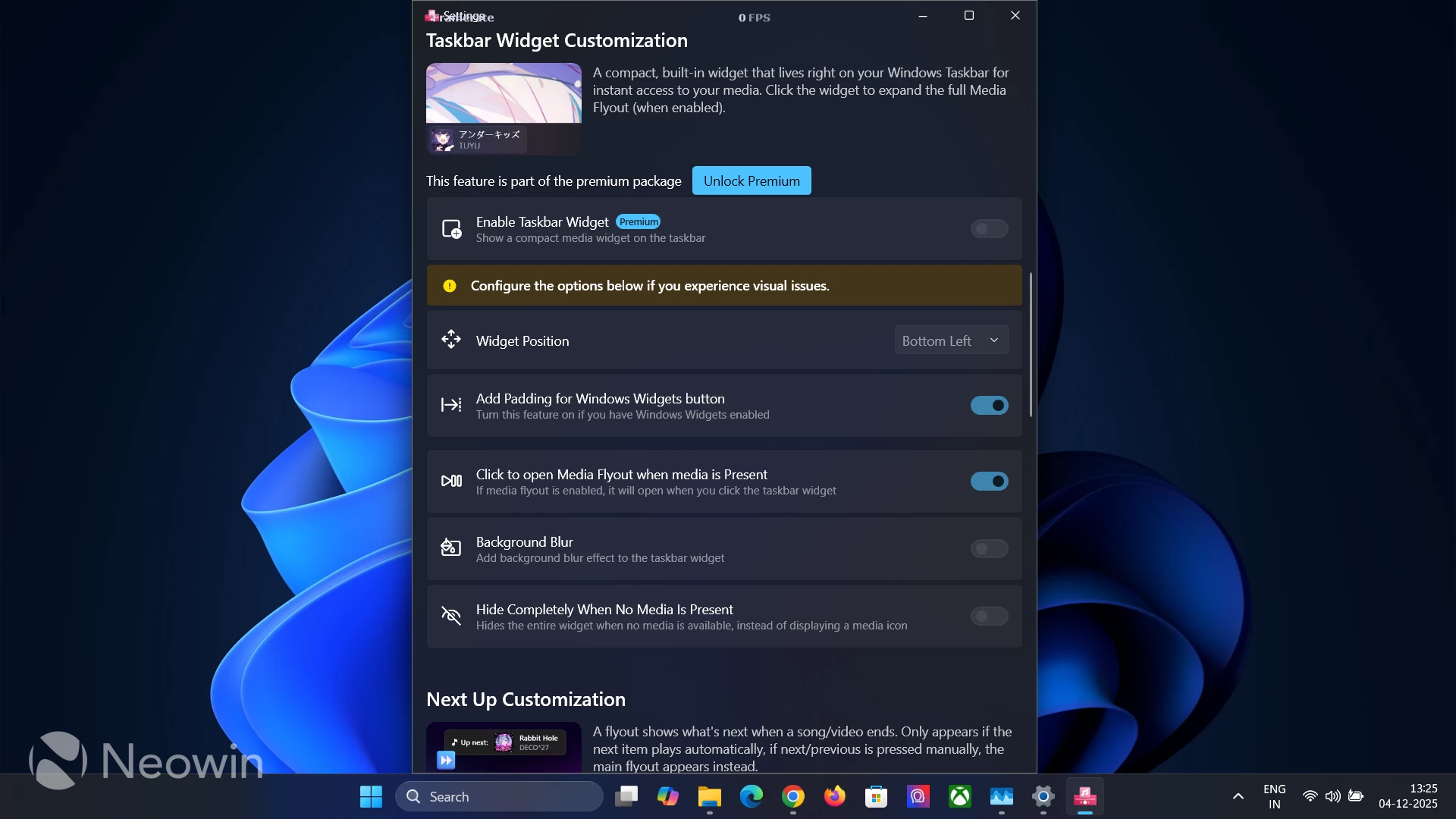
The app is available for download on GitHub as well as on the Microsoft Store. If it is downloaded from GitHub, all features are free to use, including the Widgets customization. In the case of the Store version, the Taskbar Customization options remain under a paid "Premium" version.
The latest version of the app, 2.3.5, fixes performance issues related to when media keys are pressed rapidly. You can download it from its official GitHub repo or from the Microsoft Store.