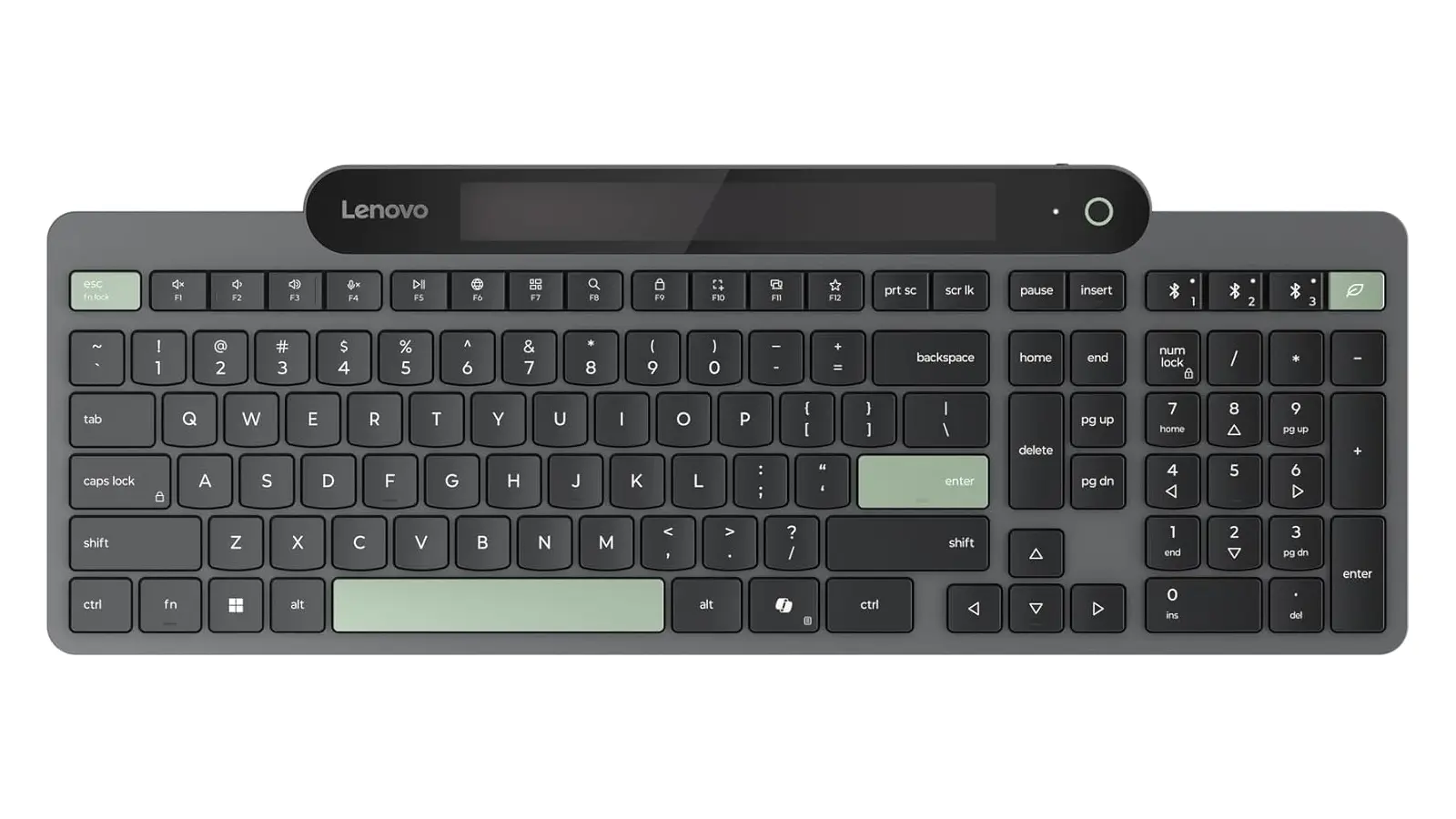
For most users, the first thing that comes to mind when they hear Lenovo is ThinkPad laptops and desktop PCs, not necessarily keyboards. Still, Lenovo has a bunch of quite good PC accessories, such as webcams, mice, keyboards, etc. Some of them are quite quirky and unique, like this Lenovo 800 (not a very creative name) keyboard, which has no battery, but can charge itself with just ambient light.
The Lenovo 800 uses a supercapacitor to store energy collected from ambient light using a built-in solar panel. This ensures you never run out of juice when typing or gaming. Supercapacitors can recharge very quickly, and just two minutes under a light source at 300 lux is enough to recharge the Lenovo 800. If you end up in an emergency with a dead keyboard, you can recharge it with a USB Type-C cable. Lenovo says that the supercapacitor provides up to 1 month of use in a completely dark environment. Additionally, Lenovo reduced the power use to just 25% of a standard keyboard.
The keyboard can connect to up to three devices using Bluetooth 5.1. It also supports Microsoft"s Switch Pair, which means Windows automatically detects when your keyboard enters pairing mode and shows you a notification for quick connection–no more diving into Bluetooth settings and making dozens of clicks to connect.
You can also customize the keyboard with Lenovo software that allows remap the shortcut key, manage connected devices, check energy status, and more.
-
Lenovo 800 Self-Charging Bluetooth Keyboard - $60.99 | 33% off on Amazon
Get Prime (SNAP), Prime Video, Audible Plus or Kindle / Music Unlimited. Free for 30 days.
As an Amazon Associate, we earn from qualifying purchases.