The Tuta team recently shipped a bunch of updates across its family of apps, including a new automated one-click migration feature for Tuta Mail, customized default views in Calendar, and standalone Android and iOS apps for Tuta Drive, its zero-knowledge cloud storage service.
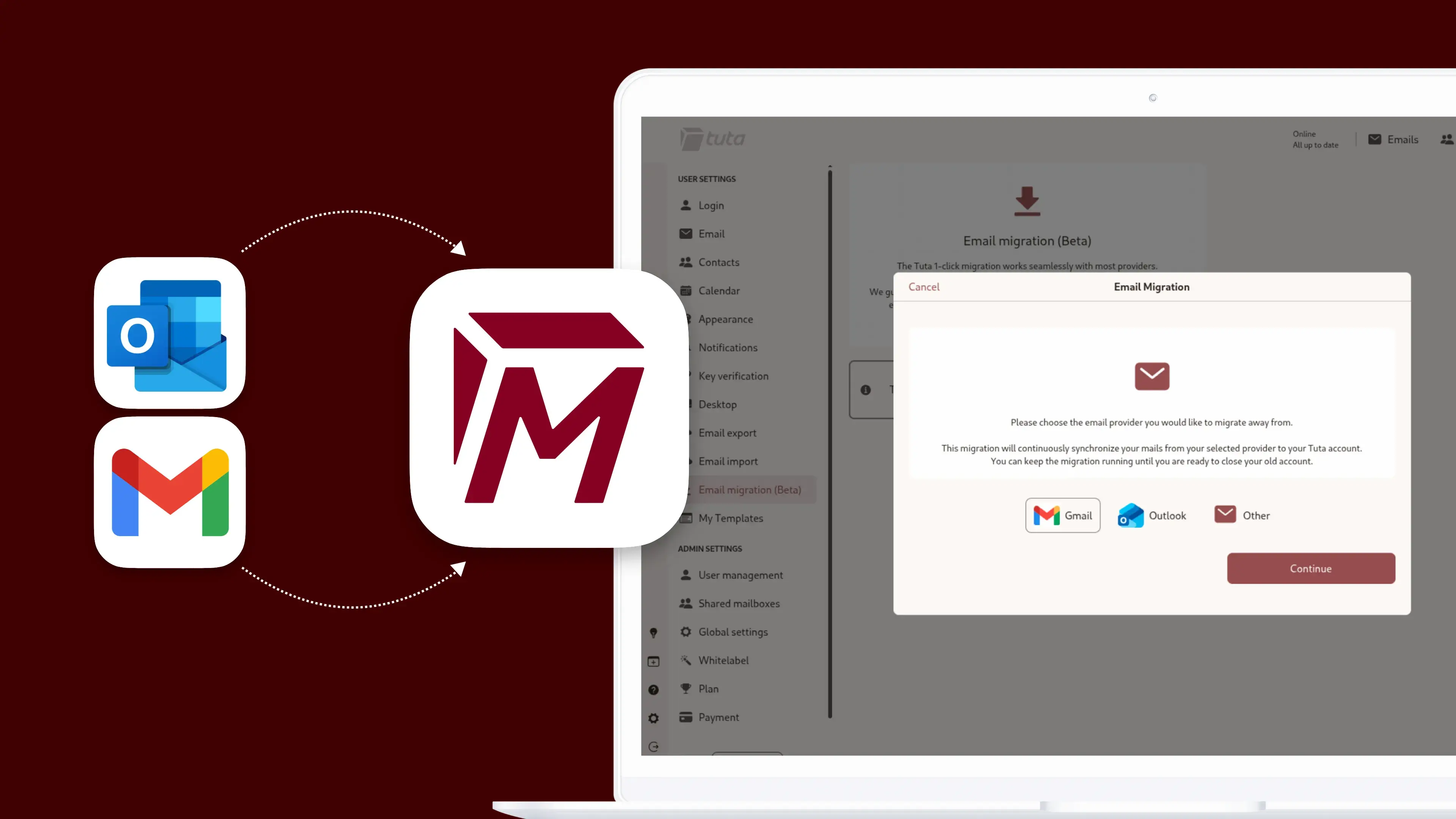
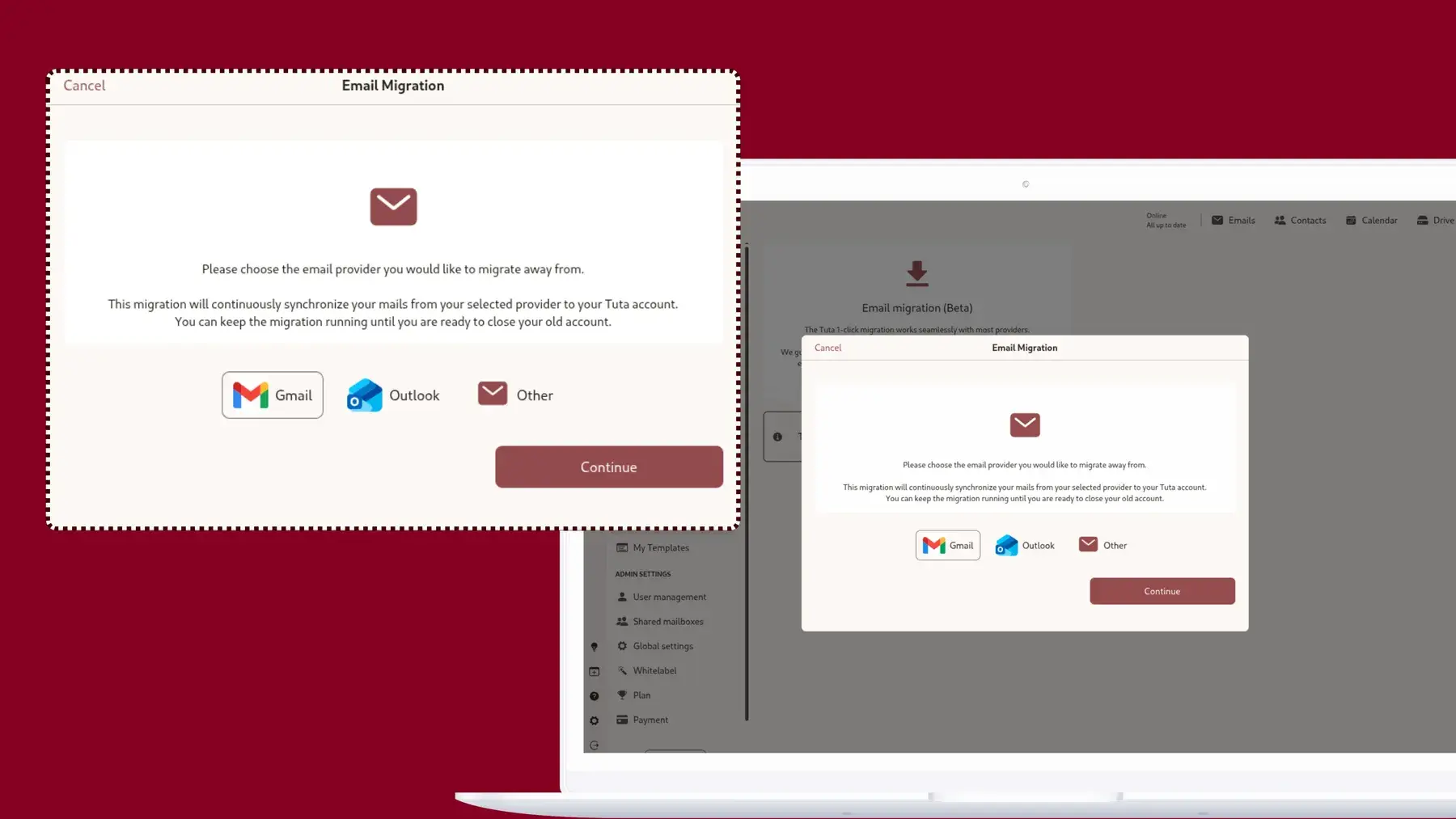
The One-Click Migration feature in Tuta Mail, according to Tuta, links an old inbox with a single click to migrate and sync external messages and data. Tuta claims that the app encrypts this data on your device before sending it to the mail servers to block third-party access.
Unlike the manual import feature, which Tuta rolled out in 2025, this automated process preserves folder structures and prevents failure when you have thousands of emails. At the moment, One-Click is only available in closed beta to select businesses, but the capability will roll out to Paid and business customers when the beta is over.
Other changes in Tuta Mail include the expansion of folders when you move a new email to make inbox sorting much faster. Future updates will introduce automatic searching across your entire mailbox by default, new inbox rules that automatically apply labels, and settings to mark incoming items as read.
Moving on to Calendar, the developers designed a dedicated page where users can choose their default calendar view and set their preferred week start day. These settings pair with backend notification updates to make mobile event reminders far more reliable. Soon, the app will support custom event time zones and participant availability lookups.
And as mentioned earlier, Tuta Drive now has standalone mobile apps for Android and iOS devices, expanding the storage client after several months of being only available on the web in a closed beta. Tuta said that over the next few months, it will be releasing Tuta Drive in open beta.
Tuta, if you haven"t heard of them, is a German privacy-focused technology company behind Tuta Mail and other secure communication services. The company takes a strong stance on privacy, using end-to-end encryption (E2EE) to protect not just the contents of your emails, but also sensitive details like subject lines, metadata, contact lists, and calendar events.
It regularly criticizes big tech giants like Google and Microsoft, and more recently, joined the Euro-Office project to help build a sovereign and open-source alternative to the almighty Microsoft Office.