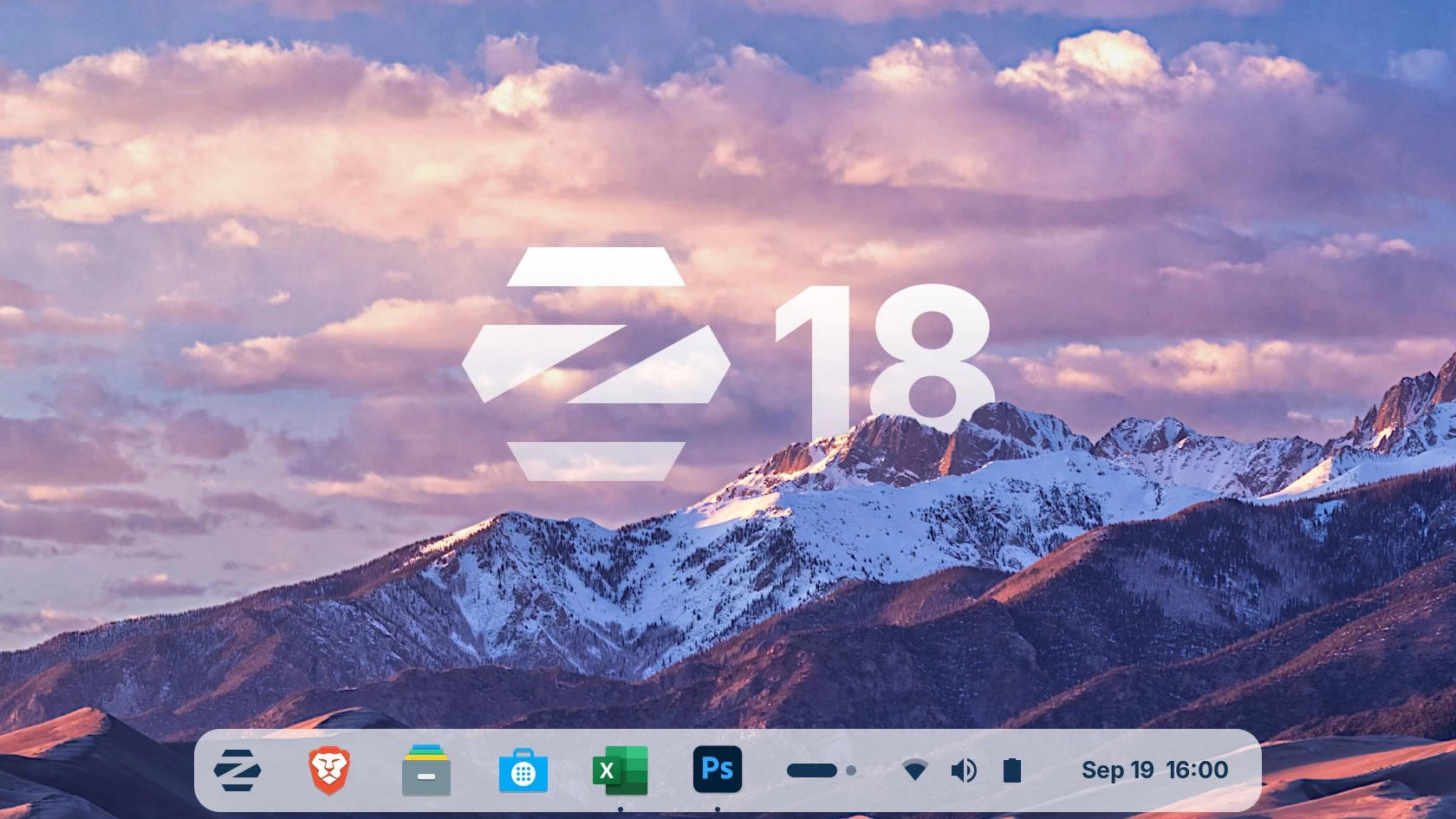
If you are a fan of Linux and were hoping that with the upcoming end of support for Windows 10, there would be a user exodus towards Linux as they won"t officially be able to upgrade, you are in for disappointment. That is because the latest JPR data has suggested that that is simply not the case.
Still, the Zorin Group is certainly hopeful, and as such, after teasing it yesterday, Zorin OS 18 is now available for trying.
This is a major release, and it has landed with a refreshed visual design, promises enhanced multitasking features, and more that are aimed at easing the transition for Windows users. Yes, the primary motivation behind this distro is to be the "faster, more powerful, secure, and privacy-respecting" alternative to Windows.
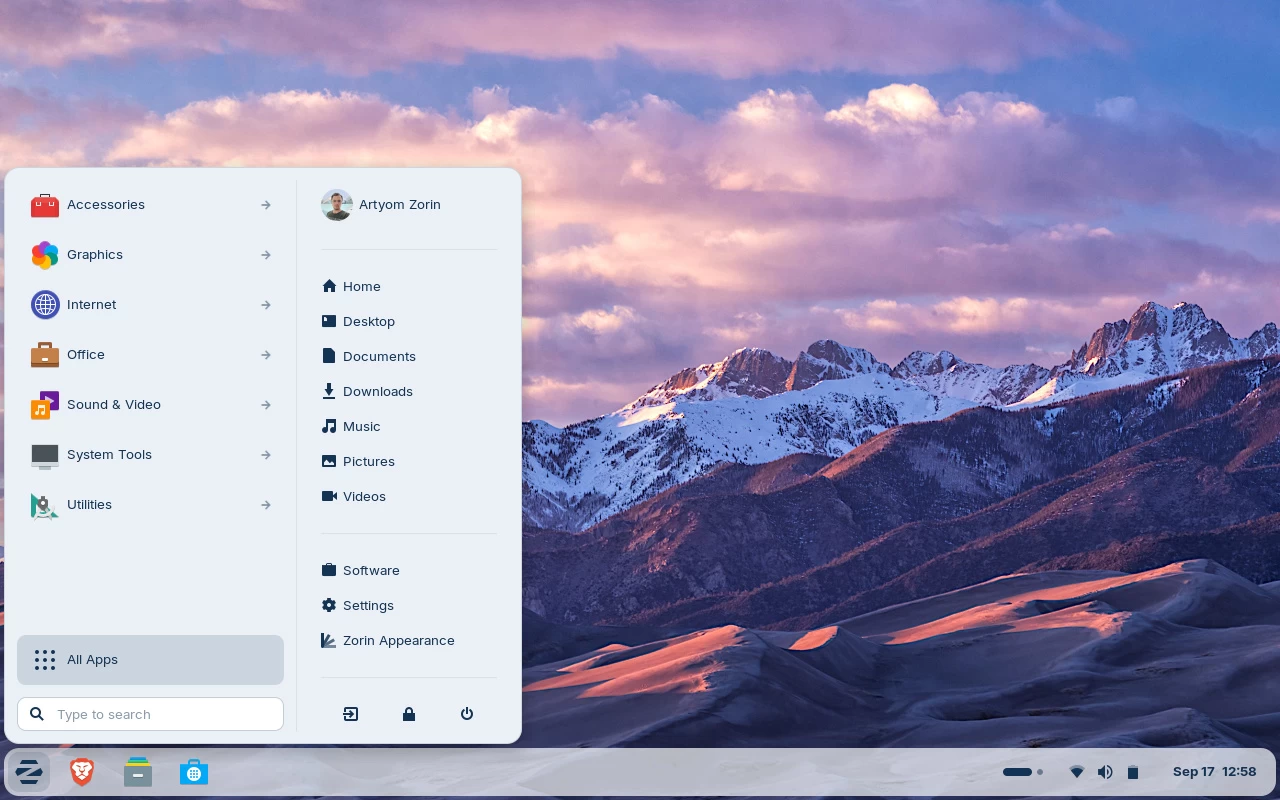
The update introduces a sleeker desktop with rounded elements, lighter colour accents, and tinted backgrounds for improved readability. The panel now adopts a floating, rounded style, while the activities overview button has evolved into a reactive workspace indicator. The idea is to improve task switching.
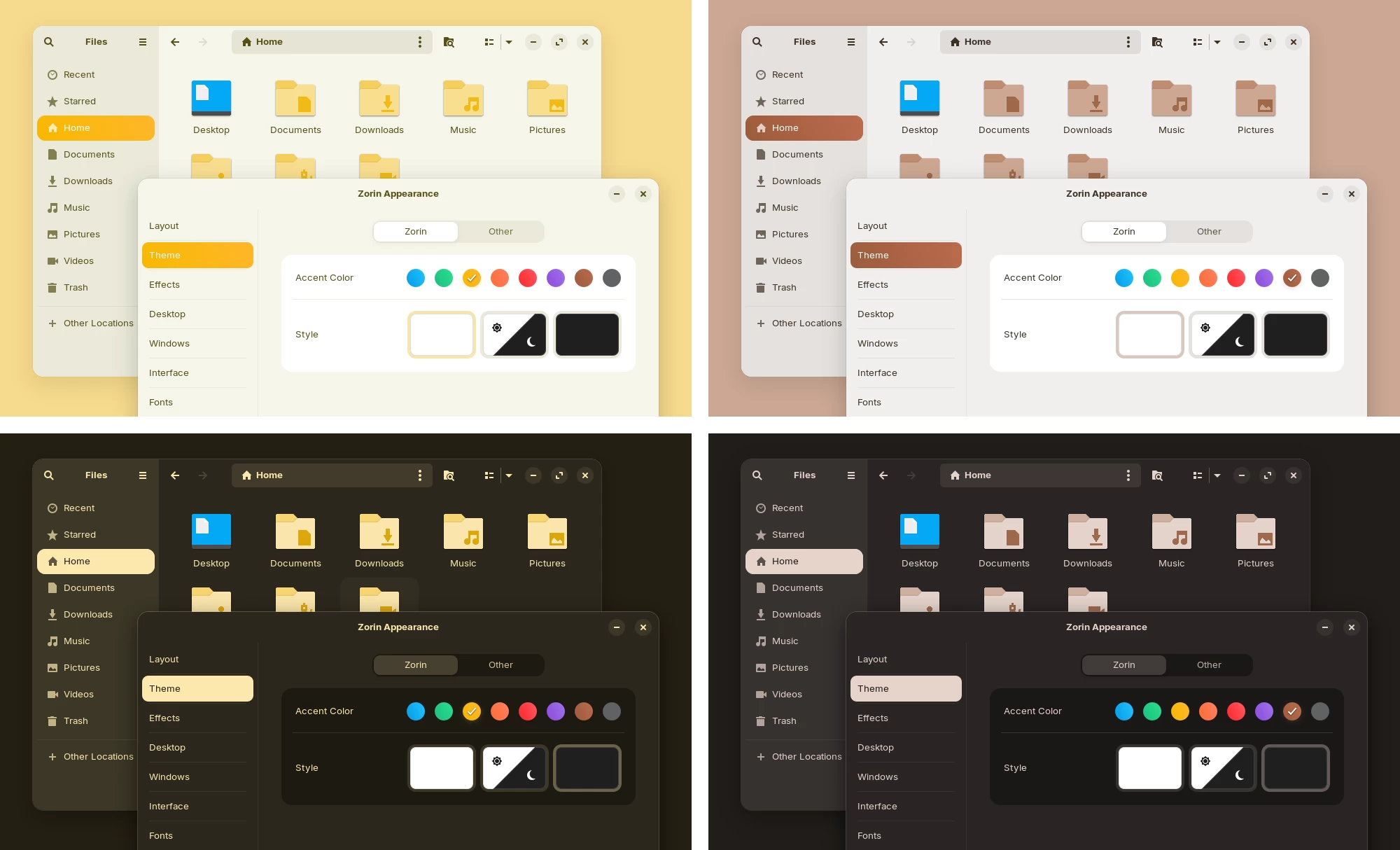
On the topic of visual enhancements, there are two new theme colours, Yellow and Brown, and three additional desktop layouts in the Pro edition: a compact panel, a Linux Mint‑style menu, and an elementary OS‑inspired minimalist view.
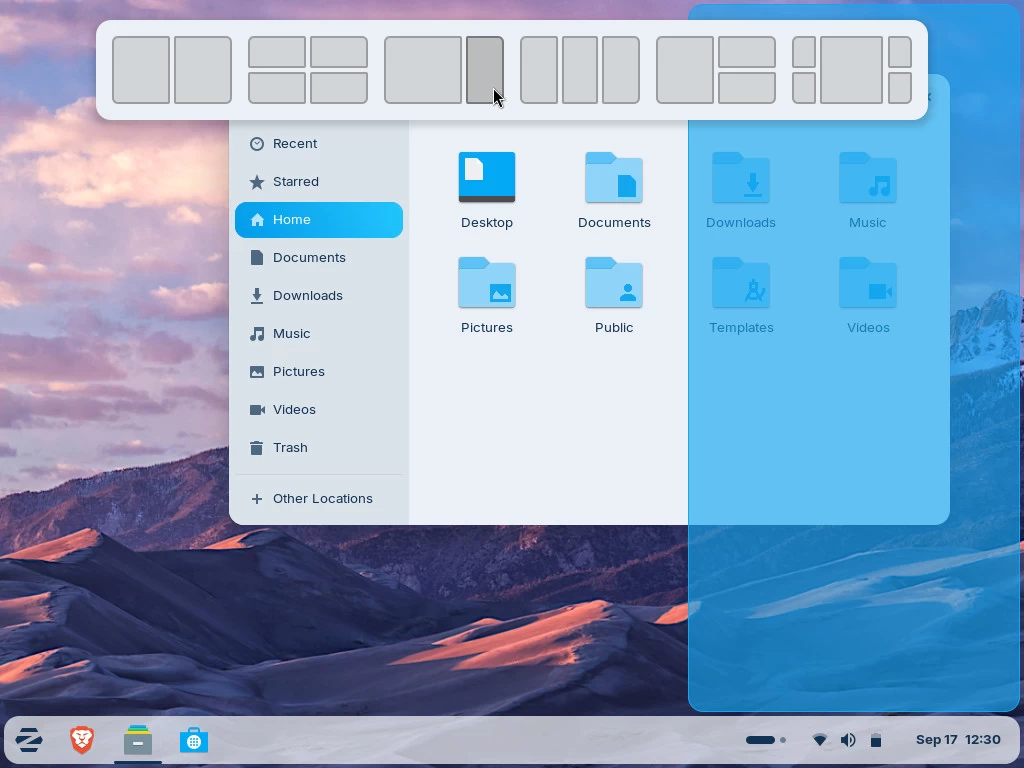
A new default window tiling manager is said to streamline multitasking. Dragging a window to the top of the screen triggers a pop‑up with predefined layouts, allowing users to arrange apps without memorising shortcuts.
The built‑in Web Apps tool is said to turn any website into a desktop application, integrating with popular browsers and appearing in the Start menu alongside native apps. This should help enable easy use of services like Microsoft 365, Teams, Google Docs, and Adobe Photoshop directly from the desktop.
For file access, OneDrive integration has been added to the Online Accounts feature. After signing in via Settings > Online Accounts > Microsoft 365, users can browse and manage OneDrive files from the Files app sidebar.
Zorin Group has also listed all the additional improvements and highlights users can expect:
- Better performance
- Search Everywhere in Files
- Improvements to Zorin Menu
- Remote login with RDP
- Windows open centred by default
- Enhanced audio
- Expanded hardware support
- Long-Term Support until 2029
To try it out, you can download the Zorin OS 18 Core Beta from the official website.