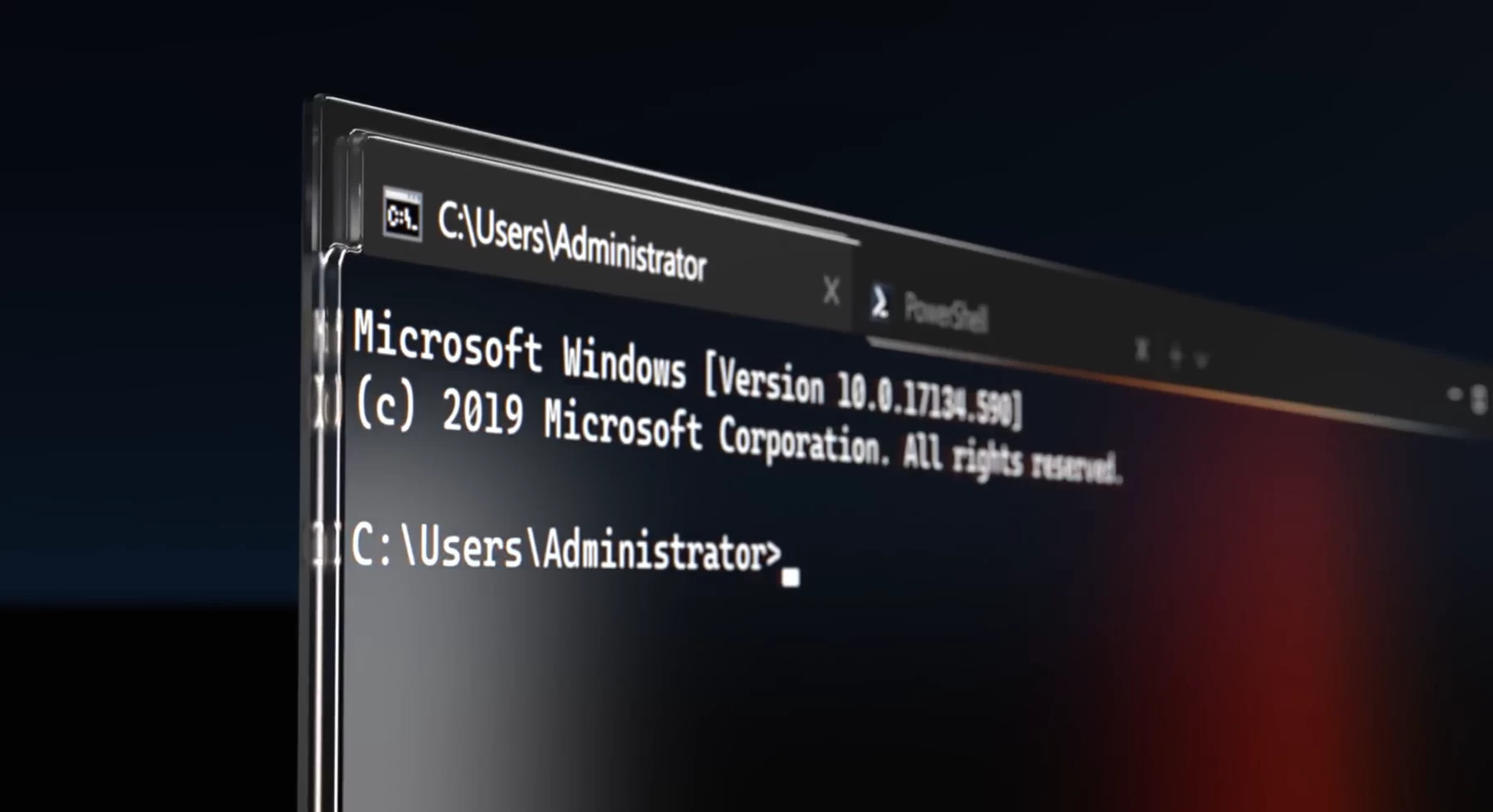
It has been a while since Microsoft released the last big update for Windows Terminal in the Stable Channel. Version 1.22 was released all the way back in February, and while Microsoft released a few minor updates for version 1.22, the next major update, version 1.23, arrived only today, one entire quarter later.
In the release notes for the latest Windows Terminal updates, including the latest preview, Microsoft explained that it took the company that long because developers wanted to focus on stability in version 1.23, plus they backported "hundreds of changes" to today"s release to make it "generally awesome".
In addition to being awesome, the update brings an improved windowing architecture, a reworked UI for the New Tab dropdown menu, more options in the Settings section (previously only accessible in the JSON file), and more. Here is what is new in Windows Terminal 1.23, which is now available:
- A completely new and more reliable windowing architecture, featuring a more robust tray icon, window actions, "summoning" (like, of the Quake window and its assorted demons)
- A whole new UI for customizing your New Tab dropdown menu (!)
- Actually, new settings which were previously JSON exclusives are showing up across the settings interface: bell sounds, compatibility, cell size customization, profile-specific foreground/background, a new spatial "padding" editor, and an icon picker just to name five.
- Drag/drop path translation, with a number of different options to suit most (some?) needs
- Support for applications to control the size of the window using CSI t (DTTERM Window Manipulation) in some cases
- Not forgetting about profiles that temporarily disappear (like if you launch Terminal while Visual Studio was upgrading and we"d permanently forget you ever used Visual Studio)
You can find additional changes, small fixes, and other improvements in release notes for all Windows Terminal 1.23 Preview updates:
- Windows Terminal Preview v1.23.10353.0
- Windows Terminal Preview v1.23.10732.0
- Windows Terminal Preview v1.23.11132.0
- Windows Terminal Preview v1.23.11752.0
- Windows Terminal Preview v1.23.12102.0
You can update Windows Terminal via the Microsoft Store. Additionally, check out the latest update for Windows Terminal 1.24 Preview, which includes bug fixes, stability improvements, and a few minor feature changes.