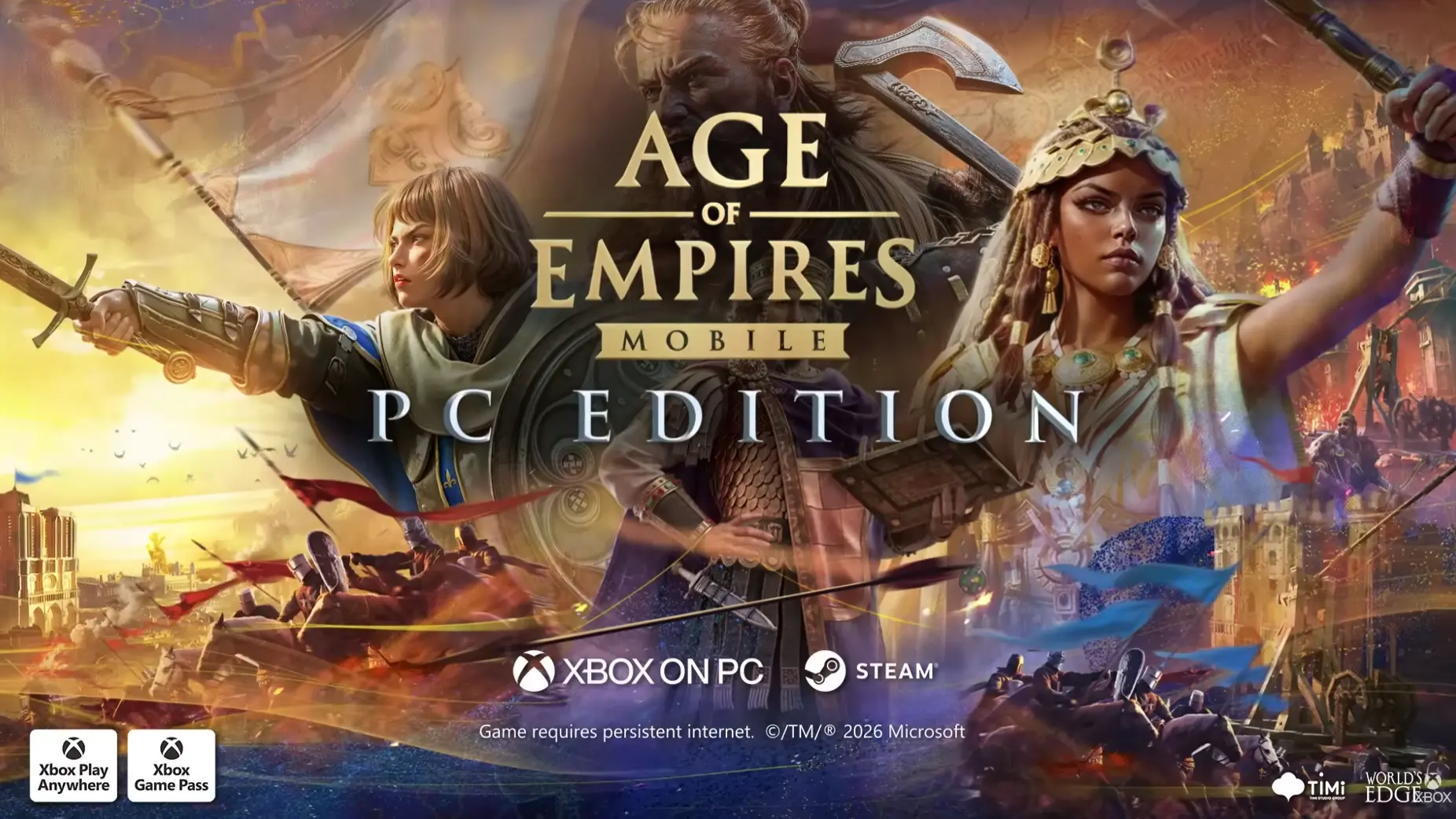
Microsoft just released Age of Empires Mobile for PC. The game, officially called Age of Empires Mobile: PC Edition, is available for free on Steam and Microsoft Store, almost two years after its initial release for handheld devices.
Age of Empires is one of those franchises that entire generations grew up with. The original came out in 1997, and immediately got people hooked to building civilizations and crushing their enemies on the battlefield.
However, the franchise today is a far cry from its roots, as Age of Empires Mobile is, well, a game optimized for handheld devices, and not a classic RTS title we’ve all loved for years. And, of course, it includes in-game purchases.
The PC version is still a mobile game at its core, but it’s been optimized for desktop play. There’s mouse control, full keyboard compatibility, and a refined UI. Microsoft also refreshed the visuals with some 4k textures, so the game should look better on larger screens.
The game supports Crossplay, so you can switch between your phone, tablet, and PC without losing anything. But linked progress doesn’t come out of the box, as you have to enable it first. Here’s how to link your progress:
- On your mobile device, open Age of Empires Mobile.
- Go to Settings (Gear icon) > Account.
- Select Bind Account and choose a sign-in option.
Once you enable account binding, sign in on PC using the same method, and your progress will be accessible across all your devices.
Xbox Game Pass subscribers also get a bonus reward pack on PC, which includes:
- 1 Monthly Pass Token
- 1 Custom Resource Chest
- 10 Universal 60-Minute Speed-Ups
- 1,000 Empire Coins
- Exclusive Player Portrait Frame
You can find more info about Age of Empires Mobile: PC Edition, as well as download links, on the Age of Empires official website.