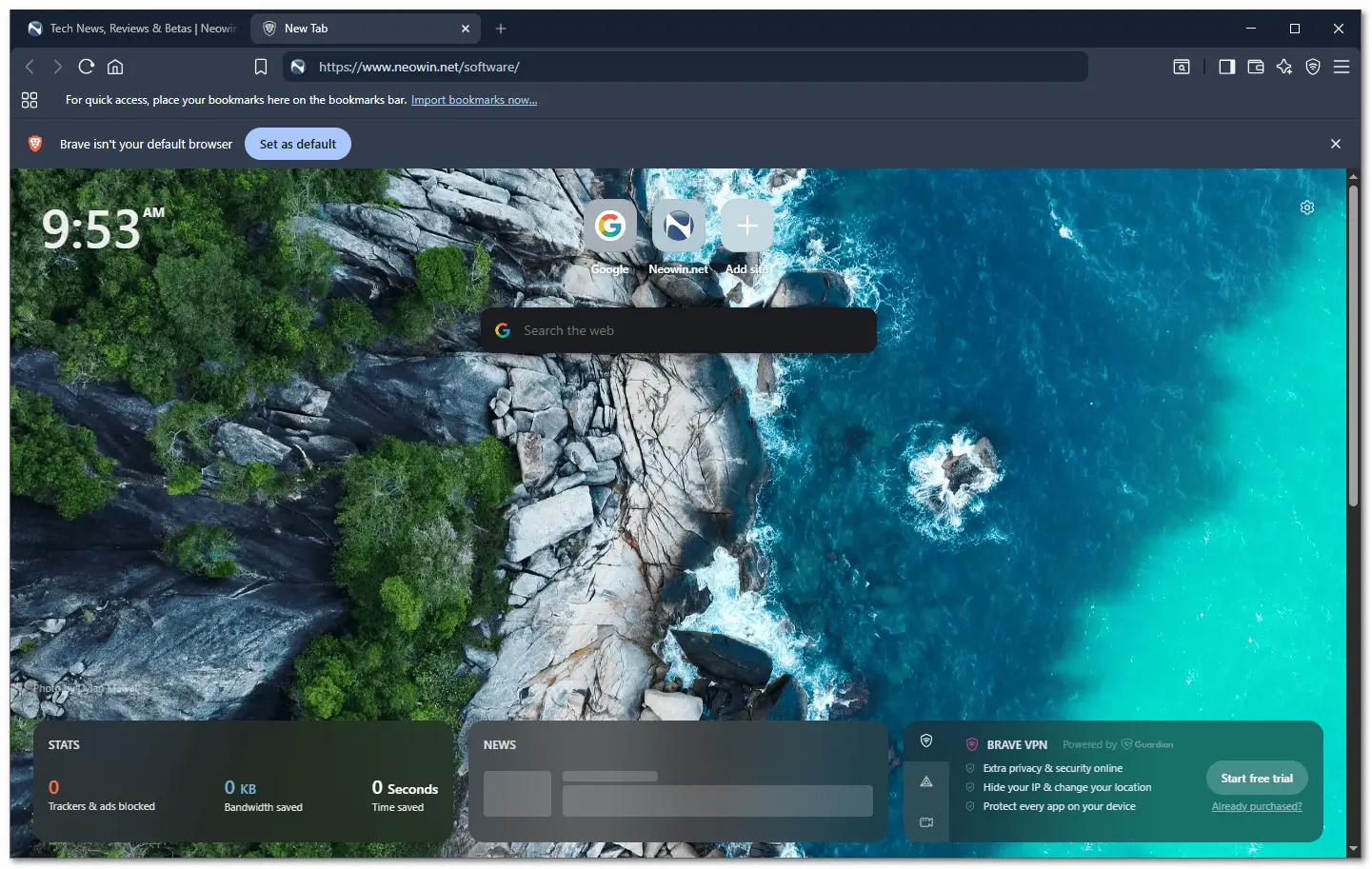
Brave Browser is a lightning-fast, secure web browser that stands out from the competition with its focus on privacy, security, and speed. With features like HTTPS Everywhere and built-in tracker blocking, Brave keeps your online activities safe from prying eyes. Brave is one of the safest browsers on the market today. It blocks third-party data storage. It protects from browser fingerprinting. And it does all this by default.
Speed - Brave is built on Chromium, the same technology that powers Google Chrome, and is optimized for speed, providing a fast and responsive browsing experience.
Brave Browser also features Brave Rewards, a system that rewards users with Basic Attention Tokens (BAT) for viewing opt-in ads. This innovative system provides an alternative revenue model for content creators and a way to support the Brave community.
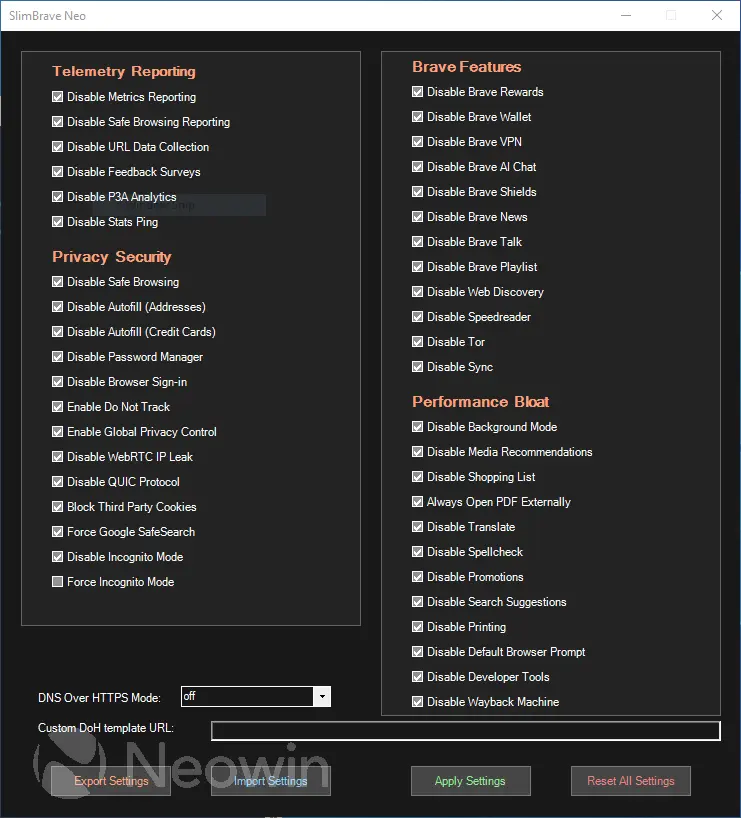
SlimBrave Neo takes all the good things about Brave and makes them even better by keeping everything clean, light, and privacy-focused. It removes the extra clutter, turns off features you might not need, and cuts down on anything that could slow you down or collect unnecessary data. Because it relies on simple settings and policies instead of modifying the browser itself, you still get full Brave compatibility—just in a smoother, lighter, and more privacy-friendly package.
Brave Browser 1.92.134 changelog:
Web3
- Added the ability to hide derived Brave Wallet accounts. (#19761)
- Added alert toast notification after account creation. (#55222)
- Updated “Create Account” modal UI. (#55180)
- Updated “Create Account Selector” modal UI. (#54947)
- Updated “Import Account” modal UI. (#55185)
- Updated “Native Asset” to be prioritized at the top of the “Select Token” modal. (#55500)
- Updated long RPC URLs to wrap in the “Add” and “Switch” network panels. (#55141)
- Updated “Request feature” button with “Report an issue” button. (#55471)
- Fixed inability to transfer SPL Token-2022 tokens. (#55454)
- Fixed “Buy” screen being reset to ETH account/address after wallet is automatically locked. (#53554)
- Fixed Meld opt-in modal being shown even after wallet is reset. (#46657)
Leo
- Replaced “Task” tabs with “Progress” bubble. (#52288)
- Fixed focus stealing loop which could occur in certain cases. (#55319)
- Fixed issue where attaching files did not show progress while they were being processed. (#55694)
- Fixed input box not receiving focus after a tool is selected. (#52950)
- Fixed task UI displaying each time a tool is used. (#55382)
- Fixed array definitions being escaped in code markdown. (#55248)
General
- Added Containers feature (being rolled out in phases using Griffin starting at 25%). (#46349)
- Improved UI/UX for vertical tabs. (#56815)
- Improved adblocking. (#55430)
- Updated Brave Shields icon to display on Progressive Web App (PWA) windows. (#7715)
- Updated settings under “Social media blocking” section of brave://settings/shields to be per-profile. (#55277)
- Replaced known Web Store MV2 extensions with Brave-hosted equivalents. (#56654)
- Fixed errors in macOS PKG “postinstall” script. (#39567)
- Upgraded Chromium to 150.0.7871.63. (#56791)
Download: Brave Browser 64-bit | 1.2 MB (Freeware)
Download: Brave Browser 32-bit
View: Brave Homepage | Offline Installers | Screenshot