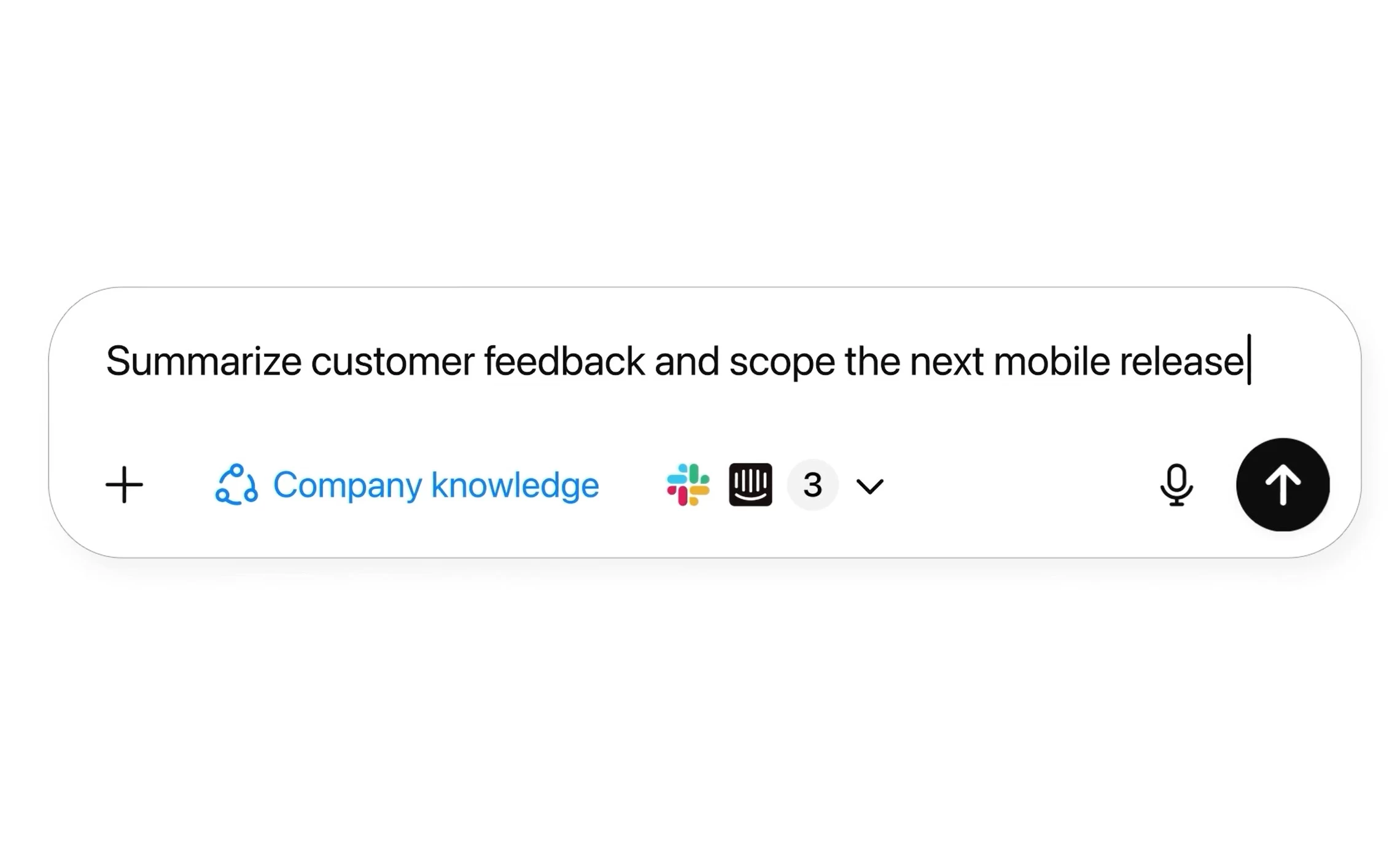
One of the biggest advantages of Microsoft 365 Copilot over ChatGPT is the availability of connectors that can bring in unstructured, line-of-business data into Microsoft Graph. With connectors, Microsoft 365 Copilot can reason over data available in third-party apps and respond with proper citations. Today, ChatGPT is getting a similar feature named company knowledge.
The Company knowledge feature is powered by a version of the GPT-5 model that is trained to look across multiple enterprise sources—like Slack, SharePoint, Google Drive, and GitHub—to give comprehensive and accurate answers. ChatGPT"s response will also include clear citations so you can see which enterprise source is behind the response.
Here"s how it works:
- Open ChatGPT, and tap “Company knowledge” under the message composer. (It is important to note that you must connect your enterprise apps with ChatGPT to use this feature.)
- Enter your prompt and hit enter.
- While ChatGPT is searching through your enterprise data, you can follow along in the sidebar to see what it’s looking at and how it’s using the information.
- When ChatGPT finally presents the response, you’ll see exactly what sources it used to inform its response, along with the specific snippets it drew from.
- You can also click on any citation to open the original source for more details.
It is important to note that ChatGPT can’t search the web or create charts and images when you enable the company knowledge feature. But the good thing is that you can turn it off after getting the desired company-grounded response and continue working in the same conversation to use these capabilities. In the coming months, OpenAI has plans to enable company knowledge with ChatGPT’s full list of features.
This new company knowledge feature is now rolling out for ChatGPT Business, Enterprise, and Edu users. In other related news, OpenAI announced that ChatGPT project sharing is now available to all users, Free, Plus, Pro, and Go, globally across the web, iOS, and Android. ChatGPT Pro users can have up to 40 files and 100 collaborators, Plus and Go users can have up to 25 files and 10 collaborators, while Free users can have up to 5 files and 5 collaborators.