Microsoft recently increased the price of the Microsoft 365 subscriptions, and to make up for that, the company added some AI features, giving subscribers access to various premium Copilot features. Now, the list of AI-powered features in Office apps has been expanded with design ideas in PowerPoint.
Design ideas in PowerPoint are not a new concept. PowerPoint already provides access to suggested designs in Microsoft Designer. This feature is available for all Microsoft 365 users, even those on cheaper plans that exclude AI-powered features. However, if you are on the more expensive plan or have a Copilot Pro license, you can ask Copilot to help you get over your creativity block when designing your next presentation. Just keep in mind that besides a Copilot license, this feature requires an active and stable internet connection.
Microsoft says the update "aims to elevate your presentation experience by providing a broader range of creative options, and ensuring that your slides not only convey information effectively but also captivate your audience visually."
You can access Copilot ideas in PowerPoint by clicking "Design Suggestions" on the Home tab in PowerPoint for Windows and Mac. The app will open a sidebar and list several design variants you can use for your presentation, generated by Copilot, plus some content from Microsoft Designer.
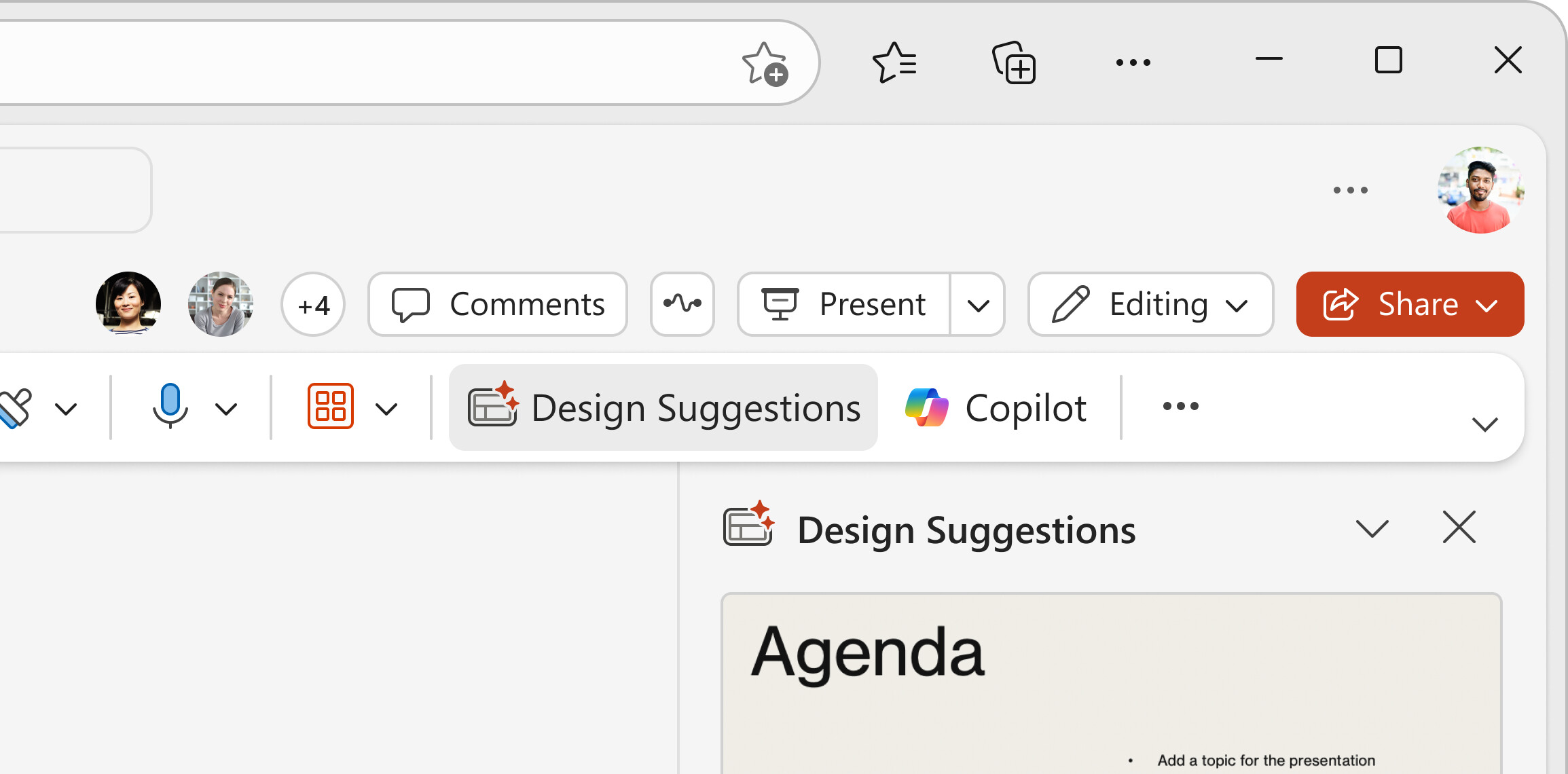
Design Suggestions is now rolling out to Microsoft 365 Insiders with Copilot licenses. If you are eligible for this feature, make sure you are on version 2505 (build 1882.20006 on Windows) or 16.97 (build 25040216 on macOS). As of right now, it is only available in the desktop version of PowerPoint, but Microsoft promises to release it for the web version as well.
Design Suggestions joins the other Copilot-related features that Microsoft recently brought to PowerPoint. A few weeks ago, the company introduced the ability to create PowerPoint slides from files with the help of Copilot.