If you read Neowin religiously (like you, and all your friends and family should, btw), then you may be feeling a sense of déjà vu; don"t worry, you"re not going mad! We really do have a second Eureka robot vacuum review in the space of a few weeks, but this time it is for the new J15 Max Ultra, which goes on sale today.
This means that this review will be quite similar to the last one, but I implore you to check it out anyway, because there are differences between the Pro and Max models. So consider this my formal apology for parroting the bulk of this review if you read the previous one; however, my time spent testing the Max model and imagery is all new! So let"s get underway.
Eureka was originally founded in 1909 in Detroit, Michigan, but was taken over in 2016 by the Chinese company Midea Group. Eureka still manufactures aftermarket vacuum accessories, such as bags, belts and filters in the United States.
With that out of the way, first a disclaimer: Eureka provided the free sample without any editorial input or review pre-approval.
Now, some specifications:
| J15 Max Ultra | J15 Pro Ultra | J15 Ultra | |
|---|---|---|---|
| Navigation | Lidar SLAM | Lidar SLAM | Lidar SLAM |
| Obstacle Avoidance | Line Laser + RGB Vision Sensor + LED Light + Infrared Vision Sensor + Infrared Array Emitter | Line Laser + RGB Vision Sensor + LED Light | Line Laser + RGB Vision Sensor + LED Light |
| IntelliView AI Version | 2.0 | 1.0 | 1.0 |
| Suction Power | 22,000 Pa | 16,200 Pa | 19,000 Pa |
| FlexiRazorB6 | Y | Y | Y |
| Roller Brush Lifting | Y | Y | * |
| Auto Mop Lifting | Y | Y | Y |
| SweepExtend | Y | * | * |
| ScrubExtend | Y | Y | Y |
| AI Carpet Detection | Y | Y | Y |
| Crossing Height | 3+1 cm / 1.18+0.39" | 2 cm / 0.78 inches | 2 cm / 0.78 inches |
| Battery Capacity | 6400 mAh | 5200 mAh | 5200 mAh |
| Station Dimensions Robot HWD (inches) | 18.4 x 15.5 x 18.0 4.6 x 13.9 × 13.9 | 18.4 x 15.5 x 18.0 4.6 x 13.9 × 13.9 | |
| J15 series warranty Battery warranty | 2 years 1 year | 2 years 1 year | 2 years 1 year |
| MSRP | $1,199 | $999.99 | $699.99 |
As you can see from the above table, the Max model"s MSRP is $200 more expensive than the Pro"s, but this time the Max actually gets some meaningful upgrades, unlike that between the standard J15 and Pro models.
Warranty
Interestingly, Eureka provides two years of warranty for the robot vacuum and Base Station, but only one year for the battery inside the J15 Max Ultra robovac (page 28). If I were to make a comparison, Samsung provides two years of warranty for their smartphones, which includes the battery. Make of that what you will.
First impressions
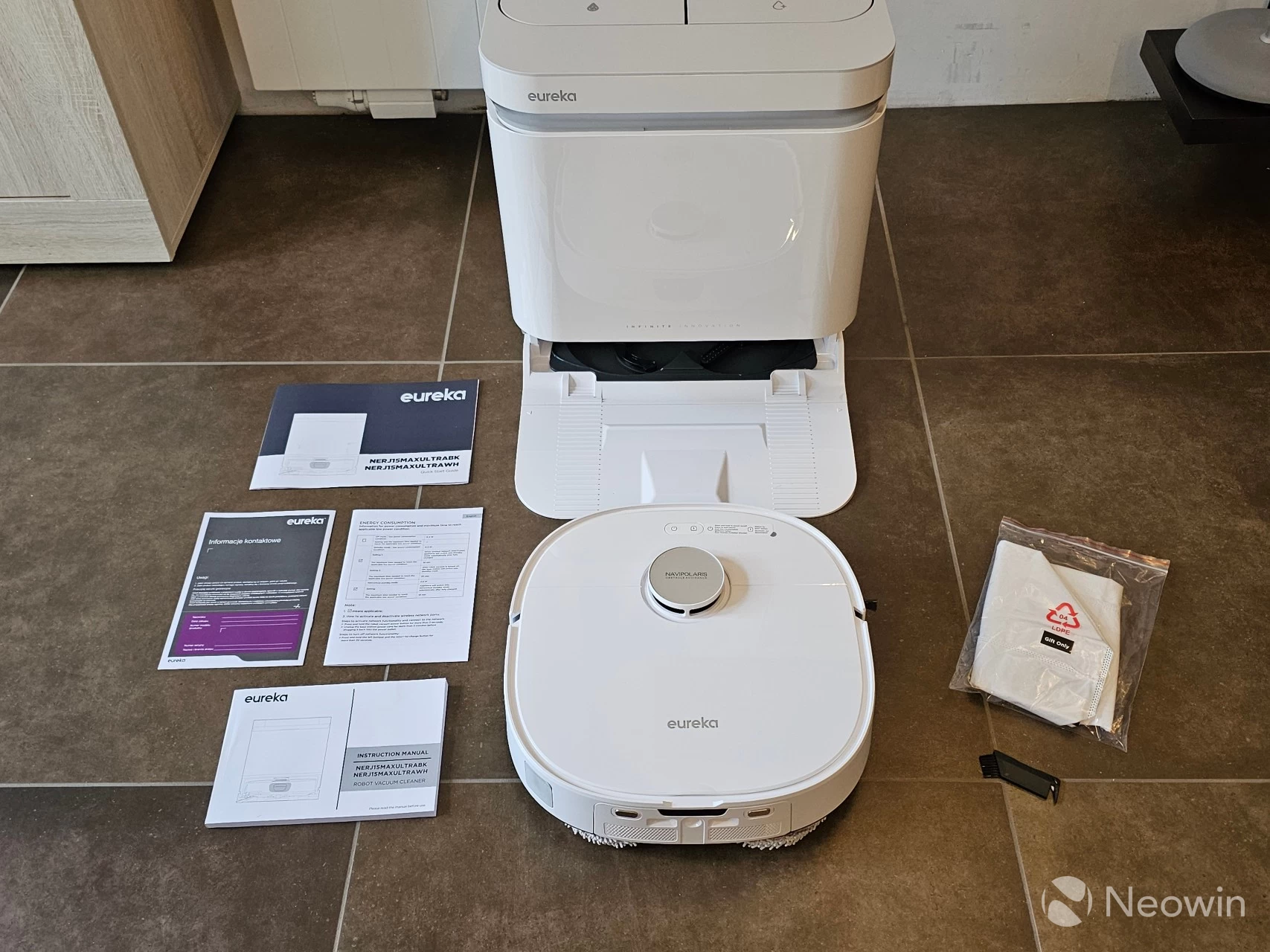
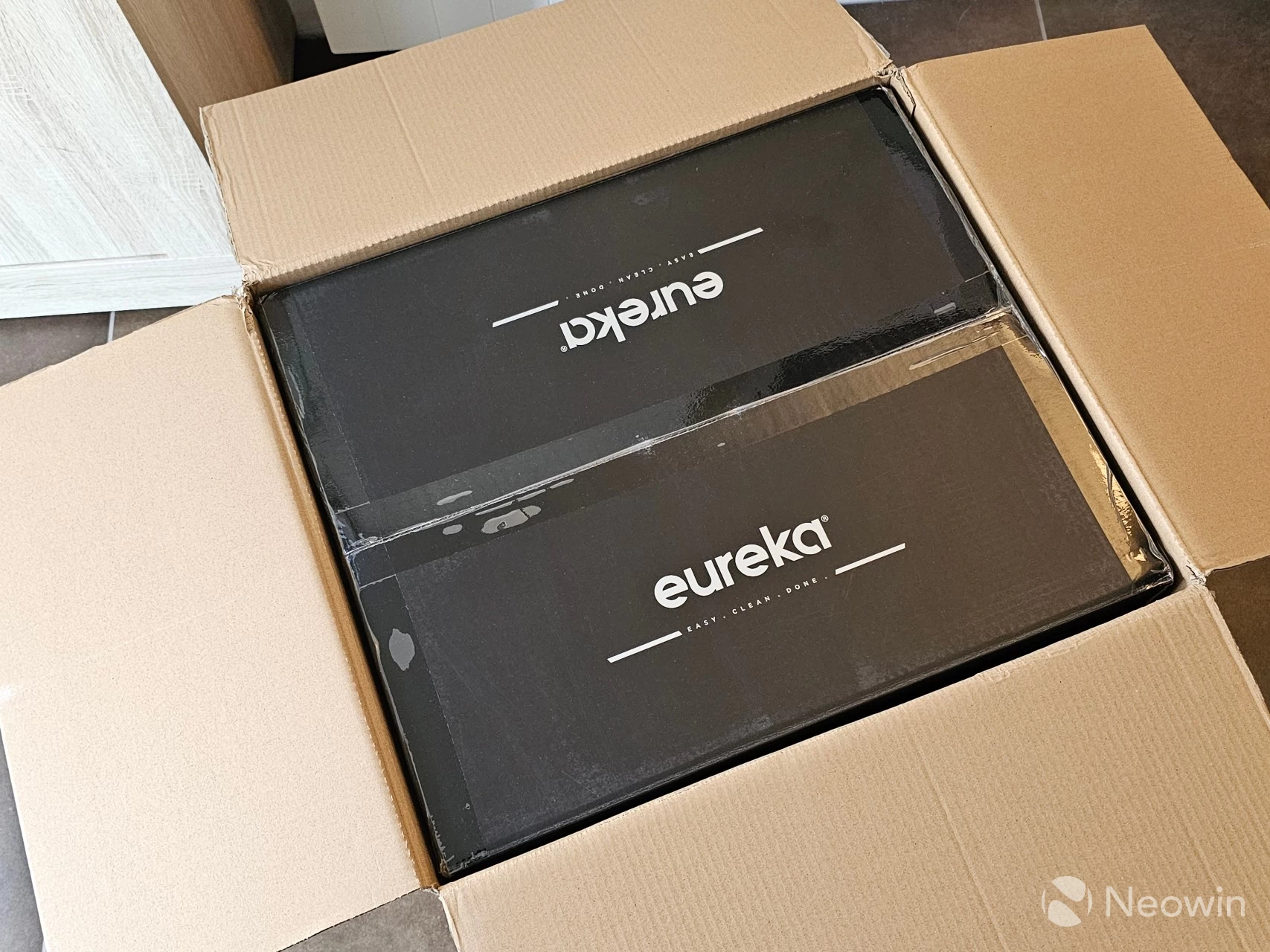
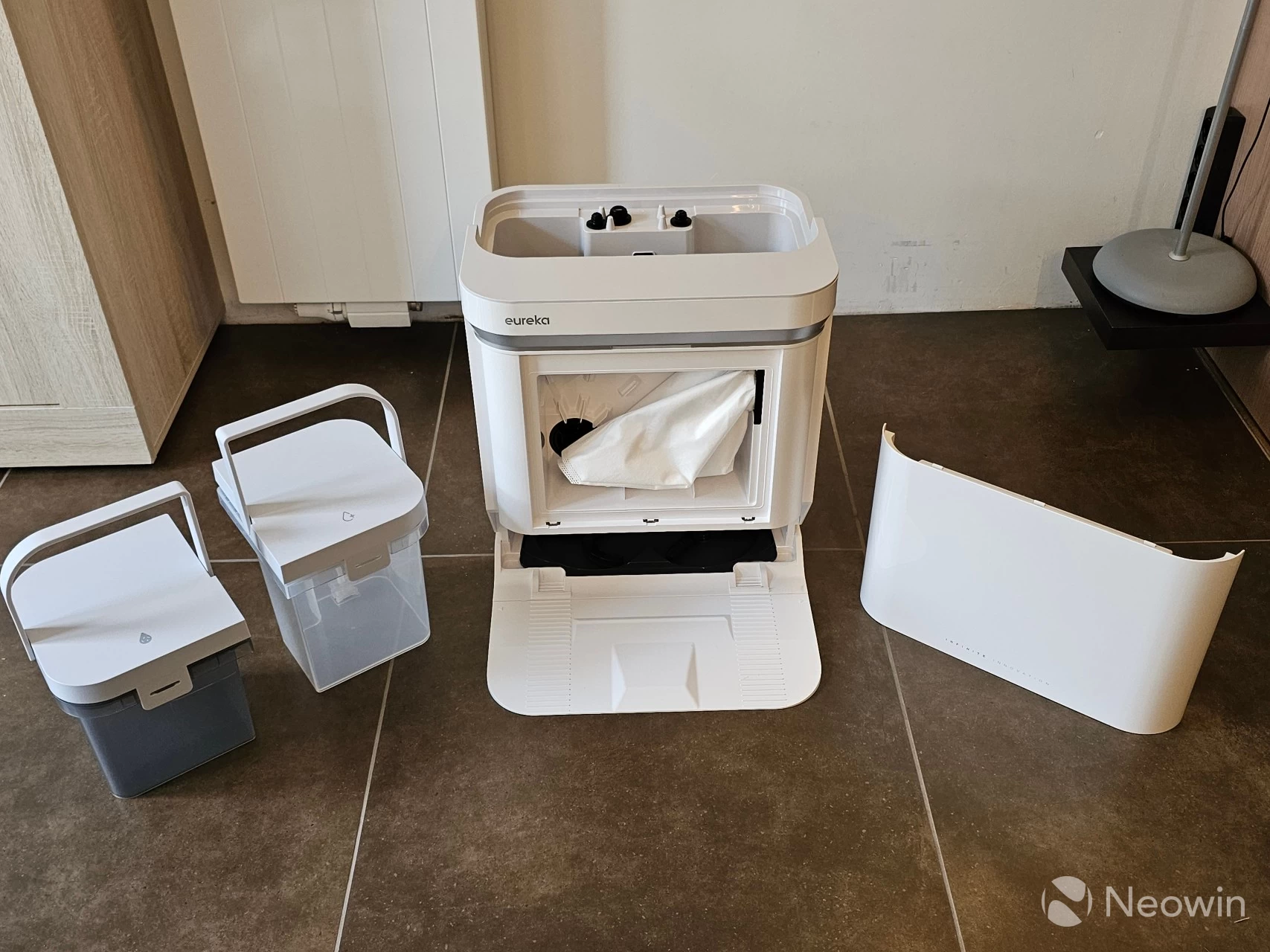
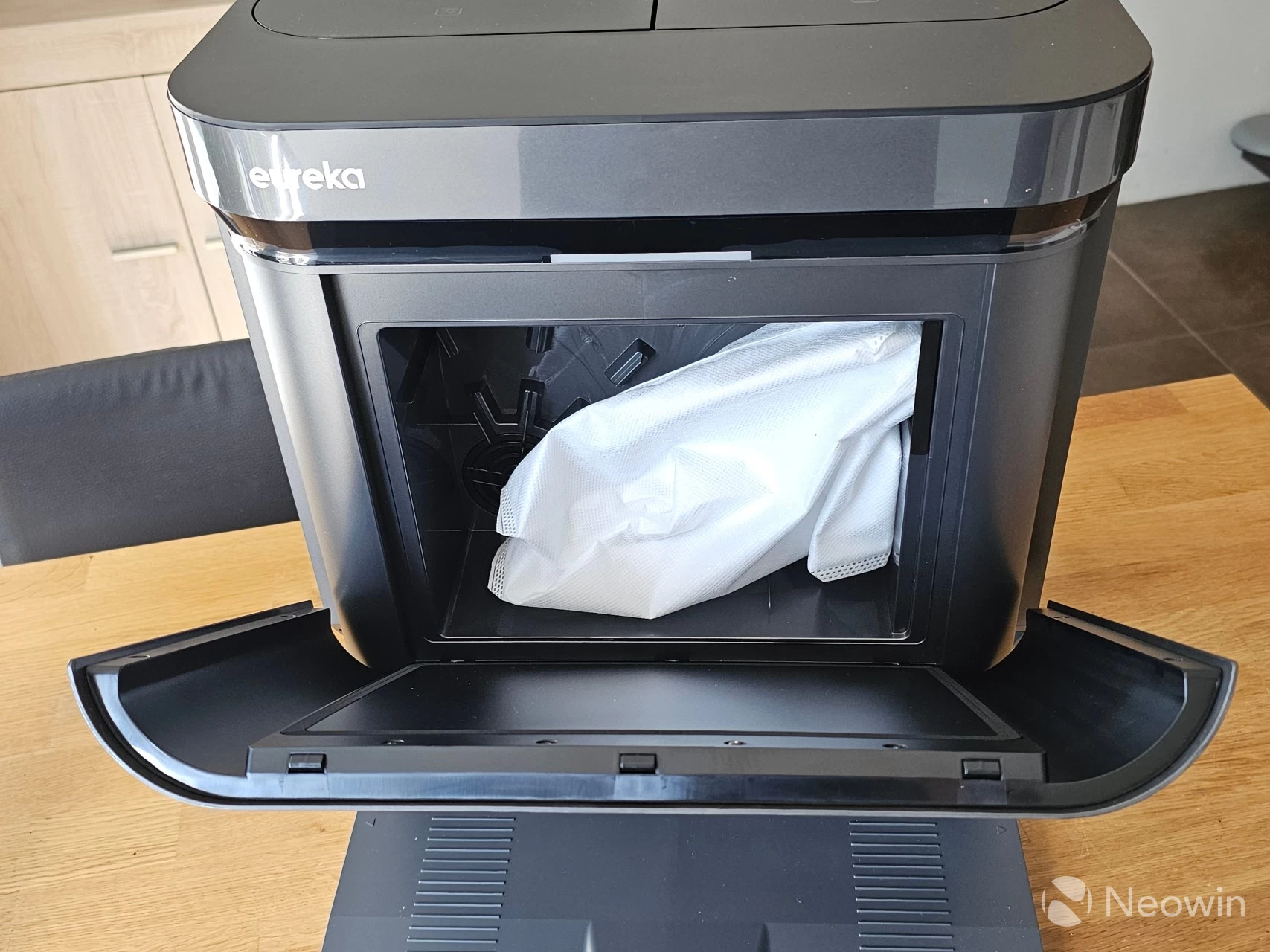
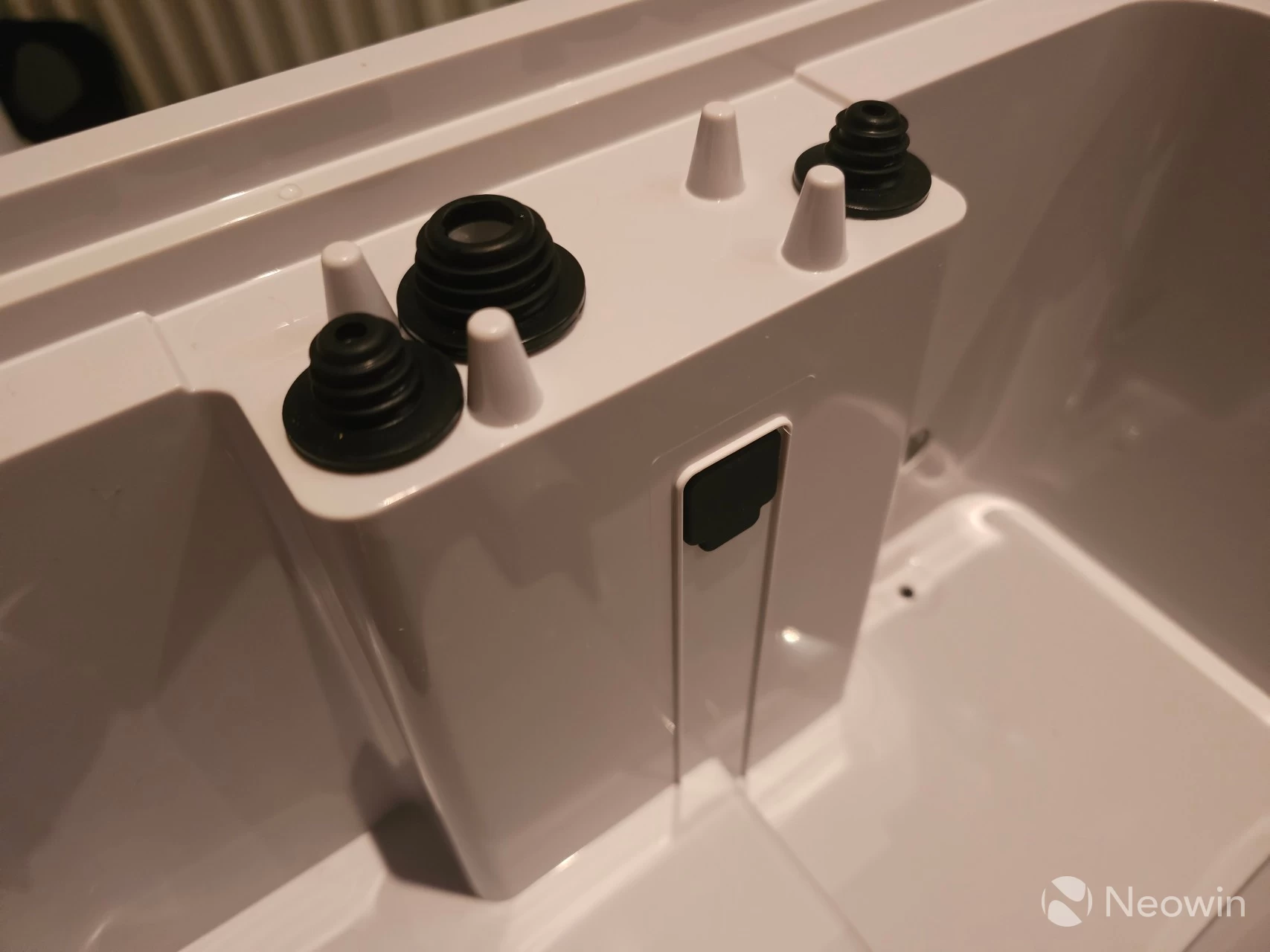
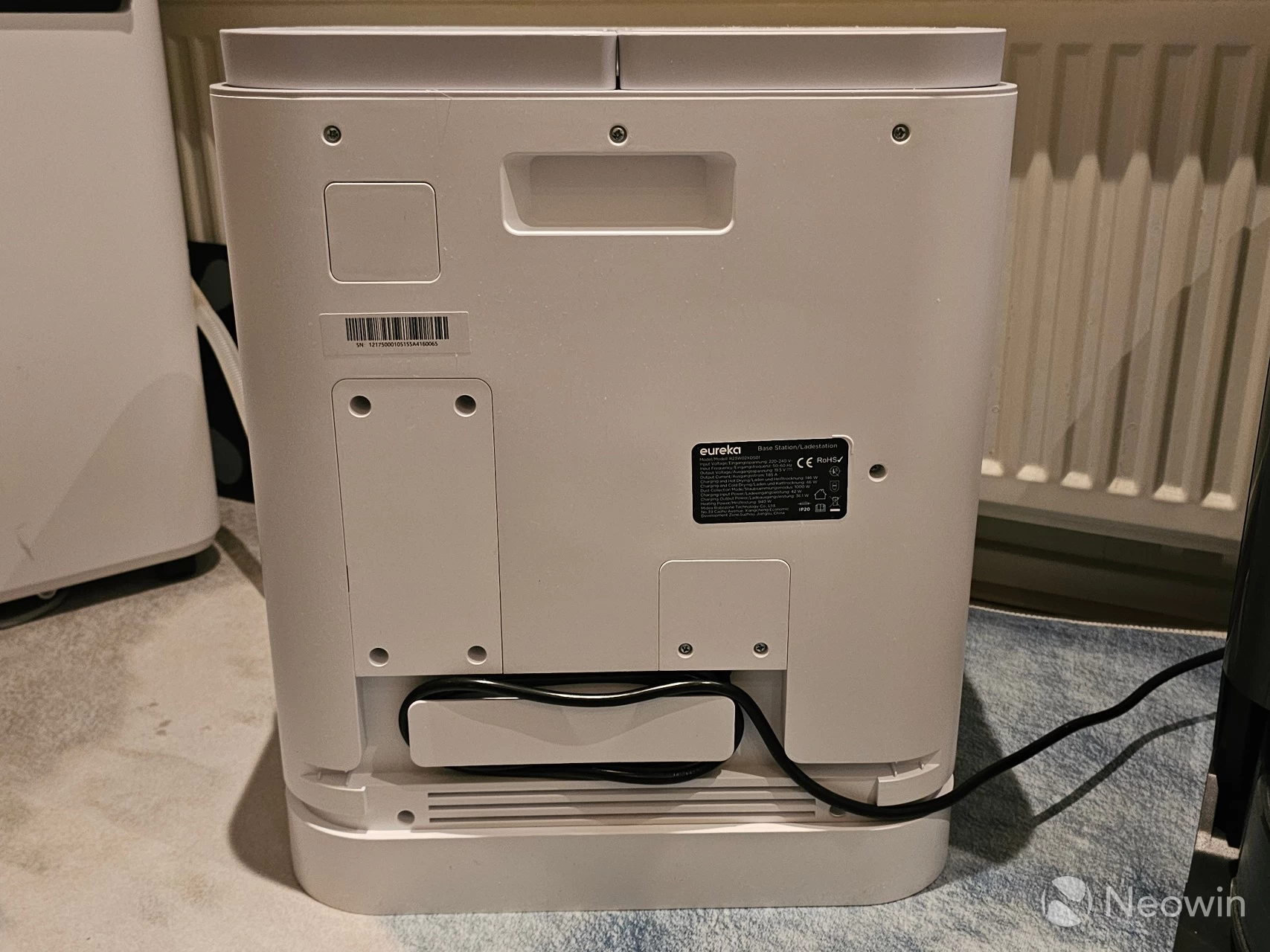
The company sent me the J15 Max Ultra, which, by the way, is now their flagship product. It came in a big box, which included the Base Station, which is rather large in itself. The station is almost 45.8 cm (18.03") deep, 39.5 cm (15.55") wide, with a height of 46.8 cm (18.42"). It houses the trash bag, which was pre-installed, and two water tanks, one for clean water and the other for dirty water.
Unlike the Narwal Freo Z Ultra with which I am still making a direct comparison, the J15 Pro Ultra does not have a top lid; the top is literally the two water tanks with a front bezel, it actually looks pretty tidy, and is extremely practical as well.
In the box:
-
J15 Max Ultra Robovac x 1
-
Roller Brush x 1 (pre-installed)
-
Mop Pad x 2 (pre-installed)
-
Base Station Dust Bag × 1 (pre-installed)
- Base Station × 1
- Mop Cleaning Tray × 1 (pre-installed)
- Clean Water Tank × 1
- Dirty Water Tank × 1
Included Accessories:
- Extension Ramp × 1
- Side Brush × 1
- Cleaning Brush
- User Manual
Manufacturer claims
It"s only fair to include the claims made by the manufacturer here, too, as they are part and parcel of the selling points and highlights for this model. They are in no particular order and taken from the review brief sent to me by my contact. I bolded the differences from the J15 Pro Ultra.
- Elegant and Functional Design
- Powerful Suction of 20,000 Pa
- Cut Through Hair Wrap with FlexiRazor™
- Clean Edges Like Never Before with ScrubExtend
- Automatically extend the sidebrush upon detecting corners and edges with SweepExtend
- Intelligent Strategizing with IntelliView™ Al 2.0
- IntelliView™ Al-Powered Obstacle Avoidance
- Self-Cleaning Base Station
Here is a more detailed overview of IntellView 2.0 and SweepExtend straight from the manufacturer, and as you will see further in the review, I was able to corroborate the claim about transparent liquid stains.
IntelliView™ AI 2.0, an advanced technology that integrates an infrared vision system and an FHD vision sensor. This combination allows the robot to generate two types of views in real-time: high-definition images of the objects and their surface structures largely unaffected by ambient light. These images are processed by powerful AI algorithms trained to identify subtle differences in surface reflections and texture, enabling the robot to detect objects clearly, even transparent liquids.
SweepExtend. These innovations allow the mop and side brush to automatically extend upon detecting corners and edges, delivering a more complete cleaning.
With that out of the way, let"s continue with my findings.
Design
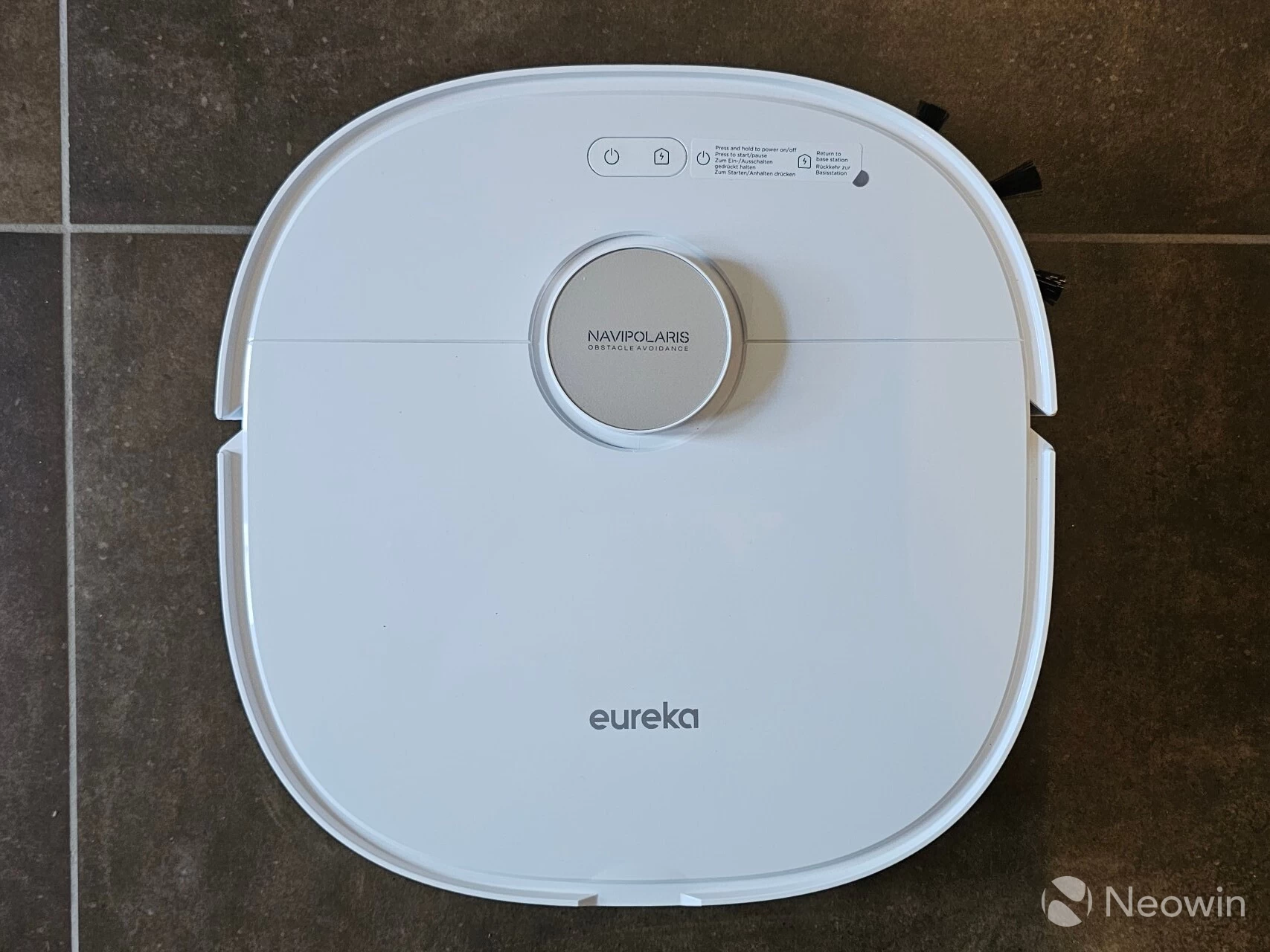
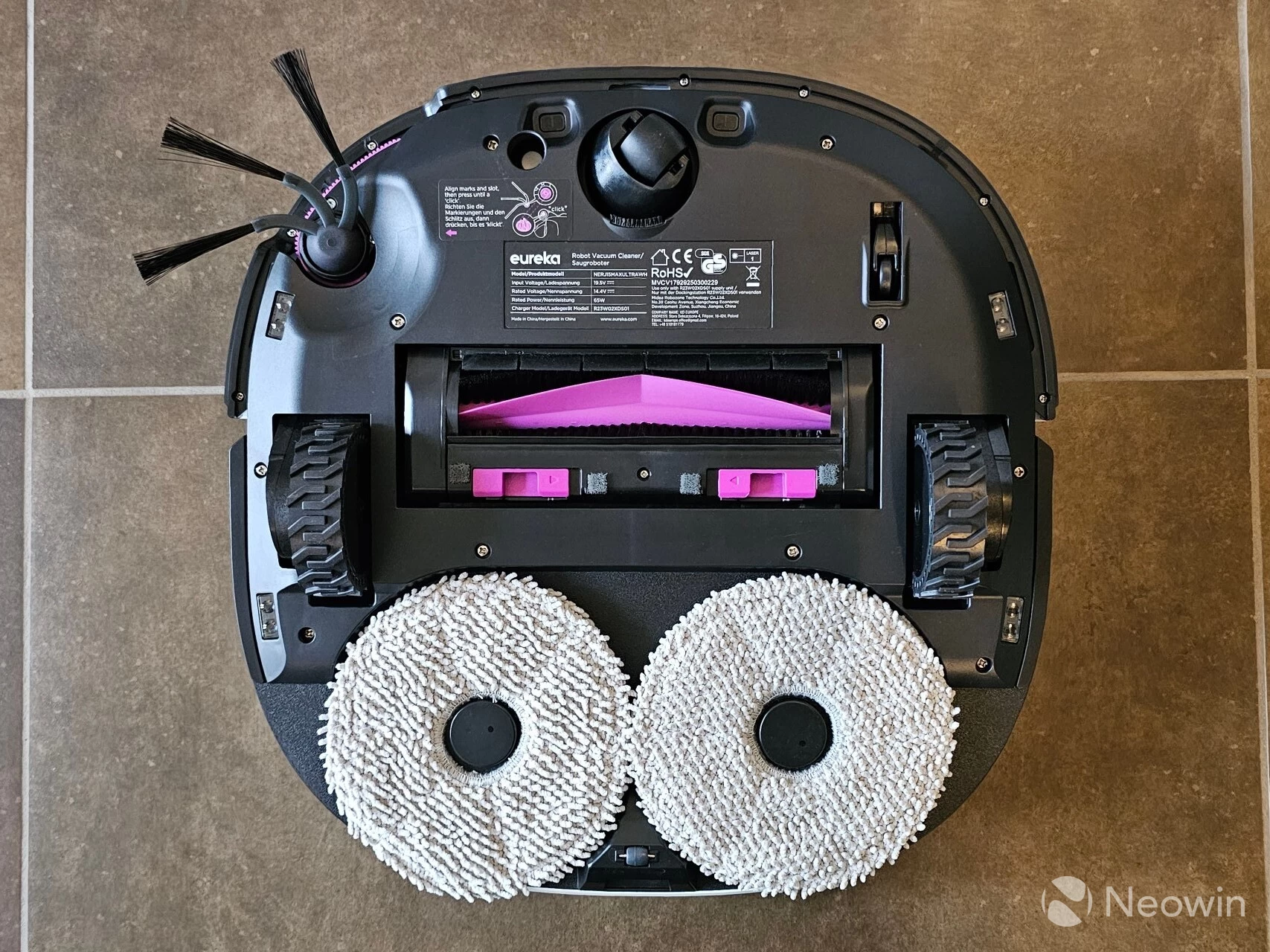
The J15 Max Ultra looks exactly the same as the J15 Pro Ultra. The main differences are that it is white instead of a grey/brown color, and the camera array on the front of the robot looks different. The side brush also looks different because it is extendable, whereas on the Pro it is hidden under the robot, aside from the protruding brush.
The design itself follows a traditional design that you will find on many robovacs; however, as with the Pro, the robot is not a complete circle, it"s more of a squircle (which you may remember from the Galaxy Watch8 announcement) with a raised central "tower" that houses the LIDAR SLAM system. The robot itself is 35.4 cm (13.9") wide, 35.5 cm (13.97") deep, with a height of 11 cm (4.33"). The station looks quite nice and does not look out of place in my (mostly) white kitchen with a brown tiled floor, and a good amount of wood color finish. All in all, it looks great, doesn"t look out of place. The finish is a mixture of matte and glossy white, with a single light indicator on the top.
At the bottom is where you will start to see the difference, and what makes it a bit more unique. Rather than a cloth attachment, which is what you will find on most robovacs that mop, the J15 Max Ultra has two full spinning mop attachments and one sweeper.
Size comparison
| Freo Z Ultra and J15 max Ultra | J15 Max and Pro Ultra | J15 Pro Ultra and Freo Z Ultra |
|---|---|---|
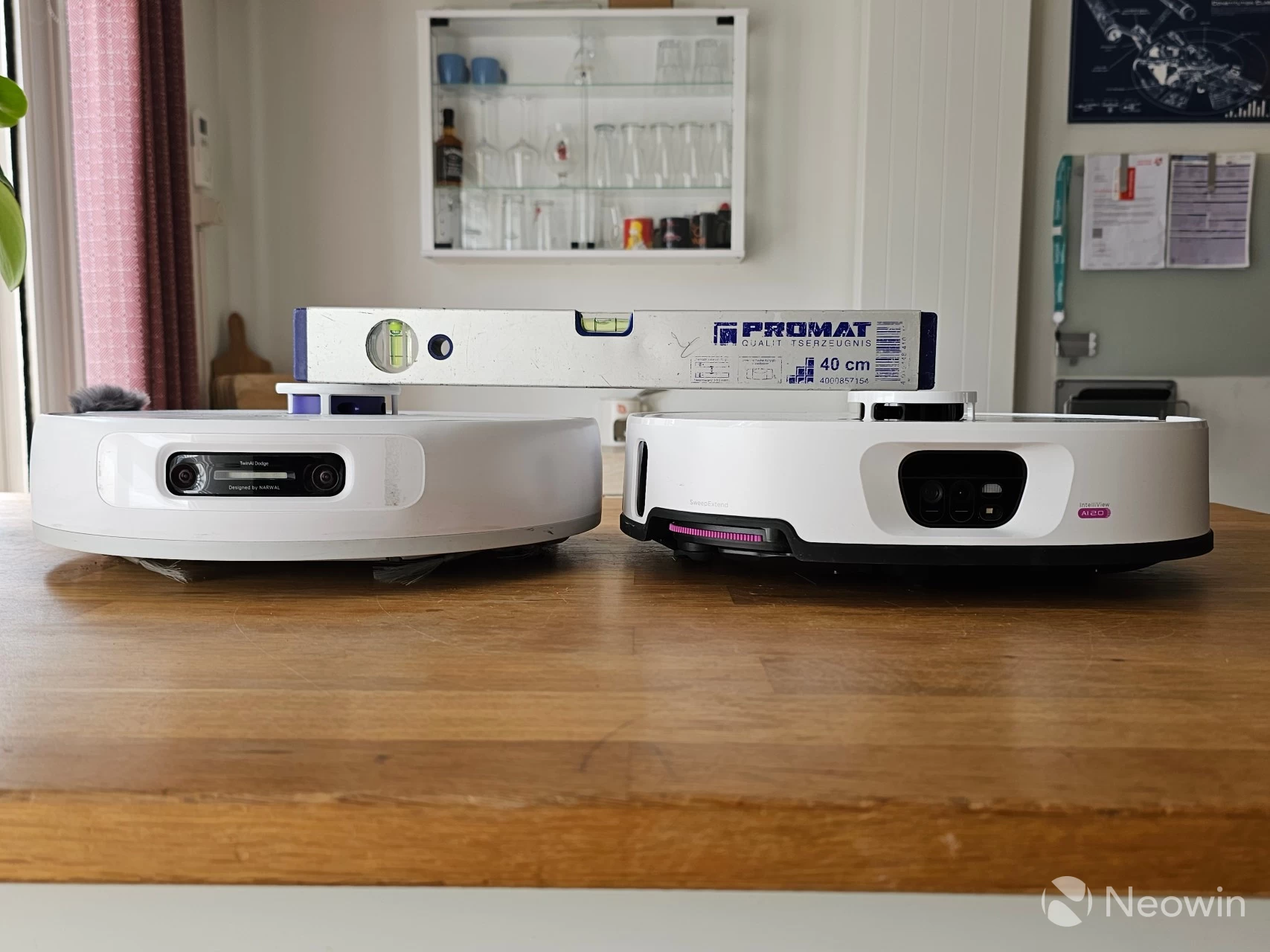
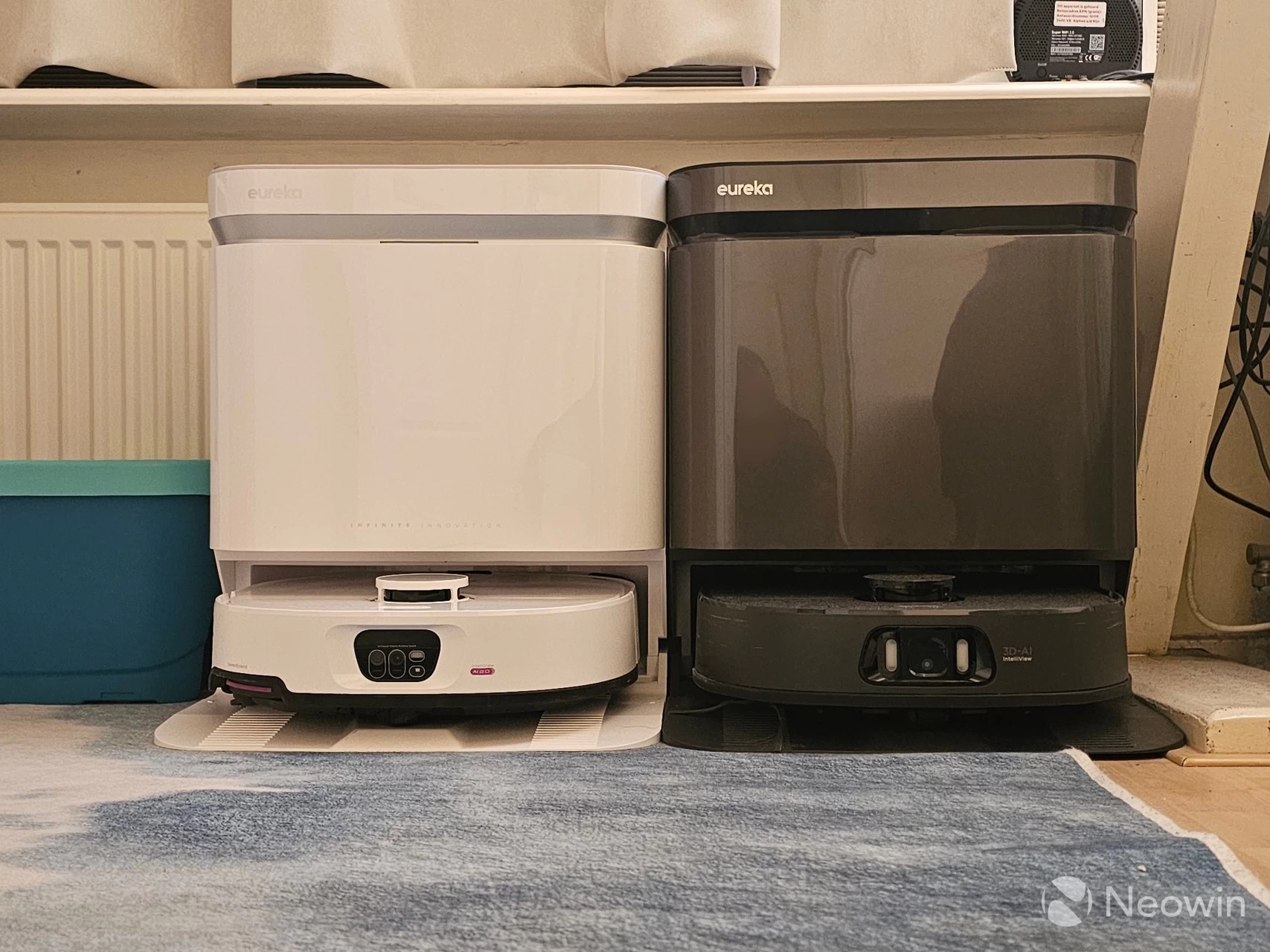
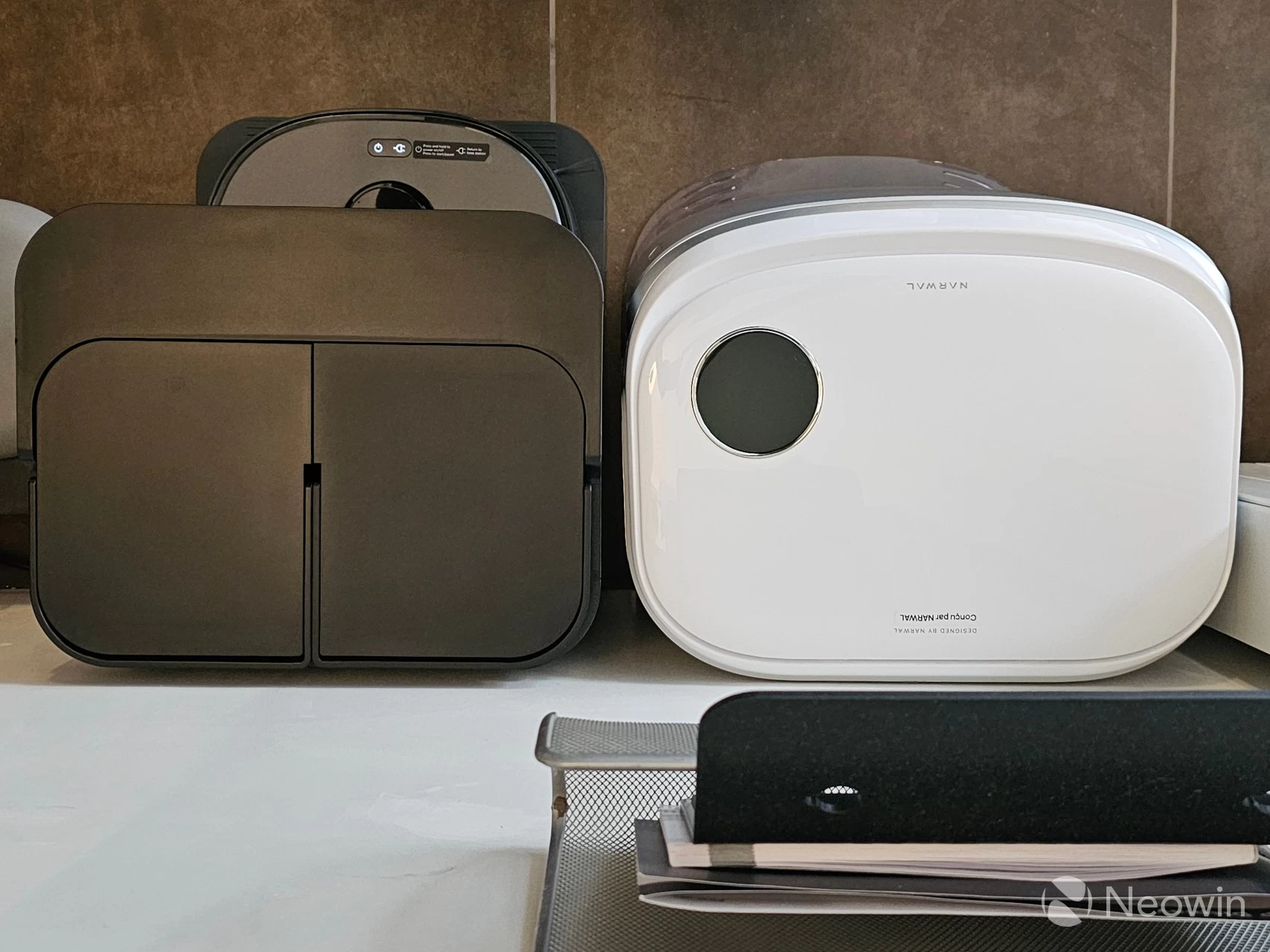
Since the base station is the same size as the Pro, and because the Max is upstairs as I write this, I left the previous footprint comparison. Side by side with the Narwal Freo Z Ultra, you can see that although the J15 Pro/Max Ultra"s base station is taller, it is not as wide, thanks to the robot not completely entering the base station like with the Narwal; this results in a larger footprint on the wall. The J15 Pro Ultra robot itself is also slightly smaller in height, which you can see where I have placed a spirit level, which is a bit odd because Narwal claims it has the same 11cm height, obviously not!
Getting started
First of all, you will have to download the Eureka app, which you can look for on the Apple App Store or Google Play, or scan the QR code on the Quick Start card that is included in the box. The Eureka turns on if you dock it to the charge port or by holding down the standby button for three seconds. Once you have the app installed on your phone, you can add the J15 Max Ultra robovac by scanning the QR code located on the robot itself under the top lid (or by manually choosing it in the app). The app will guide you through connecting it to your Wi-Fi.
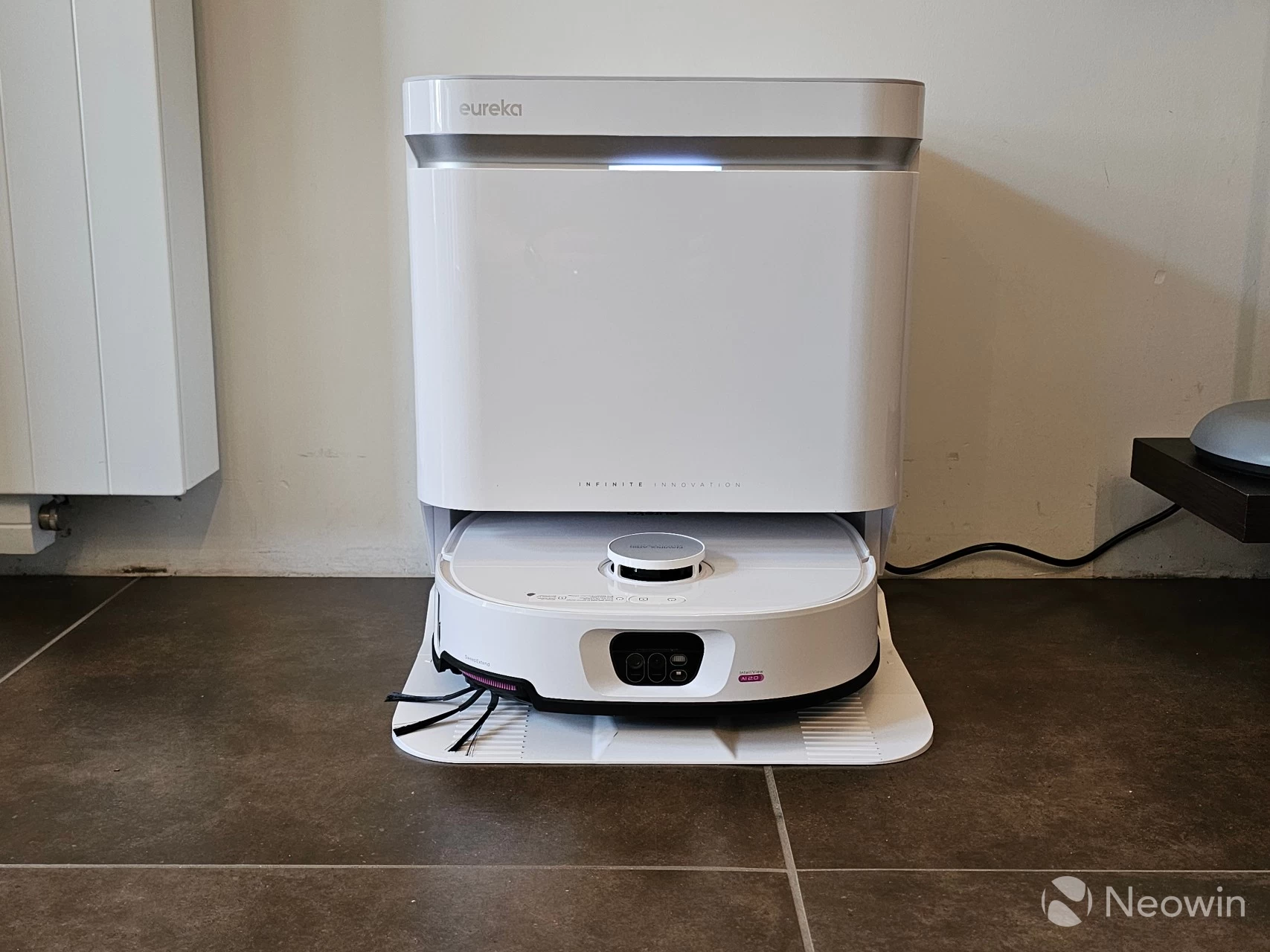
Preparing the Base Station took the most work, as you have to remove some protective transport tape, fill and reinsert the clean and dirty water tanks, install the base ramp, and plug it in. I only had to remove the plastic covering, the rubber inserts for the bumper, and install the mops and side brush on the robot; the dustbin inside the robot is also pre-installed and can be accessed by opening the top "lid" of the robot, which also lets you access the QR code for scanning, and the Wi-Fi reset button.
Once you are paired up and you have enough charge, you are guided through the app to add the model, and I was immediately prompted to install a firmware update. This process is exactly the same as the Pro, so I left that gallery here.
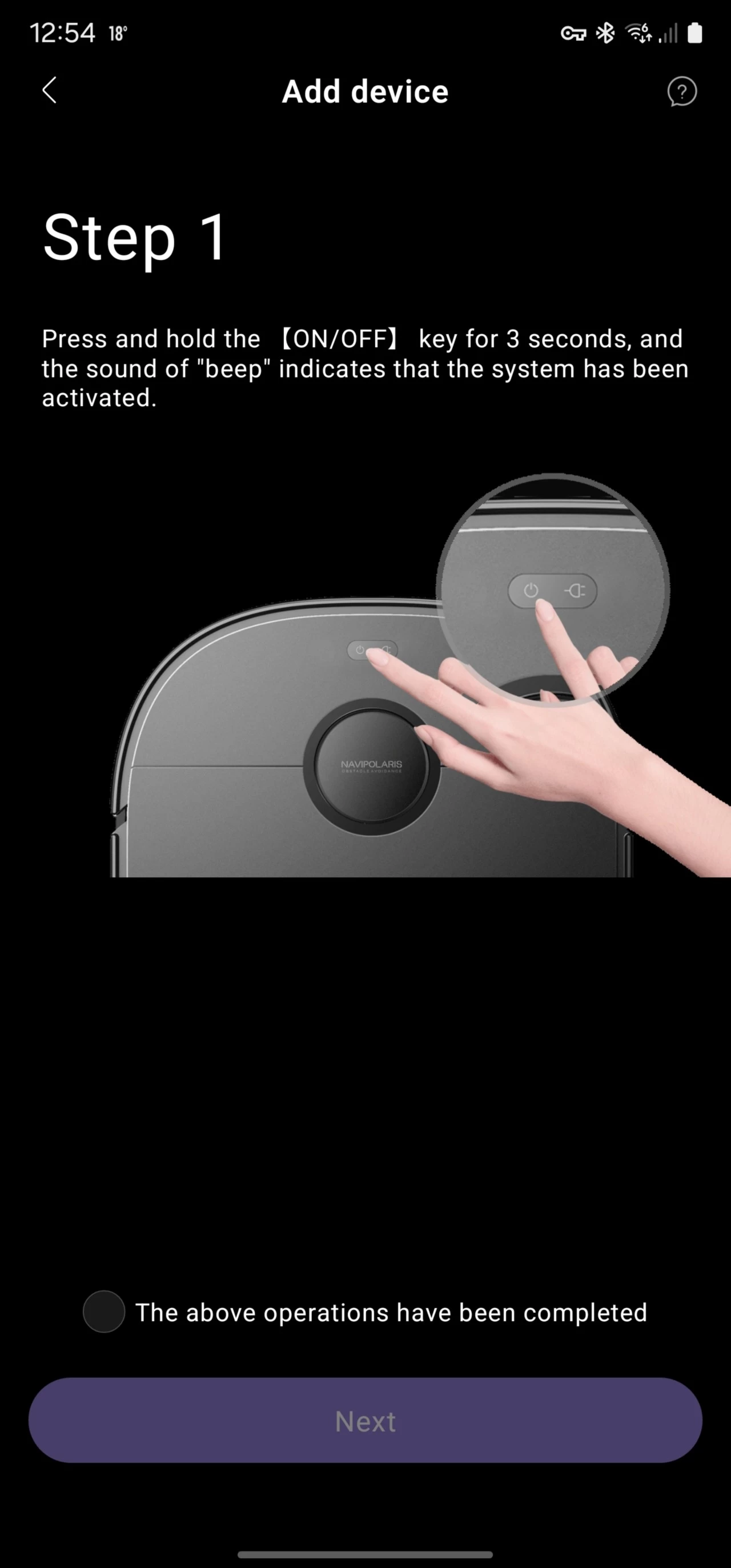
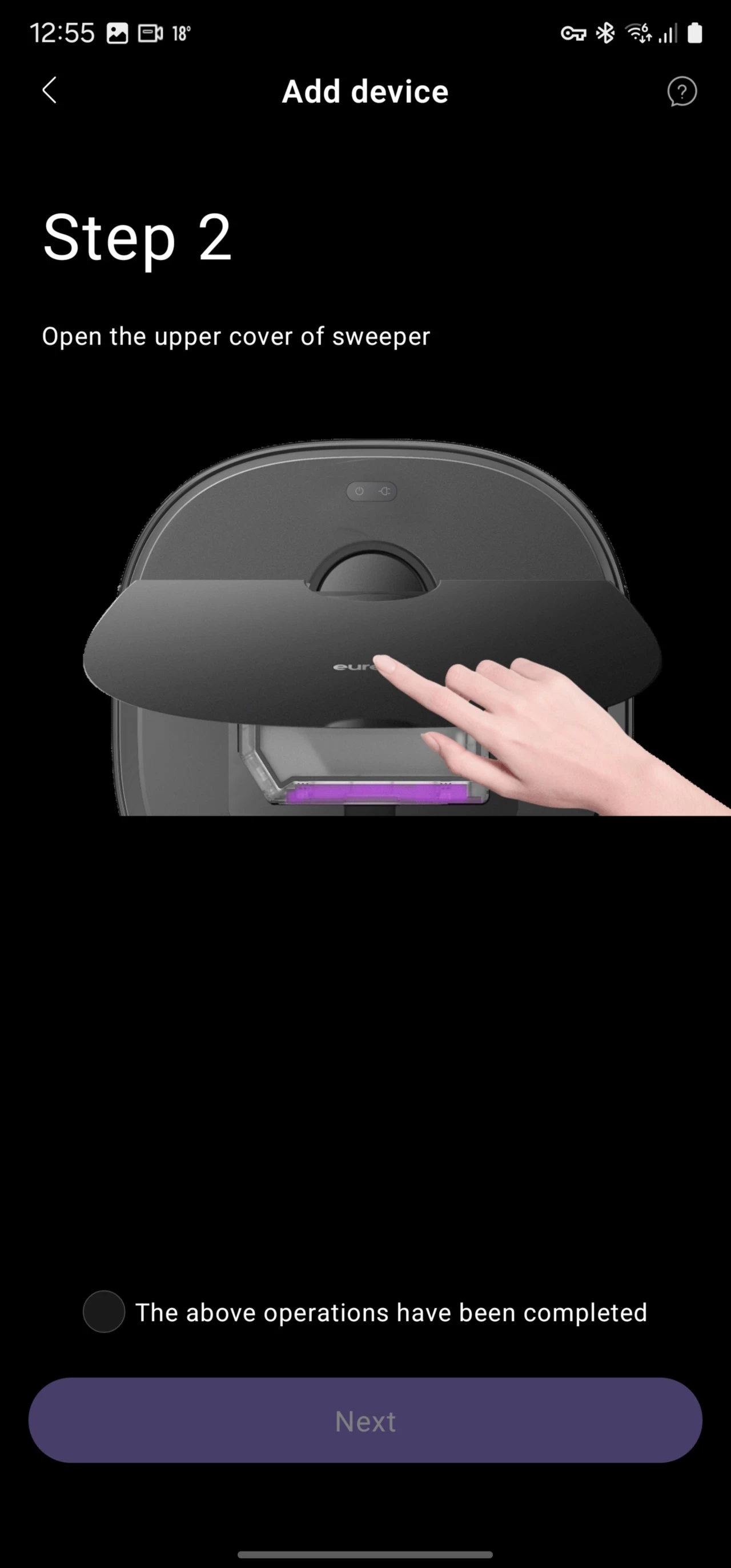
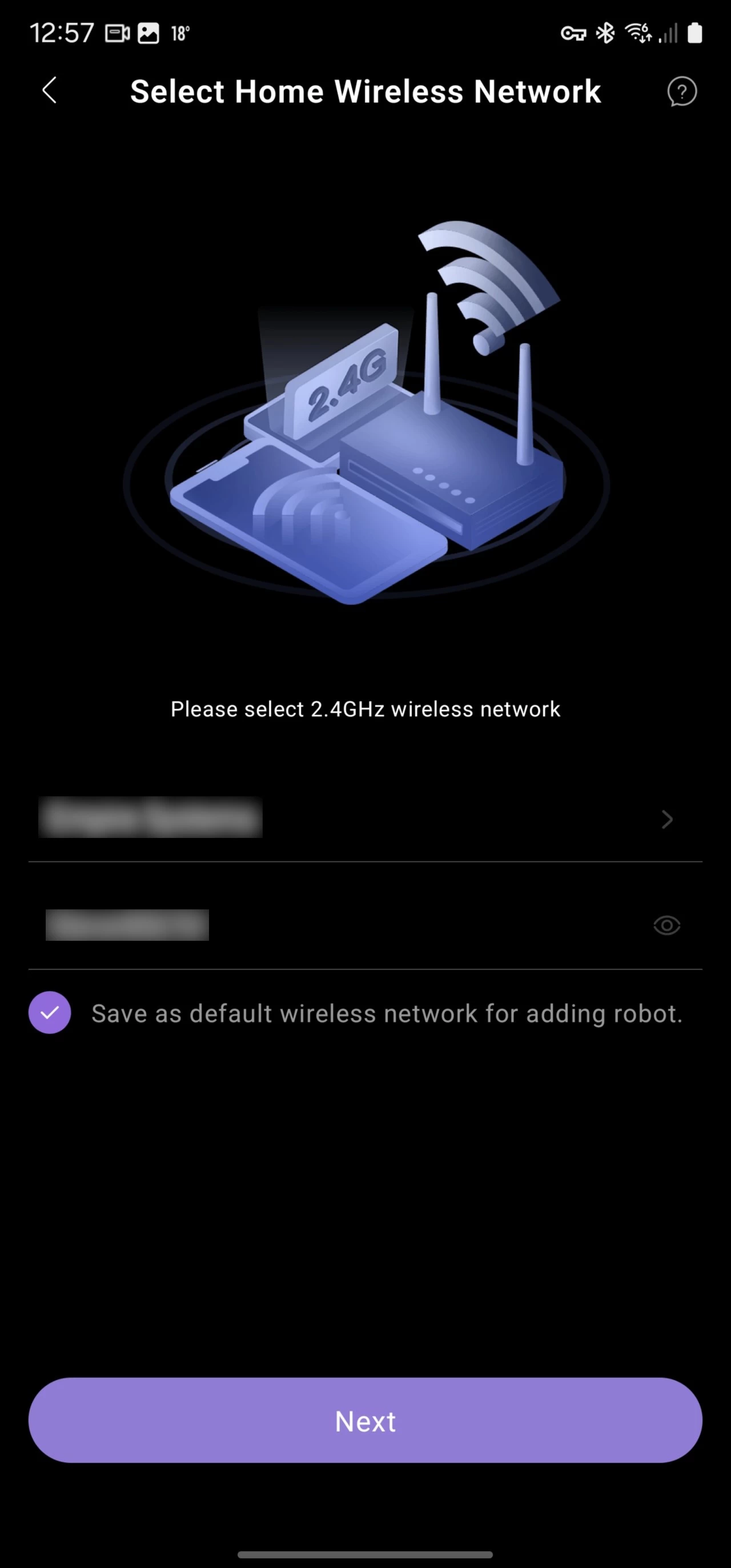
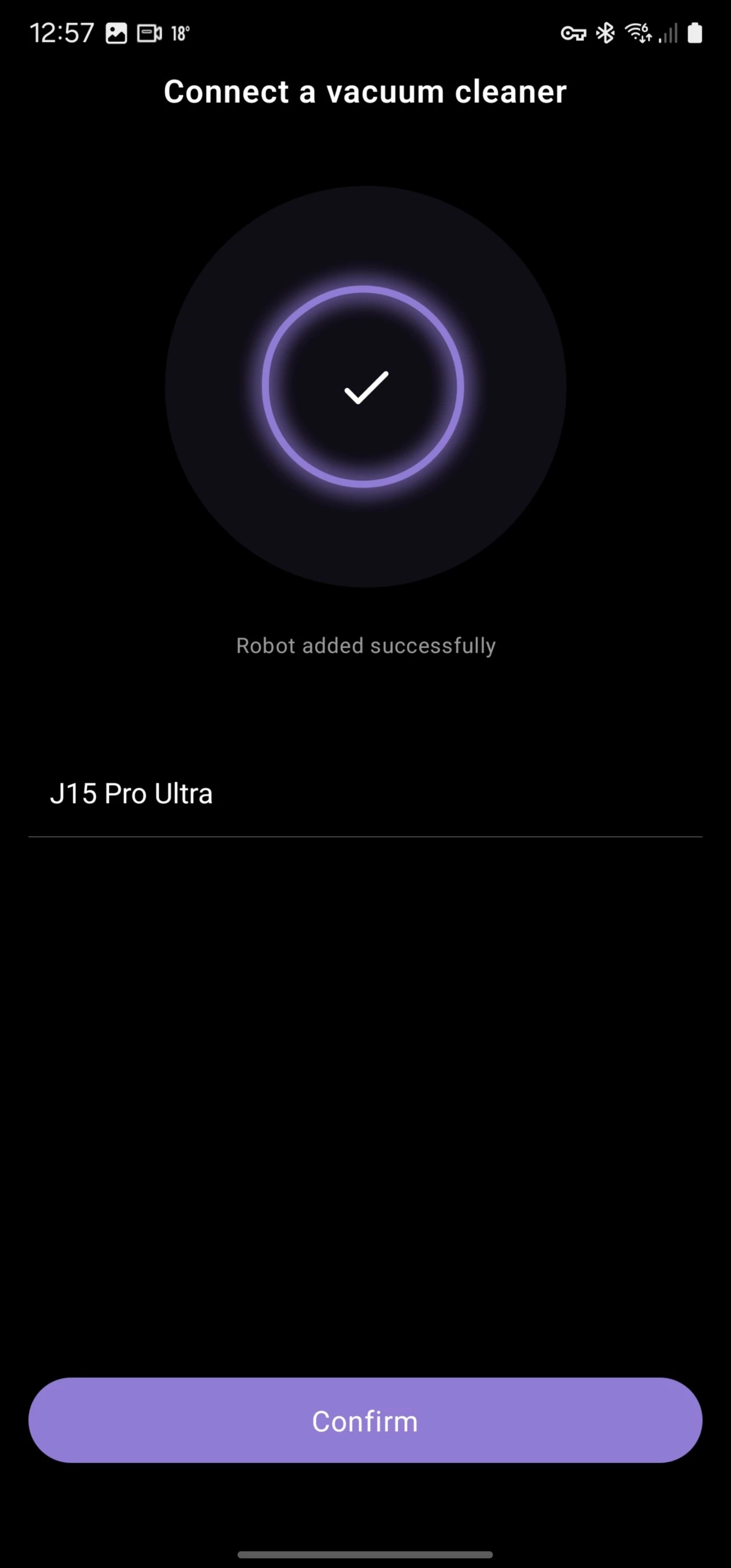
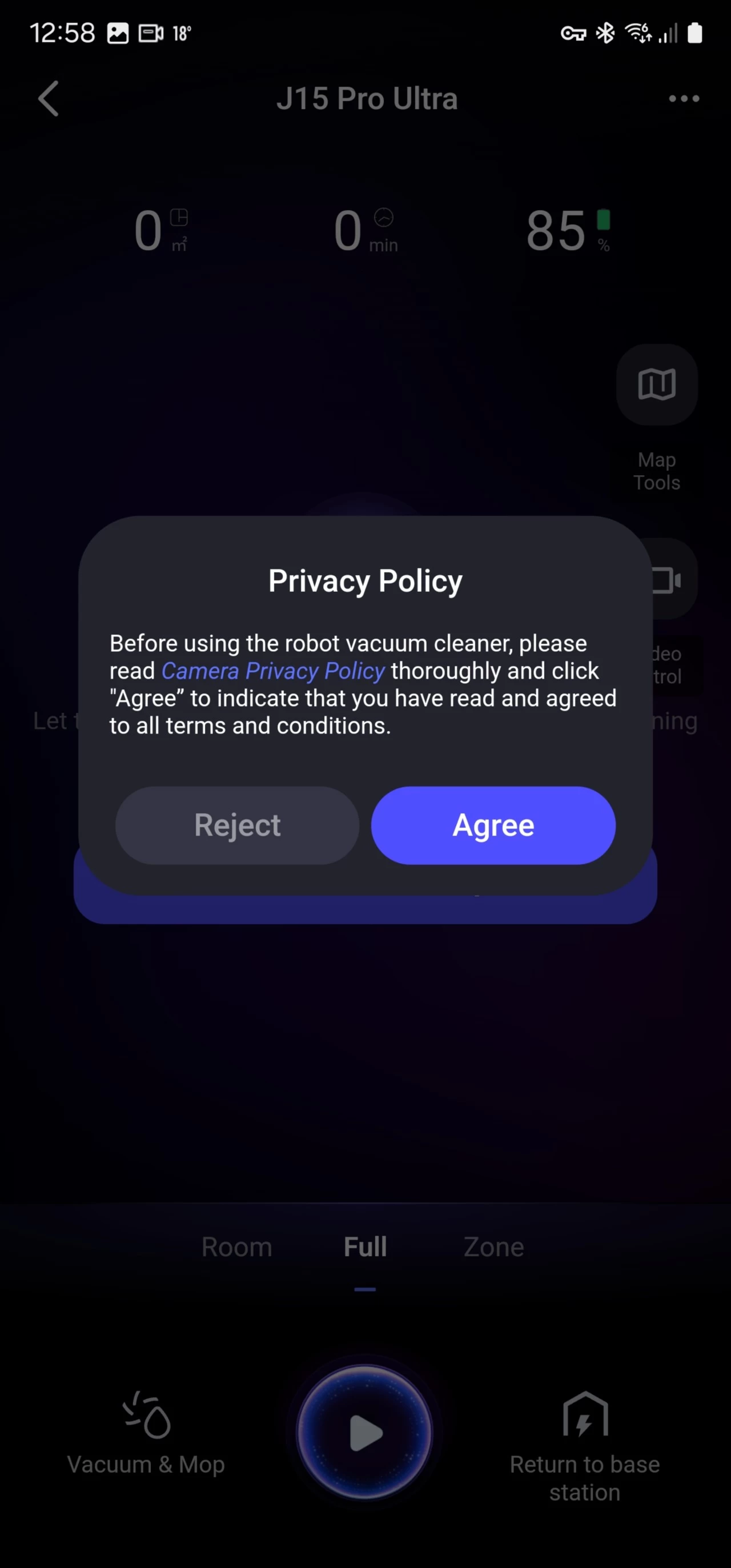
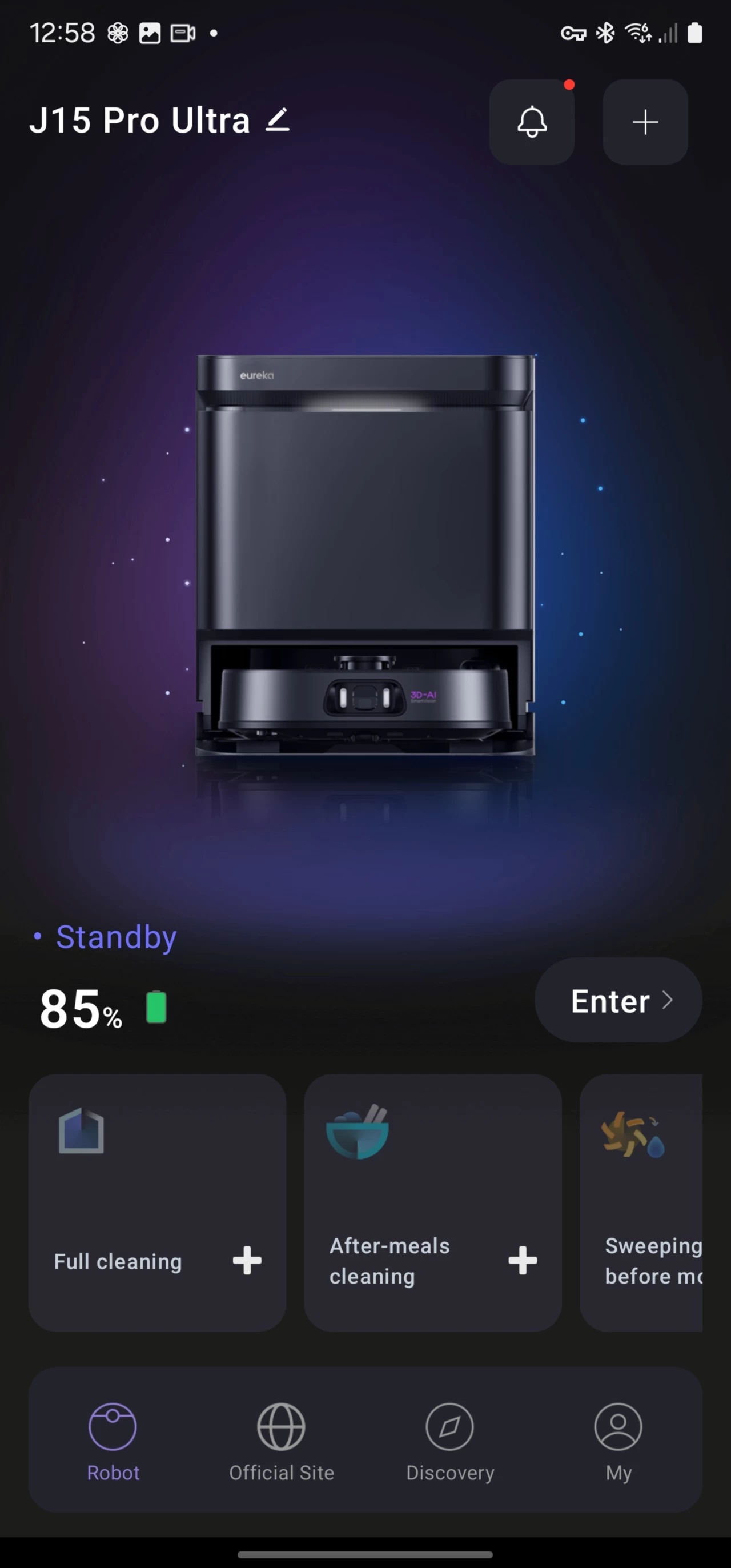
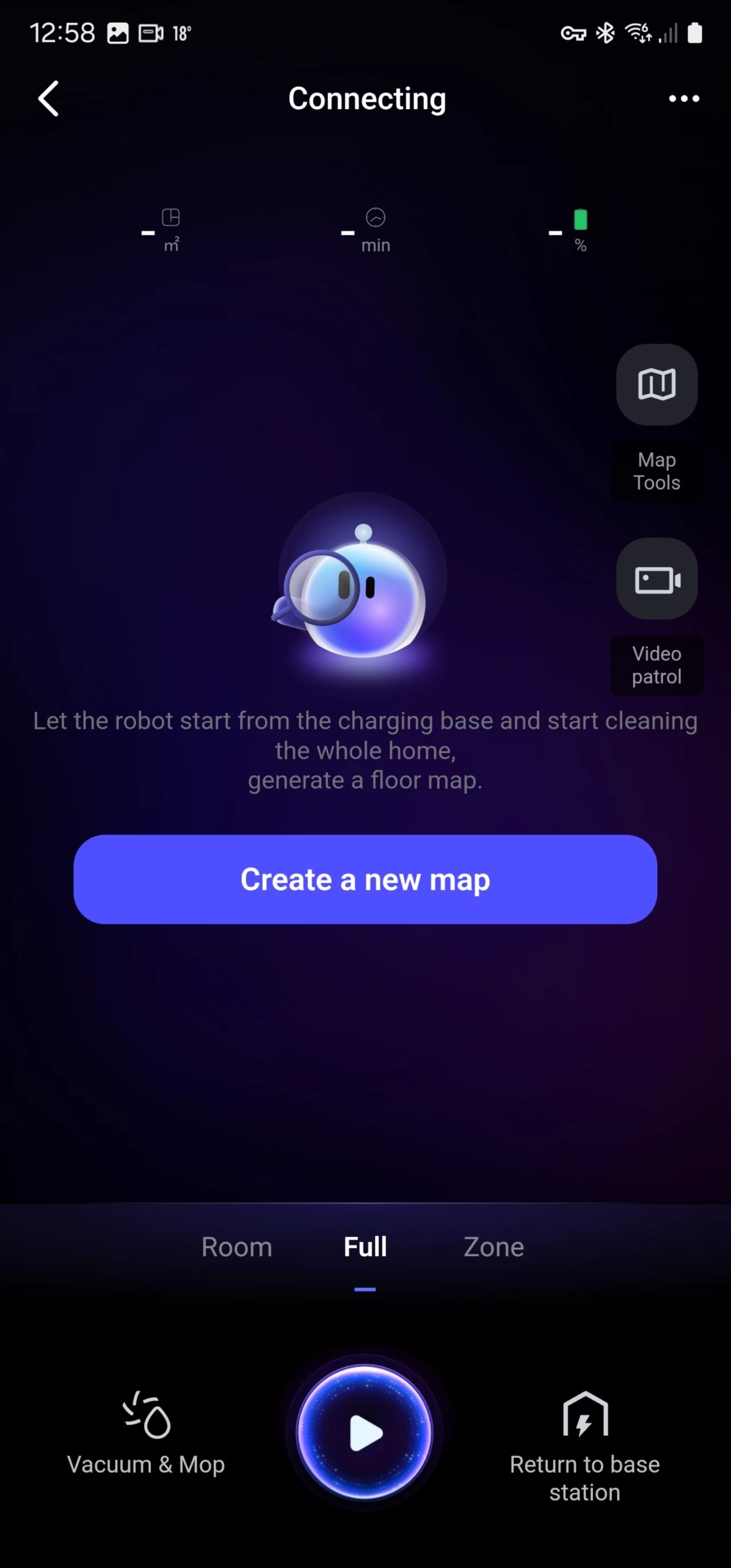
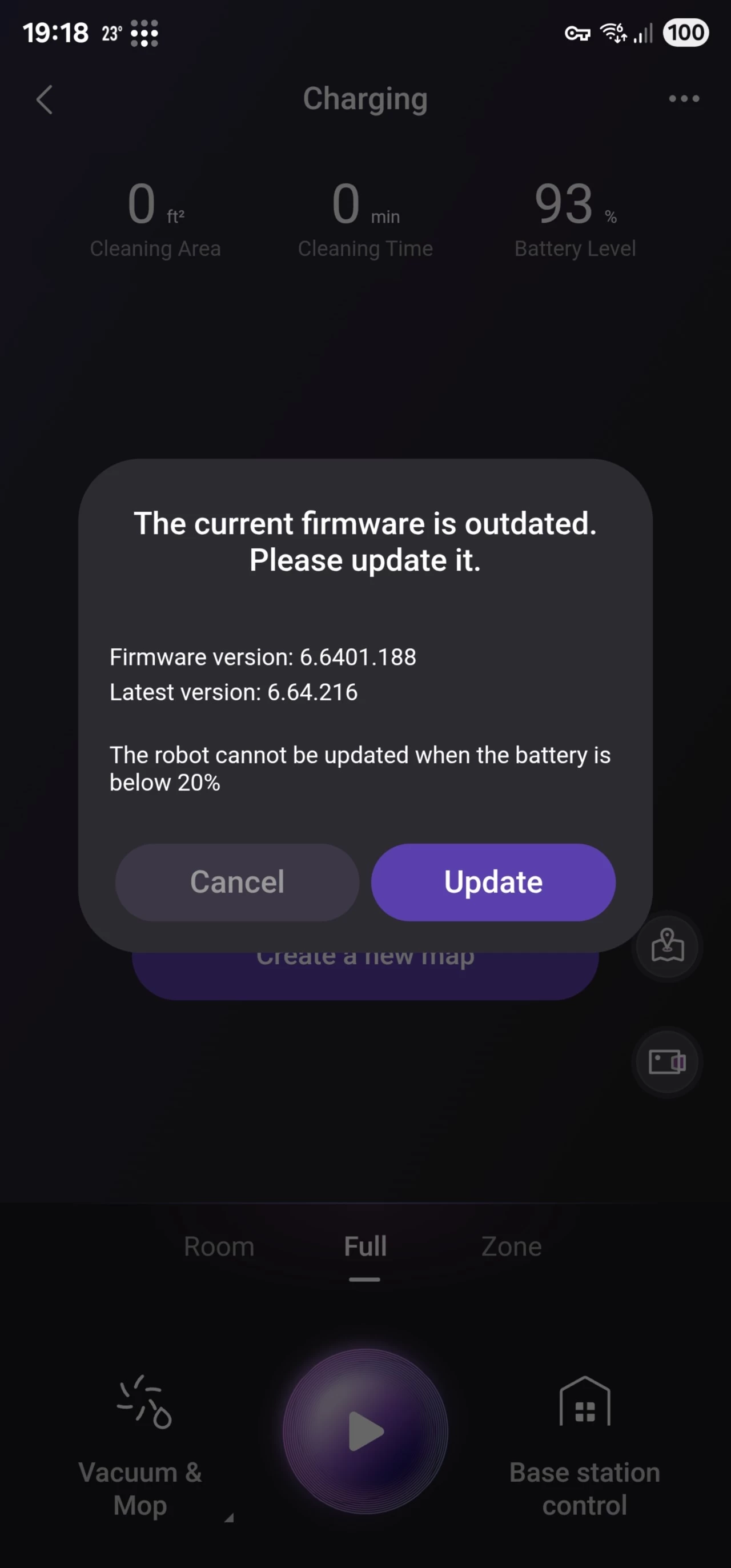
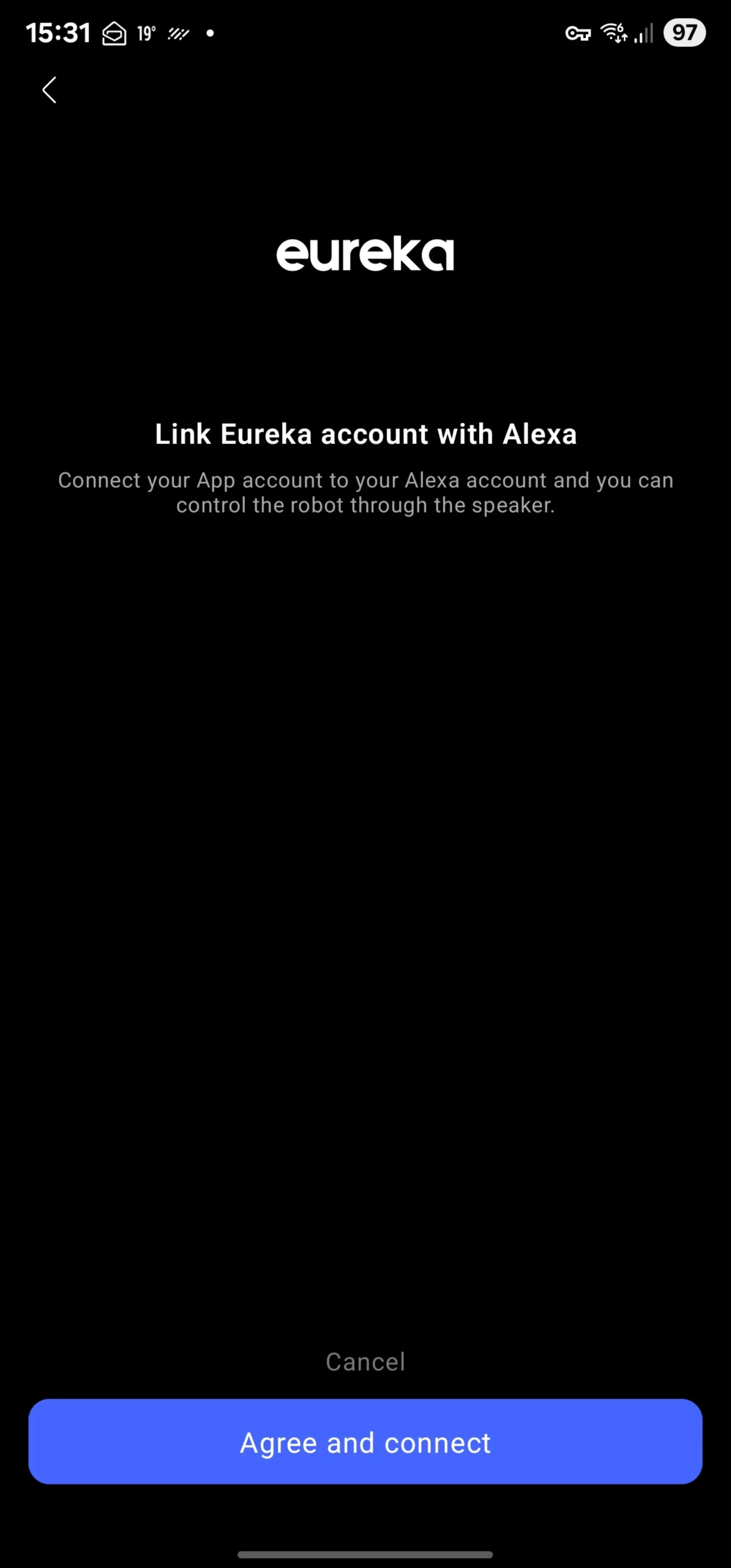
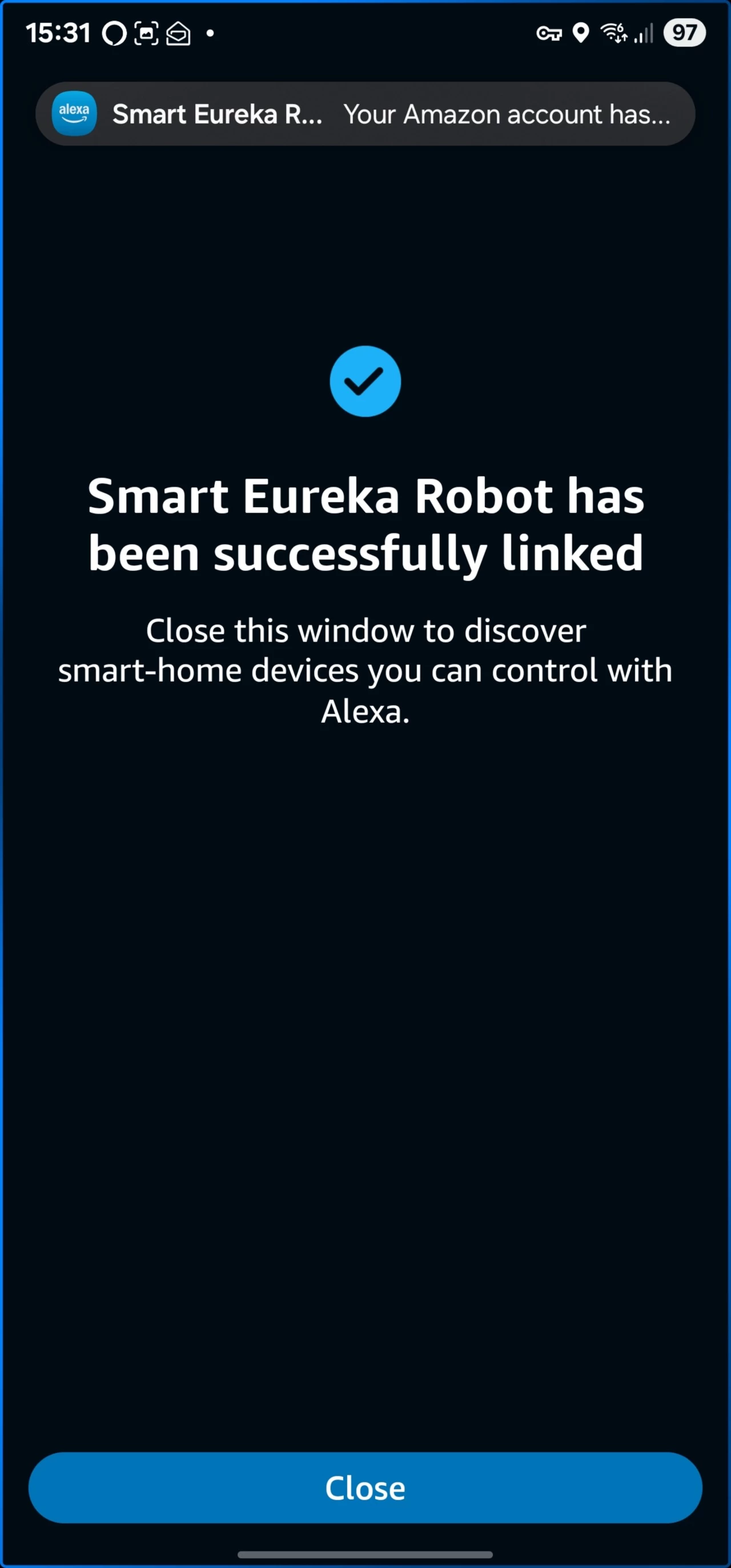
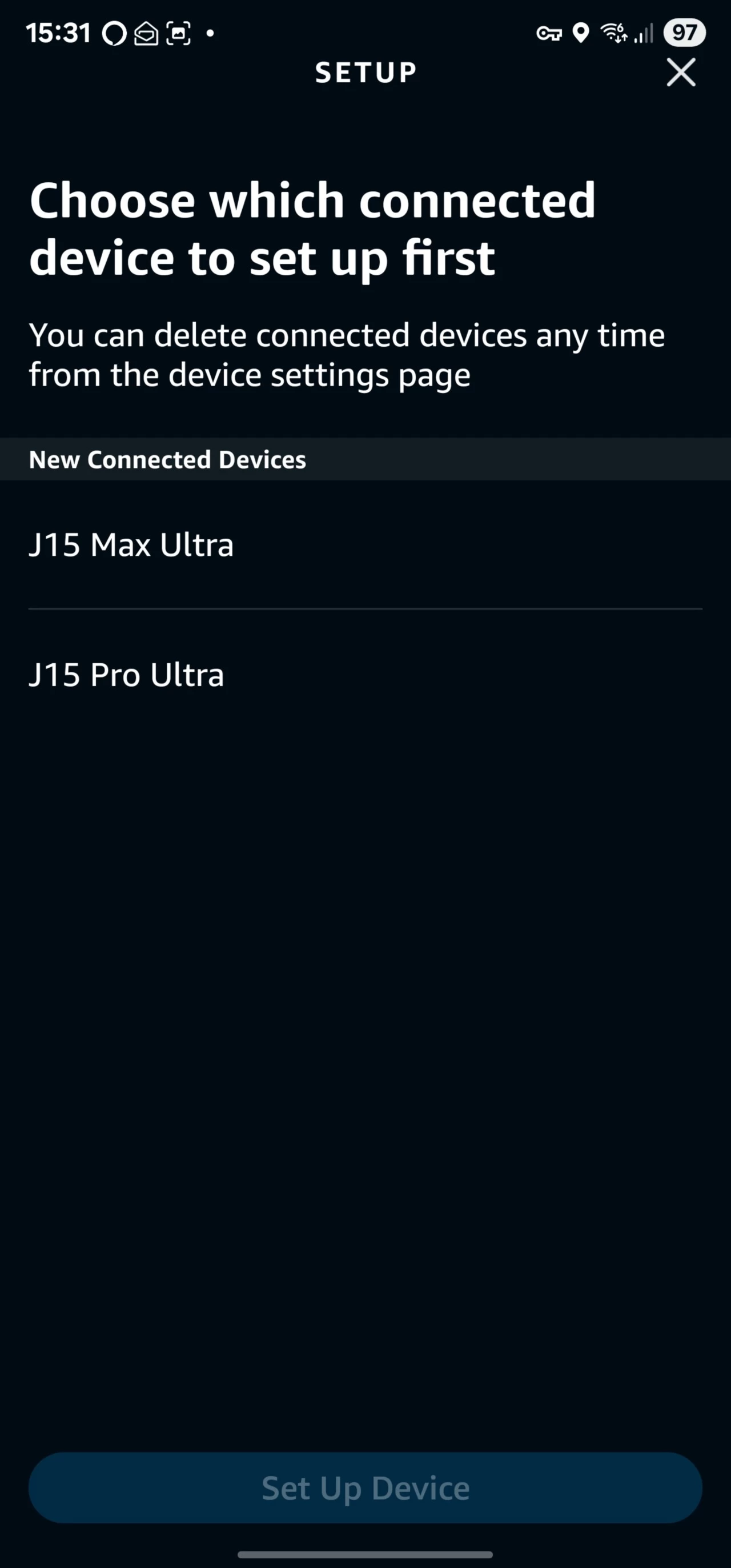
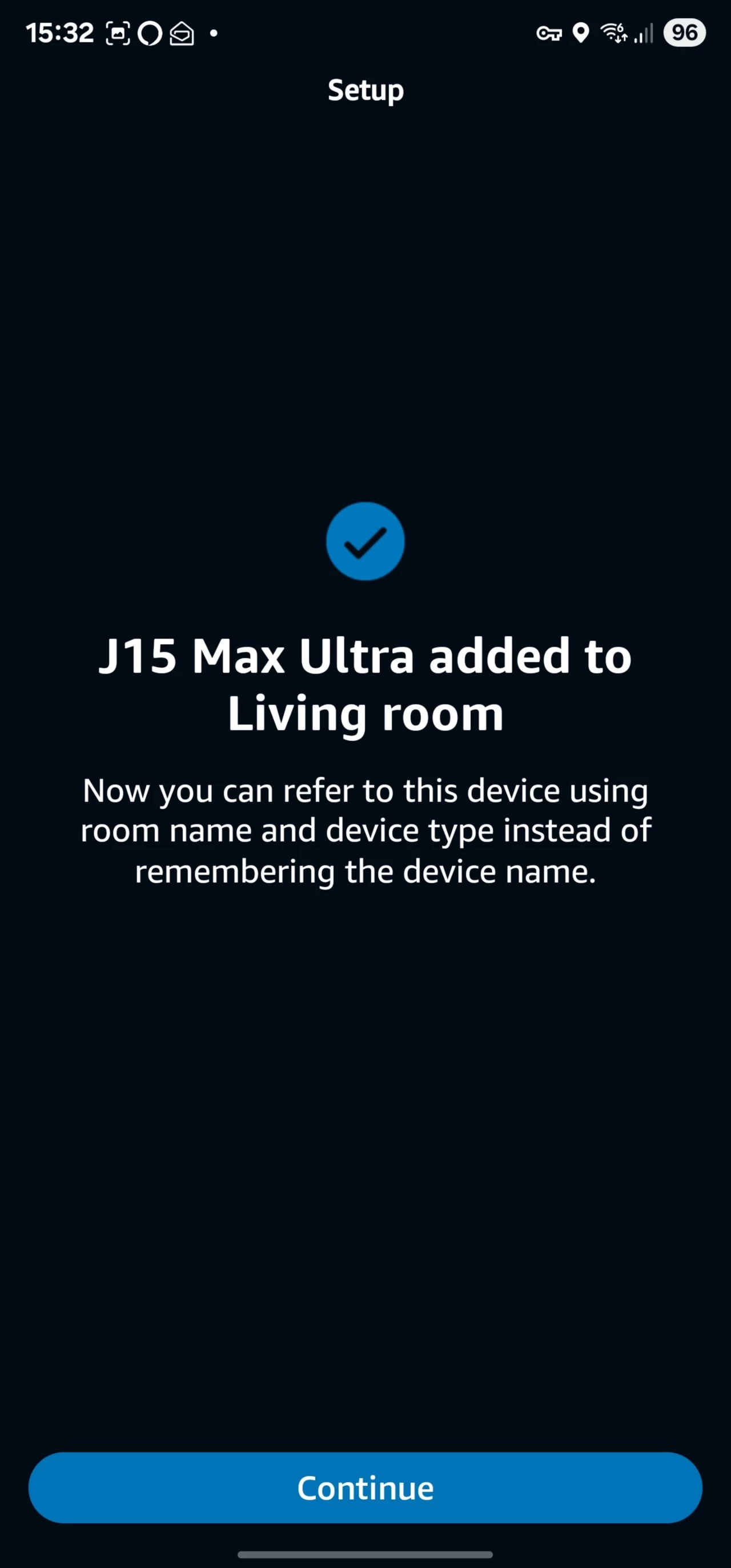
After running the update, which rebooted the robovac, you can then link it with your chosen voice assistant, which is pretty effortless (1) (2) (3) (4) and then appears in devices on the Alexa app. According to the official product page, the J15 Max Ultra also supports Google Home, and Siri support is "coming later".
As you can see with the above images, you are first asked to "Create a new map" for the environment that the J15 Max Ultra operates in, it took the J15 Max Ultra two and a half minutes to "Quick Map" the 32 square meters the robot has access to on the ground floor of my house, which is far quicker than the Narwal"s 31 minutes (without cleaning). Moving back to the app, you can then split the areas into rooms or zones.
| Cleaning wizard | |
|---|---|
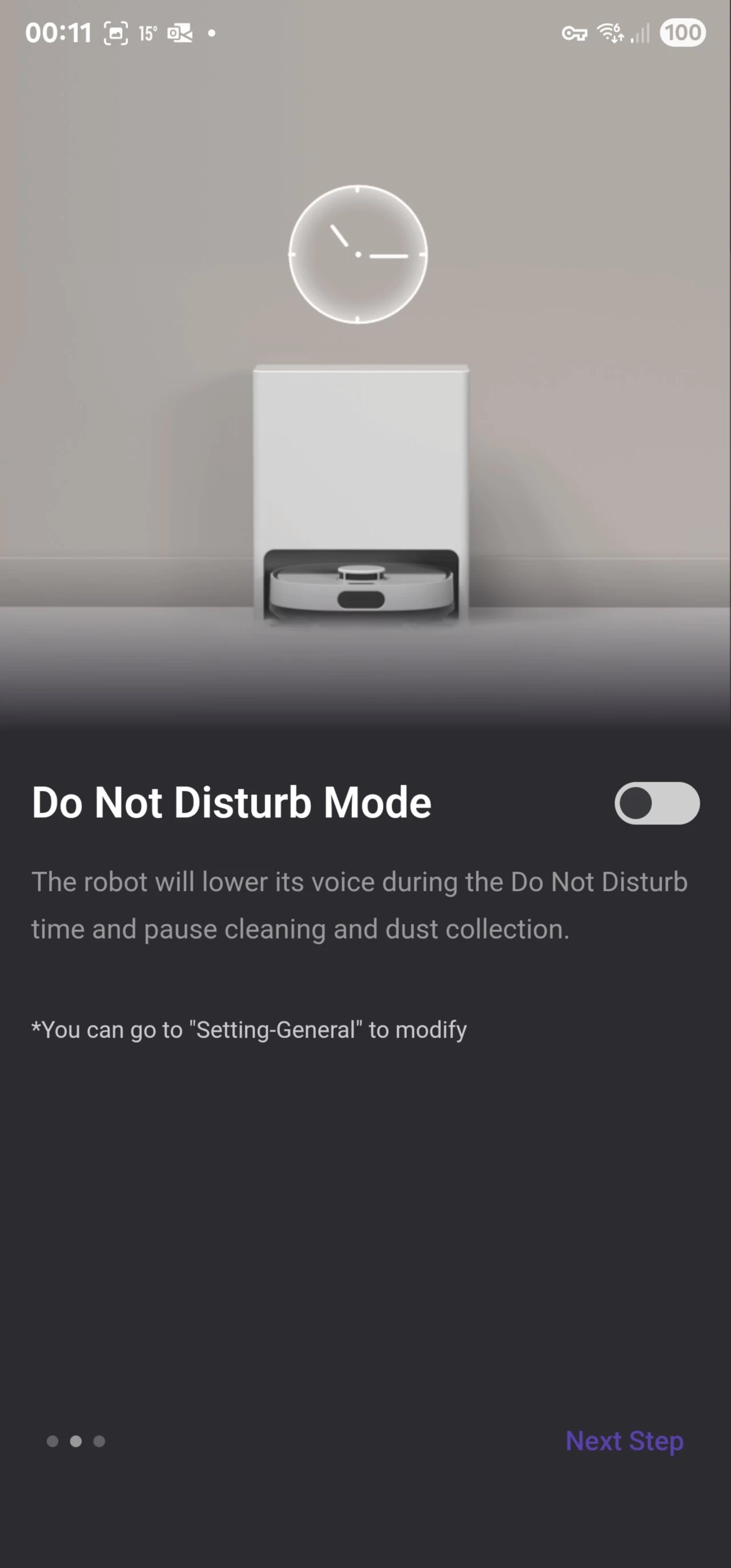
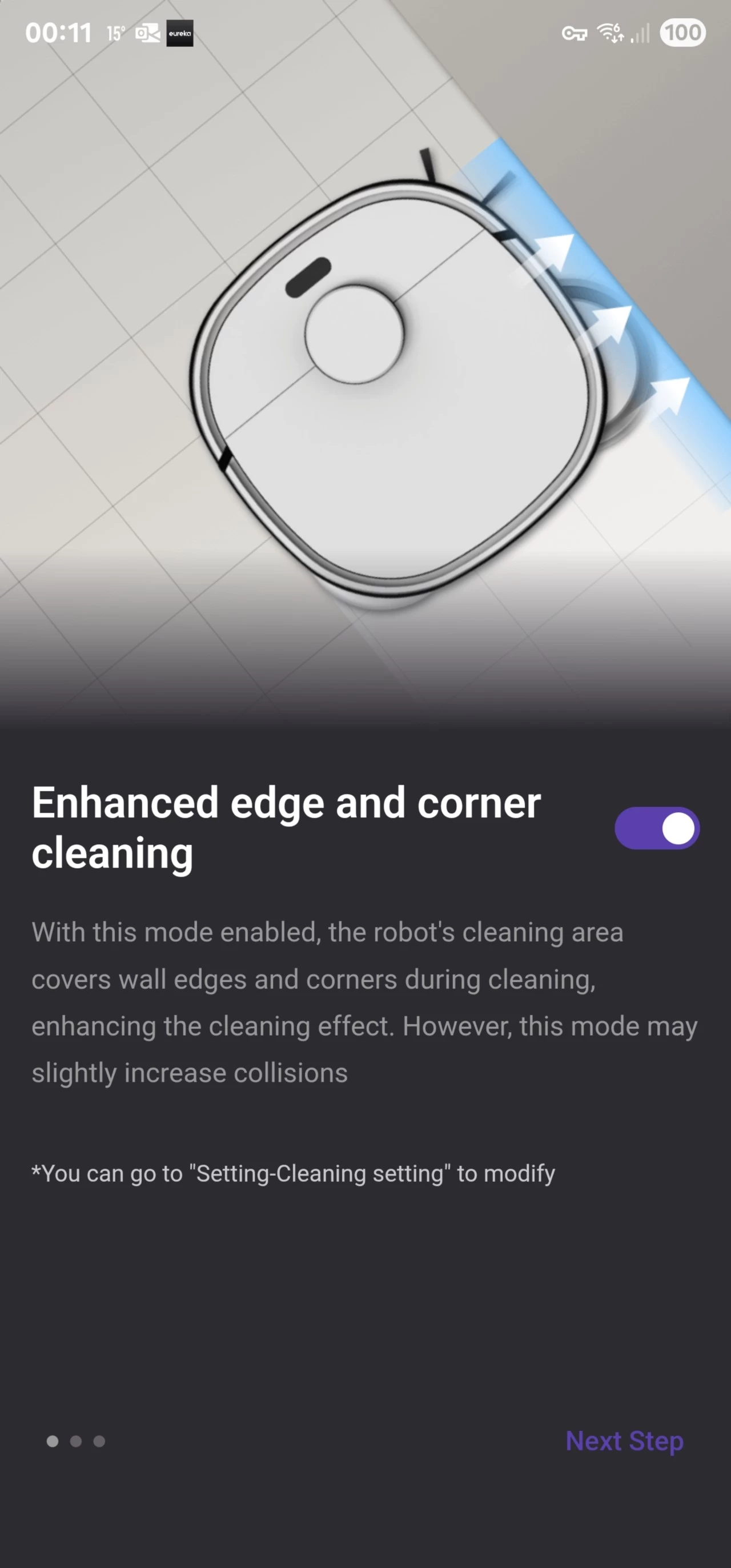
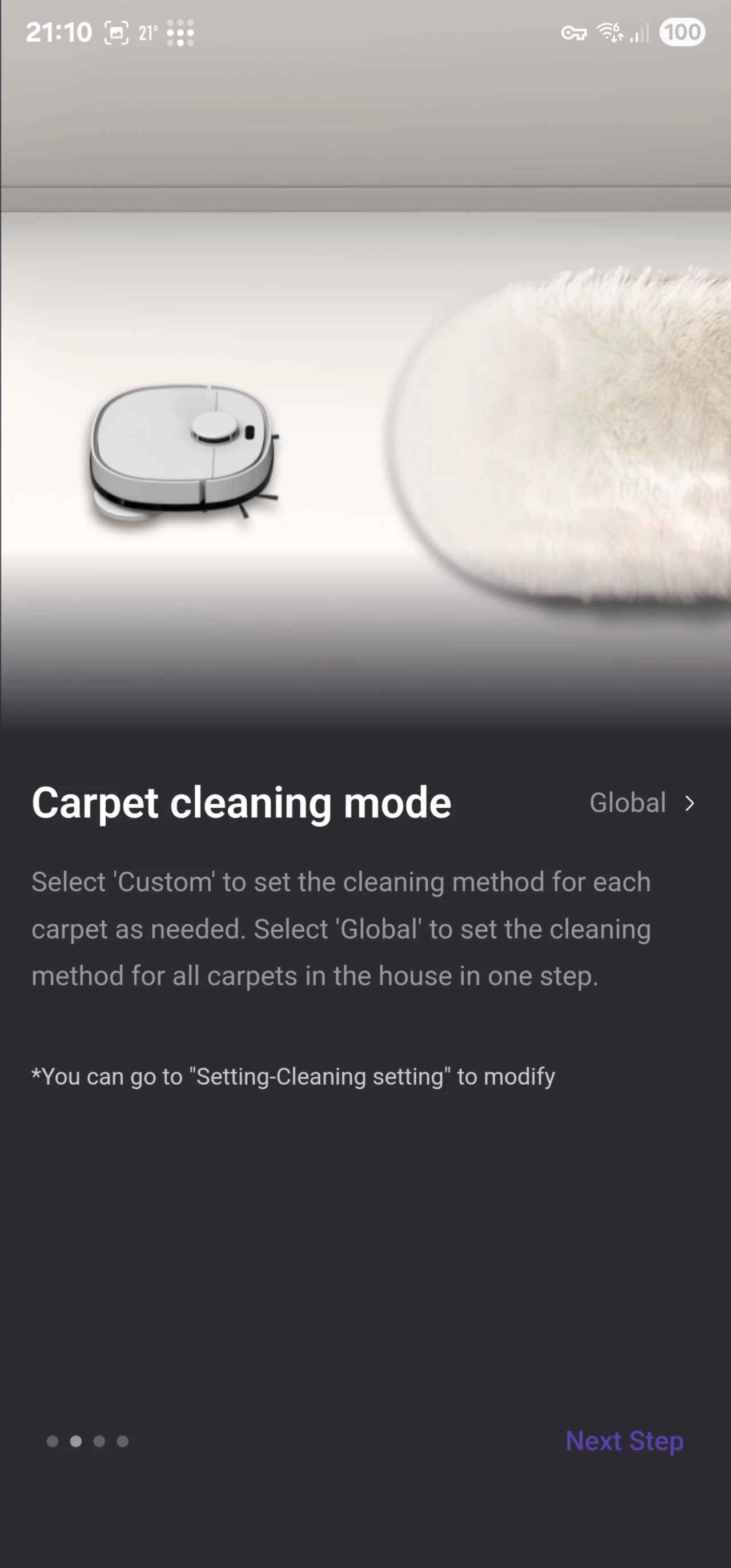
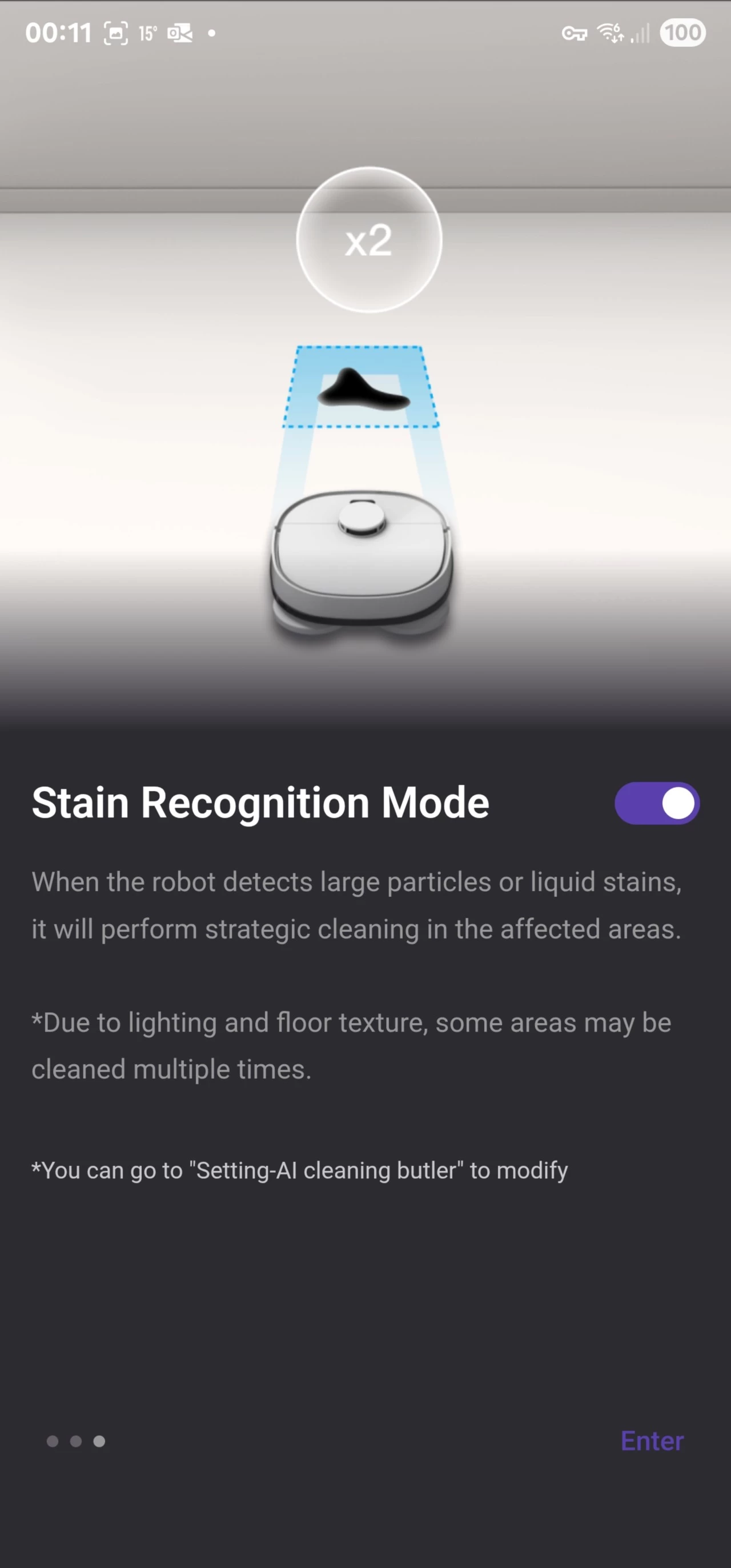
At a certain moment when first setting up the J15 Pro Ultra, a wizard will pop up asking if you want to enable or disable some optional settings, like Do Not Disturb Mode, Enhanced edge and corner cleaning, Carpet cleaning mode, and Stain Recognition Mode. I left the DND mode off because my schedule runs at 4 am, and I will not hear the voice prompts and dustbin emptying when it is cleaning downstairs from upstairs anyway.
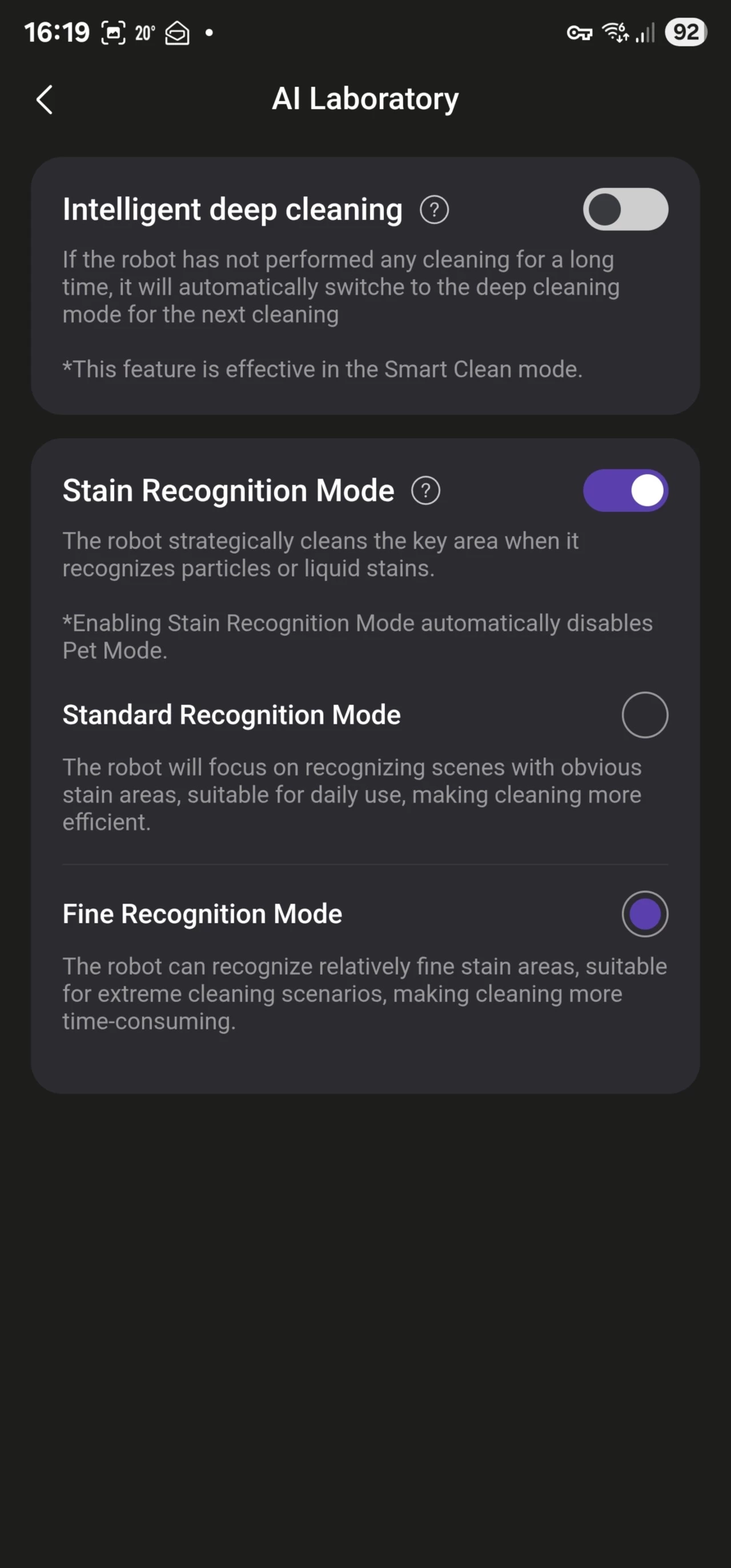
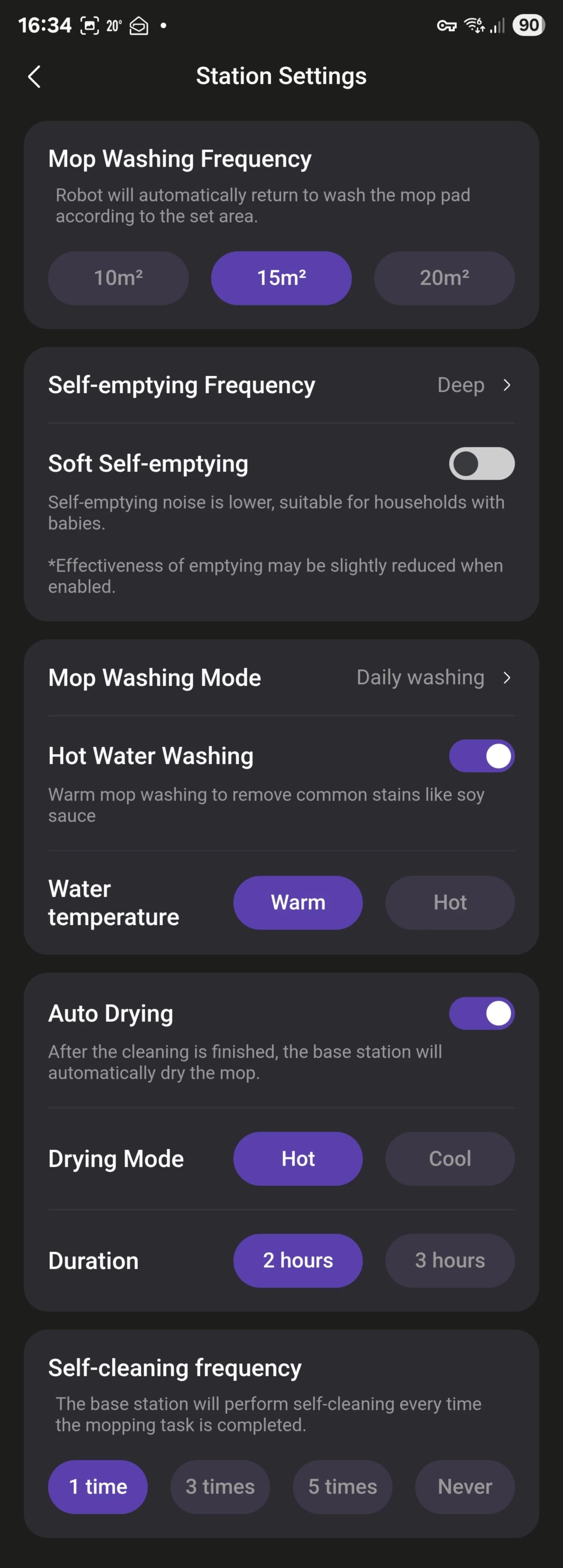
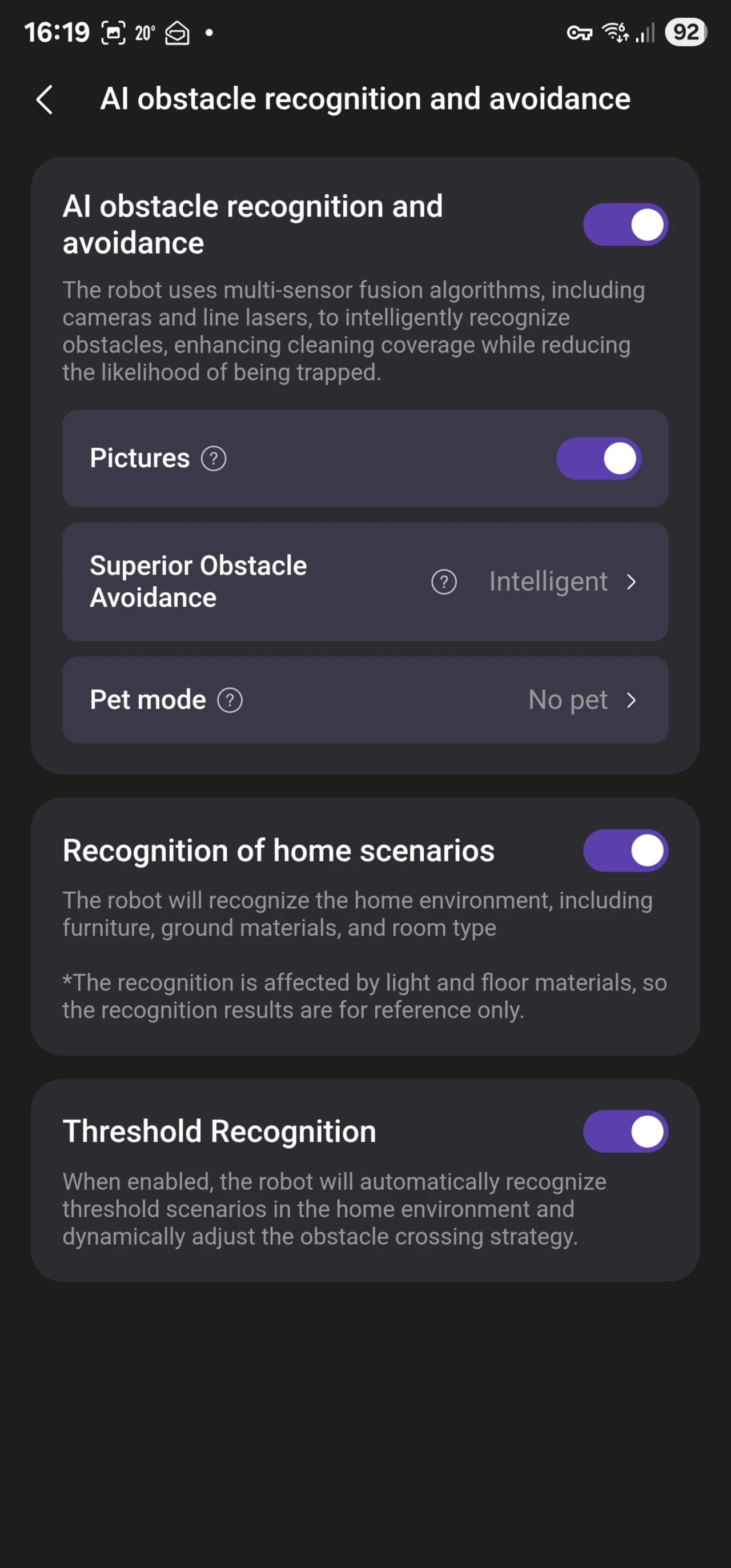
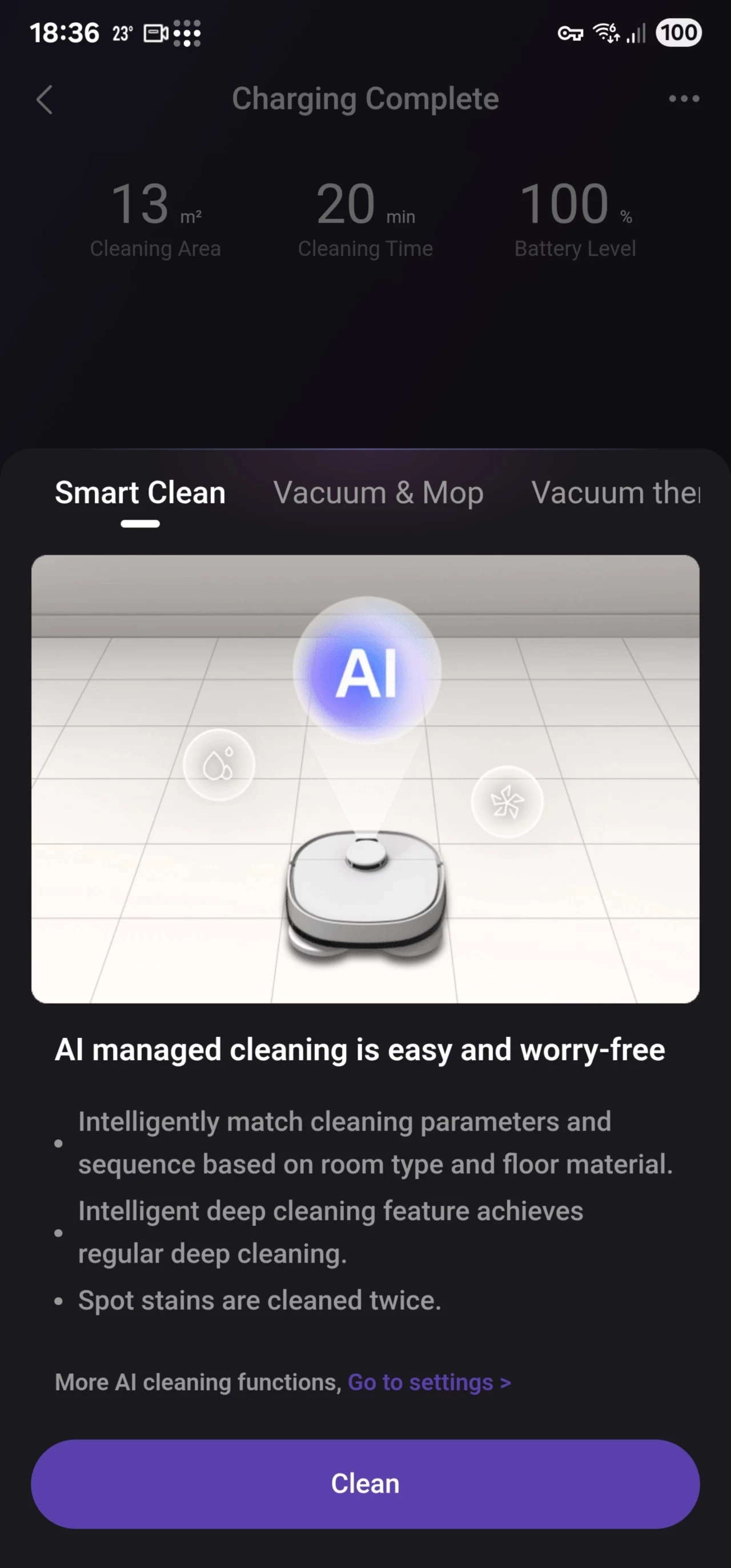
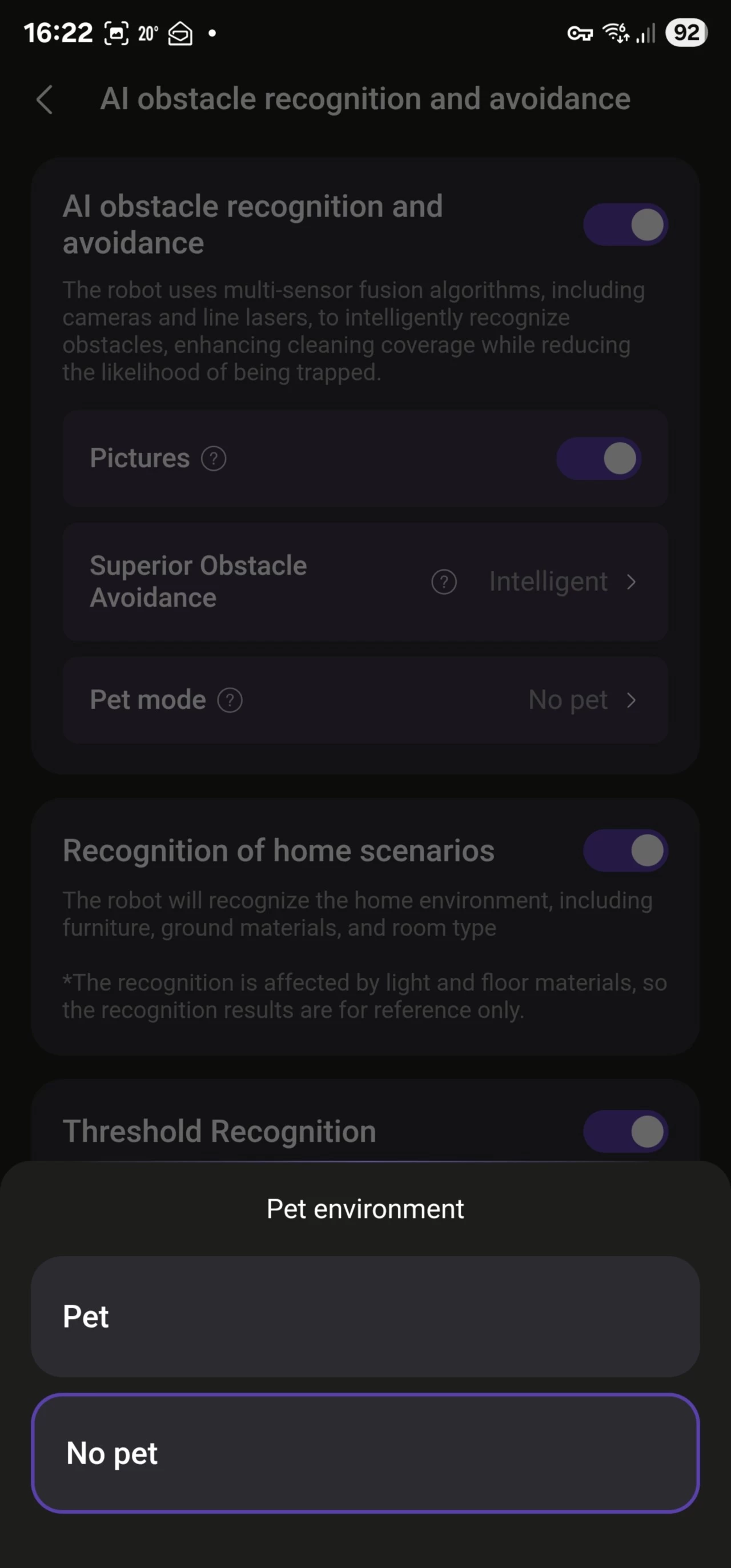
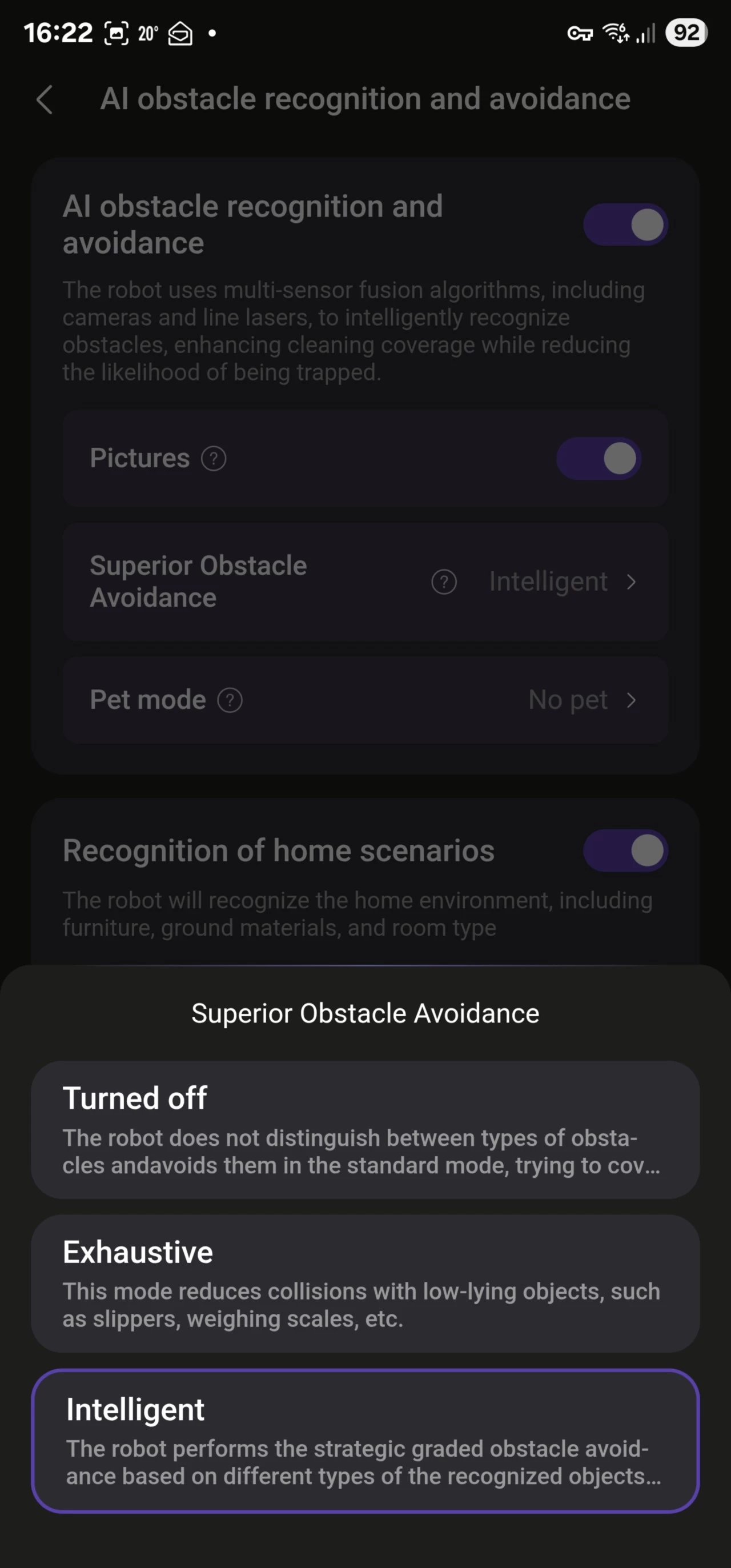
Aside from that, there are additional granular settings worth checking out. The IntelliView™ 2.0 Al-Powered Obstacle Avoidance system can be enabled or disabled; this lets the robot determine avoidance for objects in the room using a combination of Lidar, lasers, and the onboard camera. In addition, you can choose whether to Smart Clean, Vacuum & Mop, Vacuum then mop, Vacuum, Mop, or Custom (which allows you to set the parameters of cleaning for each room).
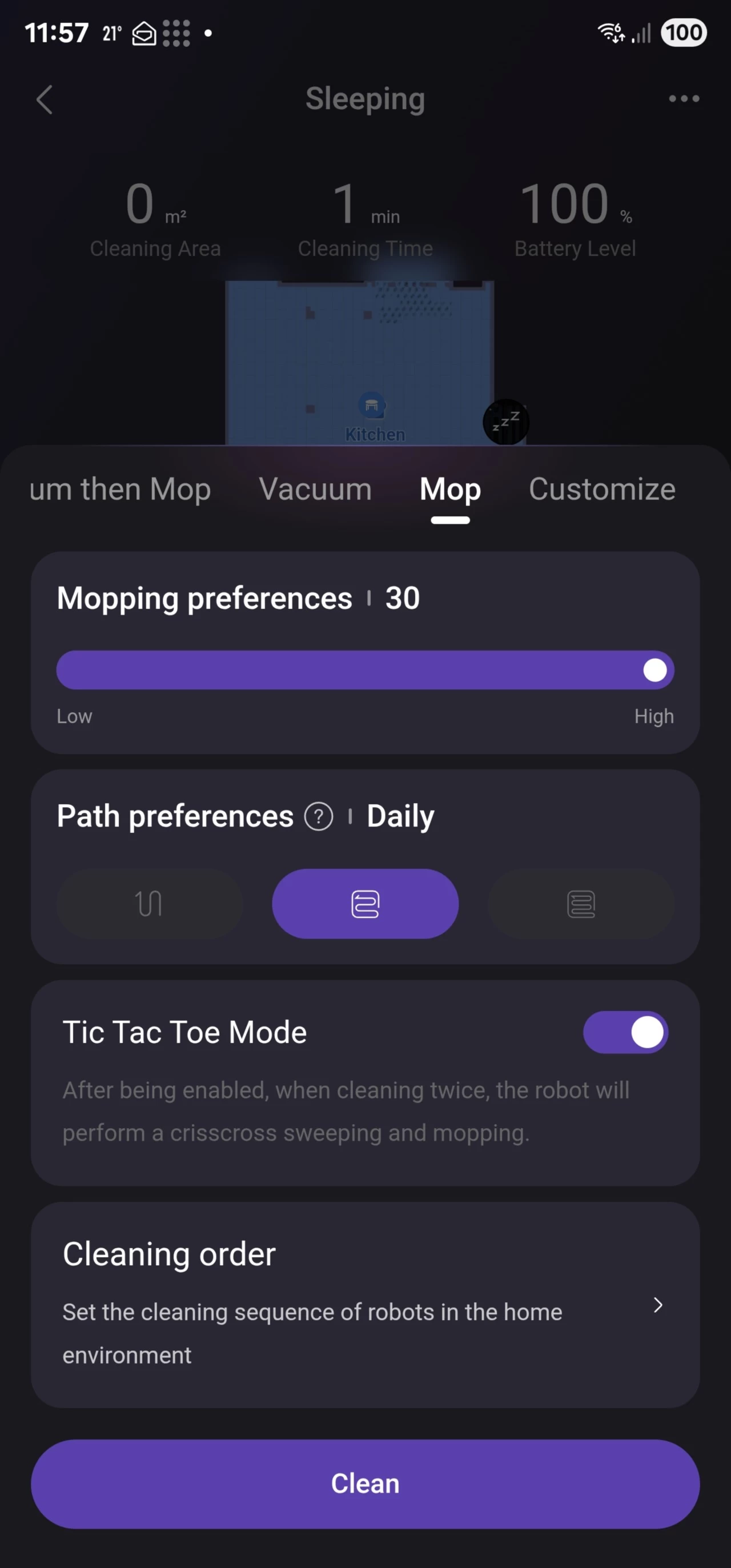
There are four manual settings for vacuuming: Quiet, Standard, Turbo, and Max. For mopping, you can set from Low: 1, to High: 30. There is no detergent module, which is a shame, but my contact told me it is possible to add detergent directly to the clean water tank, which is what I do.
In addition, as you can see from the second image above, you can even decide how often the robot returns to rinse and clean the mops. I left it on the default setting of 15 square meters. This means that the robovac has to return at least twice during a cleaning session to rinse and clean the mops, as the given area for mopping is 32m2. This also means the robovac is not spreading around dirty water; for a more intensive clean, you could set it to return after every ten square meters.
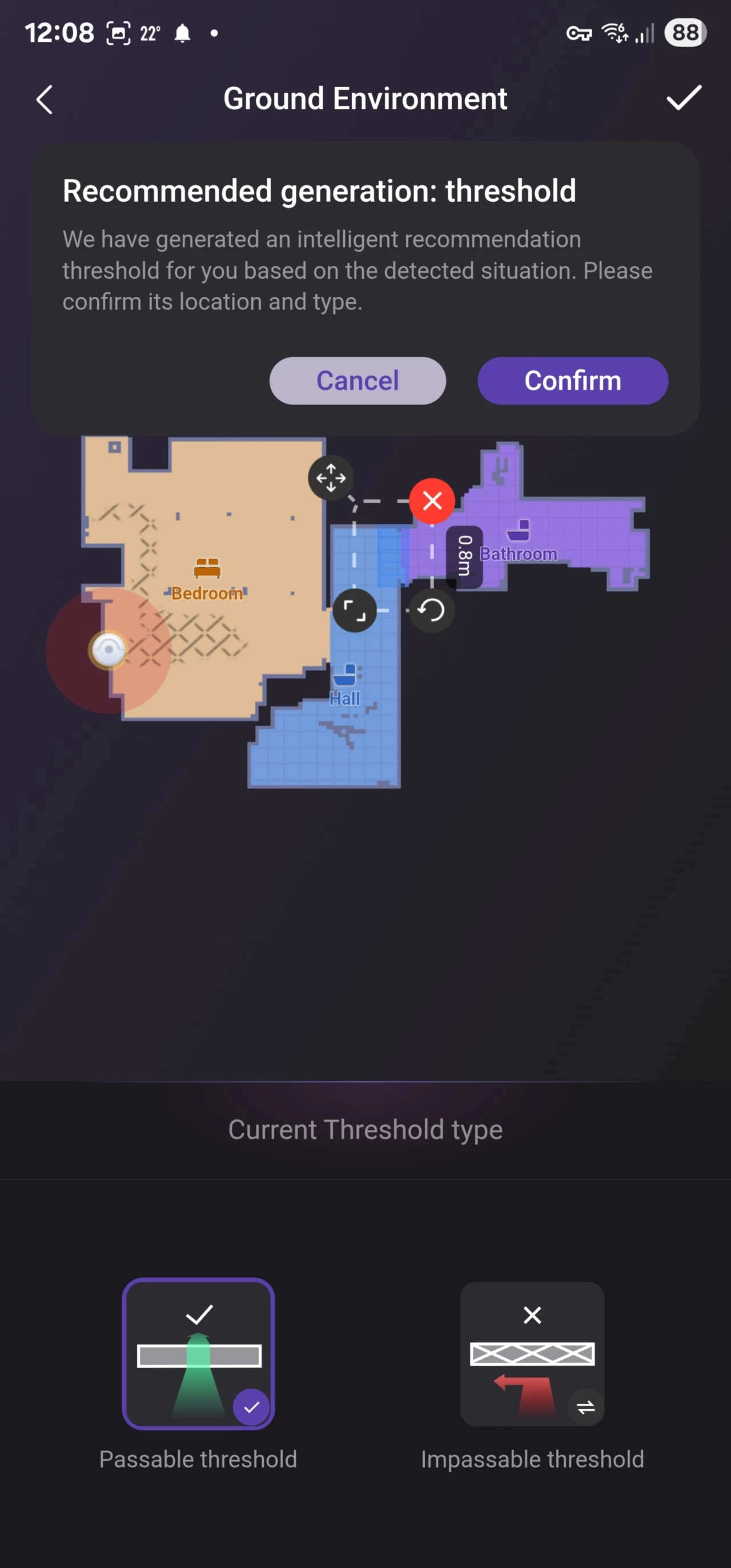
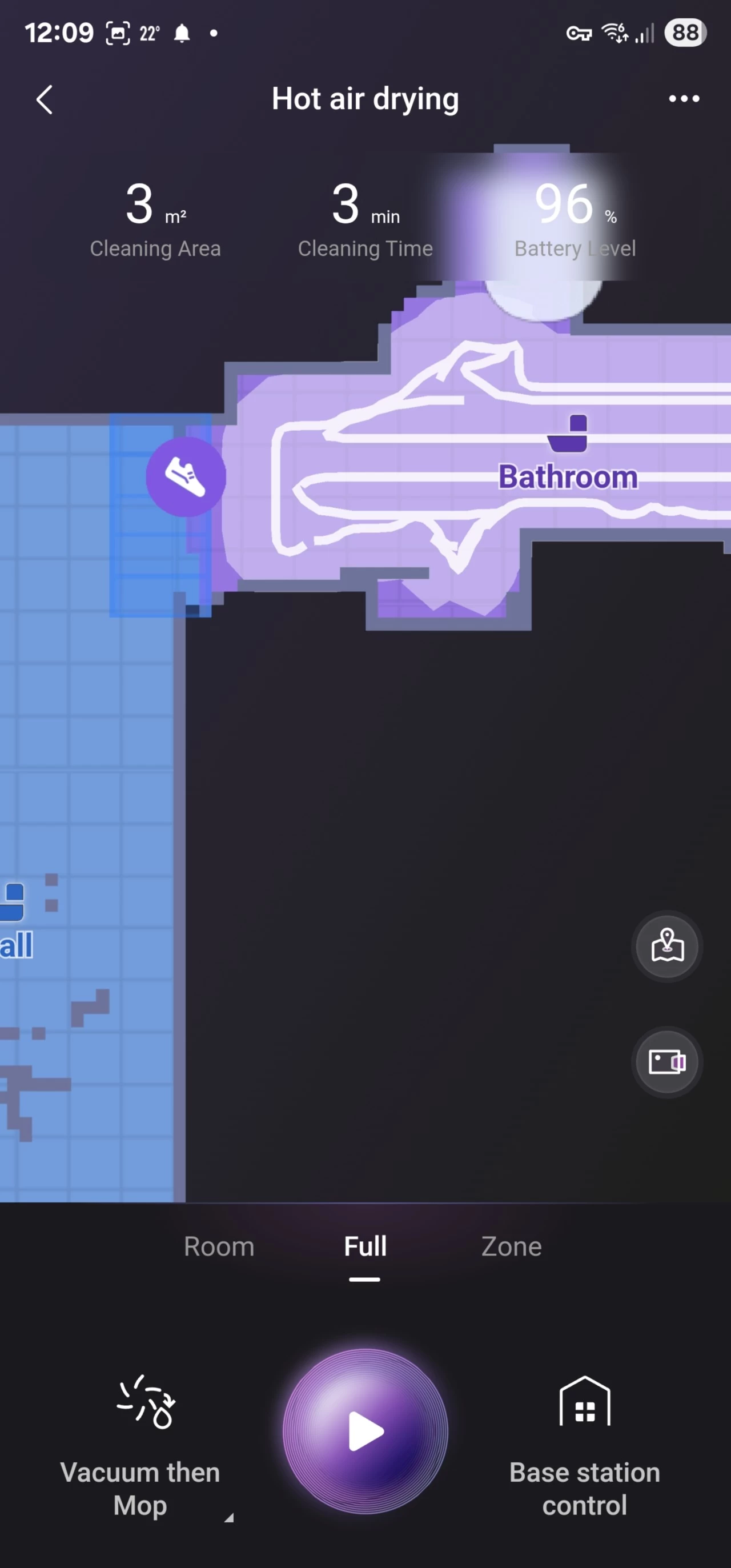
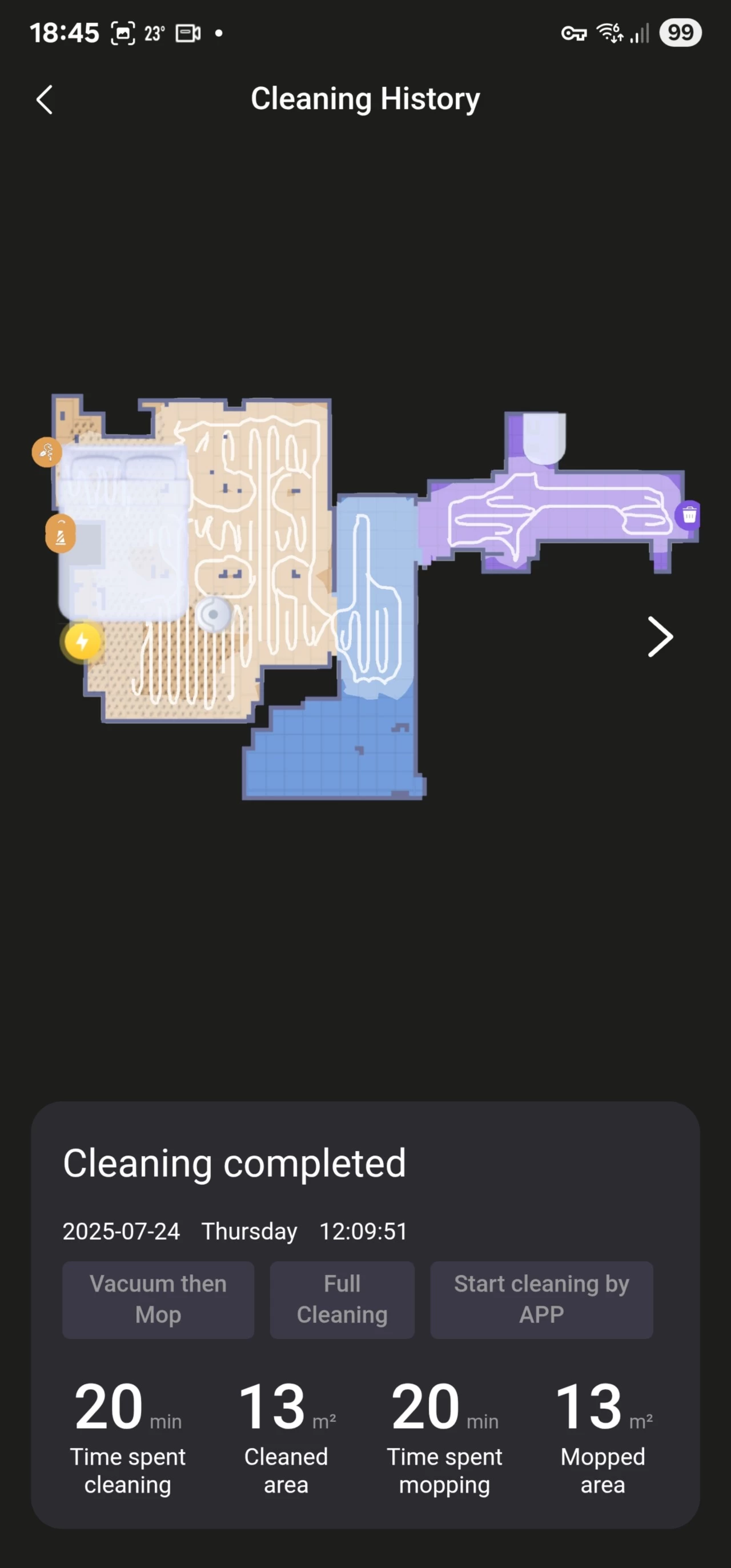
As you can see in the above picture, another difference between the Pro and Max is that the ramp to my bathroom was detected as a threshold, and I was asked if it is a Passable threshold or an Impassable threshold. I selected that it is passable, and it dropped a zone, indicated with the shoe in the second image above, on the map. However, this also meant that it completely avoided cleaning in the threshold zone, as you can see in the third image above. I tried to make the threshold zone box smaller, but this was not possible, so I deleted it. I have fed back this to my contact.
Usage
For the past three years, I have had my robovac scheduled to clean every night at 4 am. As suggested by my contact, I have set the Humid level for water to "30" (which is the highest setting) and enabled Stain Recognition mode" which is disabled by default, with the schedule set to "Vacuum then mop" I do this because in my experience with the Freo Z Ultra, Vacuum and mop tends to drag around gunk on the mop pads.
As already mentioned, the J15 Max Ultra is said to have AI obstacle avoidance through its own IntelliVision 2.0 system. The tech exists in almost all mid to high-range robovacs, but each has its own name; it is not new in itself, and I observed it working as intended. Rather than just bashing into table legs and chairs, it stops short of these obstacles and carefully moves forward or around them. Eureka has some examples of use on its YouTube channel that you can check out. Although it"s a cool feature, I generally don"t leave such items on the ground when I know a scheduled cleaning is going to take place, but I can rest easy knowing that it won"t just try to drive over cables or stuff left on the ground by accident.
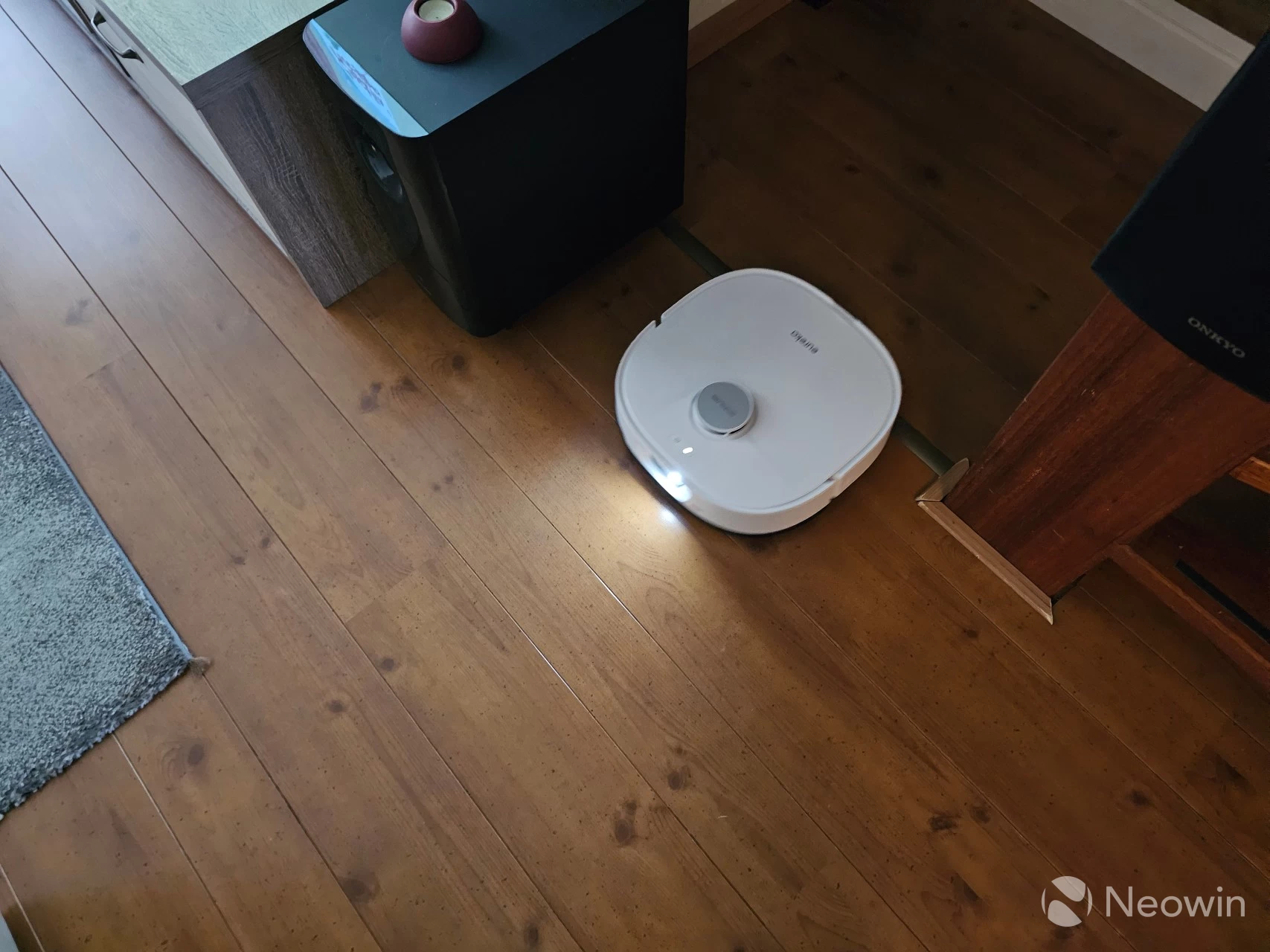
I am pleased to report that the J15 Max Ultra also does not get stuck like my Neabot Q11 did at my screen door.

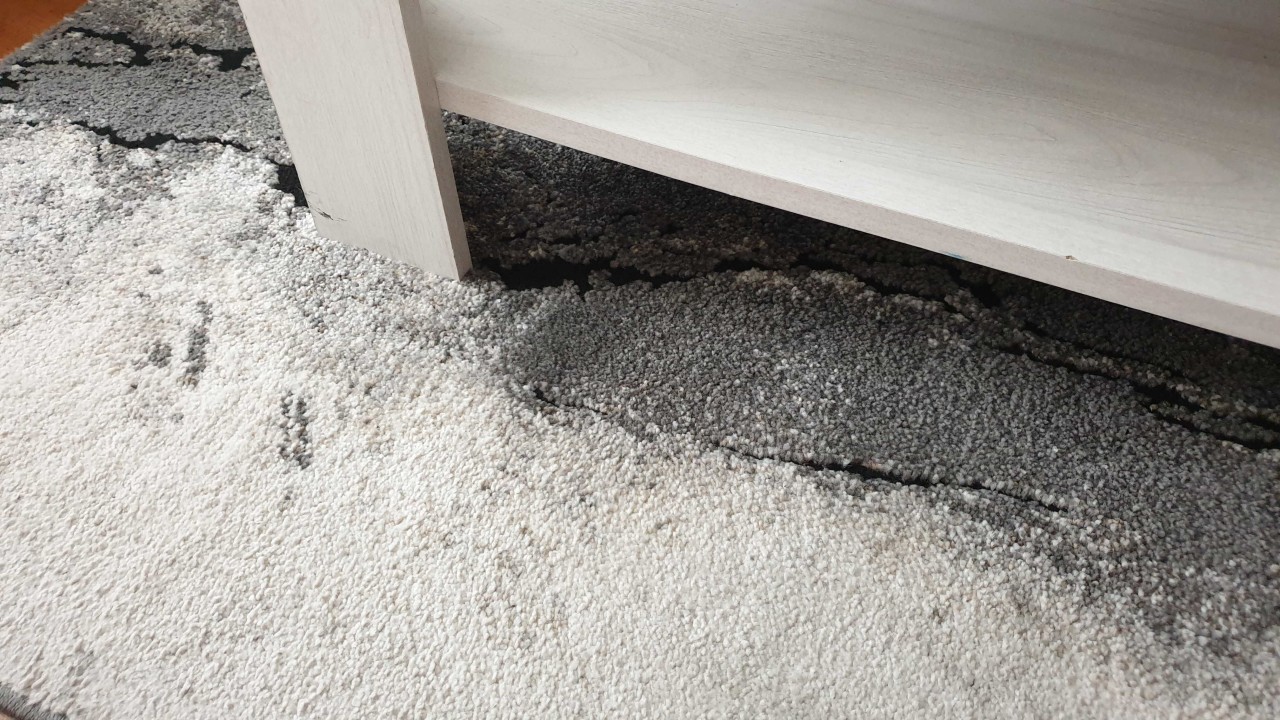
As you would expect, the J15 Max Ultra detects what type of floor it is on and lifts the mop for carpets. It also has no issue navigating around the black patterns of my rug, which sometimes resulted in a "cliff detection" on the Neabot Q11.
If you"re bored and have 14 minutes to spare, here is a video of the J15 Max Ultra mopping my kitchen; yes, that"s the whole sequence from beginning to end. I filmed it because I wanted to have my contact pass on my findings that the Pro and Ultra leave little droplets of water around the place sometimes. Thankfully, it is limited to a few times, and it isn"t dumping an excess of water, just droplets here and there. I also wanted to give feedback on how I found the most intense mop setting not really very wet in comparison to the Narwell Freo Z Ultra, which leaves visible wet tracks when on the most intense setting.
Staaaains
However, the Max changed my mind when it mopped my bathroom (which has white tiles). I am kicking myself for not making a photo of the stain on the floor that I had under my sink, because after the J15 Max Ultra got done with it, it was gone. It was a good dried "head sized," almost transparent staining that I lazily left after the testing of the J15 Pro Ultra, which was not able to remove the stain. I have been emailing my contact about this, so I left it out of the previous review.
| Shiny! | Closeup | Water droplets! |
|---|---|---|
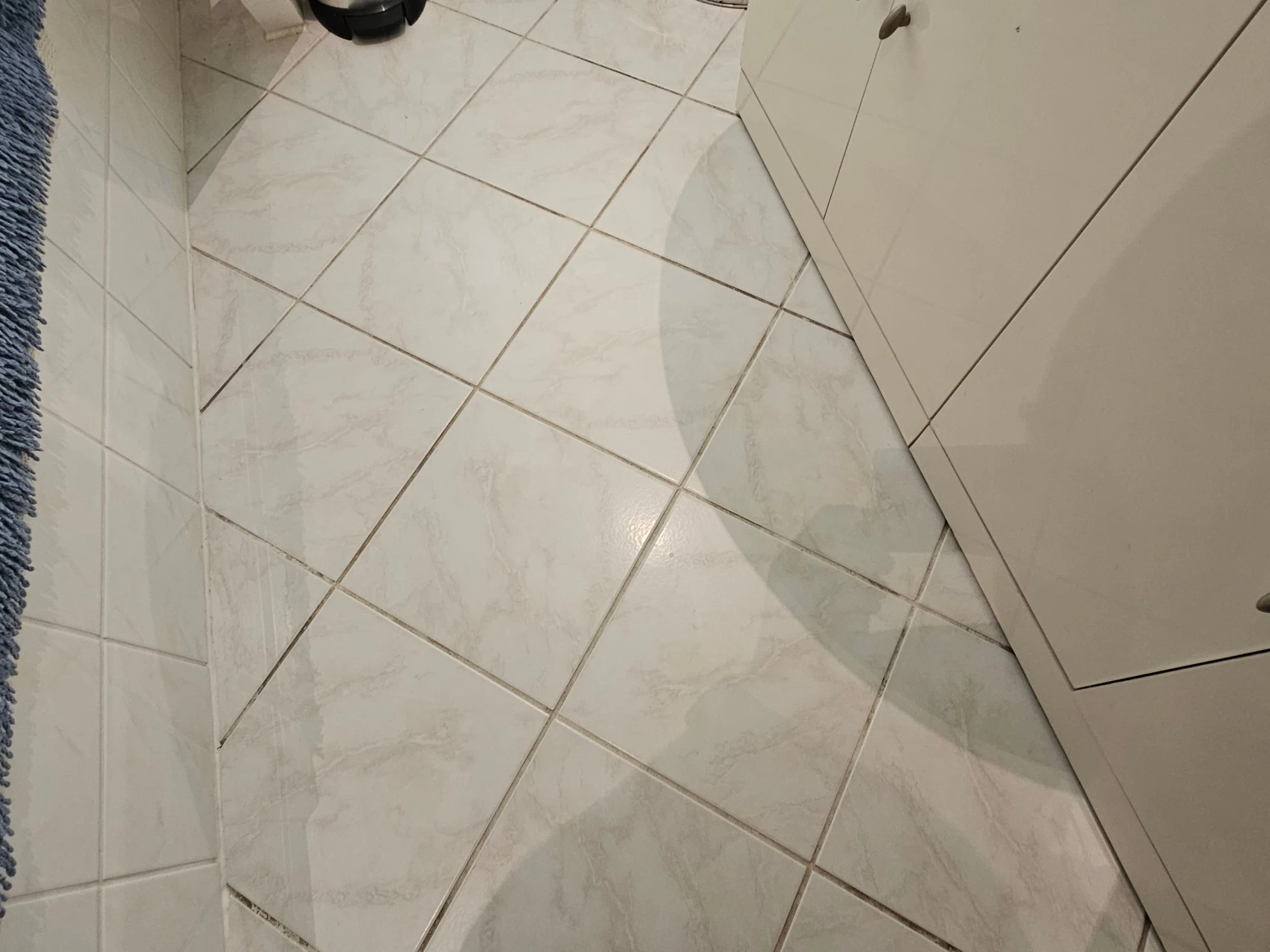
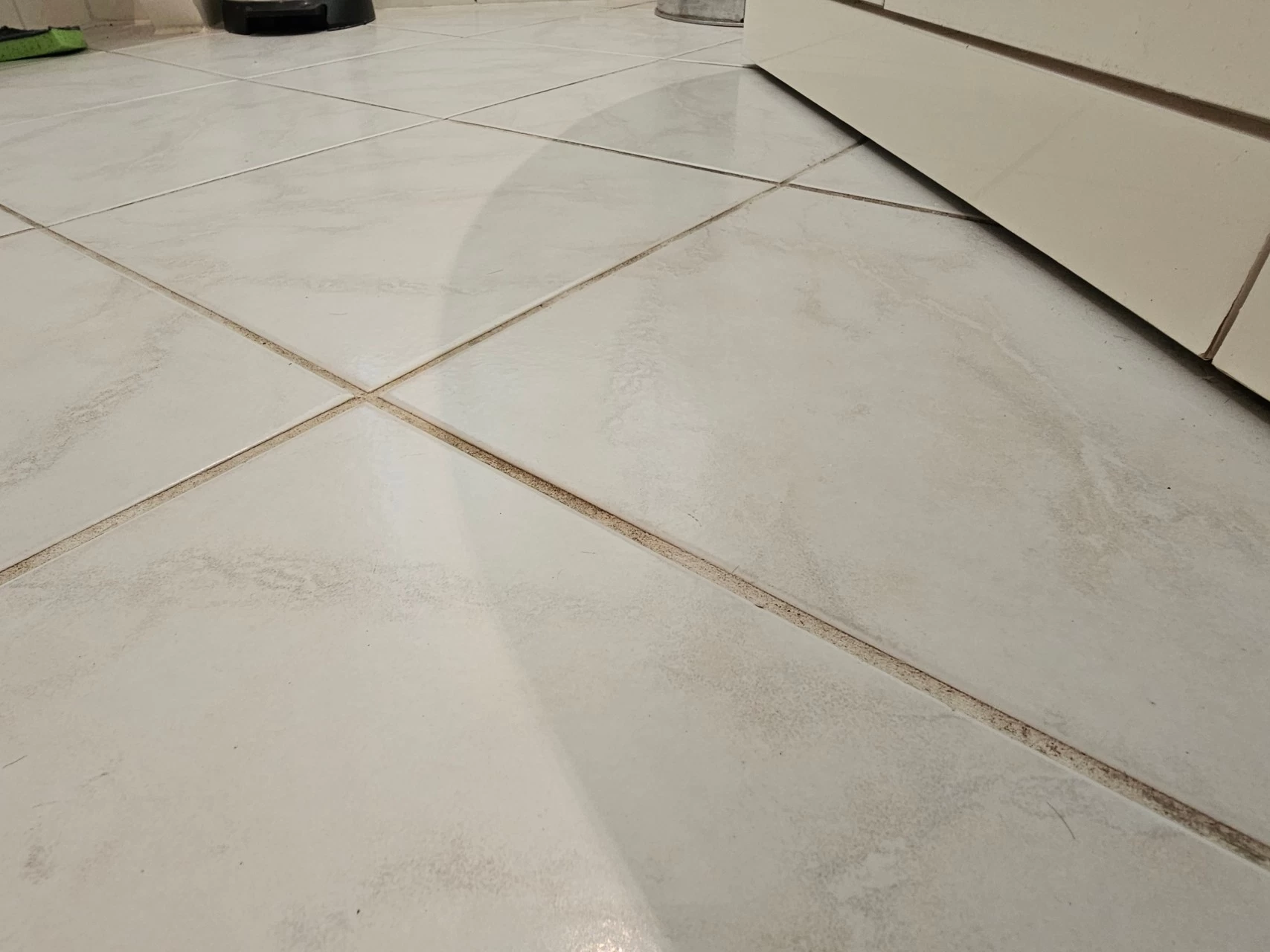
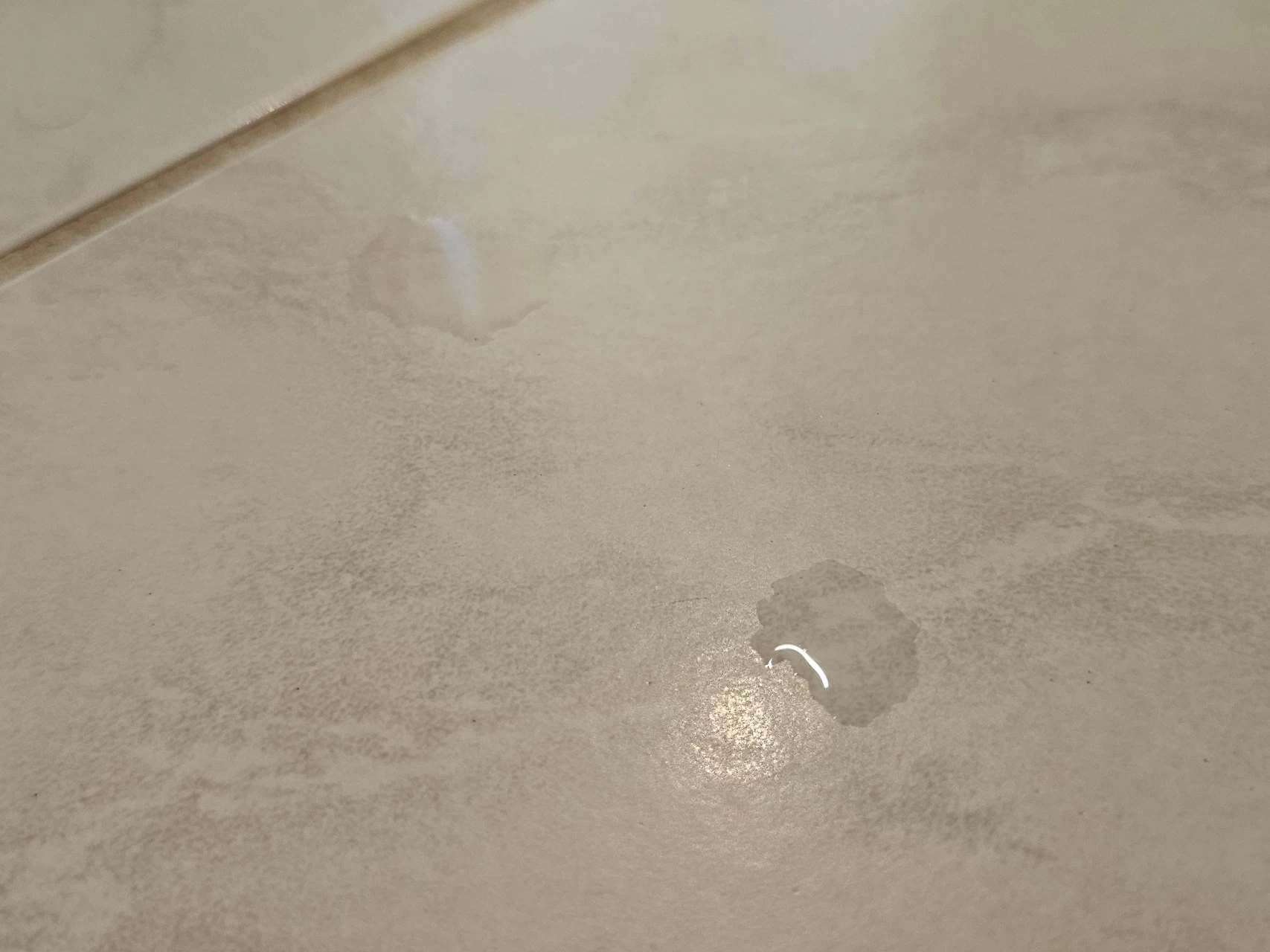
As you can see in the above images, the bathroom floor is clean, the shadow that you can see is the left (of two) sink that I always use, so the stain under it could have been toothpaste water, water from shaving, or washing myself.. basically, mostly water based. I also discovered the water droplets I mentioned earlier and made a photo; the largest of the two is about 1cm, or less than half an inch in diameter.
I should note that my contact told me that the J15 Pro Ultra does not support the recognition of transparent liquids, and this, through my testing, also applies to transparent dried stains. It seems the Pro needs a color, where the Max does not!
Ramp climbing
The J15 Max Ultra also successfully navigated up the 19.5-degree angled slope into my bathroom, and did it in a short time! As you will see in the video above, it does it in one go; it descends just as beautifully, too, even slowing, rather than chucking itself down the ramp. I built this makeshift ramp a few years ago to aid my Proscenic M7 Pro, which is also able to climb it.
Top marks!
Quirks
No robot vacuum that I have tested is perfect, and I would be remiss not to share my findings with you. The water tank lasts for five full cleans. During the sixth clean, it will vacuum and then, when the schedule calls for mopping, depending on the water level, it will start but then end midway through the schedule, with the app giving an alert to fill the water tank and "install it properly." This also pauses the schedule.
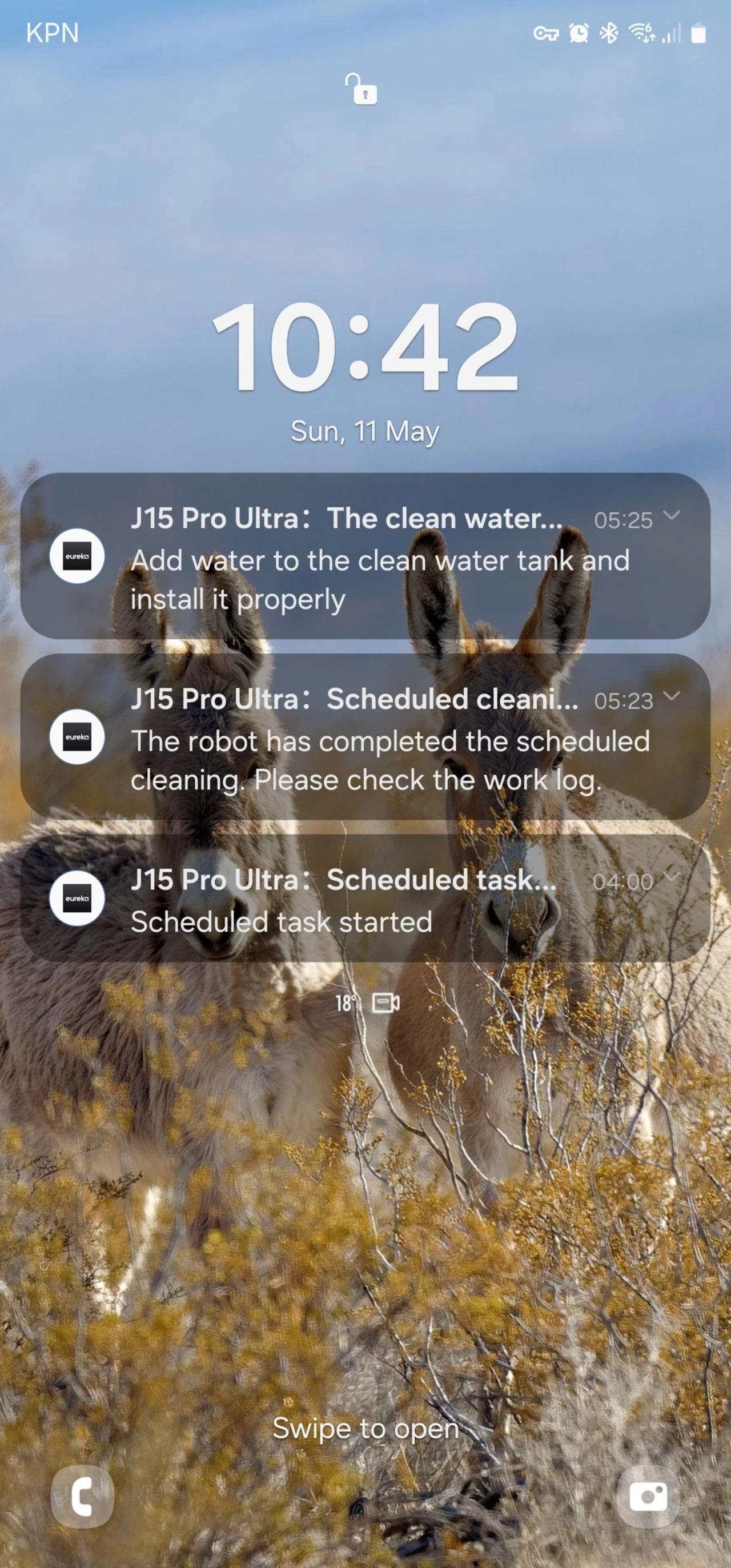
Flashing red light, every five days!
The light on the base station will also pulse red to indicate that there is an issue worth looking at in the app; in this case, the clean water tank was empty, and the dirty water tank was full. The quirk is that when you have sorted out the water tanks, the robot wants to continue with where it left off in the schedule, sometimes hours later, of course. I have reported this to my contact and was told I can simply "Stop" the task. I"d prefer the behavior to be a choice in the app if I want to continue the schedule; if I don"t do anything, then the app should assume I don"t want the schedule to continue.
More quirks
| Water droplets | Mat dragging | Scuffs |
|---|---|---|
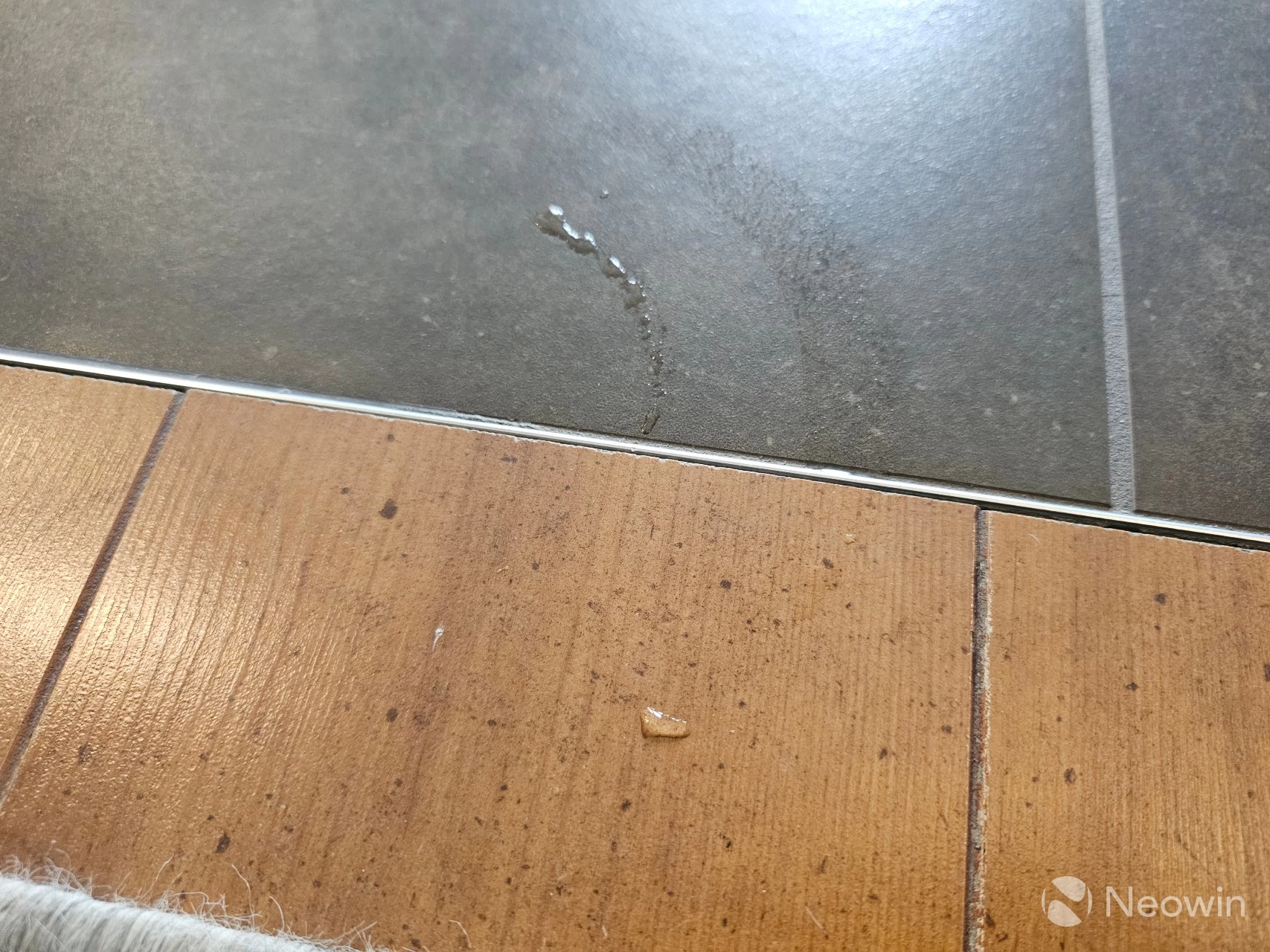
A few smaller quirks exist on the Pro, also the Max; these include the robot leaving water droplets around, mat dragging, and bumping into things it detects as climbable.
It"s a drag
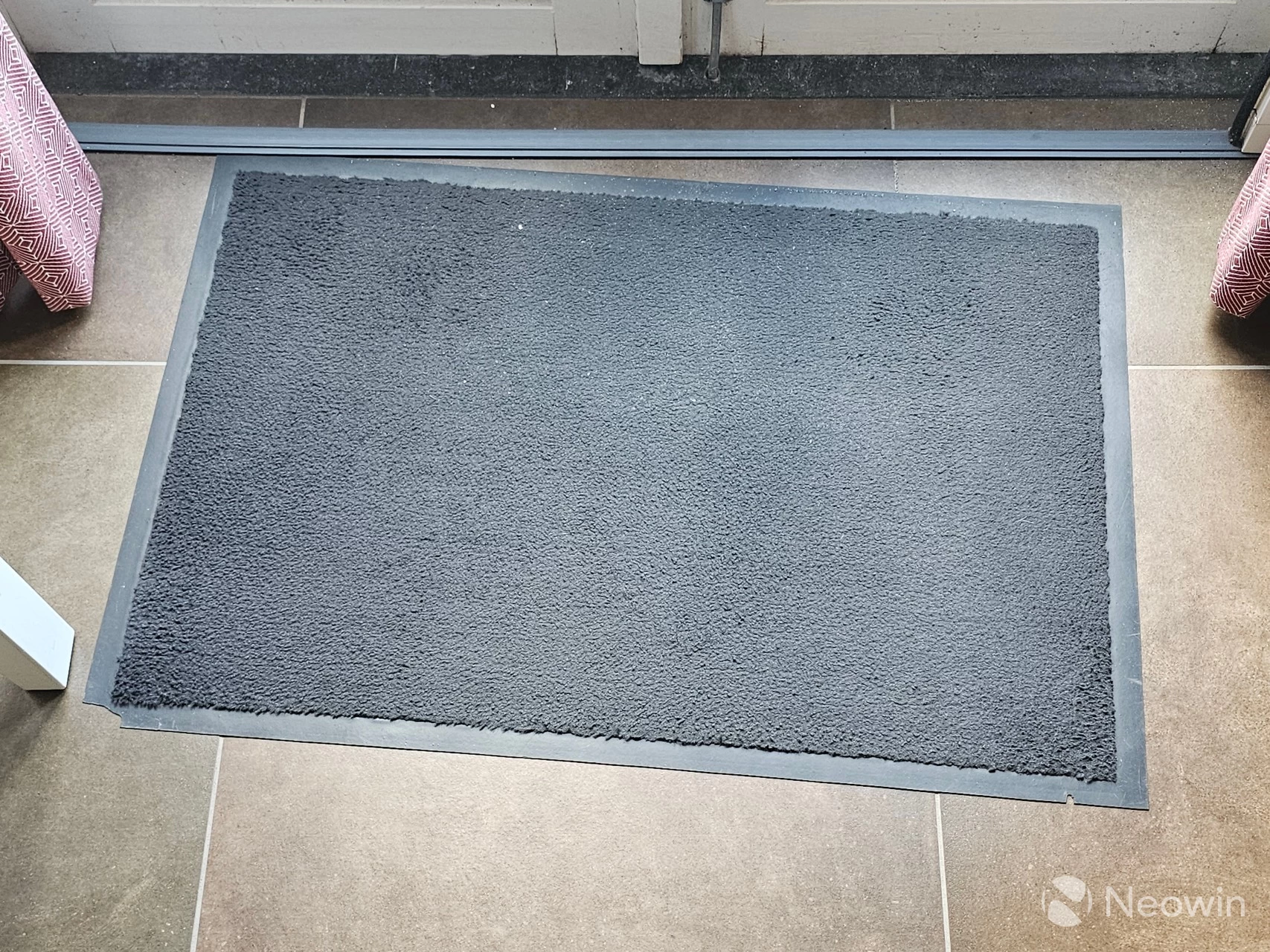
My black doormat seems to be the nemesis for all robovacs; either it doesn"t get cleaned properly and I wake to find all sorts of white speck dust still there, or it gets dragged out of position, despite having a rubber lining. Really odd, I know, robovacs tend not to agree with black carpeting, but it has gotten better over the years.
Curtains for you, mister!
In addition, this, like all other robovacs I"ve tested, also avoids curtains as if they were solid objects. It"s really annoying. There"s a bloody camera on the front of it. Why can"t we use some of that AI intelligence to determine that it can bump into curtains in order to sweep under them? I have reported this to my contact.
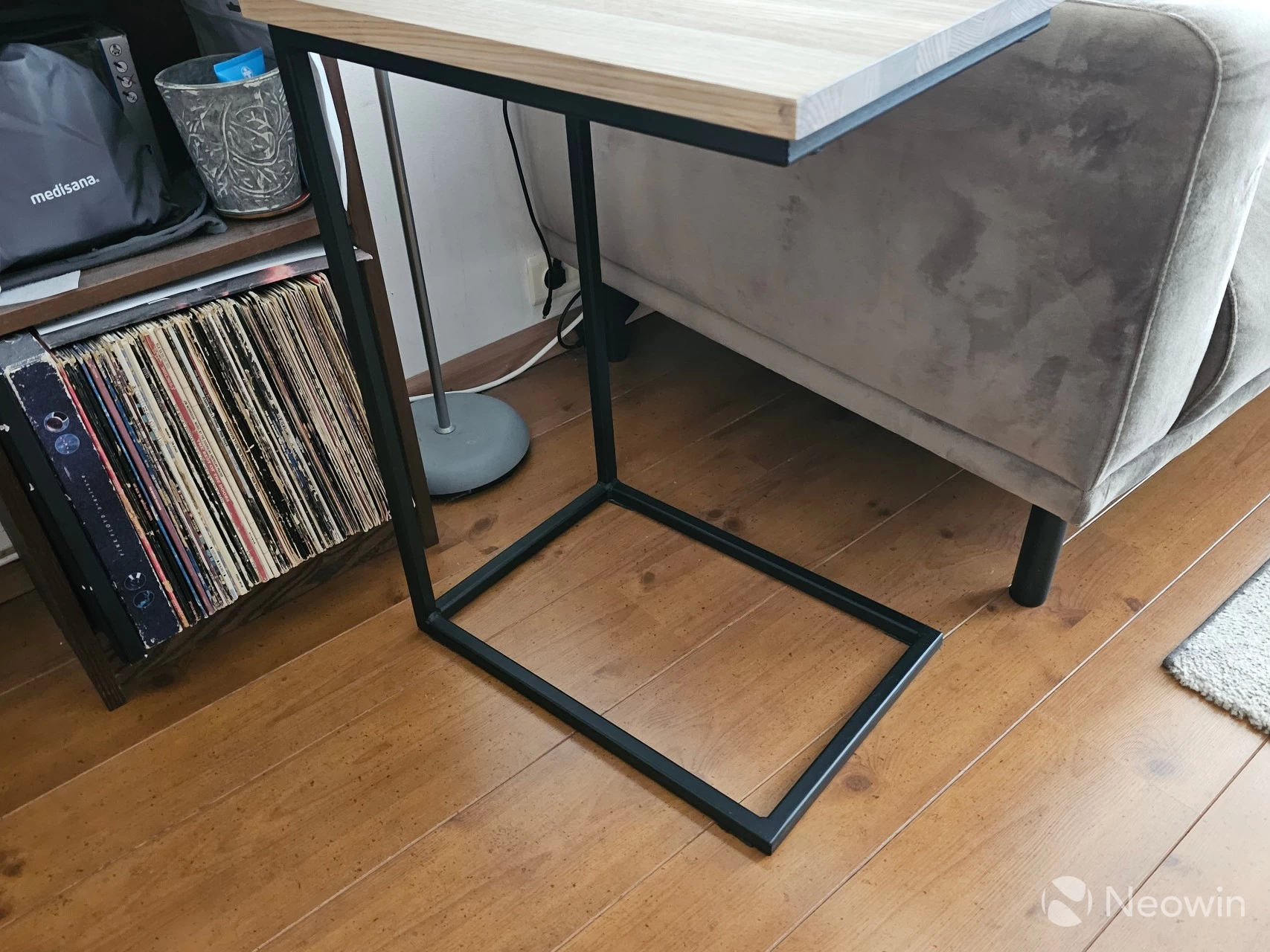
I have not been using the Max as long as the Pro, so it is not scuffed up. It is less noticeable on white anyway. I sometimes forget to stow the sofa side table, or put the Ikea Island chairs up on it, and it is exactly those objects that have sharp-edged metal bars that the robovac might be bumping into in the middle of the night. I suspect these are being identified as thresholds, as when I forget to stow the sofa side table, I have found the Freo Z Ultra trapped inside the base.
Beware of the gunk
| top of the filter | bottom of the filter |
|---|---|
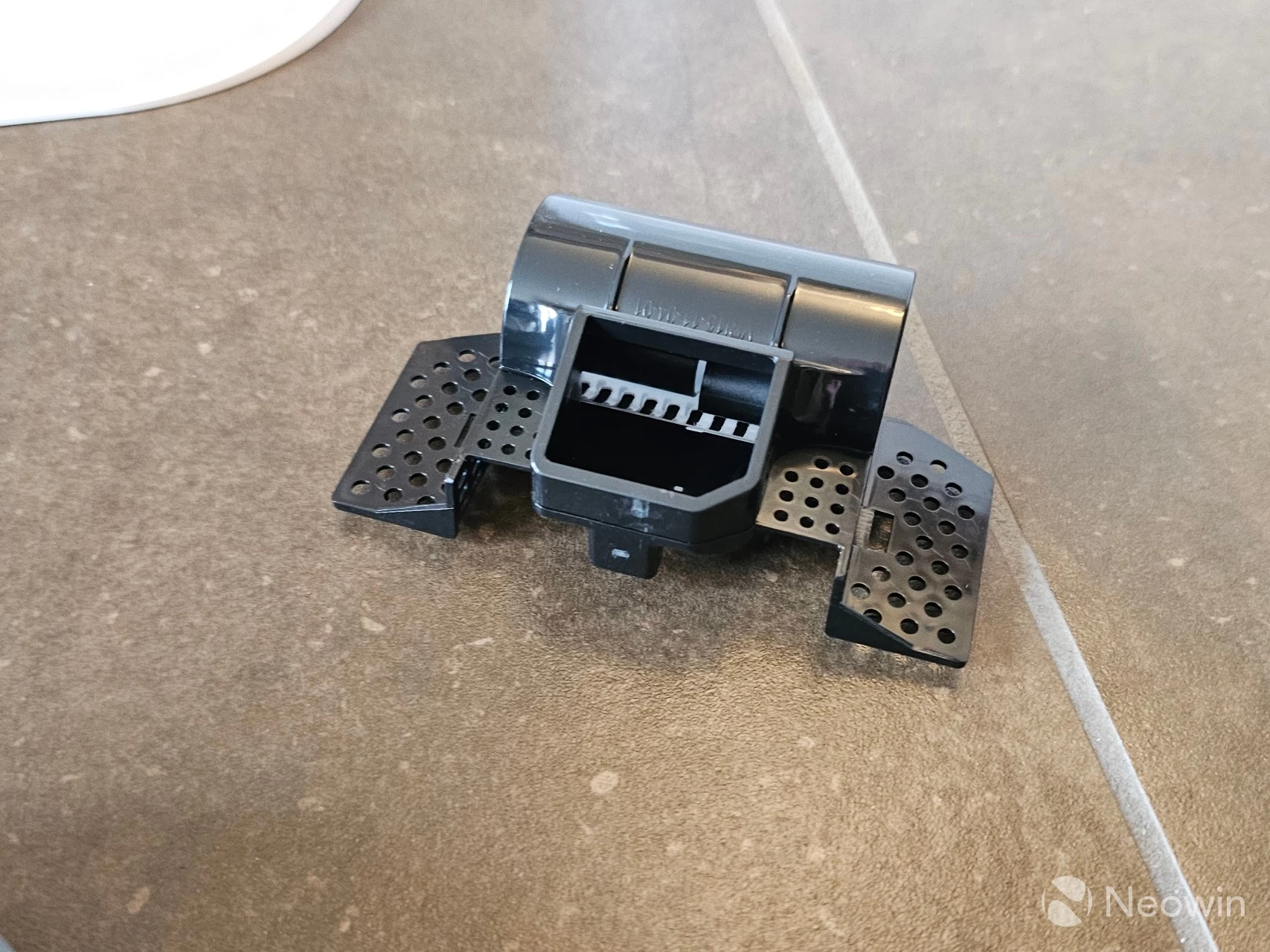
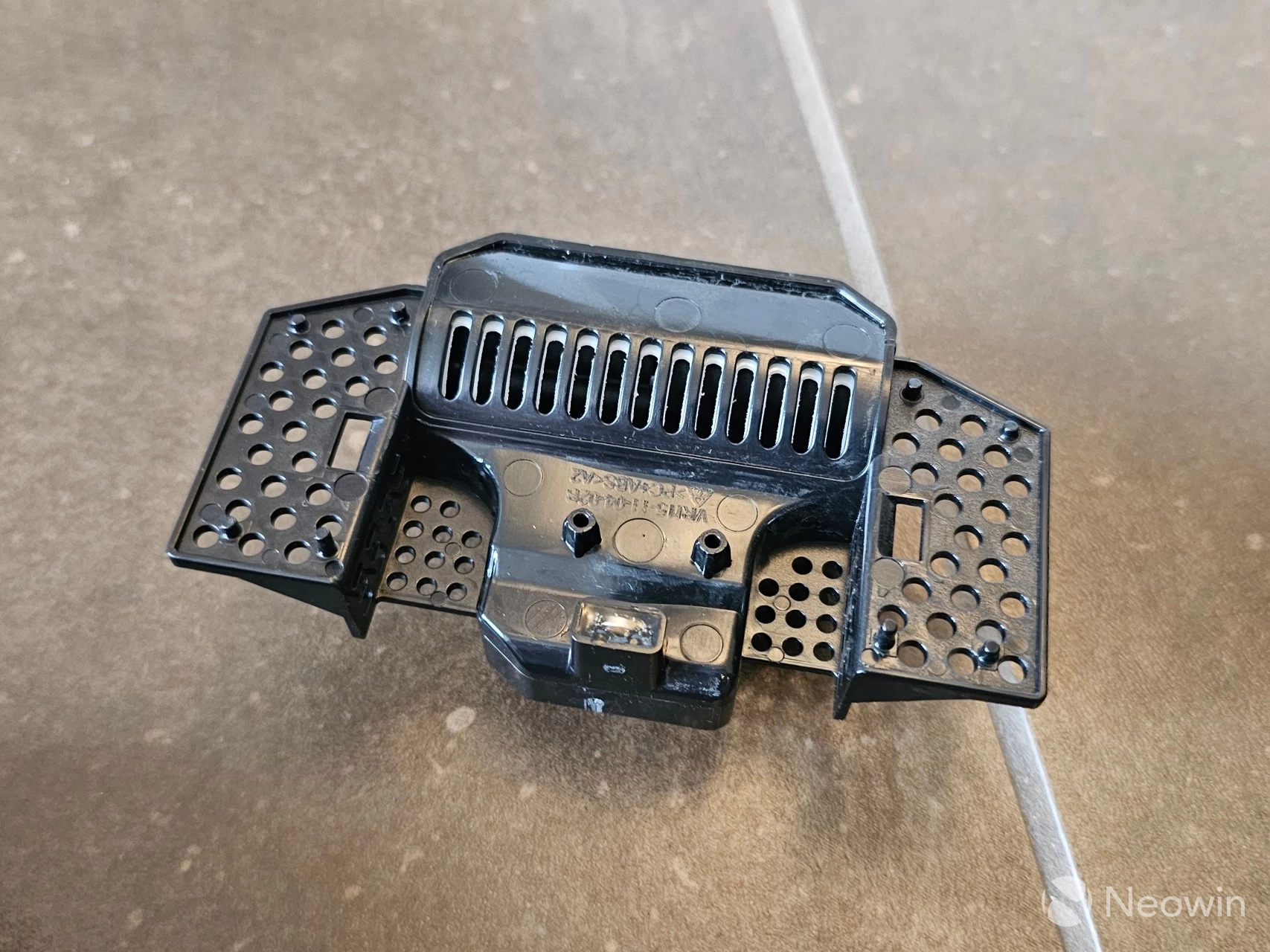
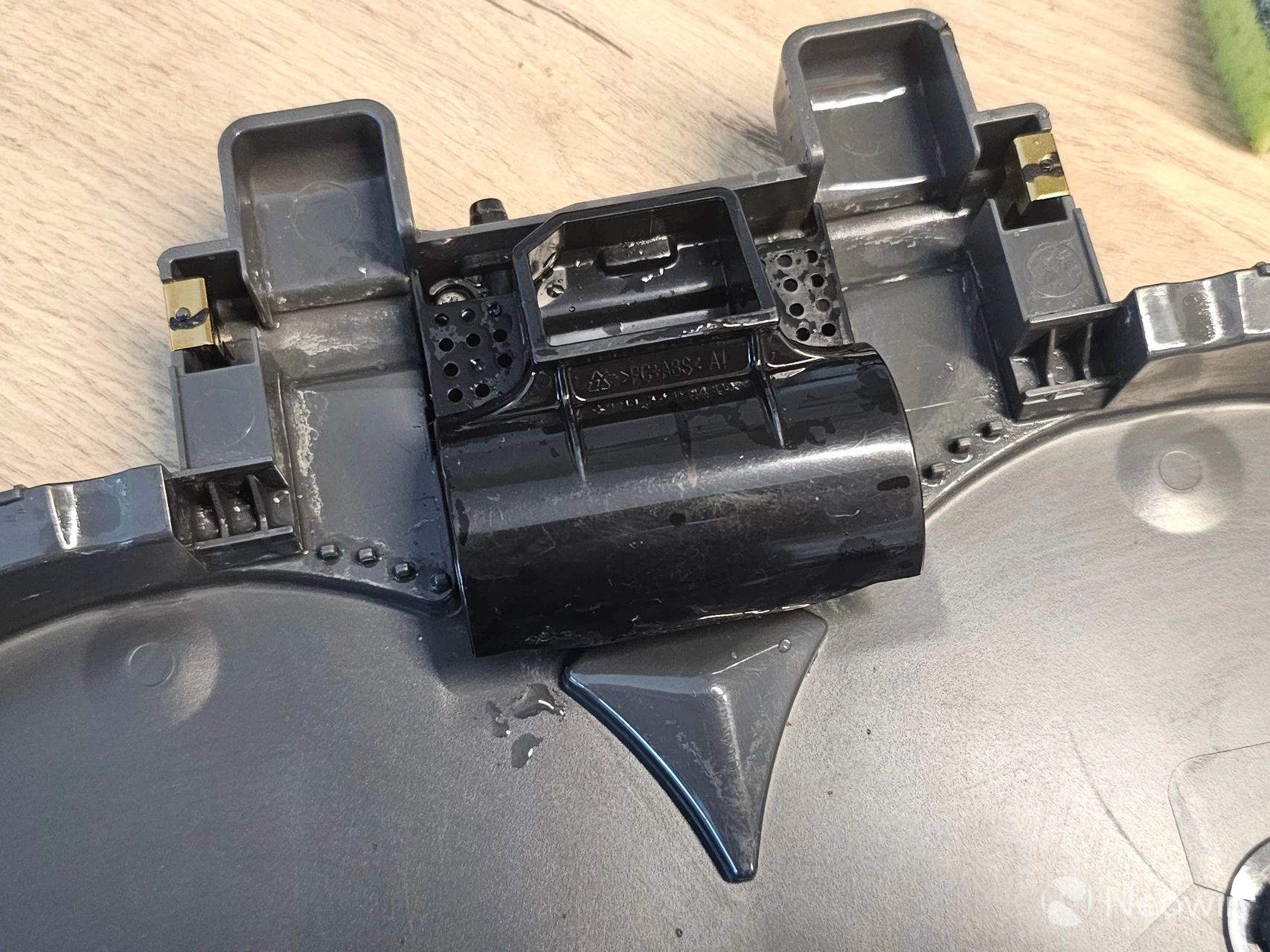
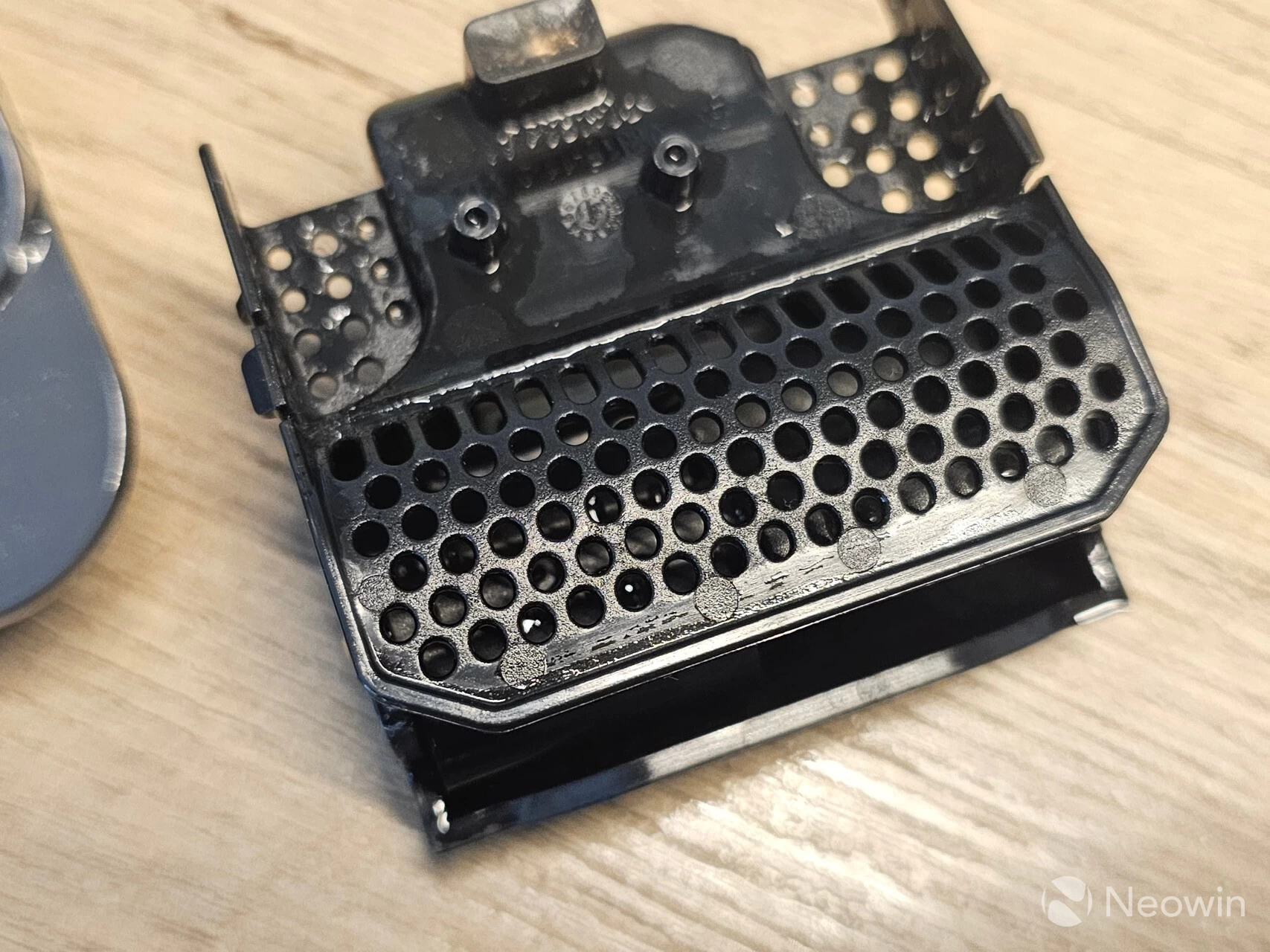
Top row: J15 Max Ultra plastic filter, bottom row: J15 Pro Ultra plastic filter in Mop tray
You may remember the Pro had the issue of clogging up every four or five weeks, and this was down to the poor design of the plastic filter. In the Max, this has been updated with wings, yes, that is what I am calling them, I don"t care what you think! Anyway, in all seriousness, above you can see the difference in the design of the Mop tray plastic filter.
The "wings" on the newly designed filter now allow for overflow water to drain away, so if the bottom filter gets filled with gunk and blocks the drainage, the side wings allow the excess water to drain away, so I suspect you will still be left with water in the mop tray. Still, it won"t nearly be as much as with the Pro, which simply overflows, and by which time you realize there is an issue because you have water flowing out of the Base station. In addition, the holes on the underside of the middle filter have been replaced by slits.
Weak-ish mopping
In my opinion, the mop pads do not get wet enough, even on the most intensive "30" setting. As previously mentioned, I filmed the entire process of mopping my kitchen, and compared it to the Narwal Freo Z Ultra cleaning the same area. The Narwal, with the most intense mopping setting, shows a clear difference in floor wetness. However, as pointed out earlier, the mop schedule still took care of a stain in my bathroom that was left behind by the Pro, so I guess this gets a pass, but I would still like to see more water on the mop pads.
Conclusion
Again, this definitely feels and looks like a premium product, even the few quirks that I came across are not really deal breakers, for the right price. Here we have a brand that is still manufacturing in the United States, despite being owned by a Chinese parent company. I am hopeful they will take on board my feedback, but only time will tell.

I really wish it had a detergent module, but I add robovac detergent directly into the clean water tank, which results in my floors really shining. I feel like the Max is what the Pro should have been. I mean, honestly, why are there three J15 Ultras? Just do a standard one, and the Max with all the great new bells and whistles, guys...
As I have said in previous robovac reviews, they all need a little help too. As you can see in the above image, I make the kitchen robovac-friendly before I go to bed. It"s up to you, of course, but I like having the entire space under my kitchen island cleaned, not just parts of it.
Would I recommend the J15 Max Ultra? Let"s be real, this still costs $300 less than the $1,499 asking price of the Narwal Freo Z Ultra and is just as good. I also think some of the problems I pointed out are fixable with a firmware update. For me, the Max would have been perfect if it had an Automatic Water Exchange System, and a detergent module, but that"s probably because I am lazy, but waaaait... robots are for lazy (or professional people with too little time on their hands) people!
All in all, I do think it"s a great product with a couple of quirks that can be overlooked or fixed.
The J15 Max Ultra became available today (Sep 1), so shipping might not be immediately available.
- Eureka J15 Max Ultra at Amazon for $1199.99
As an Amazon Associate, Neowin may earn commission from qualifying purchases.