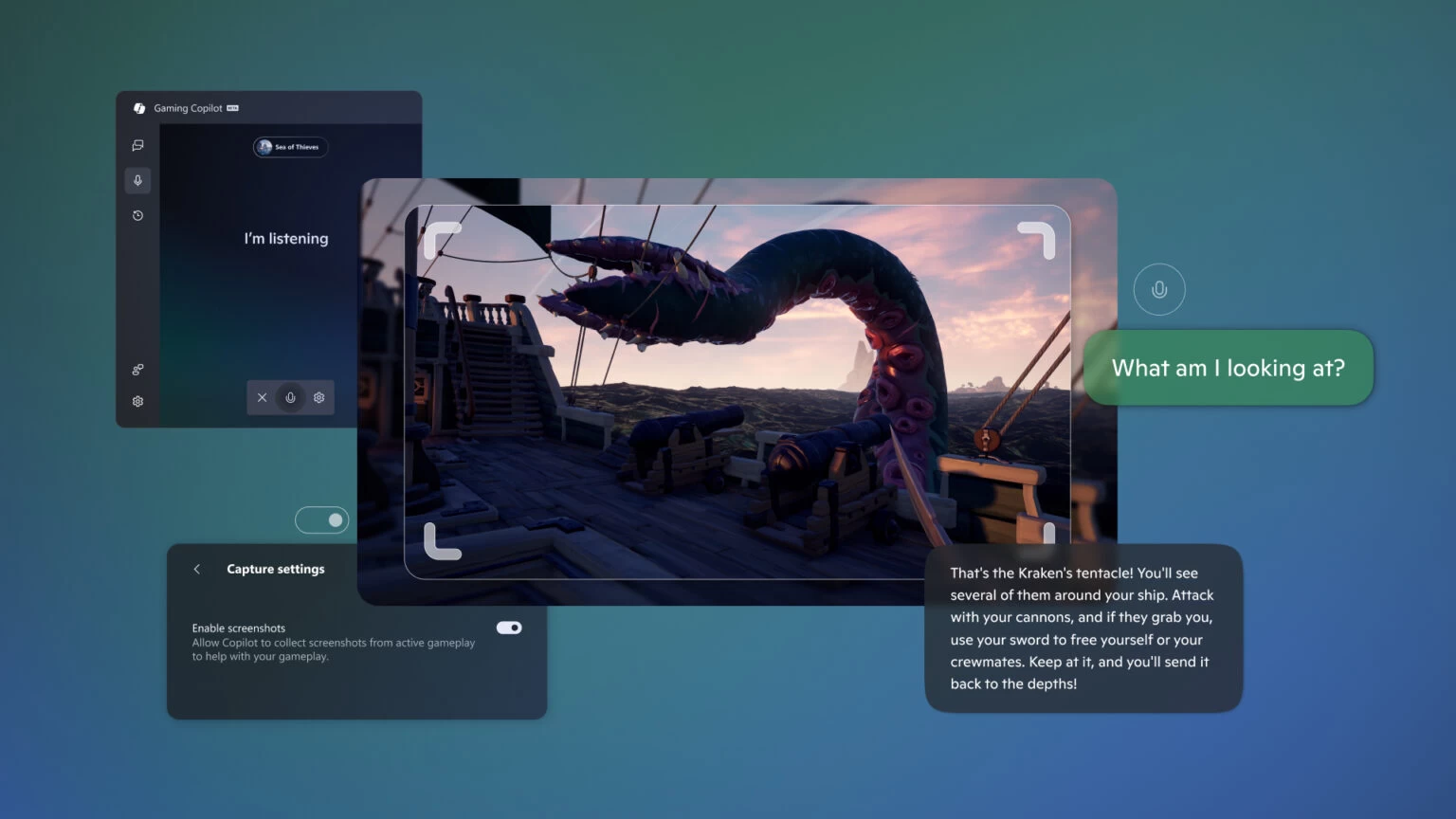
Microsoft has a new Copilot for you to try on Windows 11. "Gaming Copilot" is now available for testing for Xbox Insiders with Windows handhelds, offering them a gaming-focused AI assistance to get through challenging missions, sharpen skills, explain something, or chat about games. Previously, Xbox Copilot was available as a second-screen experience on iPhone and Android, and now, it is part of Windows 11"s Game Bar.
Gaming Copilot understands what game you are currently playing. You can type your question or use Voice Mode for a more convenient hands-off experience. When asked, Gaming Copilot takes a screenshot of your gameplay so that you do not have to describe what is going on on the screen. Just ask, "what am I looking at," and Copilot will explain it to you.
Microsoft says that the current version of Gaming Copilot is available with limited functionality. Future updates will bring more optimizations and features, as Microsoft gets closer to the launch of the recently announced ROG Xbox Ally and ROG Xbox Ally X.
It is also worth noting that Gaming Copilot is available in a limited number of countries:
|
|
|
|
If you live in the EU, bad luck—no Gaming Copilot for you at this moment. Also, the assistant is only available in English and for users who are aged 18 or older.
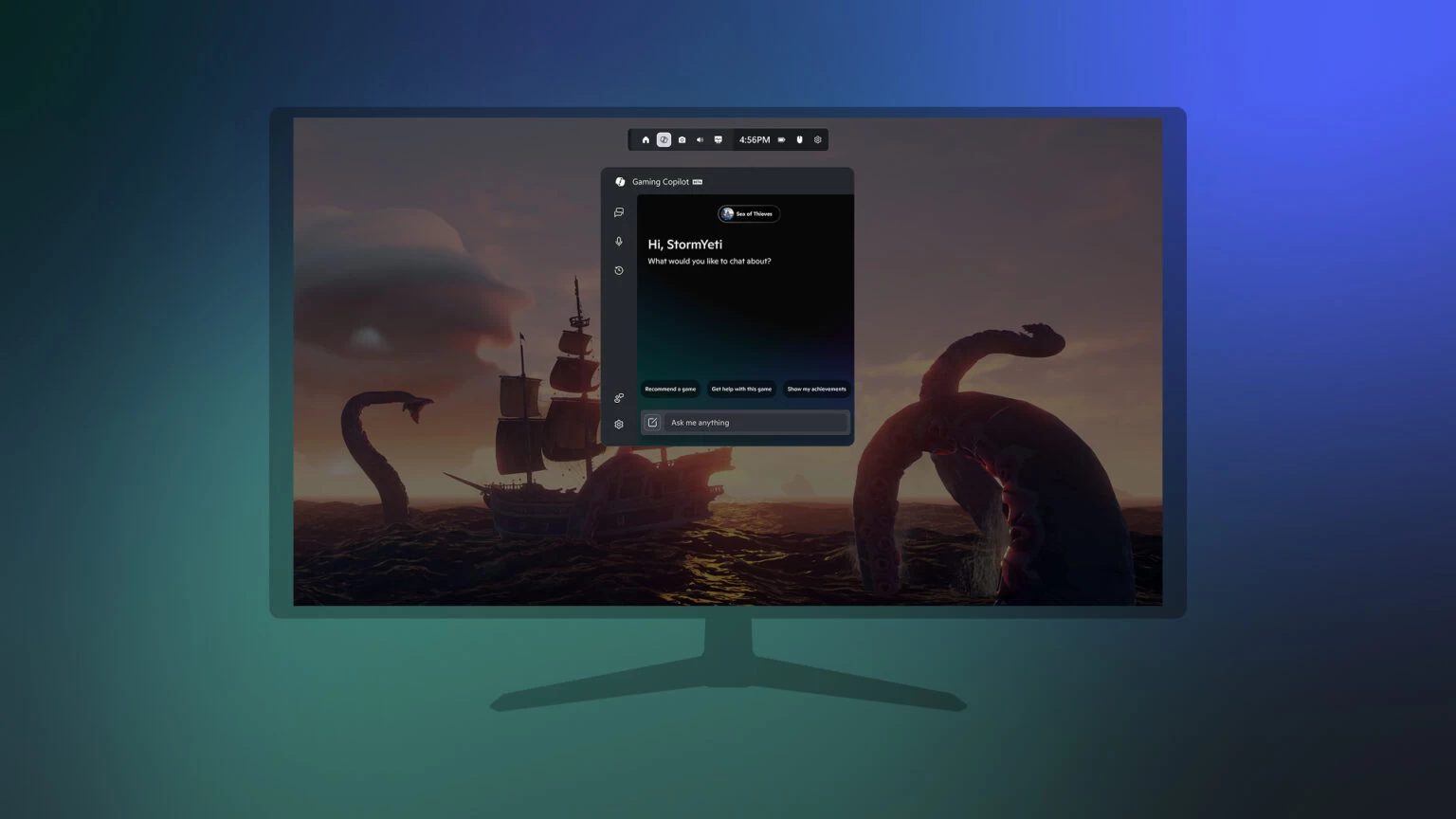
You can try Gaming Copilot by enrolling your PC in the Xbox Insider program and updating the Xbox PC app to the latest version. After that, open Game Bar by pressing Win + G or the Xbox button on your gamepad, click Gaming Copilot, and sign in with your Microsoft Account. More information is available in the announcement post.