.jpg)
If you"re a Gmail client-side encryption (CSE) user on a Google Workspace Enterprise Plus account with the Assured Controls add-on, you are in luck. Google says you can now send end-to-end encrypted emails to anyone.
Though Gmail already encrypts your data in transit using TLS, this is a different beast entirely. Client-side encryption on Gmail means additional encryption is handled by the browser before your data ever hits Google"s servers. This locks down the email body, including images and attachments, while the header, which contains the subject line and recipients, will not have that extra layer of security.
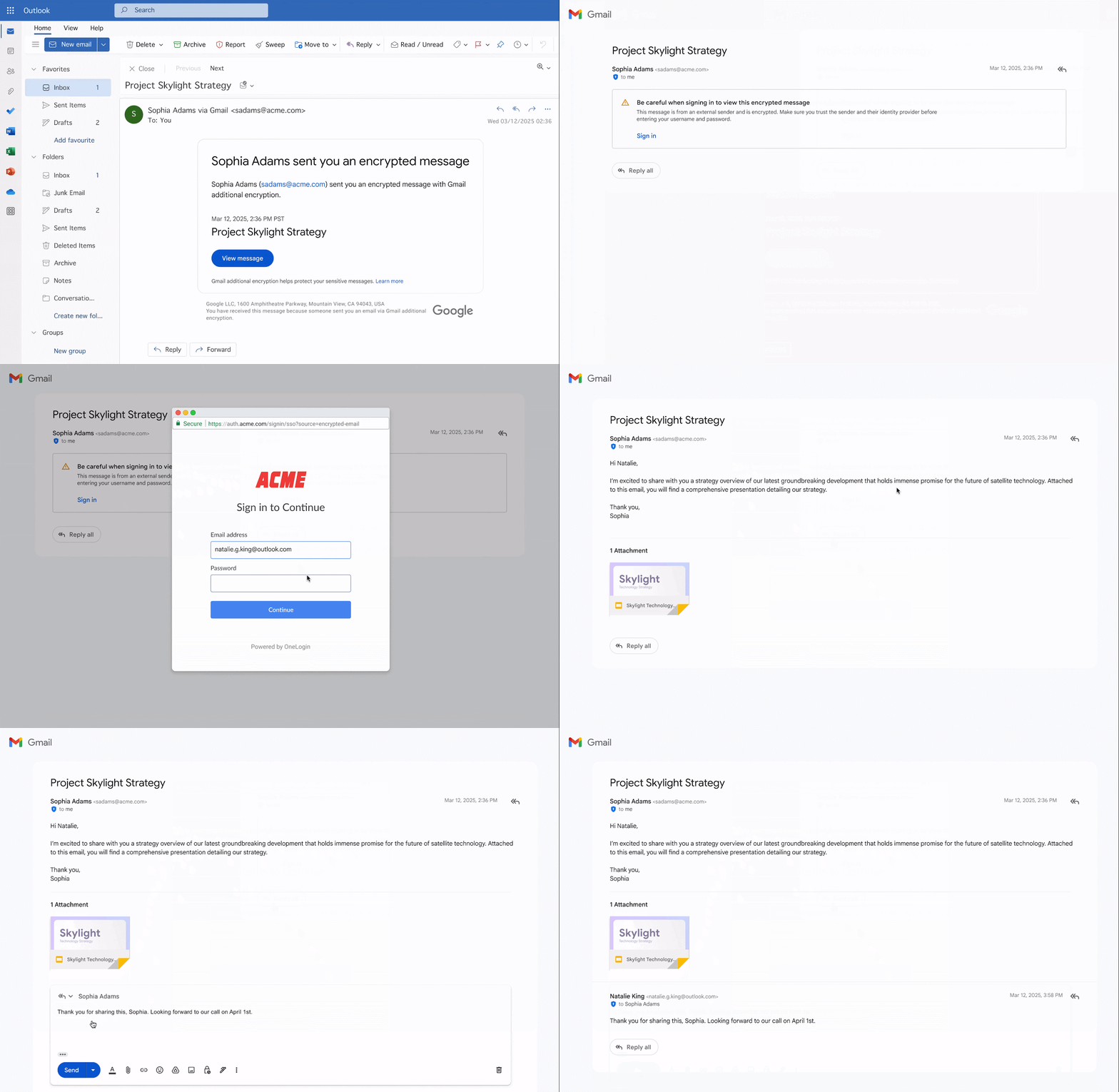
By "anyone", Google means even those with a different email provider, like Outlook or a custom domain. This new system gets around the old, painful requirement of manually exchanging S/MIME security certificates between sender and recipient. Instead of that technical headache, an external recipient gets an email notification. To read the message, they simply use a link to sign in through a secure portal with a temporary Google guest account.
If you"re ever on the receiving end of these encrypted emails, you"d notice that the email does not contain the message itself, but a notification. To read it, you click the encrypted message notification, then "View message". You will have to verify your email address by having a code sent to you, and after entering it, follow the on-screen instructions to get access.
Sending an E2EE email via Gmail is also simple. First, click "Compose" to start a new email. In the corner of the message window, there should be a "Message security" button. Click that, find the "Additional encryption" option, and click "Turn on". Just make sure you do this before you start drafting your email. If you turn encryption on after you have already started writing, Gmail will delete your draft and open a new, blank one.
For admins, the ability to send CSE emails externally is turned off by default and must be enabled at the OU and Group level.