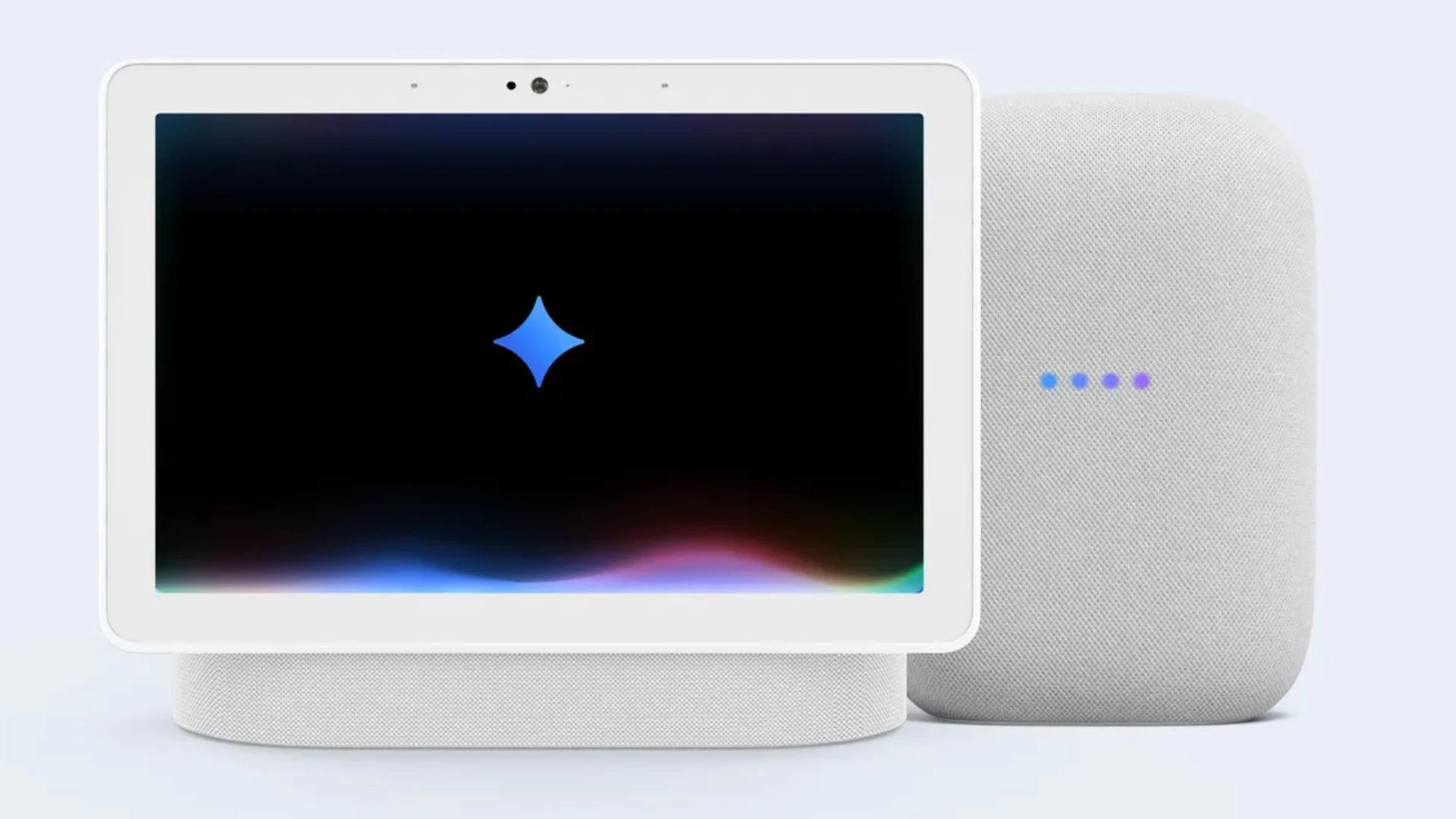
Google"s AI-powered voice assistant, Gemini for Home, is now available for users to try out. The search giant announced that its early access program has started for people living in the US, with plans to make the assistant available in more countries next year.
Gemini for Home is the biggest update to Google"s smart home ecosystem in years. It"s the successor to the Google Assistant, which has powered Google"s smart speakers and displays for almost a decade.
The all-new voice assistant was unwrapped alongside the Pixel 10 series, Pixel Watch 4, and Pixel Buds 2a. It was launched earlier this month and supports almost every smart speaker, smart display, security camera, and doorbell Google has released over the past decade.
While Gemini for Home is also triggered by the good-old "Hey Google" hotword, it offers more conversational awareness and a better understanding of the context in your query and what"s happening in your home.
You can say “Hey Google” to invoke Gemini on your smart speaker or display to get help or answers, set reminders, control devices, and stream media. For instance, if you have security cameras installed, you can ask, “Hey Google, were any packages delivered yesterday?” Or you can ask it to build your shopping list or help with meal prep.
You can say, “Hey Google, let’s chat” to start Gemini Live, which offers a two-way chat-style experience where you can interrupt the chatbot and ask follow-up questions without saying "Hey Google" with each query.
You can speak naturally with the chatbot, which offers 10 new voices with realistic pacing and intonation. Google has listed 100 ways you can use Gemini for Home to improve your knowledge, get quick facts and answers, troubleshoot issues, follow sports, and more.
To get an invite for the early access program, tap your profile icon in the Google Home app, then select Home Settings > Early access. You should also check your Google Groups settings. Sign in to Google Groups > Settings > Global Settings. Here, tick the "Add me to their groups" checkbox and save the changes.
Gemini for Home voice assistant is free to use, but you"ll need a Google Home Premium subscription to use Gemini Live, search camera history, and create automations via voice commands.