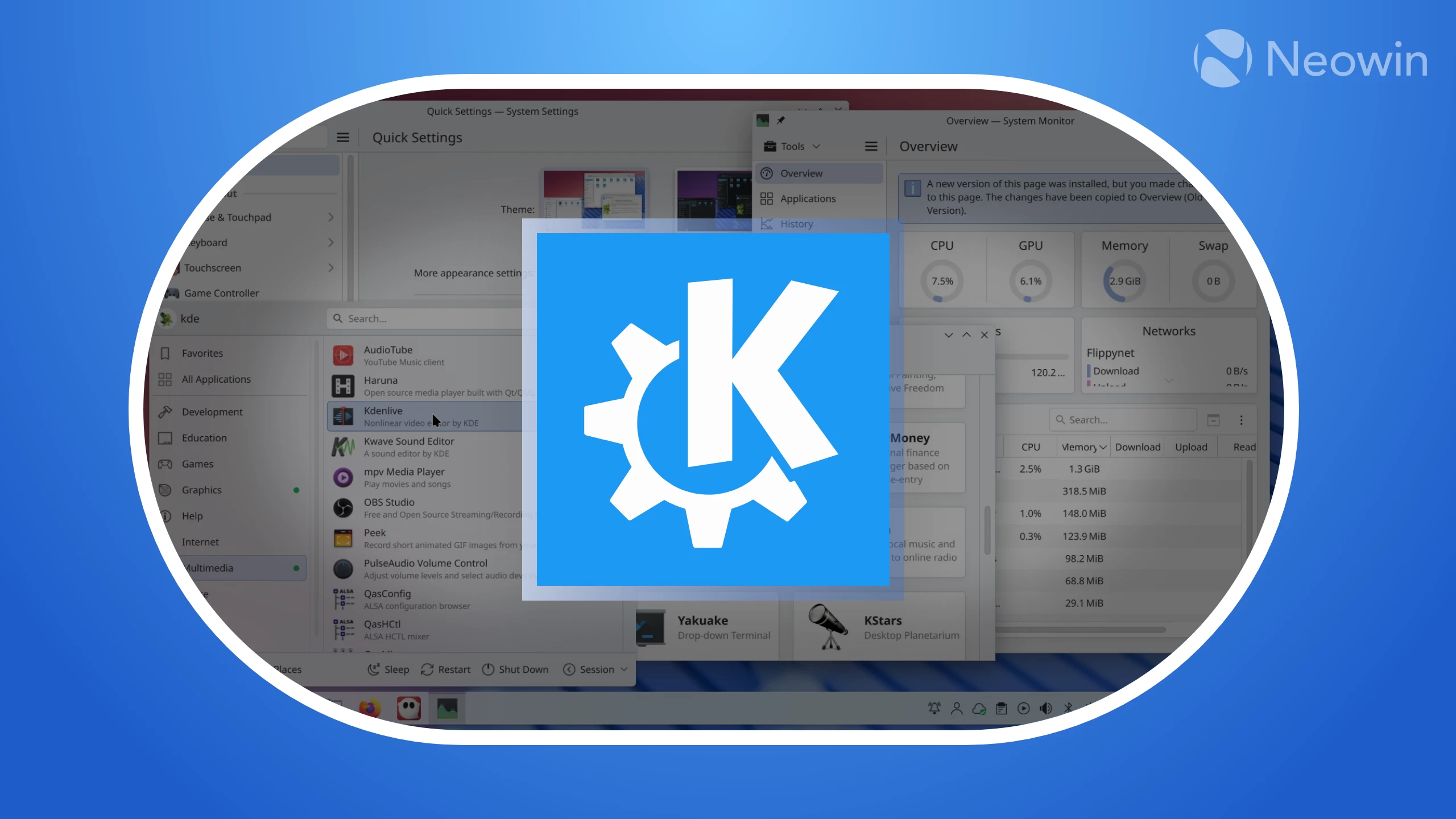
The KDE team has released the second beta of Plasma 6.5 for testers as we approach the October 21 release date of the final version. This comes about two weeks after the release of Plasma 6.5 Beta 1, which notably brought KNightTime, a new module that gives you one central place to manage your desktop"s light and dark modes, color temperature, and scheduling for the entire look.
In Beta 2, Discover has been updated with around six bug fixes, including an issue where it did not prioritize a user"s default package source. This problem meant that if a user preferred system packages, Discover might still show a Flatpak first in the search results if the Flatpak has more complete appstream data. When you would click on the application, it defaulted to the Flatpak source instead of your preferred choice, which defeated the purpose of setting a default in the first place.
In Plasma Shell, there"s a fix that addresses the issue where the software could become completely unresponsive. This happened when you went into the "Edit Application" window for an application, navigated to the "Application" tab, and then opened the "Advanced Options" subwindow.
Moving on to KWin, the dev team addressed a high-priority issue where dragging a picture in a Chromium-based browser (like Chrome, Edge, Brave) or an Electron-based application (like VSCode) running on Wayland would break the UI. The tab or application would simply stop registering mouse clicks after you tried to drag something. The temporary solution was to revert the code that caused the regression.
Other KWin fixes include unifying the naming for the "Peek at Desktop" feature, making sure XdgToplevelWindow always has an application icon, and re-enabling wl_drm by default on Wayland.
Plasma Desktop in 6.5 Beta 2 has been updated with a fix for users who were experiencing an annoying behavior with the Application Dashboard. Previously, the dashboard would not close when it lost focus, meaning it would stay open over everything else if you clicked on a window on another monitor. Any text you typed would go into the dashboard"s search field instead of your active window.
If you"re interested, you can read the full release notes on KDE"s official announcement blog.