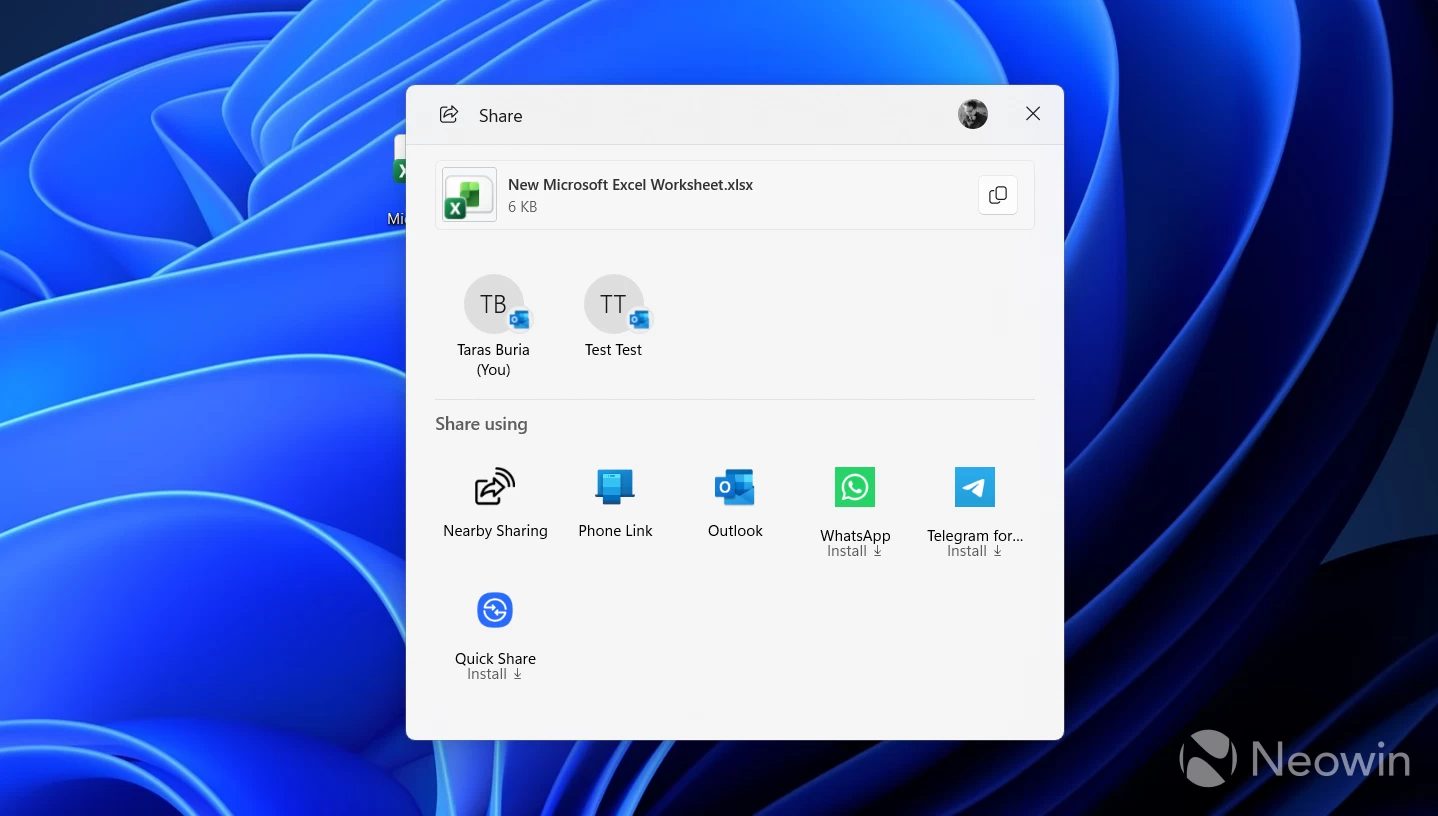
Windows 11 has plenty of ads. Although we are not at the "hot singles in your area" stage, at least not yet, the operating system is full of all sorts of nudges and "recommendations" that promote various apps, services, and AI stuff. It is especially apparent during the initial setup, where nearly half of all pages are ads. While Microsoft is unlikely to take notable steps in the right direction, there is one section of the operating system where you will soon be able to get rid of all ads.
@phantomofeart reports that Microsoft is changing the Nearby sharing settings page in Windows 11, an AirDrop-like feature for Windows PCs. The updated version is simply called "Share" (Nearby sharing remains a thing), and besides a new name, a much-needed toggle is coming to it as well.
When you share a file using Windows 11"s built-in Share UI, the operating system conveniently presents a bunch of app ads disguised as "recommendations," so that you can quickly press that Instagram or WhatsApp button and get the app installed on your PC. Not everyone is a fan of such recommendations, so Microsoft is adding a toggle to remove those ads, which, in all honesty, is quite a surprising move for the company and its modern practices.
The Nearby Sharing settings page is being renamed to just "Share" and getting a toggle for app suggestions in the share sheet so you can turn them off. pic.twitter.com/pJLRrP4XIn
— phantomofearth ☃️ (@phantomofearth) January 1, 2026
While it is not possible to turn off app recommendations in the Share dialog, you may soon be able to do that in Settings > System > Share by toggling off the "Show me suggested apps in share surfaces" option. This feature joins the Start menu, whose redesigned variant finally lets you disable the recommended section properly to have more space for your apps instead of one giant empty field of wasted screen space.
Well done, Microsoft.